Claude Cookbooks: Recipes for Building with the Claude API
 /claude-cookbooks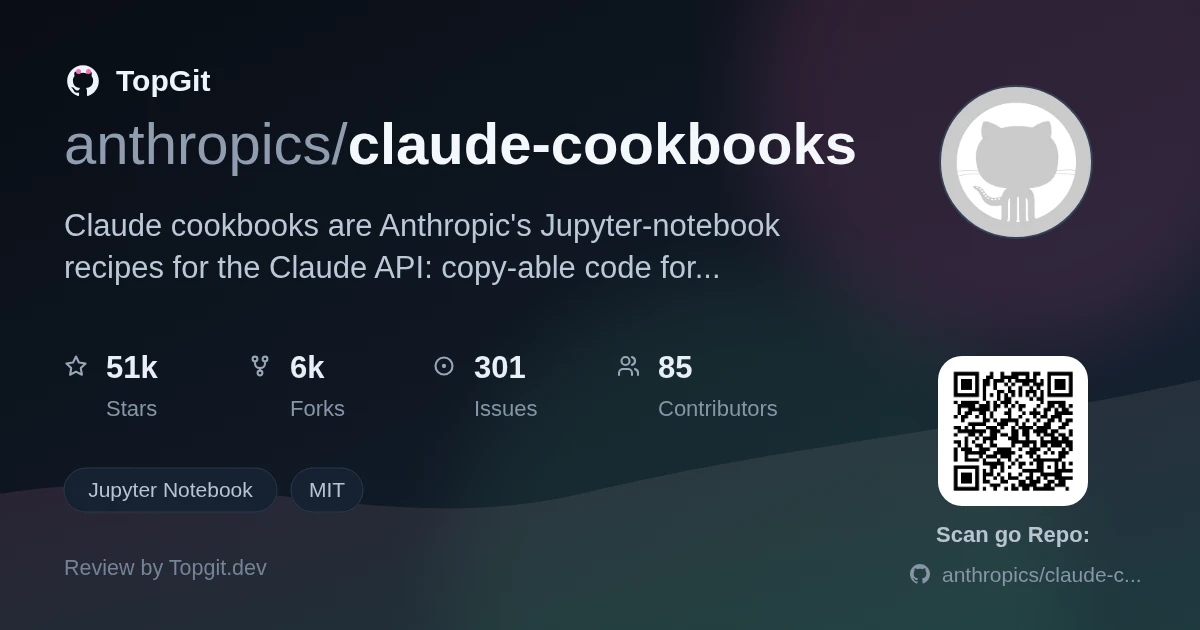
Reach for the Claude cookbooks when you want a working example to copy from before you build a feature on the Claude API — RAG with Pinecone, a tool-use agent, JSON-mode output, or an eval loop. Skip it if you expected a framework or SDK: these are notebooks you adapt, not a package you import, and they cover Anthropic's API specifically, not a provider-agnostic stack.
Official Notebooks for the Claude API
Claude cookbooks (the anthropics/claude-cookbooks repo, formerly anthropic-cookbook) is a curated set of Jupyter-notebook recipes maintained by Anthropic for building with the Claude API. Each notebook is a self-contained walkthrough — code plus explanation — that you run with your own API key. Recipes are mostly Python, and the README notes the concepts transfer to any language that can call the Claude API. It's MIT-licensed, so you can lift the code into your own project.
What the API Docs Don't Show You
Reading API docs tells you what a parameter does; it rarely shows you a full, end-to-end example of a real pattern. The Claude cookbooks fill that gap — instead of guessing how to wire Claude into retrieval, tool calling, or an automated evaluation, you get a notebook that already does it and prints its output, so you can see the whole flow before writing your own version.
The Go-To Repo When You Search for a Pattern
It's the official Anthropic examples repo, which is why it has such strong community support. As more teams build directly on the Claude API, the first thing they search for is a known-good example of a specific pattern — and this is where Anthropic ships them. The recipe list keeps growing through community contributions, per the README's contributing section.
RAG, Tool Use, Vision, and Evals
- ✓Retrieval-augmented generation recipes, including RAG over a Pinecone vector database and Wikipedia search
- ✓Tool-use walkthroughs: a customer-service agent, a calculator integration, and generating SQL queries
- ✓Vision / multimodal notebooks — reading images, charts and graphs, and transcribing text from forms
- ✓Automated evaluation notebook that uses Claude to score prompts, plus a JSON-mode recipe for consistent structured output
- ✓A prompt-caching recipe for cutting repeated-context cost, and a sub-agent pattern pairing Haiku with Opus
- ✓Classification, summarization, a content-moderation filter, PDF upload/summarization, and embeddings via Voyage AI
Copying a Working RAG or Agent Pipeline
- •Copying a proven RAG pipeline (embeddings + a vector store like Pinecone) instead of assembling one from scratch
- •Learning the tool-use / function-calling flow from a working customer-service or calculator example
- •Standing up an automated eval to compare prompt versions before shipping a change
- •Getting Claude to return strict JSON, or caching a large shared prompt prefix to reduce cost
- •Prototyping vision features — chart reading, form transcription, PDF summarization — from a notebook you can edit
Cloning the Repo and Opening Jupyter
There's no package to install — Claude cookbooks is a notebook repository, not a library. You clone anthropics/claude-cookbooks, open the notebook you want in Jupyter, and run it. The README's one hard prerequisite is a Claude API key (it links to sign-up); the notebooks are primarily Python, so you'll want the anthropic Python SDK and Jupyter in your environment. Exact per-notebook dependencies aren't listed in one place — check the imports at the top of each notebook.
Running a Recipe End to End
Pick the recipe that matches what you're building — say the Pinecone RAG notebook or the tool-use customer-service agent — open it in Jupyter, set your Claude API key, and run the cells to watch the pattern work end to end. Then copy the parts you need into your own code; the README frames these as copy-able snippets rather than a runtime you depend on. For a from-zero start, the README points to Anthropic's separate API Fundamentals course.
Why These Beat Guessing From Docs
- ✓Official Anthropic examples, so the API usage tracks how Claude is actually meant to be called
- ✓Broad coverage — RAG, tool use, vision, evals, moderation, caching — in one place you can search
- ✓Runnable notebooks that print their output, so you see the full flow, not just an isolated snippet
- ✓MIT-licensed: copy the code straight into a project without license friction
- ✓Recipes are self-contained, so you can grab one pattern without adopting a whole framework
Notebooks You Adapt, Not a Library You Import
- △It's example code, not a maintained library — you adapt each notebook to your own app rather than importing and getting updates
- △Every recipe needs a paid Claude API key to actually run; there's no free local mode
- △Notebooks can lag behind API and SDK changes, so an older recipe may need updating before it runs cleanly
- △It's Anthropic/Claude-specific — none of it is provider-agnostic, so you can't drop it onto a different model API unchanged
- △Several README links still point at the old anthropic-cookbook paths, so navigating some recipes takes an extra hop
OpenAI Cookbook, LangChain, and promptfoo
Developers Already Building on Claude
Developers already building on the Claude API who want a known-good starting point for a specific pattern — RAG, tool use, vision, or evals — and are comfortable reading a notebook and porting the code into their own project. If you want a provider-agnostic framework, a plug-and-play SDK, or examples for a non-Anthropic model, this isn't it: the Claude cookbooks are Anthropic-specific reference recipes, not a runtime you depend on.
Claude Cookbooks FAQ
Claude cookbooks is Anthropic's collection of Jupyter-notebook recipes for building with the Claude API. Each notebook is a runnable example of a pattern — RAG, tool use, vision, evals, prompt caching — with code you can copy into your own project.
No. It's a notebook repository, not a package. You clone anthropics/claude-cookbooks, open a notebook in Jupyter, and run it with your own Claude API key, then adapt the code — there's nothing to pip install.
Yes. The README lists a Claude API key as the one hard prerequisite, since every recipe calls the Claude API when you run it. The notebooks are mostly Python and use the anthropic SDK.
The recipes cover retrieval-augmented generation, tool use / function calling, classification, summarization, vision and PDF handling, content moderation, automated evals, JSON-mode output, and prompt caching — patterns you copy into your own app.
LangChain is a framework with abstractions you build on top of; the Claude cookbooks are standalone example notebooks you read and copy from. The cookbooks are Anthropic-specific, while LangChain is provider-agnostic.
Still deciding about claude-cookbooks?
One click hands the question to an AI along with this page — see what it says about claude-cookbooks.