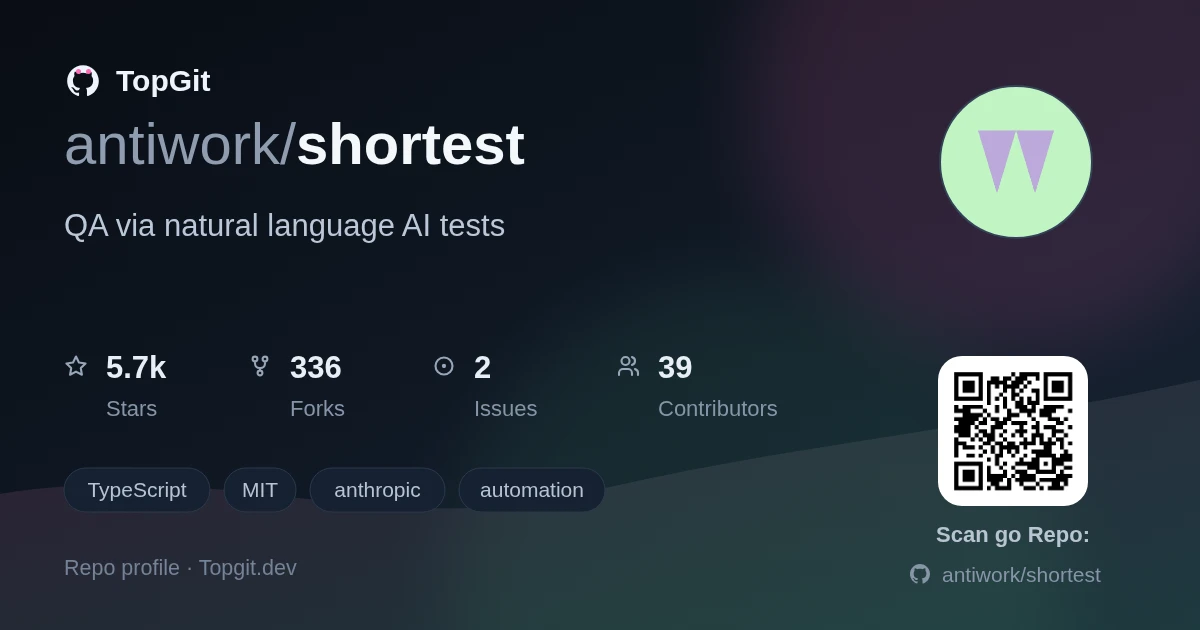
On GitHub, antiwork/shortest has picked up 5.7k stars, Automation, TypeScript. QA via natural language AI tests
Snapshot summary built from the project's own GitHub metadata — there's no written TopGit review yet. The page will update automatically when a full review is published.
WHY NO REVIEW YET
TopGit writes full reviews for the most-starred, most-requested repositories. This page is a snapshot until then — see the READ ME tab for the original README in full.
The Anthropic API key defaults to SHORTEST_ANTHROPIC_API_KEY / ANTHROPIC_API_KEY environment variables. Can be overwritten via ai.config.apiKey.
Optionally, you can configure browser behavior using the browser.contextOptions property in your configuration file. This allows you to pass custom Playwright browser context options.
Create test files using the pattern specified in the config: app/login.test.ts
import { shortest } from "@antiwork/shortest";

shortest("Login to the app using email and password", {
  username: process.env.GITHUB_USERNAME,
  password: process.env.GITHUB_PASSWORD,
});
Using callback functions
You can also use callback functions to add additional assertions and other logic. AI will execute the callback function after the test
execution in browser is completed.
import { shortest } from "@antiwork/shortest";
import { db } from "@/lib/db/drizzle";
import { users } from "@/lib/db/schema";
import { eq } from "drizzle-orm";

shortest("Login to the app using username and password", {
  username: process.env.USERNAME,
  password: process.env.PASSWORD,
}).after(async ({ page }) => {
  // Get current user's clerk ID from the page
  const clerkId = await page.evaluate(() => {
    return window.localStorage.getItem("clerk-user");
  });

  if (!clerkId) {
    throw new Error("User not found in database");
  }

  // Query the database
  const [user] = await db
    .select()
    .from(users)
    .where(eq(users.clerkId, clerkId))
    .limit(1);

  expect(user).toBeDefined();
});
Lifecycle hooks
You can use lifecycle hooks to run code before and after the test.
Shortest supports flexible test chaining patterns:
// Sequential test chain
shortest([
  "user can login with email and password",
  "user can modify their account-level refund policy",
]);

// Reusable test flows
const loginAsLawyer = "login as lawyer with valid credentials";
const loginAsContractor = "login as contractor with valid credentials";
const allAppActions = ["send invoice to company", "view invoices"];

// Combine flows with spread operator
shortest([loginAsLawyer, ...allAppActions]);
shortest([loginAsContractor, ...allAppActions]);
API testing
Test API endpoints using natural language
const req = new APIRequest({
  baseURL: API_BASE_URI,
});

shortest(
  "Ensure the response contains only active users",
  req.fetch({
    url: "/users",
    method: "GET",
    params: new URLSearchParams({
      active: true,
    }),
  }),
);
Or simply:
shortest(`
  Test the API GET endpoint ${API_BASE_URI}/users with query parameter { "active": true }
  Expect the response to contain only active users
`);
Running tests
pnpm shortest                   # Run all tests
pnpm shortest login.test.ts     # Run specific tests from a file
pnpm shortest login.test.ts:23  # Run specific test from a file using a line number
pnpm shortest --headless        # Run in headless mode using
You can find example tests in the examples directory.
CI setup
You can run Shortest in your CI/CD pipeline by running tests in headless mode. Make sure to add your Anthropic API key to your CI/CD pipeline secrets.
See example here
GitHub 2FA login setup
Shortest supports login using GitHub 2FA. For GitHub authentication tests:
Go to your repository settings
Navigate to "Password and Authentication"
Click on "Authenticator App"
Select "Use your authenticator app"
Click "Setup key" to obtain the OTP secret
Add the OTP secret to your .env.local file or use the Shortest CLI to add it
Enter the 2FA code displayed in your terminal into Github's Authenticator setup page to complete the process
shortest --github-code --secret=<OTP_SECRET>
Environment setup
Required in .env.local:
ANTHROPIC_API_KEY=your_api_key
GITHUB_TOTP_SECRET=your_secret  # Only for GitHub auth tests
Shortest CLI development
The NPM package is located in packages/shortest/. See CONTRIBUTING guide.
Web app development
This guide will help you set up the Shortest web app for local development.
Prerequisites
React >=19.0.0 (if using with Next.js 14+ or Server Actions)
Next.js >=14.0.0 (if using Server Components/Actions)
[!WARNING]
Using this package with React 18 in Next.js 14+ projects may cause type conflicts with Server Actions and useFormStatus
If you encounter type errors with form actions or React hooks, ensure you're using React 19
Getting started
Clone the repository:
git clone https://github.com/antiwork/shortest.git
cd shortest
Install dependencies:
npm install -g pnpm
pnpm install
Environment setup
For Antiwork team members
Pull Vercel env vars:
pnpm i -g vercel
vercel link
vercel env pull
For other contributors
Run pnpm run setup to configure the environment variables.
The setup wizard will ask you for information. Refer to "Services Configuration" section below for more details.
You'll need to set up the following services for local development. If you're not an Antiwork Vercel team member, you'll need to either run the setup wizard pnpm run setup or manually configure each of these services and add the corresponding environment variables to your .env.local file:
Clerk
Go to clerk.com and create a new app.
Name it whatever you like and disable all login methods except GitHub.
Once created, copy the environment variables to your .env.local file.
In the Clerk dashboard, disable the "Require the same device and browser" setting to ensure tests with Mailosaur work properly.
Vercel Postgres
Go to your dashboard at vercel.com.
Navigate to the Storage tab and click the Create Database button.
Choose Postgres from the Browse Storage menu.
Copy your environment variables from the Quickstart.env.local tab.
Anthropic
Go to your dashboard at anthropic.com and grab your API Key.
Note: If you've never done this before, you will need to answer some questions and likely load your account with a balance. Not much is needed to test the app.
Stripe
Go to your Developers dashboard at stripe.com.
Turn on Test mode.
Go to the API Keys tab and copy your Secret key.
Go to the terminal of your project and type pnpm run stripe:webhooks. It will prompt you to login with a code then give you your STRIPE_WEBHOOK_SECRET.
GitHub OAuth
Create a GitHub OAuth App:
Go to your GitHub account settings.
Navigate to Developer settings > OAuth Apps > New OAuth App.
Fill in the application details:
Application name: Choose any name for your app
Homepage URL: Set to http://localhost:3000 for local development
Authorization callback URL: Use the Clerk-provided callback URL (found in below image)
Configure Clerk with GitHub OAuth:
Go to your Clerk dashboard.
Navigate to Configure > SSO Connections > GitHub.
Select Use custom credentials
Enter your Client ID and Client Secret from the GitHub OAuth app you just created.
Add repo to the Scopes
Mailosaur
Sign up for an account with Mailosaur.
Create a new Inbox/Server.
Go to API Keys and create a standard key.
Update the environment variables:
MAILOSAUR_API_KEY: Your API key
MAILOSAUR_SERVER_ID: Your server ID
The email used to test the login flow will have the format shortest@<MAILOSAUR_SERVER_ID>.mailosaur.net, where
MAILOSAUR_SERVER_ID is your server ID.
Make sure to add the email as a new user under the Clerk app.
Running locally
Run the development server:
pnpm dev
Open http://localhost:3000 in your browser to see the app in action.
How does antiwork/shortest compare to other Automation projects?
antiwork/shortest is tracked by TopGit in the Automation category, with 5.7k GitHub stars and written in TypeScript. Browse the Automation topic page on TopGit to compare it against similar projects by stars and activity.
How many stars does antiwork/shortest have?
antiwork/shortest has 5.7k GitHub stars — refresh the page for the live number, or check github.com/antiwork/shortest. TopGit mirrors GitHub's count but does not claim minute-by-minute accuracy.
Is antiwork/shortest open source?
Yes — antiwork/shortest ships under the MIT license, which makes its source code freely readable (and, depending on license terms, forkable and reusable). Source: github.com/antiwork/shortest.
What else is in the Automation space?
antiwork/shortest is tracked by TopGit under the Automation category, alongside 13 GitHub-tagged topics. Trending and Topics pages list peer repositories of comparable stars and language.
What is antiwork/shortest?
antiwork/shortest (antiwork/shortest) is a TypeScript project on GitHub. From the project's own README: QA via natural language AI tests
Where can I see antiwork/shortest in action?
The project maintains a homepage at https://shortest.com. The README tab on this page also usually contains screenshots and a quickstart.
Where do I read more about antiwork/shortest?
This TopGit page is a snapshot — the READ ME tab shows the project's own README content (links stripped, images preserved). The GitHub repository at github.com/antiwork/shortest is the definitive source.
Read full README in the tab above.
Want a second opinion on shortest?
Ask an AI that can read this page — one click and you get its take on shortest.

 /shortest