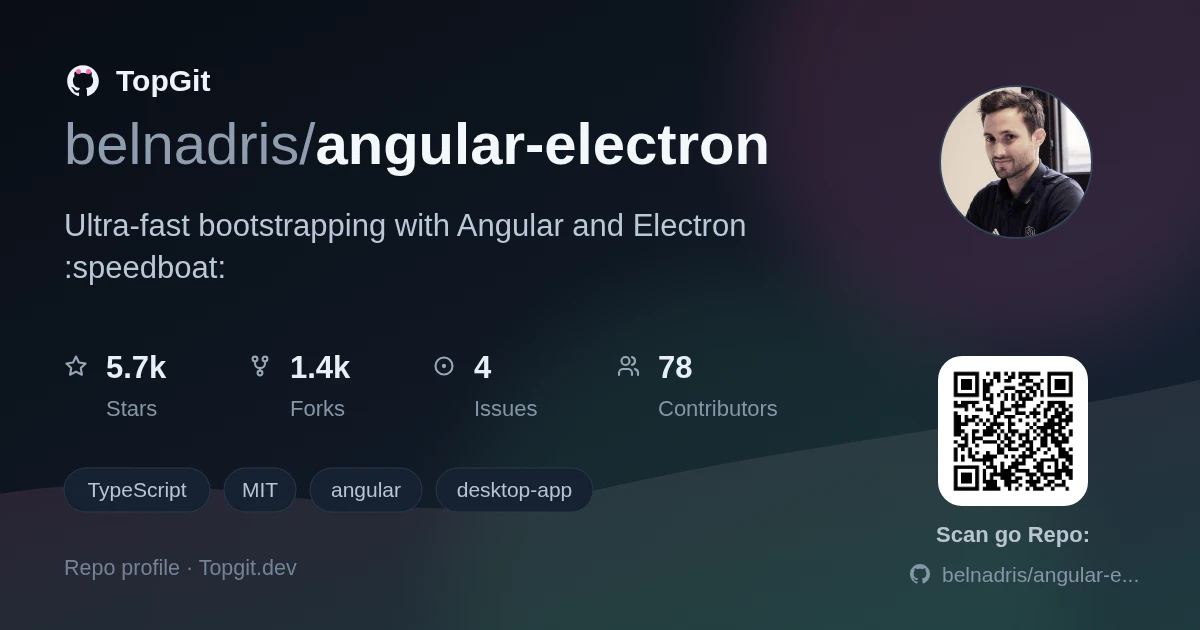
TopGit tracks belnadris/angular-electron on GitHub as part of the Frontend family. The project has 5.7k stars. Ultra-fast bootstrapping with Angular and Electron :speedboat:
Snapshot summary built from the project's own GitHub metadata — there's no written TopGit review yet. The page will update automatically when a full review is published.
WHY NO REVIEW YET
TopGit writes full reviews for the most-starred, most-requested repositories. This page is a snapshot until then — see the READ ME tab for the original README in full.
Install dependencies with npm (used by Electron renderer process):
npm install
There is an issue with yarn and node_modules when the application is built by the packager. Please use npm as dependencies manager.
If you want to generate Angular components with Angular-cli , you MUST install @angular/cli in npm global context.
Please follow Angular-cli documentation if you had installed a previous version of angular-cli.
npm install -g @angular/cli
Install NodeJS dependencies with npm (used by Electron main process):
cd app/
npm install
Why two package.json ? This project follow Electron Builder two package.json structure in order to optimize final bundle and be still able to use Angular ng add feature.
To build for development
in a terminal window -> npm start
Voila! You can use your Angular + Electron app in a local development environment with hot reload!
The application code is managed by app/main.ts. In this sample, the app runs with a simple Angular App (http://localhost:4200), and an Electron window.
The Angular component contains an example of Electron and NodeJS native lib import.
You can disable "Developer Tools" by commenting win.webContents.openDevTools(); in app/main.ts.
Project structure
Folder
Description
app
Electron main process folder (NodeJS)
src
Electron renderer process folder (Web / Angular)
How to import 3rd party libraries
This sample project runs in both modes (web and electron). To make this work, you have to import your dependencies the right way. \
There are two kind of 3rd party libraries :
NodeJS's one - Uses NodeJS core module (crypto, fs, util...)
I suggest you add this kind of 3rd party library in dependencies of both app/package.json and package.json (root folder) in order to make it work in both Electron's Main process (app folder) and Electron's Renderer process (src folder).
Please check providers/electron.service.ts to watch how conditional import of libraries has to be done when using NodeJS / 3rd party libraries in renderer context (i.e. Angular).
Web's one (like bootstrap, material, tailwind...)
It have to be added in dependencies of package.json (root folder)
Add a dependency with ng-add
You may encounter some difficulties with ng-add because this project doesn't use the defaults @angular-builders.
For example you can find here how to install Angular-Material with ng-add.
Browser mode
Maybe you only want to execute the application in the browser with hot reload? Just run npm run ng:serve:web.
Included Commands
Command
Description
npm run ng:serve
Execute the app in the web browser (DEV mode)
npm run web:build
Build the app that can be used directly in the web browser. Your built files are in the /dist folder.
npm run electron:local
Builds your application and start electron locally
npm run electron:build
Builds your application and creates an app consumable based on your operating system
Your application is optimised. Only /dist folder and NodeJS dependencies are included in the final bundle.
Building Flatpak (Linux)
On Linux, npm run electron:build produces both an AppImage and a Flatpak. The Flatpak build requires additional tooling:
Once the runtimes are installed, npm run electron:build will generate the Flatpak bundle alongside the AppImage in the release/ folder.
You want to use a specific lib (like rxjs) in electron main thread ?
YES! You can do it! Just by importing your library in npm dependencies section of app/package.json with npm install --save XXXXX.
It will be loaded by electron during build phase and added to your final bundle.
Then use your library by importing it in app/main.ts file. Quite simple, isn't it?
E2E Testing
E2E Test scripts can be found in e2e folder.
Command
Description
npm run e2e
Execute end to end tests
Note: To make it work behind a proxy, you can add this proxy exception in your terminal export {no_proxy,NO_PROXY}="127.0.0.1,localhost"
Debug with VsCode
VsCode debug configuration is available! In order to use it, you need the extension Debugger for Chrome.
Then set some breakpoints in your application's source code.
Finally from VsCode press Ctrl+Shift+D and select Application Debug and press F5.
Please note that Hot reload is only available in Renderer process.
How active is development on belnadris/angular-electron?
The most recent commit recorded on belnadris/angular-electron was 3 months ago, based on the GitHub push timestamp. The repository has 1.3k forks — one of the better signals of community interest.
How does belnadris/angular-electron compare to other Frontend projects?
belnadris/angular-electron is tracked by TopGit in the Frontend category, with 5.7k GitHub stars and written in TypeScript. Browse the Frontend topic page on TopGit to compare it against similar projects by stars and activity.
How many stars does belnadris/angular-electron have?
belnadris/angular-electron has 5.7k GitHub stars — refresh the page for the live number, or check github.com/belnadris/angular-electron. TopGit mirrors GitHub's count but does not claim minute-by-minute accuracy.
Is belnadris/angular-electron open source?
Yes — belnadris/angular-electron ships under the MIT license, which makes its source code freely readable (and, depending on license terms, forkable and reusable). Source: github.com/belnadris/angular-electron.
What is belnadris/angular-electron?
belnadris/angular-electron (belnadris/angular-electron) is a TypeScript project on GitHub. From the project's own README: Ultra-fast bootstrapping with Angular and Electron :speedboat:
Where do I read more about belnadris/angular-electron?
This TopGit page is a snapshot — the READ ME tab shows the project's own README content (links stripped, images preserved). The GitHub repository at github.com/belnadris/angular-electron is the definitive source.
Read full README in the tab above.
Want a second opinion on angular-electron?
Ask an AI that can read this page — one click and you get its take on angular-electron.

 /angular-electron