A UI-focused entry in TopGit's GitHub warehouse: benoitvallon/react-native-nw-react-calculator, 5.2k stars, Frontend, JavaScript. Mobile, desktop and website Apps with the same code
Snapshot summary built from the project's own GitHub metadata — there's no written TopGit review yet. The page will update automatically when a full review is published.
WHY NO REVIEW YET
TopGit writes full reviews for the most-starred, most-requested repositories. This page is a snapshot until then — see the READ ME tab for the original README in full.
Mobile, desktop and website Apps with the same code
This project shows how the source code can be architectured to run on multiple devices. As of now, it is able to run as:
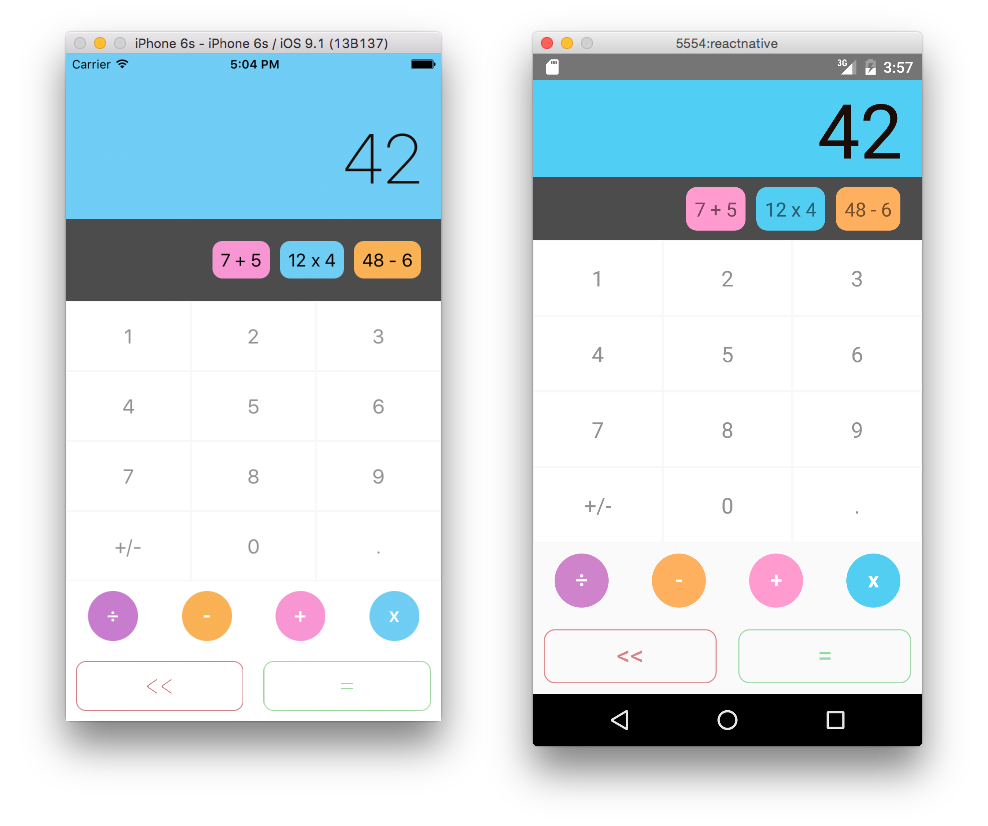
iOS & Android Apps (based on react-native)
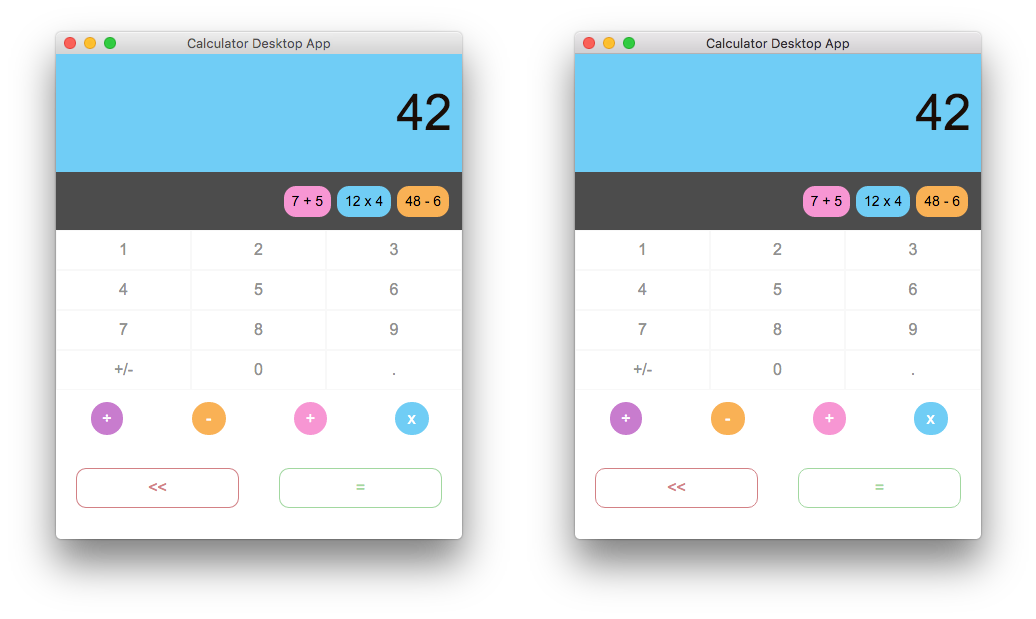
a Desktop App based on NW or based on Electron
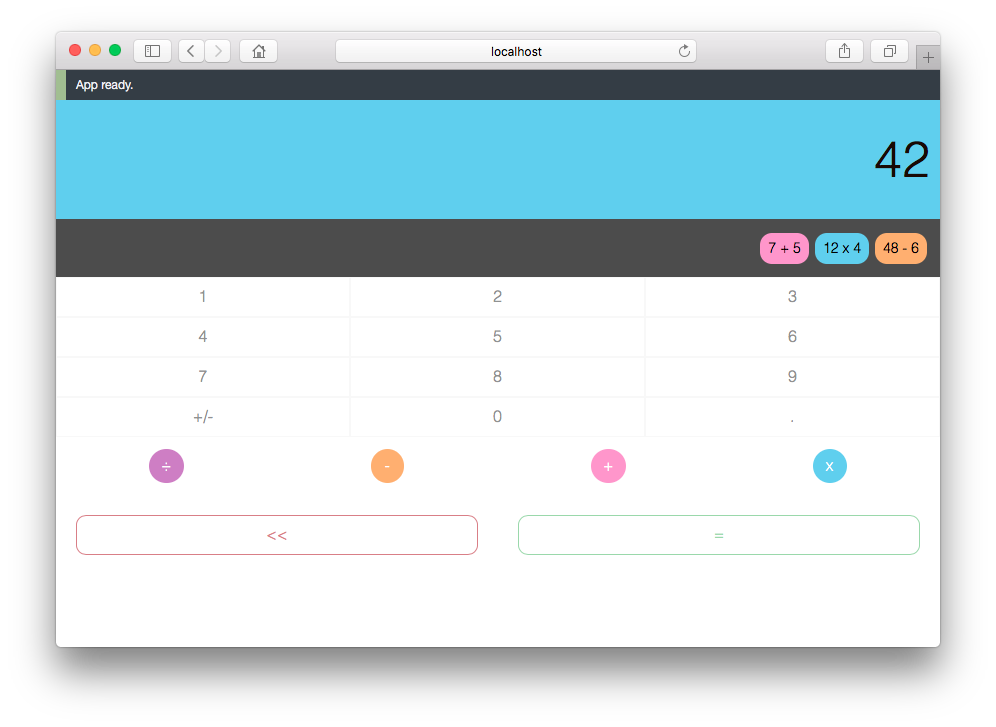
a Website App in any browser (based on react)
A demo for the Website App is available here.
Screenshots
Mobile Apps (iOS & Android)
Desktop Apps (NW & Electron)
Website App
Libraries/tools
This project uses libraries and tools like:
es6 syntax and babel
react for the Website App and Desktop App,
react-native for the iOS & Android Apps
NW to package the Desktop App
Electron to package the Desktop App
flux to organize the data flow management
css-loader to integrate the styles in the builds
grunt to create the builds
webpack to help during the development phase with hot reloading
Basic philosophy
All the code is contained in the src directory, especially the 3 main entry files that are used for the builds:
index.ios.js & index.android.js are the ones used to build the iOS & Android Apps
index.js is the one used to build the Website App and Desktop App as the code is strictly the same.
Flux architecture actions/stores
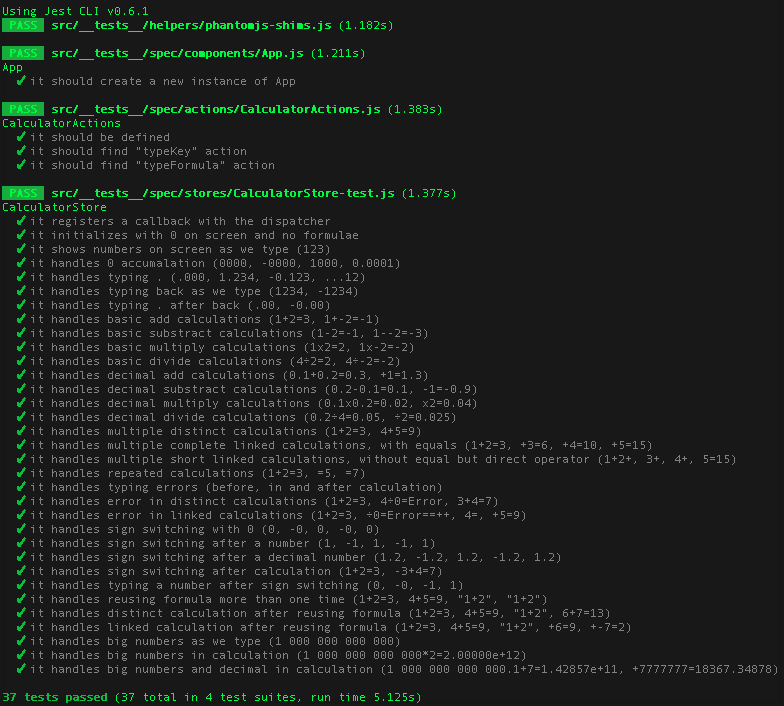
All the flux architecture is share to 100% to all the different builds. This means that all the logic and data management code is done only once and reuse everywhere. This allows us to have an easy tests suite as well and to ensure that our code is working properly on all the devices.
Components
The real interest of the project is in how the components have been structured to shared most of their logic and only redefined what is specific to every device.
Basically, every component has a main Class which inherits a base Class containing all the logic. Then, the main component import a different Render function which has been selected during the build. The file extension .ios.js, .android.js or .js is used by the build tool to import only the right file.
The .native.js files contain code that is shared between both mobile platforms (iOS & Android). Currently, the .ios.js and .android.js files compose this .native.js file since all code is shared right now. However, if a component needed to be different for platform specific reasons, that code would be included in the corresponding platform specific files.
At the end, every component is defined by 6 files. If we look at the screen component, here is its structure.
Screen.js
├── ScreenBase.js
├── ScreenRender.ios.js (specific to iOS build
├── ScreenRender.android.js (specific to Android build)
├── ScreenRender.native.js (shared mobile app code - iOS & Android)
└── ScreenRender.js (used during Website and Desktop build)
And here is the main Class file which composes the files.
'use strict';

import Base from './ScreenBase';
import Render from './ScreenRender';

export default class Screen extends Base {
  constructor (props) {
    super(props);
  }

  render () {
    return Render.call(this, this.props, this.state);
  }
}
What's next
Here are some thoughts about what can come next:
Make the Website App Isomorphic/Universal
Thank you Robert for your awesome design
I want to thank Robert O'Dowd who kindly authorized me the reuse his very beautiful design. The original design made by Robert was part of his project called "Simplifycation" visible here.
How to build/run the projects
General requirements before running any specific project
npm install to install all the dependencies, React and React Native among others.
With some versions of npm (>=v3.3.10 <=v3.6.0)
Some builds from npm included bugs while npm install. So if you are using a npm version within the range form 3.3.10 to 3.6.0 included, you must run npm install twice. Those versions including npm v3.3.12 are the ones bundled by default with node from version v5.1.0 to v5.5.0.
npm install npm
npm install npm run it twice, because of the packages won't be installed after the first run #10985
The Mobile Apps (iOS & Android)
Requirements for React Native
iOS
OS X
Xcode 6.3 or higher is recommended (Xcode only runs on Mac).
Homebrew is the recommended way to install node, watchman, and flow.
brew install node
brew install watchman. We recommend installing watchman, otherwise you might hit a node file watching bug.
brew install flow. If you want to use flow.
Android
Follow the official documentation guide here: http://facebook.github.io/react-native/docs/getting-started.html#android-setup (includes experimental Windows & Linux support)
Running the Mobile Apps
iOS
Open iosApp.xcodeproj and hit run in Xcode.
Hit cmd+R in your iOS simulator to reload the app and see your change!
Android
Open an emulator. (Genymotion or run android avd)
Run the react-native run-android in the root of this project.
If trying to run on a device, read the following guide: http://facebook.github.io/react-native/docs/running-on-device-android.html#content
Congratulations! You've just successfully run the project as an iOS or Android App.
The Website App
Requirements for React
There isn't any additional requirements since you already installed the deps with npm install.
Quick start
npm run build to build the project (at least the first time)
npm run serve-web to preview in the browser at http://localhost:8000/index.web.html or http://localhost:8000/webpack-dev-server/index.web.html with webpack-dev-server and hot reload enabled
Congratulations! You've just successfully run the project as a Website App.
The Desktop App
You can either run the project with NW or electron.
Requirements for NW
To run the project, you are supposed to run something like:
/path/to/nw .
On OSX, the executable binary is in a hidden directory within the .app file. The easier solution to install it is to download the app on http://nwjs.io/ then copying it to your application folder. You will now be able to run:
/Applications/nwjs.app/Contents/MacOS/nwjs .
You can also setup an alias to call the binary.
alias nw="/Applications/nwjs.app/Contents/MacOS/nwjs"
Quick start with NW
npm run build to build the project (at least the first time)
npm run serve-nw to launch the desktop app and enable livereload
Congratulations! You've just successfully run the project as a Desktop App.
Quick start with Electron
npm run build to build the project (at least the first time)
npm run serve-electron to launch the desktop app and enable livereload
Congratulations! You've just successfully run the project as a Desktop App.
How active is development on benoitvallon/react-native-nw-react-calculator?
The most recent commit recorded on benoitvallon/react-native-nw-react-calculator was 4.9 years ago, based on the GitHub push timestamp. The repository has 860 forks — one of the better signals of community interest.
How does benoitvallon/react-native-nw-react-calculator compare to other Frontend projects?
benoitvallon/react-native-nw-react-calculator is tracked by TopGit in the Frontend category, with 5.2k GitHub stars and written in JavaScript. Browse the Frontend topic page on TopGit to compare it against similar projects by stars and activity.
How many stars does benoitvallon/react-native-nw-react-calculator have?
benoitvallon/react-native-nw-react-calculator has 5.2k GitHub stars — refresh the page for the live number, or check github.com/benoitvallon/react-native-nw-react-calculator. TopGit mirrors GitHub's count but does not claim minute-by-minute accuracy.
Is benoitvallon/react-native-nw-react-calculator open source?
Yes — benoitvallon/react-native-nw-react-calculator ships under the MIT license, which makes its source code freely readable (and, depending on license terms, forkable and reusable). Source: github.com/benoitvallon/react-native-nw-react-calculator.
What is benoitvallon/react-native-nw-react-calculator?
benoitvallon/react-native-nw-react-calculator (benoitvallon/react-native-nw-react-calculator) is a JavaScript project on GitHub. From the project's own README: Mobile, desktop and website Apps with the same code
Where do I read more about benoitvallon/react-native-nw-react-calculator?
This TopGit page is a snapshot — the READ ME tab shows the project's own README content (links stripped, images preserved). The GitHub repository at github.com/benoitvallon/react-native-nw-react-calculator is the definitive source.
Read full README in the tab above.
Want a second opinion on react-native-nw-react-calculator?
Ask an AI that can read this page — one click and you get its take on react-native-nw-react-calculator.
 /react-native-nw-react-calculator