bensadeh/tailspin is a UI-focused project on GitHub with 8.0k stars, written primarily in Rust. 🌀 A log file highlighter
Snapshot summary built from the project's own GitHub metadata — there's no written TopGit review yet. The page will update automatically when a full review is published.
WHY NO REVIEW YET
TopGit writes full reviews for the most-starred, most-requested repositories. This page is a snapshot until then — see the READ ME tab for the original README in full.
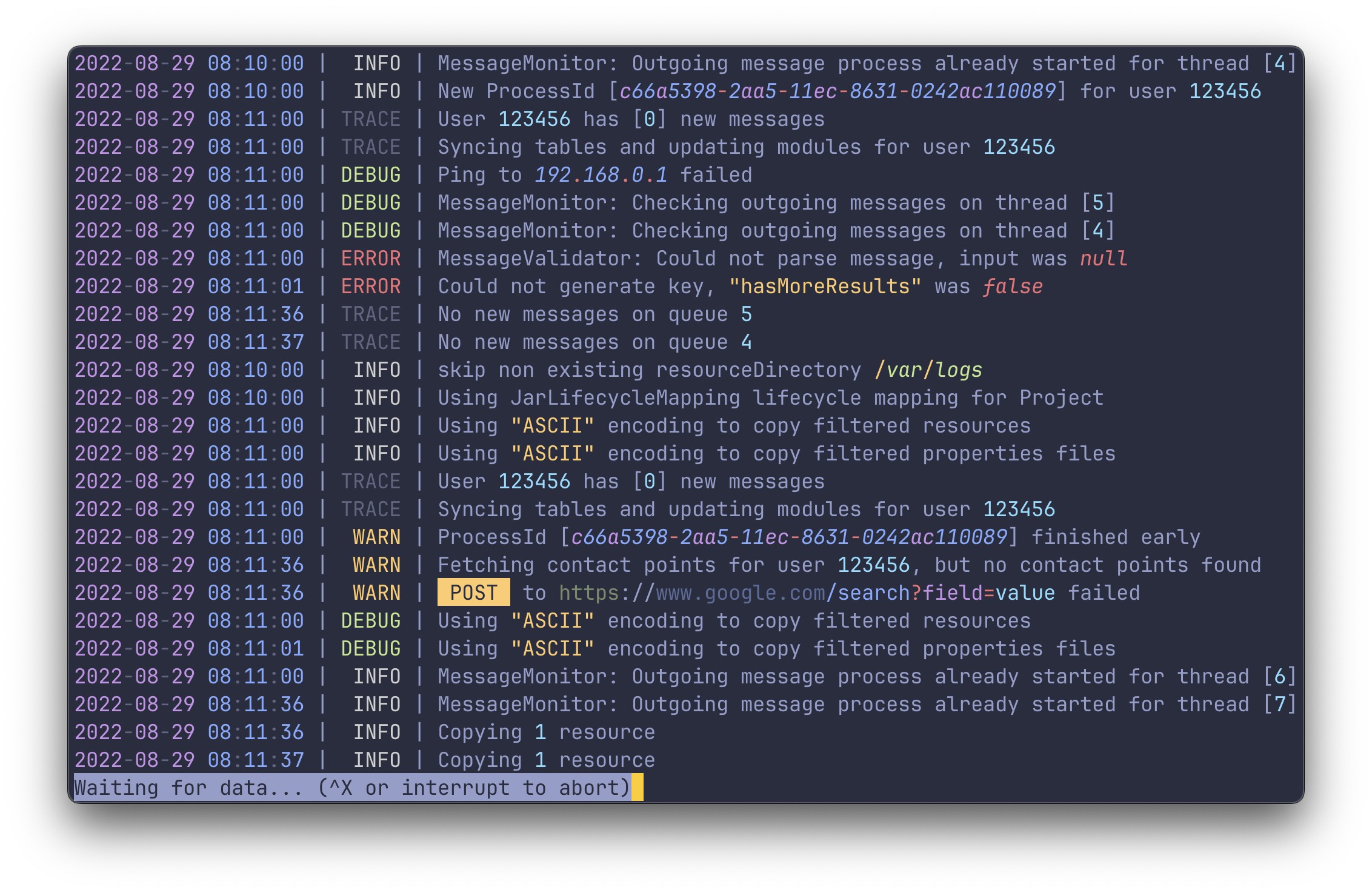
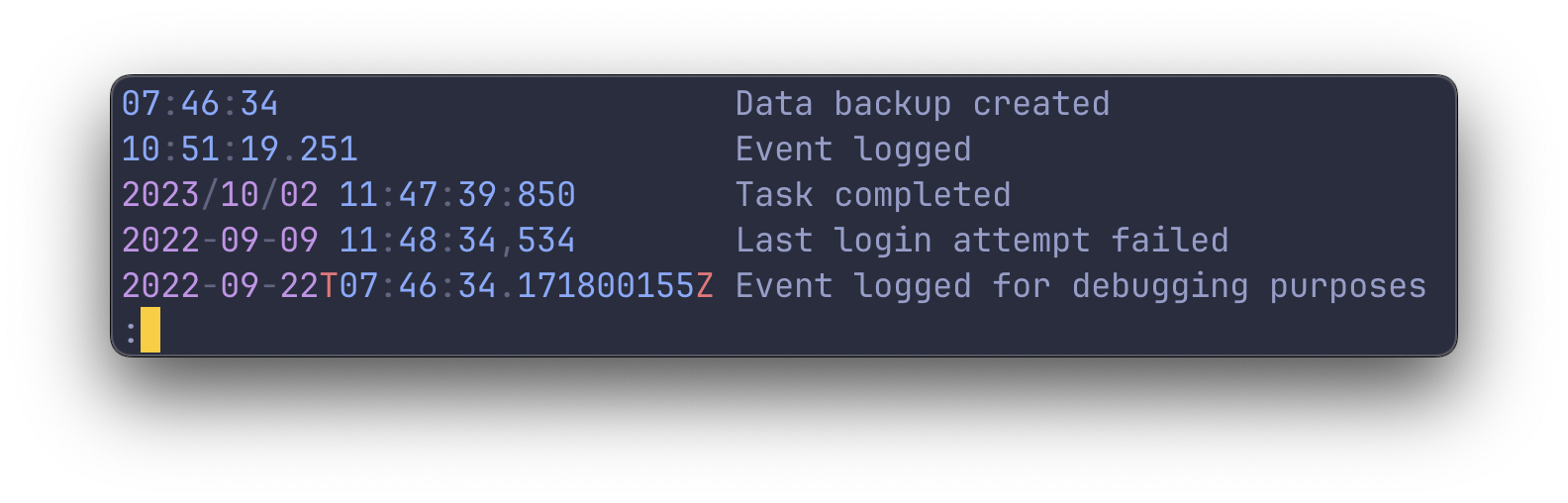
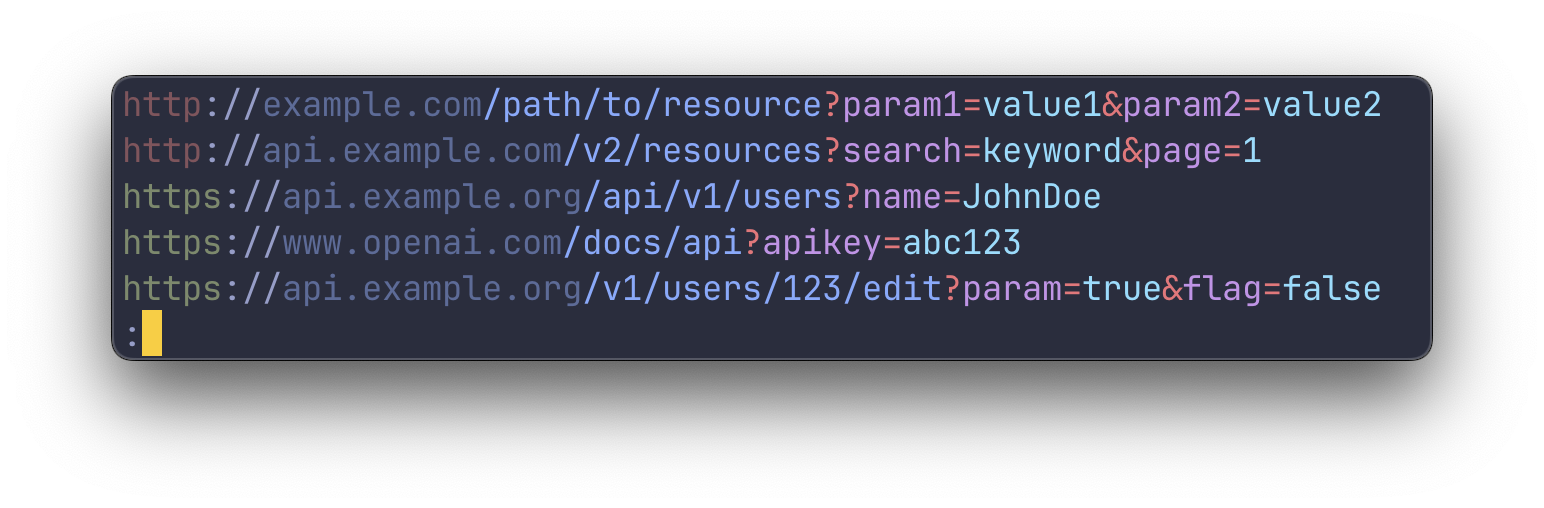
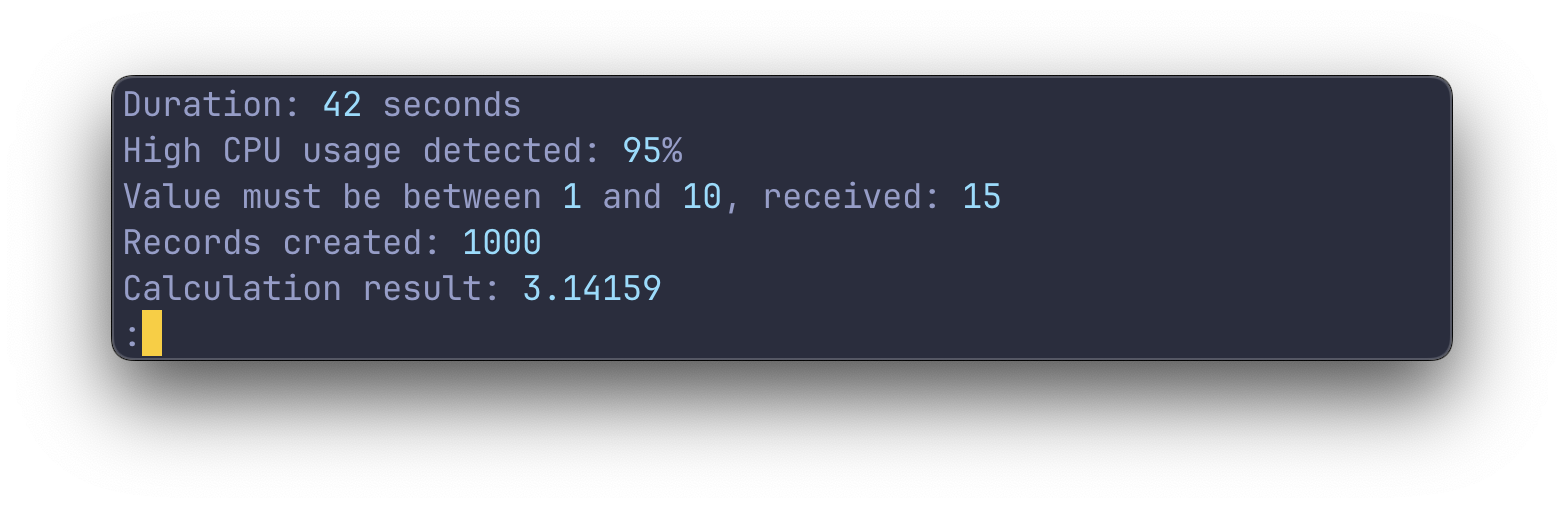
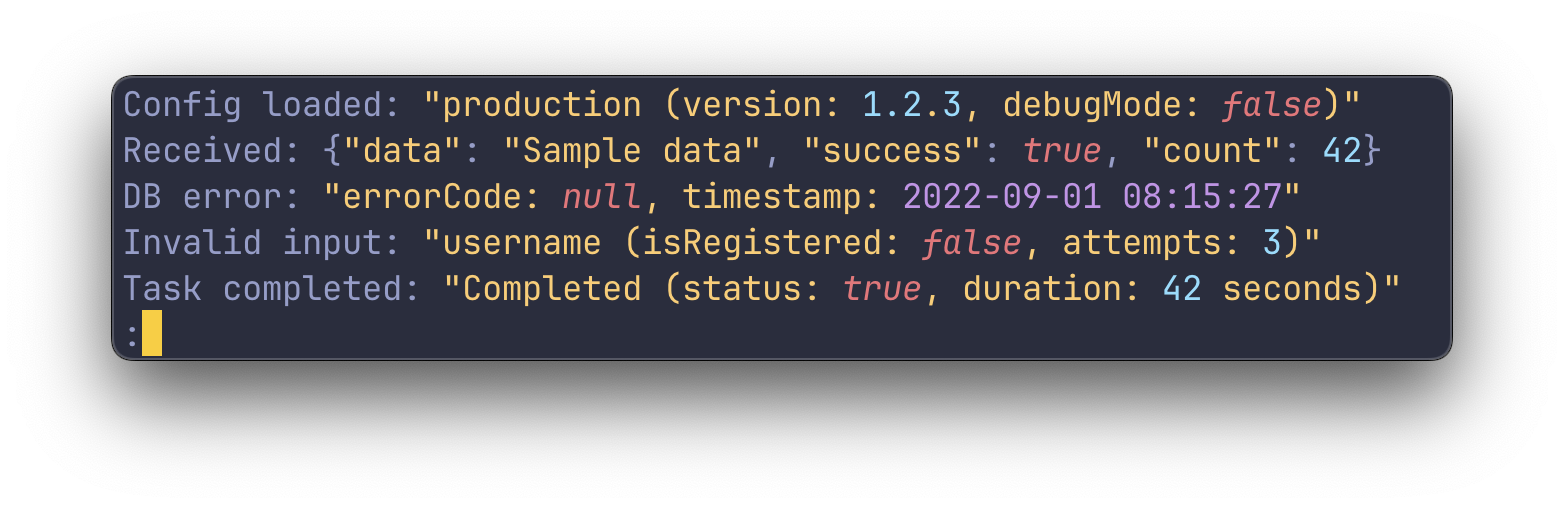
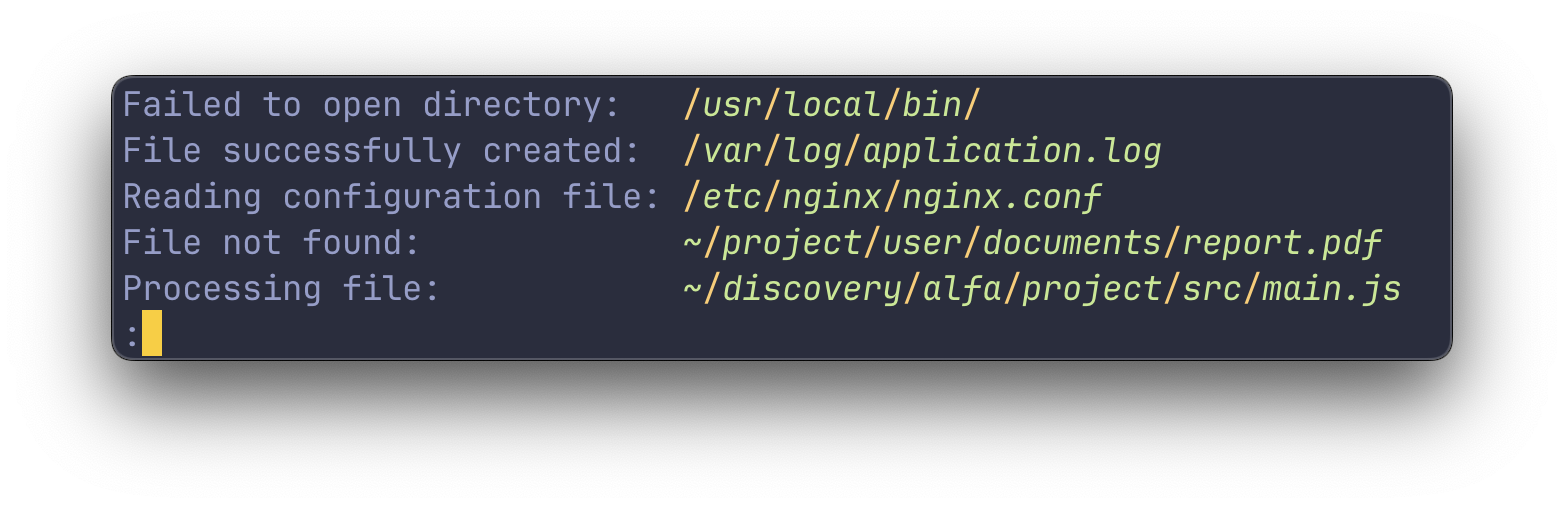
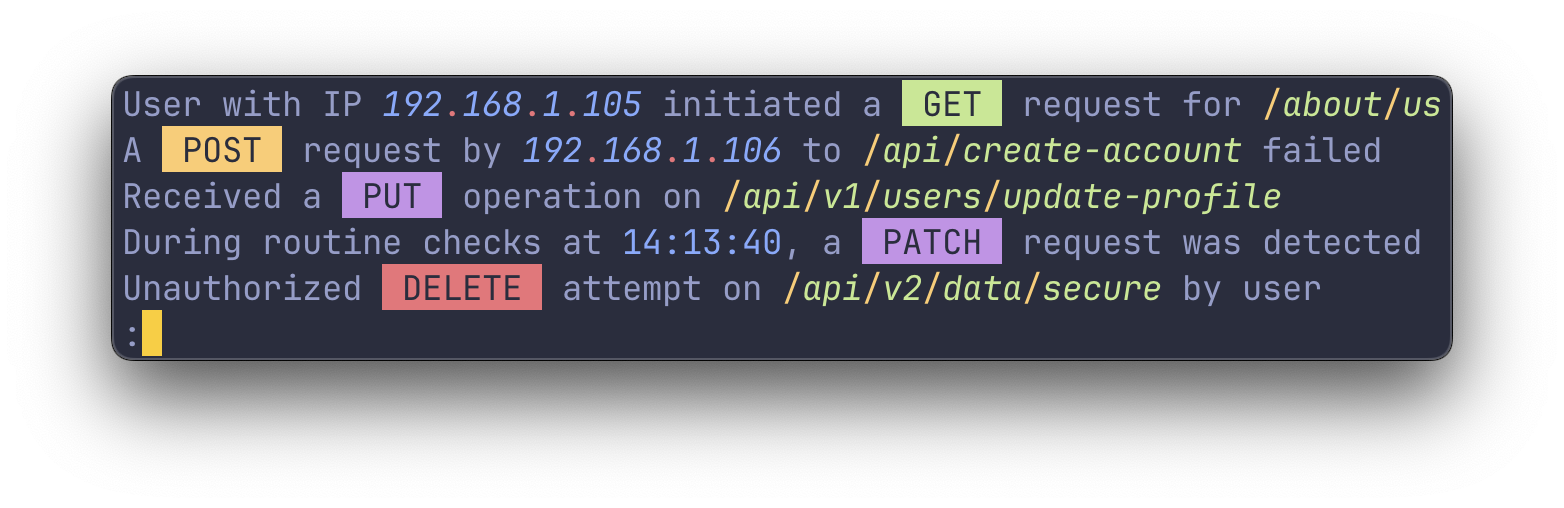
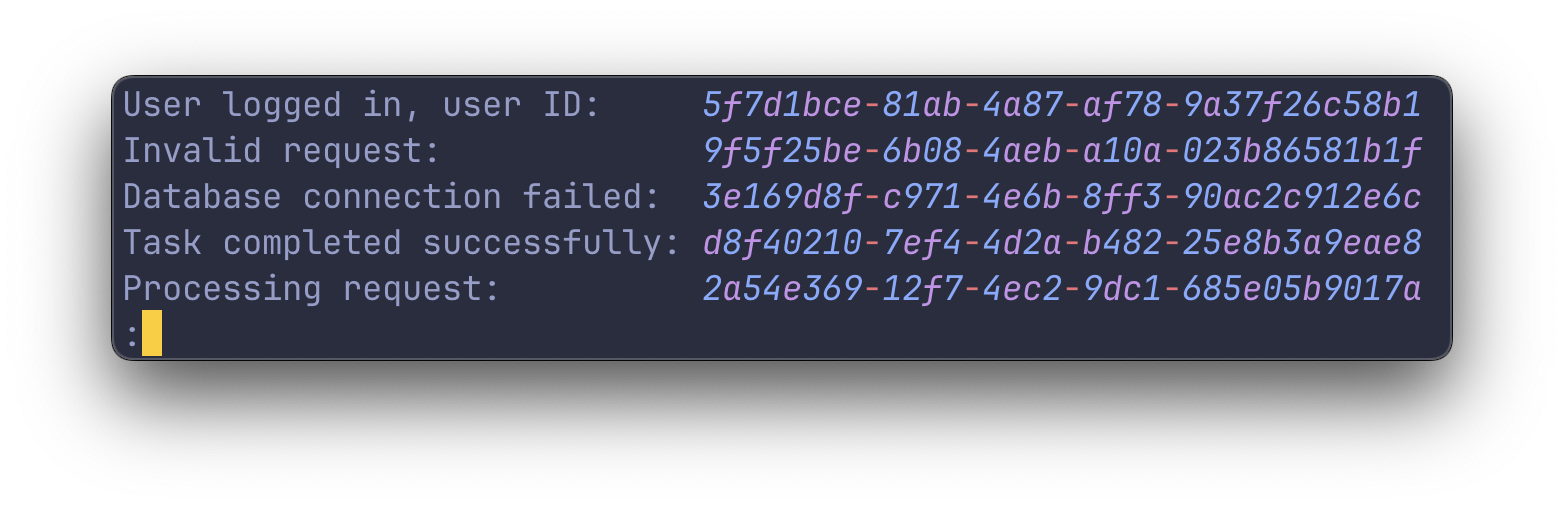
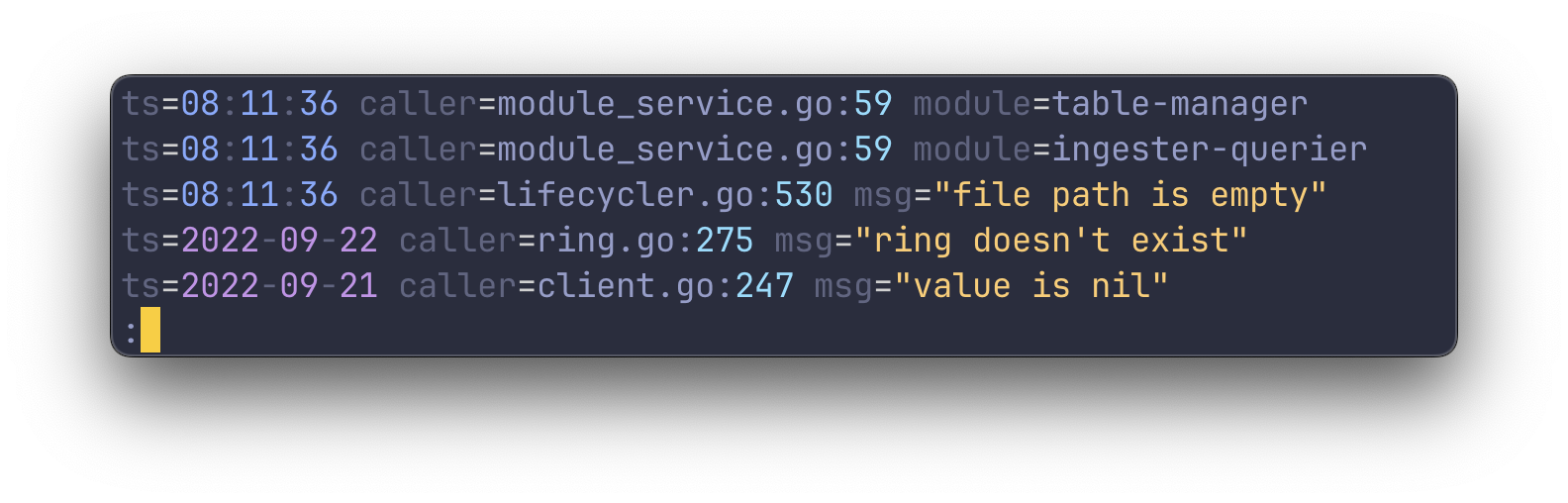
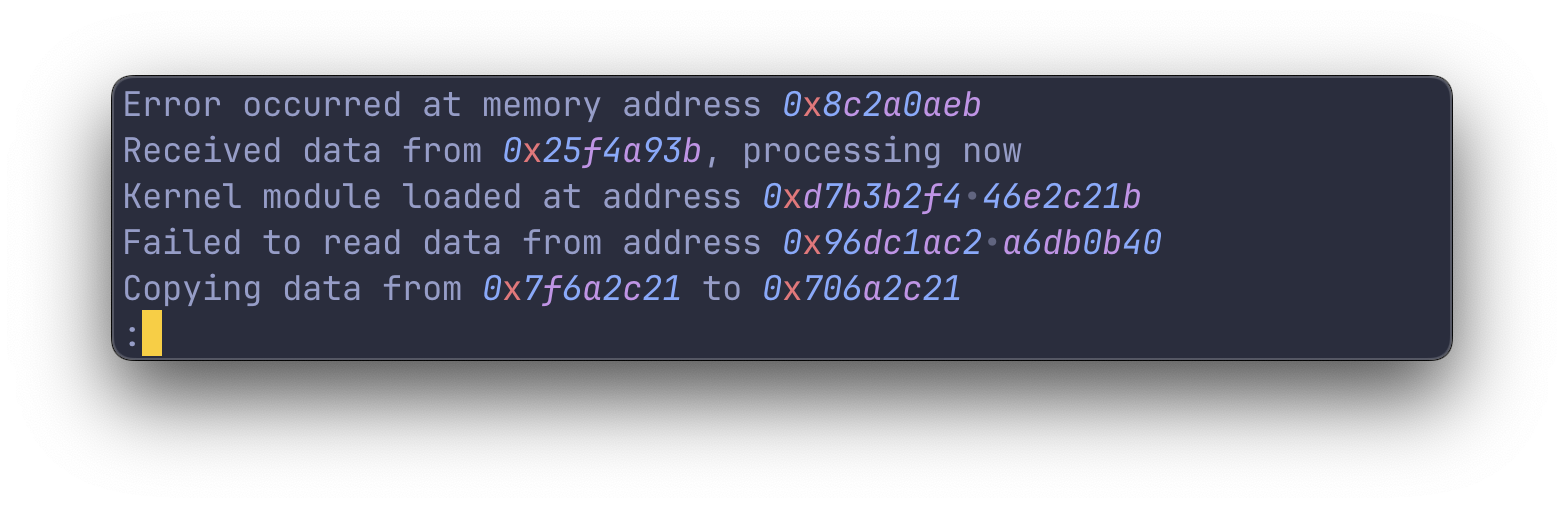
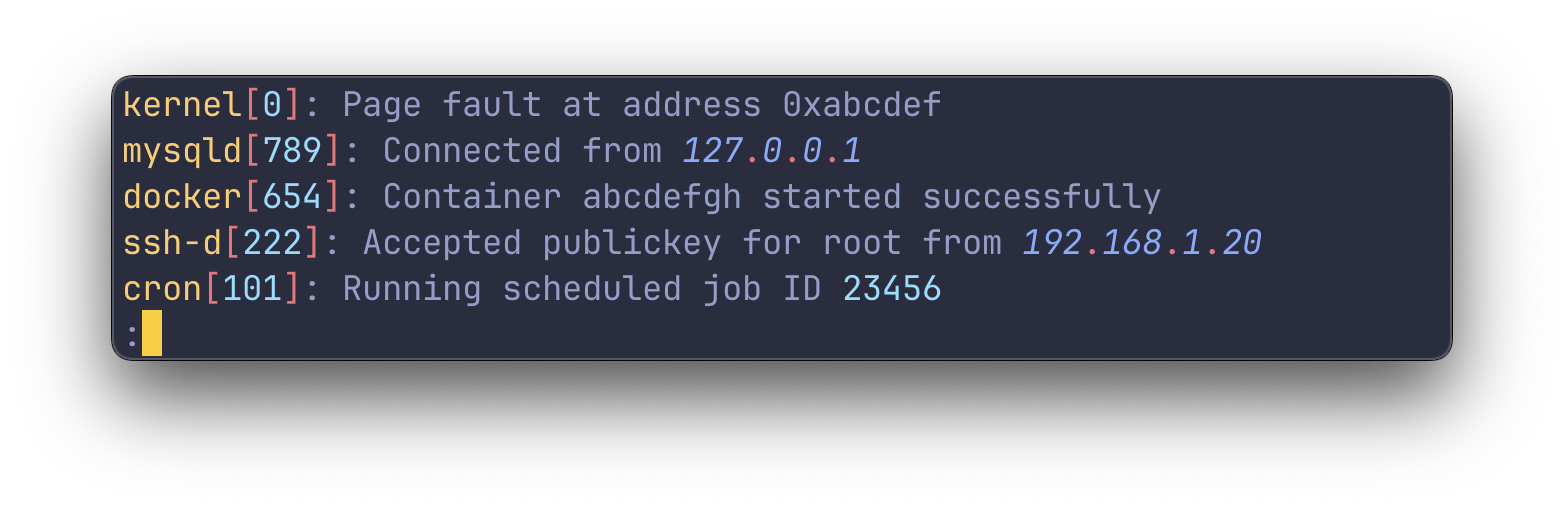
🌈 Highlights numbers, dates, IP-addresses, UUIDs, URLs and more
⚙️ All highlight groups are customizable
🧬 Easy to integrate with other commands
📦 Also available as a crate
Table of Contents
Overview
Usage
Installing
Highlight Groups
Customizing Highlight Groups
Working with stdin and stdout
Using the pager less
Settings
Overview
tailspin works by reading through a log file line by line, running a series of matchers
against each line. The matchers recognize patterns you expect to find in a logfile, like dates, numbers, severity
keywords and more.
tailspin does not make any assumptions on the format or position of the items it wants to highlight. For this reason,
it requires no configuration and the highlighting will work consistently across different logfiles.
Usage
The binary name for tailspin is tspin.
# Read from file and view in `less`
tspin application.log

# Pipe something into `tspin` and print to stdout
echo "hello null" | tspin

# Read from stdin and print to stdout
kubectl logs [pod_name] --follow | tspin

# Run the provided command and view the output in `less`
tspin --exec='kubectl logs -f pod_name'
Binary will be placed in ~/.cargo/bin, make sure you add the folder to your PATH environment variable.
[!IMPORTANT]
When building from source, make sure that you are using the latest version
of less.
Highlight Groups
Defaults
The following highlight groups are enabled by default and can be toggled with --enable and --disable. The
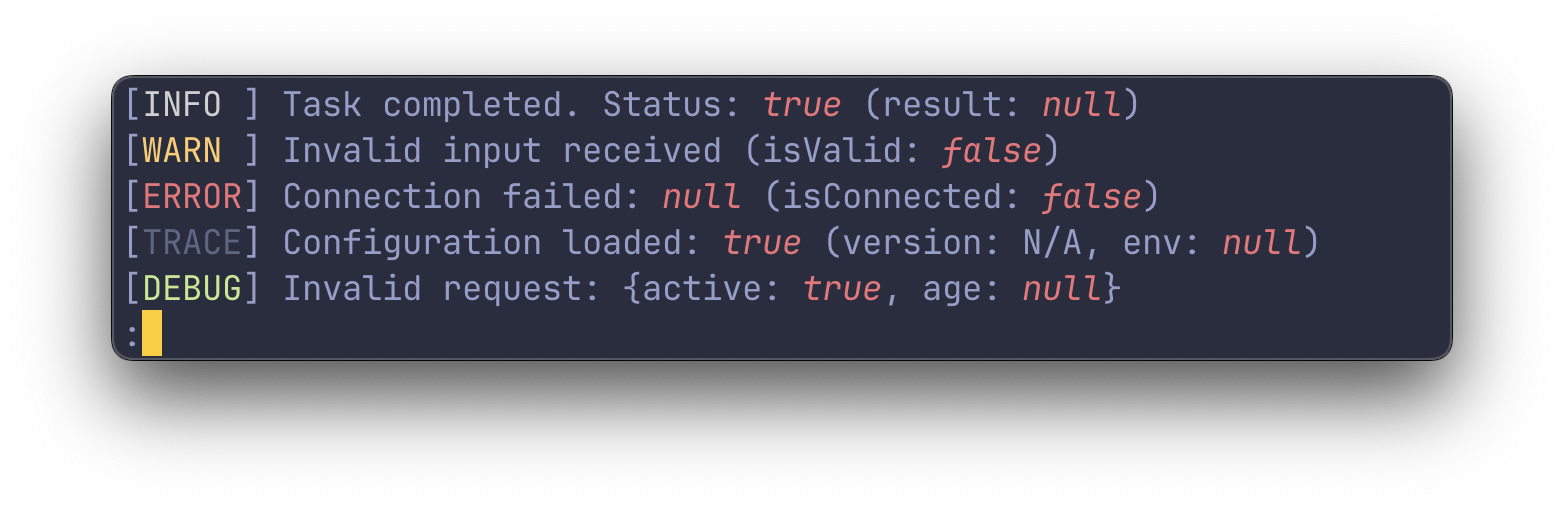
keywords group covers the builtin keywords: log severities, booleans, nulls and the HTTP methods.
Dates
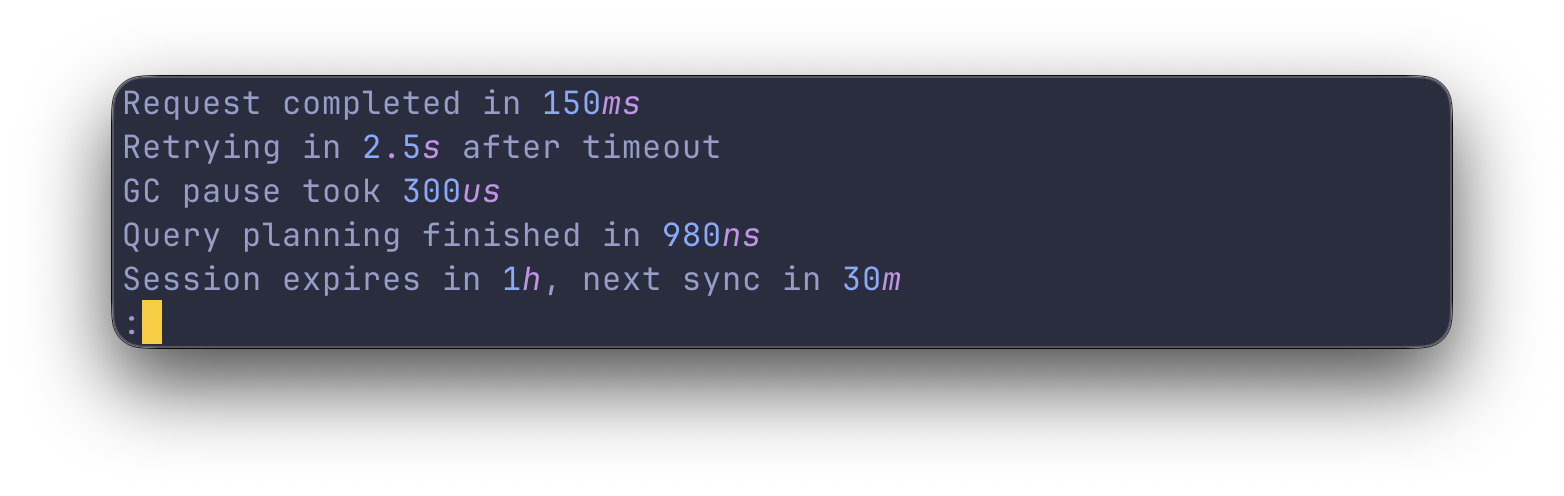
Durations
Keywords
URLs
Numbers
IPv4 Addresses
Quotes
Unix file paths
HTTP methods
UUIDs
Key-value pairs
Pointer addresses
Unix processes
Extras
Extras are highlight groups that are not enabled by default. They can be enabled with the --extras flag and are
always additive — they apply on top of whatever defaults or --enable/--disable configuration is active.
# Enable IPv6 highlighting in addition to the defaults
tspin application.log --extras ipv6

# Combine with --enable
tspin application.log --enable urls,numbers --extras ipv6
To edit the different highlight groups, include them in your theme.toml file. For example, to edit the date
highlight group, add the following to your theme.toml:
[dates]
date = { fg = "green" }
The default style of every highlight group is listed in default-theme.toml. The file is
generated from the code, so it is always in sync with the actual defaults — copy it to
~/.config/tailspin/theme.toml and edit the styles you want to change, or generate it locally:
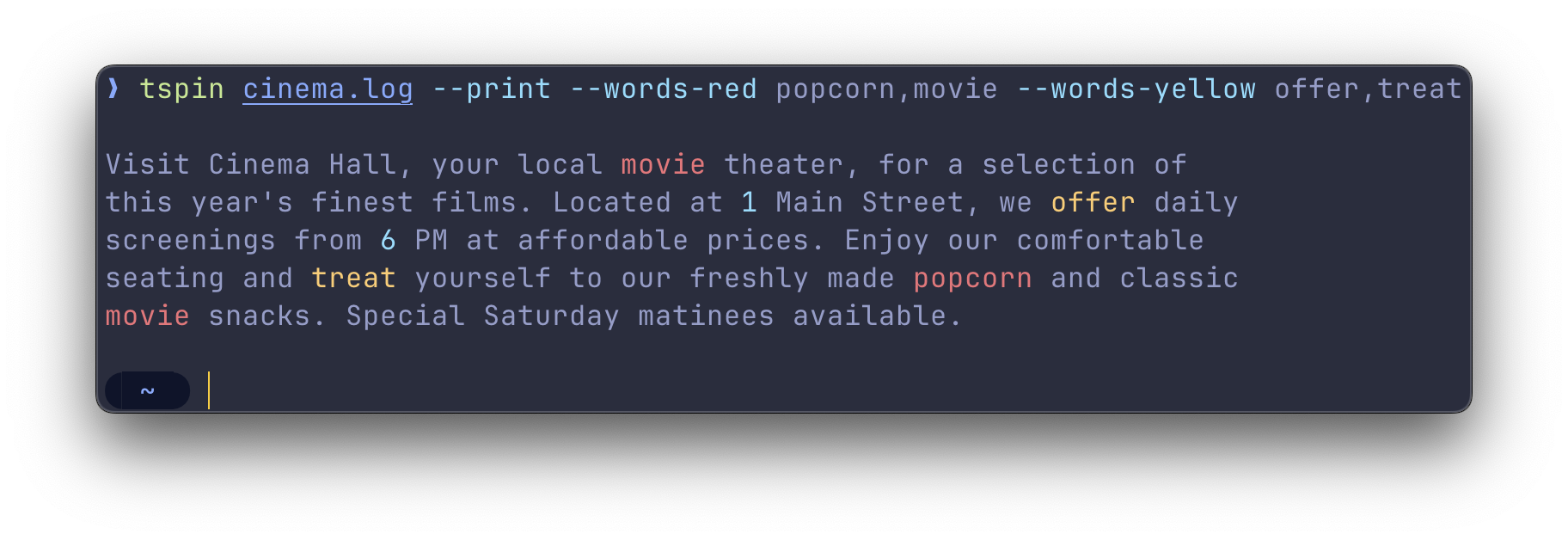
Sometimes it is more convenient to add highlight groups on the fly without having to edit a TOML. To add highlights from
the command line, use the --highlight flag followed by a comma separated list of words to be highlighted.
When you need more control over the highlighting, you can use the regex highlighter. This highlighter allows you to
specify a regex and a style to be applied to the matched text.
It supports one capture group (). When found, it will apply the style to the captured text.
By default, tailspin will open a file in the pager less. However, if you pipe something into tailspin, it will
print the highlighted output directly to stdout. This is similar to running tspin [file] --print.
To let tailspin highlight the logs of different commands, you can pipe the output of those commands into tailspin
like so:
Capturing the output of a command and viewing it in less
To capture the output of a command and view it in less, use the --exec flag:
tspin --exec 'kubectl logs -f pod_name'
This will run the command kubectl logs -f pod_name in the background and pipe the output to tailspin. The output
will be displayed in less, allowing you to navigate and search through the logs.
Using the pager less
Overview
tailspin uses less as its pager to view the highlighted log files. You can get more info on less via the man
command (man less) or by hitting the h button to access the help screen.
Navigating
Navigating within less uses a set of keybindings that may be familiar to users of vim or other vi-like
editors. Here's a brief overview of the most useful navigation commands:
j/k: Scroll one line up / down
d/u: Scroll one half-page up / down
g/G: Go to the top / bottom of the file
Follow mode
When you run tailspin with the -f or --follow flag, it will scroll to the bottom and print new lines to the screen
as they're added to the file.
To stop following the file, interrupt with Ctrl + C. This will stop the tailing, but keep the
file open, allowing you to review the existing content.
To resume following the file from within less, press Shift + F.
Search
Use / followed by your search query. For example, /ERROR finds the first occurrence of
ERROR.
After the search, n finds the next instance, and N finds the previous instance.
Filtering
less allows filtering lines by a keyword, using & followed by the pattern. For instance, &ERROR shows
only lines with ERROR.
To only show lines containing either ERROR or WARN, use a regular expression: &\(ERROR\|WARN\).
To clear the filter, use & with no pattern.
Custom pagers
Set the TAILSPIN_PAGER environment variable to override the default pager.
The command must include the string [FILE] which will be replaced with the file path internally.
-f, --follow                     Follow the contents of the file
-p, --print                      Print the output to stdout
-e, --exec='[CMD]'               Run command and view the output in a pager
                                 (e.g. `tspin --exec 'kubectl logs -f pod_name'`)
    --theme=[PATH]               Use the theme file from the provided path
    --pager=[CUSTOM_PAGER]       Set a custom pager
                                 (e.g. `--pager="ov -f [FILE]"`)
    --highlight=[COLOR]:[WORDS]  Highlight the provided comma-separated words in the specified color
                                 (e.g. `--highlight red:ERROR,WARNING`)
    --enable [HIGHLIGHT_GROUP]   Enable one or more default highlight groups, disabling the rest
                                 (e.g. `--enable keywords,urls`)
    --disable [HIGHLIGHT_GROUP]  Disable one or more default highlight groups, enabling the rest
                                 (e.g. `--disable keywords,urls`)
    --extras [EXTRA]             Enable extra highlight groups on top of the current configuration
                                 (e.g. `--extras ipv6`)
    --completions [SHELL]        Print shell completions to stdout
                                 (e.g. `--completions zsh`)
    --generate-default-theme     Print the default theme as a theme.toml to stdout
No homepage URL was recorded for bensadeh/tailspin in TopGit's last sync. The README tab above frequently contains screenshots and demo links, or check the repository description on GitHub.
How active is development on bensadeh/tailspin?
The most recent commit recorded on bensadeh/tailspin was 11 days ago, based on the GitHub push timestamp. The repository has 143 forks — one of the better signals of community interest.
How many stars does bensadeh/tailspin have?
bensadeh/tailspin has 8.0k GitHub stars — refresh the page for the live number, or check github.com/bensadeh/tailspin. TopGit mirrors GitHub's count but does not claim minute-by-minute accuracy.
Is bensadeh/tailspin open source?
Yes — bensadeh/tailspin ships under the MIT license, which makes its source code freely readable (and, depending on license terms, forkable and reusable). Source: github.com/bensadeh/tailspin.
What else is in the Frontend space?
bensadeh/tailspin is tracked by TopGit under the Frontend category, alongside 13 GitHub-tagged topics. Trending and Topics pages list peer repositories of comparable stars and language.
This TopGit page is a snapshot — the READ ME tab shows the project's own README content (links stripped, images preserved). The GitHub repository at github.com/bensadeh/tailspin is the definitive source.
Read full README in the tab above.
Is tailspin worth your time?
ChatGPT, Claude and Perplexity can all read this page. Ask one of them what it makes of tailspin.

 /tailspin