Design Resources for Developers: UI, fonts, colors list
 /design-resources-for-developers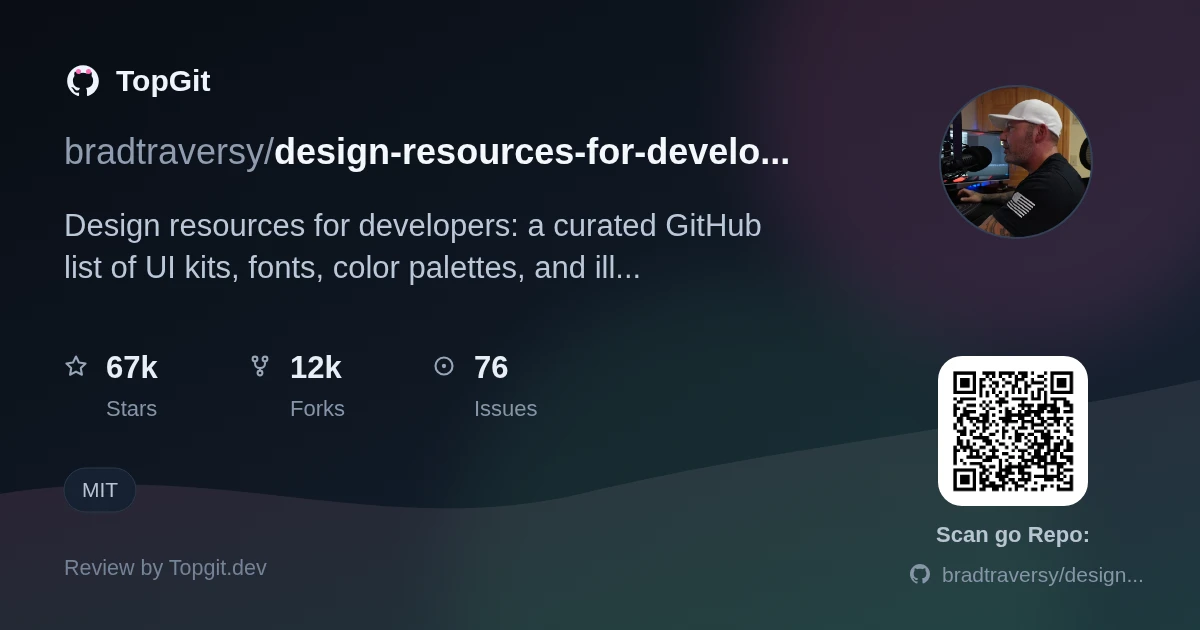
Design Resources for Developers is a bookmarks folder turned into a GitHub repo: hundreds of links to fonts, color tools, illustrations, and UI kits, sorted into categories with a one-line description each. It's worth starring only as a jumping-off point, not a workflow — you still have to click through to every third-party site to judge quality yourself.
The Design Gap in Developer Workflows
Every UI needs fonts, colors, icons, and illustrations, but those live scattered across dozens of single-purpose sites — a font-pairing tool here, a gradient generator there, a stock-illustration site somewhere else. A developer without a designer on the team has no single place to start looking. Design Resources for Developers exists to collapse that scavenger hunt into one README, sorted by the specific asset type you're missing (UI Graphics, Fonts, Colors, and more per the repo's own description) instead of a generic search-engine roundup.
What Is Design Resources for Developers?
Design Resources for Developers is a single-repo, categorized index of external design tools and assets for programmers who aren't designers. The README groups entries under headings like UI Graphics, Fonts, and Colors, each with a one-line description and a link. Nothing is hosted here. Every entry points out to the original third-party site.
What the Collection Covers
- ✓A UI Graphics section linking to component and illustration sources — SVG pattern generators, avatar makers, mesh-gradient tools — in formats like PSD, Sketch, and Figma.
- ✓A Fonts section covering both font libraries (Google Fonts, Font Squirrel, Font Space) and pairing/preview tools like Fontjoy.
- ✓A Colors section of palette generators, gradient builders, and contrast checkers such as Coolors, Adobe Color, and Khroma.
- ✓Per the repo's own description, coverage extends to stock photos, web templates, CSS frameworks, and UI libraries beyond the three sections above.
- ✓Every row in every table pairs a resource name with a short description, not just a bare URL.
- ✓A contributing.md file, linked at the top of the README, documents the rules for submitting a new resource.
How Developers Use This Resource
- •Picking a free hero illustration or avatar set while mocking up a landing page instead of paying for stock art.
- •Pulling a font-pairing suggestion from a tool like Fontjoy when a project's default typography looks flat.
- •Building a palette in Coolors or Adobe Color, linked from the Colors section, then copying the hex codes into CSS variables.
- •Scanning the Fonts section for a self-hosting option, like Fontsource or Google Webfonts Helper, to drop a third-party font CDN request.
Strengths
- ✓Every linked resource comes with a one-line description in the table, so you get a hint of what it is before clicking through.
- ✓Split into clear categories (UI Graphics, Fonts, Colors, and more per the repo's description) instead of one long undifferentiated list.
- ✓MIT-licensed, so a team can fork it and maintain its own trimmed-down internal copy.
- ✓A documented contributing.md process means it isn't just one person's bookmarks — anyone can propose an addition.
Limitations to Consider
- △Every resource lives on someone else's site — links rot, and a listed tool can go paid or shut down without the README updating right away.
- △The one-line description tells you roughly what a link is, not its quality or license — you still have to click through and check that yourself.
- △There's no in-repo search, tagging, or filter. Browsing means scrolling long markdown tables under each heading.
- △Depth is uneven across categories — some sections are dense with dozens of entries, others thinner, and the README gives no indication of which ones get maintained most closely.
Alternative and Complementary Resources
Who Should Bookmark This List
Design Resources for Developers suits a solo frontend or full-stack developer building a side project or an MVP without a designer on the team — someone who needs a font pairing, a color palette, or a placeholder illustration today, not a long-term design system. It's less useful once a team already has a design system or a hired designer, since browsing a links list is slower than asking the person who made those decisions already.
Frequently Asked Questions
The GitHub repo itself is free and MIT-licensed, so browsing and forking the list costs nothing. Individual linked resources (fonts, illustrations, UI kits) each carry their own license set by the third-party site, so check each one before using it commercially.
The README doesn't state a fixed update schedule, but Design Resources for Developers accepts ongoing community contributions — anyone can submit new resources by following the rules in the contributing.md file linked at the top of the README, so the list grows over time rather than staying static.
Design Resources for Developers accepts community submissions: the README links to a contributing.md file that documents the rules for adding a new resource, and pull requests against the repo are reviewed by maintainers before a new link gets merged into the list.
Licensing varies by resource — Design Resources for Developers doesn't guarantee licensing for any linked site, since each entry sends you to a separate tool or asset library with its own terms. Some, like Google Fonts, are explicitly free for commercial use; others require checking the source site's license page before you ship it in a paid product.
Design Resources for Developers groups its links under category headings in the README — sections like UI Graphics, Fonts, and Colors, based on the repo's own table of contents. Each row in a category's table pairs a resource name with a one-line description, so you scan by category rather than searching a flat list.
Design Resources for Developers focuses specifically on design and UI assets for people who code — fonts, color tools, illustrations, and UI kits — rather than software libraries or programming topics in general.
Related repositories
Still deciding about design-resources-for-developers?
One click hands the question to an AI along with this page — see what it says about design-resources-for-developers.