BrowserAct: AI Agent Browser Automation CLI
 /skills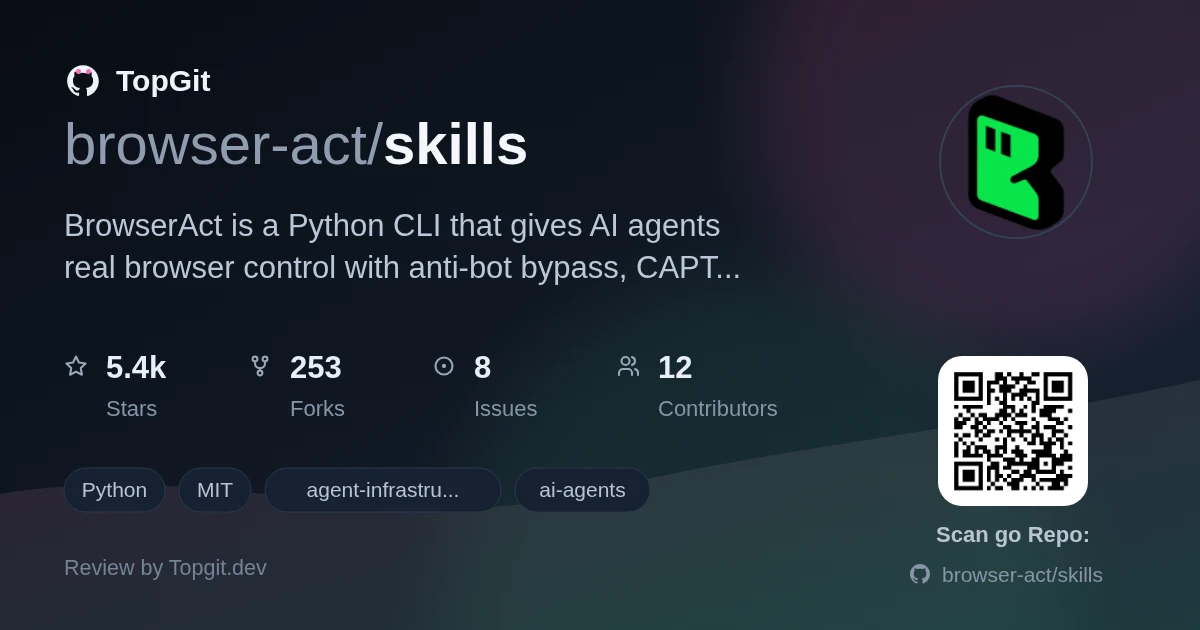
BrowserAct earns its keep for AI agents that need to interact with the live web instead of just calling APIs. The anti-bot layers are real — fingerprint spoofing, TLS rotation, and proxy rotation stack together to keep most blocks from firing in the first place, with CAPTCHA solving as a fallback and remote human takeover as a last resort. Reach for it when your agent needs to scrape authenticated pages, run parallel account workflows, or handle sites that actively resist automation; skip it if you just need simple HTTP requests, or if your stack already has Playwright wrapped in a custom anti-detect layer.
What BrowserAct Offers for AI Agents
BrowserAct is a CLI that gives AI agents real, controllable Chrome instances with anti-bot defenses built in. It exposes a command set for opening pages, clicking by index, typing into fields, and extracting content — designed for LLM output efficiency rather than human readability. Browser modes include local Chrome profile reuse, fresh-fingerprint stealth for batch scraping, and fixed-identity stealth for logged-in multi-account work. The Skills system lets agents discover available commands and browser state in a single call.
Core Capabilities for Web Interaction
- ✓Three browser modes: local Chrome profile reuse, fresh-fingerprint stealth for frictionless batch scraping, and fixed-identity stealth with stable IP for logged-in multi-account sessions
- ✓Three-layer anti-bot stack: environment spoofing (fingerprint + TLS rotation + proxy), execution-layer CAPTCHA solving and stealth page extraction, and remote human handoff as a last resort
- ✓Zero-interference concurrency: independent cookies, fingerprints, and proxies across parallel sessions so sites cannot correlate them
- ✓Indexed interaction model: `state` returns an indexed element list; agents click by number (`click 3`) or type by index (`input 2 "text"`) — no DOM parsing required
- ✓Compact text output: indexed plain text format instead of raw HTML or verbose JSON, reducing token cost per page
- ✓Skills system for agent discovery: `get-skills core` returns environment state, available browsers, and full command reference in one call
- ✓Security confirmation gating: sensitive operations (browser create/delete, profile import, proxy changes) require explicit approval each time — enforced at the Skill layer, not a config toggle
- ✓Skill Forge and 30+ pre-built solutions: auto-generates reusable scraping Skills by exploring a site once, then reuses the stable path for high-volume extraction
Getting Started with BrowserAct Skills
Tell your AI agent to install BrowserAct using its Skill source: `https://github.com/browser-act/skills/tree/main/browser-act`. The agent runs `get-skills core --skill-version 2.0.2` to discover environment state and available commands. Local installation requires Chrome (or Chromium) on Windows, macOS, or Linux; the cloud-managed mode requires no local setup at all. After installation, verify with a simple command like `browser-act --version` or a basic `browser-act stealth-extract` call on a known URL.
Automating Tasks with BrowserAct Commands
BrowserAct commands follow a session-based pattern: `browser-act --session <name> <command>`. Core commands include `browser open <id> <url>` to open a page, `state` to list clickable elements by index, `click <n>` to interact by number, `input <n> "text"` to type into fields, and `stealth-extract <url>` for single-page protected content without a full session. For parallel tasks, run multiple sessions with different names — each gets independent cookies, fingerprints, and proxies. The `remote-assist` command generates a live URL for human takeover when the agent is stuck. Skill Forge users describe the data they need and the agent generates a reusable Skill package that the agent can run on demand.
Strengths
- ✓Purpose-built for AI agents rather than human operators — indexed output, session ownership, and semantic memory match how LLMs actually reason
- ✓Real anti-bot stack with progressive layers: most blocks never trigger, CAPTCHA solving handles what gets through, human handoff covers the rest
- ✓Multi-account isolation works out of the box — no manual cookie clearing or profile juggling required
- ✓Free tier is generous: full browser automation and basic stealth features with no signup required
- ✓Skill Forge generates reusable scraping Skills automatically, reducing the need to hand-roll scrapers for each target site
- ✓Cross-platform: works on Windows, macOS, and Linux with any agent that can execute shell commands
Understanding BrowserAct's Free and Paid Features
- △Stealth browsers cap at 5 on the free plan; managed proxies and additional stealth browsers require paid credits
- △JavaScript-heavy sites still perform better in visible mode than headless — some workflows need a display
- △Skill Forge and advanced automation features require a BrowserAct login, not just CLI installation
- △The Skill-based installation model assumes your AI agent can load external Skills — agents without that capability need manual setup
- △No native mobile browser emulation for sites that serve different content to mobile user agents
- △Documentation quality varies; some advanced features (proxy setup, fingerprint tuning) are mentioned but not fully detailed in the README
Other Tools for AI Agent Web Interaction
Frequently Asked Questions
BrowserAct runs on Windows, macOS, and Linux. The CLI and local browser control mode require Chrome (or Chromium) installed on your system.
Yes. The free tier (no signup) covers browser automation and Chrome/Chrome-direct mode. Logging in enables stealth browsers up to 5 sessions, stealth-extract, solve-captcha, remote-assist, privacy mode, and Skill Forge. Paid features include additional stealth browsers and managed proxies.
BrowserAct uses three progressive layers. First, environment spoofing with stealth fingerprints, TLS rotation, and proxy switching stops most blocks. Second, solve-captcha auto-solves CAPTCHAs at the execution layer. Third, remote-assist generates a live URL for human takeover when automation cannot proceed.
Yes. Sessions run with independent cookies, fingerprints, and proxies, so sites cannot correlate them. You can run same-browser multi-session with shared login state, or fully isolated sessions for different accounts — no manual cleanup between tasks.
Any agent capable of executing shell commands and loading Skills can utilize BrowserAct. The README specifically lists Claude Code, Cursor, VS Code, OpenCode, OpenClaw, Codex, and Gemini CLI as compatible.
Skill Forge explores a target website once to discover its structure and data patterns, then generates a deploy-ready Skill package that runs reliably on subsequent requests without re-exploration. It ships free with a BrowserAct login and powers the 30+ pre-built solutions covering Amazon, Google Maps, YouTube, Reddit, and more.
The problem it solves
Standard browser automation tools were built for human operators, not for AI agents that need compact outputs, indexed interactions, and zero cross-contamination between parallel tasks. Most scrapers fail at sites using fingerprinting or CAPTCHA gates, and existing headless browsers get flagged as bots the moment they visit anything sophisticated. Agents also need a clean handoff path when they hit something they cannot resolve autonomously.
Best use cases
- •Web data extraction from sites with anti-bot protection, including authenticated pages requiring login
- •Parallel scraping or automation across multiple independent accounts without cross-contamination
- •AI agent workflows that need real-browser interaction instead of API calls — for sites without public APIs or with rate-limited endpoints
- •Running repeatable scraping jobs at scale via Skill Forge-generated Skills without writing custom scraper code
- •Human-agent handoff scenarios where the AI handles routine steps and escalates to a human for CAPTCHAs or account alerts
- •Batch data collection from e-commerce, social, or job platforms using pre-built or custom Skills
Who should try it — and who should skip
Try BrowserAct if you are building AI agent workflows that need to interact with the live web — scraping authenticated pages, automating account-bound tasks, or extracting data from sites that actively resist scraping. It is particularly useful when agents need to work in parallel without cross-contamination, or when you want a human handoff path for edge cases. Skip it if your scraping targets have clean public APIs, or if you are already satisfied with Playwright plus custom anti-detect code — BrowserAct adds the most value when anti-bot resistance and agent-native UX matter more than raw customization.
Related repositories
Is skills worth your time?
ChatGPT, Claude and Perplexity can all read this page. Ask one of them what it makes of skills.