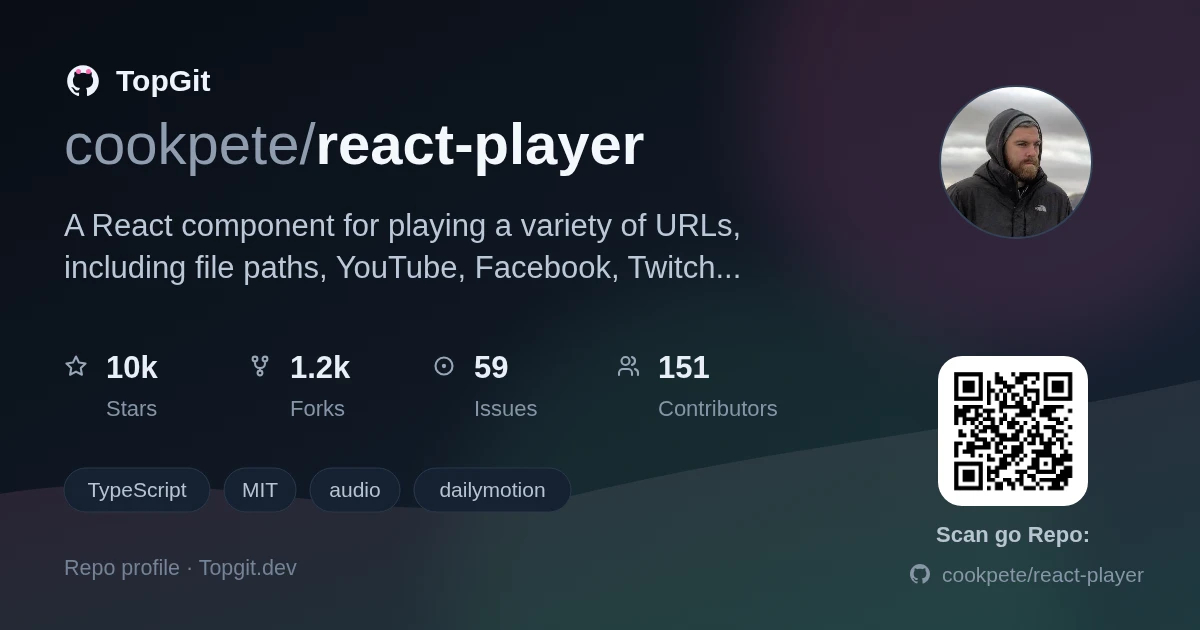
cookpete/react-player sits at 10.3k stars on GitHub, written primarily in TypeScript. A React component for playing a variety of URLs, including file paths, YouTube, Facebook, Twitch, SoundCloud, Streamable, Vimeo, Wistia and DailyMotion
Snapshot summary built from the project's own GitHub metadata — there's no written TopGit review yet. The page will update automatically when a full review is published.
WHY NO REVIEW YET
TopGit writes full reviews for the most-starred, most-requested repositories. This page is a snapshot until then — see the READ ME tab for the original README in full.
A React component for playing a variety of URLs, including file paths, HLS, DASH, YouTube, Vimeo, Wistia and Mux.
Version 3 of ReactPlayer is a major update with a new architecture and many new features. It is not backwards compatible with v2, so please see the migration guide for details.
Using Next.js and need to handle video upload/processing? Check out next-video.
✨ The future of ReactPlayer
Maintenance of ReactPlayer is being taken over by Mux. Mux is a video api for developers. The team at Mux have worked on many highly respected projects and are committed to improving video tooling for developers.
ReactPlayer will remain open source, but with a higher rate of fixes and releases over time. Thanks to everyone in the community for your ongoing support.
Usage
npm install react-player # or yarn add react-player
import React from 'react'
import ReactPlayer from 'react-player'

// Render a YouTube video player
<ReactPlayer src='https://www.youtube.com/watch?v=LXb3EKWsInQ' />
If your build system supports import() statements and code splitting enable this to lazy load the appropriate player for the src you pass in. This adds several reactPlayer chunks to your output, but reduces your main bundle size.
The component parses a URL and loads in the appropriate markup and external SDKs to play media from various sources. Props can be passed in to control playback and react to events such as buffering or media ending. See the demo source for a full example.
For platforms without direct use of npm modules, a minified version of ReactPlayer is located in dist after installing. To generate this file yourself, checkout the repo and run npm run build:dist.
Autoplay
As of Chrome 66, videos must be muted in order to play automatically. Some players, like Facebook, cannot be unmuted until the user interacts with the video, so you may want to enable controls to allow users to unmute videos themselves. Please set muted={true}.
Props
Prop
Description
Default
src
The url of a video or song to play
undefined
playing
Set to true or false to play or pause the media
undefined
preload
Applies the preload attribute where supported
undefined
playsInline
Applies the playsInline attribute where supported
false
disableRemotePlayback
Applies the disableRemotePlayback attribute where supported
false
crossOrigin
Applies the crossOrigin attribute where supported
undefined
loop
Set to true or false to loop the media
false
controls
Set to true or false to display native player controls. ◦ For Vimeo videos, hiding controls must be enabled by the video owner.
false
volume
Set the volume of the player, between 0 and 1 ◦ null uses default volume on all players #357
null
muted
Mutes the player
false
playbackRate
Set the playback rate of the player ◦ Only supported by YouTube, Wistia, and file paths
1
pip
Set to true or false to enable or disable picture-in-picture mode ◦ Only available when playing file URLs in certain browsers
false
width
Set the width of the player
320px
height
Set the height of the player
180px
style
Add inline styles to the root element
{}
light
Set to true to show just the video thumbnail, which loads the full player on click ◦ Pass in an image URL to override the preview image
false
fallback
Element or component to use as a fallback if you are using lazy loading
null
wrapper
Element or component to use as the container element
null
playIcon
Element or component to use as the play icon in light mode
previewTabIndex
Set the tab index to be used on light mode
0
Callback props
Callback props take a function that gets fired on various player events:
Prop
Description
onClickPreview
Called when user clicks the light mode preview
onReady
Called when media is loaded and ready to play. If playing is set to true, media will play immediately
onStart
Called when media starts playing
onPlay
Called when the playing prop is set to true
onPlaying
Called when media actually starts playing
onProgress
Called when media data is loaded
onTimeUpdate
Called when the media's current time changes
onDurationChange
Callback containing duration of the media, in seconds
onPause
Called when media is paused
onWaiting
Called when media is buffering and waiting for more data
onSeeking
Called when media is seeking
onSeeked
Called when media has finished seeking
onRateChange
Called when playback rate of the player changed ◦ Only supported by YouTube, Vimeo (if enabled), Wistia, and file paths
onEnded
Called when media finishes playing ◦ Does not fire when loop is set to true
onError
Called when an error occurs whilst attempting to play media
onEnterPictureInPicture
Called when entering picture-in-picture mode
onLeavePictureInPicture
Called when leaving picture-in-picture mode
Config prop
There is a single config prop to override settings for each type of player:
Determine if a URL can be played. This does not detect media that is unplayable due to privacy settings, streaming permissions, etc. In that case, the onError prop will be invoked after attempting to play. Any URL that does not match any patterns will fall back to a native HTML5 media player.
ReactPlayer.addCustomPlayer(CustomPlayer)
Add a custom player. See Adding custom players
ReactPlayer.removeCustomPlayers()
Remove any players that have been added using addCustomPlayer()
Instance Methods
Use ref to call instance methods on the player. See the demo app for an example of this. Since v3, the instance methods aim to be compatible
with the HTMLMediaElement interface.
Advanced Usage
Custom player controls
By default ReactPlayer is a chromeless player. By setting the controls prop to true, you can enable the native controls for the player. However, the controls will look different for each player. The ones based on HTML5 media players will look like the native controls for that browser, while the ones based on third-party players will look like the native controls for that player.
If you like to add your own custom controls in a convenient way, you can use
Media Chrome. Media Chrome is a library that provides a set of UI components that can be used to quickly build custom media controls.
The light prop will render a video thumbnail with simple play icon, and only load the full player once a user has interacted with the image. Noembed is used to fetch thumbnails for a video URL. Note that automatic thumbnail fetching for Facebook, Wistia, Mixcloud and file URLs are not supported, and ongoing support for other URLs is not guaranteed.
If you want to pass in your own thumbnail to use, set light to the image URL rather than true.
You can also pass a component through the light prop:
The styles for the preview image and play icon can be overridden by targeting the CSS classes react-player__preview, react-player__shadow and react-player__play-icon.
Responsive player
Set width to 100%, height to auto and add an aspectRatio like 16 / 9 to get a responsive player:
You can use your own version of any player SDK by using NPM resolutions. For example, to use a specific version of hls.js, add the following to your package.json:
{
  "resolutions": {
    "hls.js": "1.6.2"
  }
}
Adding custom players
If you have your own player that is compatible with ReactPlayer’s internal architecture, you can add it using addCustomPlayer:
import YourOwnPlayer from './somewhere';
ReactPlayer.addCustomPlayer(YourOwnPlayer);
Use removeCustomPlayers to clear all custom players:
ReactPlayer.removeCustomPlayers();
It is your responsibility to ensure that custom players keep up with any internal changes to ReactPlayer in later versions.
Mobile considerations
Due to various restrictions, ReactPlayer is not guaranteed to function properly on mobile devices. The YouTube player documentation, for example, explains that certain mobile browsers require user interaction before playing:
The HTML5 <video> element, in certain mobile browsers (such as Chrome and Safari), only allows playback to take place if it’s initiated by a user interaction (such as tapping on the player).
Multiple Sources and Tracks
Since v3 if the player supports multiple sources and / or tracks, it works the same as the native
<source and <track> elements in the HTML <video> or <audio> element.
ReactPlayer v3 is a major update with a new architecture and many new features. It is not backwards compatible with v2, so please see the migration guide for details.
Some providers have not been updated for v3, it is recommended to keep using v2 and vote to add this provider to v3 in discussions
Migrating to v2
ReactPlayer v2 changes single player imports and adds lazy loading players. Support for preload has also been removed, plus some other changes. See MIGRATING.md for information.
Supported media
Supported file types are playing using <video> or <audio> elements
HLS streams are played using hls.js
DASH streams are played using dash.js
Mux videos use the <mux-player> element
YouTube videos use the YouTube iFrame Player API
Vimeo videos use the Vimeo Player API
Wistia videos use the Wistia Player API
Contributing
See the contribution guidelines before creating a pull request.
How active is development on cookpete/react-player?
The most recent commit recorded on cookpete/react-player was 1.0 years ago, based on the GitHub push timestamp. The repository has 1.2k forks — one of the better signals of community interest.
How does cookpete/react-player compare to other Frontend projects?
cookpete/react-player is tracked by TopGit in the Frontend category, with 10.3k GitHub stars and written in TypeScript. Browse the Frontend topic page on TopGit to compare it against similar projects by stars and activity.
How many stars does cookpete/react-player have?
cookpete/react-player has 10.3k GitHub stars — refresh the page for the live number, or check github.com/cookpete/react-player. TopGit mirrors GitHub's count but does not claim minute-by-minute accuracy.
What is cookpete/react-player?
cookpete/react-player (cookpete/react-player) is a TypeScript project on GitHub. From the project's own README: A React component for playing a variety of URLs, including file paths, YouTube, Facebook, Twitch, SoundCloud, Streamable, Vimeo, Wistia and DailyMotion
What language is cookpete/react-player written in?
cookpete/react-player is written primarily in TypeScript. GitHub's language field is based on the largest share of bytes in the default branch.
What topics is cookpete/react-player associated with?
Why is cookpete/react-player categorized under Frontend?
TopGit places cookpete/react-player in the Frontend category based on its GitHub topics and description (tagged: "audio", "dailymotion", "dash"). Categories are assigned from real repository metadata, not editorial guesswork.
Read full README in the tab above.
Want a second opinion on react-player?
Ask an AI that can read this page — one click and you get its take on react-player.

 /react-player