On GitHub, creativetimofficial/notus-nextjs has picked up 1.5k stars, UI / UX, JavaScript. Notus NextJS: Free Tailwind CSS UI Kit and Admin
Snapshot summary built from the project's own GitHub metadata — there's no written TopGit review yet. The page will update automatically when a full review is published.
WHY NO REVIEW YET
TopGit writes full reviews for the most-starred, most-requested repositories. This page is a snapshot until then — see the READ ME tab for the original README in full.
A beautiful UI Kit and Admin for Tailwind CSS and NextJS.
Start your development with a Free Tailwind CSS and NextJS UI Kit and Admin. Let Notus NextJS amaze you with its cool features and build tools and get your project to a whole new level.
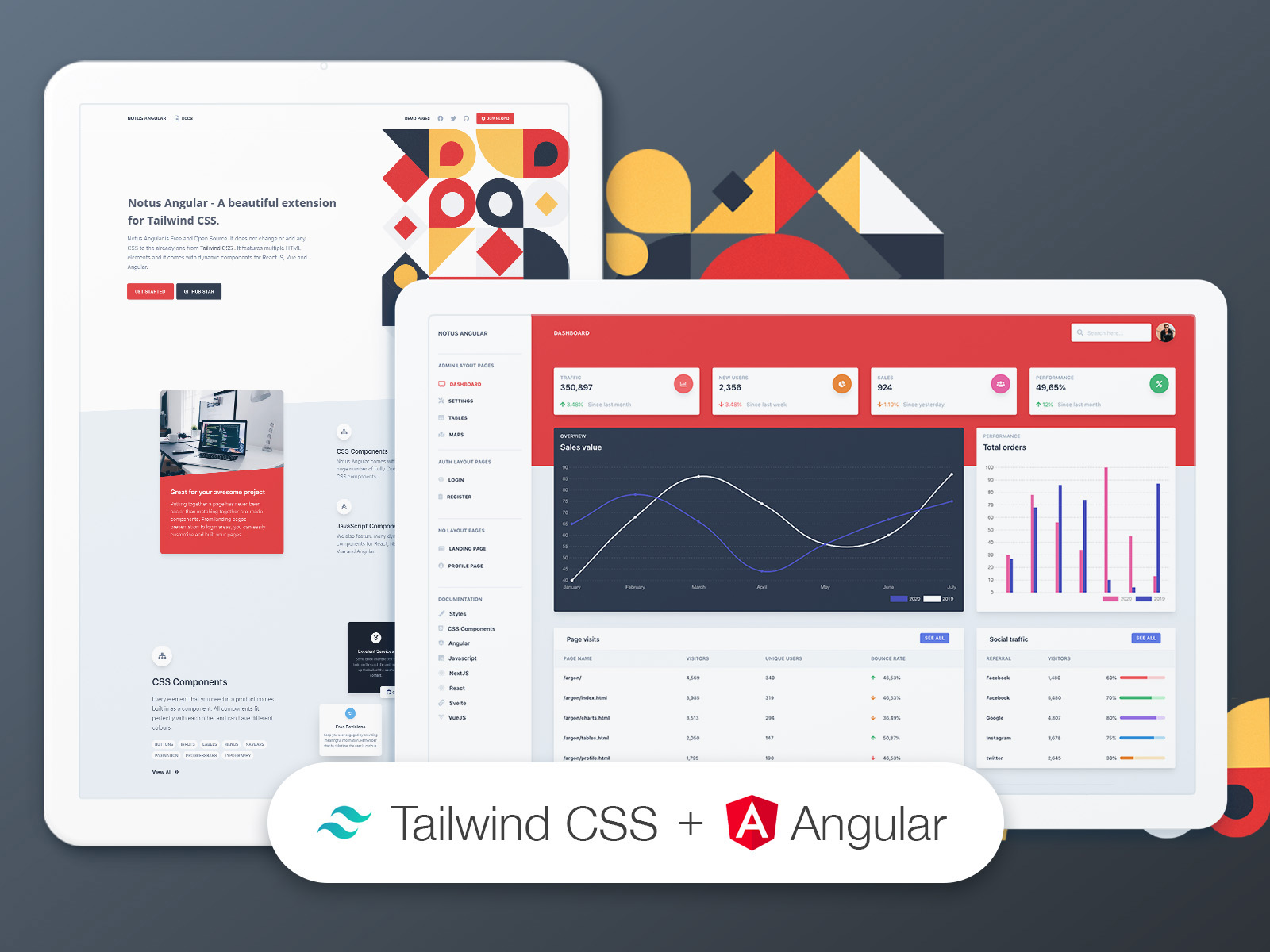
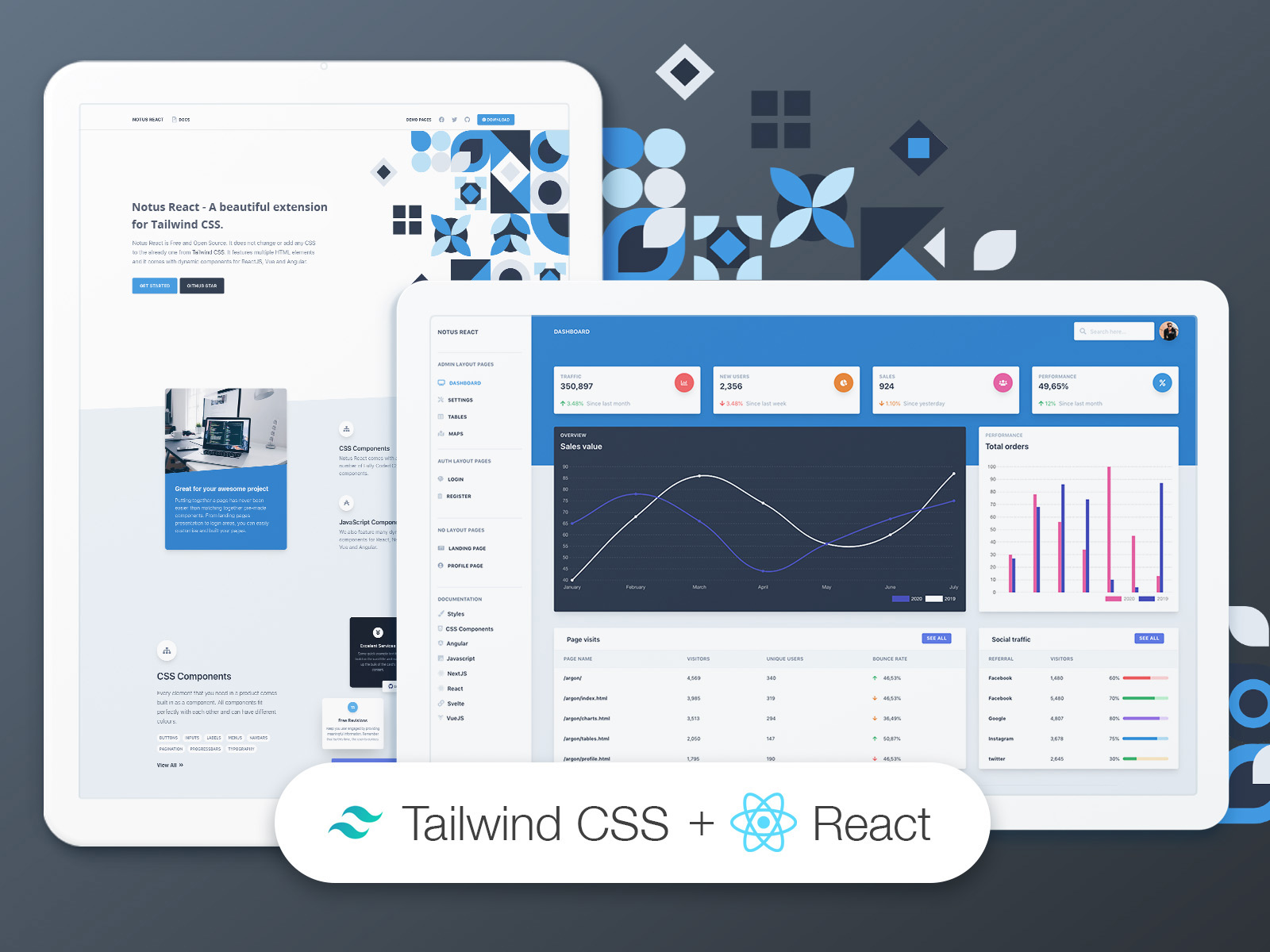
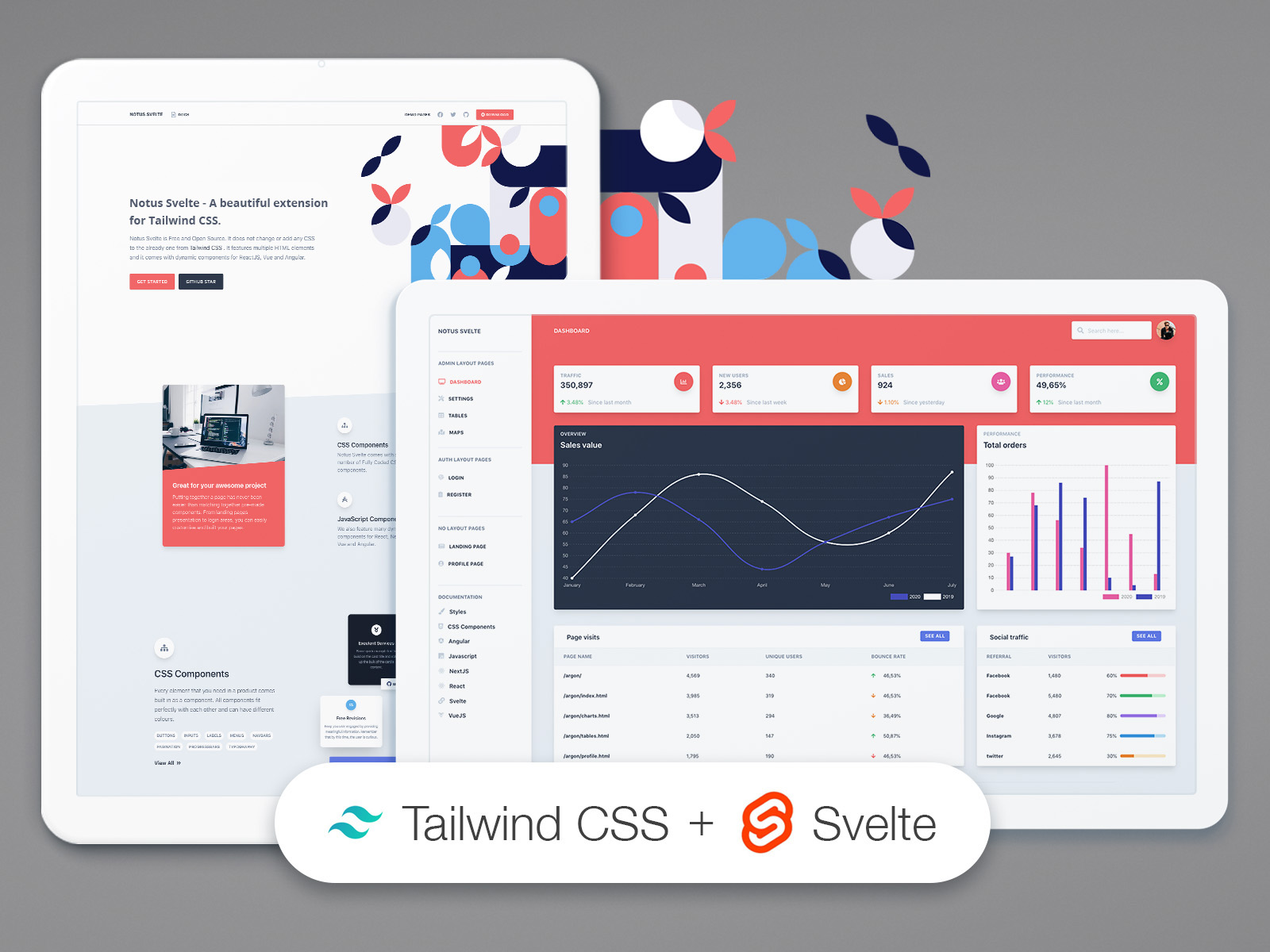
Notus NextJS is Free and Open Source. It features multiple HTML and NextJS elements and it comes with dynamic components for NextJS.
It is based on Tailwind Starter Kit by Creative Tim, and it is build with both presentation pages, and pages for an admin dashboard.
Speed up your web development with a beautiful product made by Creative Tim .
If you like bright and fresh colors, you will love this Free Tailwind CSS Template! It features a huge number of components that can help you create amazing websites.
Get Started
Install NodeJS LTS version from NodeJs Official Page
Download the product on this page
Unzip the downloaded file to a folder in your computer
Open Terminal
Go to your file project (where you’ve unzipped the product)
(If you are on a linux based terminal) Simply run npm run install:clean
(If not) Run in terminal npm install
(If not) Run in terminal npm run build:tailwind (each time you add a new class, a class that does not exist in src/assets/styles/tailwind.css, you will need to run this command)
(If not) Run in terminal npm run dev
Navigate to https://localhost:3000
Check more about Tailwind CSS
Pages
If you want to get inspiration or just show something directly to your clients,
you can jump start your development with our pre-built example pages. You will be able
to quickly set up the basic structure for your web project.
Here are all the page from the project:
Presentation
Admin Samples
Dashboard
Settings
Tables
Maps
Authentication Samples
Login
Register
Presentation Samples
Landing
Profile
Fully Coded Components
Notus NextJS is built with over frontend 120 components, giving you the freedom of choosing and combining. All components can take variations in colors, that you can easily modify using Tailwind CSS classes (NOTE: each time you add a new class, a class that does not exist in src/assets/styles/tailwind.css, you will need to compile again tailwind).
You will save a lot of time going from prototyping to full-functional code, because all elements are implemented.
This Free Tailwind CSS Template is coming with prebuilt examples, so the development process is seamless, switching from our pages to the real website is very easy to be done.
Every element has multiple states for colors, styles, hover, focus, that you can easily access and use.
CSS Components
Notus NextJS comes with 120 Fully Coded CSS elements, such as Alerts, Buttons, Inputs and many more.
Please check all of them here.
NextJS Components
We also feature the following 18 dynamic components:
Alerts
Popper for Menus
Menus
Modals
Navbars
Popper for popover content
Tabs
Popper for tooltips content
Table of Contents
Versions
Documentation
Quick Start
Deploy
Files and folders
Browser Support
Reporting Issues
Licensing
Useful Links
Resources
Versions
Angular
JavaScript / HTML
NextJS
React
Svelte
VueJS
Documentation
The documentation for the Notus NextJS is hosted at our website.
Quick start
Download from Creative Tim.
Check it on Github.
Deploy
:rocket: You can deploy your own version of the template to Genezio with one click:
Files and Folder
This is the project structure that you will get upon the download:
How active is development on creativetimofficial/notus-nextjs?
The most recent commit recorded on creativetimofficial/notus-nextjs was 2.4 years ago, based on the GitHub push timestamp. The repository has 1.8k forks — one of the better signals of community interest.
How many stars does creativetimofficial/notus-nextjs have?
creativetimofficial/notus-nextjs has 1.5k GitHub stars — refresh the page for the live number, or check github.com/creativetimofficial/notus-nextjs. TopGit mirrors GitHub's count but does not claim minute-by-minute accuracy.
What language is creativetimofficial/notus-nextjs written in?
creativetimofficial/notus-nextjs is written primarily in JavaScript. GitHub's language field is based on the largest share of bytes in the default branch.
What license does creativetimofficial/notus-nextjs use?
creativetimofficial/notus-nextjs is released under the MIT license. Always verify the LICENSE file directly on GitHub for the authoritative terms — license strings can be edited out of sync with a project's actual stance.
What topics is creativetimofficial/notus-nextjs associated with?
Where can I see creativetimofficial/notus-nextjs in action?
The project maintains a homepage at https://www.creative-tim.com/product/notus-nextjs. The README tab on this page also usually contains screenshots and a quickstart.
Where do I read more about creativetimofficial/notus-nextjs?
This TopGit page is a snapshot — the READ ME tab shows the project's own README content (links stripped, images preserved). The GitHub repository at github.com/creativetimofficial/notus-nextjs is the definitive source.
Read full README in the tab above.
Want a second opinion on notus-nextjs?
Ask an AI that can read this page — one click and you get its take on notus-nextjs.

 /notus-nextjs