danielgatis/docscan
 /docscan
Snapshot of danielgatis/docscan: 109★, Python, Image Tools. Docscan is a document scanner. Take a photo of your documents and frame it.
Snapshot summary built from the project's own GitHub metadata — there's no written TopGit review yet. The page will update automatically when a full review is published.
TopGit writes full reviews for the most-starred, most-requested repositories. This page is a snapshot until then — see the READ ME tab for the original README in full.
Snapshot
Top contributors
Show top contributors

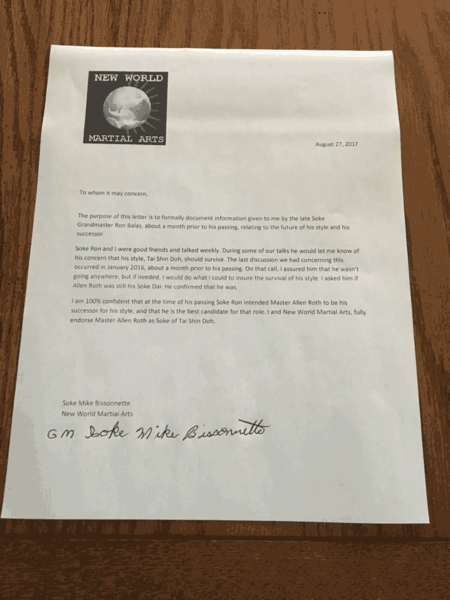
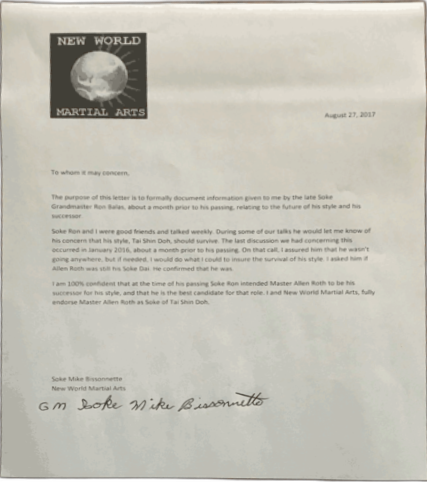
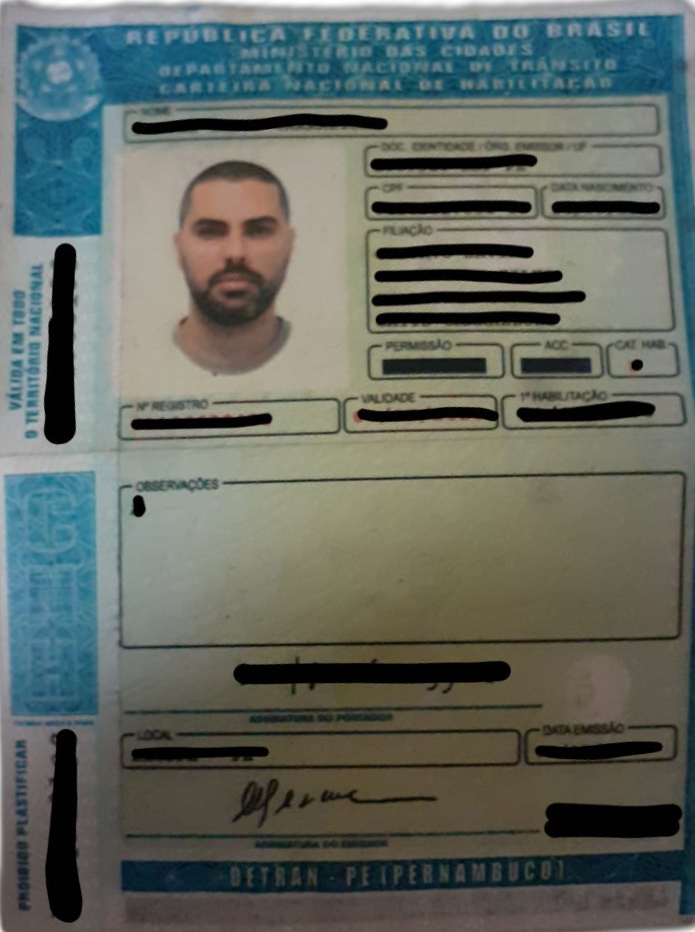
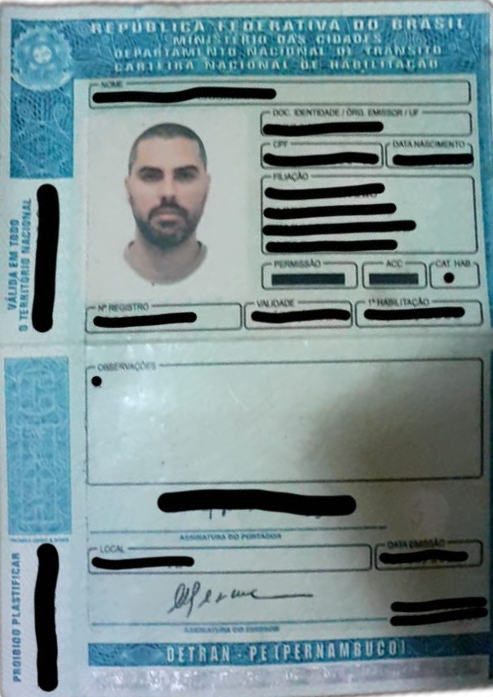

Related repositories
Quick answers
How active is development on danielgatis/docscan?
The most recent commit recorded on danielgatis/docscan was 2.0 years ago, based on the GitHub push timestamp. The repository has 21 forks — one of the better signals of community interest.
How many stars does danielgatis/docscan have?
danielgatis/docscan has 109 GitHub stars — refresh the page for the live number, or check github.com/danielgatis/docscan. TopGit mirrors GitHub's count but does not claim minute-by-minute accuracy.
What else is in the Image Tools space?
danielgatis/docscan is tracked by TopGit under the Image Tools category, alongside 3 GitHub-tagged topics. Trending and Topics pages list peer repositories of comparable stars and language.
What language is danielgatis/docscan written in?
danielgatis/docscan is written primarily in Python. GitHub's language field is based on the largest share of bytes in the default branch.
What topics is danielgatis/docscan associated with?
GitHub's repository topics for danielgatis/docscan: "document-scanner", "image-processing", "python". TopGit's editorial category is Image Tools.
Where do I read more about danielgatis/docscan?
This TopGit page is a snapshot — the READ ME tab shows the project's own README content (links stripped, images preserved). The GitHub repository at github.com/danielgatis/docscan is the definitive source.
Why is danielgatis/docscan categorized under Image Tools?
TopGit places danielgatis/docscan in the Image Tools category based on its GitHub topics and description (tagged: "document-scanner", "image-processing", "python"). Categories are assigned from real repository metadata, not editorial guesswork.
Read full README in the tab above.
Still deciding about docscan?
One click hands the question to an AI along with this page — see what it says about docscan.