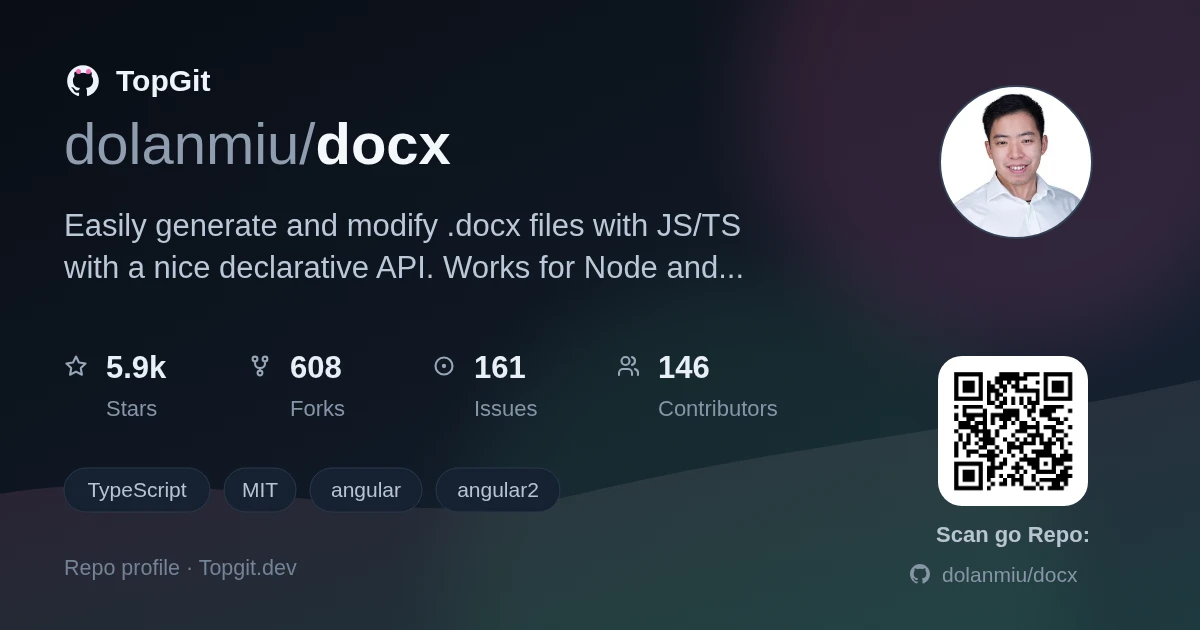
6.0k GitHub stars and counting — dolanmiu/docx is a TypeScript project TopGit is tracking across repositories on the platform. Easily generate and modify .docx files with JS/TS with a nice declarative API. Works for Node and on the Browser.
Snapshot summary built from the project's own GitHub metadata — there's no written TopGit review yet. The page will update automatically when a full review is published.
WHY NO REVIEW YET
TopGit writes full reviews for the most-starred, most-requested repositories. This page is a snapshot until then — see the READ ME tab for the original README in full.
https://runkit.com/dolanmiu/docx-demo8 - Header and Footer
https://runkit.com/dolanmiu/docx-demo10 - My CV generated with docx
More here
How to use & Documentation
Please refer to the documentation at https://docx.js.org/ for details on how to use this library, examples and much more!
Shapes, watermarks and charts
Shapes, groups of shapes and diagrams with connectors come with docx, from docx/shapes, watermarks from docx/watermarks, and native Word charts from docx/charts. They are left out of docx itself, so documents that don't use them don't carry their code:
In a page without a bundler, load dist/shapes.umd.cjs, dist/watermarks.umd.cjs or dist/charts.umd.cjs after dist/index.umd.cjs. They add the docxShapes, docxWatermarks and docxCharts globals. See the shapes, watermarks and charts documentation.
HTML
HTML, such as what people write in a rich-text editor, becomes a document's paragraphs, lists, tables, images, links, equations and footnotes with docx/html, written in the document's own styles:
import { Document } from "docx";
import { htmlToContent } from "docx/html";

const doc = new Document({
    sections: [{ children: htmlToContent("<h1>Report</h1><p>Sales were <b>up 12%</b>.</p><ul><li>EMEA</li><li>APAC</li></ul>") }],
});
In a page without a bundler, load dist/html.umd.cjs after dist/index.umd.cjs and dist/math.umd.cjs. It adds the docxHtml global. See the HTML documentation.
Macros
VBA macros, written from their code, make a document a macro-enabled document (.docm), with docx/macros:
In a page without a bundler, load dist/macros.umd.cjs after dist/index.umd.cjs. It adds the docxMacros global. See the macros documentation.
Embedded Files
Workbooks, documents, presentations and any other file, such as a sound, a video or a PDF, are embedded in a document as OLE objects, which open from it, with docx/embedded-files:
import * as fs from "fs";
import { Document, Paragraph } from "docx";
import { EmbeddedFileRun } from "docx/embedded-files";

const doc = new Document({
    sections: [
        {
            children: [
                new Paragraph({
                    children: [
                        new EmbeddedFileRun({
                            fileName: "budget.xlsx",
                            data: fs.readFileSync("./budget.xlsx"),
                            preview: { type: "png", data: fs.readFileSync("./budget.png") },
                            transformation: { width: 240, height: 120 },
                        }),
                    ],
                }),
            ],
        },
    ],
});
In a page without a bundler, load dist/embedded-files.umd.cjs after dist/index.umd.cjs. It adds the docxEmbeddedFiles global. See the embedded files documentation.
Citations and Bibliography
Sources, citations of them in the text and a bibliography, in one of Word's styles of citation, such as APA, MLA or Chicago, written as Word writes them, with docx/bibliography:
import { Document, Paragraph, TextRun } from "docx";
import { Bibliography, Citation, CitationStyle, SourceType, createBibliography } from "docx/bibliography";

const doc = new Document({
    bibliography: createBibliography({
        style: CitationStyle.APA,
        sources: [
            {
                tag: "Bak10",
                type: SourceType.BOOK,
                authors: [{ lastName: "Baker", firstName: "Anna" }],
                title: "The Art of Pizza",
                year: 2010,
                city: "Naples",
                publisher: "Oven Press",
            },
        ],
    }),
    sections: [
        {
            children: [
                new Paragraph({ children: [new TextRun("Pizza has been baked in Naples for centuries "), new Citation("Bak10")] }),
                new Bibliography({ title: "References" }),
            ],
        },
    ],
});
In a page without a bundler, load dist/bibliography.umd.cjs after dist/index.umd.cjs. It adds the docxBibliography global. See the citations and bibliography documentation.
Playground
Experience docx in action through Docx.js Editor, an interactive playground where you can code and preview the results in real-time.
The most recent commit recorded on dolanmiu/docx was 5 months ago, based on the GitHub push timestamp. The repository has 621 forks — one of the better signals of community interest.
How does dolanmiu/docx compare to other Frontend projects?
dolanmiu/docx is tracked by TopGit in the Frontend category, with 6.0k GitHub stars and written in TypeScript. Browse the Frontend topic page on TopGit to compare it against similar projects by stars and activity.
How many stars does dolanmiu/docx have?
dolanmiu/docx has 6.0k GitHub stars — refresh the page for the live number, or check github.com/dolanmiu/docx. TopGit mirrors GitHub's count but does not claim minute-by-minute accuracy.
What is dolanmiu/docx?
dolanmiu/docx (dolanmiu/docx) is a TypeScript project on GitHub. From the project's own README: Easily generate and modify .docx files with JS/TS with a nice declarative API. Works for Node and on the Browser.
What language is dolanmiu/docx written in?
dolanmiu/docx is written primarily in TypeScript. GitHub's language field is based on the largest share of bytes in the default branch.
TopGit places dolanmiu/docx in the Frontend category based on its GitHub topics and description (tagged: "angular", "angular2", "browser"). Categories are assigned from real repository metadata, not editorial guesswork.
Read full README in the tab above.
Still deciding about docx?
One click hands the question to an AI along with this page — see what it says about docx.

 /docx