ellite/Wallos sits at 8.8k stars on GitHub, written primarily in PHP. Wallos: Open-source, self-hostable personal subscription tracker. Visualize your recurring expenses, manage your budget, and save money.
Snapshot summary built from the project's own GitHub metadata — there's no written TopGit review yet. The page will update automatically when a full review is published.
WHY NO REVIEW YET
TopGit writes full reviews for the most-starred, most-requested repositories. This page is a snapshot until then — see the READ ME tab for the original README in full.
Wallos is a powerful, open-source, and self-hostable web application designed to empower you in managing your finances with ease. Say goodbye to complicated spreadsheets and expensive financial software – Wallos simplifies the process of tracking expenses and helps you gain better control over your financial life.
Features
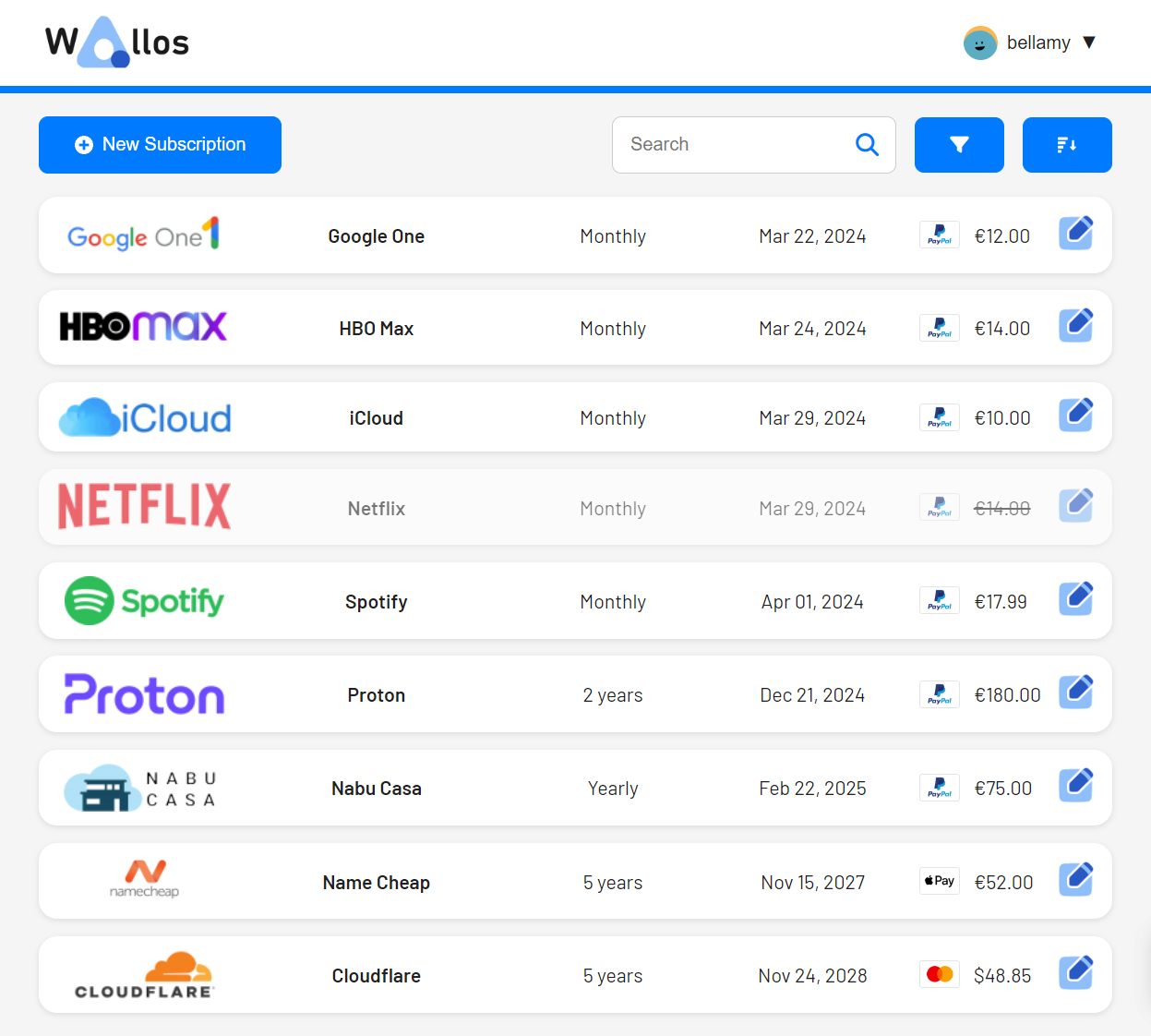
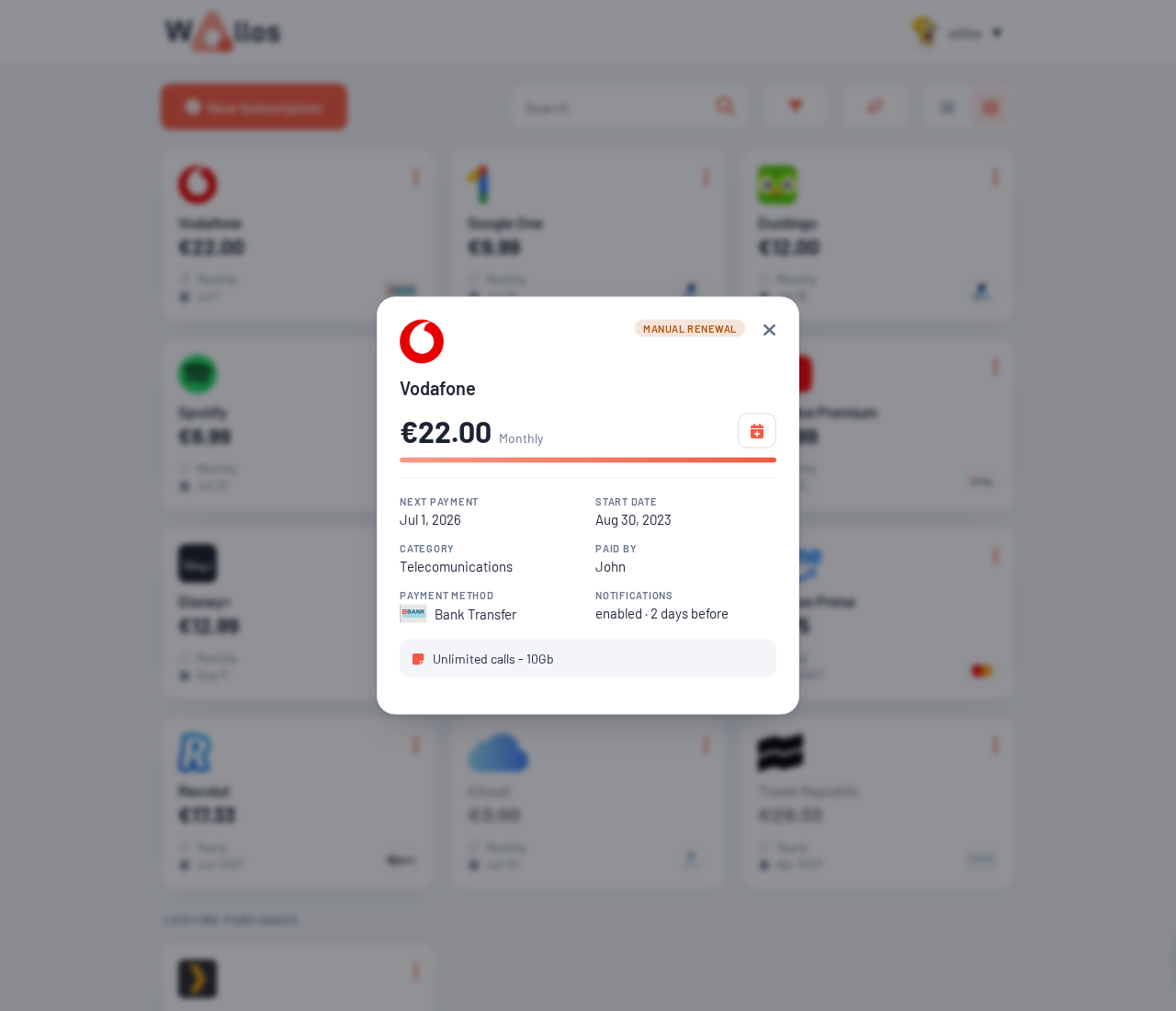
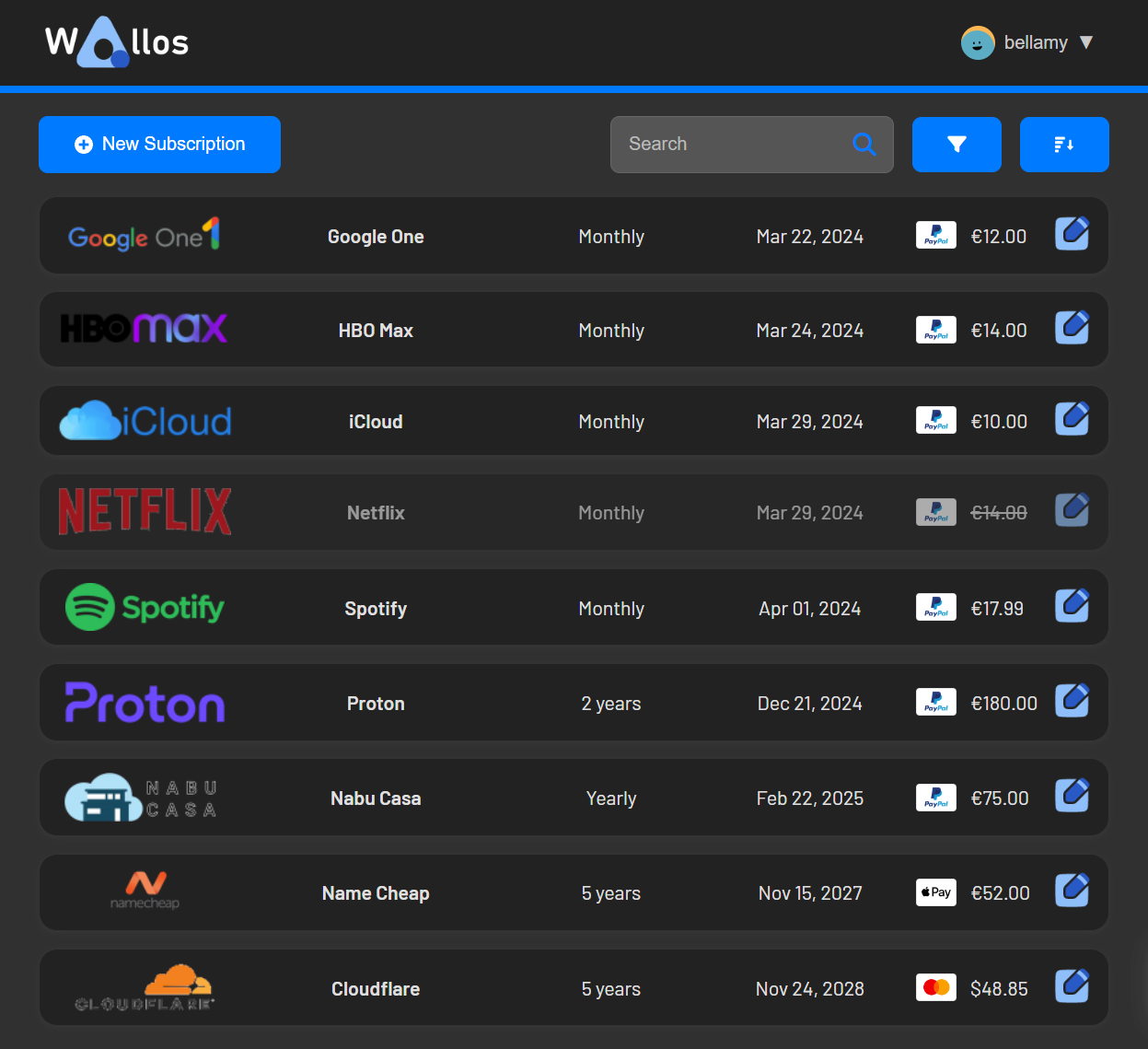
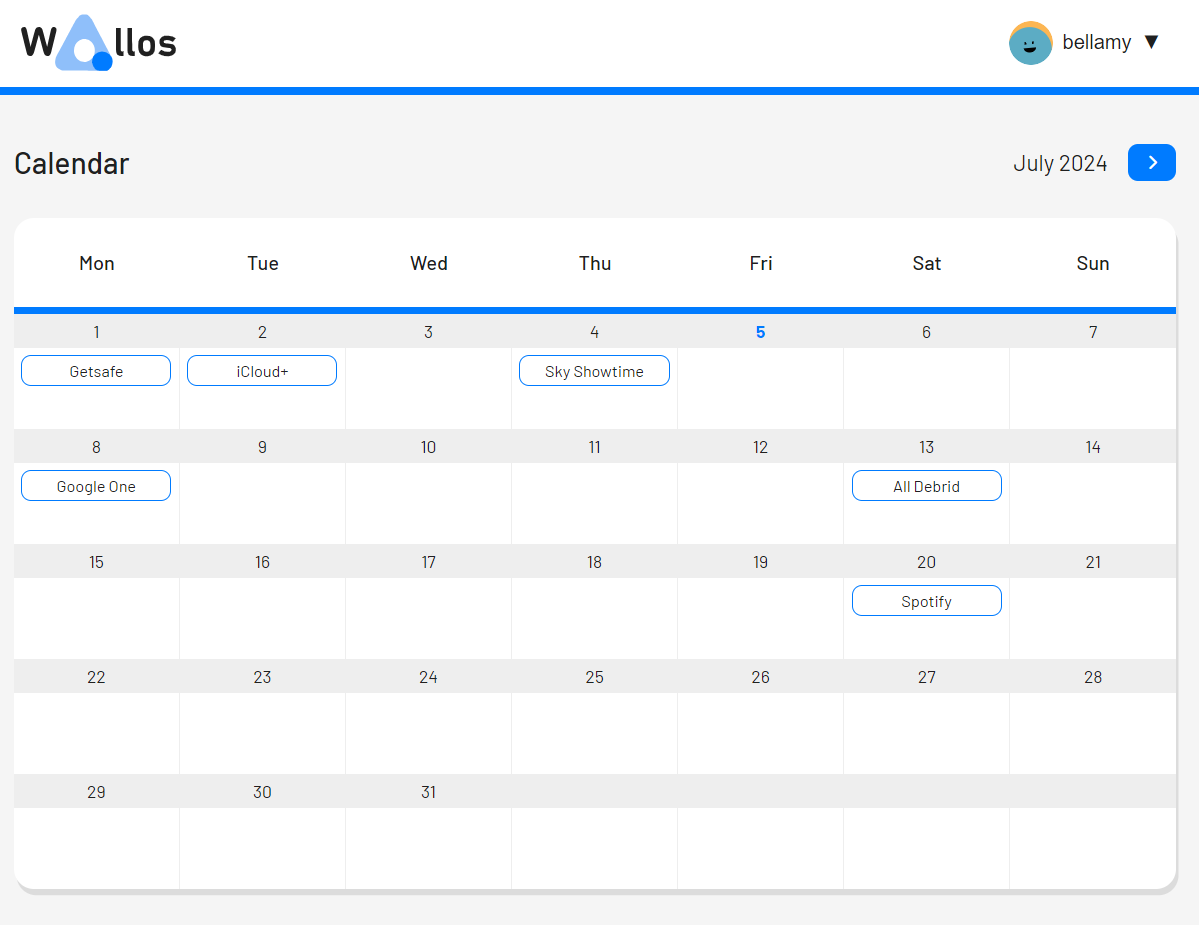
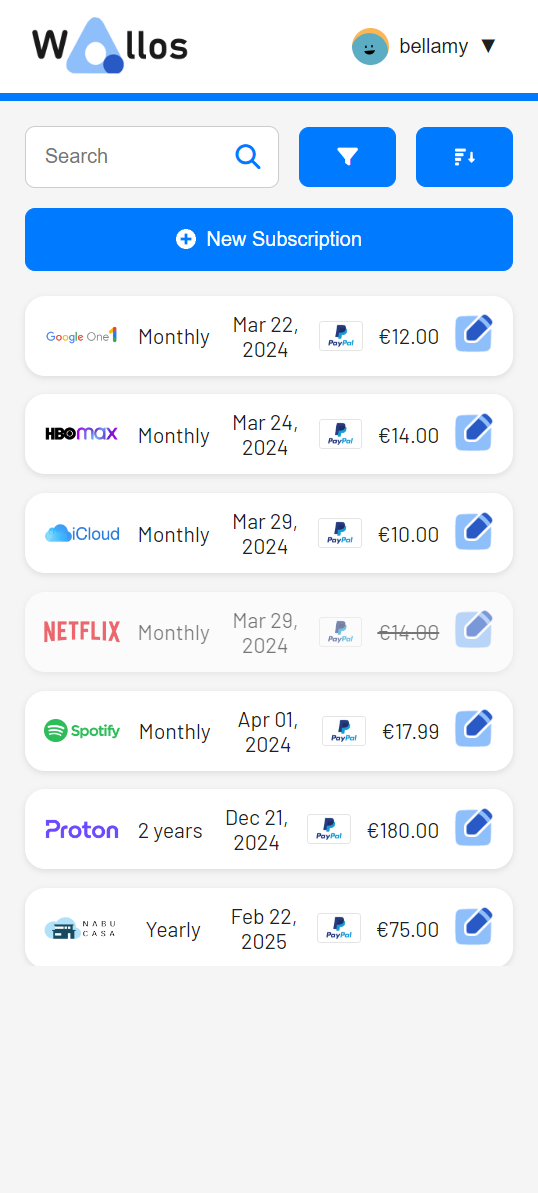
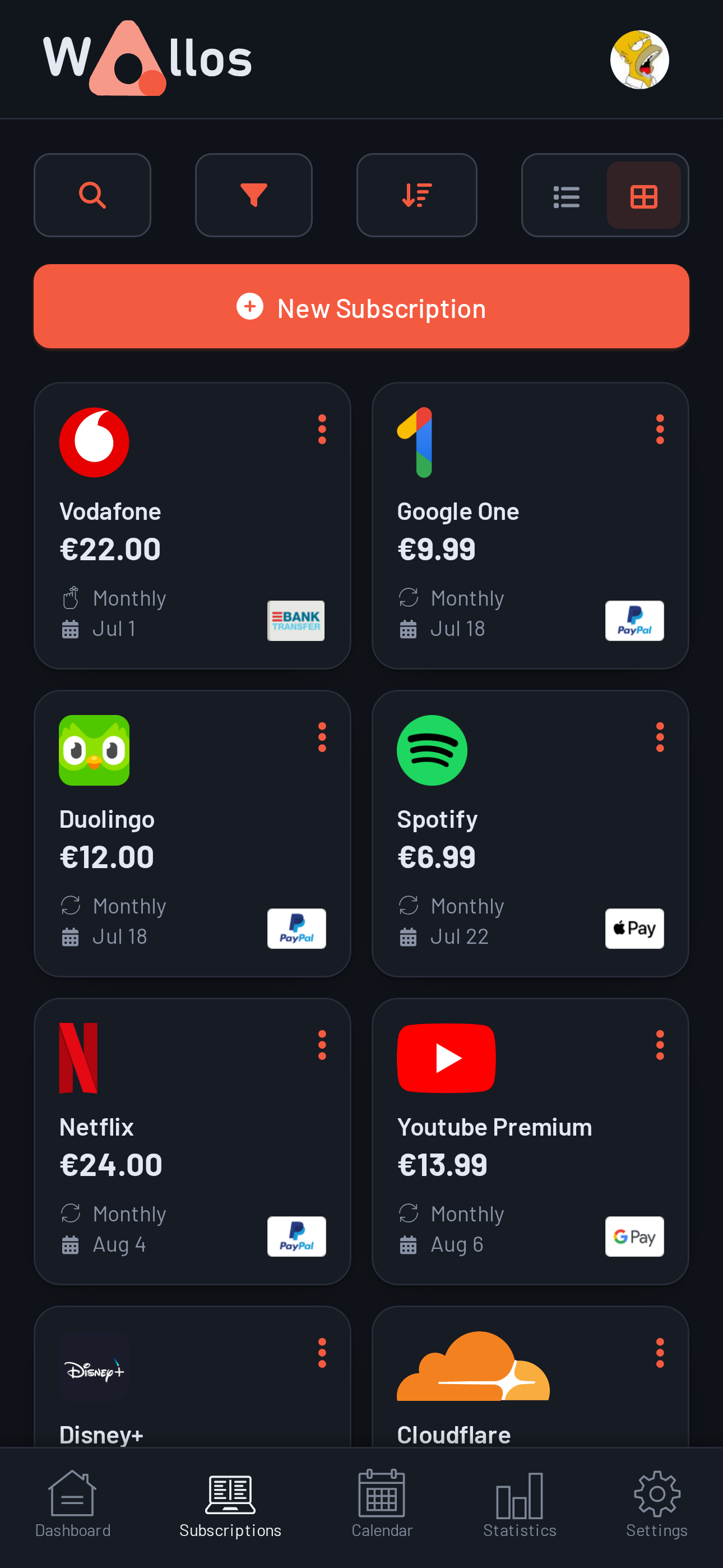
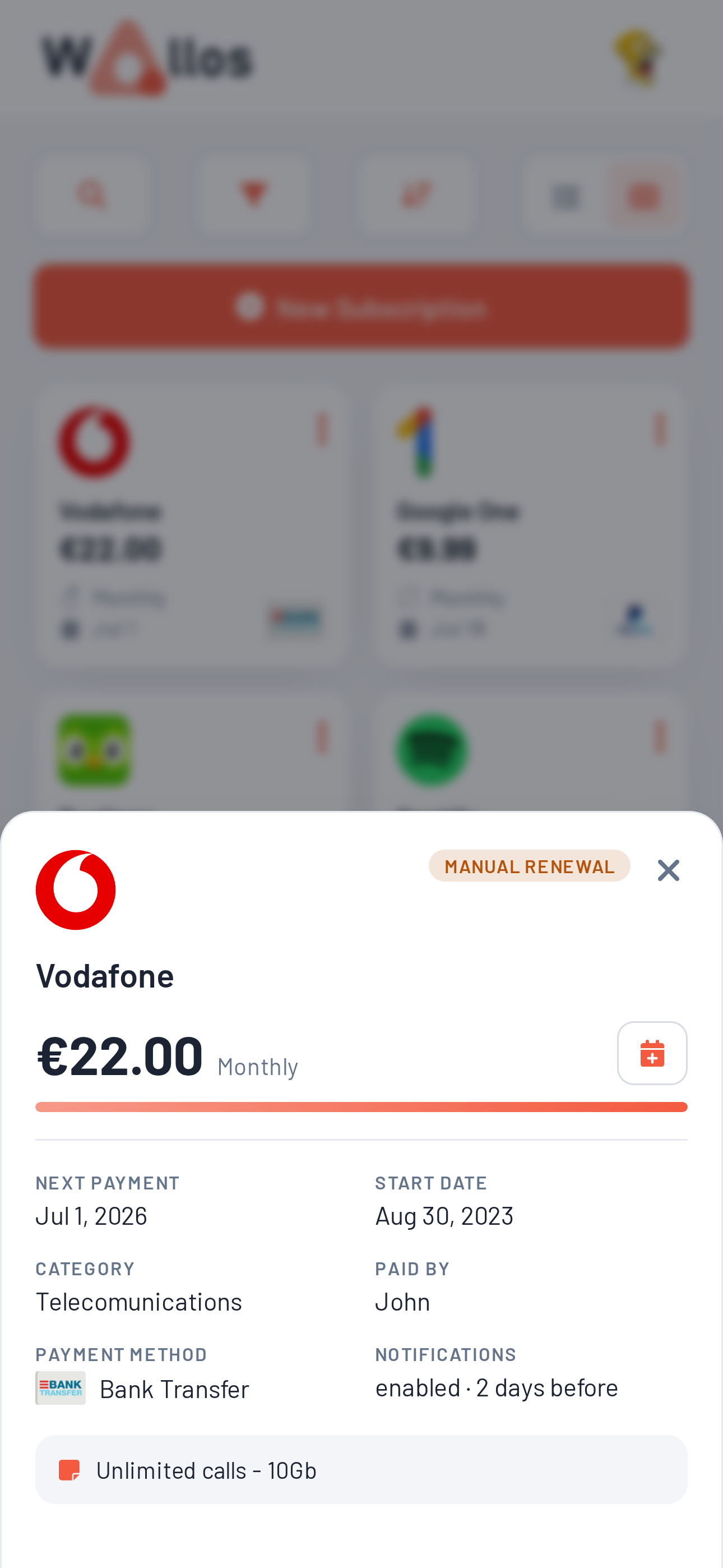
Subscription Management: Keep track of your recurring subscriptions and payments, ensuring you never miss a due date.
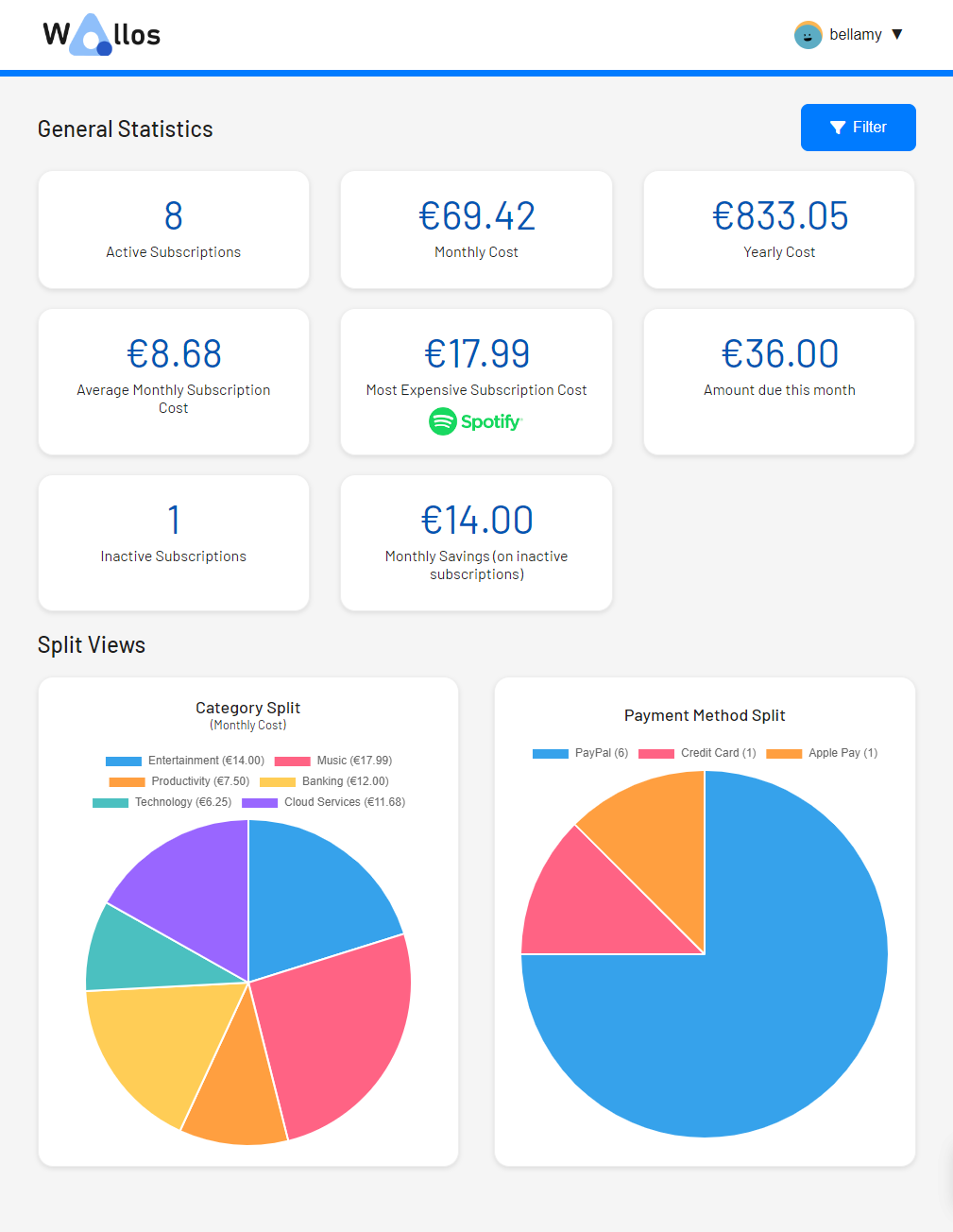
Category Management: Organize your expenses into customizable categories, enabling you to gain insights into your spending habits.
Multi-Currency support: Wallos supports multiple currencies, allowing you to manage your finances in the currency of your choice.
Currency Conversion: Integrates with the Fixer API so you can get exchange rates and see all your subscriptions on your main currency.
Data Privacy: As a self-hosted application, Wallos ensures that your financial data remains private and secure on your own server.
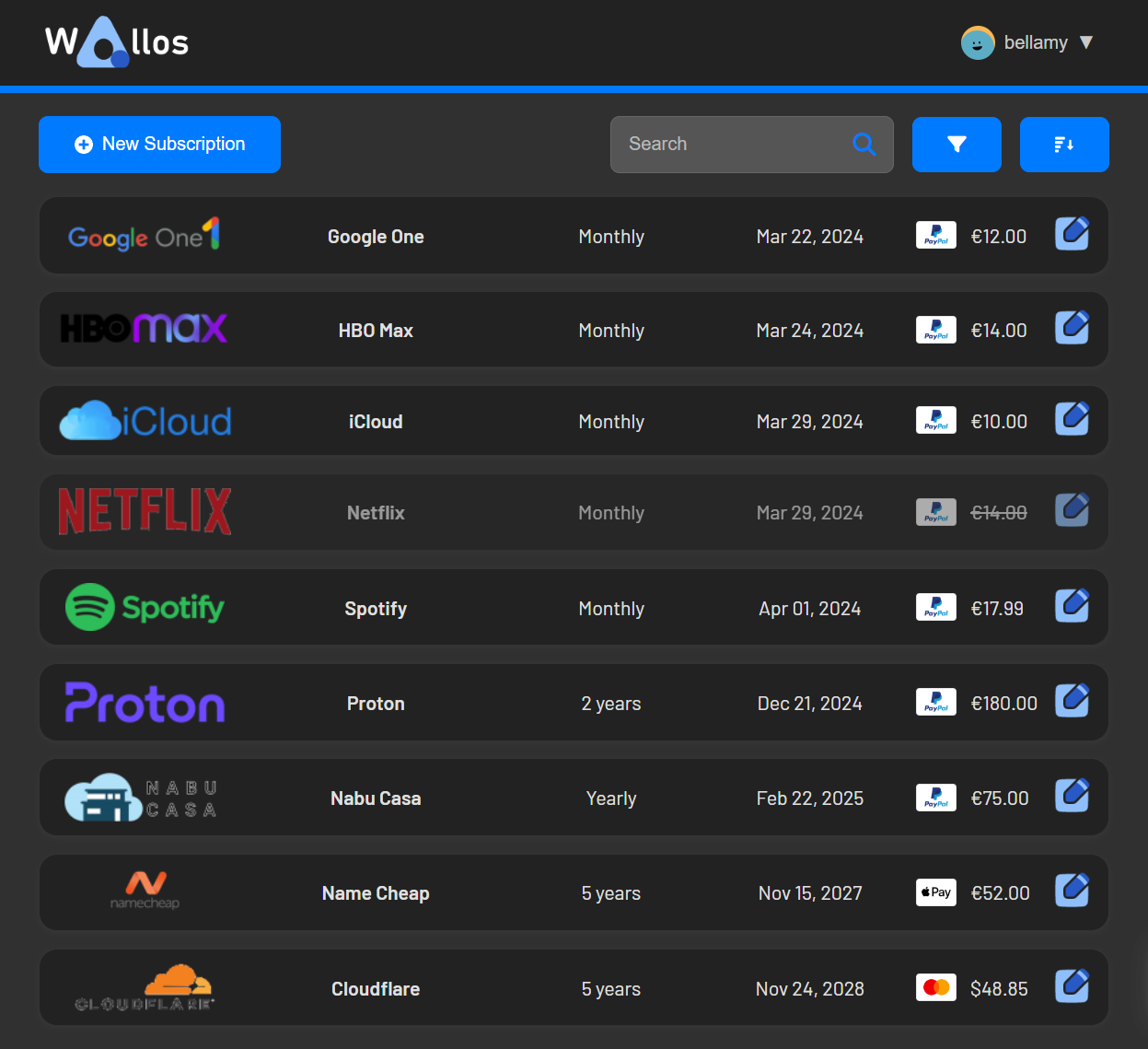
Customization: Tailor Wallos to your needs with customizable categories, currencies, themes and other display options.
Sorting Options: Allowing you to view your subscriptions from different perspectives.
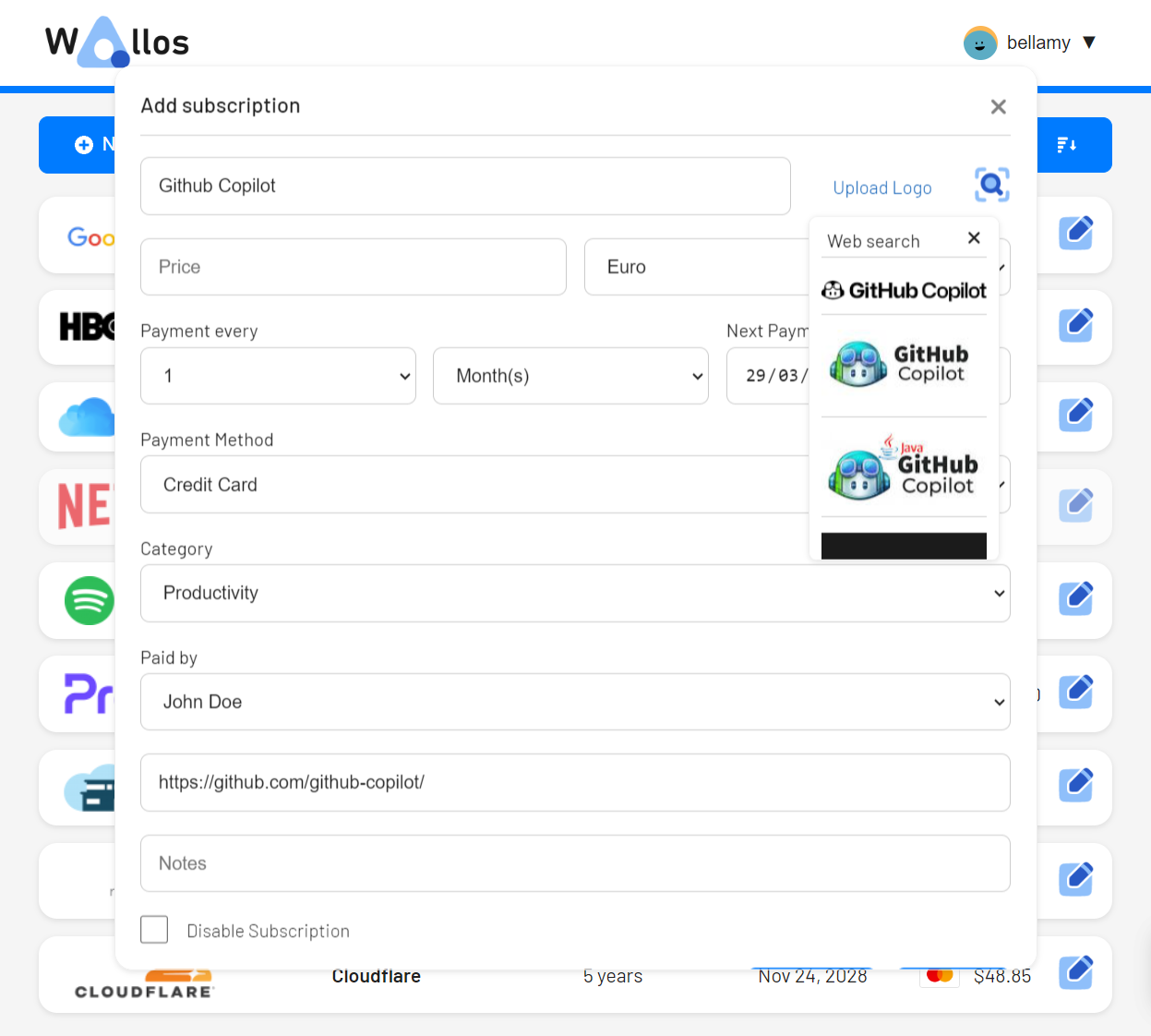
Logo Search: Wallos can search the web for the logo of your subscriptions if you don't have them available for upload.
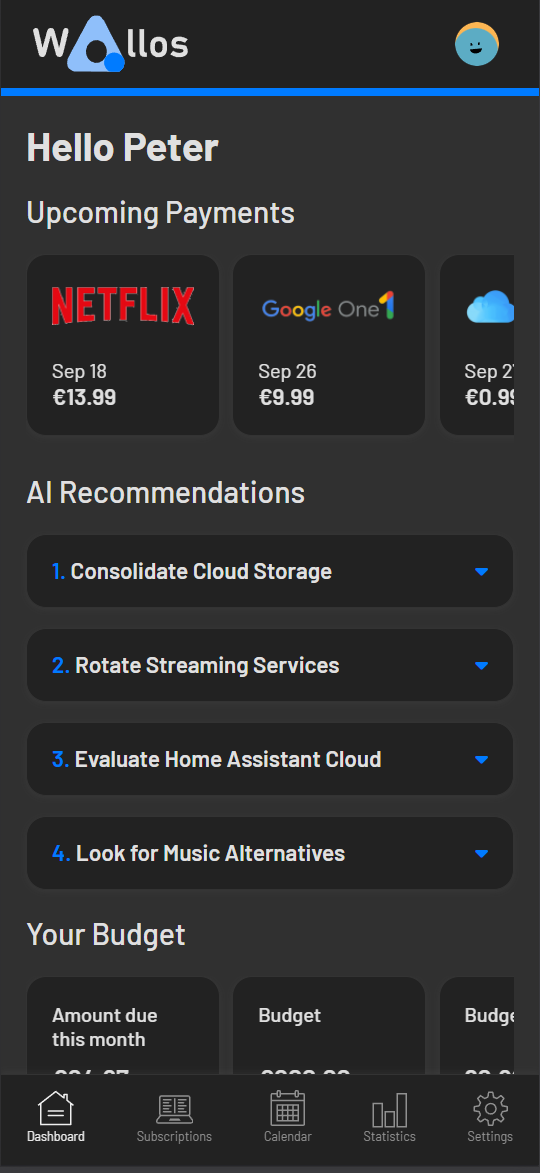
Mobile view: Wallos on the go.
Statistics: Another perspective into your spendings.
Notifications: Wallos supports multiple notification methods (email, discord, pushover, telegram, gotify and webhooks). Get notified about your upcoming payments.
Multi Language support.
OIDC with OAuth
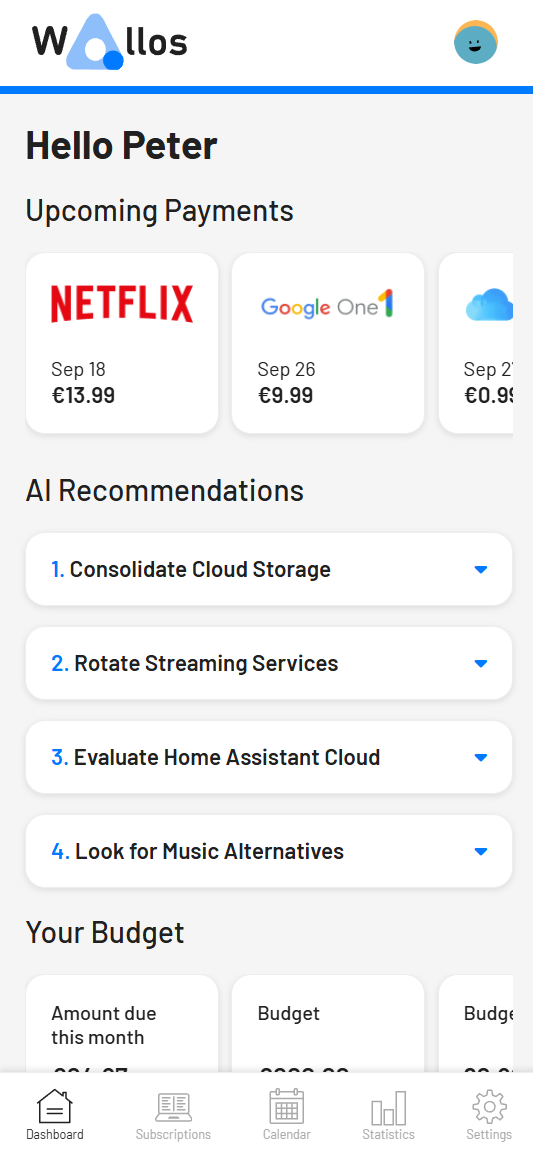
AI Recommendations with ChatGPT, Gemini, OpenRouter, a local Ollama or any OpenAI-compatible API
Demo
If you want to try Wallos, a demo is available at https://demo.wallosapp.com.
The database is reset every 2 hours.
To access the demo use the following credentials:
Username: demo
Password: demo
Getting Started
See instructions to run Wallos below.
Prerequisites
Baremetal
NGINX or APACHE websever running
PHP 8.3 with the following modules enabled:
curl
dom
gd
intl
openssl
sqlite3
zip
mbstring
fpm
Docker
Docker
Installation
Baremetal
Download or clone this repo and move the files into your web root - usually /var/www/html
Rename /db/wallos.empty.db to /db/wallos.db
Open the app in your browser — migrations run automatically on the registration page
Add the following scripts to your cronjobs with crontab -e
Just open the browser and open ip:port of the machine running wallos.
On the first time you run wallos a user account must be created.
Go to settings and personalise your Avatar and add members of your household. While there add / remove any categories and currencies.
Get a free API Key from Fixer and add it in the settings.
If you want to trigger an Update of the exchange rates, change your main currency after adding the API Key, and then change it back to your preferred one.
Screenshots
See more screenshots
OIDC
OIDC can be enabled on the Admin page and can be used with providers that support OAuth.
Wallos can also resolve OIDC settings declaratively from environment variables. When an OIDC_* variable is set, it overrides the corresponding database value at runtime without rewriting the database.
If OIDC_ISSUER is set, Wallos will fetch /.well-known/openid-configuration at runtime and use discovery for the authorization, token, and user info endpoints unless a more specific endpoint variable is also set.
Environment Variable
UI Equivalent
OIDC_ENABLED
Enable OIDC/OAuth
OIDC_PROVIDER_NAME
Provider Name
OIDC_CLIENT_ID
Client ID
OIDC_CLIENT_SECRET
Client Secret
OIDC_CLIENT_SECRET_FILE
Client Secret
OIDC_ISSUER
No direct UI field
OIDC_AUTH_URL
Auth URL
OIDC_TOKEN_URL
Token URL
OIDC_USERINFO_URL
User Info URL
OIDC_REDIRECT_URL
Redirect URL
OIDC_LOGOUT_URL
Logout URL
OIDC_USER_IDENTIFIER
User Identifier Field
OIDC_SCOPES
Scopes
OIDC_AUTO_CREATE_USER
Create user automatically
OIDC_DISABLE_PASSWORD_LOGIN
Disable password login
OIDC_REQUIRE_EMAIL_VERIFIED
Require verified email for account linking
SSRF allowlist
Wallos blocks webhook, SMTP, and OIDC endpoint URLs that resolve to private/link-local/loopback addresses unless the host is present in the Security Settings allowlist. Normally that allowlist is edited through the Admin UI, which requires a manual login before OIDC can be used against an identity provider on a private address (e.g. a self-hosted IdP at auth.example.com).
Setting the SSRF_ALLOWLIST environment variable overrides the database value entirely (same full-override semantics as the OIDC_* variables above), so the allowlist can be provisioned on first boot with no manual UI step. It accepts a comma-separated list of hosts/IPs, optionally with a port (e.g. SSRF_ALLOWLIST=auth.example.com,192.168.1.100:8123). While set, the Security Settings field in the Admin UI is shown but disabled.
AI Recommendations
Wallos can ask an AI model for ways to save money on your subscriptions.
Each user sets it up under Settings, in the AI Recommendations section: enable it, choose a provider, then select Test to load the available models, pick one and save.
Provider
Needs
ChatGPT
An OpenAI API key
Gemini
A Google AI Studio API key
OpenRouter
An OpenRouter API key
Local Ollama
The Ollama URL, e.g. http://localhost:11434
OpenAI Compatible
The API base URL, e.g. http://localhost:11434/v1, and an API key if the server requires one
Generate Recommendations runs it on demand; the run schedule can also repeat it weekly or monthly.
Recommendations are based on your active subscriptions and household members, and appear on the dashboard.
When AI is enabled with a model saved and the interface language is not English, the categories section of the settings page can also translate category names into that language.
A local Ollama or OpenAI-compatible server on a private address is blocked unless its host is in the SSRF allowlist.
For any user other than the first (admin) account, the admin also has to enable Allow standard users to use the Webhook Allowlist in the Security Settings. The host still has to be in the allowlist; enabling the setting alone is not enough.
API Documentation
Wallos provides a comprehensive API that allows you to interact with the application programmatically. The API documentation is available at https://api.wallosapp.com/.
Contributing
Feel free to open Pull requests with bug fixes and features. I'll do my best to keep an eye on those.
Feel free to open issues with bug reports or feature requests. Bug fixes will take priority.
I welcome contributions from the community and look forward to working with you to improve this project.
Contributors
Translations
If you want to contribute with a translation of wallos:
Add your language code to includes/i18n/languages.php in the format "en" => ["name" => "English", "dir" => "ltr"],. Please use the original language name and not the english translation.
Create a copy of the file includes/i18n/en.php and rename it to the language code you used above. Example: pt.php for "pt" => ["name" => "Português", "dir" => "ltr"],.
Translate all the values on the language file to the new language. (Incomplete translations will not be accepted).
Create a copy of the file scripts/i18n/en.js and rename it to the language code you used above. Example: pt.js for "pt" => ["name" => "Português", "dir" => "ltr"],.
Translate all the values on the language file to the new language. (Incomplete translations will not be accepted).
License
This project is licensed under the GNU General Public License, Version 3 - see the LICENSE.md file for details.
Why GPLv3?
I chose the GNU General Public License version 3 (GPLv3) for this project because it ensures that the software remains open source and freely available to the community. GPLv3 mandates that any derivative works or modifications must also be released under the same license, promoting the principles of software freedom.
I strongly believe in the importance of open source software and the collaborative nature of development, and I invite contributors to help improve this project.
The most recent commit recorded on ellite/Wallos was 3 months ago, based on the GitHub push timestamp. The repository has 463 forks — one of the better signals of community interest.
How does ellite/Wallos compare to other Developer Tools projects?
ellite/Wallos is tracked by TopGit in the Developer Tools category, with 8.8k GitHub stars and written in PHP. Browse the Developer Tools topic page on TopGit to compare it against similar projects by stars and activity.
How many stars does ellite/Wallos have?
ellite/Wallos has 8.8k GitHub stars — refresh the page for the live number, or check github.com/ellite/Wallos. TopGit mirrors GitHub's count but does not claim minute-by-minute accuracy.
What is ellite/Wallos?
ellite/Wallos (ellite/Wallos) is a PHP project on GitHub. From the project's own README: Wallos: Open-source, self-hostable personal subscription tracker. Visualize your recurring expenses, manage your budget, and save money.
What language is ellite/Wallos written in?
ellite/Wallos is written primarily in PHP. GitHub's language field is based on the largest share of bytes in the default branch.
What topics is ellite/Wallos associated with?
GitHub's repository topics for ellite/Wallos: "budgeting", "docker", "finance", "php", "self-hosted", "subscription-tracker". TopGit's editorial category is Developer Tools.
Why is ellite/Wallos categorized under Developer Tools?
TopGit places ellite/Wallos in the Developer Tools category based on its GitHub topics and description (tagged: "budgeting", "docker", "finance"). Categories are assigned from real repository metadata, not editorial guesswork.
Read full README in the tab above.
Is Wallos worth your time?
ChatGPT, Claude and Perplexity can all read this page. Ask one of them what it makes of Wallos.

 /Wallos