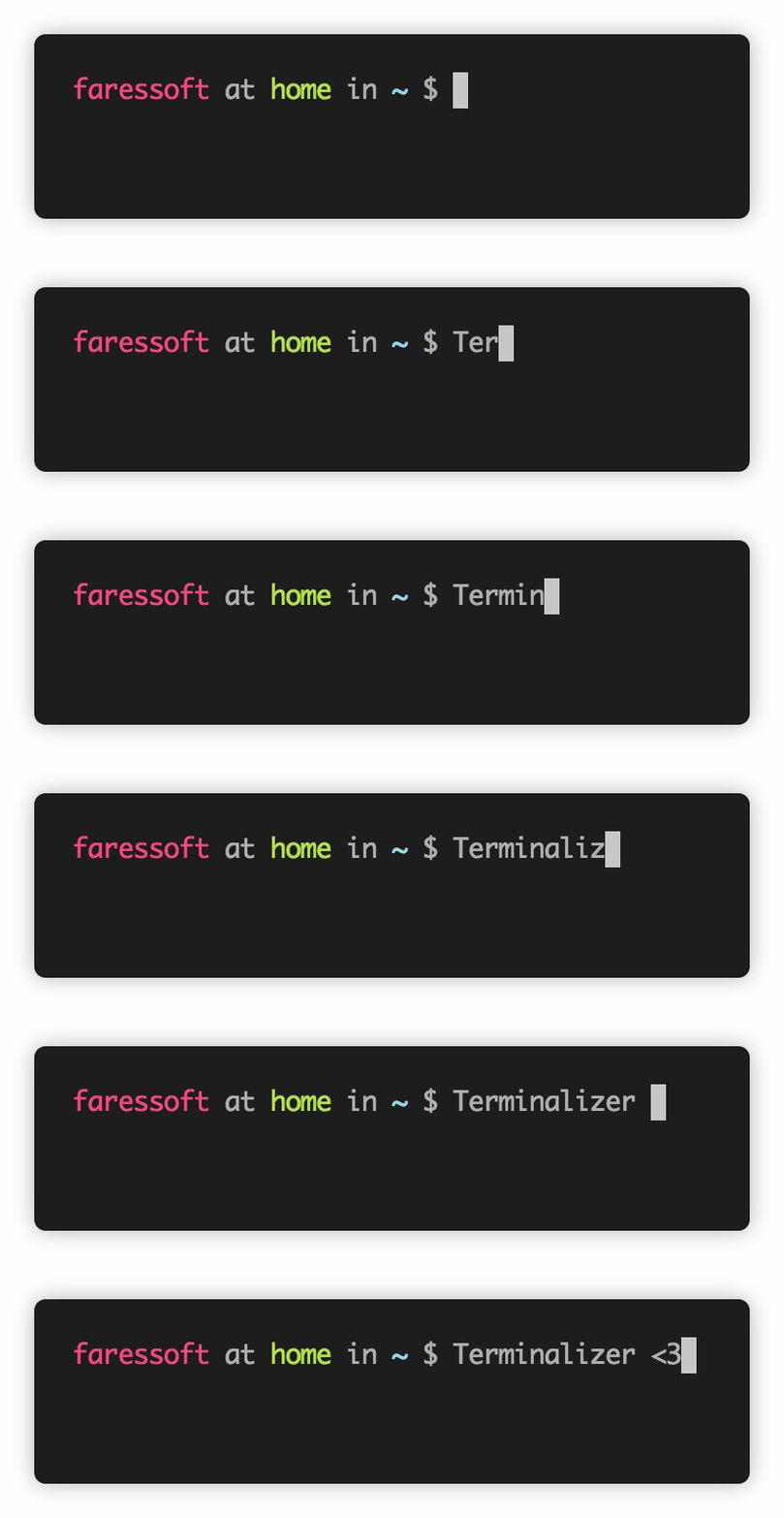
faressoft/terminalizer is tracked by TopGit as a developer tool, with 16.1k stars on GitHub, written primarily in JavaScript. 🦄 Record your terminal and generate animated gif images or share a web player
Snapshot summary built from the project's own GitHub metadata — there's no written TopGit review yet. The page will update automatically when a full review is published.
WHY NO REVIEW YET
TopGit writes full reviews for the most-starred, most-requested repositories. This page is a snapshot until then — see the READ ME tab for the original README in full.
Record your terminal and generate animated gif images or share a web player link www.terminalizer.com
Built to be jusT cOol 👌🦄 !
If you think so, support me with a star and a follow 😘
Table of Contents
Terminalizer
Table of Contents
Features
What's Next
Installation
Getting Started
Compression
Usage
Init
Config
Record
Play
Render
Share
Generate
Configurations
Recording
Delays
GIF
Terminal
Theme
Watermark
Frame Box
Null Frame
Window Frame
Floating Frame
Solid Frame
Solid Frame Without Title
Styling Hint
FAQ
How to support ZSH
Issues
License
Features
Highly customizable.
Cross platform (Linux, Windows, MacOS).
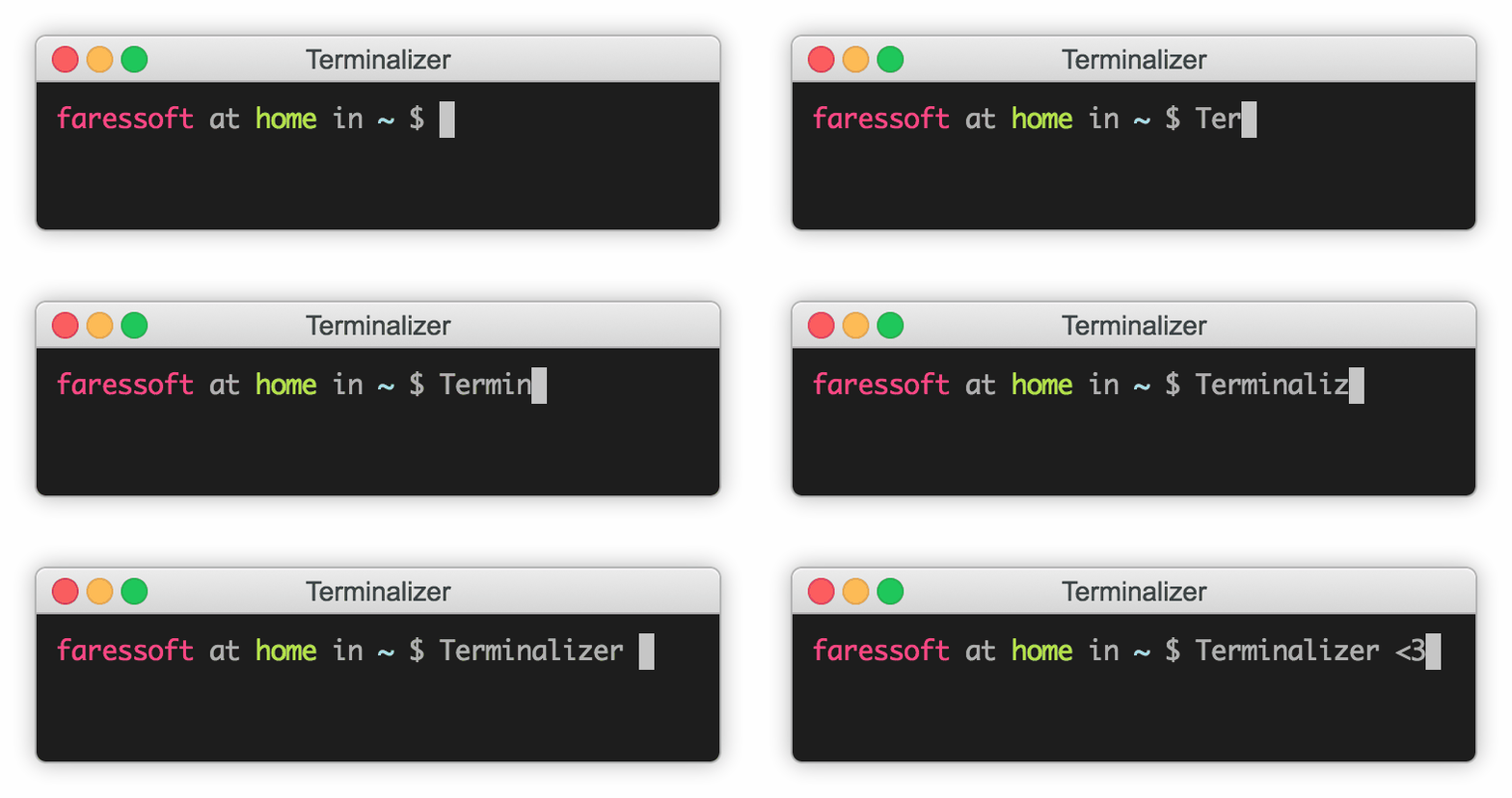
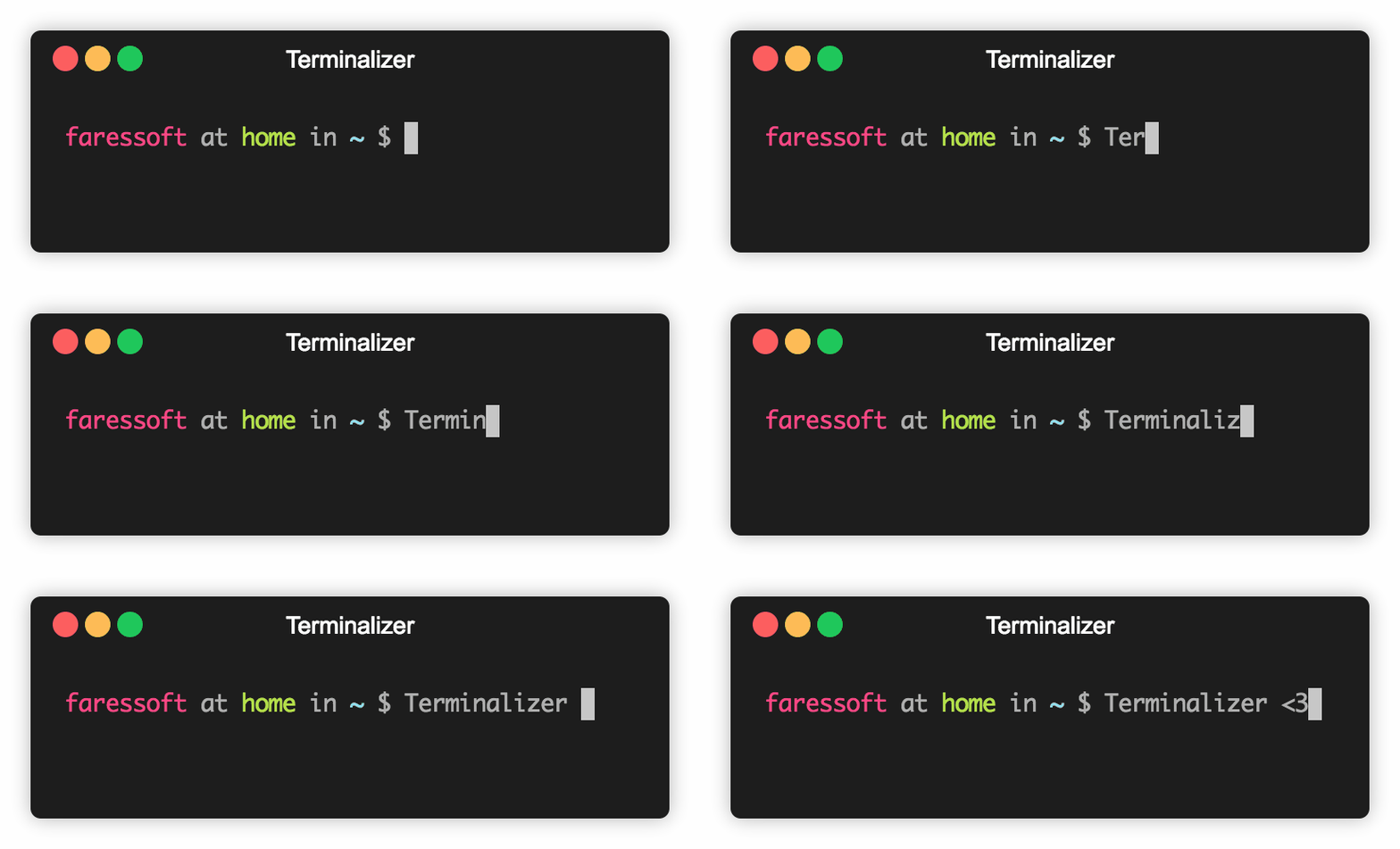
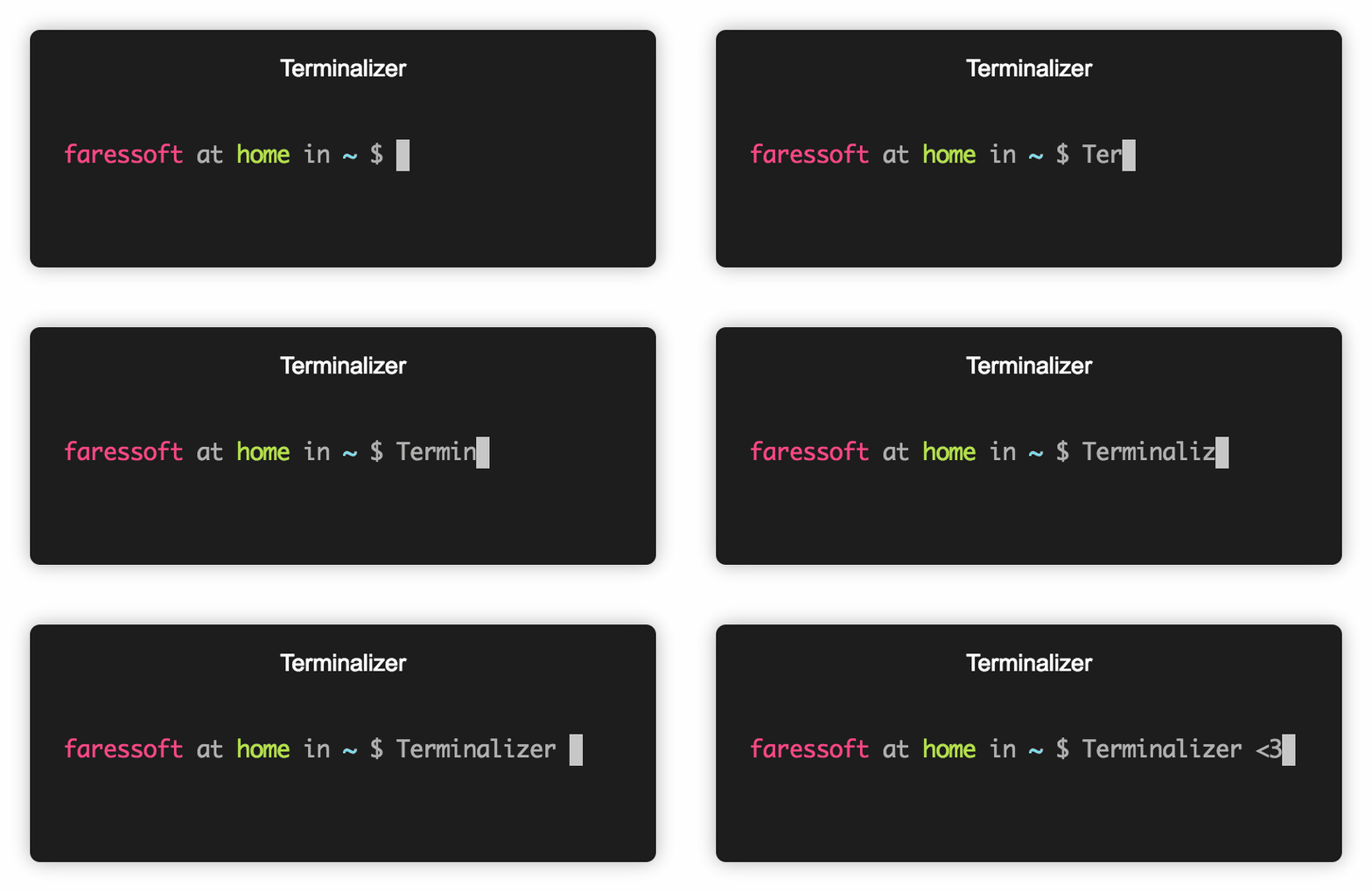
Custom window frames.
Custom font.
Custom colors.
Custom styles with CSS.
Watermark.
Edit frames and adjust delays before rendering.
Skipping frames by a step value to reduce the number of rendered frames.
Render images with texts on them instead of capturing your screen for better quality.
The ability to configure:
The command to capture (bash, powershell.exe, yourOwnCommand, etc)
The current working directory.
Explicit values for the number of cols and rows.
GIF quality and repeating.
Frames delays.
The max idle time between frames.
Cursor style.
Font.
Font size.
Line height.
Letter spacing.
Theme.
What's Next
The Generate command to generate a web player for a recording file.
Support apt-get, yum, brew installation.
Installation
You need to install Node.js first, then install the tool globally using this command:
yarn global add terminalizer
Still facing an issue? Check the Issues section or open a new issue.
The installation should be very smooth with Node.js v4-v16. For newer versions, if the installation is failed, you may need to install the development tools to build the C++ add-ons. Check node-gyp.
Getting Started
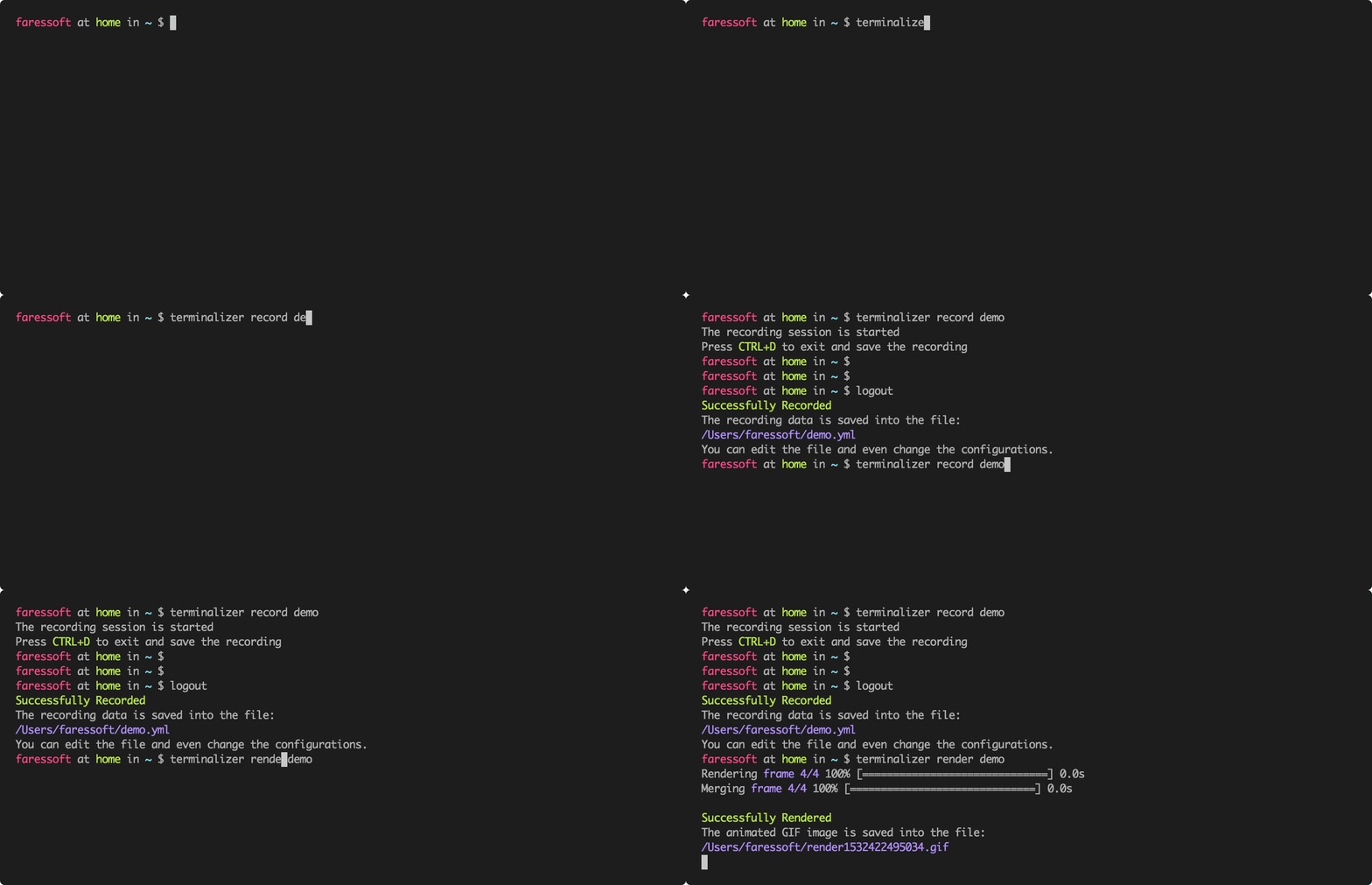
Start recording your terminal using the record command.
terminalizer record demo
A file called demo.yml will be created in the current directory. You can open it using any editor to edit the configurations and the recorded frames. You can replay your recording using the play command.
terminalizer play demo
Now let's render our recording as an animated gif.
terminalizer render demo
Compression
GIF compression is not implemented yet. For now we recommend https://gifcompressor.com.
Usage
You can use the --help option to get more details about the commands and their options
terminalizer <command> [options]
Init
Create a global config directory
terminalizer init
Config
Generate a config file in the current directory
terminalizer config
Record
Record your terminal and create a recording file
terminalizer record <recordingFile>
Options
-c, --config        Overwrite the default configurations                                  [string]
-d, --command       The command to be executed                            [string] [default: null]
-k, --skip-sharing  Skip sharing and showing the sharing prompt message [boolean] [default: false]
Examples
terminalizer record foo                      Start recording and create a recording file called foo.yml
terminalizer record foo --config config.yml  Start recording with your own configurations
Play
Play a recording file on your terminal
terminalizer play <recordingFile>
Options
-r, --real-timing   Use the actual delays between frames as recorded        [boolean] [default: false]
-s, --speed-factor  Speed factor, multiply the frames delays by this factor [number] [default: 1]
Render
Render a recording file as an animated gif image
terminalizer render <recordingFile>
Options
-o, --output   A name for the output file                                      [string]
-q, --quality  The quality of the rendered image (1 - 100)                     [number]
-s, --step     To reduce the number of rendered frames (step > 1) [number] [default: 1]
Share
Upload a recording file and get a link for an online player
terminalizer share <recordingFile>
Generate
Generate a web player for a recording file
terminalizer generate <recordingFile>
Configurations
The default config.yml file is stored under the root directory of the project. Execute the below command to copy it to your current directory.
Use any editor to edit the copied config.yml, then use the -c option to override the default one.
terminalizer config
RECOMMENDED, use the init command to create a global config file to be used instead of the default one.
terminalizer init
For Linux and MacOS, the created directory is located under the home directory ~/config/terminalizer. For Windows, it is located under the AppData.
Recording
command: Specify a command to be executed like /bin/bash -l, ls, or any other command. The default is bash for Linux or powershell.exe for Windows.
cwd: Specify the current working directory path. The default is the current working directory path.
env: Export additional ENV variables, to be read by your scripts when starting the recording.
cols: Explicitly set the number of columns or use auto to take the current number of columns of your shell.
rows: Explicitly set the number of rows or use auto to take the current number of rows of your shell.
Delays
frameDelay: The delay between frames in ms. If the value is auto use the actual recording delays.
maxIdleTime: Maximum delay between frames in ms. Ignored if the frameDelay isn't set to auto. Set to auto to prevent limiting the max idle time.
GIF
quality: The quality of the generated GIF image (1 - 100).
repeat: Amount of times to repeat GIF:
If value is -1, play once.
If value is 0, loop indefinitely.
If value is a positive number, loop n times.
Terminal
cursorStyle: Cursor style can be one of block, underline, or bar.
fontFamily: You can use any font that is installed on your machine like Monaco or Lucida Console (CSS-like list).
fontSize: The size of the font in pixels.
lineHeight: The height of lines in pixels.
letterSpacing: The spacing between letters in pixels.
Theme
You can set the colors of your terminal using one of the CSS formats:
Hex: #FFFFFF.
RGB: rgb(255, 255, 255).
HSL: hsl(0, 0%, 100%).
Name: white, red, blue.
You can use the value transparent too.
The default colors that are assigned to the terminal colors are:
background: transparent
foreground: #afafaf
cursor: #c7c7c7
black: #232628
red: #fc4384
green: #b3e33b
yellow: #ffa727
blue: #75dff2
magenta: #ae89fe
cyan: #708387
white: #d5d5d0
brightBlack: #626566
brightRed: #ff7fac
brightGreen: #c8ed71
brightYellow: #ebdf86
brightBlue: #75dff2
brightMagenta: #ae89fe
brightCyan: #b1c6ca
brightWhite: #f9f9f4
Watermark
You can add a watermark logo to your generated GIF images.
sudo mkdir -p /usr/local/lib/node_modules && sudo chown -R $(whoami):$(whoami) /usr/local/lib/node_modules

# then use the install command in the "Installation" section above
yarn global add terminalizer
How does faressoft/terminalizer compare to other Developer Tools projects?
faressoft/terminalizer is tracked by TopGit in the Developer Tools category, with 16.1k GitHub stars and written in JavaScript. Browse the Developer Tools topic page on TopGit to compare it against similar projects by stars and activity.
Is faressoft/terminalizer open source?
Yes — faressoft/terminalizer ships under the MIT license, which makes its source code freely readable (and, depending on license terms, forkable and reusable). Source: github.com/faressoft/terminalizer.
What else is in the Developer Tools space?
faressoft/terminalizer is tracked by TopGit under the Developer Tools category, alongside 20 GitHub-tagged topics. Trending and Topics pages list peer repositories of comparable stars and language.
What is faressoft/terminalizer?
faressoft/terminalizer (faressoft/terminalizer) is a JavaScript project on GitHub. From the project's own README: 🦄 Record your terminal and generate animated gif images or share a web player
Where do I read more about faressoft/terminalizer?
This TopGit page is a snapshot — the READ ME tab shows the project's own README content (links stripped, images preserved). The GitHub repository at github.com/faressoft/terminalizer is the definitive source.
Why is faressoft/terminalizer categorized under Developer Tools?
TopGit places faressoft/terminalizer in the Developer Tools category based on its GitHub topics and description (tagged: "animated", "bash", "bash-profile"). Categories are assigned from real repository metadata, not editorial guesswork.
Read full README in the tab above.
Is terminalizer worth your time?
ChatGPT, Claude and Perplexity can all read this page. Ask one of them what it makes of terminalizer.
 /terminalizer