fogleman/sdf

Indexed by TopGit from live GitHub metadata: fogleman/sdf has 2.0k stars, written primarily in Python. Simple SDF mesh generation in Python
Snapshot summary built from the project's own GitHub metadata — there's no written TopGit review yet. The page will update automatically when a full review is published.
TopGit writes full reviews for the most-starred, most-requested repositories. This page is a snapshot until then — see the READ ME tab for the original README in full.
Snapshot
Top contributors
Show top contributors
sdf
Generate 3D meshes based on SDFs (signed distance functions) with a dirt simple Python API.
Special thanks to Inigo Quilez for his excellent documentation on signed distance functions:
- 3D Signed Distance Functions
- 2D Signed Distance Functions
Example
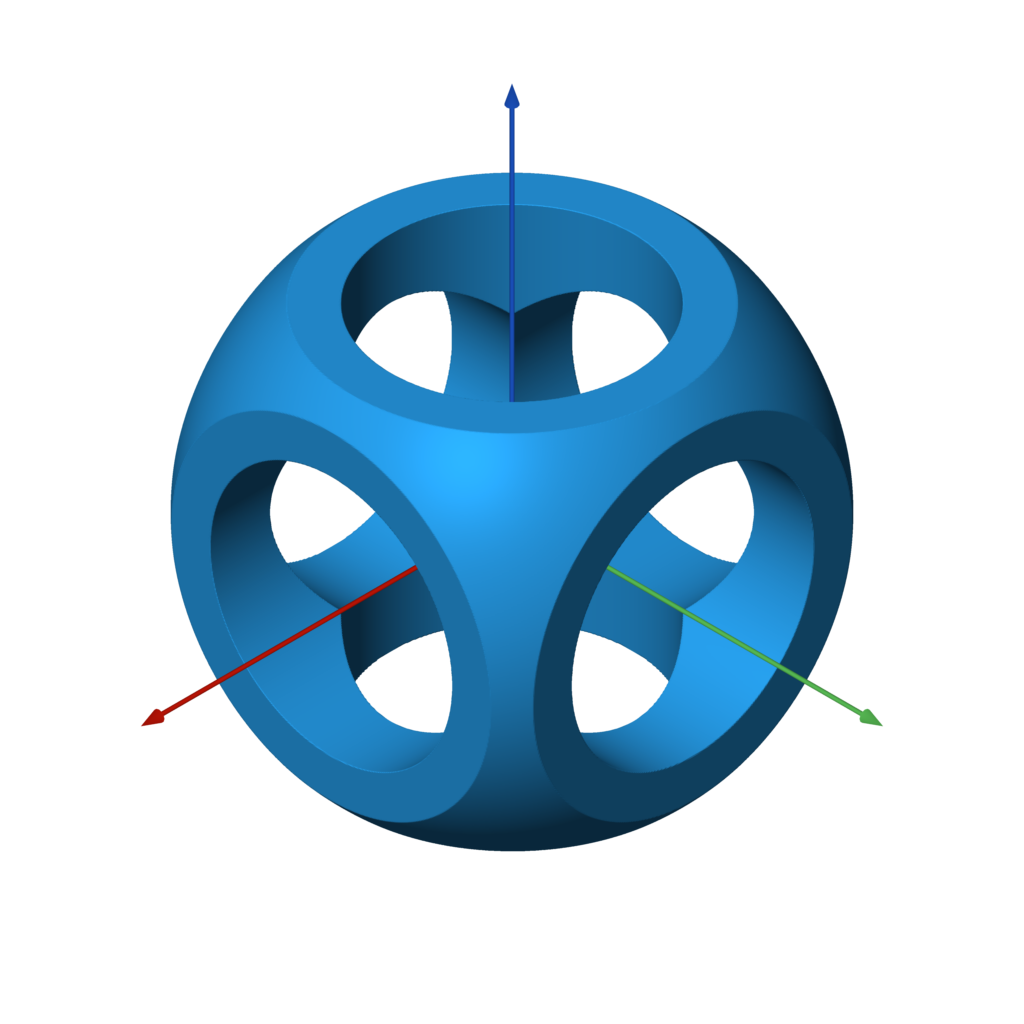
Here is a complete example that generates the model shown. This is the canonical Constructive Solid Geometry example. Note the use of operators for union, intersection, and difference.
from sdf import *

f = sphere(1) & box(1.5)

c = cylinder(0.5)
f -= c.orient(X) | c.orient(Y) | c.orient(Z)

f.save('out.stl')
Yes, that's really the entire code! You can 3D print that model or use it in a 3D application.
More Examples
Have a cool example? Submit a PR!
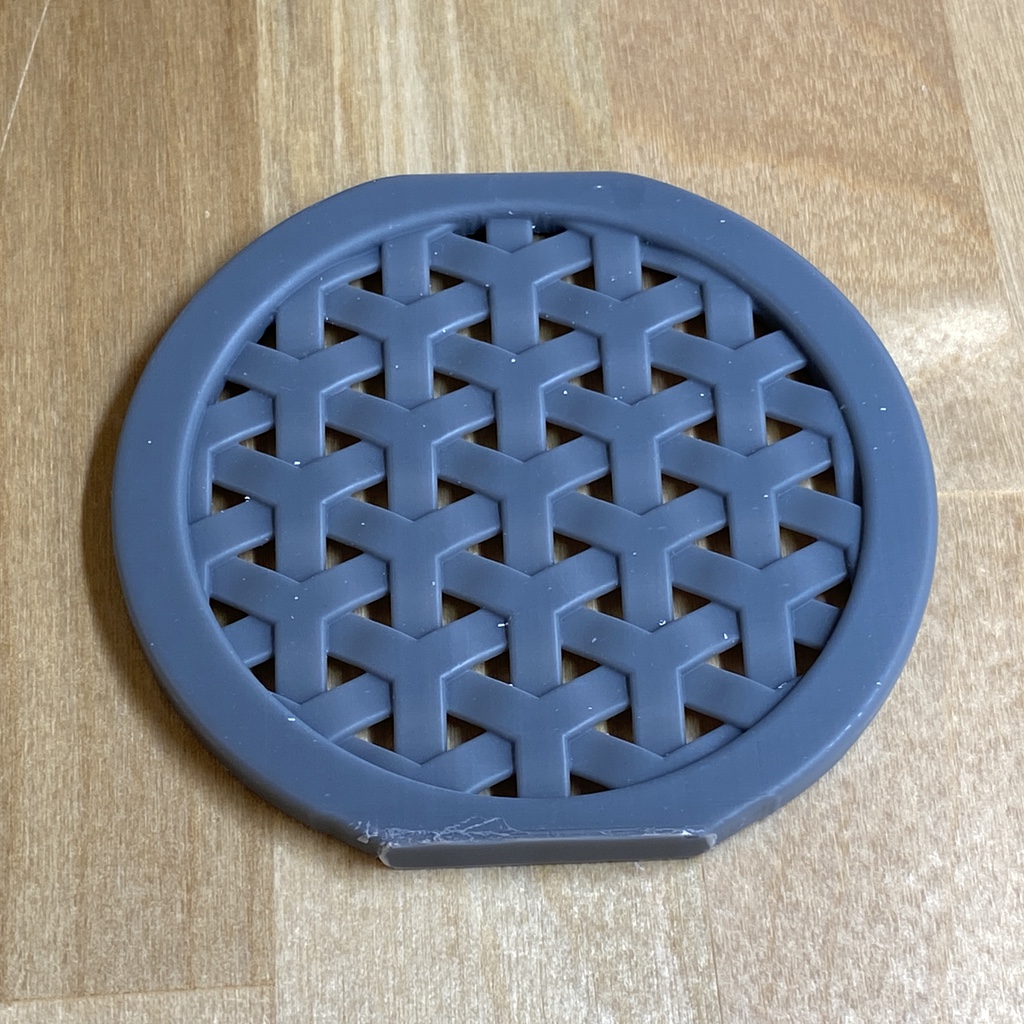
| gearlike.py | knurling.py | blobby.py | weave.py |
|---|---|---|---|
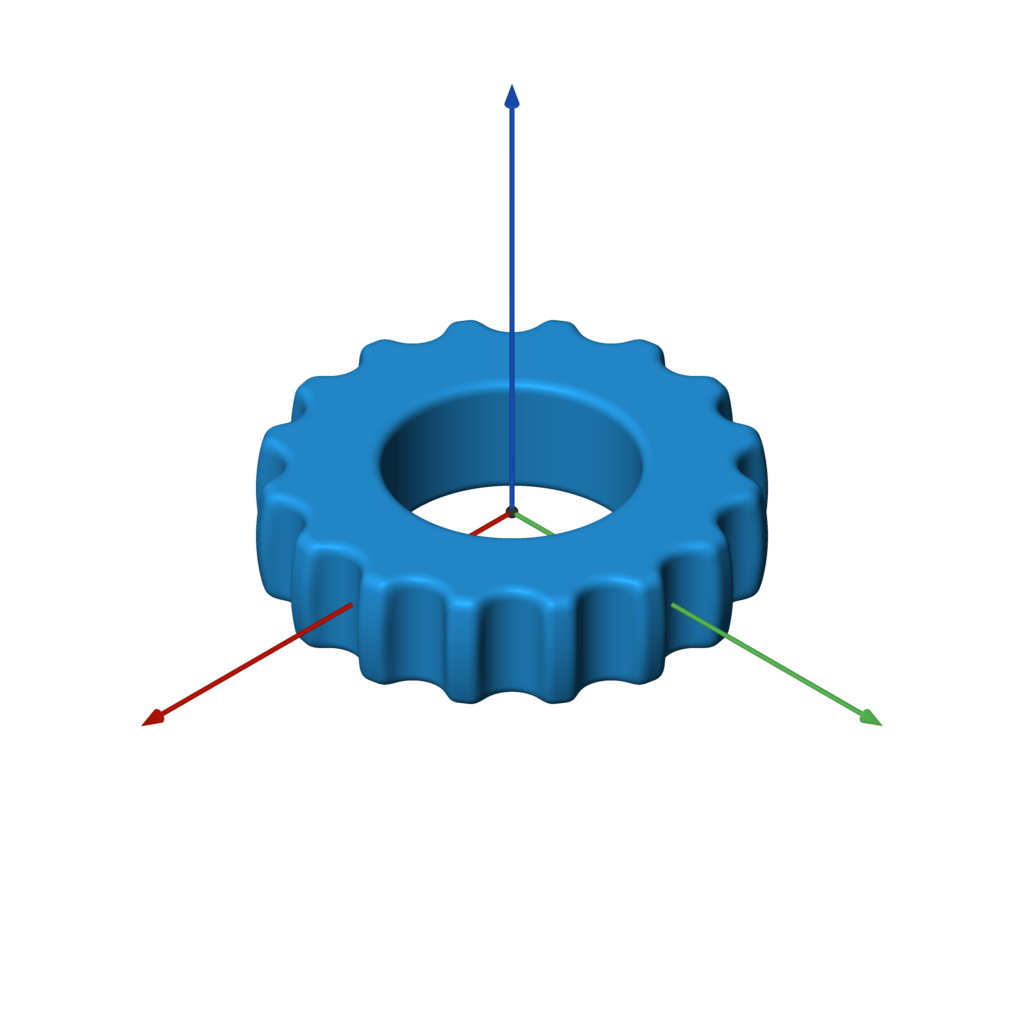 | 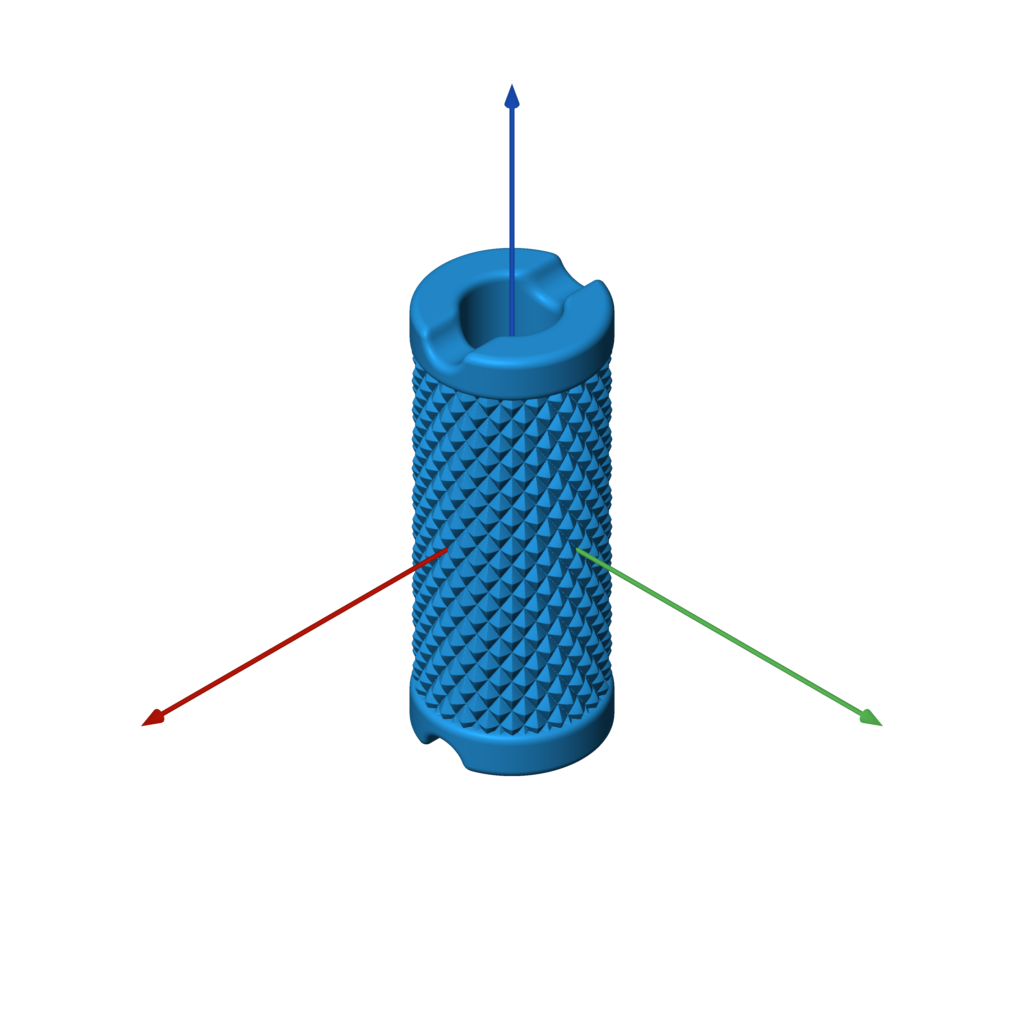 | 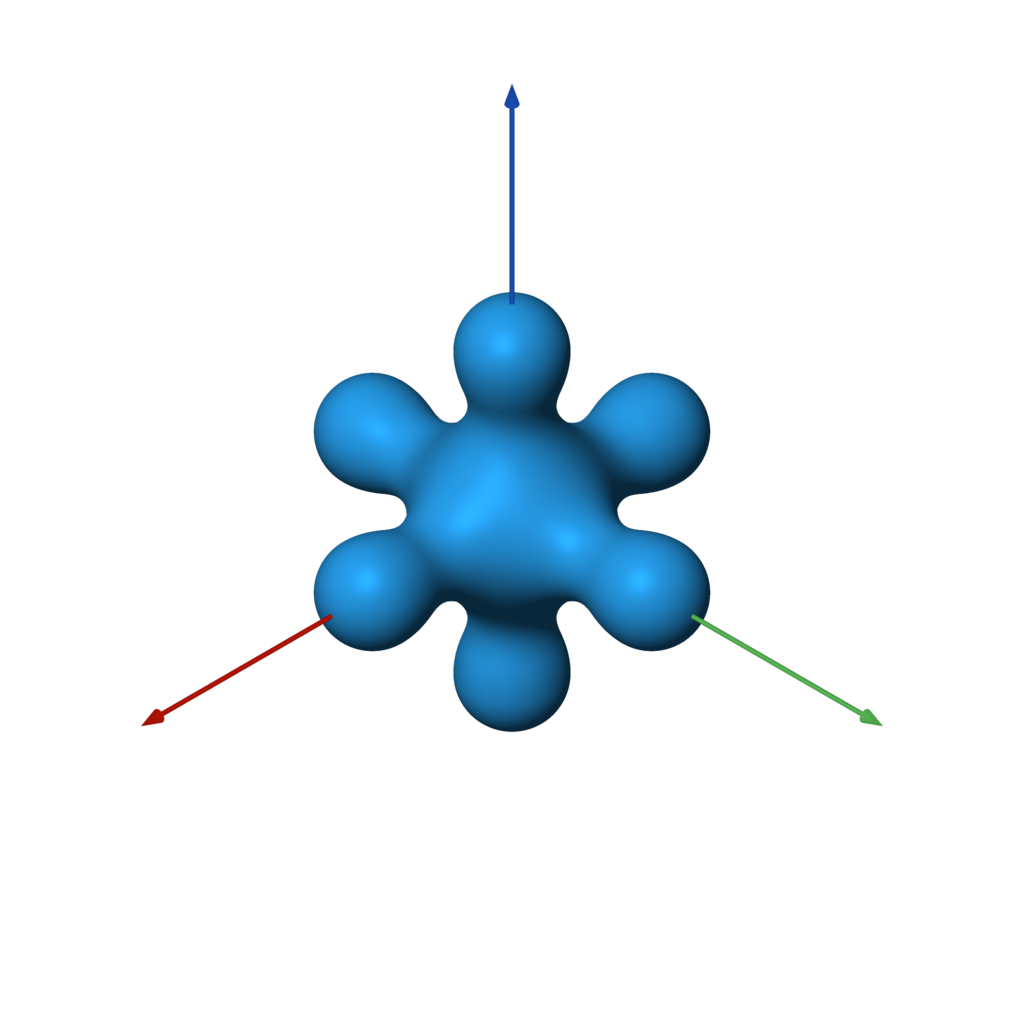 | 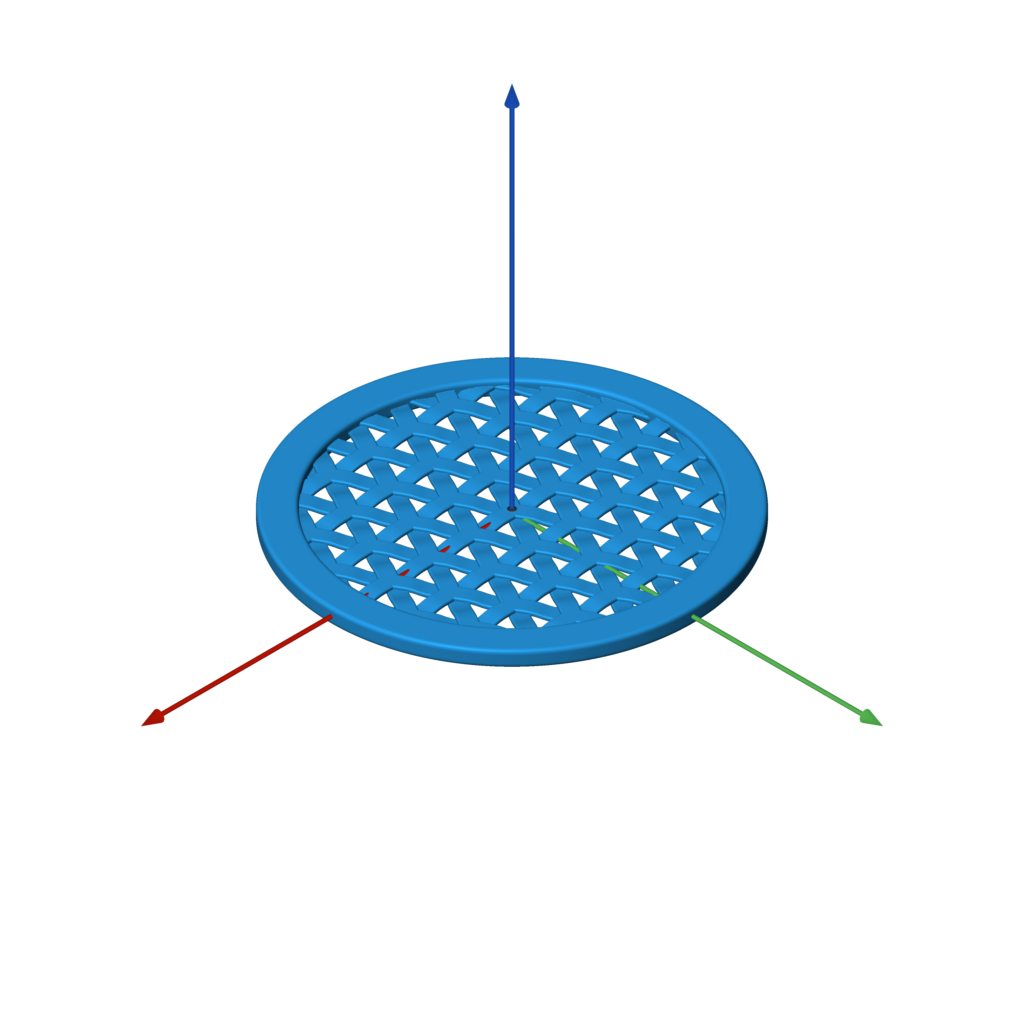 |
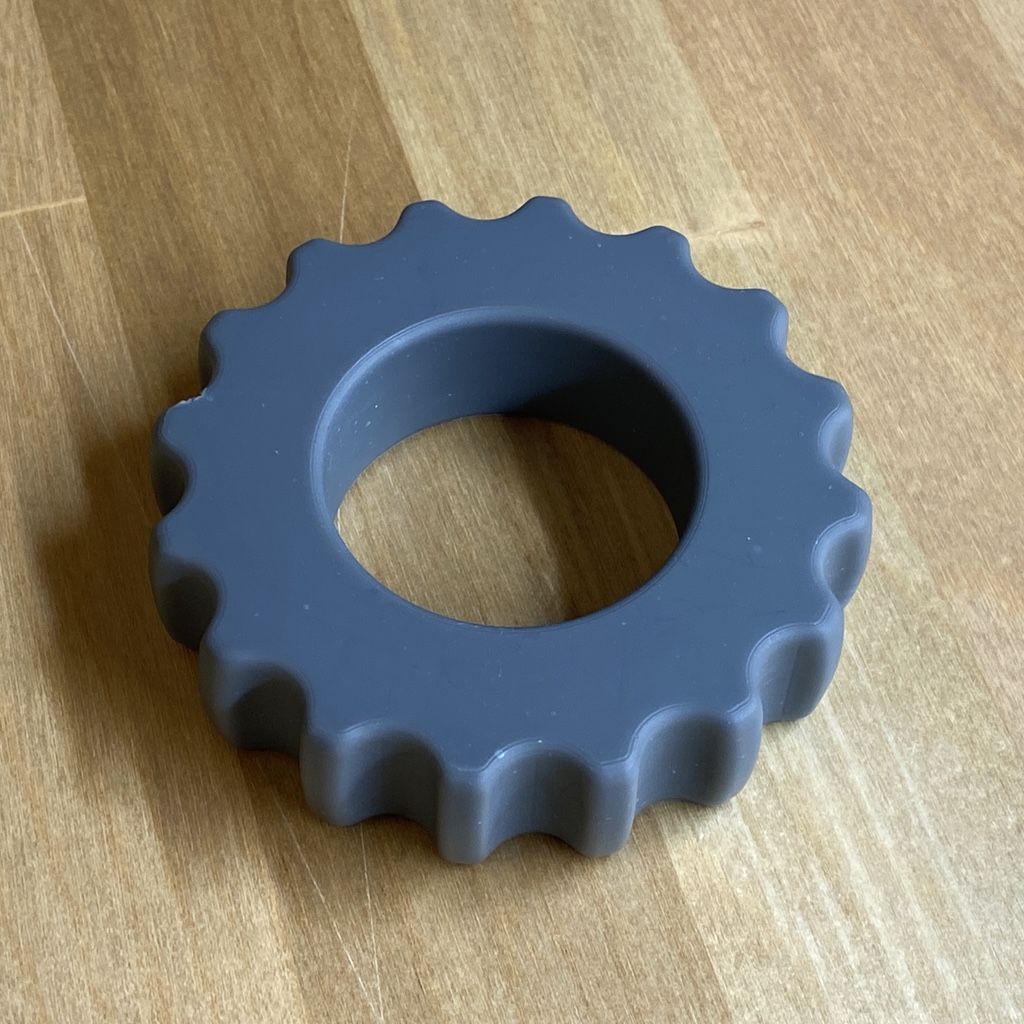 | 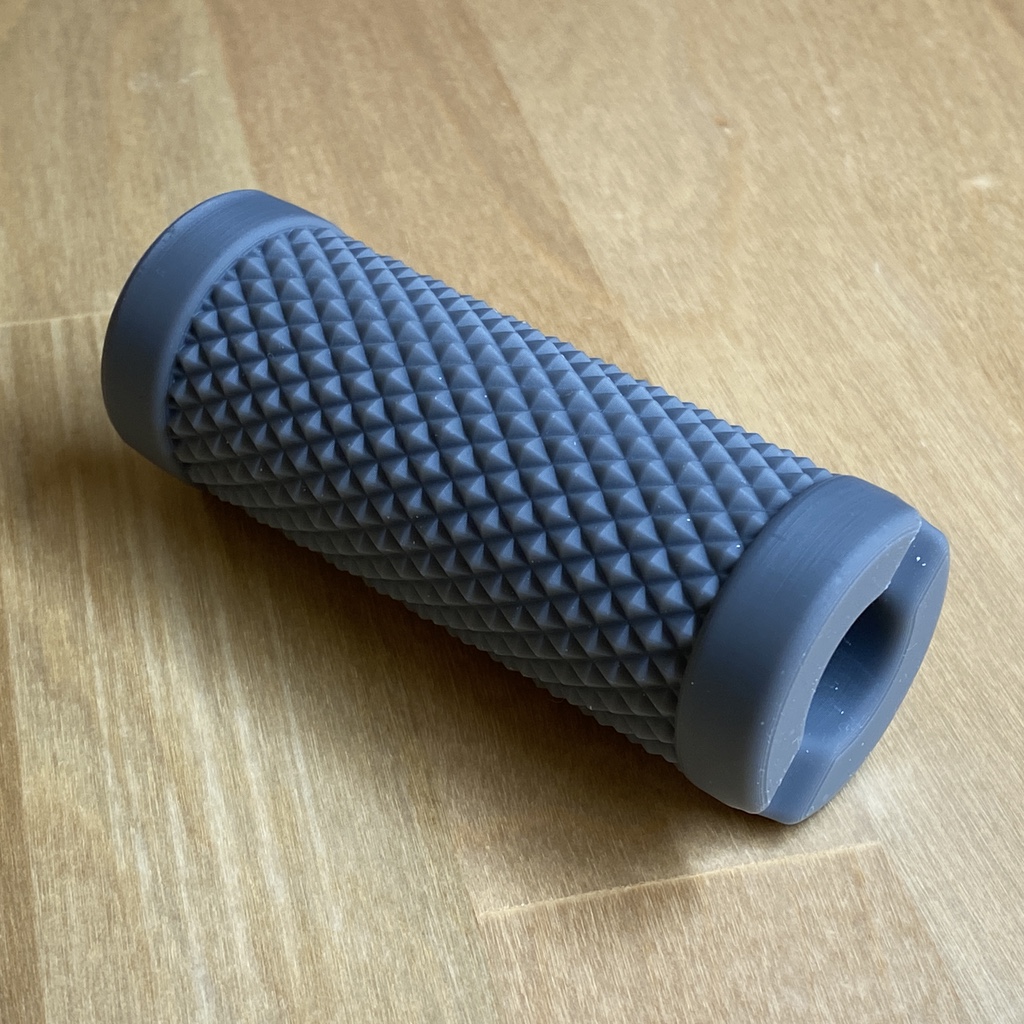 | 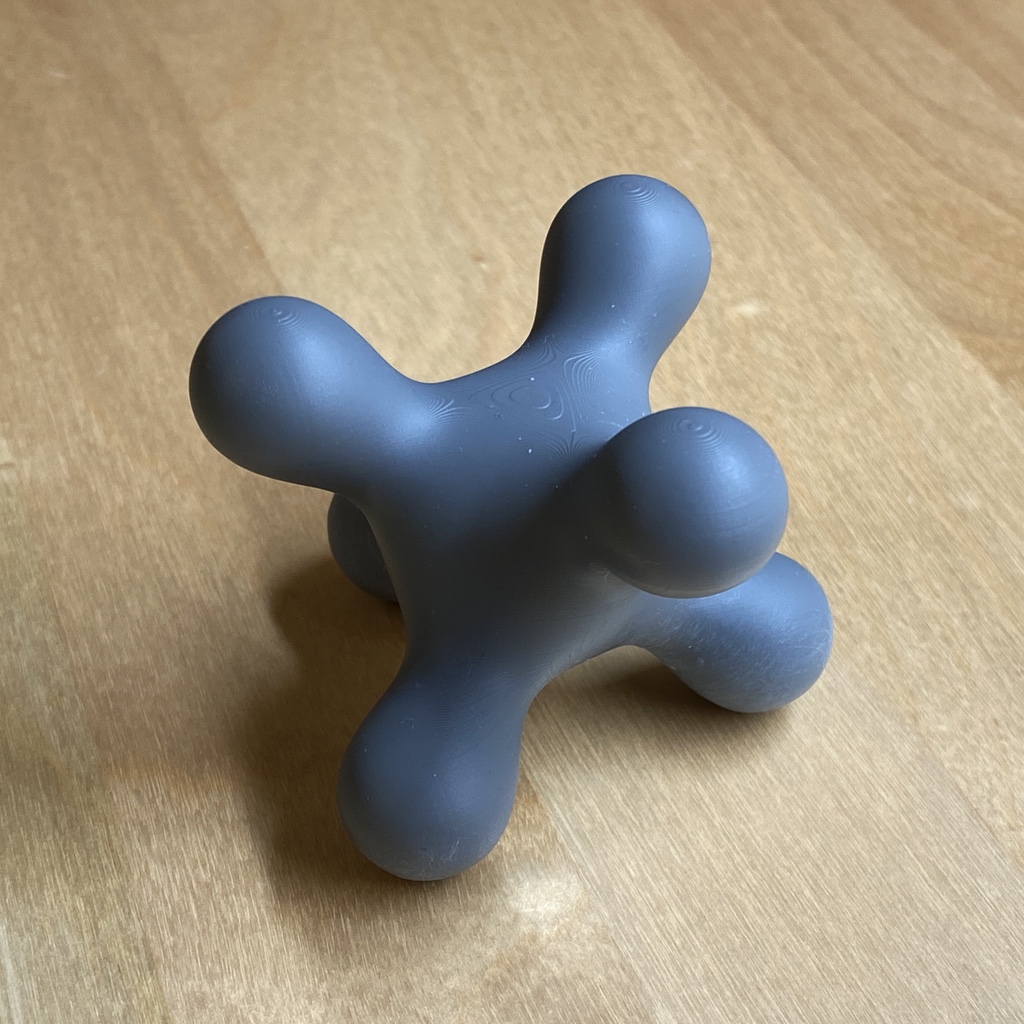 |  |
Requirements
Note that the dependencies will be automatically installed by setup.py when following the directions below.
- Python 3
- matplotlib
- meshio
- numpy
- Pillow
- scikit-image
- scipy
Installation
Use the commands below to clone the repository and install the sdf library
in a Python virtualenv.
git clone https://github.com/fogleman/sdf.git
cd sdf
virtualenv env
. env/bin/activate
pip install -e .
Confirm that it works:
python examples/example.py # should generate a file named out.stl
You can skip the installation if you always run scripts that import sdf
from the root folder.
OpenVDB
OpenVDB and its Python module are also required if you want to use meshes as SDFs. It doesn't seem like this can easily be installed via pip. The basic approach for building it is as follows:
git clone https://github.com/AcademySoftwareFoundation/openvdb.git
cd openvdb
mkdir build
cd build
cmake -D OPENVDB_BUILD_PYTHON_MODULE=ON -D USE_NUMPY=ON ..
make -j8
cp openvdb/openvdb/python/pyopenvdb.* `python -c 'import site; print(site.getsitepackages()[0])'`
File Formats
sdf natively writes binary STL files. For other formats, meshio
is used (based on your output file extension). This adds support for over 20 different 3D file formats,
including OBJ, PLY, VTK, and many more.
Viewing the Mesh
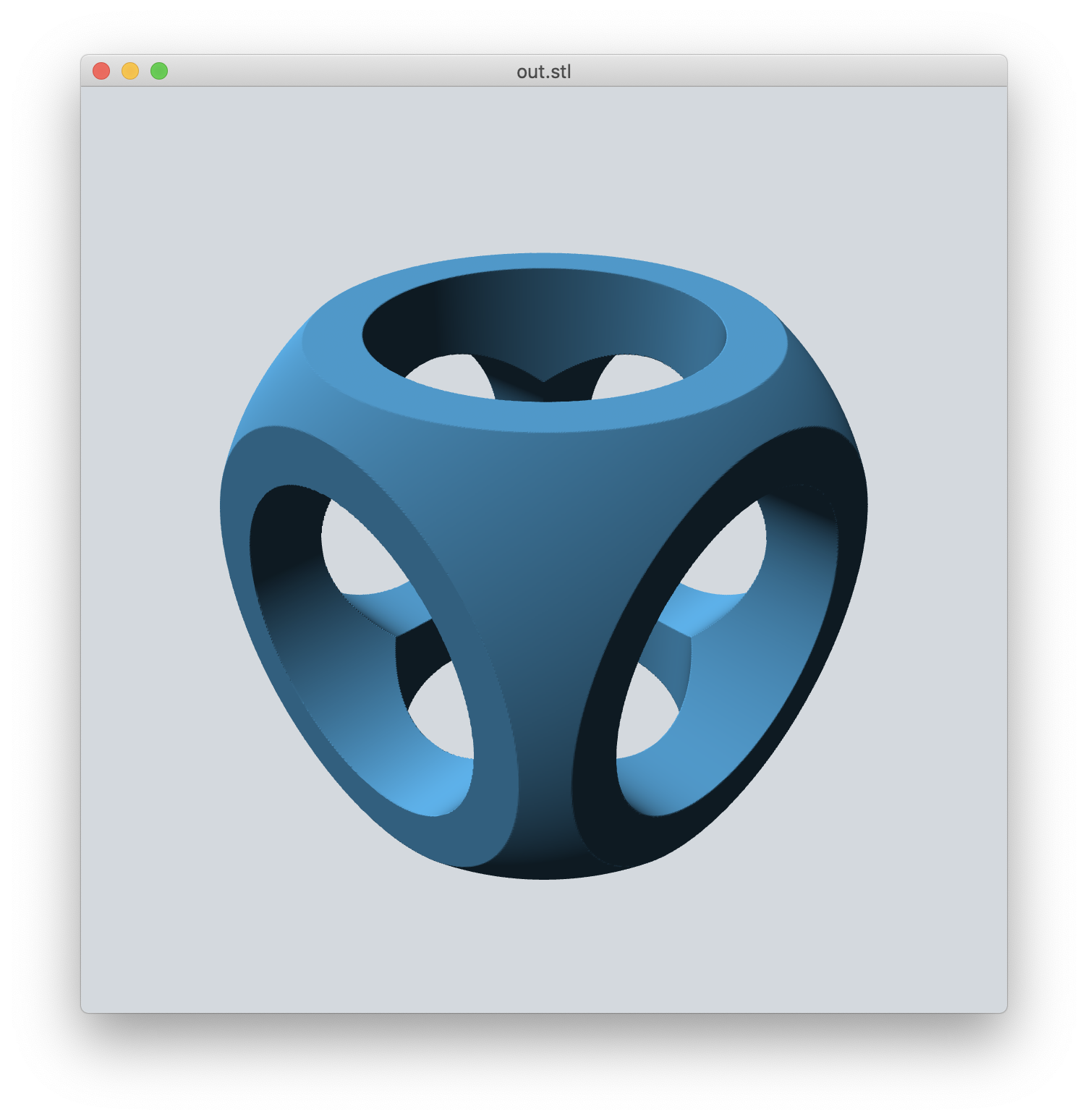
Find and install a 3D mesh viewer for your platform, such as MeshLab.
I have developed and use my own cross-platform mesh viewer called meshview (see screenshot). Installation is easy if you have Go and glfw installed:
$ brew install go glfw # on macOS with homebrew
$ go get -u github.com/fogleman/meshview/cmd/meshview
Then you can view any mesh from the command line with:
$ meshview your-mesh.stl
See the meshview README for more complete installation instructions.
On macOS you can just use the built-in Quick Look (press spacebar after selecting the STL file in Finder) in a pinch.
API
In all of the below examples, f is any 3D SDF, such as:
f = sphere()
Bounds
The bounding box of the SDF is automatically estimated. Inexact SDFs such as non-uniform scaling may cause issues with this process. In that case you can specify the bounds to sample manually:
f.save('out.stl', bounds=((-1, -1, -1), (1, 1, 1)))
Resolution
The resolution of the mesh is also computed automatically. There are two ways
to specify the resolution. You can set the resolution directly with step:
f.save('out.stl', step=0.01)
f.save('out.stl', step=(0.01, 0.02, 0.03)) # non-uniform resolution
Or you can specify approximately how many points to sample:
f.save('out.stl', samples=2**24) # sample about 16M points
By default, samples=2**22 is used.
Tip: Use the default resolution while developing your SDF. Then when you're done, crank up the resolution for your final output.
Batches
The SDF is sampled in batches. By default the batches have 32**3 = 32768
points each. This batch size can be overridden:
f.save('out.stl', batch_size=64) # instead of 32
The code attempts to skip any batches that are far away from the surface of the mesh. Inexact SDFs such as non-uniform scaling may cause issues with this process, resulting in holes in the output mesh (where batches were skipped when they shouldn't have been). To avoid this, you can disable sparse sampling:
f.save('out.stl', sparse=False) # force all batches to be completely sampled
Worker Threads
The SDF is sampled in batches using worker threads. By default,
multiprocessing.cpu_count() worker threads are used. This can be overridden:
f.save('out.stl', workers=1) # only use one worker thread
Without Saving
You can of course generate a mesh without writing it to an STL file:
points = f.generate() # takes the same optional arguments as `save`
print(len(points)) # print number of points (3x the number of triangles)
print(points[:3]) # print the vertices of the first triangle
If you want to save an STL after generate, just use:
write_binary_stl(path, points)
Visualizing the SDF
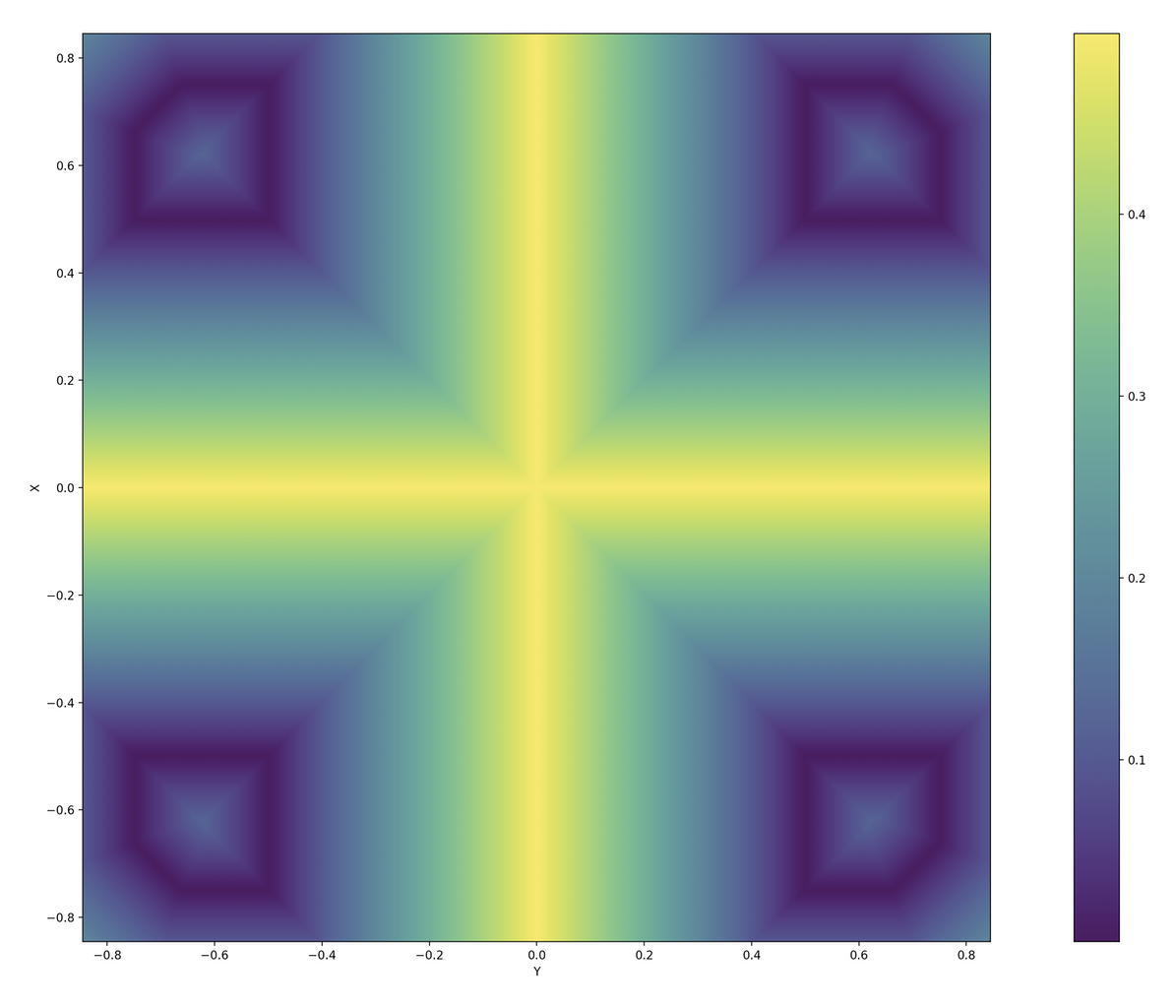
You can plot a visualization of a 2D slice of the SDF using matplotlib. This can be useful for debugging purposes.
f.show_slice(z=0)
f.show_slice(z=0, abs=True) # show abs(f)
You can specify a slice plane at any X, Y, or Z coordinate. You can also specify the bounds to plot.
Note that matplotlib is only imported if this function is called, so it
isn't strictly required as a dependency.
How it Works
The code simply uses the Marching Cubes algorithm to generate a mesh from the Signed Distance Function.
This would normally be abysmally slow in Python. However, numpy is used to evaluate the SDF on entire batches of points simultaneously. Furthermore, multiple threads are used to process batches in parallel. The result is surprisingly fast (for marching cubes). Meshes of adequate detail can still be quite large in terms of number of triangles.
The core "engine" of the sdf library is very small and can be found in
core.py.
In short, there is nothing algorithmically revolutionary here. The goal is to provide a simple, fun, and easy-to-use API for generating 3D models in our favorite language Python.
Files
- sdf/core.py: The core mesh-generation engine. Also includes code for estimating the bounding box of an SDF and for plotting a 2D slice of an SDF with matplotlib.
- sdf/d2.py: 2D signed distance functions
- sdf/d3.py: 3D signed distance functions
- sdf/dn.py: Dimension-agnostic signed distance functions
- sdf/ease.py: Easing functions that operate on numpy arrays. Some SDFs take an easing function as a parameter.
- sdf/mesh.py: Code for loading meshes and using them as SDFs.
- sdf/progress.py: A console progress bar.
- sdf/stl.py: Code for writing a binary STL file.
- sdf/text.py: Generate 2D SDFs for text (which can then be extruded)
- sdf/util.py: Utility constants and functions.
SDF Implementation
It is reasonable to write your own SDFs beyond those provided by the built-in library. Browse the SDF implementations to understand how they are implemented. Here are some simple examples:
@sdf3
def sphere(radius=1, center=ORIGIN):
    def f(p):
        return np.linalg.norm(p - center, axis=1) - radius
    return f
An SDF is simply a function that takes a numpy array of points with shape (N, 3)
for 3D SDFs or shape (N, 2) for 2D SDFs and returns the signed distance for each
of those points as an array of shape (N, 1). They are wrapped with the
@sdf3 decorator (or @sdf2 for 2D SDFs) which make boolean operators work,
add the save method, add the operators like translate, etc.
@op3
def translate(other, offset):
    def f(p):
        return other(p - offset)
    return f
An SDF that operates on another SDF (like the above translate) should use
the @op3 decorator instead. This will register the function such that SDFs
can be chained together like:
f = sphere(1).translate((1, 2, 3))
Instead of what would otherwise be required:
f = translate(sphere(1), (1, 2, 3))
Remember, it's Python!
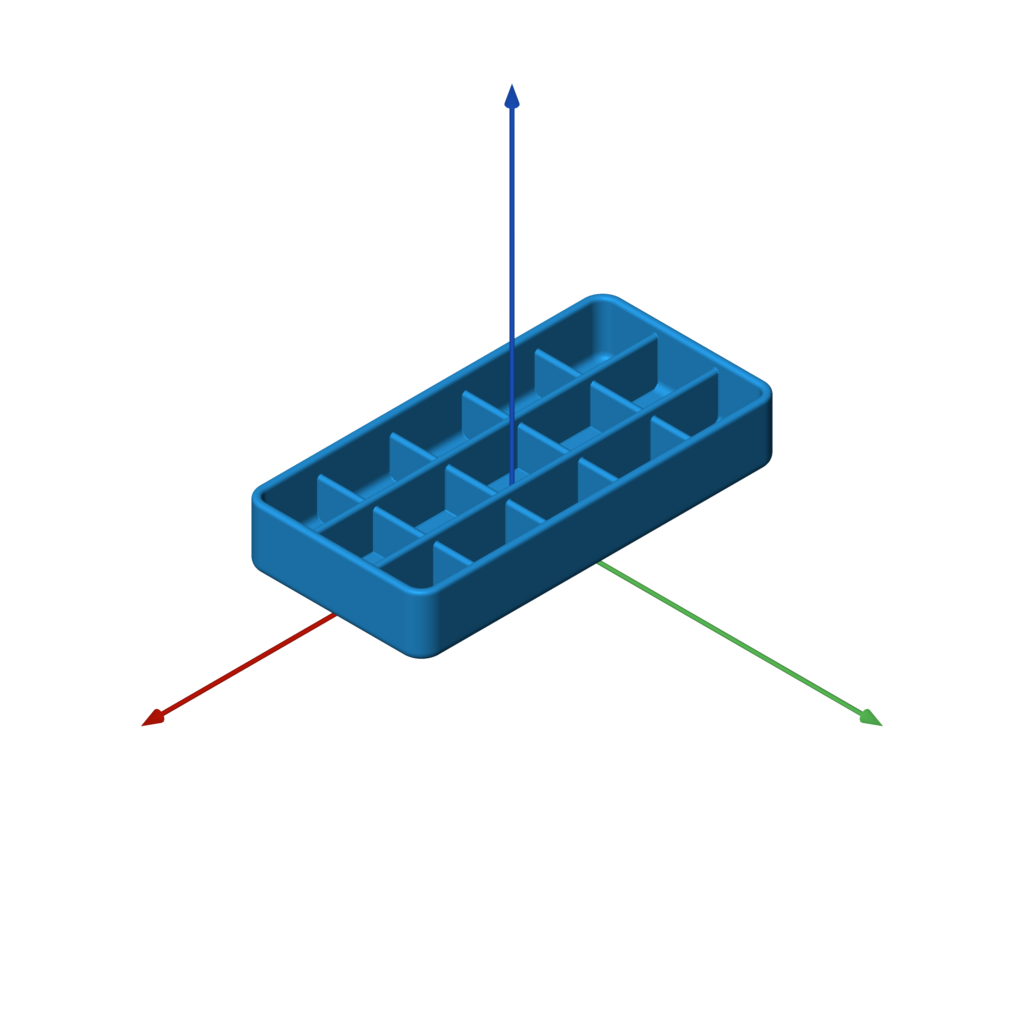
Remember, this is Python, so it's fully programmable. You can and should split up your model into parameterized sub-components, for example. You can use for loops and conditionals wherever applicable. The sky is the limit!
See the customizable box example for some starting ideas.
Function Reference
3D Primitives
sphere
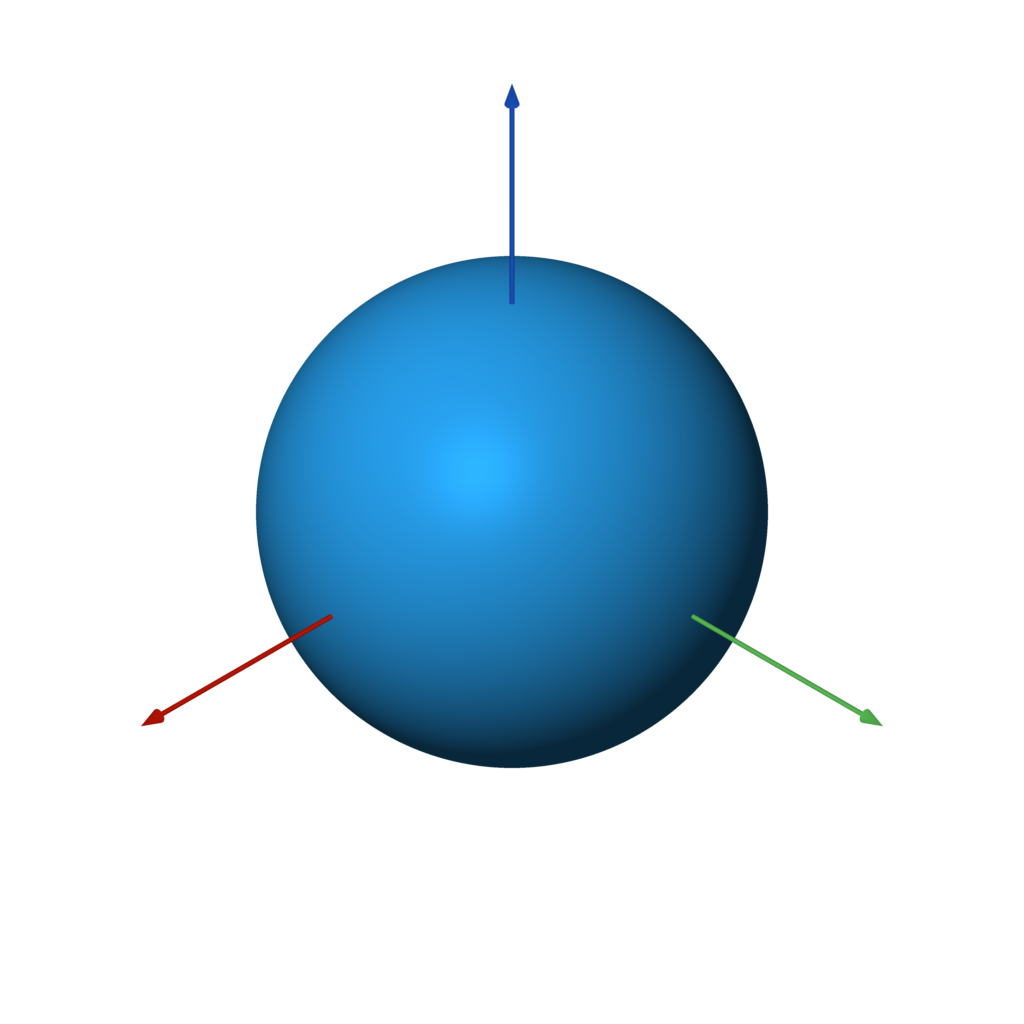
sphere(radius=1, center=ORIGIN)
f = sphere() # unit sphere
f = sphere(2) # specify radius
f = sphere(1, (1, 2, 3)) # translated sphere
box
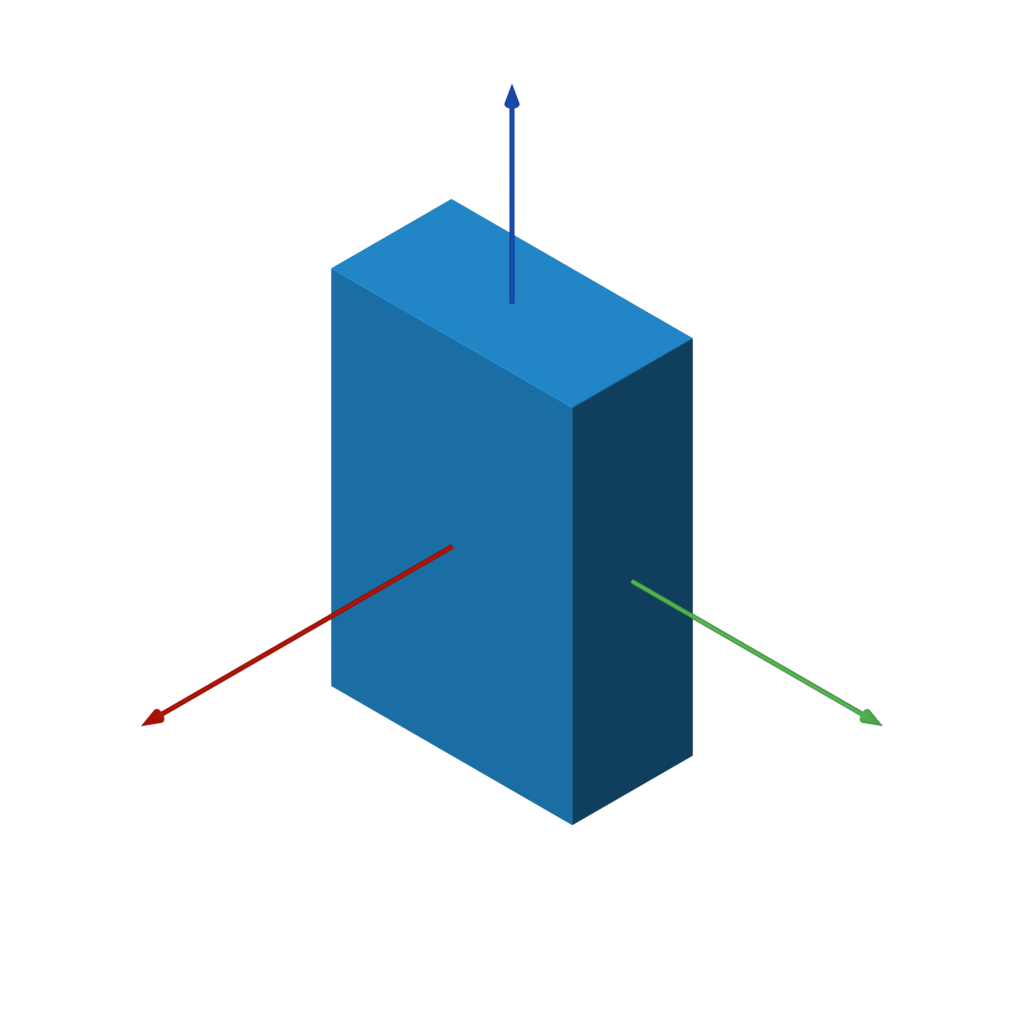
box(size=1, center=ORIGIN, a=None, b=None)
f = box(1) # all side lengths = 1
f = box((1, 2, 3)) # different side lengths
f = box(a=(-1, -1, -1), b=(3, 4, 5)) # specified by bounds
rounded_box
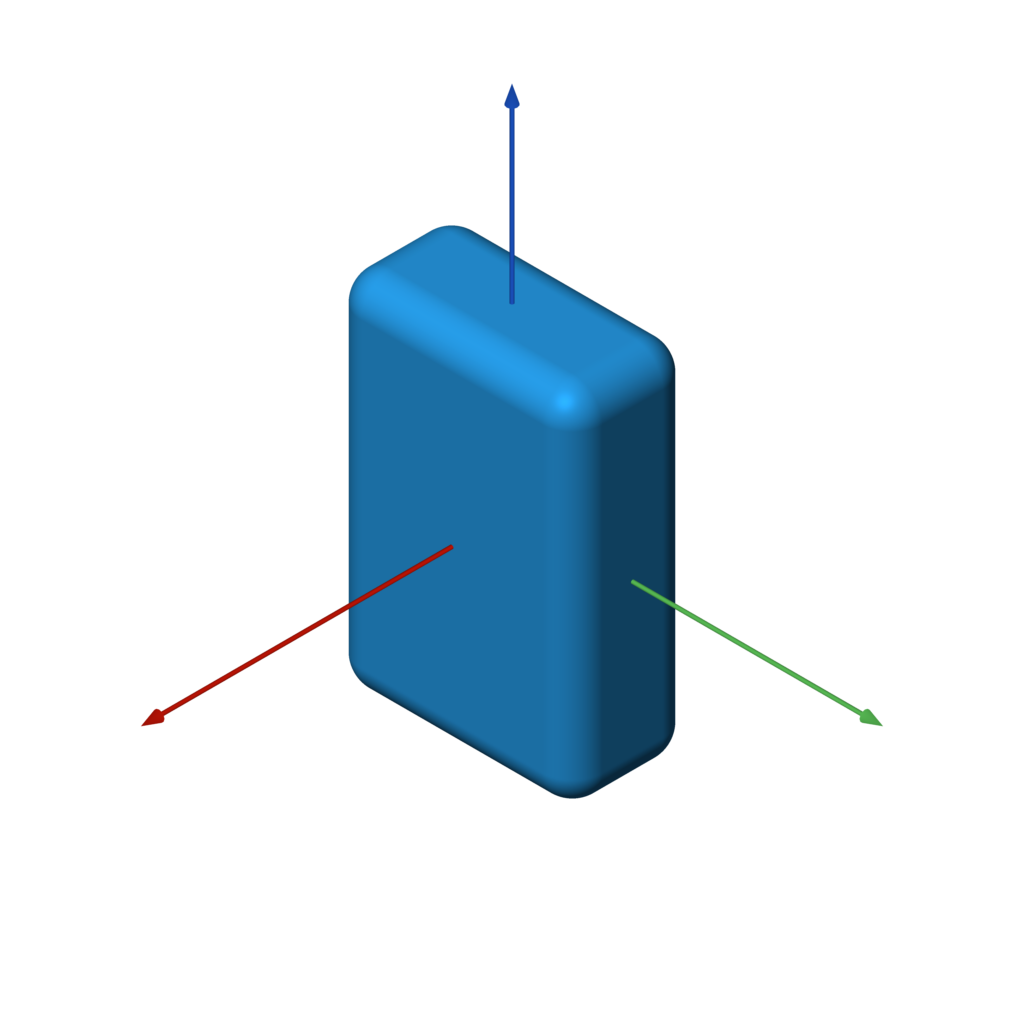
rounded_box(size, radius)
f = rounded_box((1, 2, 3), 0.25)
wireframe_box
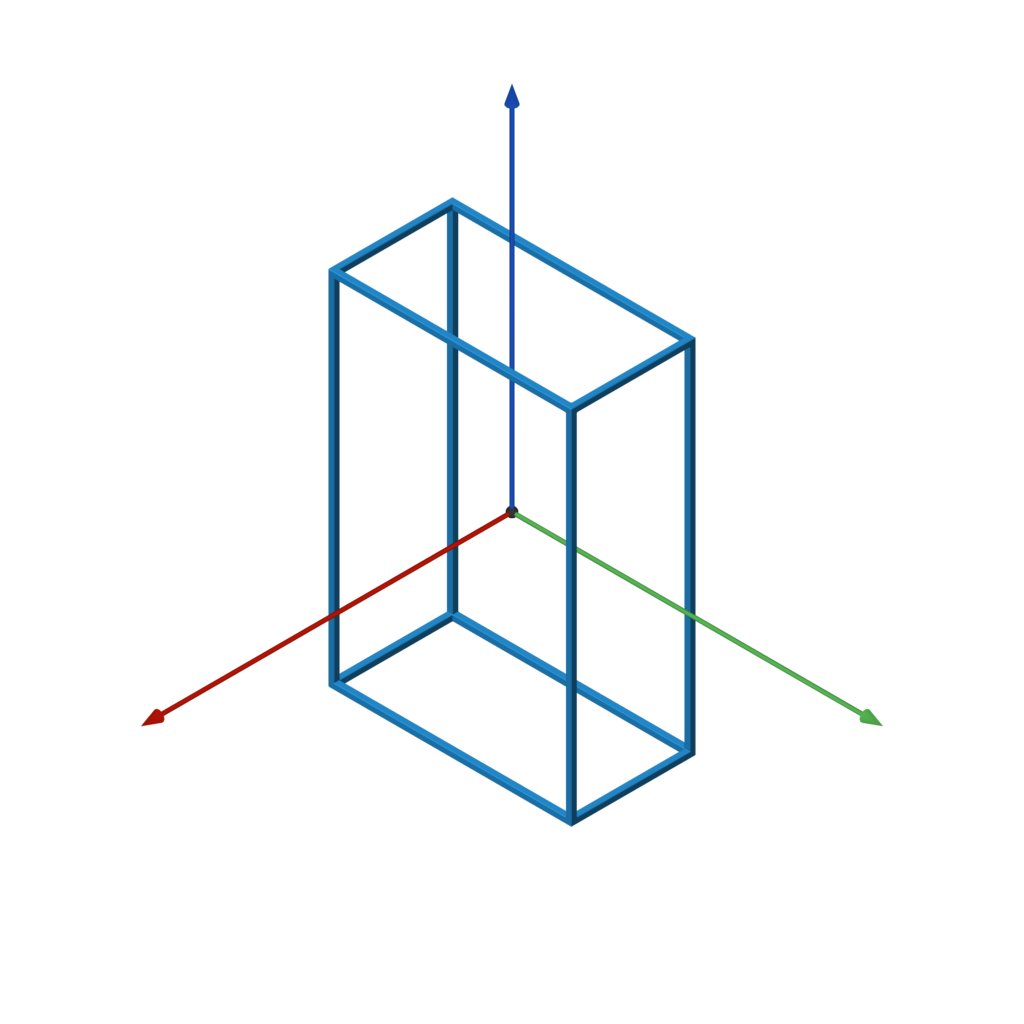
wireframe_box(size, thickness)
f = wireframe_box((1, 2, 3), 0.05)
torus
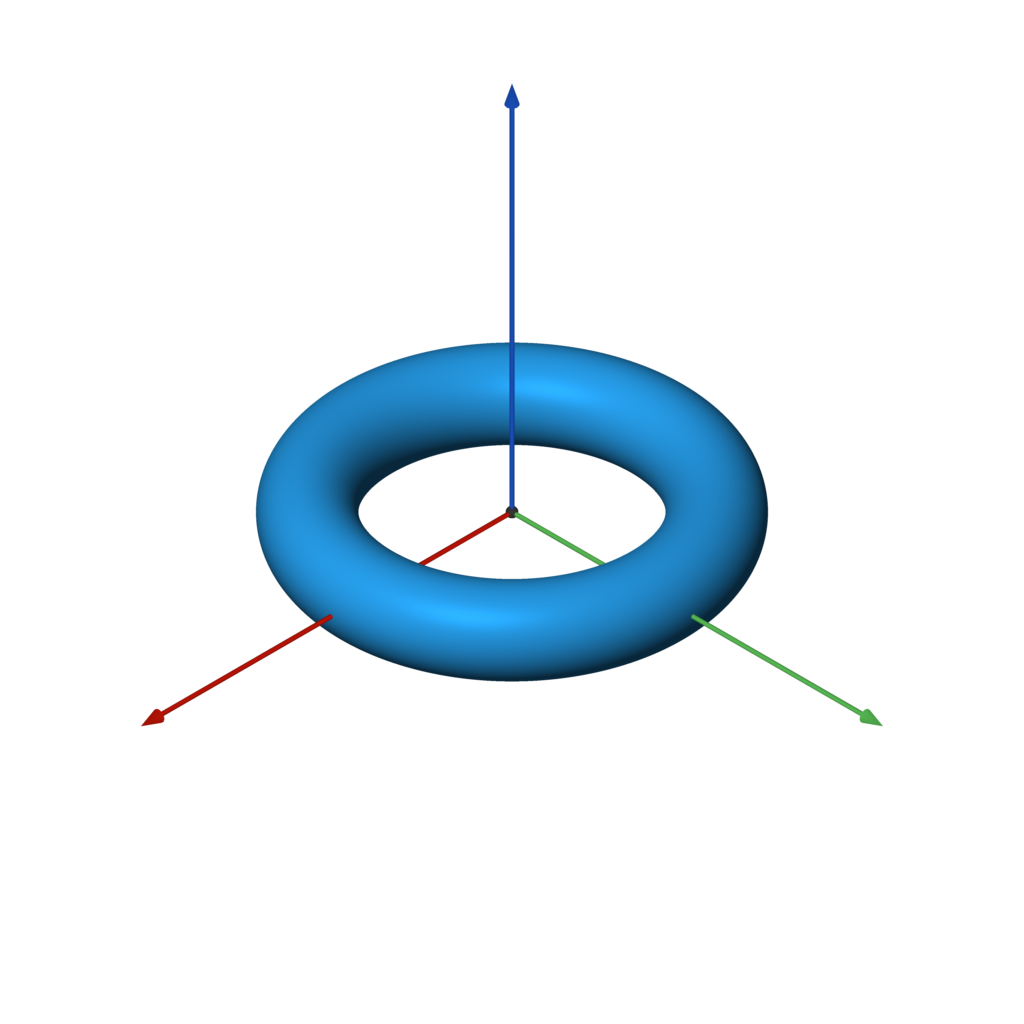
torus(r1, r2)
f = torus(1, 0.25)
capsule
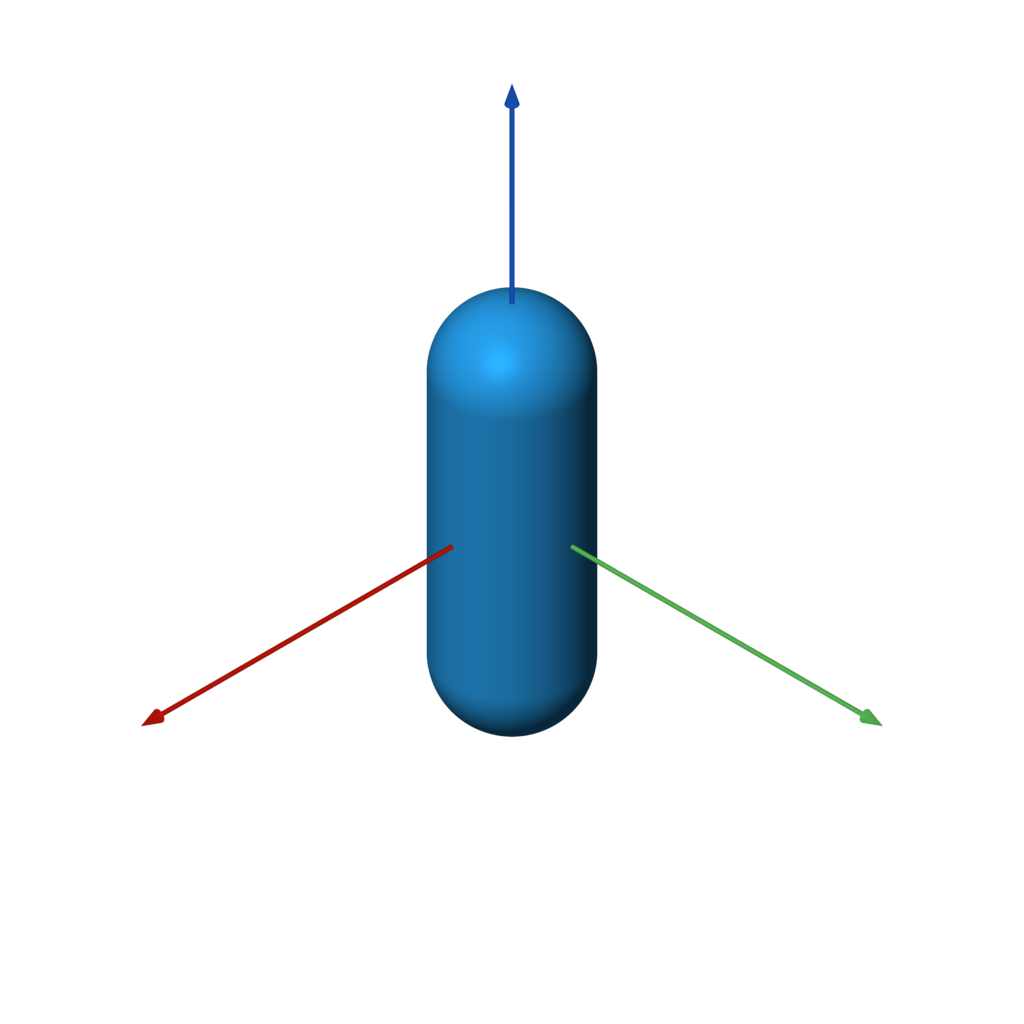
capsule(a, b, radius)
f = capsule(-Z, Z, 0.5)
capped_cylinder
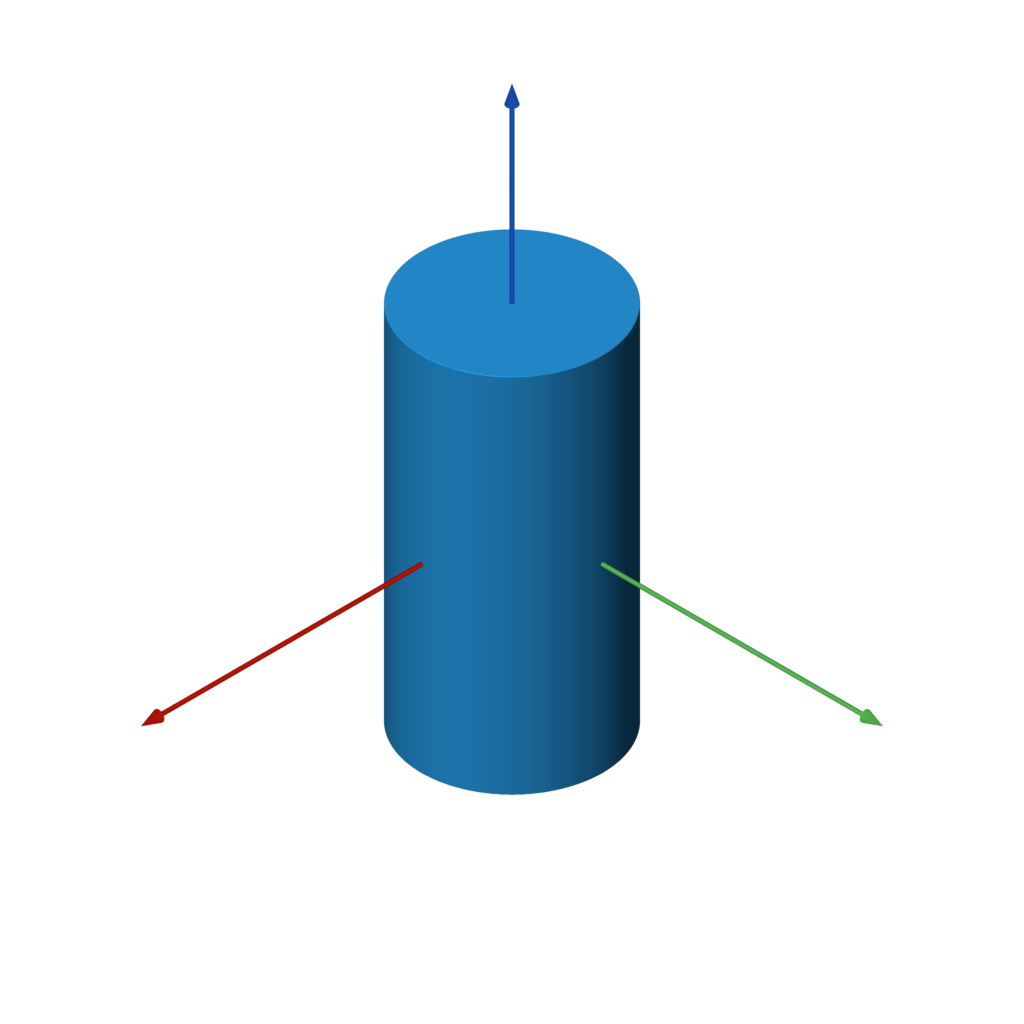
capped_cylinder(a, b, radius)
f = capped_cylinder(-Z, Z, 0.5)
rounded_cylinder
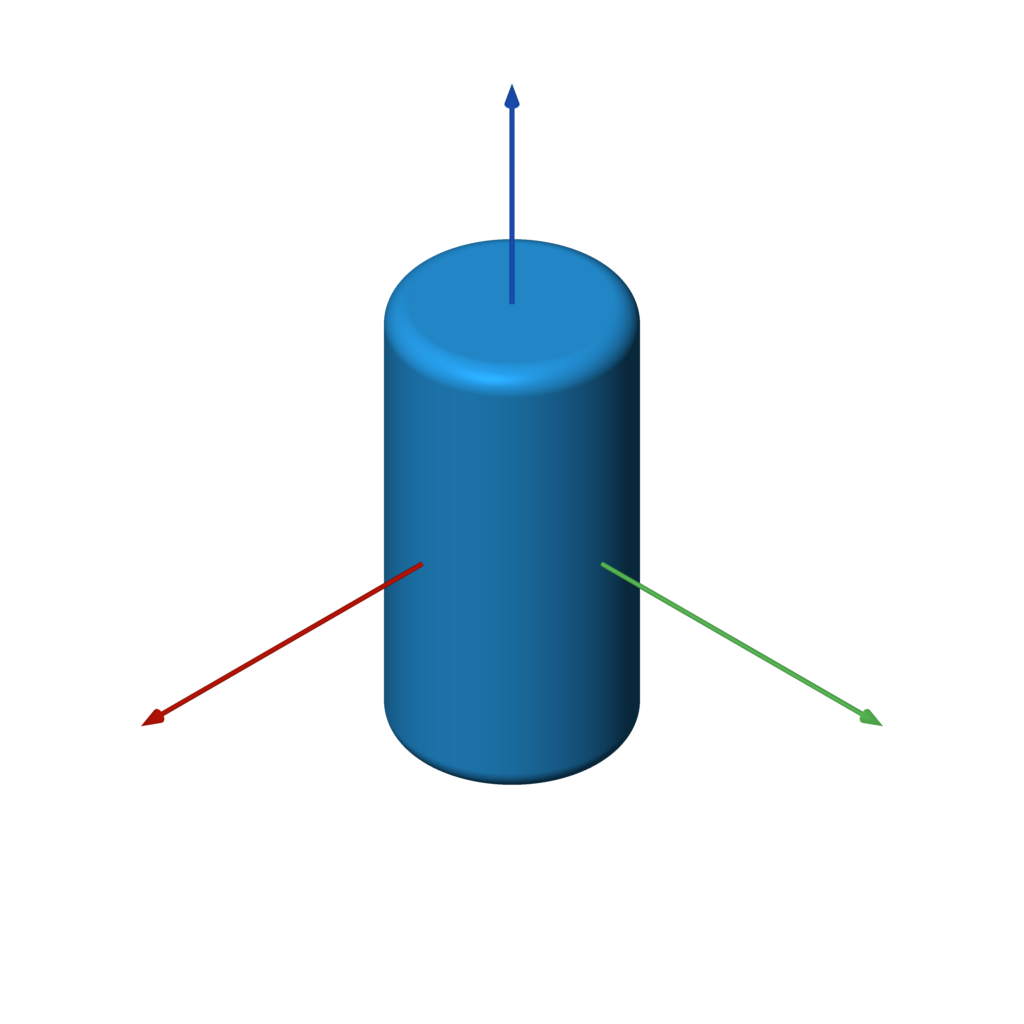
rounded_cylinder(ra, rb, h)
f = rounded_cylinder(0.5, 0.1, 2)
capped_cone
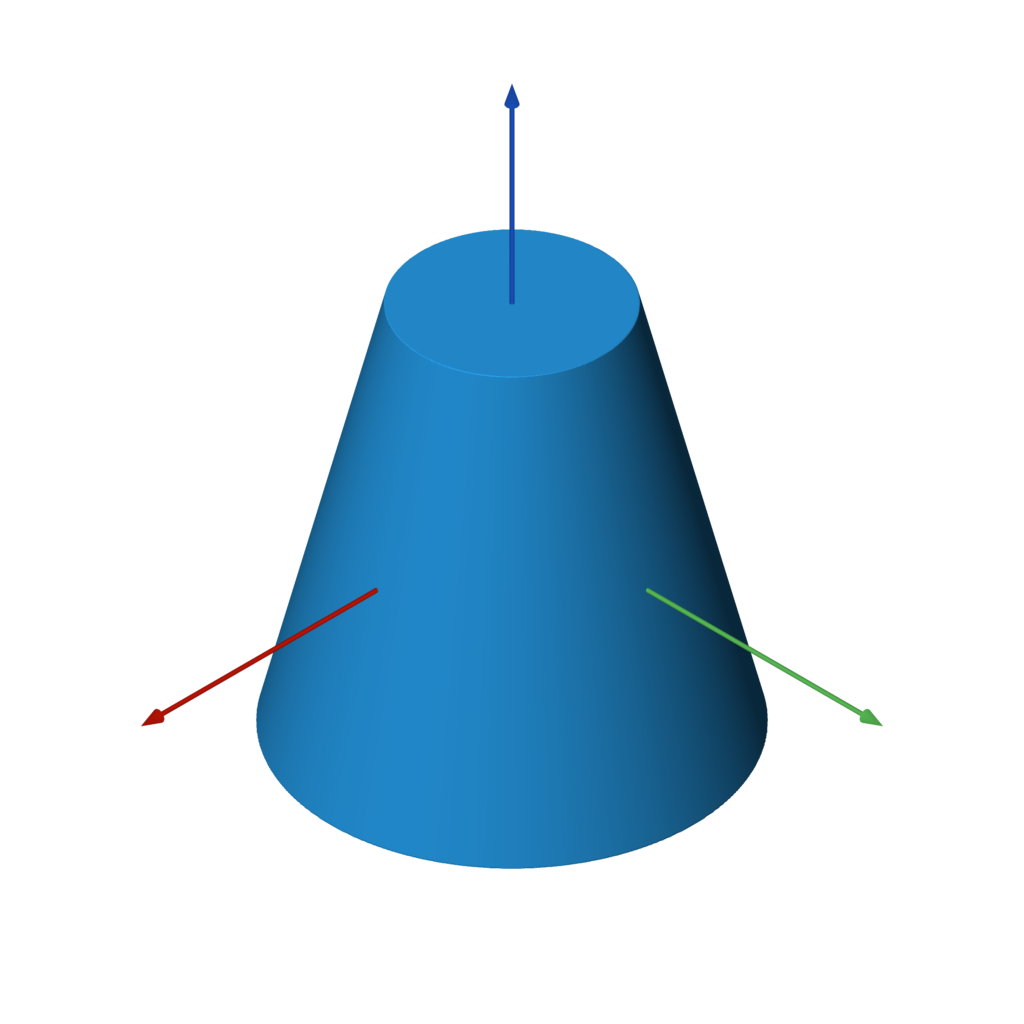
capped_cone(a, b, ra, rb)
f = capped_cone(-Z, Z, 1, 0.5)
rounded_cone
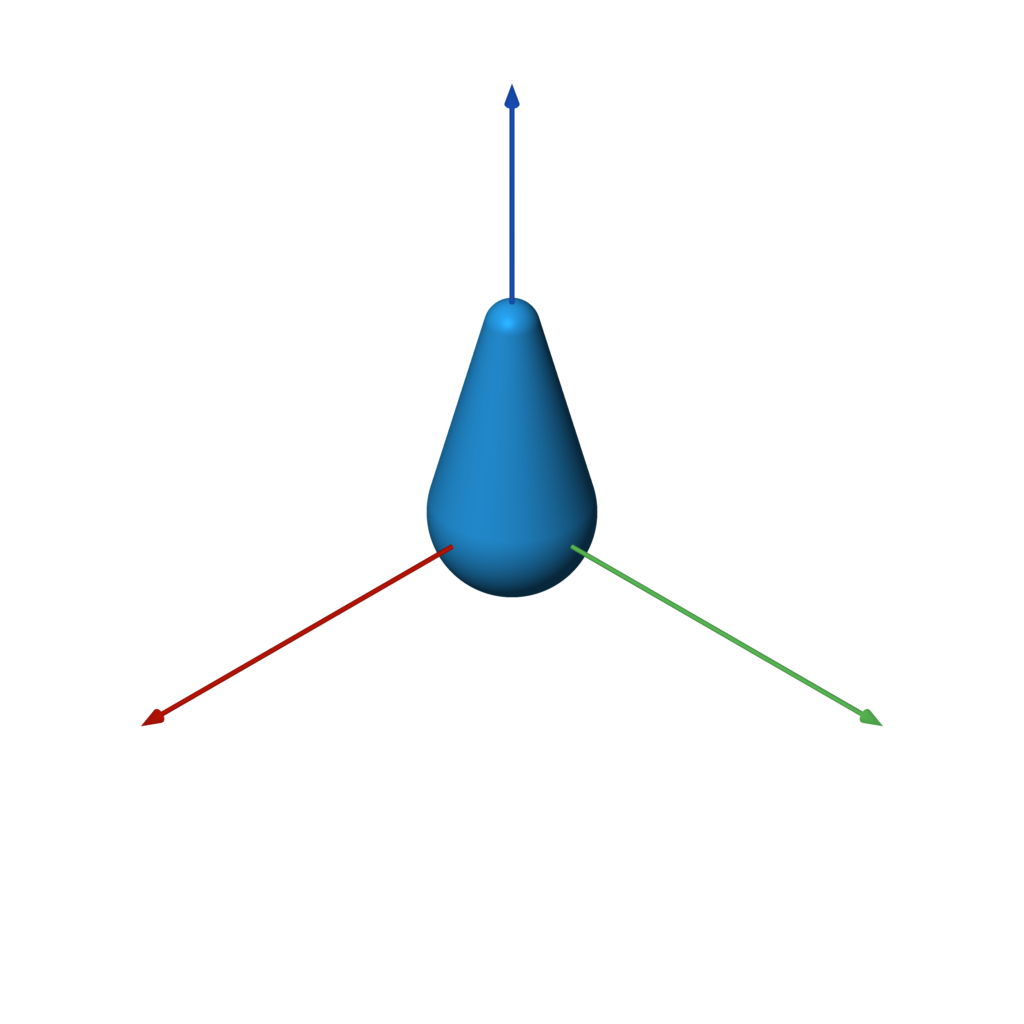
rounded_cone(r1, r2, h)
f = rounded_cone(0.75, 0.25, 2)
ellipsoid
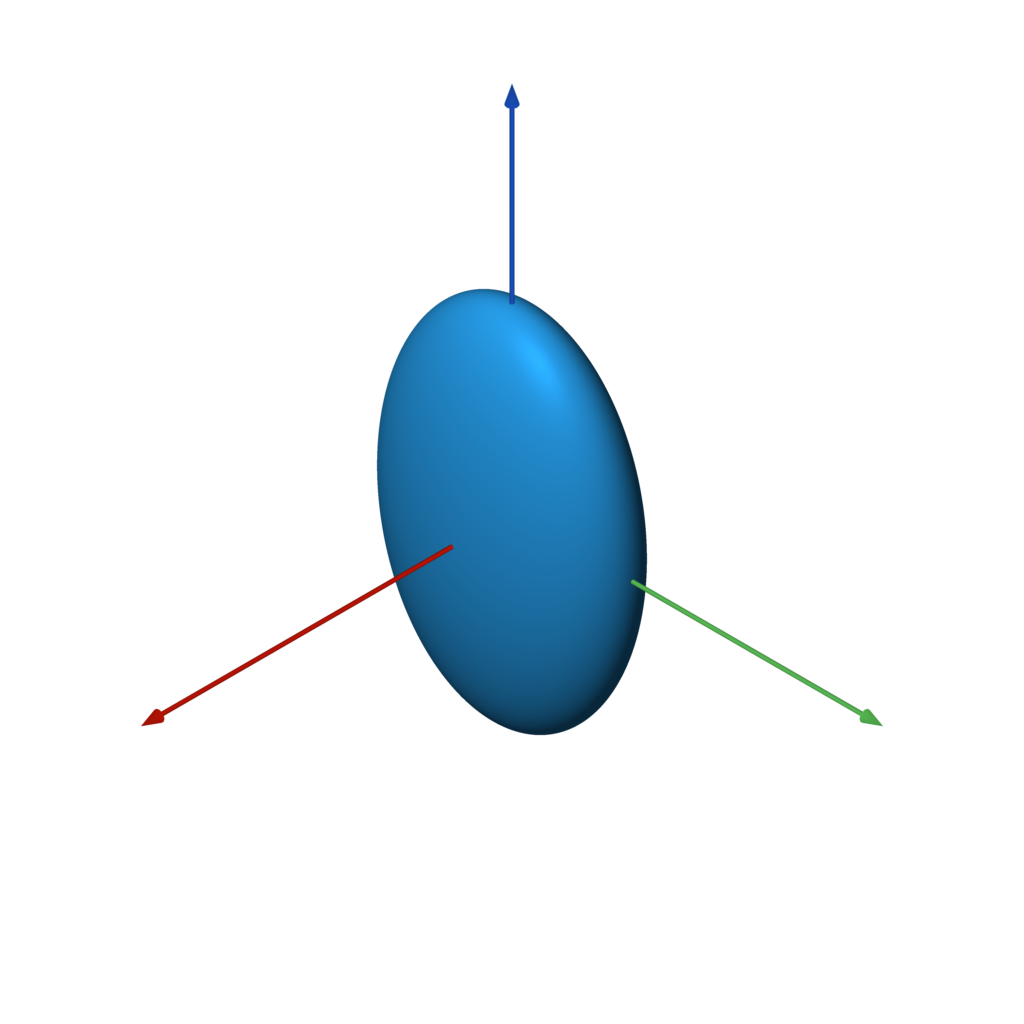
ellipsoid(size)
f = ellipsoid((1, 2, 3))
pyramid
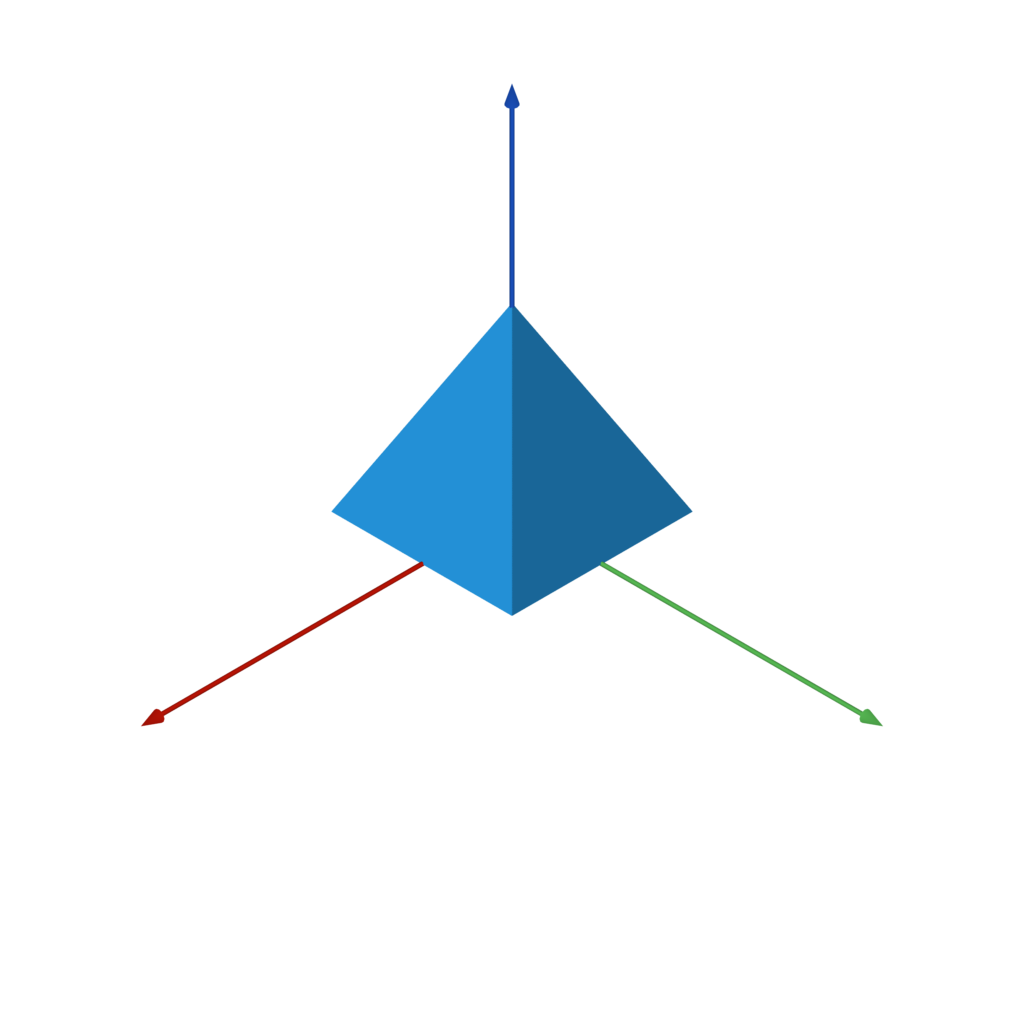
pyramid(h)
f = pyramid(1)
Platonic Solids
tetrahedron
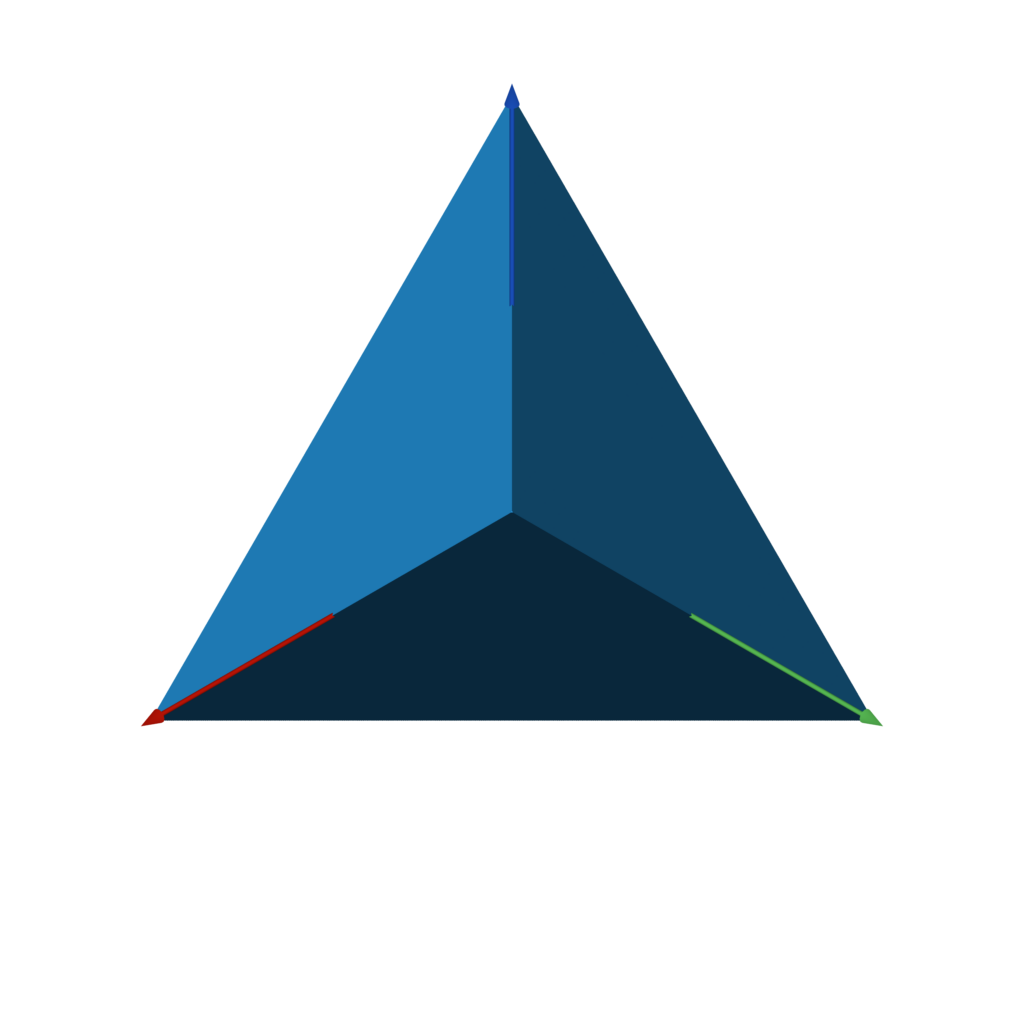
tetrahedron(r)
f = tetrahedron(1)
octahedron
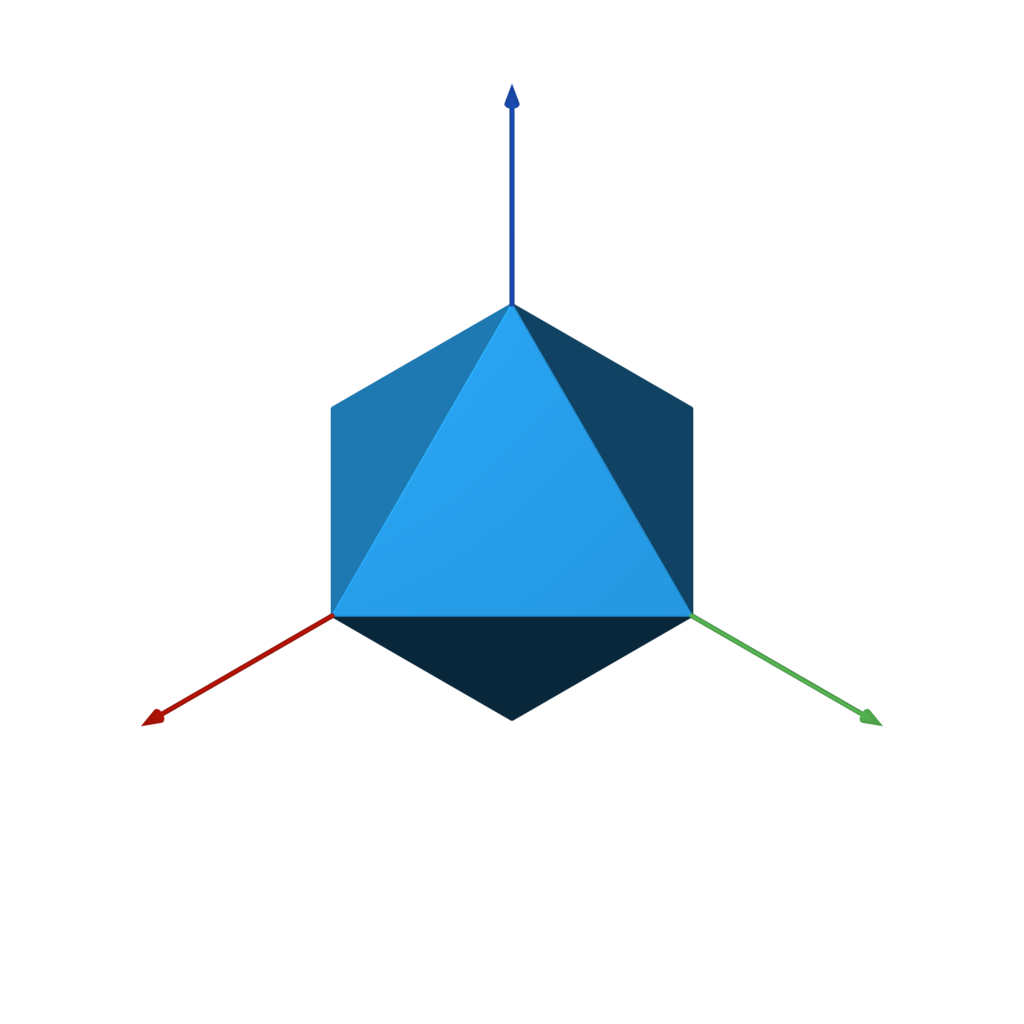
octahedron(r)
f = octahedron(1)
dodecahedron
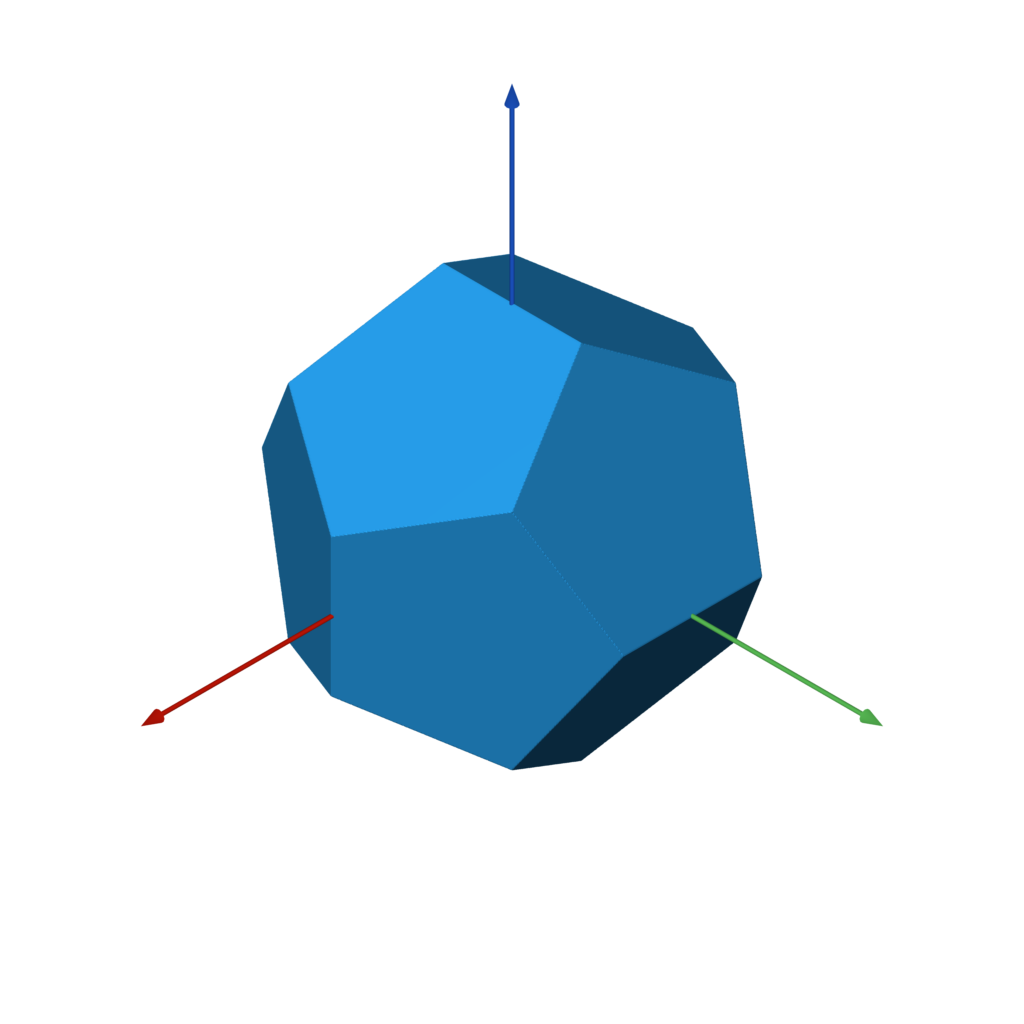
dodecahedron(r)
f = dodecahedron(1)
icosahedron
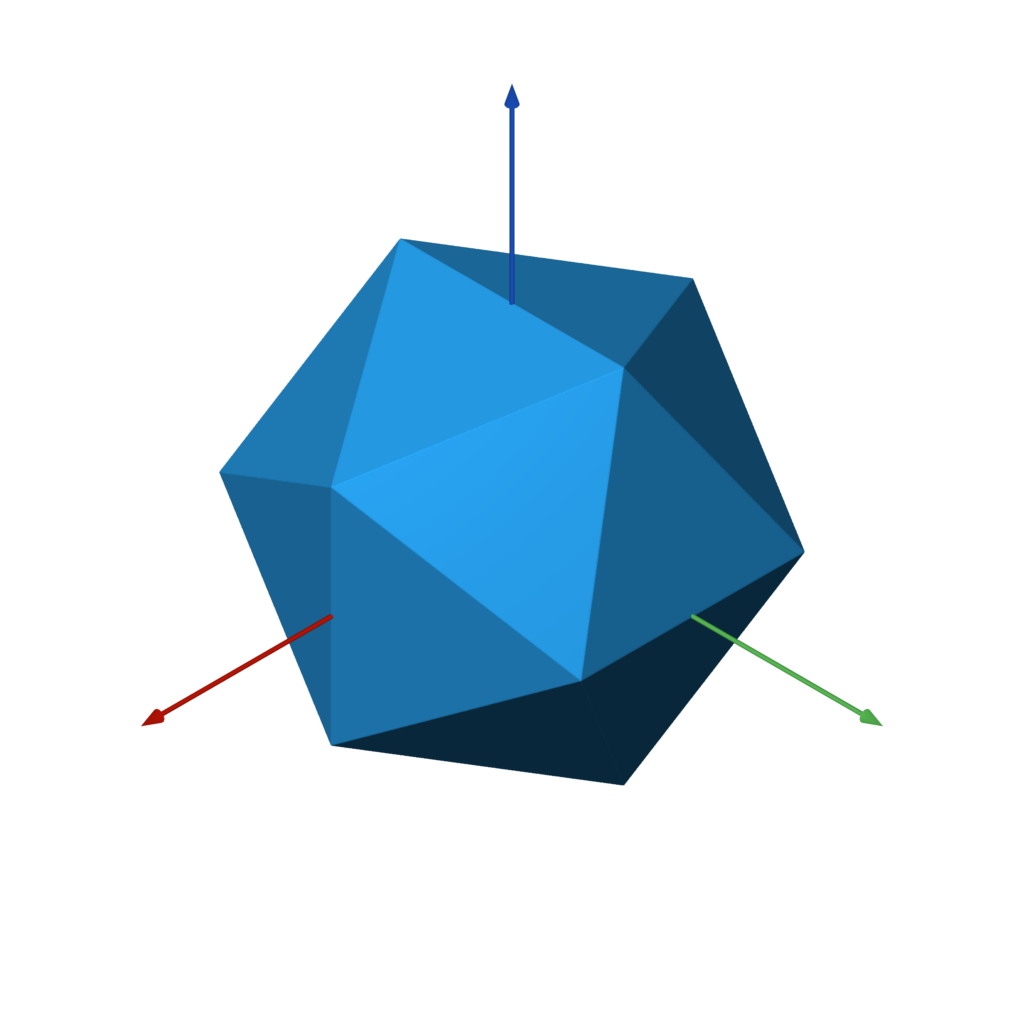
icosahedron(r)
f = icosahedron(1)
Infinite 3D Primitives
The following SDFs extend to infinity in some or all axes. They can only effectively be used in combination with other shapes, as shown in the examples below.
plane
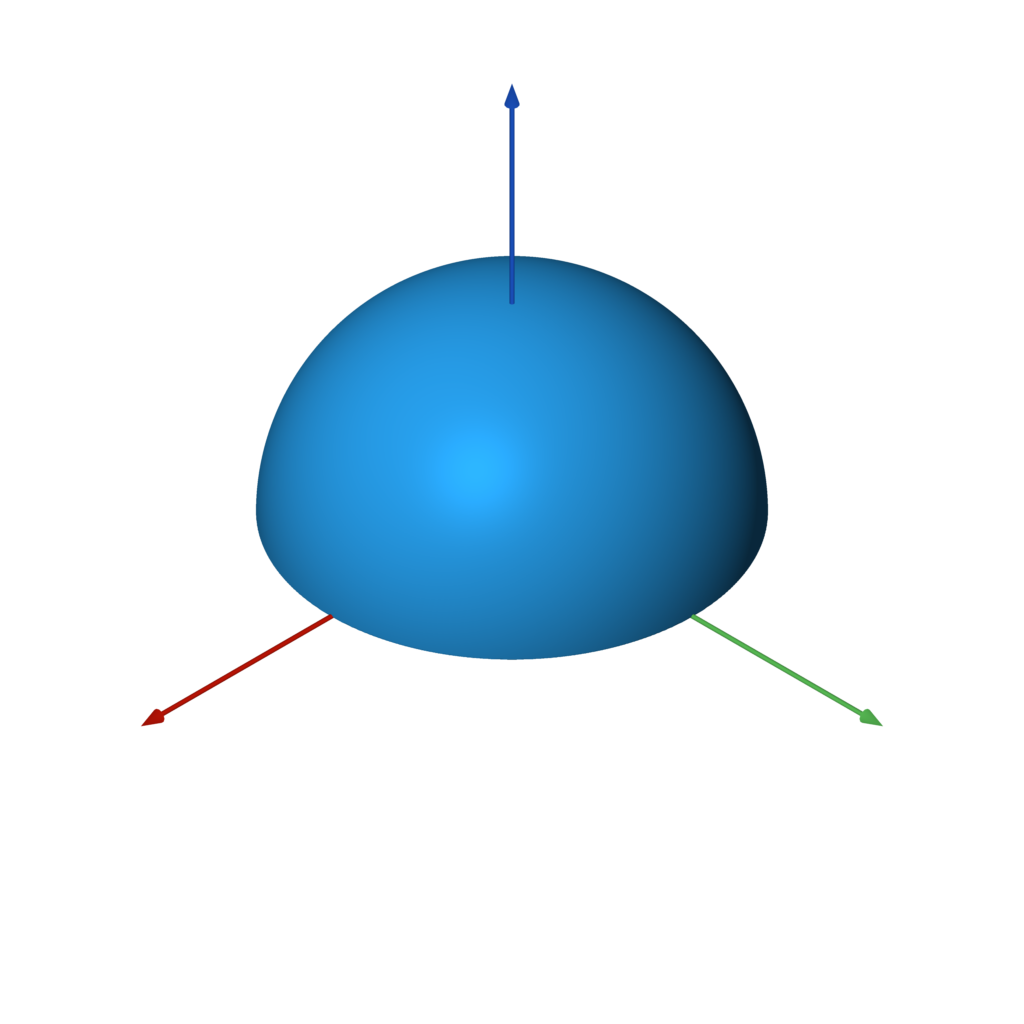
plane(normal=UP, point=ORIGIN)
plane is an infinite plane, with one side being positive (outside) and one side being negative (inside).
f = sphere() & plane()
slab
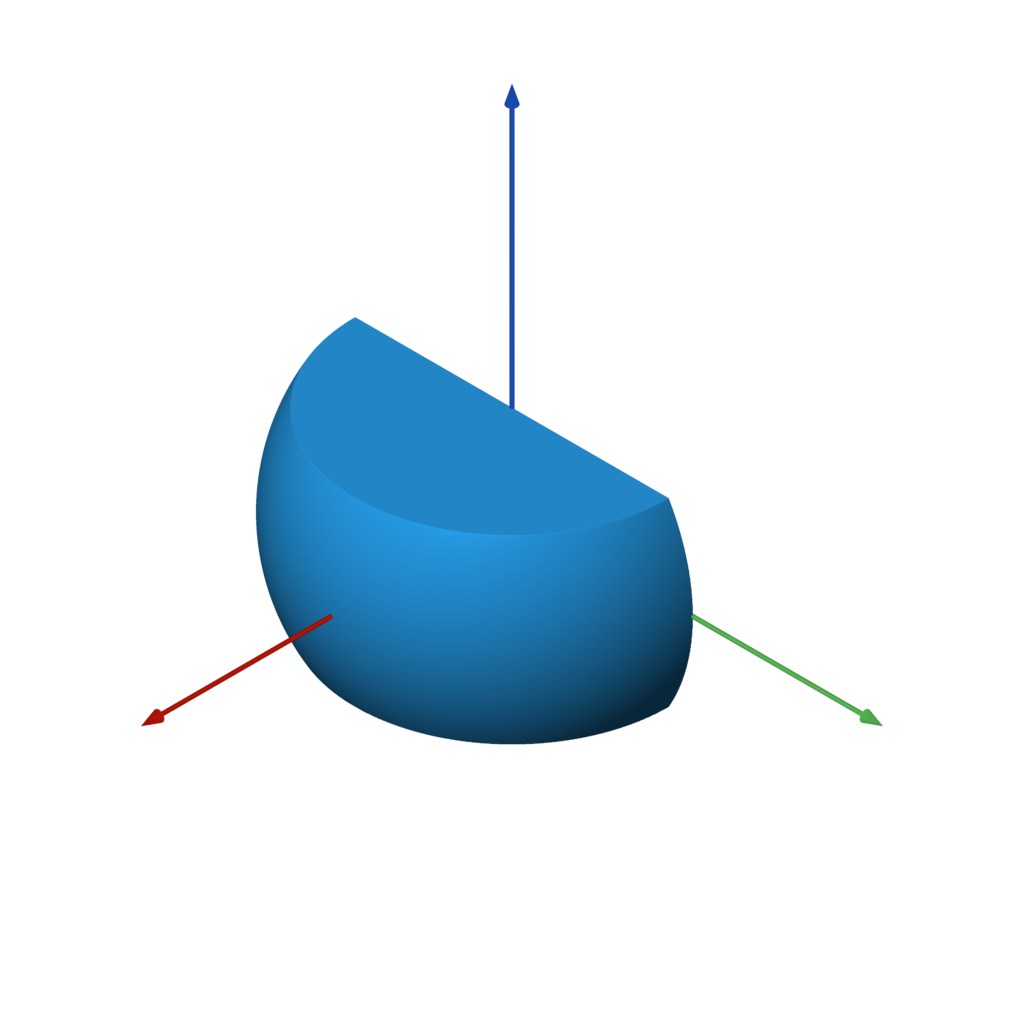
slab(x0=None, y0=None, z0=None, x1=None, y1=None, z1=None, k=None)
slab is useful for cutting a shape on one or more axis-aligned planes.
f = sphere() & slab(z0=-0.5, z1=0.5, x0=0)
cylinder
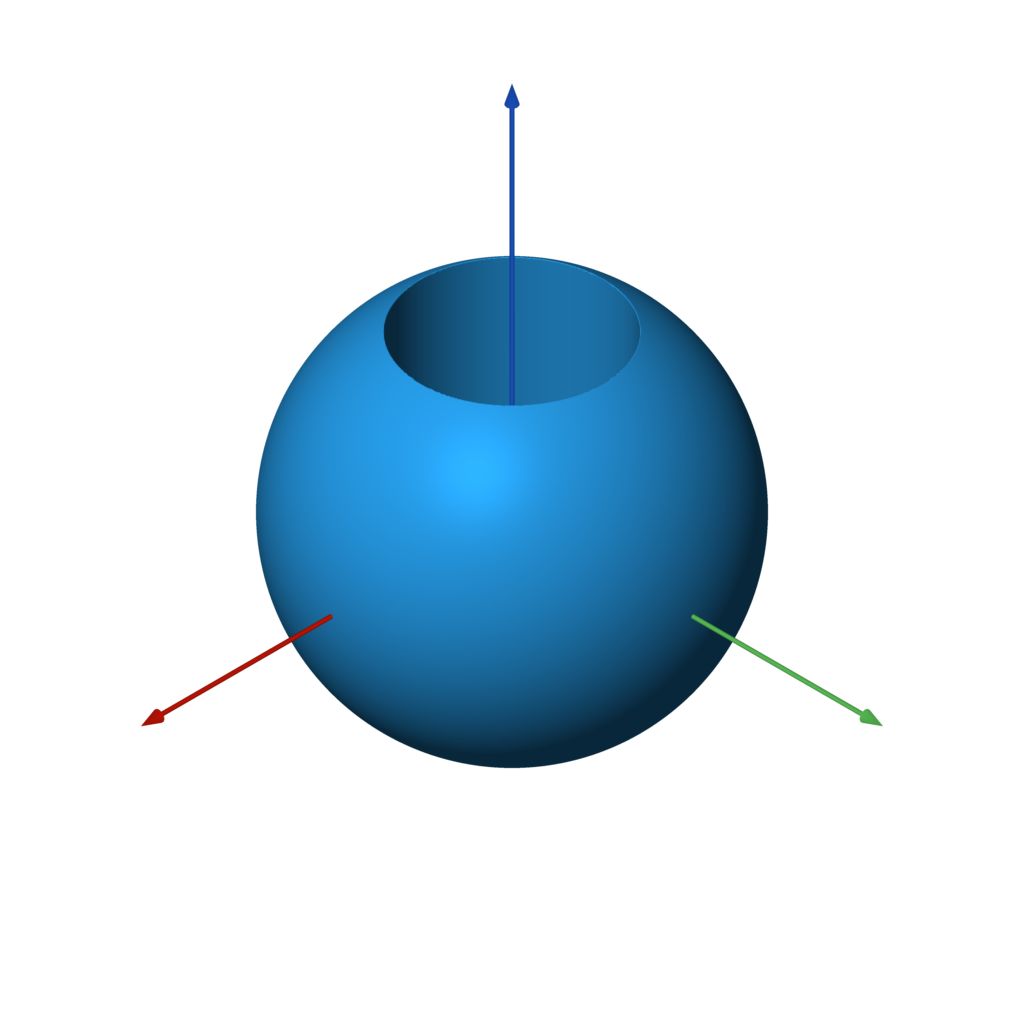
cylinder(radius)
cylinder is an infinite cylinder along the Z axis.
f = sphere() - cylinder(0.5)
Text
Yes, even text is supported!
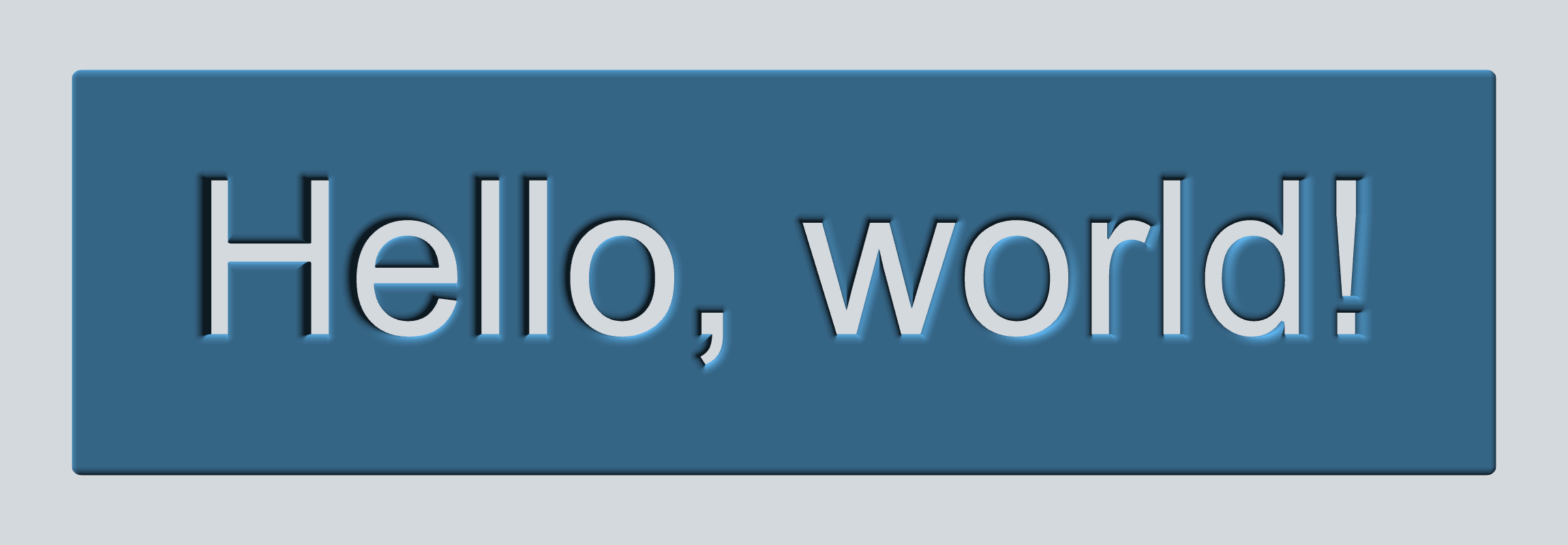
text(font_name, text, width=None, height=None, pixels=PIXELS, points=512)
FONT = 'Arial'
TEXT = 'Hello, world!'

w, h = measure_text(FONT, TEXT)

f = rounded_box((w + 1, h + 1, 0.2), 0.1)
f -= text(FONT, TEXT).extrude(1)
Note: PIL.ImageFont,
which is used to load fonts, does not search for the font by name on all operating systems.
For example, on Ubuntu the full path to the font has to be provided.
(e.g. /usr/share/fonts/truetype/freefont/FreeMono.ttf)
Images
Image masks can be extruded and incorporated into your 3D model.
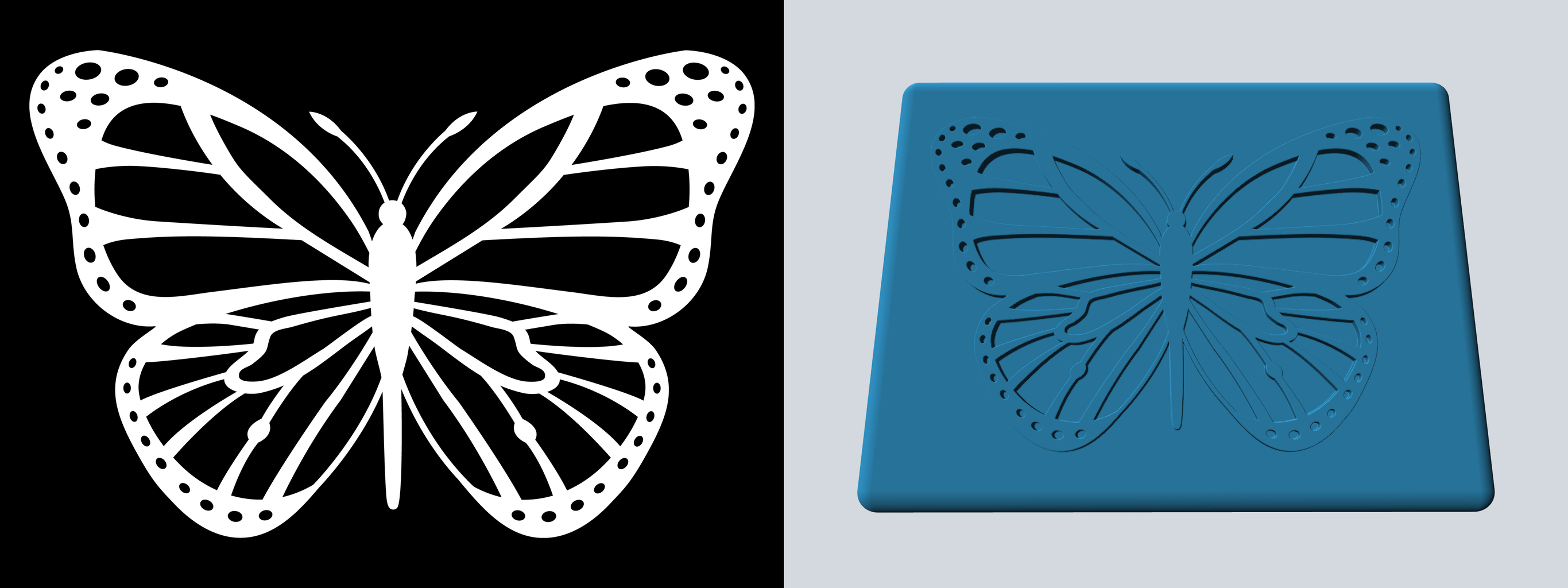
image(path_or_array, width=None, height=None, pixels=PIXELS)
IMAGE = 'examples/butterfly.png'

w, h = measure_image(IMAGE)

f = rounded_box((w * 1.1, h * 1.1, 0.1), 0.05)
f |= image(IMAGE).extrude(1) & slab(z0=0, z1=0.075)
Positioning
translate
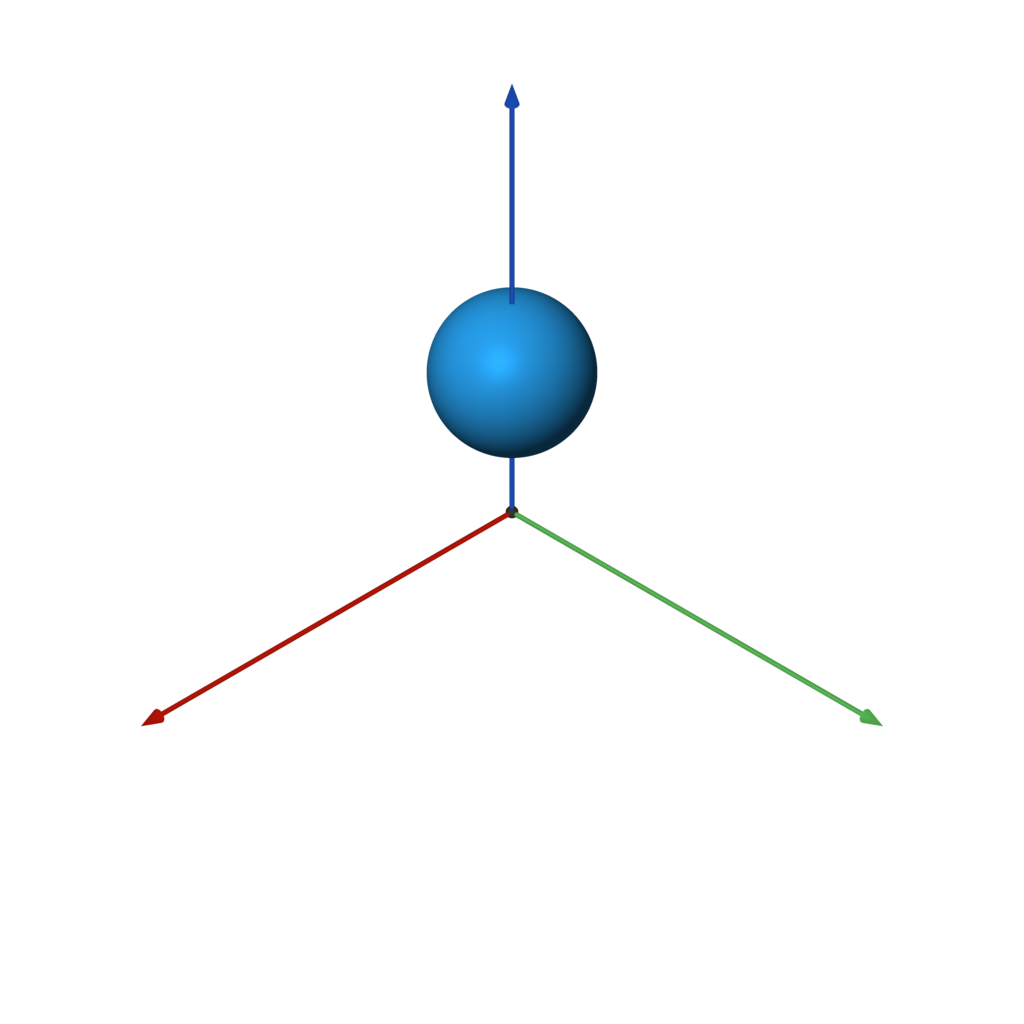
translate(other, offset)
f = sphere().translate((0, 0, 2))
scale
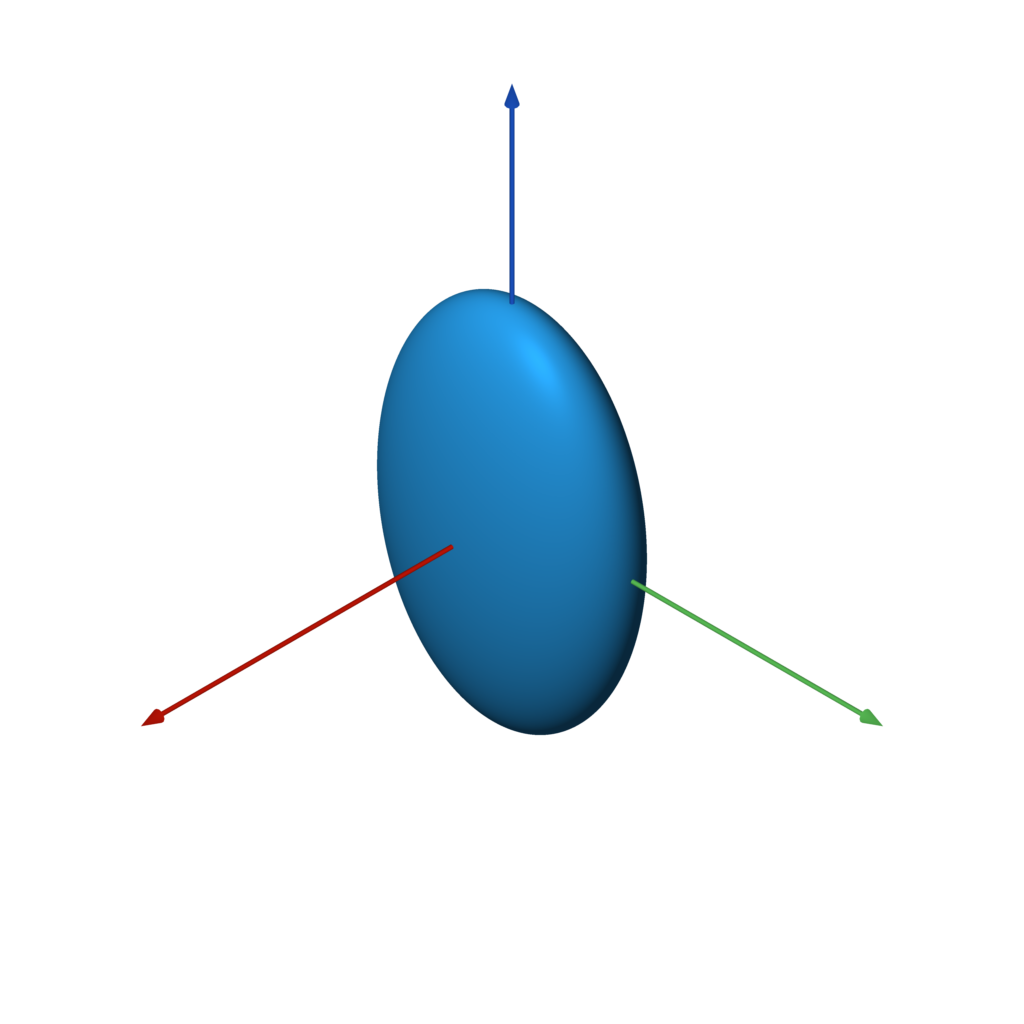
scale(other, factor)
Note that non-uniform scaling is an inexact SDF.
f = sphere().scale(2)
f = sphere().scale((1, 2, 3)) # non-uniform scaling
rotate
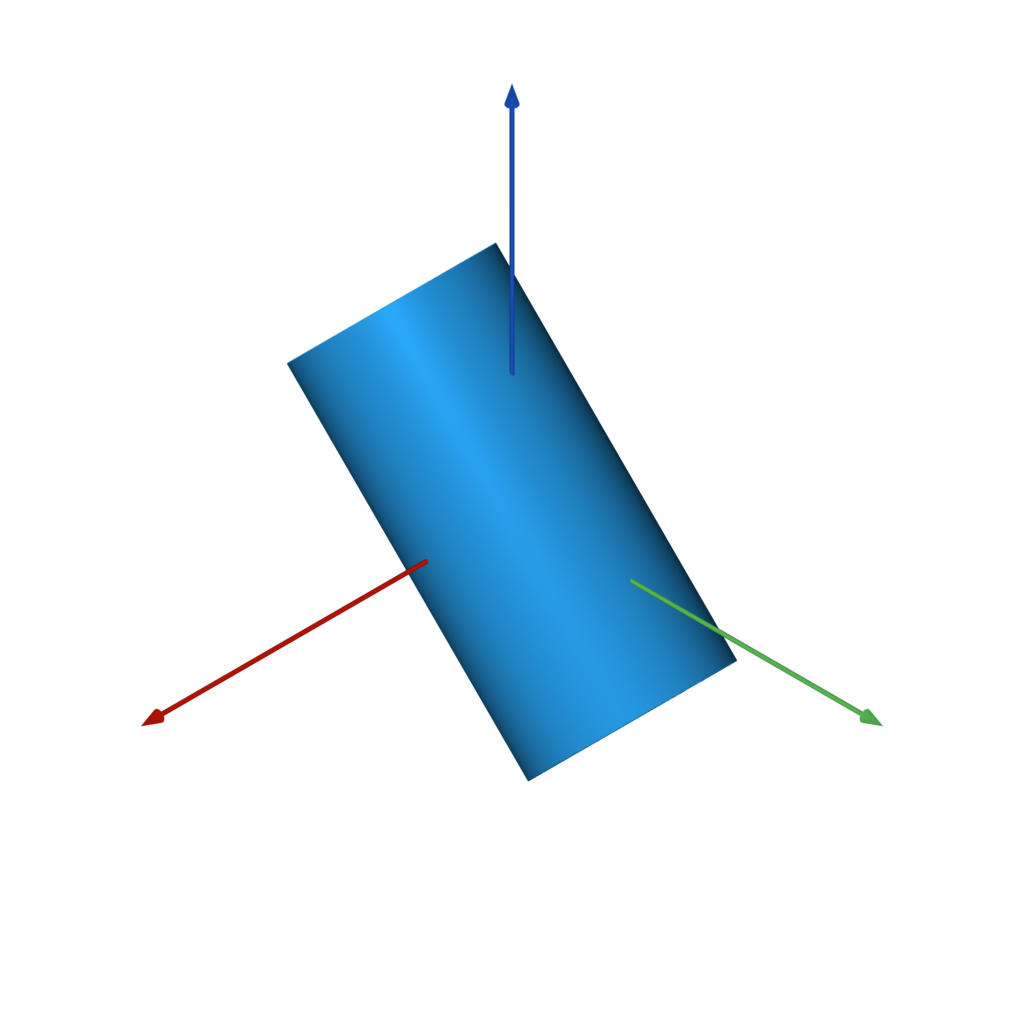
rotate(other, angle, vector=Z)
f = capped_cylinder(-Z, Z, 0.5).rotate(pi / 4, X)
orient
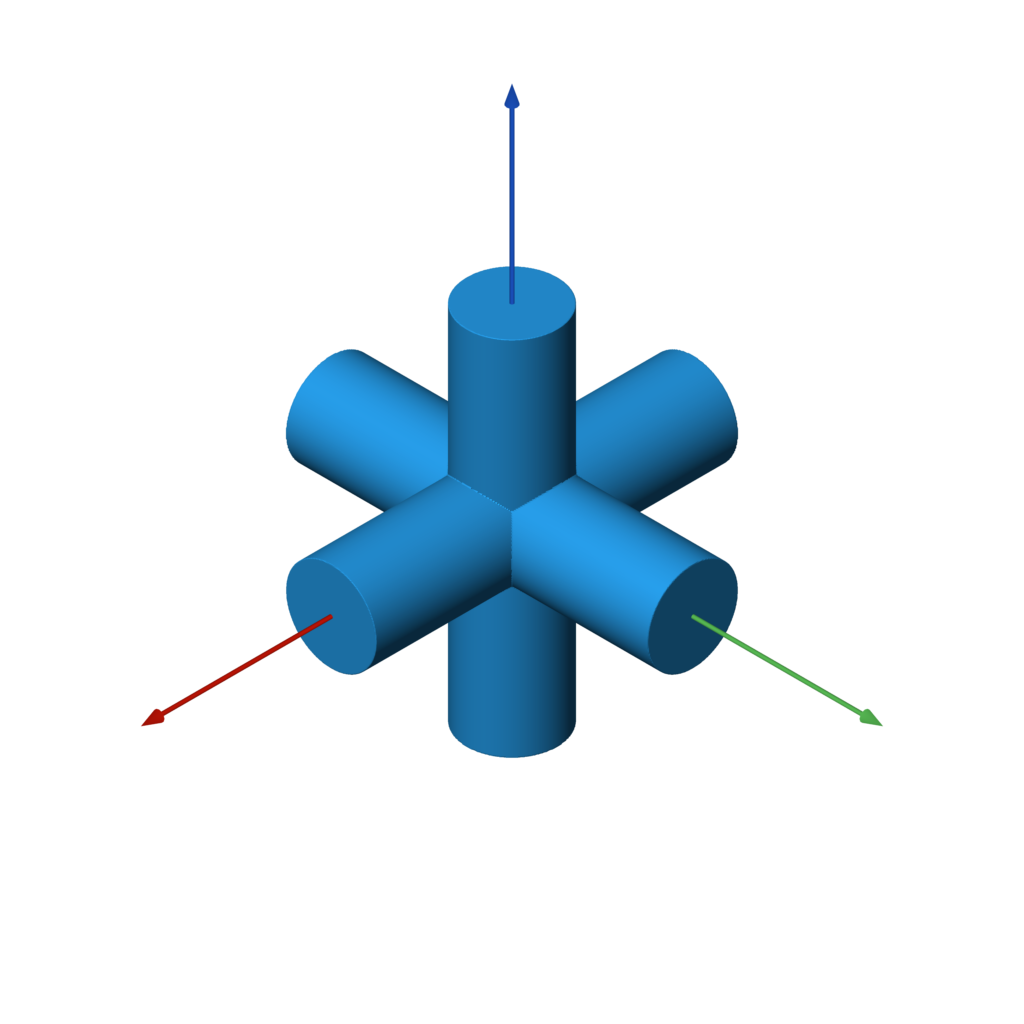
orient(other, axis)
orient rotates the shape such that whatever was pointing in the +Z direction
is now pointing in the specified direction.
c = capped_cylinder(-Z, Z, 0.25)
f = c.orient(X) | c.orient(Y) | c.orient(Z)
Boolean Operations
The following primitives a and b are used in all of the following
boolean operations.
a = box((3, 3, 0.5))
b = sphere()
The named versions (union, difference, intersection) can all take
one or more SDFs as input. They all take an optional k parameter to define the amount
of smoothing to apply. When using operators (|, -, &) the smoothing can
still be applied via the .k(...) function.
union
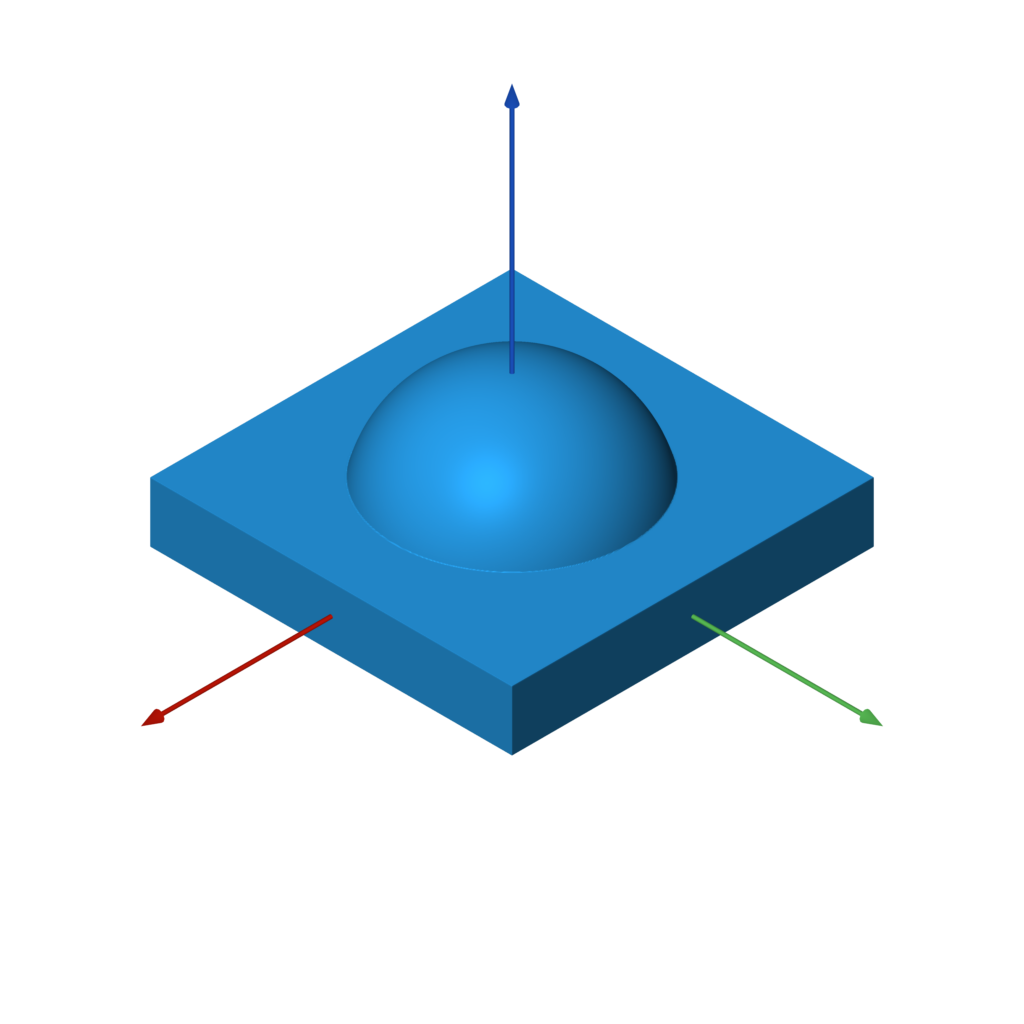
f = a | b
f = union(a, b) # equivalent
difference
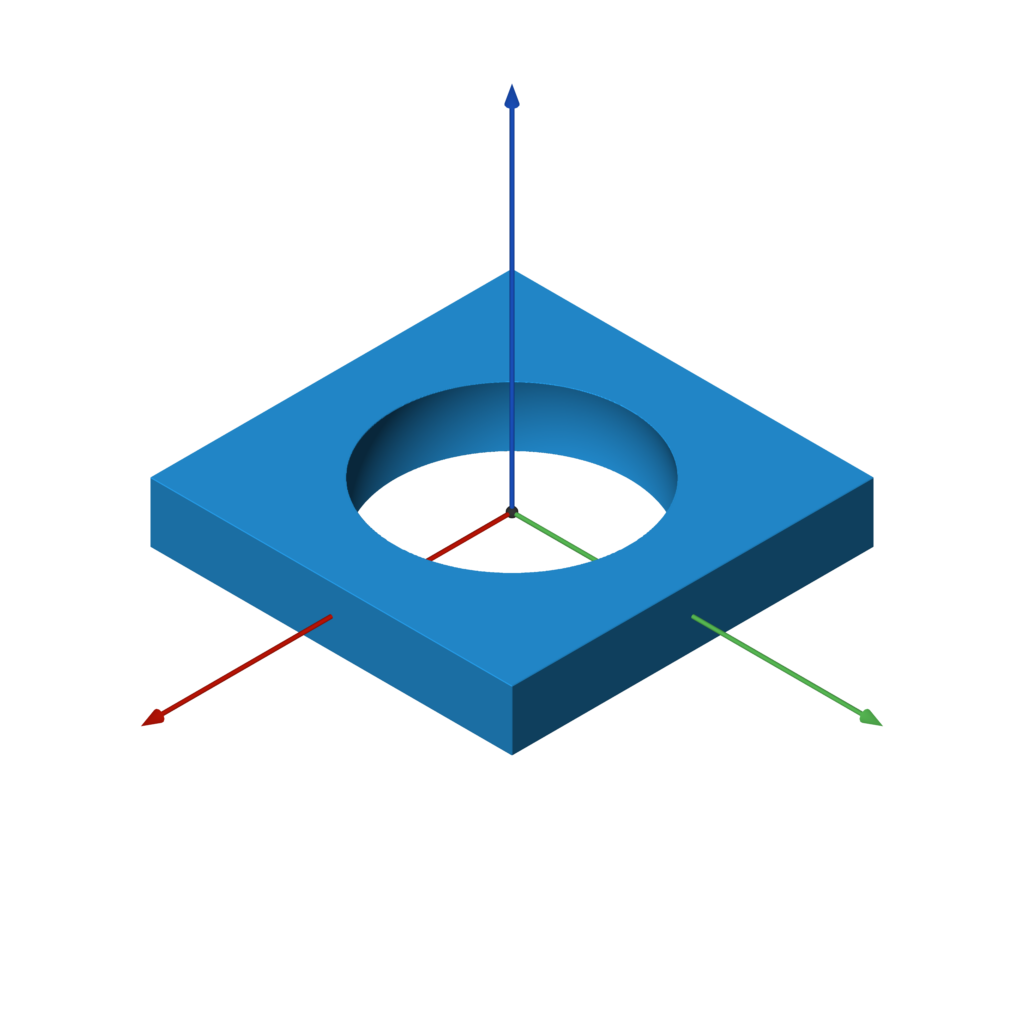
f = a - b
f = difference(a, b) # equivalent
intersection
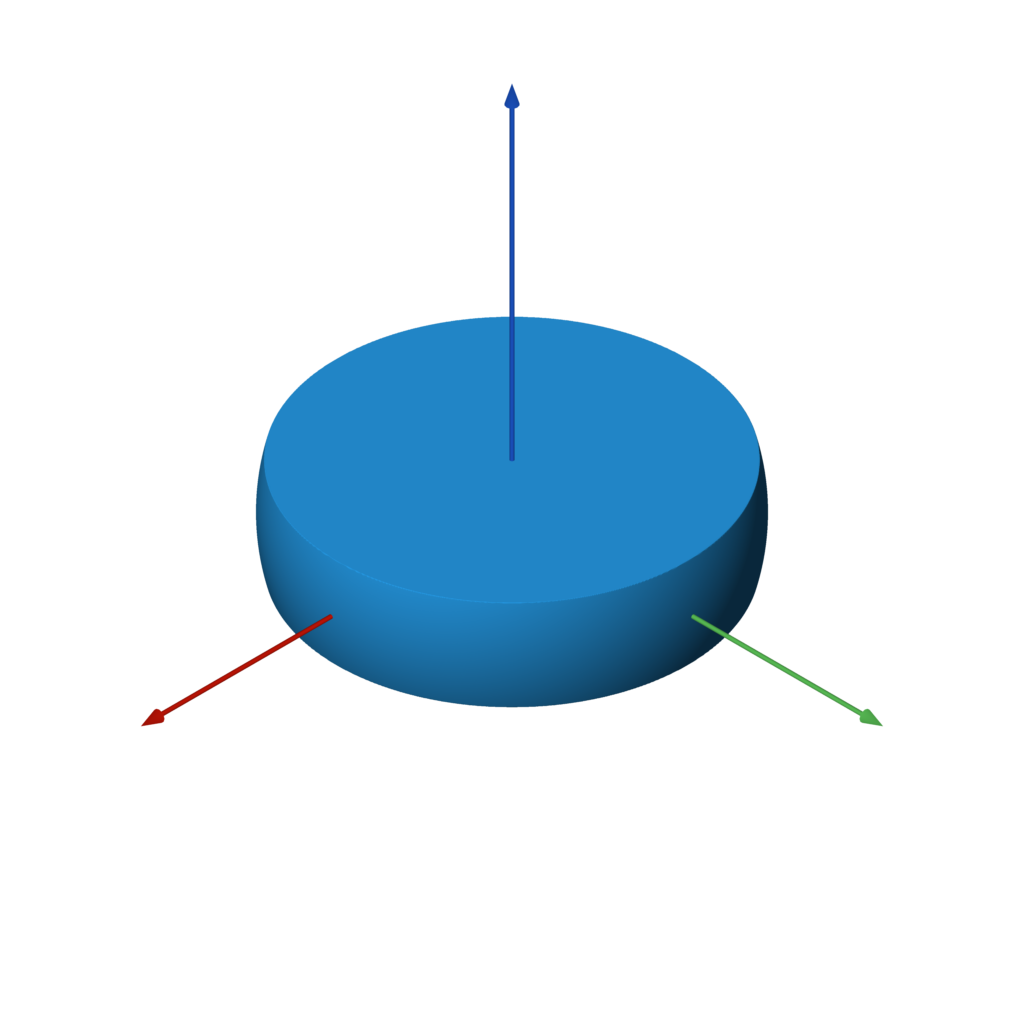
f = a & b
f = intersection(a, b) # equivalent
smooth_union
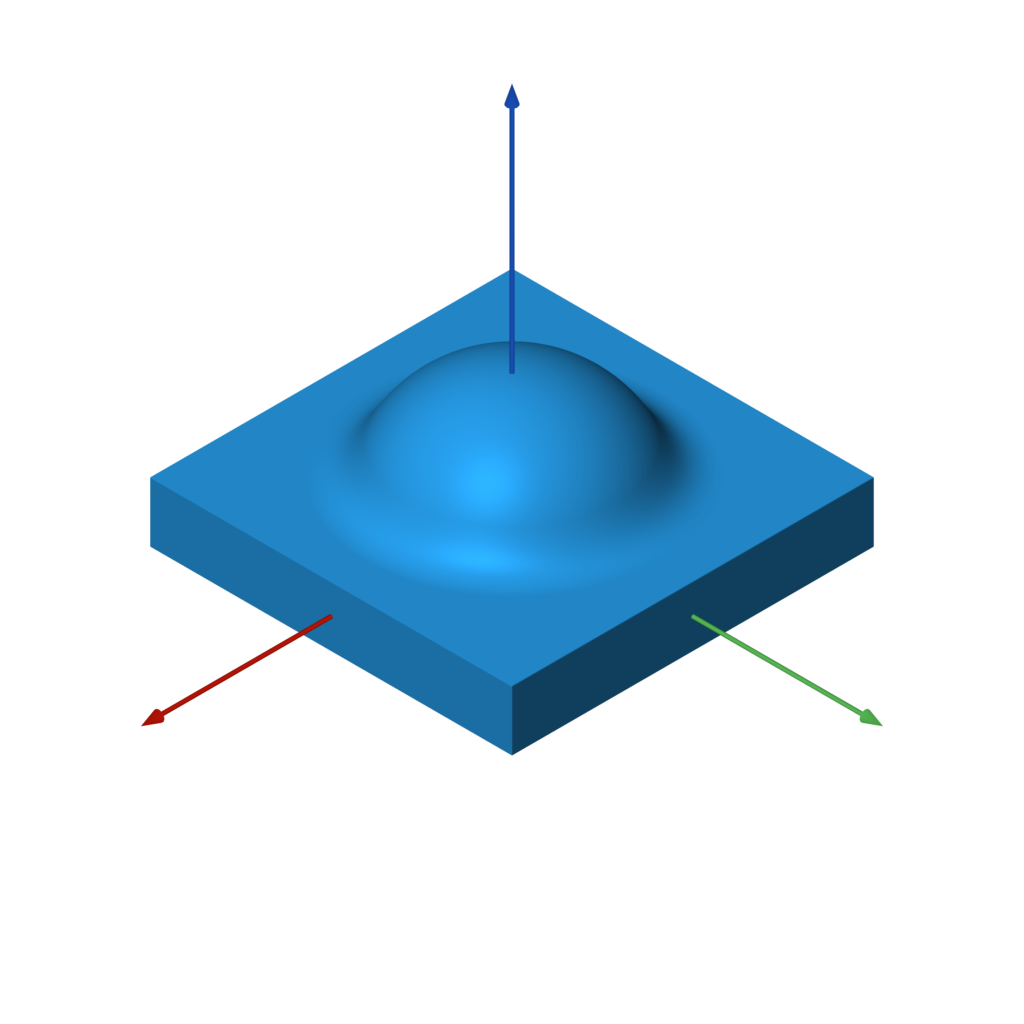
f = a | b.k(0.25)
f = union(a, b, k=0.25) # equivalent
smooth_difference
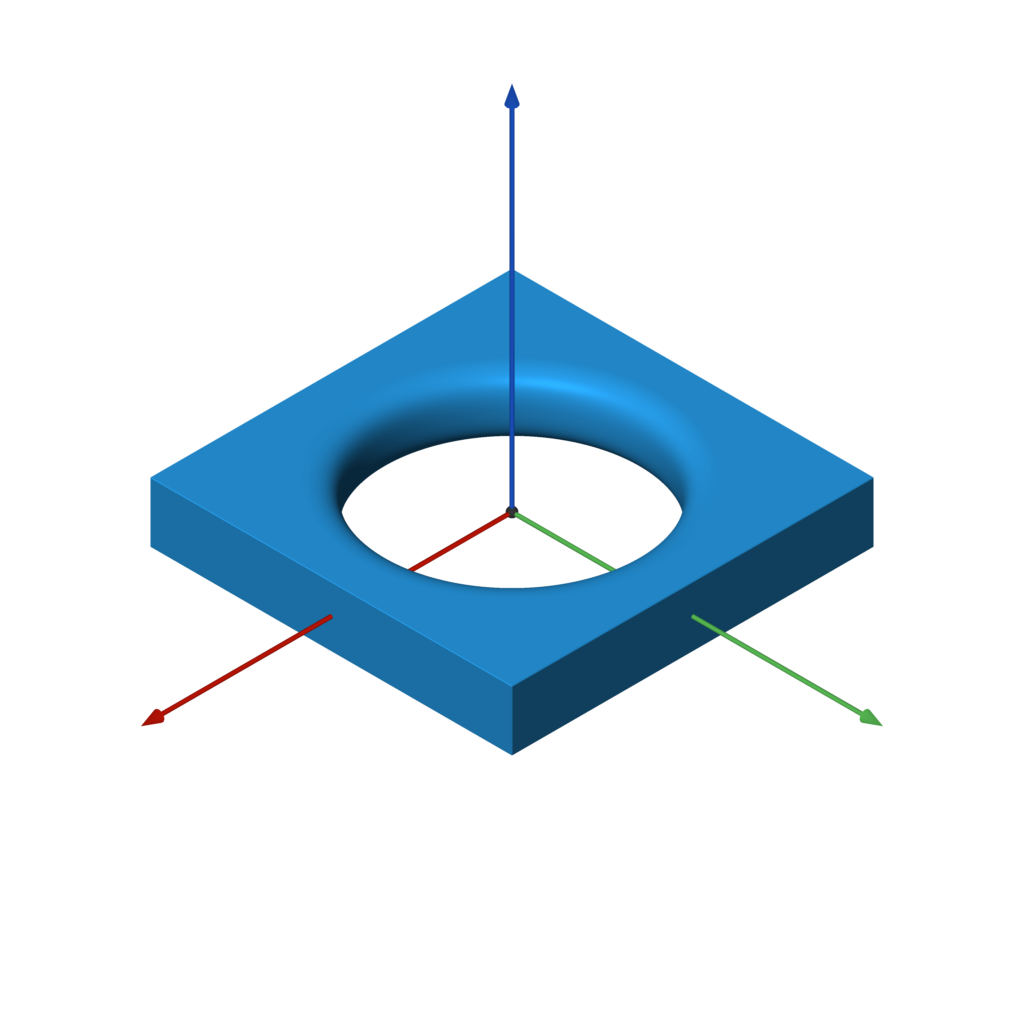
f = a - b.k(0.25)
f = difference(a, b, k=0.25) # equivalent
smooth_intersection
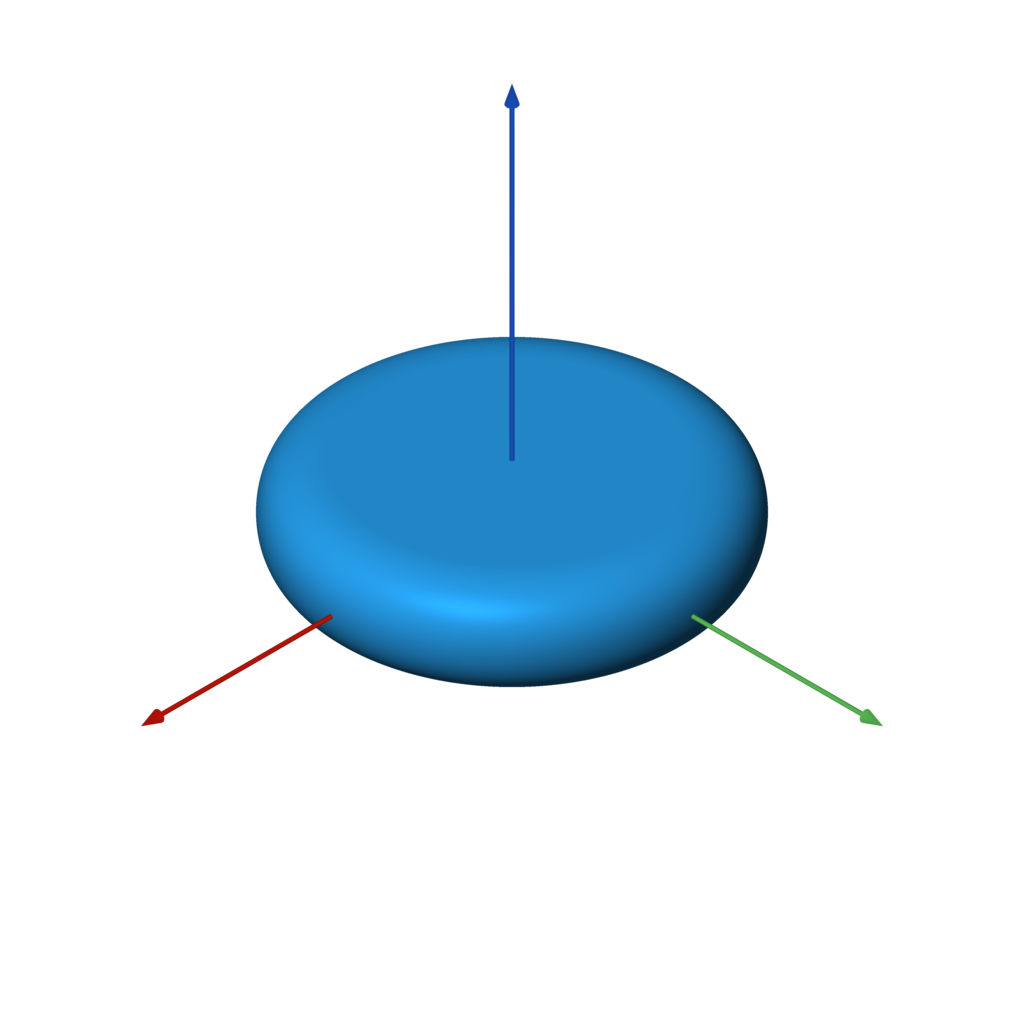
f = a & b.k(0.25)
f = intersection(a, b, k=0.25) # equivalent
Repetition
repeat
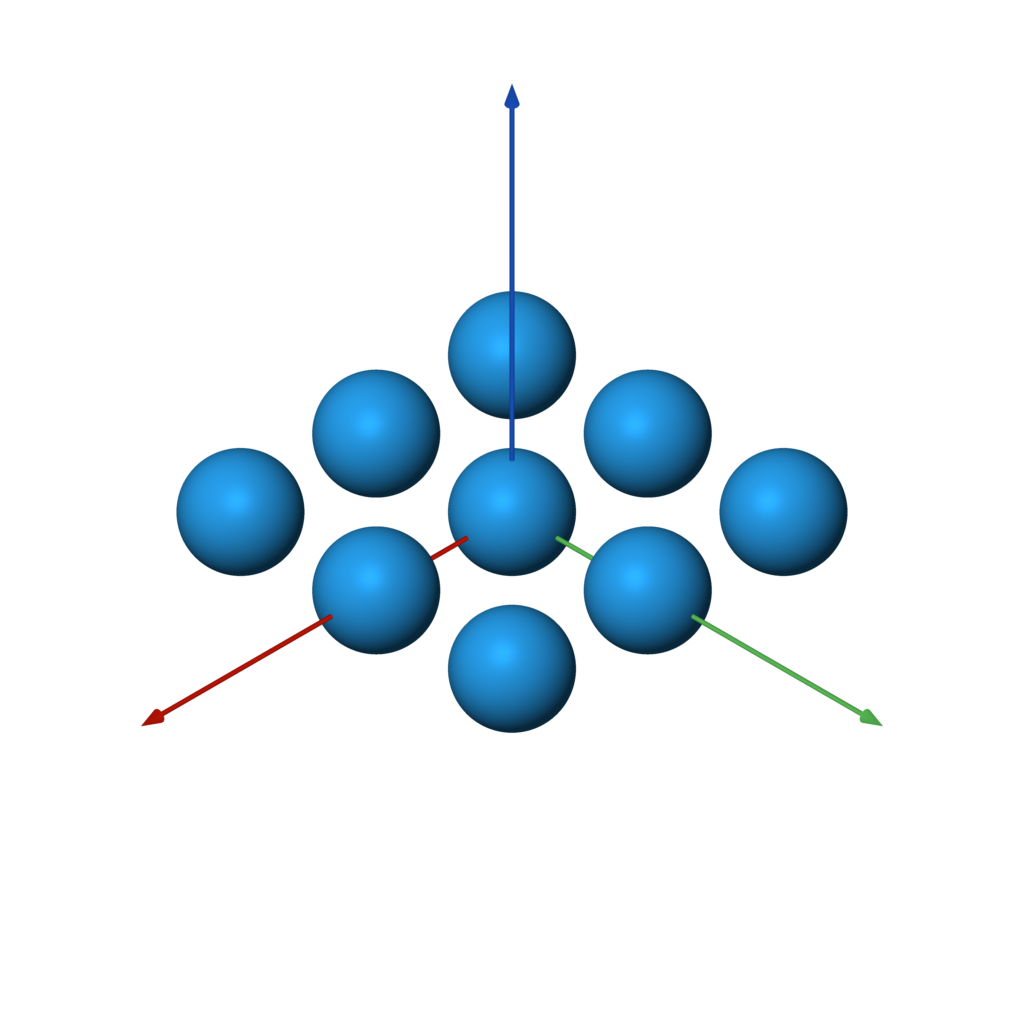
repeat(other, spacing, count=None, padding=0)
repeat can repeat the underlying SDF infinitely or a finite number of times.
If finite, the number of repetitions must be odd, because the count specifies
the number of copies to make on each side of the origin. If the repeated
elements overlap or come close together, you may need to specify a padding
greater than zero to compute a correct SDF.
f = sphere().repeat(3, (1, 1, 0))
circular_array
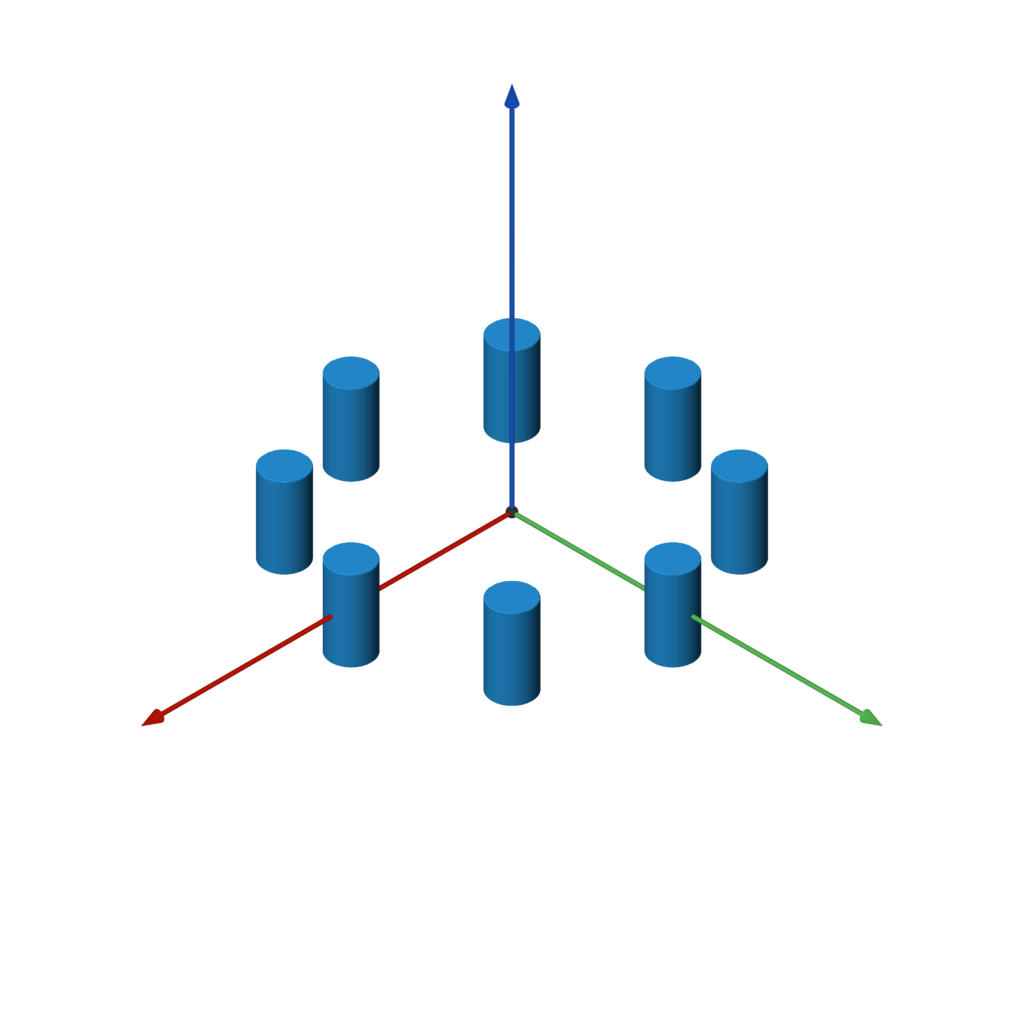
circular_array(other, count, offset)
circular_array makes count copies of the underlying SDF, arranged in a
circle around the Z axis. offset specifies how far to translate the shape
in X before arraying it. The underlying SDF is only evaluated twice (instead
of count times), so this is more performant than instantiating count copies
of a shape.
f = capped_cylinder(-Z, Z, 0.5).circular_array(8, 4)
Miscellaneous
blend
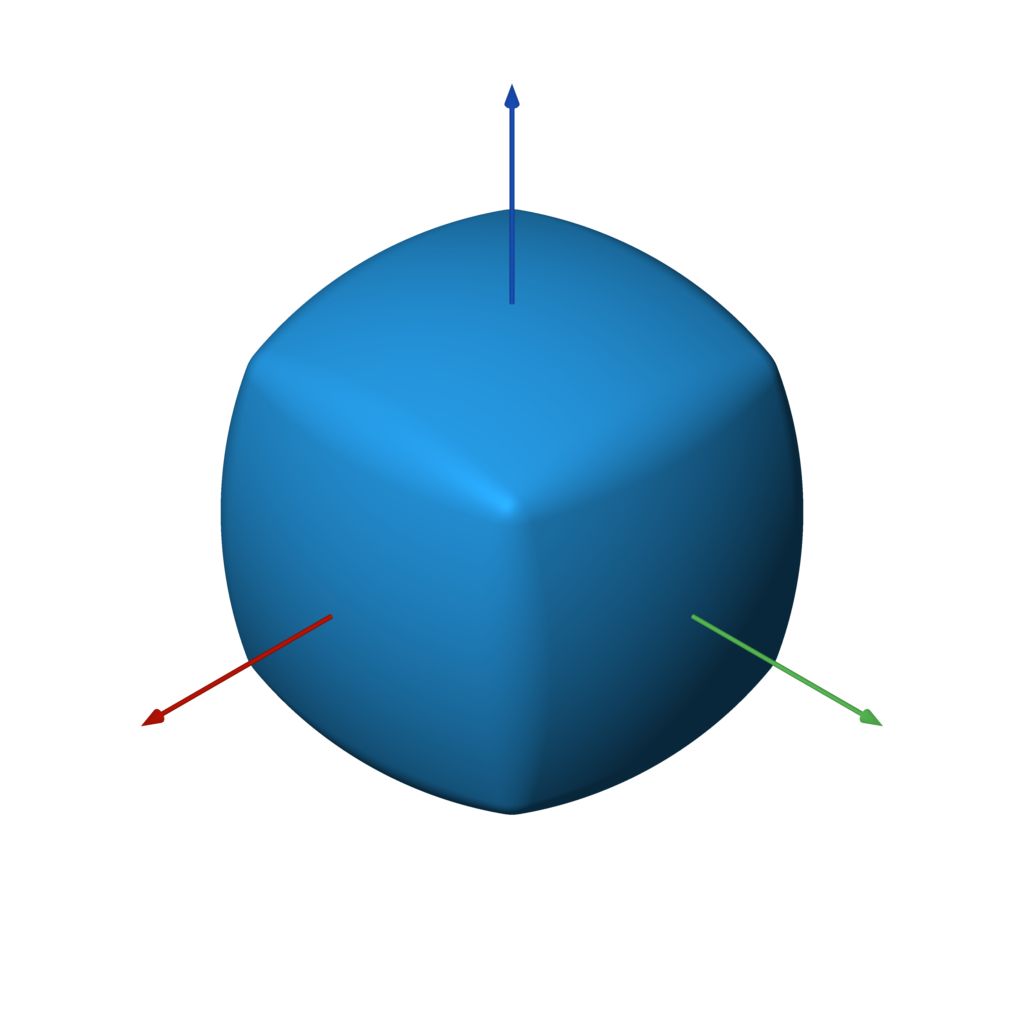
blend(a, *bs, k=0.5)
f = sphere().blend(box())
dilate
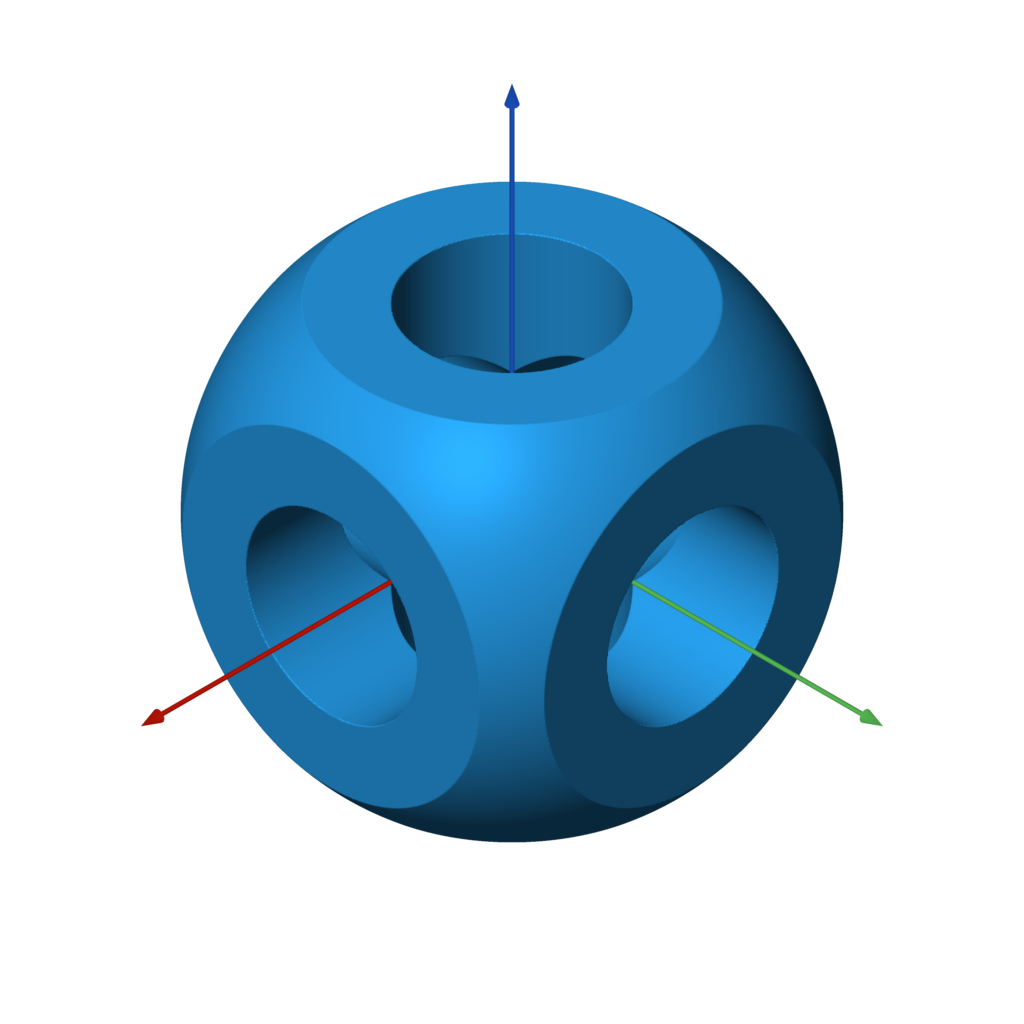
dilate(other, r)
f = example.dilate(0.1)
erode
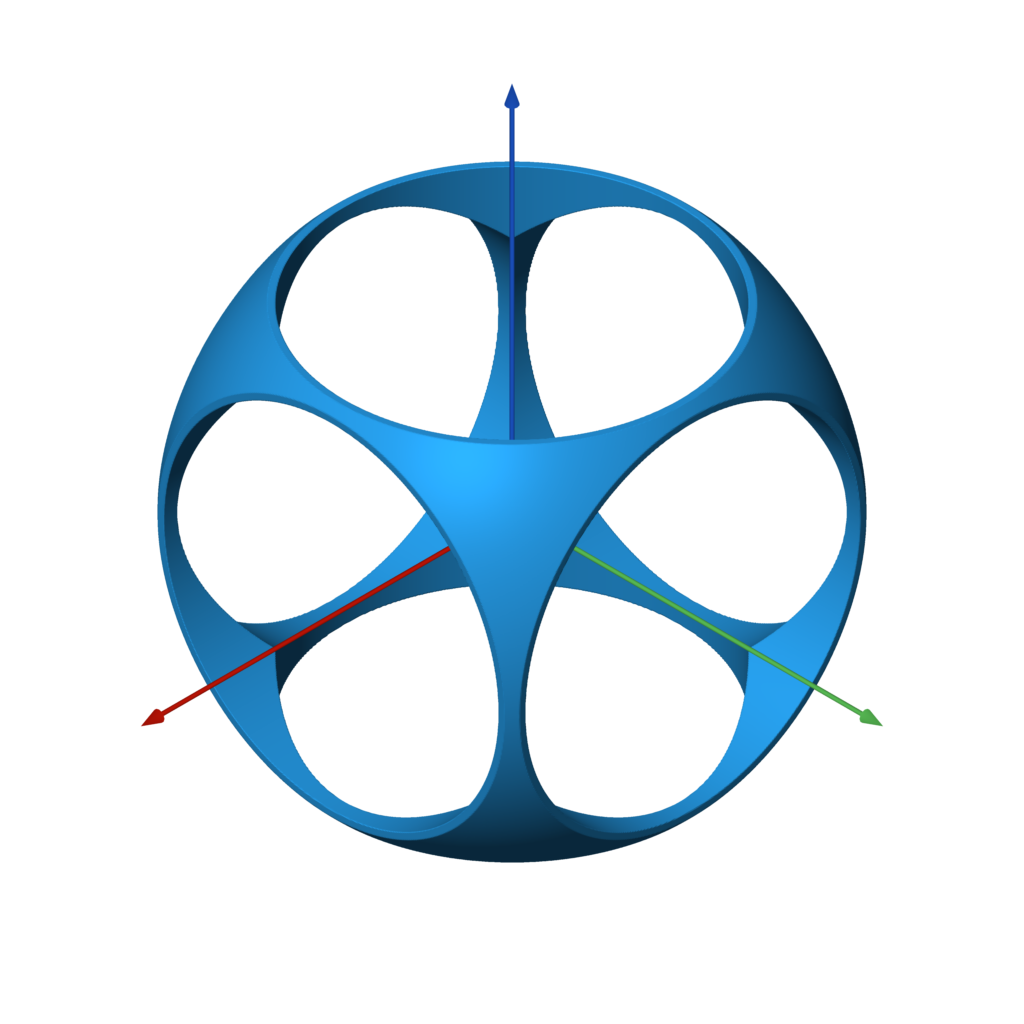
erode(other, r)
f = example.erode(0.1)
shell
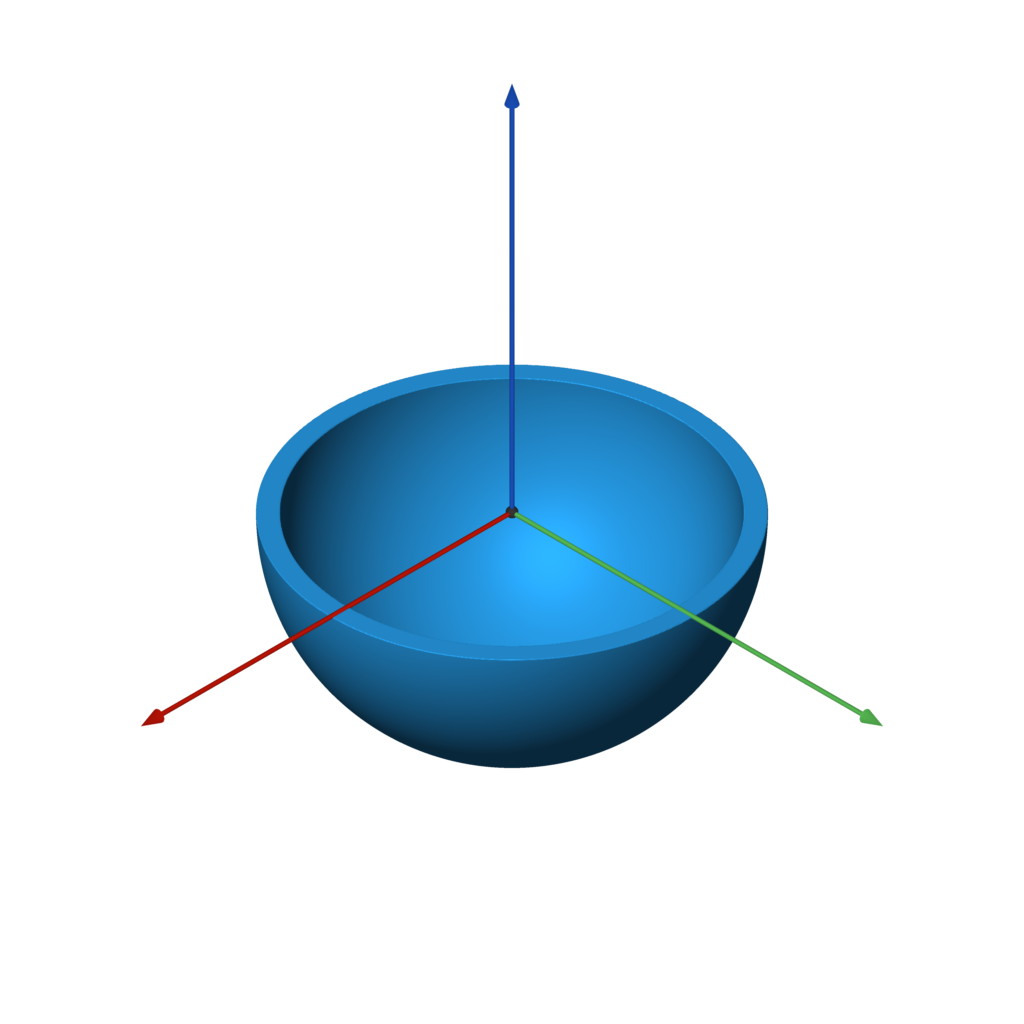
shell(other, thickness)
f = sphere().shell(0.05) & plane(-Z)
elongate
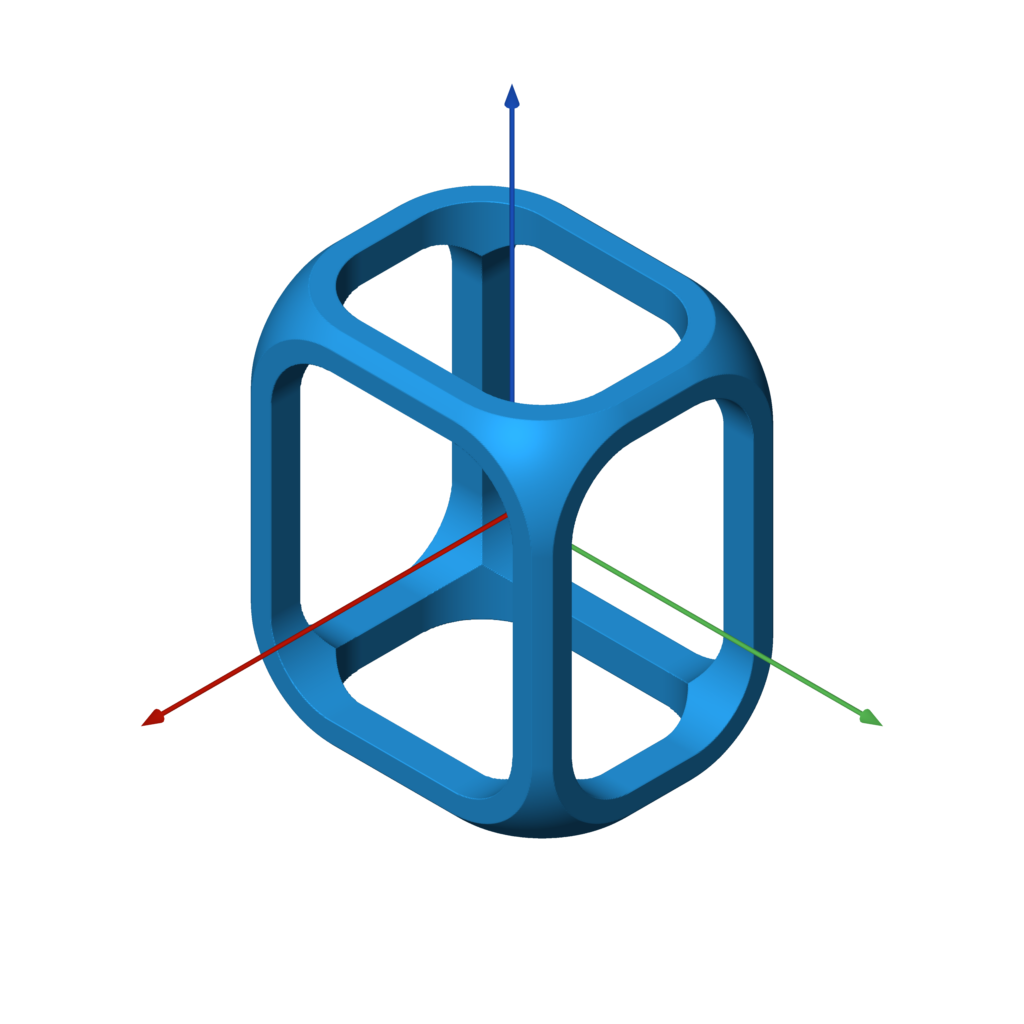
elongate(other, size)
f = example.elongate((0.25, 0.5, 0.75))
twist
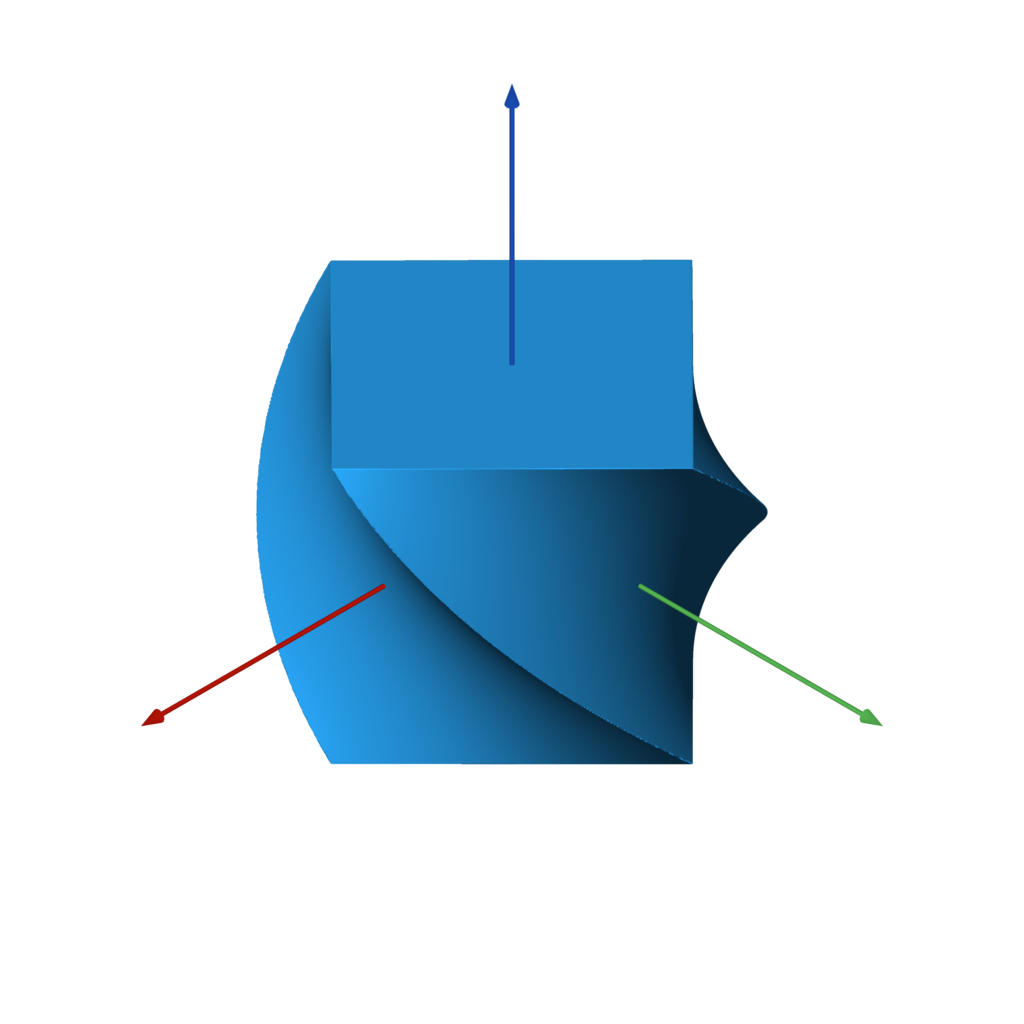
twist(other, k)
f = box().twist(pi / 2)
bend
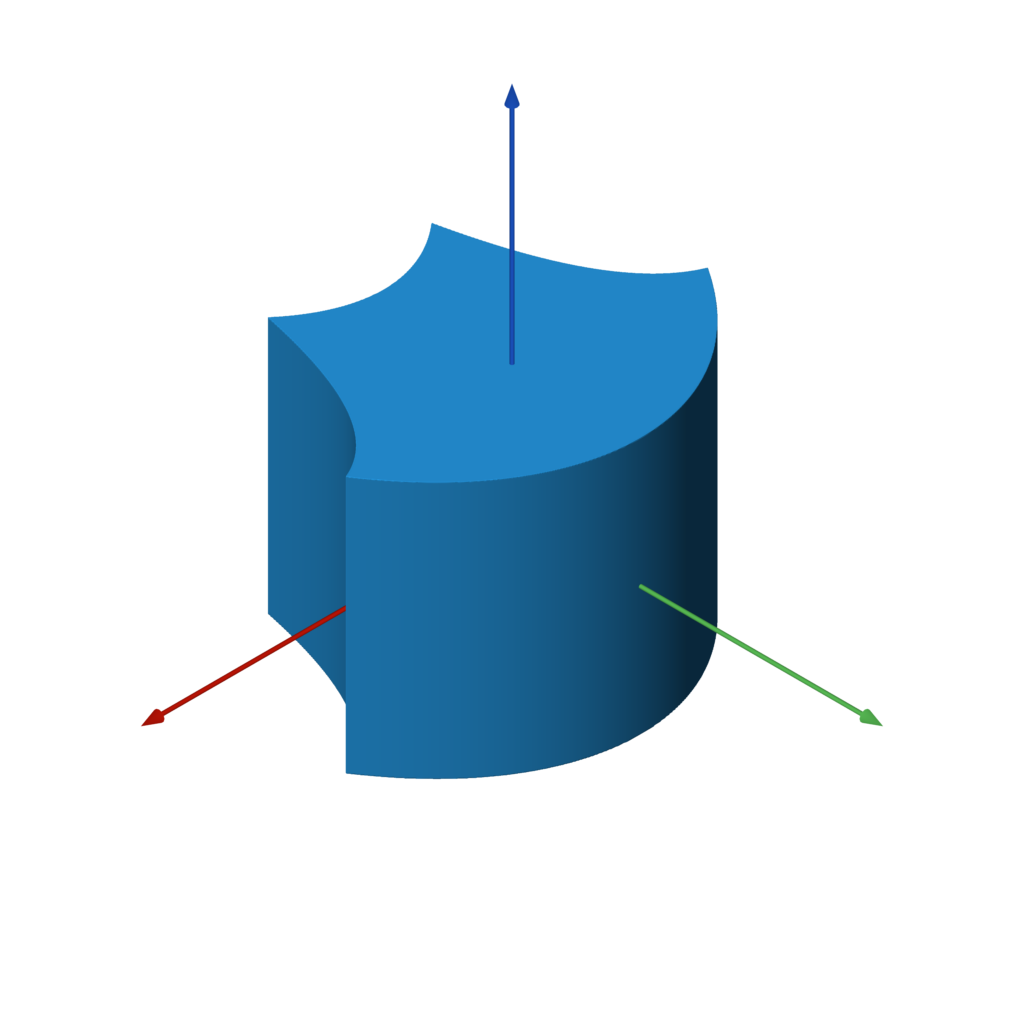
bend(other, k)
f = box().bend(1)
bend_linear
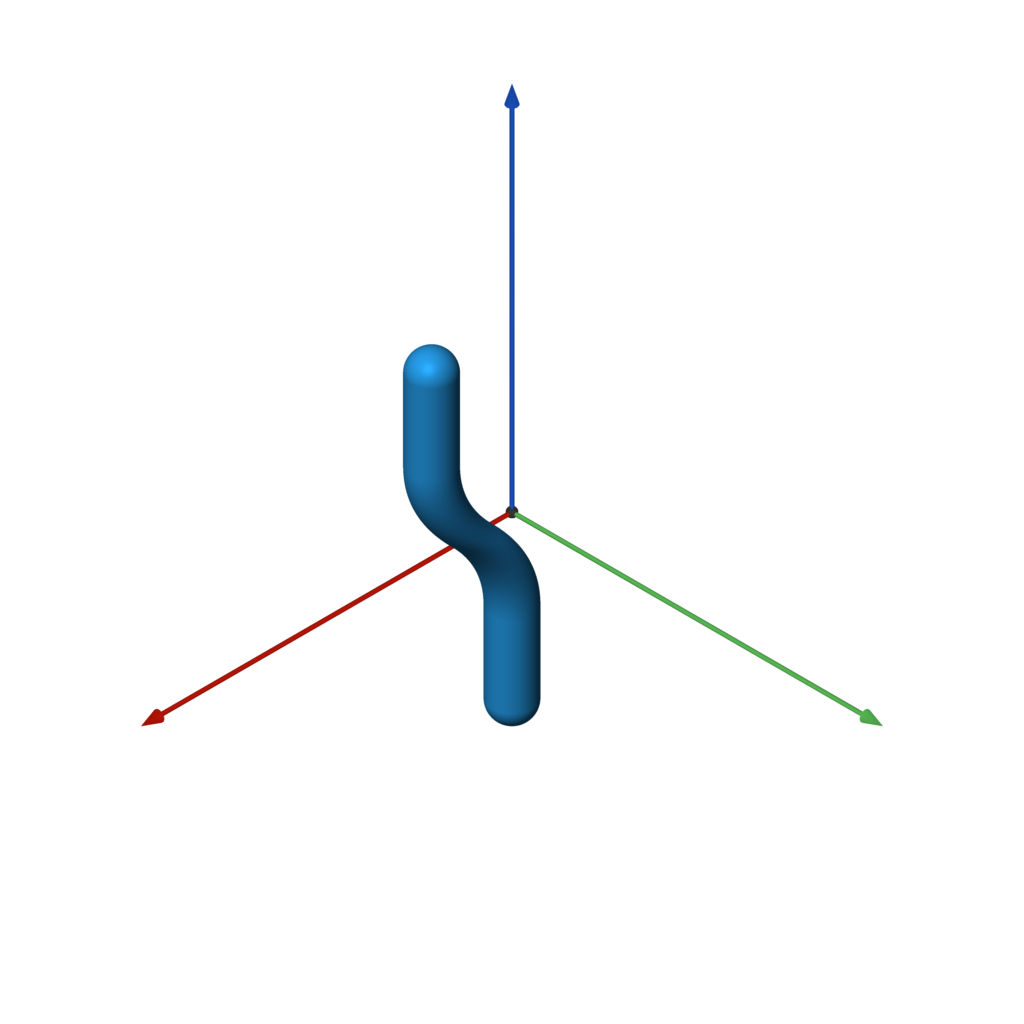
bend_linear(other, p0, p1, v, e=ease.linear)
f = capsule(-Z * 2, Z * 2, 0.25).bend_linear(-Z, Z, X, ease.in_out_quad)
bend_radial
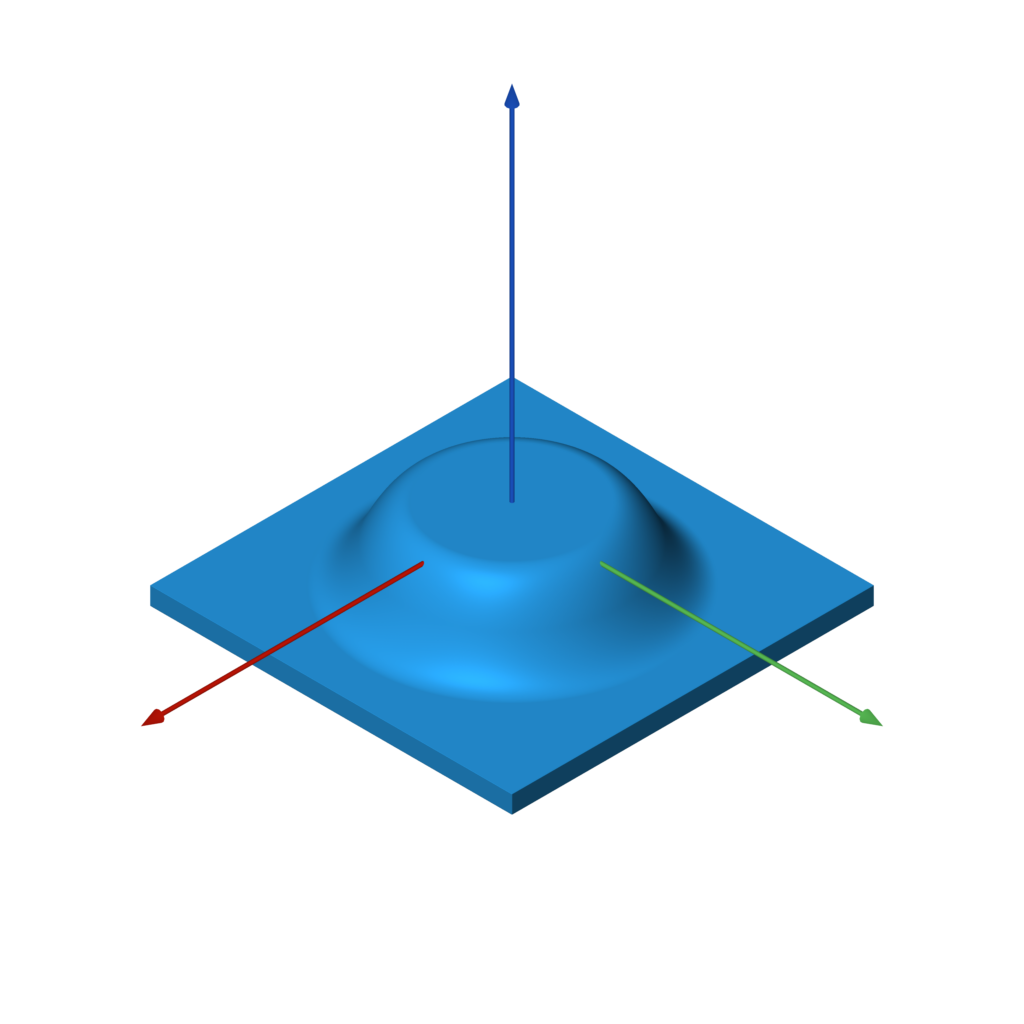
bend_radial(other, r0, r1, dz, e=ease.linear)
f = box((5, 5, 0.25)).bend_radial(1, 2, -1, ease.in_out_quad)
transition_linear
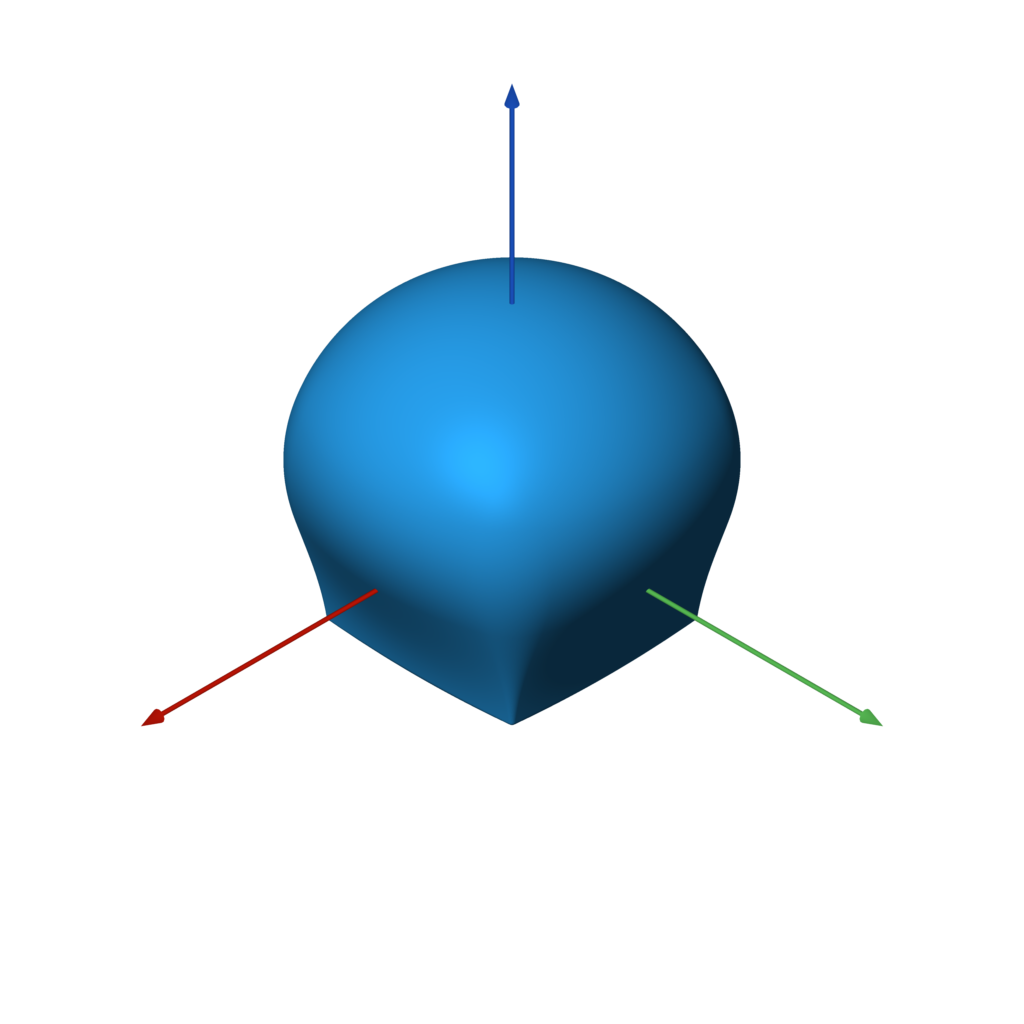
transition_linear(f0, f1, p0=-Z, p1=Z, e=ease.linear)
f = box().transition_linear(sphere(), e=ease.in_out_quad)
transition_radial
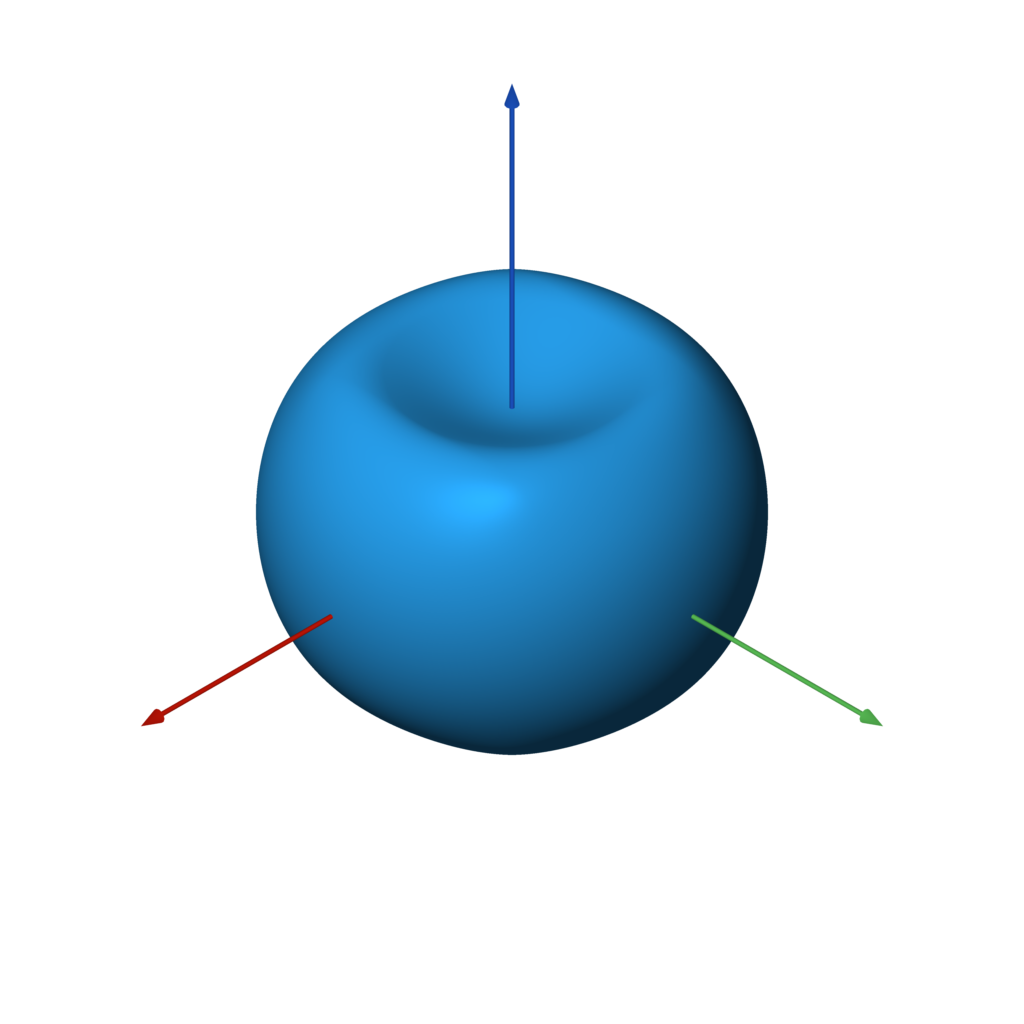
transition_radial(f0, f1, r0=0, r1=1, e=ease.linear)
f = box().transition_radial(sphere(), e=ease.in_out_quad)
wrap_around
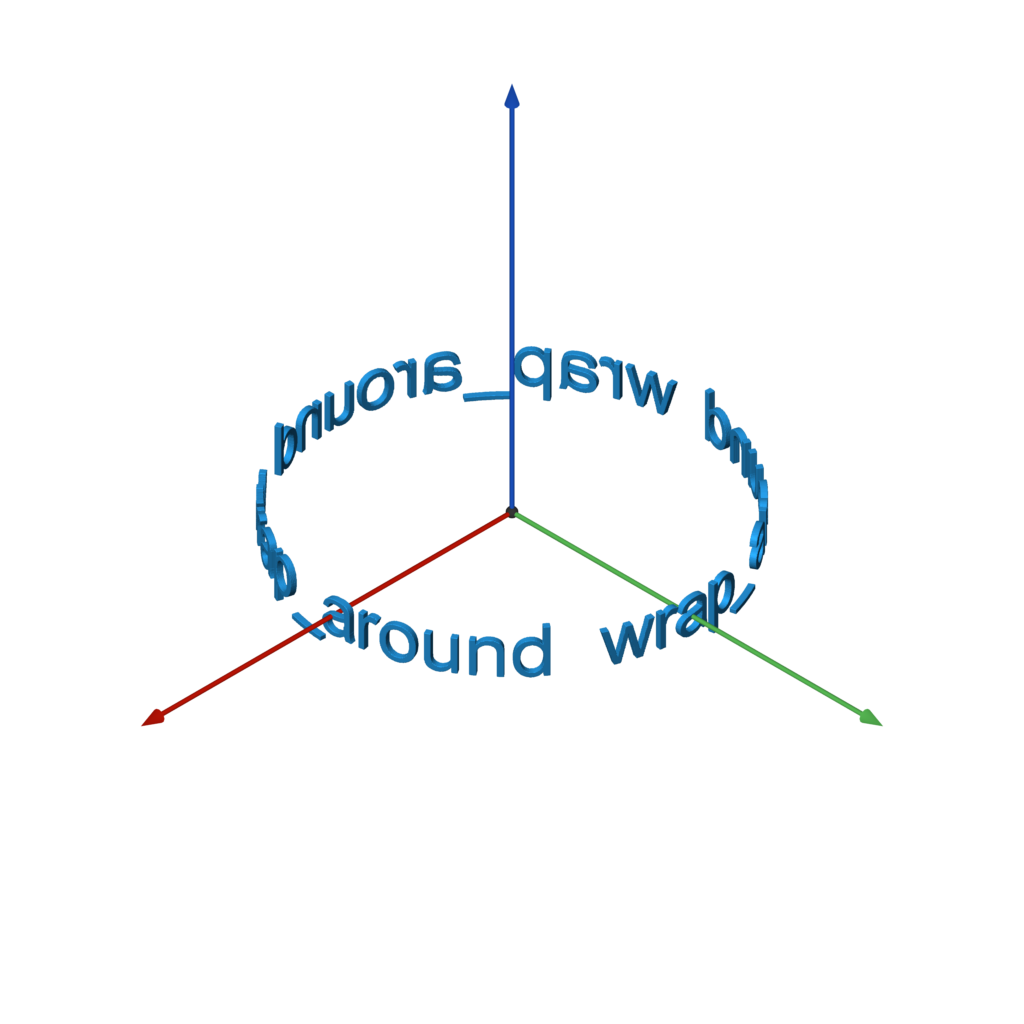
wrap_around(other, x0, x1, r=None, e=ease.linear)
FONT = 'Arial'
TEXT = ' wrap_around ' * 3
w, h = measure_text(FONT, TEXT)
f = text(FONT, TEXT).extrude(0.1).orient(Y).wrap_around(-w / 2, w / 2)
2D to 3D Operations
extrude
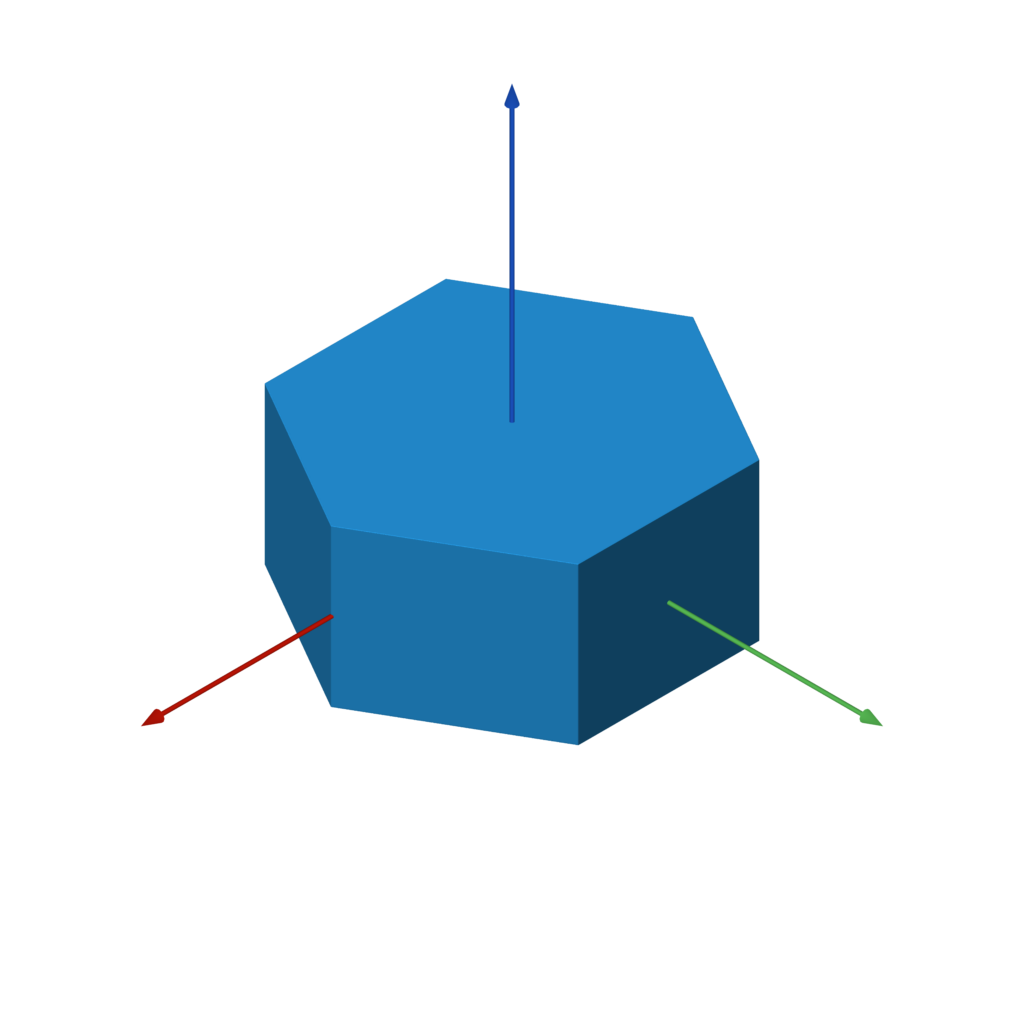
extrude(other, h)
f = hexagon(1).extrude(1)
extrude_to
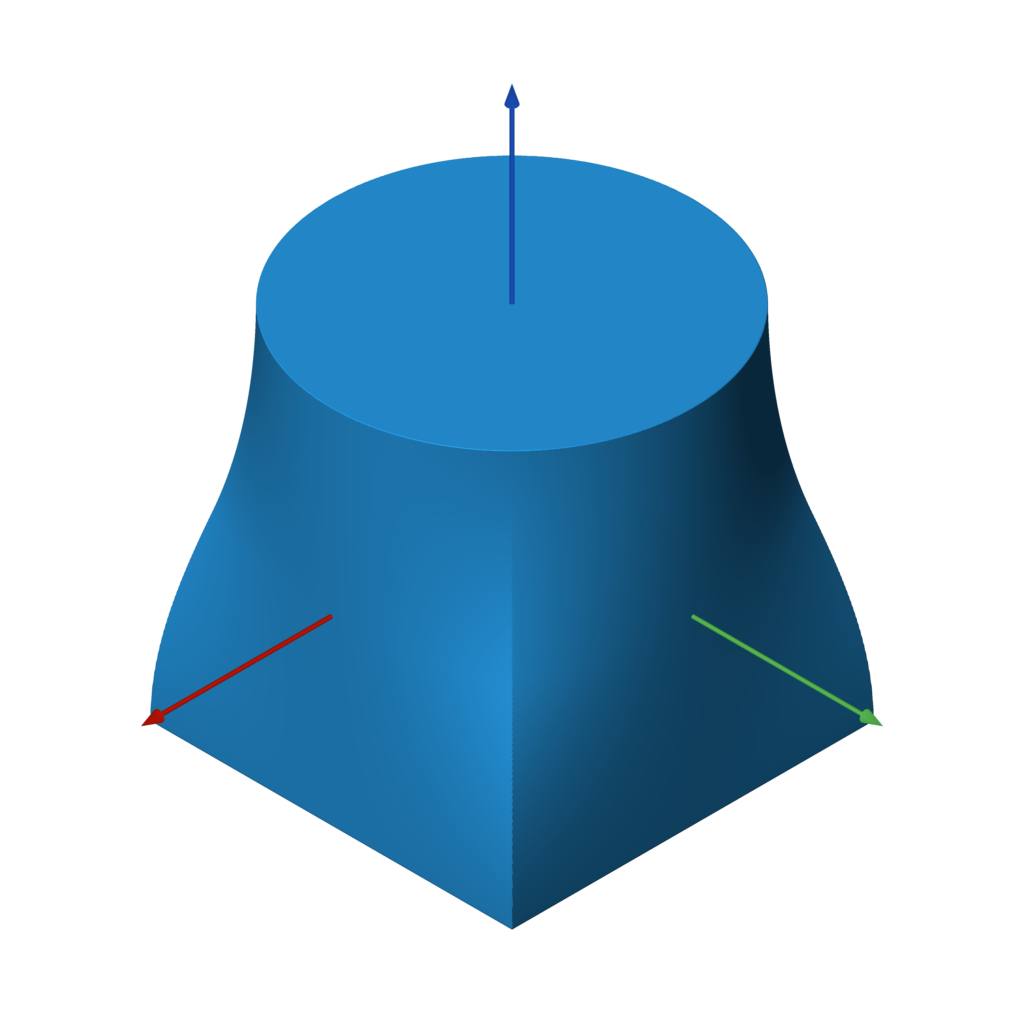
extrude_to(a, b, h, e=ease.linear)
f = rectangle(2).extrude_to(circle(1), 2, ease.in_out_quad)
revolve
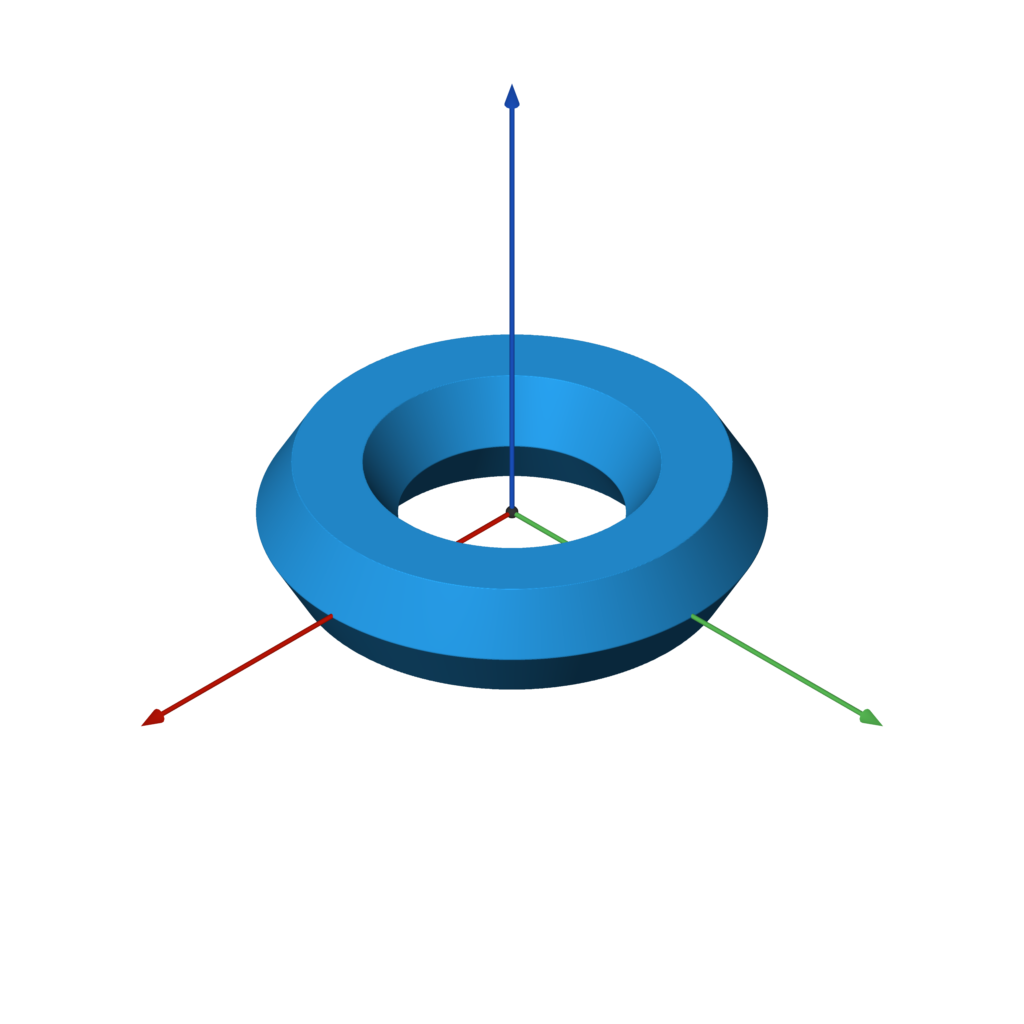
revolve(other, offset=0)
f = hexagon(1).revolve(3)
3D to 2D Operations
slice
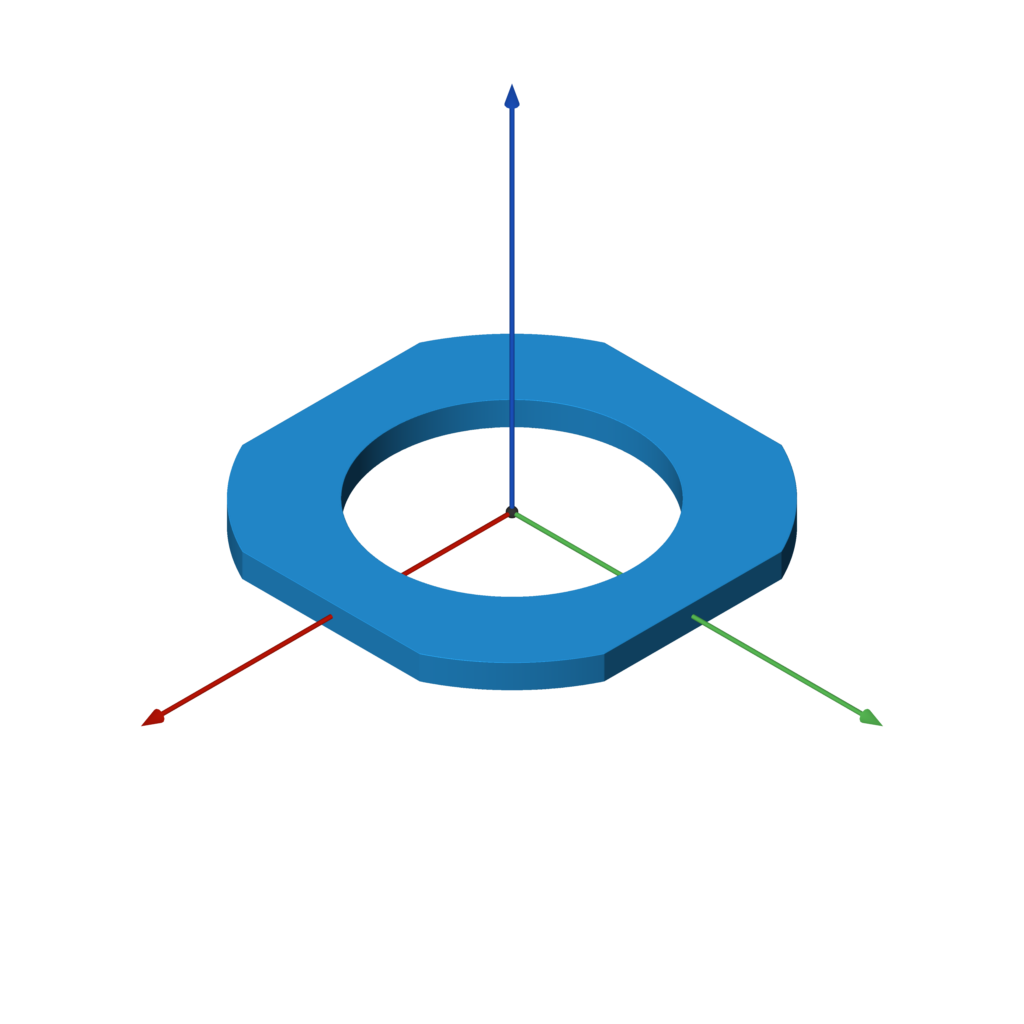
slice(other)
f = example.translate((0, 0, 0.55)).slice().extrude(0.1)
2D Primitives
circle
line
rectangle
rounded_rectangle
equilateral_triangle
hexagon
rounded_x
polygon
Related repositories
Awesome Python is a curated list maintained at vinta/awesome-python that groups Python frameworks, libraries, tools, and other resources into 14 categories, from AI & ML to Security and Other. The README calls it an opinionated guide rather than an exhaustive one, and points readers to a companion site, awesome-python.com, for searching and filtering entries instead of scrolling the raw file.
The Algorithms - Python is an open-source collection of algorithm implementations written in Python, maintained by the TheAlgorithms organization on GitHub. The README frames the whole project as a teaching resource: the code exists to illustrate concepts, can run slower than Python's built-in equivalents, and is indexed in DIRECTORY.md for browsing. It's MIT licensed and has 223,712 stars and 50,966 forks on GitHub.
CS-Notes is a GitHub repository maintained by CyC2018 that collects Chinese-language study notes across ten topic areas: algorithms, operating systems, networking, object-oriented design, databases, Java, system design, tools, coding practice, and an afterword. It links each topic to standalone markdown files instead of writing everything inline, and the README says most of the content is original work rather than material copied from elsewhere.
HelloGitHub is a curated GitHub repository from 521xueweihan that publishes a monthly digest of entry-level open source projects, open source books, practical projects, and enterprise-level projects, aimed mainly at Chinese-reading developers new to open source. GitHub records 170,699 stars and 12,588 forks for the repository. The README says issues go out on the 28th of each month, and the repo's own issue table runs past number 124, with reader recommendations and self-nominations accepted through a documented contribution process.
Quick answers
Does fogleman/sdf have a project website?
No homepage URL was recorded for fogleman/sdf in TopGit's last sync. The README tab above frequently contains screenshots and demo links, or check the repository description on GitHub.
How active is development on fogleman/sdf?
The most recent commit recorded on fogleman/sdf was 2.0 years ago, based on the GitHub push timestamp. The repository has 169 forks — one of the better signals of community interest.
Is fogleman/sdf open source?
Yes — fogleman/sdf ships under the MIT license, which makes its source code freely readable (and, depending on license terms, forkable and reusable). Source: github.com/fogleman/sdf.
What license does fogleman/sdf use?
fogleman/sdf is released under the MIT license. Always verify the LICENSE file directly on GitHub for the authoritative terms — license strings can be edited out of sync with a project's actual stance.
What topics is fogleman/sdf associated with?
GitHub's repository topics for fogleman/sdf: "3d", "3d-models", "3d-printing", "mesh", "python", "sdf", "signed-distance-functions". TopGit's editorial category is Backend.
Where do I read more about fogleman/sdf?
This TopGit page is a snapshot — the READ ME tab shows the project's own README content (links stripped, images preserved). The GitHub repository at github.com/fogleman/sdf is the definitive source.
Read full README in the tab above.
Is sdf worth your time?
ChatGPT, Claude and Perplexity can all read this page. Ask one of them what it makes of sdf.