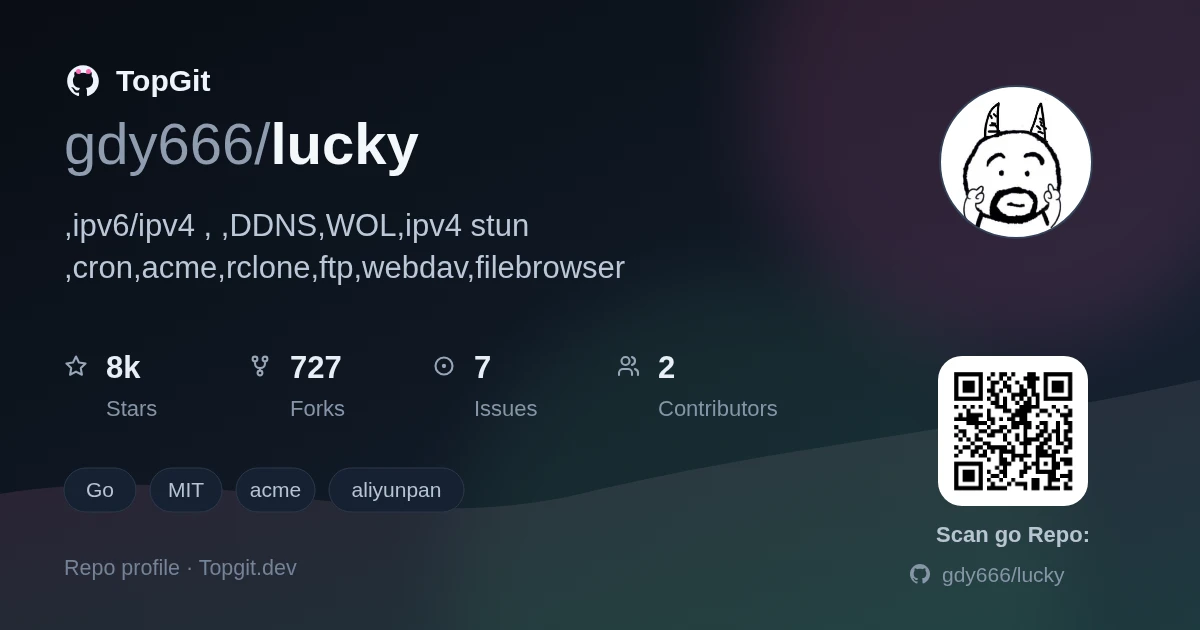
As an automation project, gdy666/lucky has picked up 8.4k stars on GitHub (Go). 软硬路由公网神器,ipv6/ipv4 端口转发,反向代理,DDNS,WOL,ipv4 stun内网穿透,cron,acme,rclone,ftp,webdav,filebrowser
Snapshot summary built from the project's own GitHub metadata — there's no written TopGit review yet. The page will update automatically when a full review is published.
WHY NO REVIEW YET
TopGit writes full reviews for the most-starred, most-requested repositories. This page is a snapshot until then — see the READ ME tab for the original README in full.
Lucky is a networking tool for personal and home networks. Its web-based management interface helps you manage dynamic DNS, access to local services, certificates, file services, and device automation.
Originally created to forward traffic from public IPv6 to private IPv4 devices on a router, Lucky can also run on NAS devices, servers, and other platforms. It brings common networking tasks together in one interface.
Documentation · Installation and upgrades · Build comparison · Downloads · Important usage notes
Source availability: The source published in this repository only covers versions through 1.4.10. There are currently no plans to open-source subsequent versions. Current software releases differ from the historical source in this repository and should not be described as open source.
What Lucky can do
Use case
Features
Domains and service access
Dynamic DNS (DDNS), web reverse proxying, redirects, static websites, TCP/UDP port forwarding, and SSL/TLS certificate issuance and renewal.
NAT traversal
STUN, Cloudflared, and FRP functionality. Network requirements and server configuration depend on the chosen solution.
Files and storage
Storage management and services including WebDAV, Samba, FTP, FileBrowser, DLNA, and Rclone.
Devices and automation
Wake-on-LAN, scheduled tasks, Docker management, a web terminal, and the light panel available through Web Services.
Security and authentication
IP filtering, security groups, Coraza WAF, third-party authentication, and Passkey management.
Administration
A web management interface, centralized logs, and configuration backup and restore.
Availability depends on the build, platform, and runtime environment. Some features may not yet be available or may require additional configuration. See the build comparison and module documentation before choosing a build.
Installation
Linux, Windows, macOS, and routers: Choose the appropriate official installation method and release package for your device.
OpenWrt: See the OpenWrt installation instructions and luci-app-lucky.
NAS and servers: Check your device's app store for Lucky, or use Docker. Packages and update schedules may vary by platform.
Docker: Select the appropriate image and networking mode; see the official Docker installation instructions.
Docker example
This example uses the Wanji Docker v3 Beta image from the official documentation with Linux host networking. The v3 tag follows Beta updates, so features and configuration may change. Choose a version appropriate for your environment and back up your configuration first.
Replace /root/luckyconf with a configuration directory on the host. The mount preserves configuration when the container is removed or recreated. Back up before upgrading an older container, and note that older images may use a different configuration path inside the container. Docker management and similar features require additional configuration and permissions; consult the official documentation and do not expose the Docker socket unnecessarily.
Getting started
Install and start Lucky. The default management address is http://DEVICE_IP:16601; the default username and password are both 666. Check your package and the installation documentation for details.
After signing in, change the default credentials, set a security entry path, and restrict access to the management interface. A security entry path is not a substitute for authentication or a firewall.
Use Quick Start in the management interface to configure DDNS, certificates, Web Services, or port forwarding as needed. External access also depends on your public address, router, and firewall configuration.
Back up your configuration regularly, especially before upgrading, migrating, or downgrading. Read the compatibility guidance before restoring across versions.
Security and privacy
Before exposing a service, use strong passwords and appropriate authentication, open only necessary ports, and keep both Lucky and the services it proxies up to date.
Do not rely on hidden domains, IP addresses, ports, or security entry paths as your only protection. Restrict access to the web terminal, Docker management, and file services in particular.
According to the usage notes, Lucky reports its version, operating system type, architecture, and a randomly generated device identifier to understand version and platform coverage. The identifier does not contain a MAC address or disk serial number. Please read the full notice before use.
Documentation and feedback
Official website · Module documentation · FAQ
Official downloads · Historical GitHub releases
Report problems and suggestions through GitHub Issues. Include the software version, environment, symptoms, and troubleshooting steps where possible, and remove passwords, tokens, and other sensitive information.
Acknowledgments
CDN acceleration and security protection for this project are sponsored by Tencent EdgeOne.
No homepage URL was recorded for gdy666/lucky in TopGit's last sync. The README tab above frequently contains screenshots and demo links, or check the repository description on GitHub.
How active is development on gdy666/lucky?
The most recent commit recorded on gdy666/lucky was 9 months ago, based on the GitHub push timestamp. The repository has 748 forks — one of the better signals of community interest.
How many stars does gdy666/lucky have?
gdy666/lucky has 8.4k GitHub stars — refresh the page for the live number, or check github.com/gdy666/lucky. TopGit mirrors GitHub's count but does not claim minute-by-minute accuracy.
Is gdy666/lucky open source?
Yes — gdy666/lucky ships under the MIT license, which makes its source code freely readable (and, depending on license terms, forkable and reusable). Source: github.com/gdy666/lucky.
What else is in the Automation space?
gdy666/lucky is tracked by TopGit under the Automation category, alongside 14 GitHub-tagged topics. Trending and Topics pages list peer repositories of comparable stars and language.
This TopGit page is a snapshot — the READ ME tab shows the project's own README content (links stripped, images preserved). The GitHub repository at github.com/gdy666/lucky is the definitive source.
Read full README in the tab above.
Want a second opinion on lucky?
Ask an AI that can read this page — one click and you get its take on lucky.

 /lucky