On GitHub, GeekyAnts/express-typescript has picked up 1.3k stars, Developer Tools, TypeScript. Express + TypeScript + Boilerplate for Web / API App
Snapshot summary built from the project's own GitHub metadata — there's no written TopGit review yet. The page will update automatically when a full review is published.
WHY NO REVIEW YET
TopGit writes full reviews for the most-starred, most-requested repositories. This page is a snapshot until then — see the READ ME tab for the original README in full.
Hey There! 🙌
🤾 that ⭐️ button if you like this boilerplate.
A boilerplate for Node.js App.
This boilerplate is built using Express.js web framework, and is using Typescript Lang for writing the app's logic.
It uses Node's Cluster API, this helps us to take advantage of multi-core systems & to handle the load.
For storing custom constant configurations within the process.env - DotEnv package is used.
For Database - Repo contains the use of Mongoose (ie. MongoDB object modeling for Node.js).
For Cache - Repo contains the use of memory-cache (ie. A simple in-memory cache for node.js).
For Routing - Repo contains the use of express-router & have distributed Routes into two files ie. Web Routes & API Routes.
For Route Auth Middleware - Web routes are configured with CSRF Token while the API routes are configured with JSON Web Token.
For Strategies Auth - Repo contains the use of the Passport.js. Passport.js is compatible with Express.js and is authentication middleware for Node.js.
For Logging - Repo uses custom Log class built in middlewares folder, and it creates logs file by date & removes the log files after 'X' days (You can define that 'X' in the .env file).
For Handling Exception - Repo contains two classes ie. Handler & NativeEvent.
To Log - use Log.info('Your message should go here!'). Other options for logging are Log.warn, Log.error & Log.custom.
For views - Repo contains the use of PUG template engine.
For background queues - Repo contains the use of Kue. For more details, please review the Queue class.
Contents
Global Requisites
App Structure
Install, Configure & Run
List of Routes
Screens
Global Requisites
node (>= 10.5.0)
tsc (>= 3.0.1)
typescript (>= 3.0.1)
mongoose (>= 3.6.2)
redis
App Structure
Note: I am mentioning only files/folders which you need to configure if required
Below mentioned are the steps to install, configure & run in your platform/distributions.
# Clone the repo.
git clone https://github.com/GeekyAnts/express-typescript.git;

# Goto the cloned project folder.
cd nodets;
# Without Docker

# Note: It is assumed here that you have MongoDB running in the background and that you have created the database.

# Install NPM dependencies.
# Note: You can review the list of dependencies from the below link.
# https://github.com/faizahmedfarooqui/nodets/network/dependencies
npm install;

# Edit your DotEnv file using any editor of your choice.
# Please Note: You should add all the configurations details
# or else default values will be used!
vim .env;

# Run the app
npm run dev;
# With Docker

# Note: It is assumed here that you have Docker running in the background.

# Run the app in docker as a foreground process
docker-compose up

# Run the app in docker as a background process
docker-compose up -d
List of Routes
# Web Routes:

+--------+-------------------------+
  Method | URI
+--------+-------------------------+
  GET    | /
  GET    | /signup
  POST   | /signup
  GET    | /login
  POST   | /login
  GET    | /logout
  GET    | /account
  GET    | /auth/google
  GET    | /auth/google/callback
  GET    | /auth/twitter
  GET    | /auth/twitter/callback
  GET    | /status-monitor
+--------+-------------------------+

# API Routes:

+--------+-------------------------+
  Method | URI
+--------+-------------------------+
  POST   | /api
  POST   | /api/auth/login
  POST   | /api/auth/register
  POST   | /api/auth/refresh-token
+--------+-------------------------+
Screens
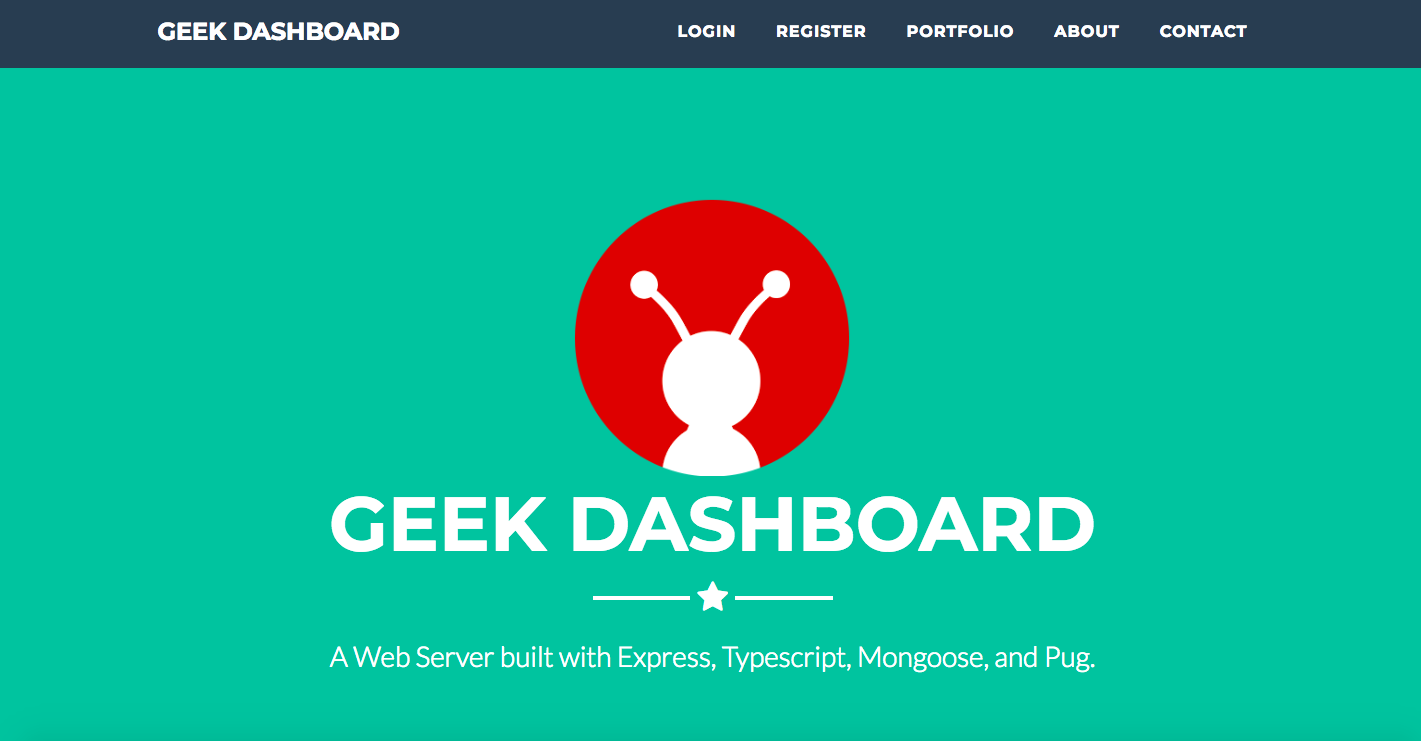
Home / Landing Page
Note: This page has sub-sections, like about-us, contact-us & portfolio
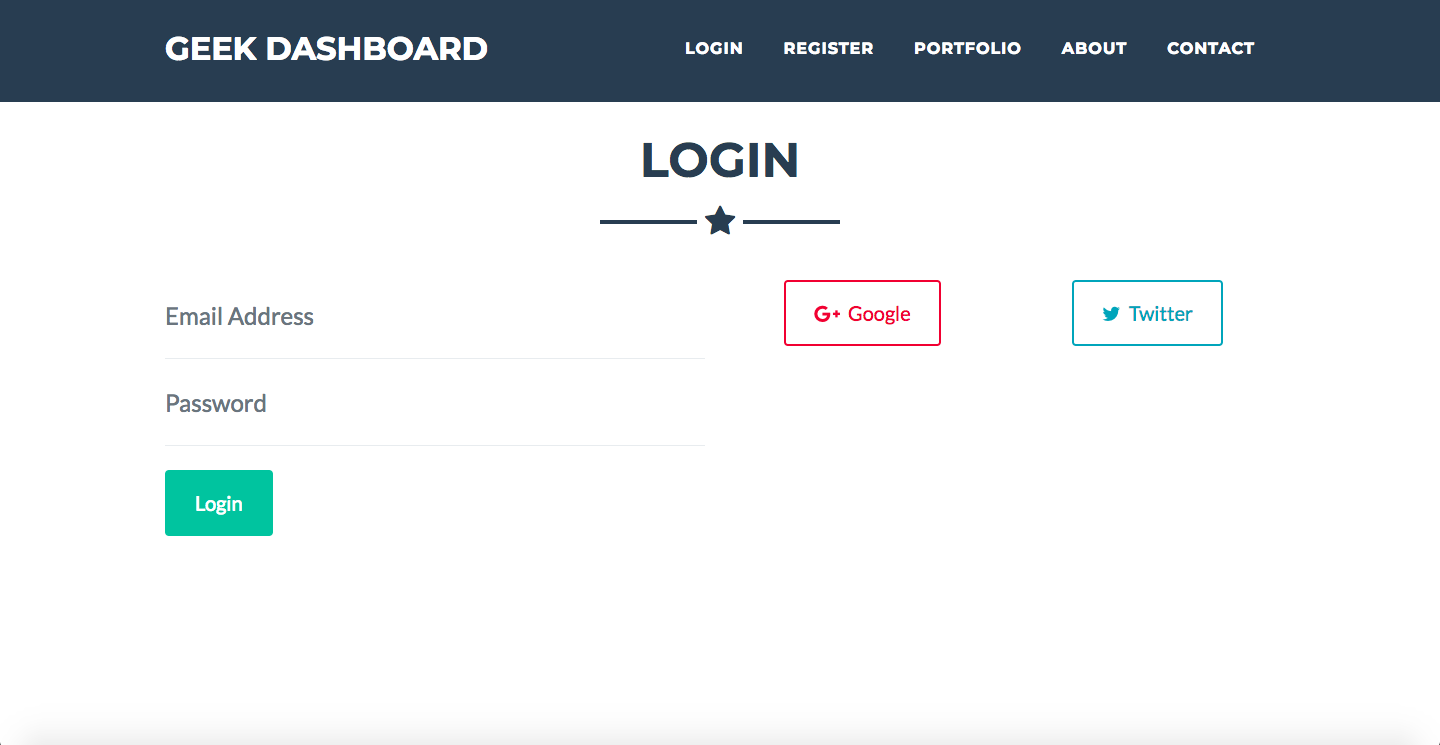
LogIn Page
Note: LogIn with Providers
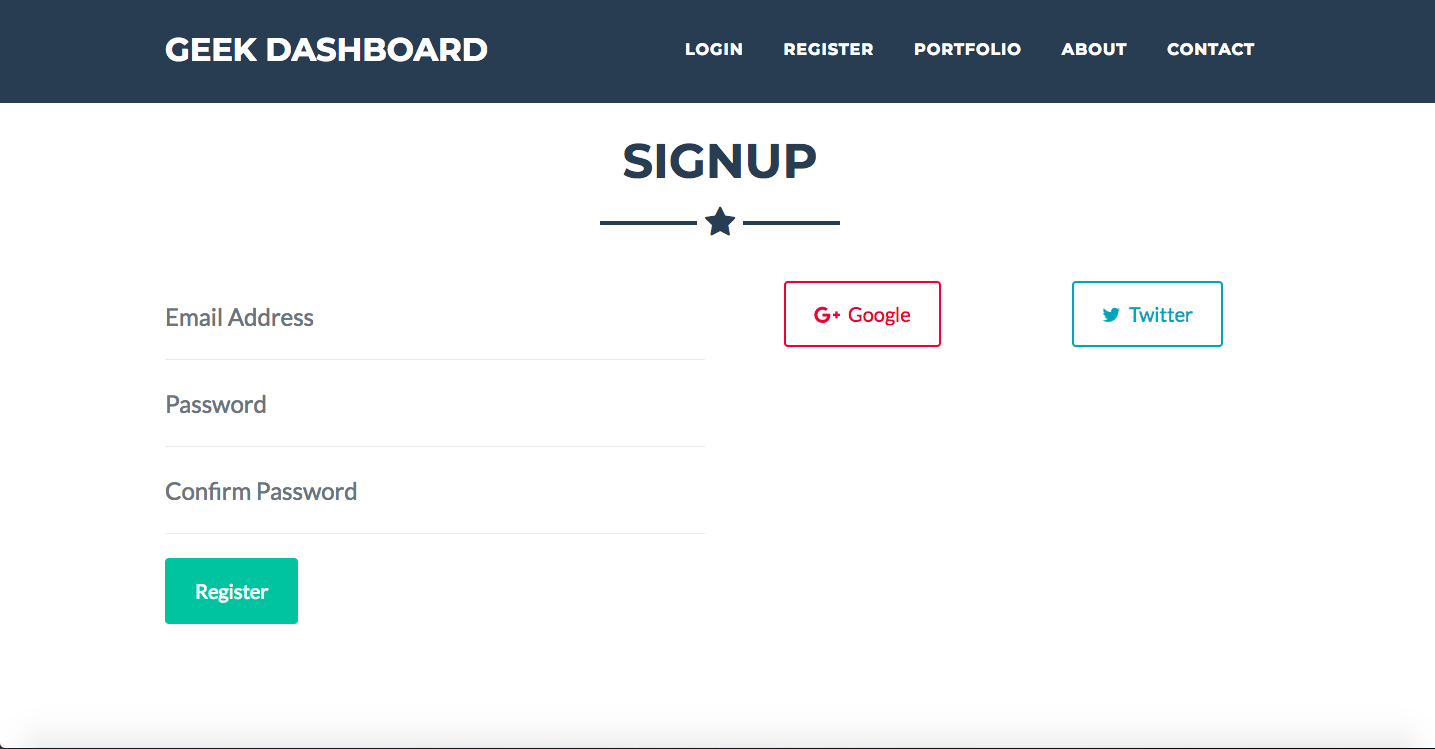
SignUp Page
Note: SignUp with Providers
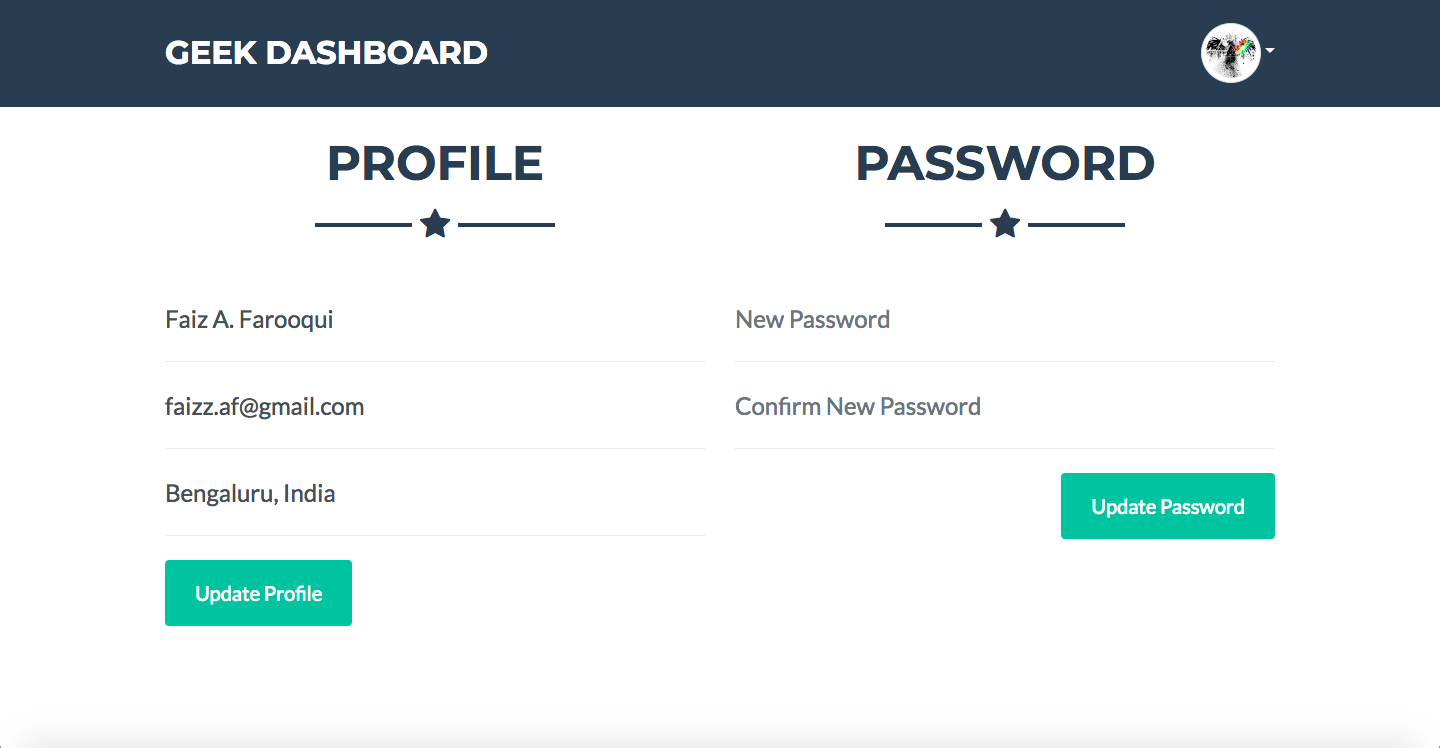
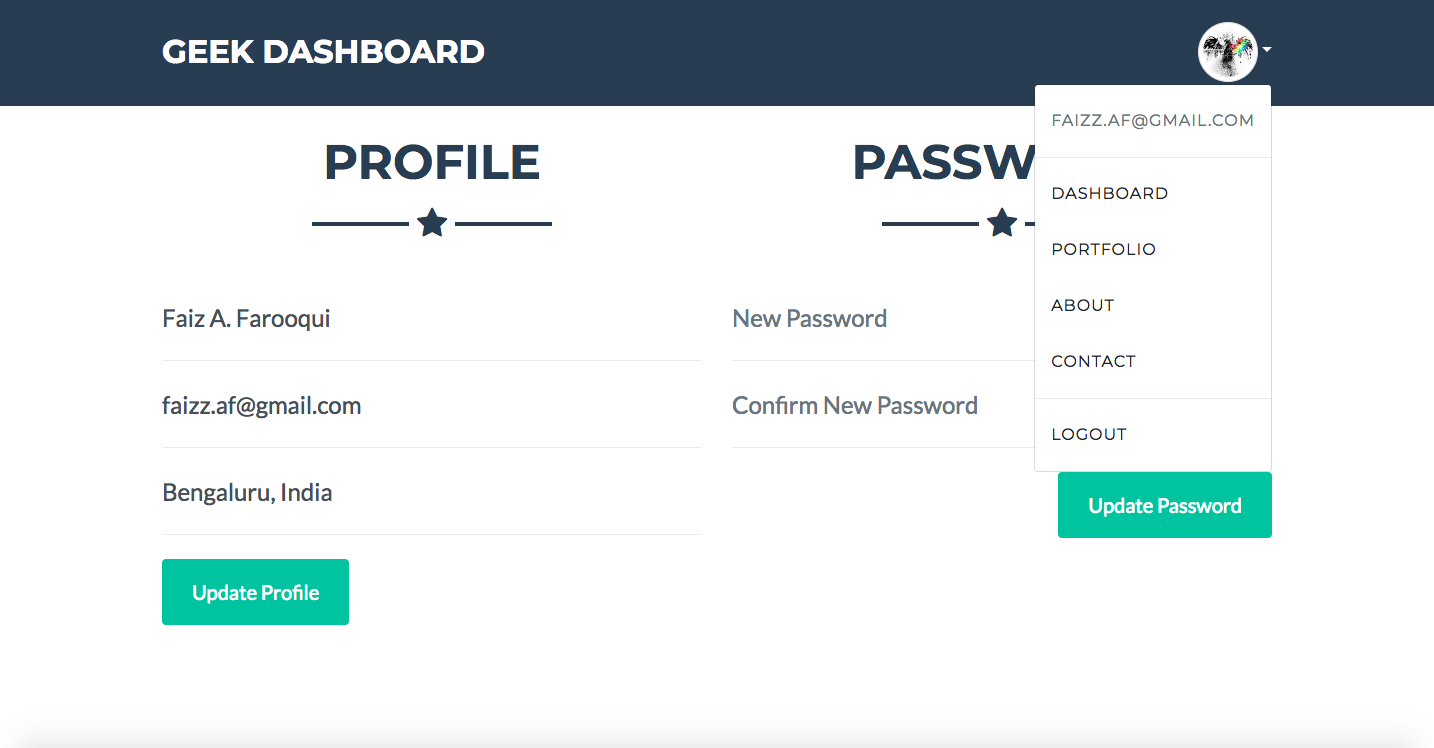
Dashboard Page
With Dropdown Menu
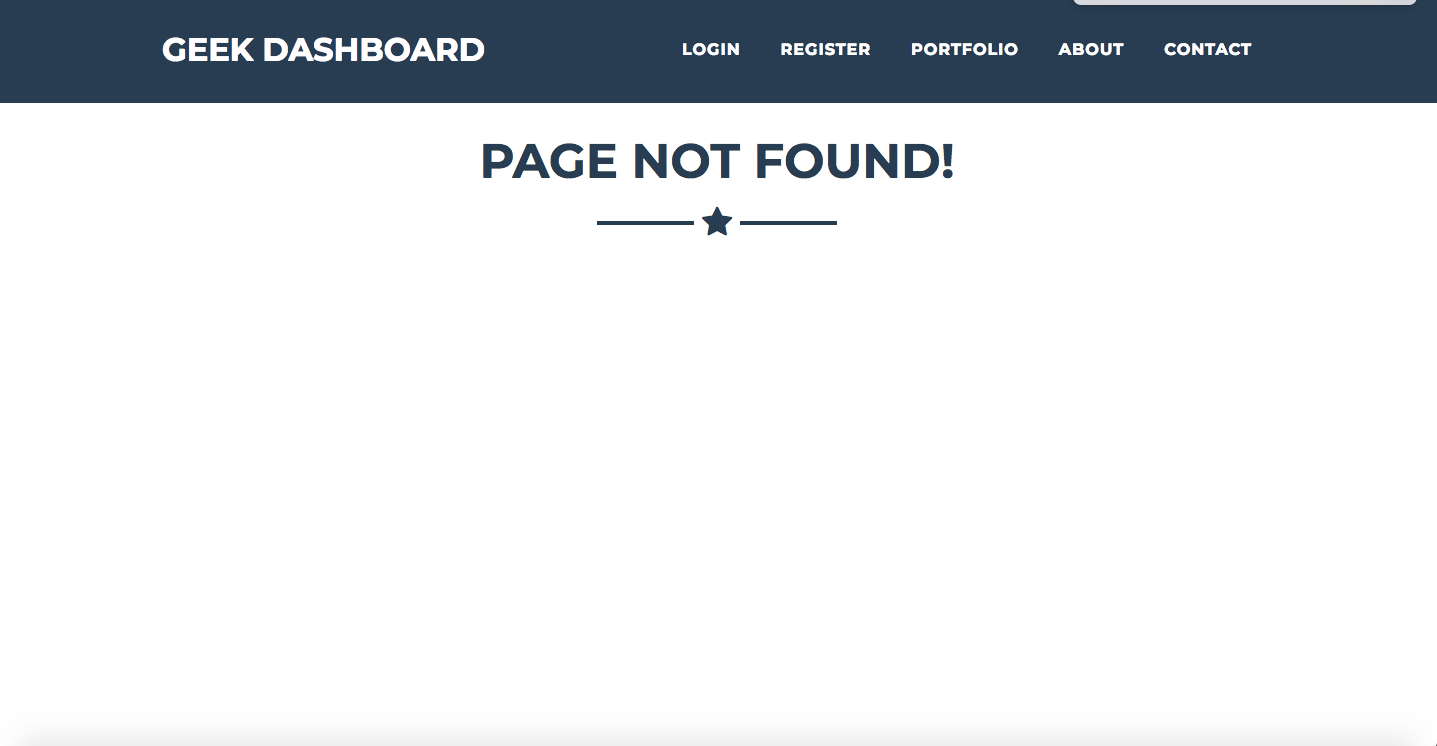
Page Not Found Page
Note: In case the requested URI does not exist, app shows this page
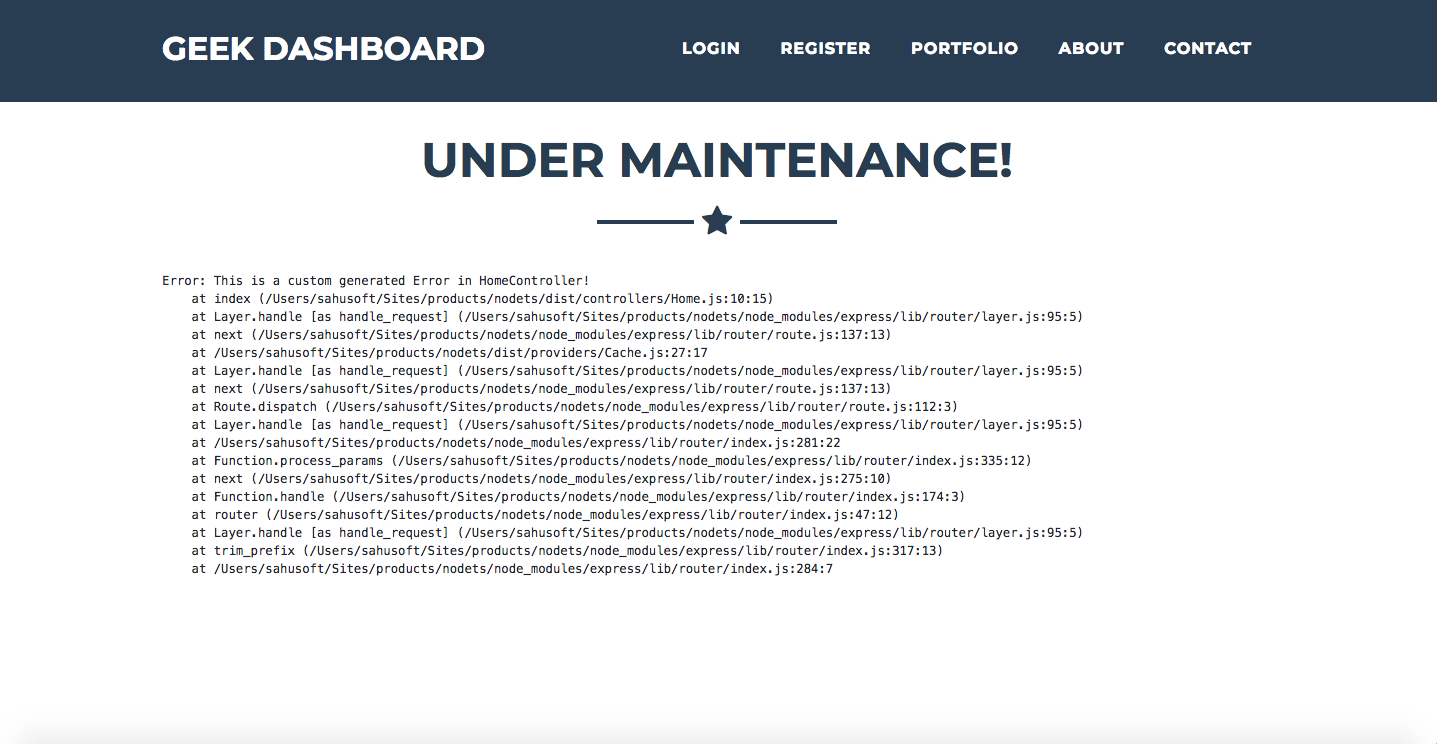
Under Maintenance Page
Note: In case an error is generated, so instead of plain errors we can show the under maintenance page.
About GeekyAnts
This boilerplate is maintained by GeekyAnts,
a product development studio specializing in:
Yes — GeekyAnts/express-typescript ships under the MIT license, which makes its source code freely readable (and, depending on license terms, forkable and reusable). Source: github.com/GeekyAnts/express-typescript.
What else is in the Developer Tools space?
GeekyAnts/express-typescript is tracked by TopGit under the Developer Tools category, alongside 14 GitHub-tagged topics. Trending and Topics pages list peer repositories of comparable stars and language.
What is GeekyAnts/express-typescript?
GeekyAnts/express-typescript (GeekyAnts/express-typescript) is a TypeScript project on GitHub. From the project's own README: Express + TypeScript + Boilerplate for Web / API App
What license does GeekyAnts/express-typescript use?
GeekyAnts/express-typescript is released under the MIT license. Always verify the LICENSE file directly on GitHub for the authoritative terms — license strings can be edited out of sync with a project's actual stance.
Where can I see GeekyAnts/express-typescript in action?
The project maintains a homepage at https://geekyants.github.io/express-typescript/. The README tab on this page also usually contains screenshots and a quickstart.
Where do I read more about GeekyAnts/express-typescript?
This TopGit page is a snapshot — the READ ME tab shows the project's own README content (links stripped, images preserved). The GitHub repository at github.com/GeekyAnts/express-typescript is the definitive source.
Why is GeekyAnts/express-typescript categorized under Developer Tools?
TopGit places GeekyAnts/express-typescript in the Developer Tools category based on its GitHub topics and description (tagged: "boilerplate", "docker", "docker-compose"). Categories are assigned from real repository metadata, not editorial guesswork.
Read full README in the tab above.
Curious whether express-typescript is right for you?
Let ChatGPT, Claude, or Perplexity look into it — click below and see what AI actually says about express-typescript.

 /express-typescript