izhangzhihao/intellij-rainbow-brackets is tracked by TopGit as a backend project, with 4.7k stars on GitHub, written primarily in Kotlin. 🌈Rainbow Brackets for IntelliJ based IDEs/Android Studio/HUAWEI DevEco Studio/Fleet
Snapshot summary built from the project's own GitHub metadata — there's no written TopGit review yet. The page will update automatically when a full review is published.
WHY NO REVIEW YET
TopGit writes full reviews for the most-starred, most-requested repositories. This page is a snapshot until then — see the READ ME tab for the original README in full.
For Windows & Linux - File > Settings > Plugins > Marketplace > Search for "Rainbow Brackets" > Install Plugin > Restart IntelliJ IDEA
For Mac - IntelliJ IDEA > Preferences > Plugins > Marketplace > Search for "Rainbow Brackets" > Install Plugin > Restart IntelliJ IDEA
Screenshots
Java
Scala
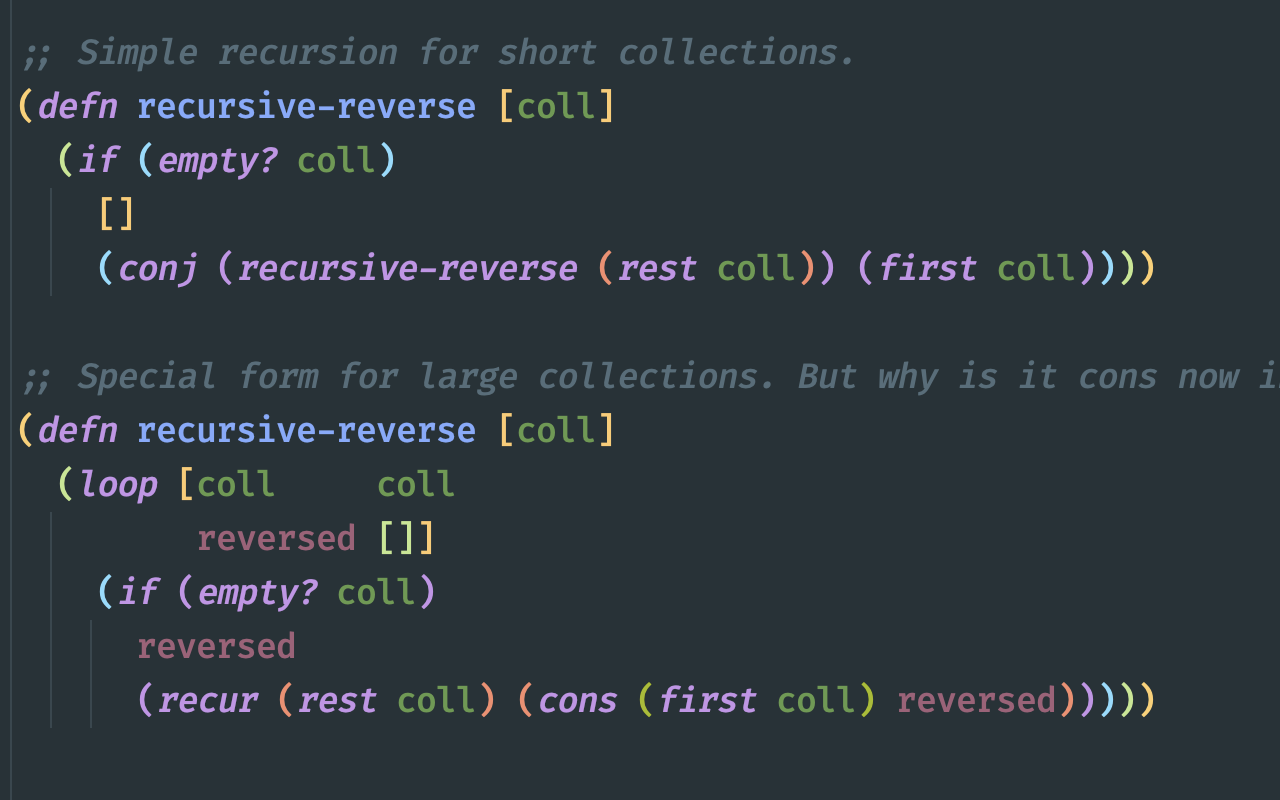
Clojure
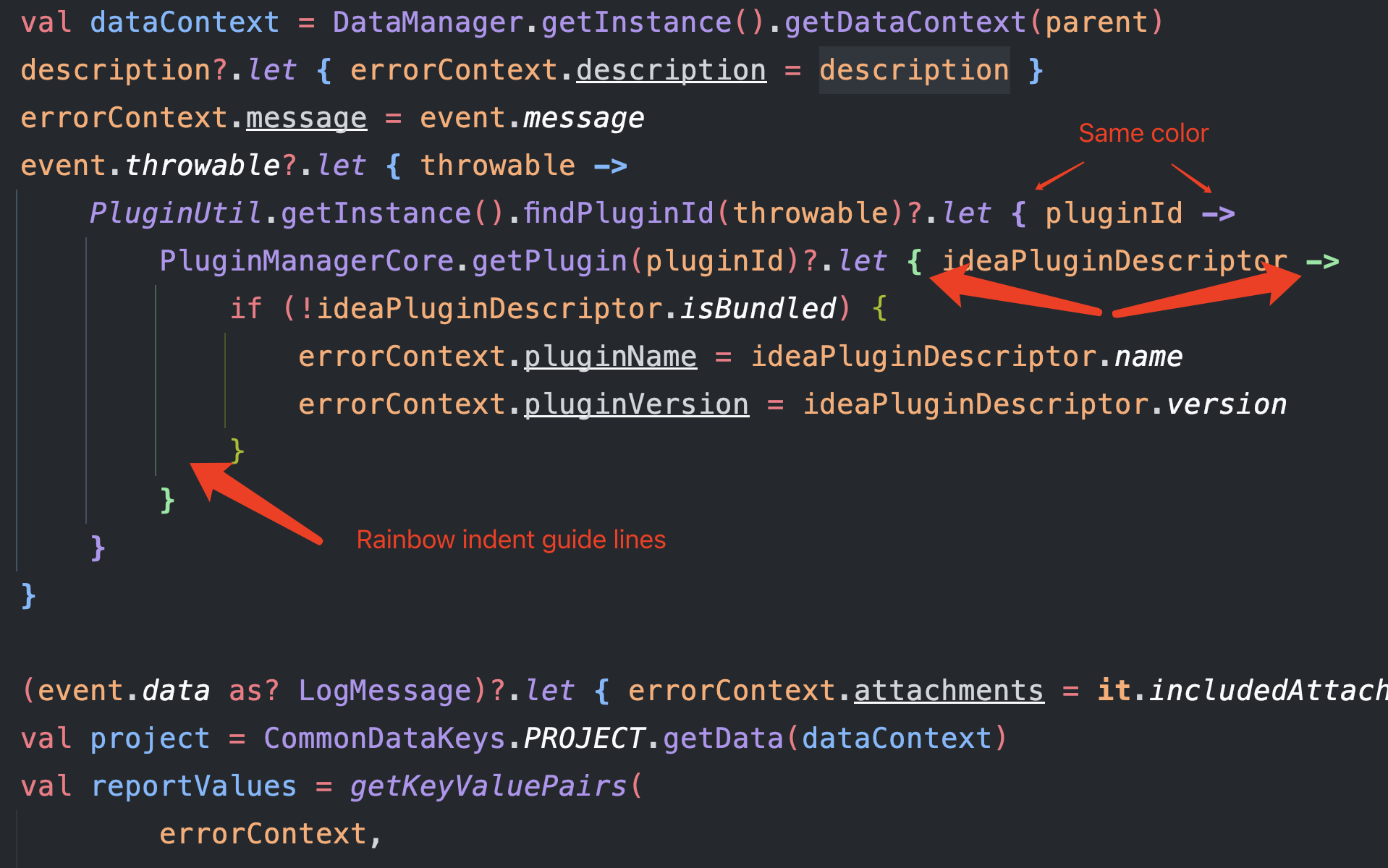
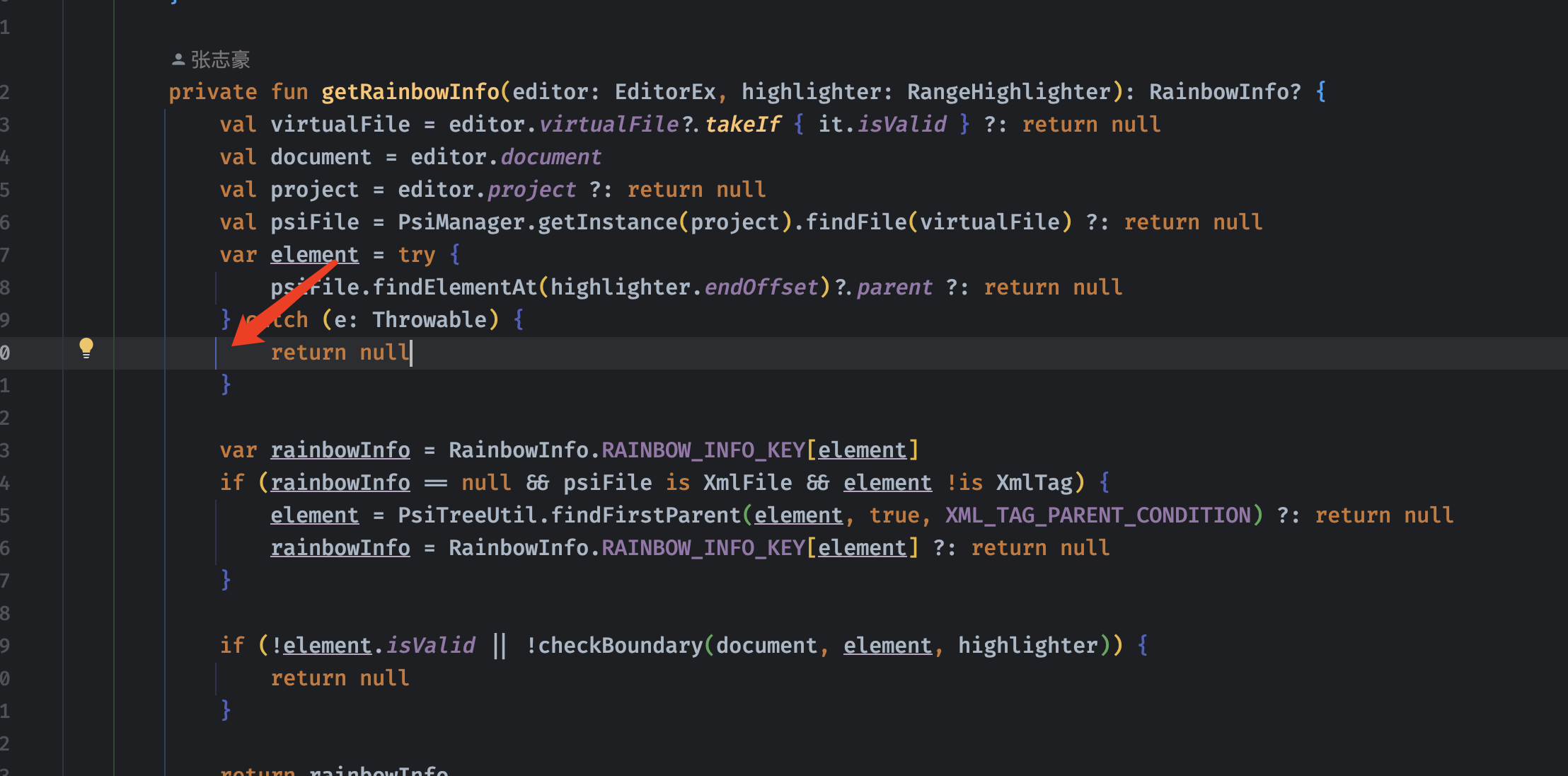
Kotlin
HTML/XML
NOTE: need to turn on the 'Rainbowify tag name' option
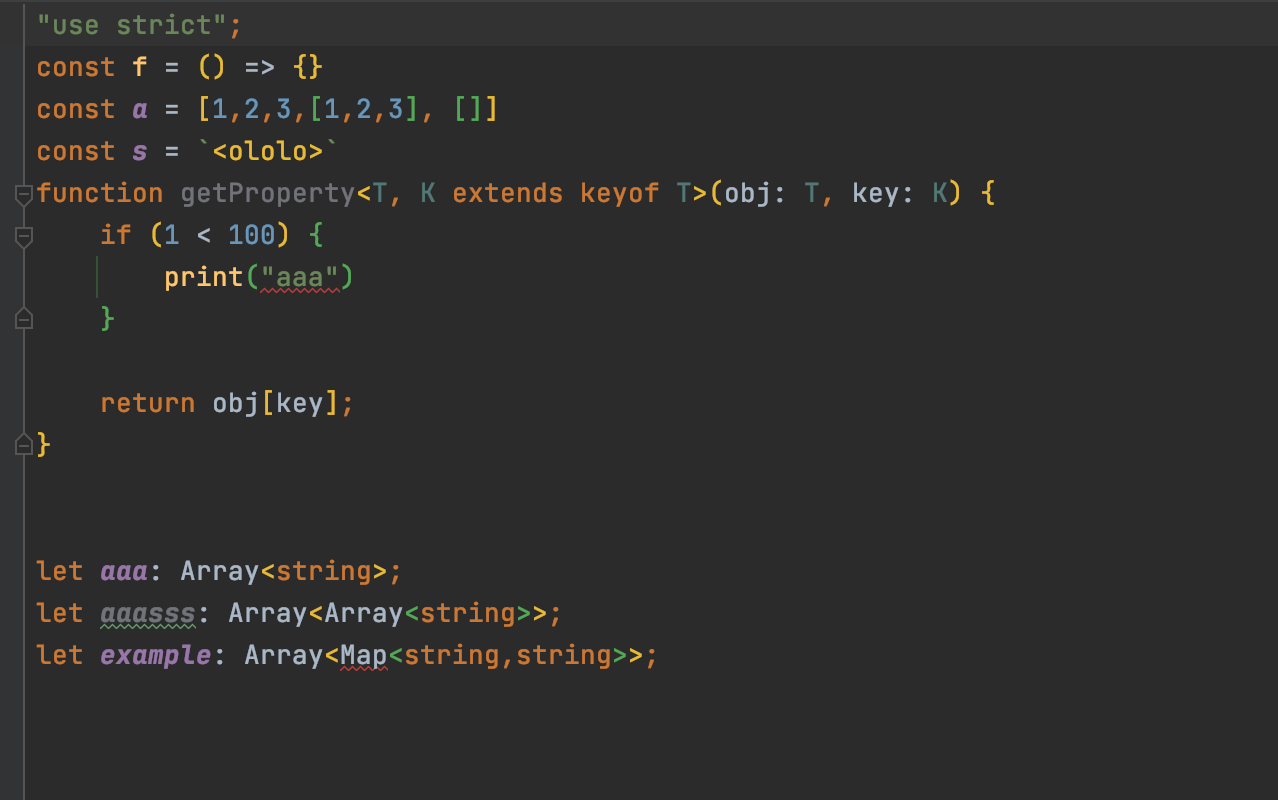
Javascript & Typescript
NOTE: need to turn on the 'Rainbowify tag name' option
C#
Dart
Python
Pug/Jade
YAML
To disable rainbowify tags for yaml, please follow: https://github.com/izhangzhihao/intellij-rainbow-brackets/discussions/2639#discussioncomment-6106439
Indent highlighting
options:
Focus mode(premium)
Only selected indent guide(free)
highlighting indent guideline only when you select this indent line
Only current indent guide(premium)
highlighting indent guide lines for current lines
All indent guide related(premium)
highlighting all indent guide lines for current lines
Scope highlighting
The highlight effects will not remove after releasing the shortcuts, but press the ESC key can do this. You could also config Press any key to remove the highlighting effect on the setting page.
Ctrl + Button3(Windows & Linux) or Meta + Button3(Mac):
NOTE: Button3 means "Secondary Click (click or tap with two fingers)" on Mac os, "Right click" for Windows or Linux.
NOTE: Meta means command on Mac os.
Alt + Button3(Windows & Linux) or option + Button3(Mac):
NOTE: Button3 means "Secondary Click (click or tap with two fingers)" on Mac os, "Right click" for Windows or Linux.
Customize colors
Settings/Preferences > Editor > Color Scheme > Rainbow Brackets:
Config the number of colors?
Settings/Preferences > Other Settings > Rainbow Brackets > Color > Number of colors: 5 or more
And you can use the color generator and configure your number of colors at the same time.
NOTE: For the default and Darcula color scheme(Editor -> Color Scheme -> Rainbow Brackets -> Scheme) the color number is 10, for the other scheme the number is 5, if your number is bigger than the number, you can config them in the config file.
If the color does not exist, we will use the color generator to generate it for you.
Use the color generator
If you didn't like the built-in colors or want some new colors but don't want to try out and pick colors. Please use the color generator.
Settings/Preferences > Rainbow Brackets > Color > Use color generator
If you turn on this option, we will auto-generate some colors for you.
Advanced options for color generator
hue – Controls the hue of the generated color. You can pass a string representing a color name: red, orange, yellow, green, blue, purple, pink and monochrome are currently supported. If you pass a hexidecimal color string such as #00FFFF, the color generator will extract its hue value and use that to generate colors.
luminosity – Controls the luminosity of the generated color. You can specify a string containing bright, light or dark.
Config file path
If you want to customize the advanced configuration, you could edit the config file and then restart your IDE.
The config file path is in APP_CONFIG/rainbow_brackets.xml.
In MAC OS env maybe like ~/Library/Preferences/IntelliJIdea2020.2/options/rainbow_brackets.xml.
If you are using the ToolBox, then it will be like ~/Library/ApplicationSupport/JetBrains/IntelliJIdea2020.2/options/rainbow_brackets.xml
In Linux env maybe like ~/.IntelliJIdea/config/options/rainbow_brackets.xml.
In Windows env maybe like C:\Users\izhangzhihao\.IntelliJIdea2020.2\config\options\rainbow_brackets.xml.
JSX support
To enable rainbow brackets for JSX like this:
var html = '<div><div><div>Hello</div></div></div>';
This plugin will automatically override color scheme property "HTML_CODE" cause our rainbow color been covered by intellij built-in functionality.
You still could set Settings/Preferences > Other Settings > Rainbow Brackets > Language Specific > Rainbowify JSX in the config file to disable.
Kotlin function literal braces and arrow
To enable rainbow brackets for multiple-level lambda Kotlin code like this:
This plugin will automatically override the color scheme property "KOTLIN_FUNCTION_LITERAL_BRACES_AND_ARROW" cause our rainbow color is being covered by the Kotlin plugin's built-in functionality.
You still could set Settings/Preferences > Other Settings > Rainbow Brackets > Language Specific > Rainbowify Kotlin function literal braces and arrow in the config page to disable.
Disable rainbow brackets for specific languages
Settings/Preferences > Other Settings > Rainbow Brackets > Do NOT rainbowify these languages (name or extension, comma separated):
NOTE: You can use name of language or extension of file name(The names should be lowercase).
Support Us
You can support us by the following actions:
Buy a license
Star this project
Share this plugin with your friends
Rate this plugin on JetBrains plugin repository
Report bugs
Tell us your ideas
Buy Me a Coffee
Rainbow Brackets Lite
This repo is used to compile a fully free version of our product for the community to use. This is because some users do not need the paid features and do not want to constantly update their software. An open-source, entirely free, and stable version is a good option for these users.
I believe this will benefit both the community and our team. The community will have access to a free version of our software, and our team will continue to receive support from those who appreciate and value the paid features.
Please download the Lite version here.
NOTE: If you need C# or C++ support in Rider IDE, these features are only available in the paid version. The Lite version does not include them. Upgrade to the paid version for full functionality
Acknowledgements
Intellij-rainbow-brackets is heavily inspired by Rainbow Brackets for Visual Studio Code
How active is development on izhangzhihao/intellij-rainbow-brackets?
The most recent commit recorded on izhangzhihao/intellij-rainbow-brackets was 5 months ago, based on the GitHub push timestamp. The repository has 227 forks — one of the better signals of community interest.
How many stars does izhangzhihao/intellij-rainbow-brackets have?
izhangzhihao/intellij-rainbow-brackets has 4.7k GitHub stars — refresh the page for the live number, or check github.com/izhangzhihao/intellij-rainbow-brackets. TopGit mirrors GitHub's count but does not claim minute-by-minute accuracy.
Is izhangzhihao/intellij-rainbow-brackets open source?
TopGit's metadata for izhangzhihao/intellij-rainbow-brackets does not record a license. Most public repositories on GitHub ARE open source, but the exact terms vary — verify by opening the LICENSE file directly.
What else is in the Backend space?
izhangzhihao/intellij-rainbow-brackets is tracked by TopGit under the Backend category, alongside 12 GitHub-tagged topics. Trending and Topics pages list peer repositories of comparable stars and language.
What is izhangzhihao/intellij-rainbow-brackets?
izhangzhihao/intellij-rainbow-brackets (izhangzhihao/intellij-rainbow-brackets) is a Kotlin project on GitHub. From the project's own README: 🌈Rainbow Brackets for IntelliJ based IDEs/Android Studio/HUAWEI DevEco Studio/Fleet
What language is izhangzhihao/intellij-rainbow-brackets written in?
izhangzhihao/intellij-rainbow-brackets is written primarily in Kotlin. GitHub's language field is based on the largest share of bytes in the default branch.
Where do I read more about izhangzhihao/intellij-rainbow-brackets?
This TopGit page is a snapshot — the READ ME tab shows the project's own README content (links stripped, images preserved). The GitHub repository at github.com/izhangzhihao/intellij-rainbow-brackets is the definitive source.
Read full README in the tab above.
Is intellij-rainbow-brackets worth your time?
ChatGPT, Claude and Perplexity can all read this page. Ask one of them what it makes of intellij-rainbow-brackets.

 /intellij-rainbow-brackets