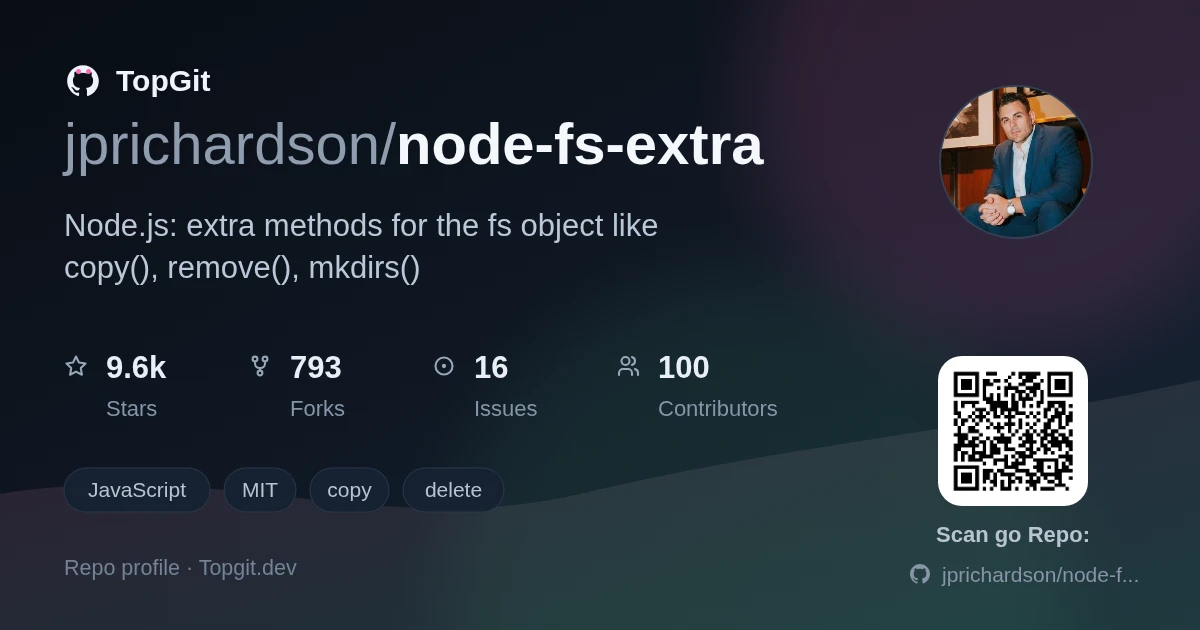
A look at jprichardson/node-fs-extra: 9.6k stars on GitHub, written primarily in JavaScript, tracked under the Frontend category. Node.js: extra methods for the fs object like copy(), remove(), mkdirs()
Snapshot summary built from the project's own GitHub metadata — there's no written TopGit review yet. The page will update automatically when a full review is published.
WHY NO REVIEW YET
TopGit writes full reviews for the most-starred, most-requested repositories. This page is a snapshot until then — see the READ ME tab for the original README in full.
fs-extra adds file system methods that aren't included in the native fs module and adds promise support to the fs methods. It also uses graceful-fs to prevent EMFILE errors. It should be a drop in replacement for fs.
Why?
I got tired of including mkdirp, rimraf, and ncp in most of my projects.
Installation
npm install fs-extra
Usage
CommonJS
fs-extra is a drop in replacement for native fs. All methods in fs are attached to fs-extra. All fs methods return promises if the callback isn't passed.
You don't ever need to include the original fs module again:
const fs = require('fs') // this is no longer necessary
you can now do this:
const fs = require('fs-extra')
or if you prefer to make it clear that you're using fs-extra and not fs, you may want
to name your fs variable fse like so:
NOTE: The deprecated constants fs.F_OK, fs.R_OK, fs.W_OK, & fs.X_OK are not exported on Node.js v24.0.0+; please use their fs.constants equivalents.
ESM
There is also an fs-extra/esm import, that supports both default and named exports. However, note that fs methods are not included in fs-extra/esm; you still need to import fs and/or fs/promises separately:
import { readFileSync } from 'fs'
import { readFile } from 'fs/promises'
import { outputFile, outputFileSync } from 'fs-extra/esm'
Default exports are supported:
import fs from 'fs'
import fse from 'fs-extra/esm'
// fse.readFileSync is not a function; must use fs.readFileSync
but you probably want to just use regular fs-extra instead of fs-extra/esm for default exports:
import fs from 'fs-extra'
// both fs and fs-extra methods are defined
Sync vs Async vs Async/Await
Most methods are async by default. All async methods will return a promise if the callback isn't passed.
Sync methods on the other hand will throw if an error occurs.
Also Async/Await will throw an error if one occurs.
NOTE: You can still use the native Node.js methods. They are promisified and copied over to fs-extra. See notes on fs.read(), fs.write(), & fs.writev()
What happened to walk() and walkSync()?
They were removed from fs-extra in v2.0.0. If you need the functionality, walk and walkSync are available as separate packages, klaw and klaw-sync.
Third Party
CLI
fse-cli allows you to run fs-extra from a console or from npm scripts.
TypeScript
If you like TypeScript, you can use fs-extra with it: https://github.com/DefinitelyTyped/DefinitelyTyped/tree/master/types/fs-extra
File / Directory Watching
If you want to watch for changes to files or directories, then you should use chokidar.
Obtain Filesystem (Devices, Partitions) Information
fs-filesystem allows you to read the state of the filesystem of the host on which it is run. It returns information about both the devices and the partitions (volumes) of the system.
Misc.
fs-extra-debug - Send your fs-extra calls to debug.
mfs - Monitor your fs-extra calls.
Hacking on fs-extra
Wanna hack on fs-extra? Great! Your help is needed! fs-extra is one of the most depended upon Node.js packages. This project
uses JavaScript Standard Style - if the name or style choices bother you,
you're gonna have to get over it :) If standard is good enough for npm, it's good enough for fs-extra.
What's needed?
First, take a look at existing issues. Those are probably going to be where the priority lies.
More tests for edge cases. Specifically on different platforms. There can never be enough tests.
Improve test coverage.
Note: If you make any big changes, you should definitely file an issue for discussion first.
Running the Test Suite
fs-extra contains hundreds of tests.
npm run lint: runs the linter (standard)
npm run unit: runs the unit tests
npm run unit-esm: runs tests for fs-extra/esm exports
npm test: runs the linter and all tests
When running unit tests, set the environment variable CROSS_DEVICE_PATH to the absolute path of an empty directory on another device (like a thumb drive) to enable cross-device move tests.
Windows
If you run the tests on the Windows and receive a lot of symbolic link EPERM permission errors, it's
because on Windows you need elevated privilege to create symbolic links. You can add this to your Windows's
account by following the instructions here: http://superuser.com/questions/104845/permission-to-make-symbolic-links-in-windows-7
However, I didn't have much luck doing this.
Since I develop on Mac OS X, I use VMWare Fusion for Windows testing. I create a shared folder that I map to a drive on Windows.
I open the Node.js command prompt and run as Administrator. I then map the network drive running the following command:
net use z: "\\vmware-host\Shared Folders"
I can then navigate to my fs-extra directory and run the tests.
Naming
I put a lot of thought into the naming of these functions. Inspired by @coolaj86's request. So he deserves much of the credit for raising the issue. See discussion(s) here:
First, I believe that in as many cases as possible, the Node.js naming schemes should be chosen. However, there are problems with the Node.js own naming schemes.
For example, fs.readFile() and fs.readdir(): the F is capitalized in File and the d is not capitalized in dir. Perhaps a bit pedantic, but they should still be consistent. Also, Node.js has chosen a lot of POSIX naming schemes, which I believe is great. See: fs.mkdir(), fs.rmdir(), fs.chown(), etc.
We have a dilemma though. How do you consistently name methods that perform the following POSIX commands: cp, cp -r, mkdir -p, and rm -rf?
My perspective: when in doubt, err on the side of simplicity. A directory is just a hierarchical grouping of directories and files. Consider that for a moment. So when you want to copy it or remove it, in most cases you'll want to copy or remove all of its contents. When you want to create a directory, if the directory that it's suppose to be contained in does not exist, then in most cases you'll want to create that too.
So, if you want to remove a file or a directory regardless of whether it has contents, just call fs.remove(path). If you want to copy a file or a directory whether it has contents, just call fs.copy(source, destination). If you want to create a directory regardless of whether its parent directories exist, just call fs.mkdirs(path) or fs.mkdirp(path).
Credit
fs-extra wouldn't be possible without using the modules from the following authors:
Does jprichardson/node-fs-extra have a project website?
No homepage URL was recorded for jprichardson/node-fs-extra in TopGit's last sync. The README tab above frequently contains screenshots and demo links, or check the repository description on GitHub.
How active is development on jprichardson/node-fs-extra?
The most recent commit recorded on jprichardson/node-fs-extra was 4 months ago, based on the GitHub push timestamp. The repository has 791 forks — one of the better signals of community interest.
How many stars does jprichardson/node-fs-extra have?
jprichardson/node-fs-extra has 9.6k GitHub stars — refresh the page for the live number, or check github.com/jprichardson/node-fs-extra. TopGit mirrors GitHub's count but does not claim minute-by-minute accuracy.
What language is jprichardson/node-fs-extra written in?
jprichardson/node-fs-extra is written primarily in JavaScript. GitHub's language field is based on the largest share of bytes in the default branch.
What license does jprichardson/node-fs-extra use?
jprichardson/node-fs-extra is released under the MIT license. Always verify the LICENSE file directly on GitHub for the authoritative terms — license strings can be edited out of sync with a project's actual stance.
What topics is jprichardson/node-fs-extra associated with?
GitHub's repository topics for jprichardson/node-fs-extra: "copy", "delete", "filesystem", "javascript", "move", "nodejs", "remove". TopGit's editorial category is Frontend.
Where do I read more about jprichardson/node-fs-extra?
This TopGit page is a snapshot — the READ ME tab shows the project's own README content (links stripped, images preserved). The GitHub repository at github.com/jprichardson/node-fs-extra is the definitive source.
Read full README in the tab above.
Still deciding about node-fs-extra?
One click hands the question to an AI along with this page — see what it says about node-fs-extra.

 /node-fs-extra