mebjas/html5-qrcode is a UI-focused project on GitHub with 6.2k stars, written primarily in TypeScript. A cross platform HTML5 QR code reader. See end to end implementation at: https://scanapp.org
Snapshot summary built from the project's own GitHub metadata — there's no written TopGit review yet. The page will update automatically when a full review is published.
WHY NO REVIEW YET
TopGit writes full reviews for the most-starred, most-requested repositories. This page is a snapshot until then — see the READ ME tab for the original README in full.
Important The project is in maintenance mode until further notice. The author shall not be able to make any bug fixes or improvements for the time-being. Pull requests also won't be merged for the timebeing. If you have a fork you can maintain - please share the details to [email protected]. I am happy to advertise them here!
Ok to use the project as is. Example: scanapp.org.
Lightweight & cross platform QR Code and Bar code scanning library for the web
Use this lightweight library to easily / quickly integrate QR code, bar code, and other common code scanning capabilities to your web application.
Key highlights
🔲 Support scanning different types of bar codes and QR codes.
🖥 Supports different platforms be it Android, IOS, MacOs, Windows or Linux
🌐 Supports different browsers like Chrome, Firefox, Safari, Edge, Opera ...
📷 Supports scanning with camera as well as local files
➡️ Comes with an end to end library with UI as well as a low level library to build your own UI with.
🔦 Supports customisations like flash/torch support, zooming etc.
Supports two kinds of APIs
Html5QrcodeScanner — End-to-end scanner with UI, integrate with less than ten lines of code.
Html5Qrcode — Powerful set of APIs you can use to build your UI without worrying about camera setup, handling permissions, reading codes, etc.
Support for scanning local files on the device is a new addition and helpful for the web browser which does not support inline web-camera access in smartphones. Note: This doesn't upload files to any server — everything is done locally.
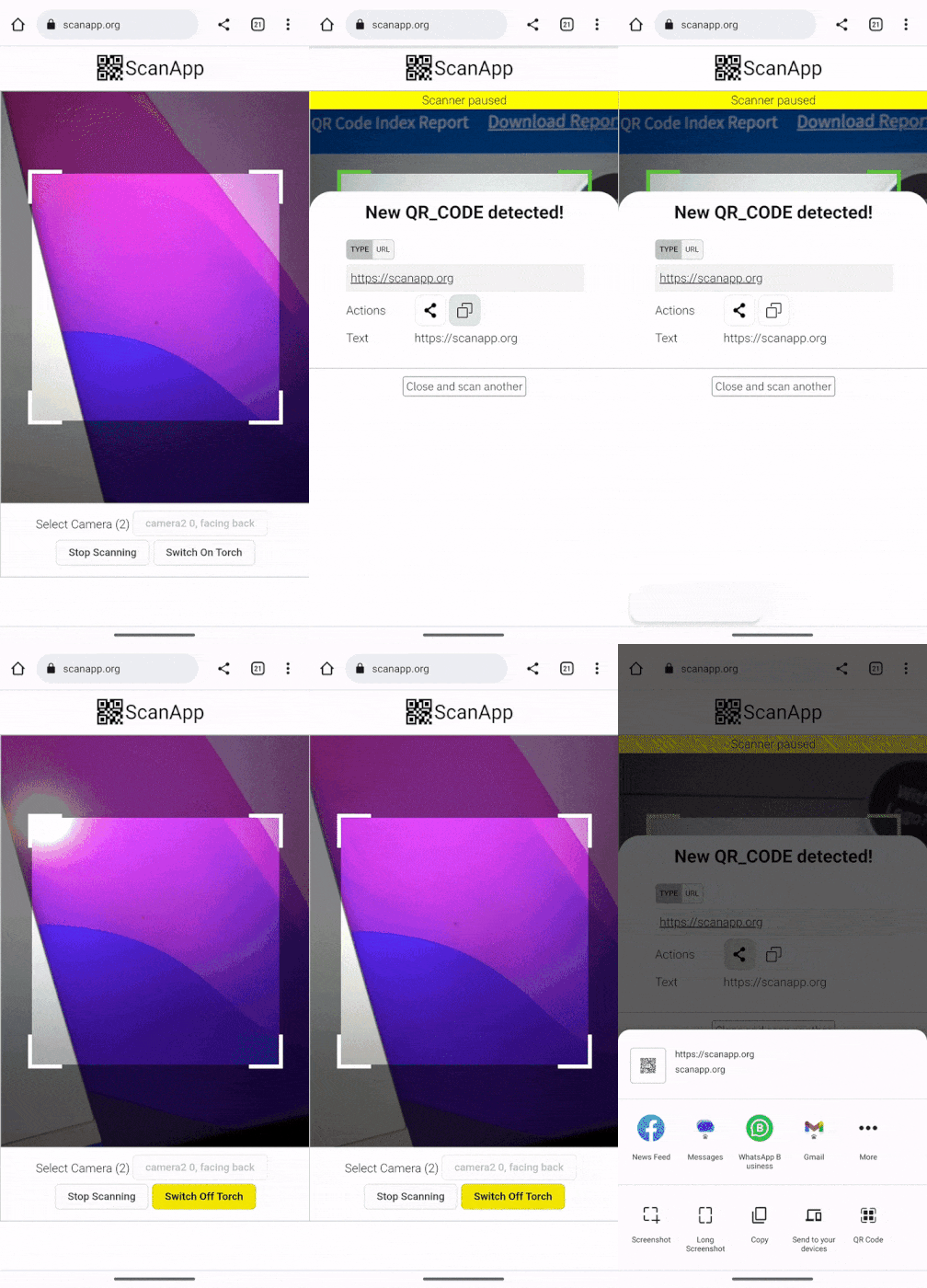
Demo at scanapp.org
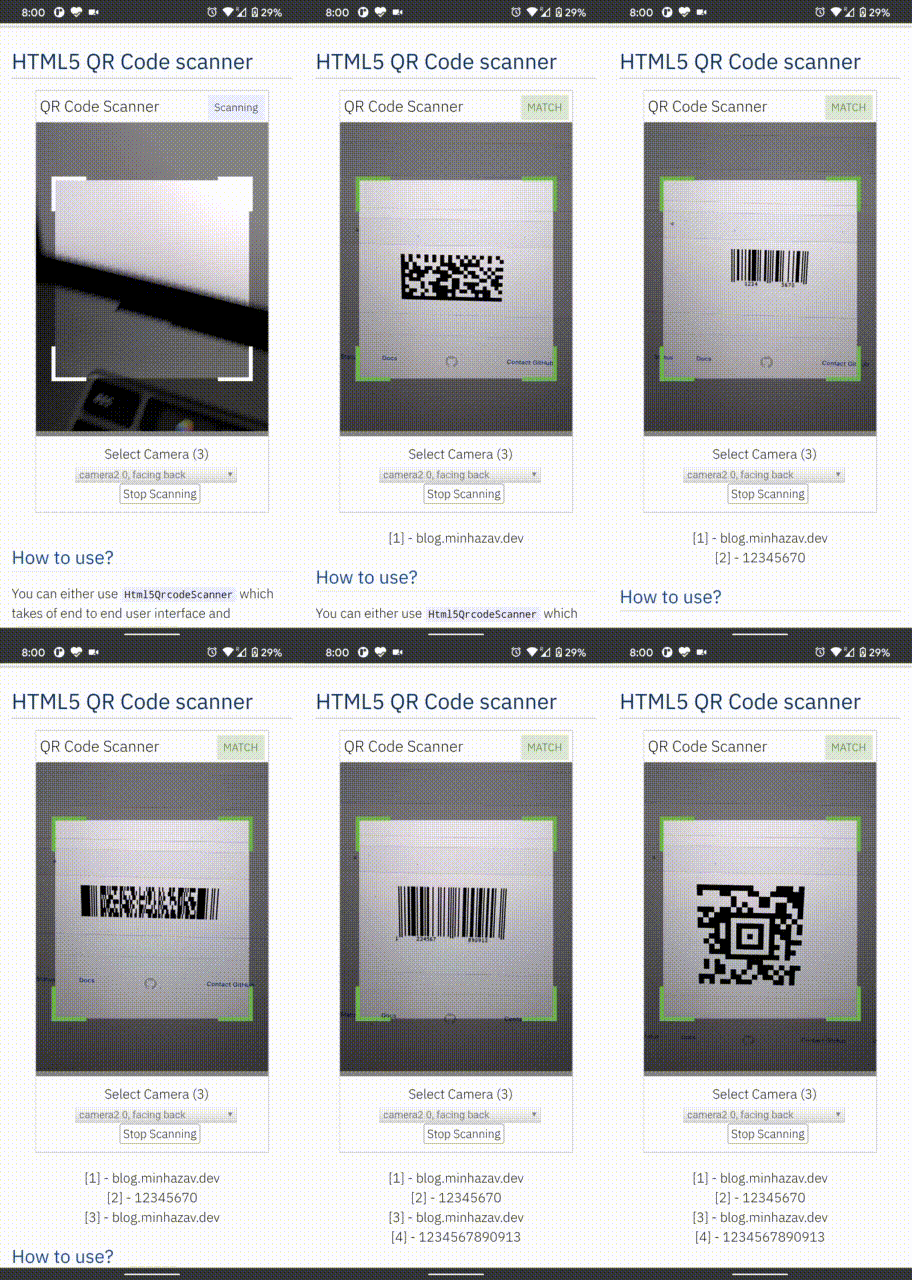
Demo at qrcode.minhazav.dev - Scanning different types of codes
We need your help!
Help incentivise feature development, bug fixing by supporting the sponsorhip goals of this project. See list of sponsered feature requests here.
Documentation
The documentation for this project has been moved to scanapp.org/html5-qrcode-docs.
Getting started
Supported frameworks
Supported 1D and 2D Code formats
Detailed API documentation
Supported platforms
We are working continuously on adding support for more and more platforms. If you find a platform or a browser where the library is not working, please feel free to file an issue. Check the demo link to test it out.
Legends
Means full support — inline webcam and file based
Means partial support — only file based, webcam in progress
PC / Mac
Firefox
Chrome
Safari
Opera
Edge
Android
Chrome
Firefox
Edge
Opera
Opera Mini
UC
IOS
Safari
Chrome
Firefox
Edge
*
*
* Supported for IOS versions >= 15.1
Before version 15.1, Webkit for IOS is used by Chrome, Firefox, and other browsers in IOS and they do not have webcam permissions yet. There is an ongoing issue on fixing the support for iOS - issue/14
Framework support
The library can be easily used with several other frameworks, I have been adding examples for a few of them and would continue to add more.
Html5
VueJs
ElectronJs
React
Lit
Supported Code formats
Code scanning is dependent on Zxing-js library. We will be working on top of it to add support for more types of code scanning. If you feel a certain type of code would be helpful to have, please file a feature request.
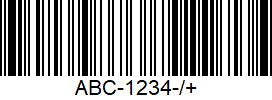
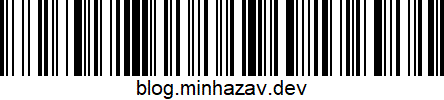
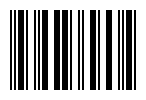
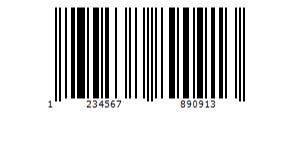
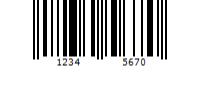
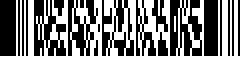
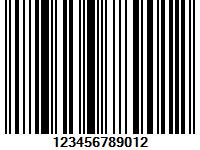
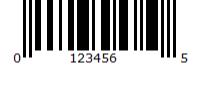
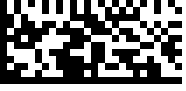
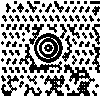
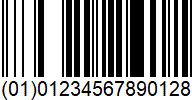
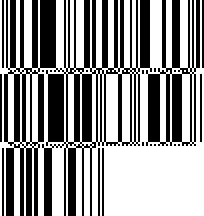
Code
Example
QR Code
AZTEC
CODE_39
CODE_93
CODE_128
ITF
EAN_13
EAN_8
PDF_417
UPC_A
UPC_E
DATA_MATRIX
MAXICODE*
RSS_14*
RSS_EXPANDED*
*Formats are not supported by our experimental integration with native
BarcodeDetector API integration (Read more).
Description - View Demo
See an end to end scanner experience at scanapp.org.
This is a cross-platform JavaScript library to integrate QR code, bar codes & a few other types of code scanning capabilities to your applications running on HTML5 compatible browser.
Supports:
Querying camera on the device (with user permissions)
Rendering live camera feed, with easy to use user interface for scanning
Supports scanning a different kind of QR codes, bar codes and other formats
Supports selecting image files from the device for scanning codes
How to use
Find detailed guidelines on how to use this library on scanapp.org/html5-qrcode-docs.
Demo
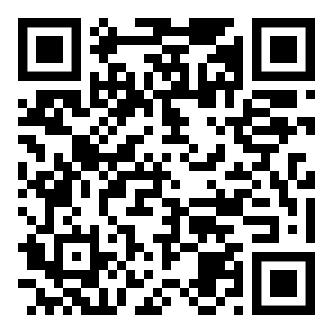
Scan this image or visit blog.minhazav.dev/research/html5-qrcode.html
For more information
Check these articles on how to use this library:
QR and barcode scanner using HTML and JavaScript
HTML5 QR Code scanning — launched v1.0.1 without jQuery dependency and refactored Promise based APIs.
HTML5 QR Code scanning with JavaScript — Support for scanning the local file and using default camera added (v1.0.5)
Screenshots
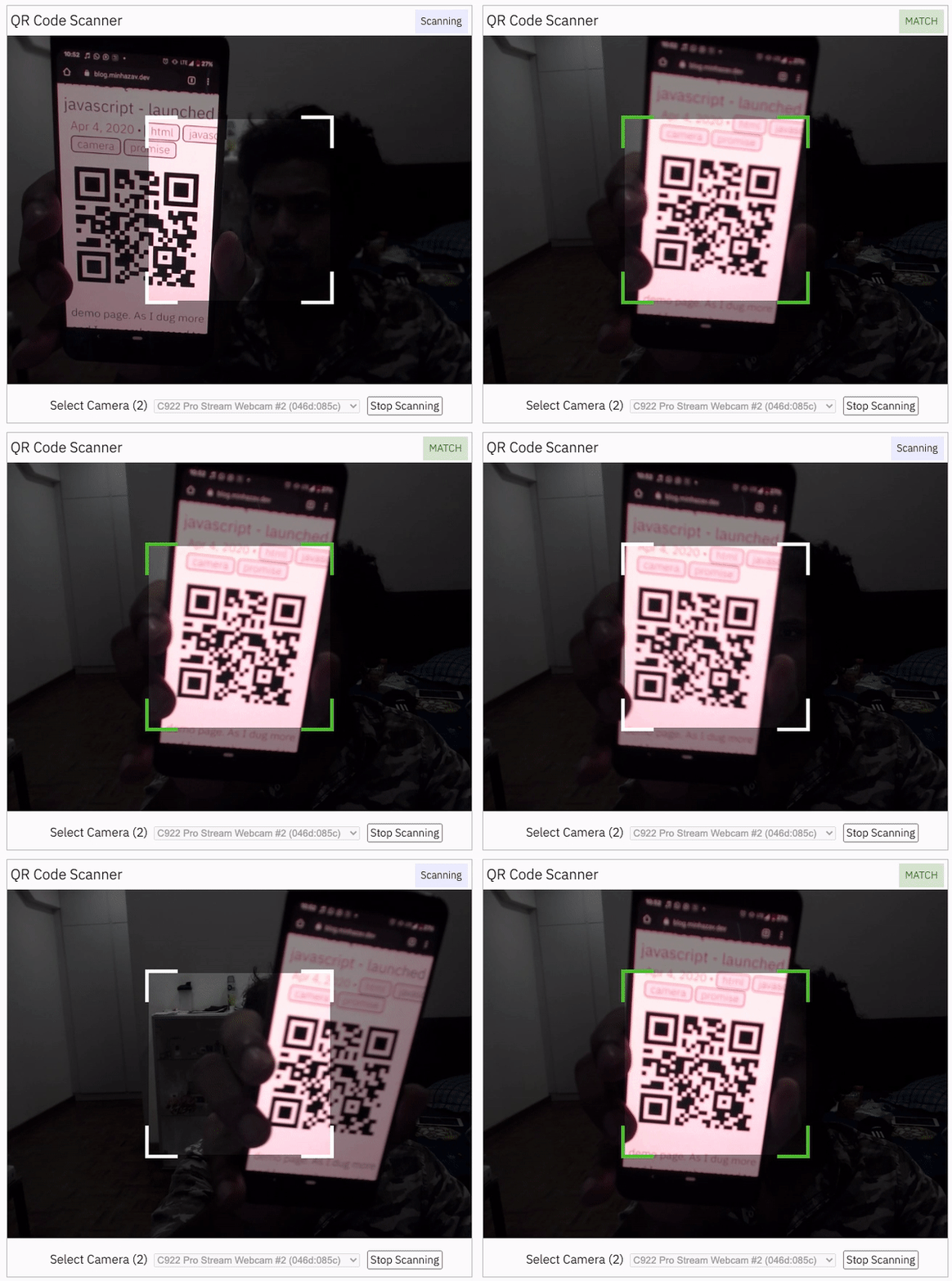
Figure: Screenshot from Google Chrome running on MacBook Pro
Documentation
Find the full API documentation at scanapp.org/html5-qrcode-docs/docs/apis.
Extra optional configuration in start() method
Configuration object that can be used to configure both the scanning behavior and the user interface (UI). Most of the fields have default properties that will be used unless a different value is provided. If you do not want to override anything, you can just pass in an empty object {}.
fps — Integer, Example = 10
A.K.A frame per second, the default value for this is 2, but it can be increased to get faster scanning. Increasing too high value could affect performance. Value >1000 will simply fail.
qrbox — QrDimensions or QrDimensionFunction (Optional), Example = { width: 250, height: 250 }
Use this property to limit the region of the viewfinder you want to use for scanning. The rest of the viewfinder would be shaded. For example, by passing config { qrbox : { width: 250, height: 250 } }, the screen will look like:
This can be used to set a rectangular scanning area with config like:
/**
  * A function that takes in the width and height of the video stream
* and returns QrDimensions.
*
* Viewfinder refers to the video showing camera stream.
*/
type QrDimensionFunction =
    (viewfinderWidth: number, viewfinderHeight: number) => QrDimensions;
This allows you to set dynamic QR box dimensions based on the video dimensions. See this blog article for example: Setting dynamic QR box size in Html5-qrcode - ScanApp blog
This might be desirable for bar code scanning.
If this value is not set, no shaded QR box will be rendered and the scanner will scan the entire area of video stream.
aspectRatio — Float, Example 1.777778 for 16:9 aspect ratio
Use this property to render the video feed in a certain aspect ratio. Passing a nonstandard aspect ratio like 100000:1 could lead to the video feed not even showing up. Ideal values can be:
Value
Aspect Ratio
Use Case
1.333334
4:3
Standard camera aspect ratio
1.777778
16:9
Full screen, cinematic
1.0
1:1
Square view
If you do not pass any value, the whole viewfinder would be used for scanning.
Note: this value has to be smaller than the width and height of the QR code HTML element.
disableFlip — Boolean (Optional), default = false
By default, the scanner can scan for horizontally flipped QR Codes. This also enables scanning QR code using the front camera on mobile devices which are sometimes mirrored. This is false by default and I recommend changing this only if:
You are sure that the camera feed cannot be mirrored (Horizontally flipped)
You are facing performance issues with this enabled.
Here's an example of a normal and mirrored QR Code
If true the last camera used by the user and weather or not permission was granted would be remembered in the local storage. If the user has previously granted permissions — the request permission option in the UI will be skipped and the last selected camera would be launched automatically for scanning.
If true the library shall remember if the camera permissions were previously
granted and what camera was last used. If the permissions is already granted for
"camera", QR code scanning will automatically * start for previously used camera.
Limit support to either of Camera or File based scan.
Change default scan type.
How to use:
function onScanSuccess(decodedText, decodedResult) {
  // handle the scanned code as you like, for example:
  console.log(`Code matched = ${decodedText}`, decodedResult);
}

let config = {
  fps: 10,
  qrbox: {width: 100, height: 100},
  rememberLastUsedCamera: true,
  // Only support camera scan type.
  supportedScanTypes: [Html5QrcodeScanType.SCAN_TYPE_CAMERA]
};

let html5QrcodeScanner = new Html5QrcodeScanner(
  "reader", config, /* verbose= */ false);
html5QrcodeScanner.render(onScanSuccess);
If true the rendered UI will have button to turn flash on or off based on device + browser support. The value is false by default.
Scanning only specific formats
By default, both camera stream and image files are scanned against all the
supported code formats. Both Html5QrcodeScanner and Html5Qrcode classes can
be configured to only support a subset of supported formats. Supported formats
are defined in
enum Html5QrcodeSupportedFormats.
I recommend using this only if you need to explicitly omit support for certain
formats or want to reduce the number of scans done per second for performance
reasons.
Scanning only QR code with Html5Qrcode
const html5QrCode = new Html5Qrcode(
  "reader", { formatsToSupport: [ Html5QrcodeSupportedFormats.QR_CODE ] });
const qrCodeSuccessCallback = (decodedText, decodedResult) => {
    /* handle success */
};
const config = { fps: 10, qrbox: { width: 250, height: 250 } };

// If you want to prefer front camera
html5QrCode.start({ facingMode: "user" }, config, qrCodeSuccessCallback);
Scanning only QR code and UPC codes with Html5QrcodeScanner
function onScanSuccess(decodedText, decodedResult) {
  // Handle the scanned code as you like, for example:
  console.log(`Code matched = ${decodedText}`, decodedResult);
}

const formatsToSupport = [
  Html5QrcodeSupportedFormats.QR_CODE,
  Html5QrcodeSupportedFormats.UPC_A,
  Html5QrcodeSupportedFormats.UPC_E,
  Html5QrcodeSupportedFormats.UPC_EAN_EXTENSION,
];
const html5QrcodeScanner = new Html5QrcodeScanner(
  "reader",
  {
    fps: 10,
    qrbox: { width: 250, height: 250 },
    formatsToSupport: formatsToSupport
  },
  /* verbose= */ false);
html5QrcodeScanner.render(onScanSuccess);
Experimental features
The library now supports some experimental features which are supported in the
library but not recommended for production usage either due to limited testing
done or limited compatibility for underlying APIs used. Read more about it here.
Some experimental features include:
Support for BarcodeDetector JavaScript API
How to modify and build
Code changes should only be made to /src only.
Run npm install to install all dependencies.
Run npm run-script build to build JavaScript output. The output JavaScript distribution is built to /dist/html5-qrcode.min.js. If you are developing on Windows OS, run npm run-script build-windows.
Testing
Run npm test
Run the tests before sending a pull request, all tests should run.
Please add tests for new behaviors sent in PR.
Send a pull request
Include code changes only to ./src. Do not change ./dist manually.
In the pull request add a comment like
@all-contributors please add @mebjas for this new feature or tests
For calling out your contributions, the bot will update the contributions file.
Code will be built & published by the author in batches.
How to contribute
You can contribute to the project in several ways:
File issue ticket for any observed bug or compatibility issue with the project.
File feature request for missing features.
Take open bugs or feature request and work on it and send a Pull Request.
Write unit tests for existing codebase (which is not covered by tests today). Help wanted on this - read more.
Support 💖
This project would not be possible without all of our fantastic contributors and sponsors. If you'd like to support the maintenance and upkeep of this project you can donate via GitHub Sponsors.
Sponsor the project for priortising feature requests / bugs relevant to you. (Depends on scope of ask and bandwidth of the contributors).
Help incentivise feature development, bug fixing by supporting the sponsorhip goals of this project. See list of sponsered feature requests here.
Also, huge thanks to following organizations for non monitery sponsorships
Credits
The decoder used for the QR code reading is from Zxing-js https://github.com/zxing-js/library
The most recent commit recorded on mebjas/html5-qrcode was 11 months ago, based on the GitHub push timestamp. The repository has 1.1k forks — one of the better signals of community interest.
How does mebjas/html5-qrcode compare to other Frontend projects?
mebjas/html5-qrcode is tracked by TopGit in the Frontend category, with 6.2k GitHub stars and written in TypeScript. Browse the Frontend topic page on TopGit to compare it against similar projects by stars and activity.
How many stars does mebjas/html5-qrcode have?
mebjas/html5-qrcode has 6.2k GitHub stars — refresh the page for the live number, or check github.com/mebjas/html5-qrcode. TopGit mirrors GitHub's count but does not claim minute-by-minute accuracy.
What is mebjas/html5-qrcode?
mebjas/html5-qrcode (mebjas/html5-qrcode) is a TypeScript project on GitHub. From the project's own README: A cross platform HTML5 QR code reader. See end to end implementation at: https://scanapp.org
What language is mebjas/html5-qrcode written in?
mebjas/html5-qrcode is written primarily in TypeScript. GitHub's language field is based on the largest share of bytes in the default branch.
What topics is mebjas/html5-qrcode associated with?
GitHub's repository topics for mebjas/html5-qrcode: "barcode", "camera", "html5", "javascript", "qrcode", "scanning". TopGit's editorial category is Frontend.
Why is mebjas/html5-qrcode categorized under Frontend?
TopGit places mebjas/html5-qrcode in the Frontend category based on its GitHub topics and description (tagged: "barcode", "camera", "html5"). Categories are assigned from real repository metadata, not editorial guesswork.
Read full README in the tab above.
Want a second opinion on html5-qrcode?
Ask an AI that can read this page — one click and you get its take on html5-qrcode.

 /html5-qrcode









 Help incentivise feature development, bug fixing by supporting the sponsorhip goals of this project. See list of sponsered feature requests here.

 Means full support — inline webcam and file based
 Means partial support — only file based, webcam in progress