As an image tool, mhogomchungu/media-downloader has picked up 4.9k stars on GitHub (C++). Media Downloader is a Qt/C++ front end to yt-dlp, youtube-dl, gallery-dl, lux, you-get, svtplay-dl, aria2c, wget and safari books..
Snapshot summary built from the project's own GitHub metadata — there's no written TopGit review yet. The page will update automatically when a full review is published.
WHY NO REVIEW YET
TopGit writes full reviews for the most-starred, most-requested repositories. This page is a snapshot until then — see the READ ME tab for the original README in full.
This project is a Qt/C++ based GUI frontend to CLI multiple CLI-based tools that deal with downloading online media.
yt-dlp CLI tool is the default supported tool and other tools can be added by
downloading their extension and a list of supported extensions is managed here.
Features offered:-
The GUI can be used to download any media from any website supported by installed extensions.
The GUI offers a configurable list of preset options that can be used to download media if they are provided in multiple formats.
The GUI offers the ability to do an unlimited number of concurrent downloads. Be careful with this ability because doing too many concurrent
downloads may cause the host to ban you.
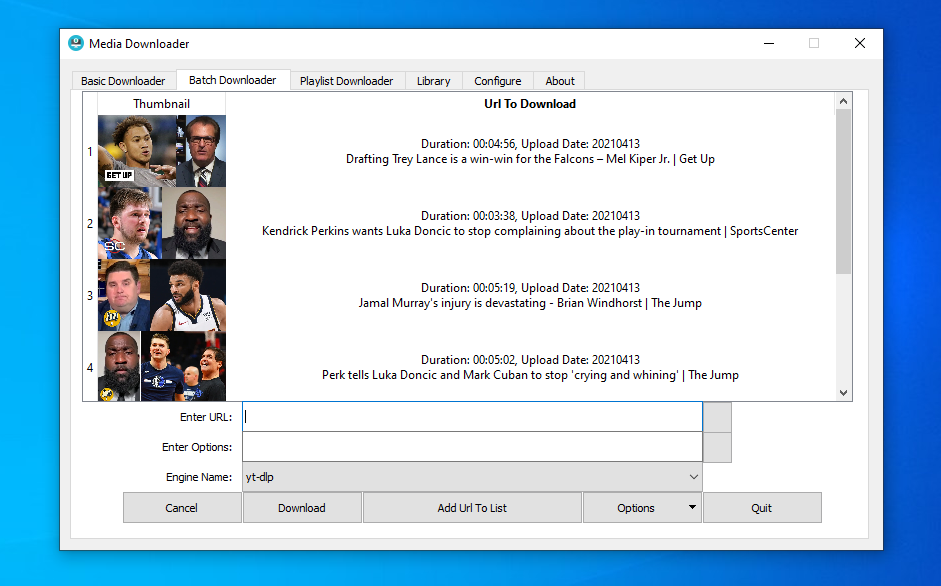
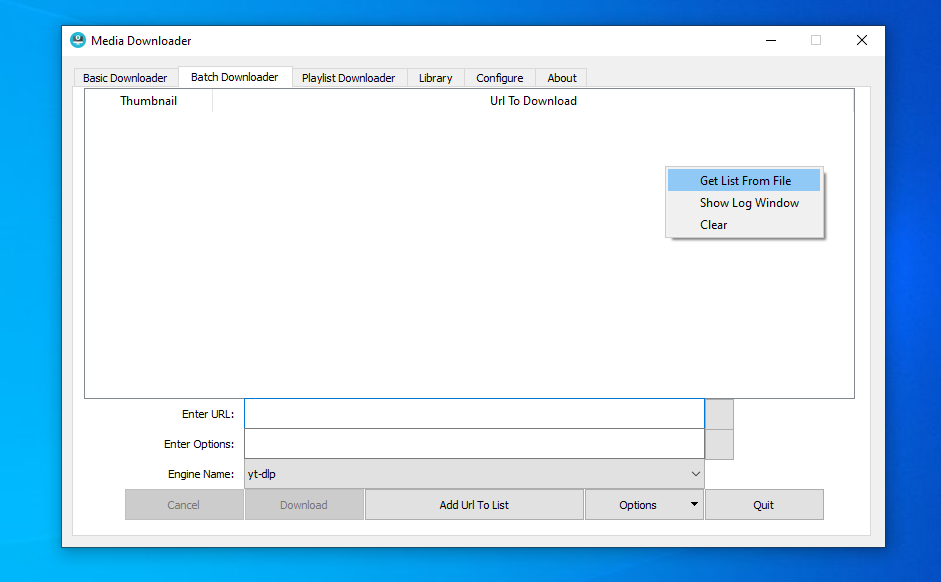
The GUI offers the ability to do batch downloads by entering individual links in the UI or telling the app to read them from a local file.
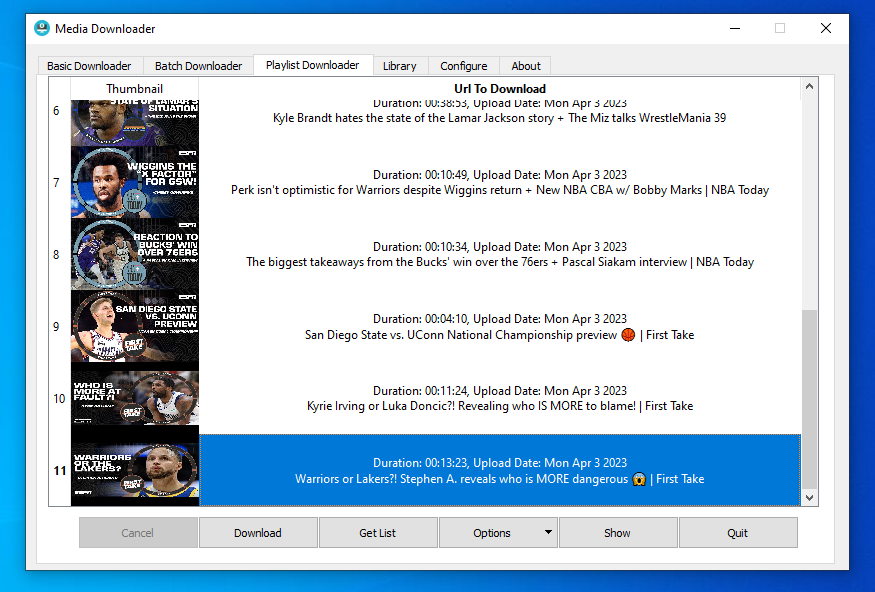
The GUI offers an ability to download a playlist from websites that supports them like YouTube.
The GUI offers the ability to manage links to playlists to easily monitor their activities(subscriptions).
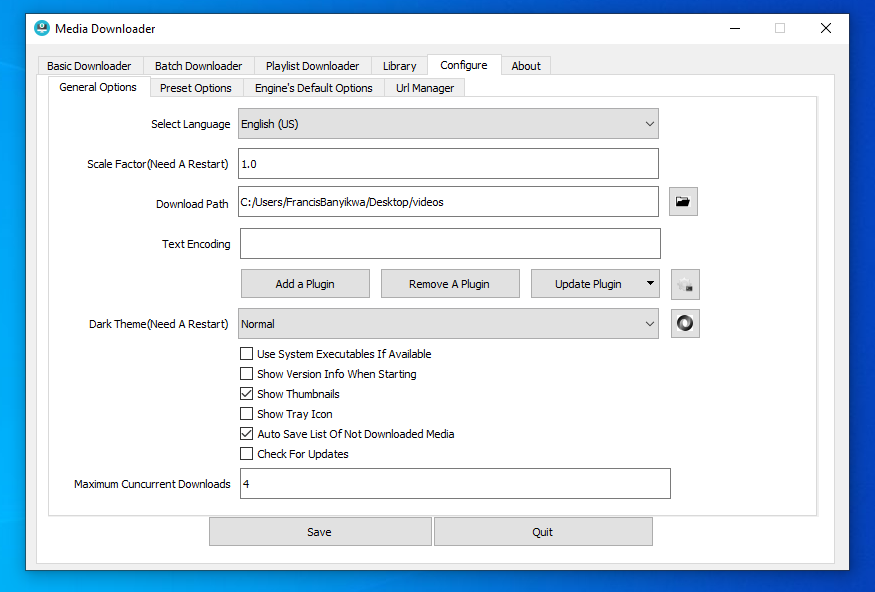
The GUI is offered in multiple languages and as of this writing, the supported languages are English, Chinese, Spanish, Polish, Turkish, Russian, Japanese, French, Italian, Portuguese, Arabic, Korean, Swedish, German, Greek and Ukrainian.
Extensions
Media Downloader is a GUI front end to yt-dlp, gallery-dl, you-get, svtplay-dl, aria2c, wget and get-sauce.
To Install these extensins, go to "Configure" tab and then go to "Extensions" sub tab and then click the "Add An Extension" button and then select from the list an extension you want to install.
FAQ
A Frequently asked Questions page is here.
Prerequisite before running for the first time
Make sure you have access to the internet before you run "Media Downloader" for the first time because it will attempt to use the internet to download the latest version of yt-dlp. Installing most extensions will also cause "Media Downloader" to access the internet to download the extension's executable.
Binary packages
Bundle for MacOS
Bundle for arm64 build of MacOS is here.
Bundle for x86_64 build of MacOS is here.
These bundles are not notarized and your system may report it as "corrupted". Search the internet on how to install bundles that are not notarized if you want to use this app on MacOS. This bundle works on macOS 14.0 or later.
Installer for Microsoft Windows
Installer for Microsoft Windows that is 32 bit, build with Qt5 and has a minimum requirenment of windows 7 is here.
Installer for Microsoft Windows that is 64 bit, build with Qt6 and has a minimum requirenment of windows 10 is here.
Portable version for Microsoft Windows
A portable version is a self-contained version that keeps everything in the application folder and does not need to be installed first.
Portable version for Microsoft Windows that is 32 bit, build with Qt5 and has a minimum requirenment of windows 7 is here.
Portable version for Microsoft Windows that is 64 bit, build with Qt6 and has a minimum requirenment of windows 10 is here.
You can also install the portable version for Windows using scoop with the following commands:
Add the extras bucket:
scoop bucket add extras
Install Media Downloader:
scoop install media-downloader
Git versions for windows and macos can be downloaded from here.
Problems with Windows's antivirus programs
Once in a while, Windows Defender and other antivirus tools will report this application as a virus/unsafe
or Potentially unwanted. These are false positive reports and they are tracked here.
Flatpak
Media Downloader is on flathub for those who prefer to use flatpaks.
AppImage
Users of AppImages can get an AppImage package of Media Downloader from here.
Aur package for Arch Linux
Arch Linux users can build the project from source using this aur package.
Package for Fedora
Media Downloader is in official Fedora repositories and can be installed by running sudo dnf -y install media-downloader
Binary packages for other Linux distributions
Binary packages i maintain for a few Linux distributions are here.
Packaging Status
A short list of distributions that have Media Downloader in their repositories and the version they have is maintained here.
How to compile for Linux
clone the repo and cd into it
git clone https://github.com/mhogomchungu/media-downloader && cd media-downloader
chmod it to make it a executeable
chmod +x build_linux.sh
now run the shell script
./build_linux.sh
Fedora
Fedora users can use the following script to build from source:
./build_fedora.sh
Arch linux
Arch linux users can use the following script to build from source:
./build_arch.sh
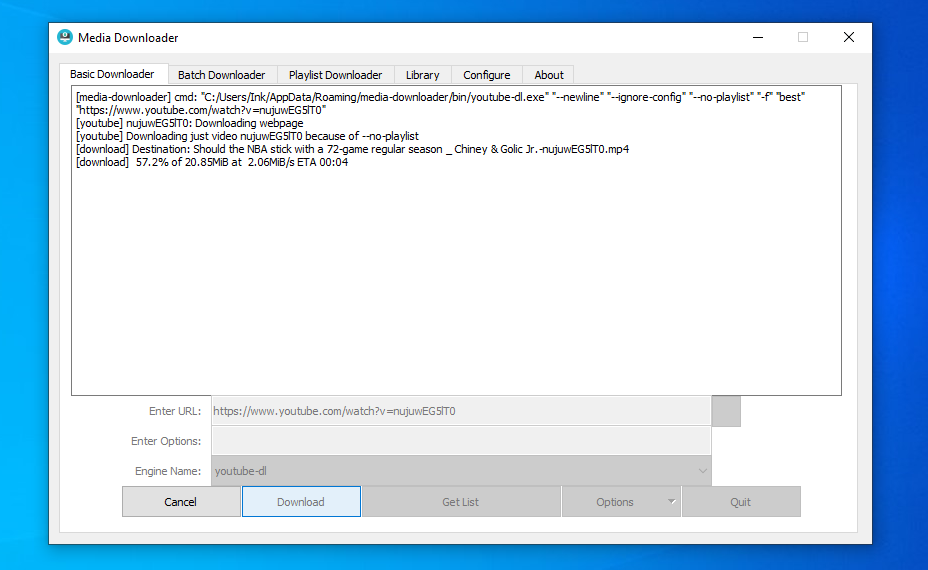
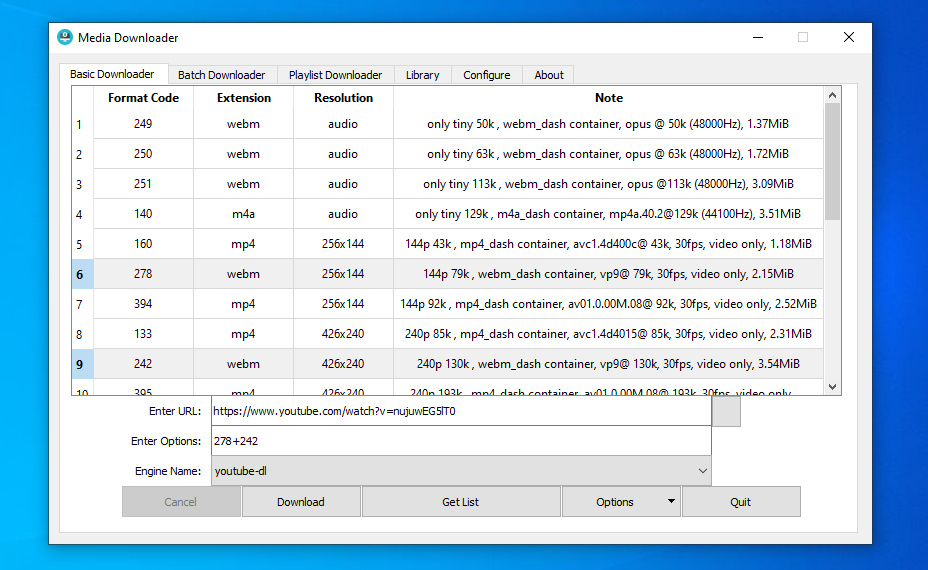
Screenshots
Disclaimer
This program is intended to be used in a way that does not violate any laws that are applicable to its users.
License
This program is free software: you can redistribute it and/or modify it under the terms of the GNU General Public License as published by
the Free Software Foundation, either version 2 of the License, or (at your option) any later version.
This program is distributed in the hope that it will be useful, but WITHOUT ANY WARRANTY; without even the implied warranty of
MERCHANTABILITY or FITNESS FOR A PARTICULAR PURPOSE. See the GNU General Public License for more details.
How active is development on mhogomchungu/media-downloader?
The most recent commit recorded on mhogomchungu/media-downloader was 1 day ago, based on the GitHub push timestamp. The repository has 334 forks — one of the better signals of community interest.
How does mhogomchungu/media-downloader compare to other Image Tools projects?
mhogomchungu/media-downloader is tracked by TopGit in the Image Tools category, with 4.9k GitHub stars and written in C++. Browse the Image Tools topic page on TopGit to compare it against similar projects by stars and activity.
How many stars does mhogomchungu/media-downloader have?
mhogomchungu/media-downloader has 4.9k GitHub stars — refresh the page for the live number, or check github.com/mhogomchungu/media-downloader. TopGit mirrors GitHub's count but does not claim minute-by-minute accuracy.
Is mhogomchungu/media-downloader open source?
Yes — mhogomchungu/media-downloader ships under the GPL-2.0 license, which makes its source code freely readable (and, depending on license terms, forkable and reusable). Source: github.com/mhogomchungu/media-downloader.
What is mhogomchungu/media-downloader?
mhogomchungu/media-downloader (mhogomchungu/media-downloader) is a C++ project on GitHub. From the project's own README: Media Downloader is a Qt/C++ front end to yt-dlp, youtube-dl, gallery-dl, lux, you-get, svtplay-dl, aria2c, wget and safari books..
Where do I read more about mhogomchungu/media-downloader?
This TopGit page is a snapshot — the READ ME tab shows the project's own README content (links stripped, images preserved). The GitHub repository at github.com/mhogomchungu/media-downloader is the definitive source.
Read full README in the tab above.
Want a second opinion on media-downloader?
Ask an AI that can read this page — one click and you get its take on media-downloader.
 /media-downloader