As an open-source project, Nagi-ovo/shiori-releases has picked up 19 stars on GitHub (TypeScript). Shiori 栞 — a quiet, local-first reader and editor for PDF, Markdown, HTML and Word. Web, desktop and Android.
Snapshot summary built from the project's own GitHub metadata — there's no written TopGit review yet. The page will update automatically when a full review is published.
WHY NO REVIEW YET
TopGit writes full reviews for the most-starred, most-requested repositories. This page is a snapshot until then — see the READ ME tab for the original README in full.
A local-first reader for PDF, Markdown, and HTML documents.
English
·
简体中文
·
日本語
Website
·
Downloads
·
Shiori is a quiet document workspace for reading, marking up, and shipping
documents without turning them into somebody else's cloud data. PDF annotation is
the core workflow. Markdown, HTML, and Word documents open in tabs next to it,
and each tab keeps its own state across a relaunch.
Highlights
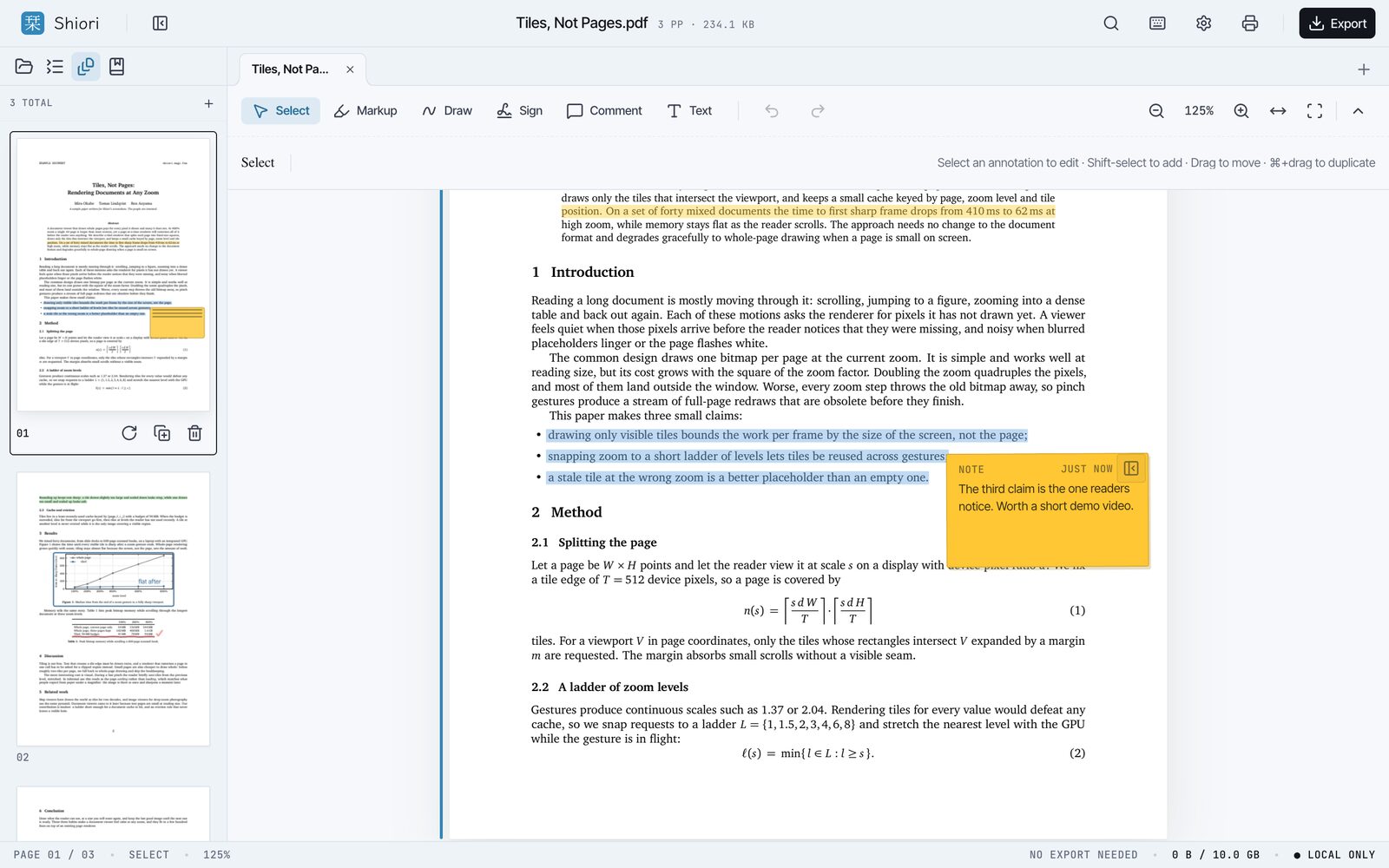
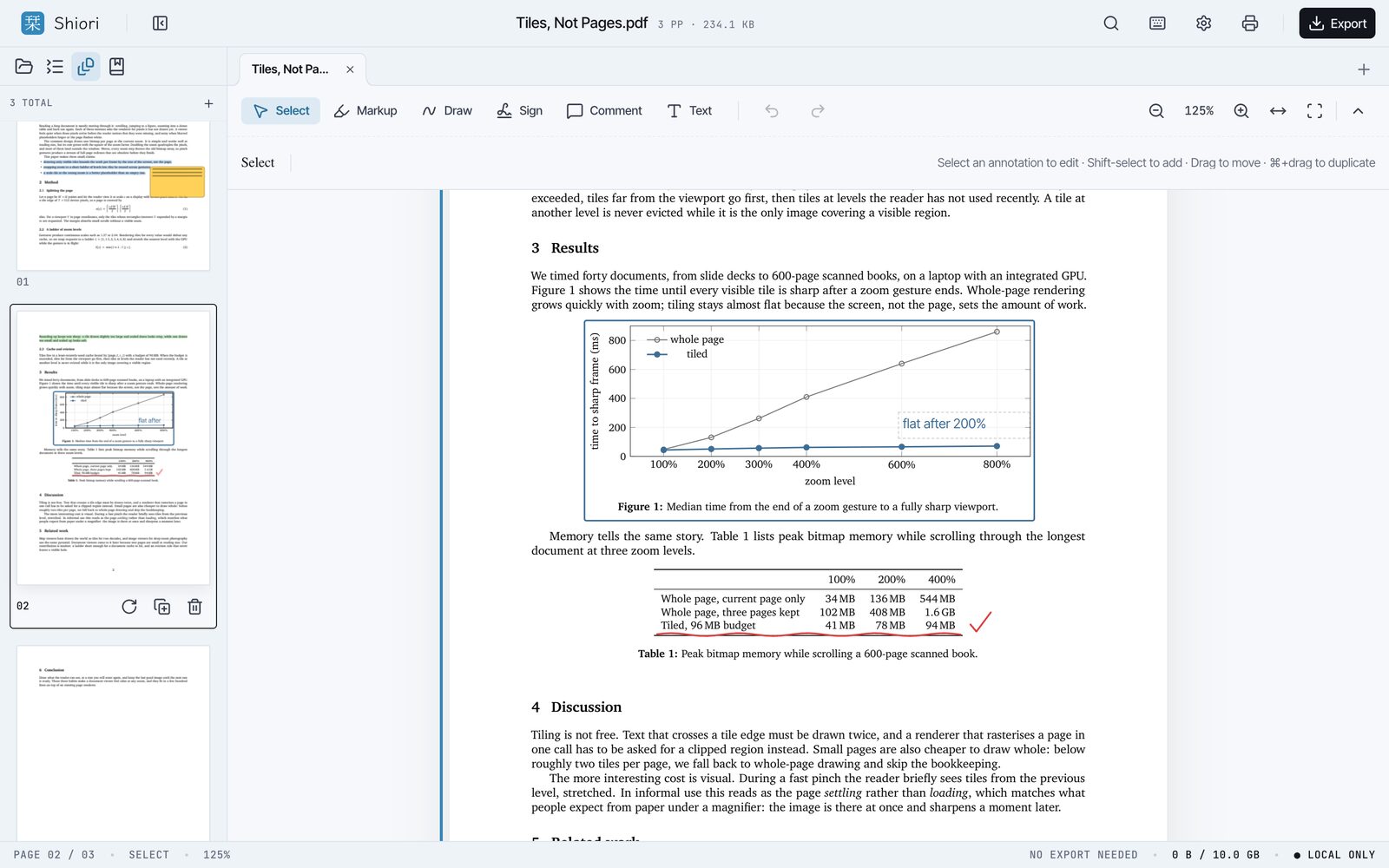
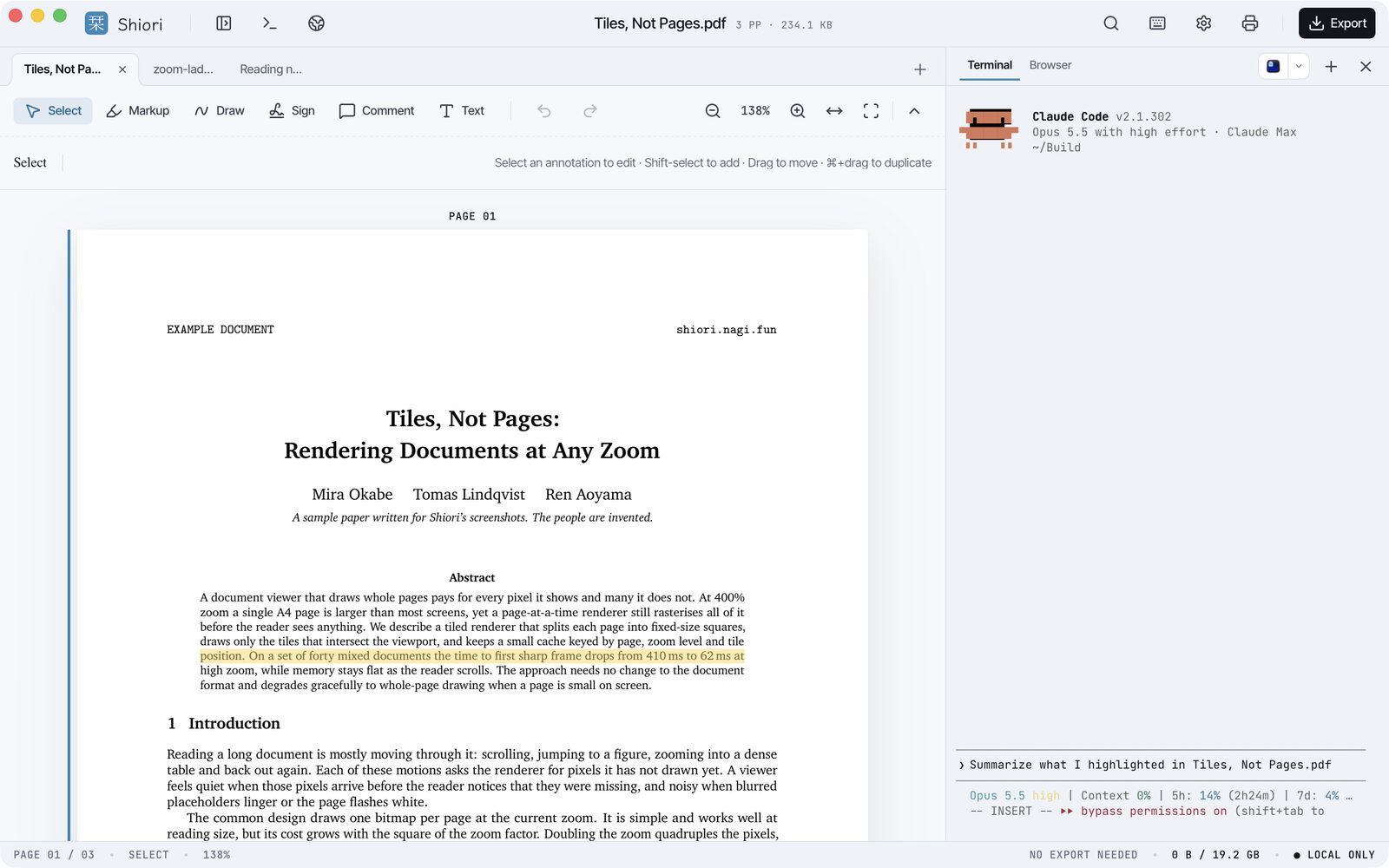
PDF reading and annotation: highlights, markup tools, thumbnails, page
management, export, and local draft recovery.
Tabs for documents: open multiple PDF, Markdown, HTML, and Word (DOCX)
files; each tab keeps its own view state and survives relaunch until you
close it.
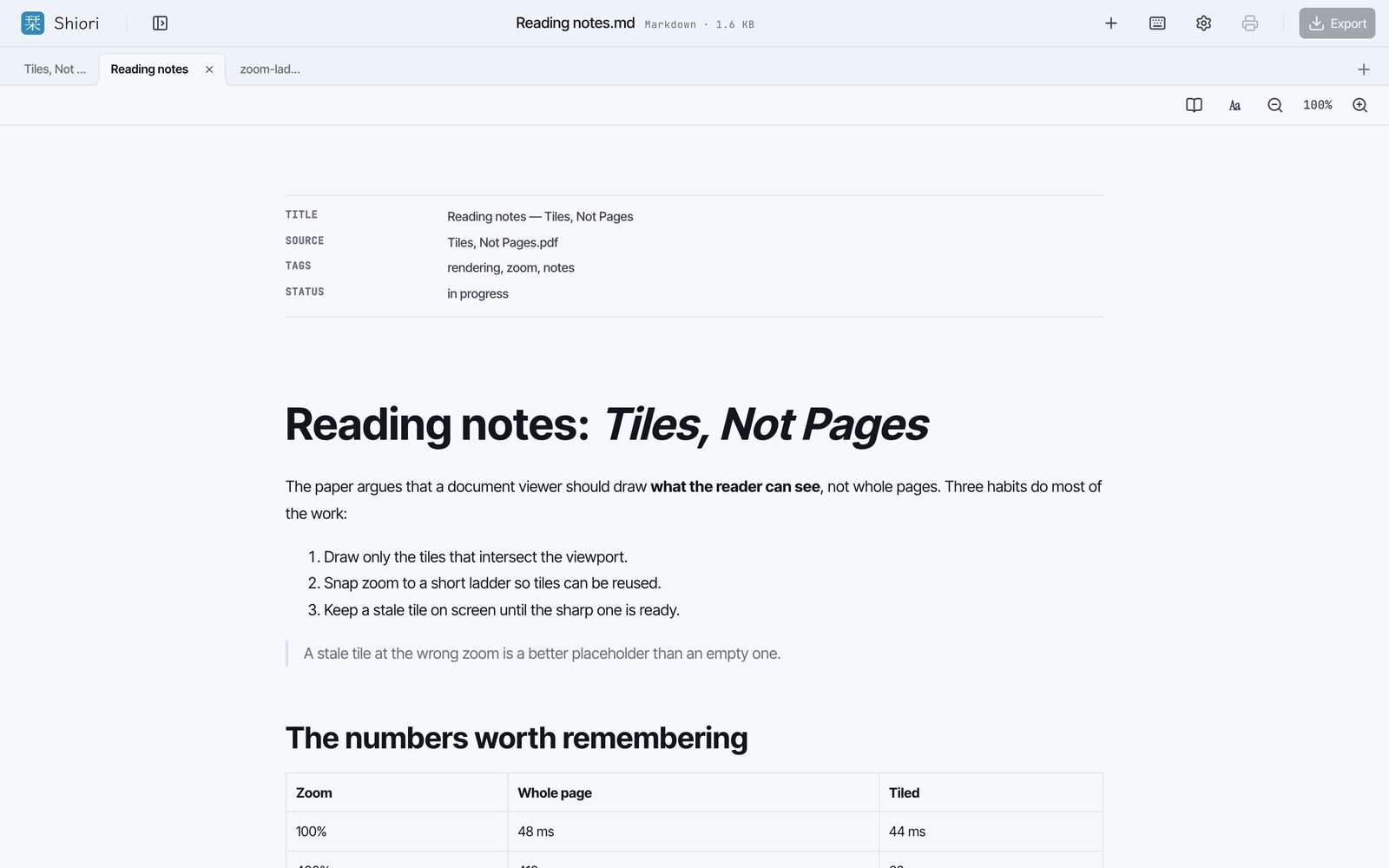
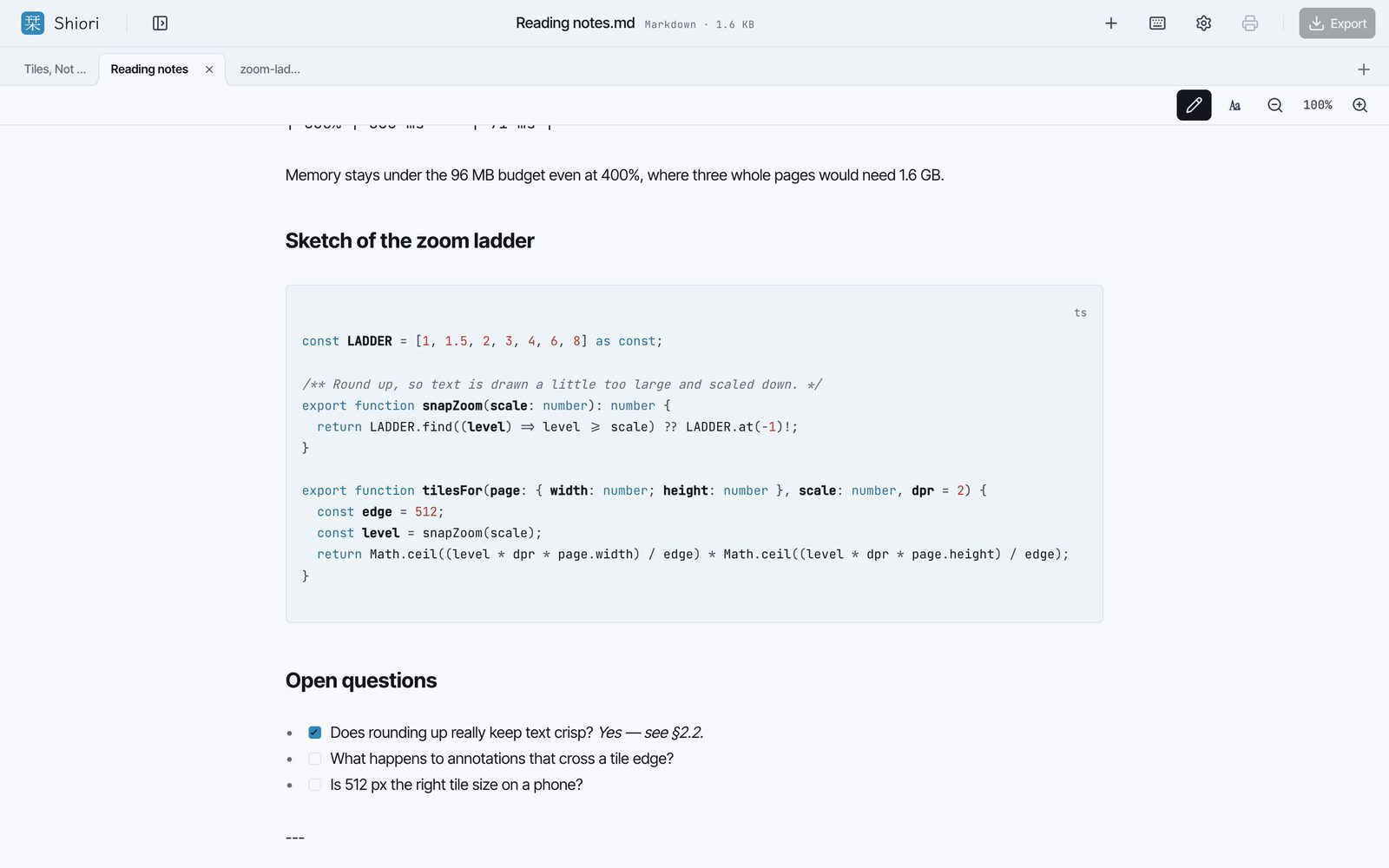
Markdown and HTML previews: Markdown front matter is surfaced cleanly, and
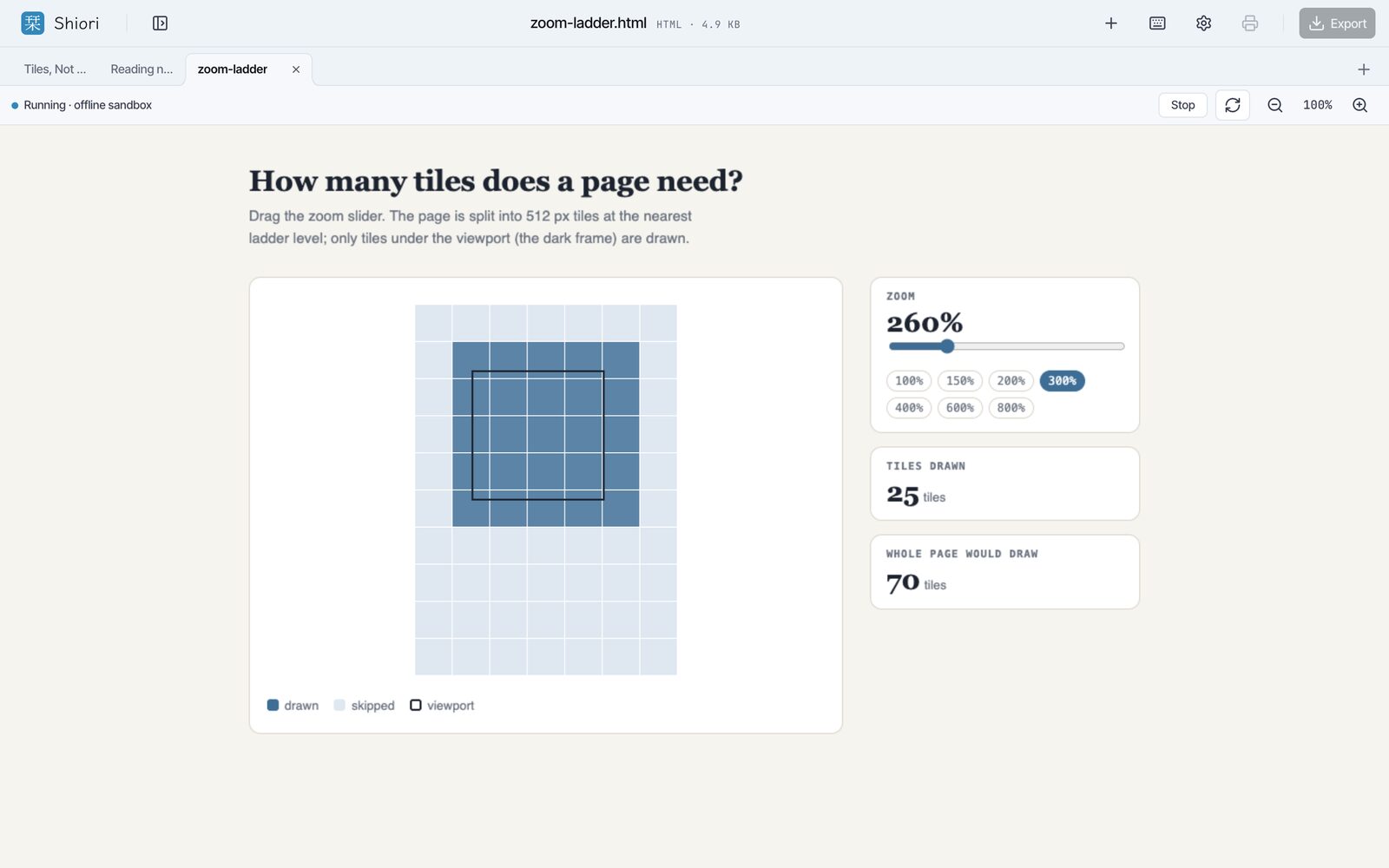
HTML can run in an isolated sandbox only when you choose to run it.
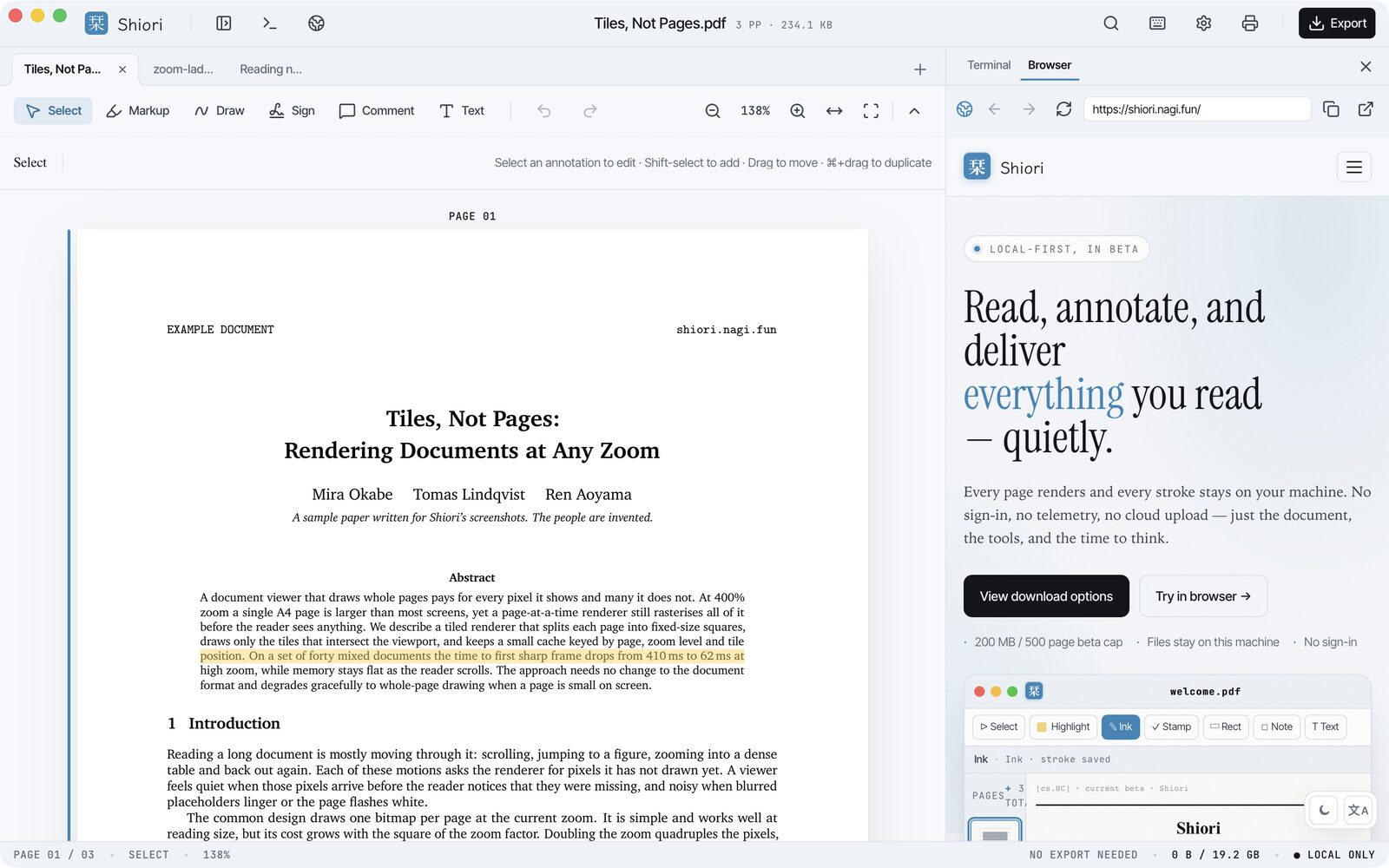
Desktop side tools: keep an embedded browser or terminal next to a PDF,
including local shells such as cc / Claude Code when they are installed.
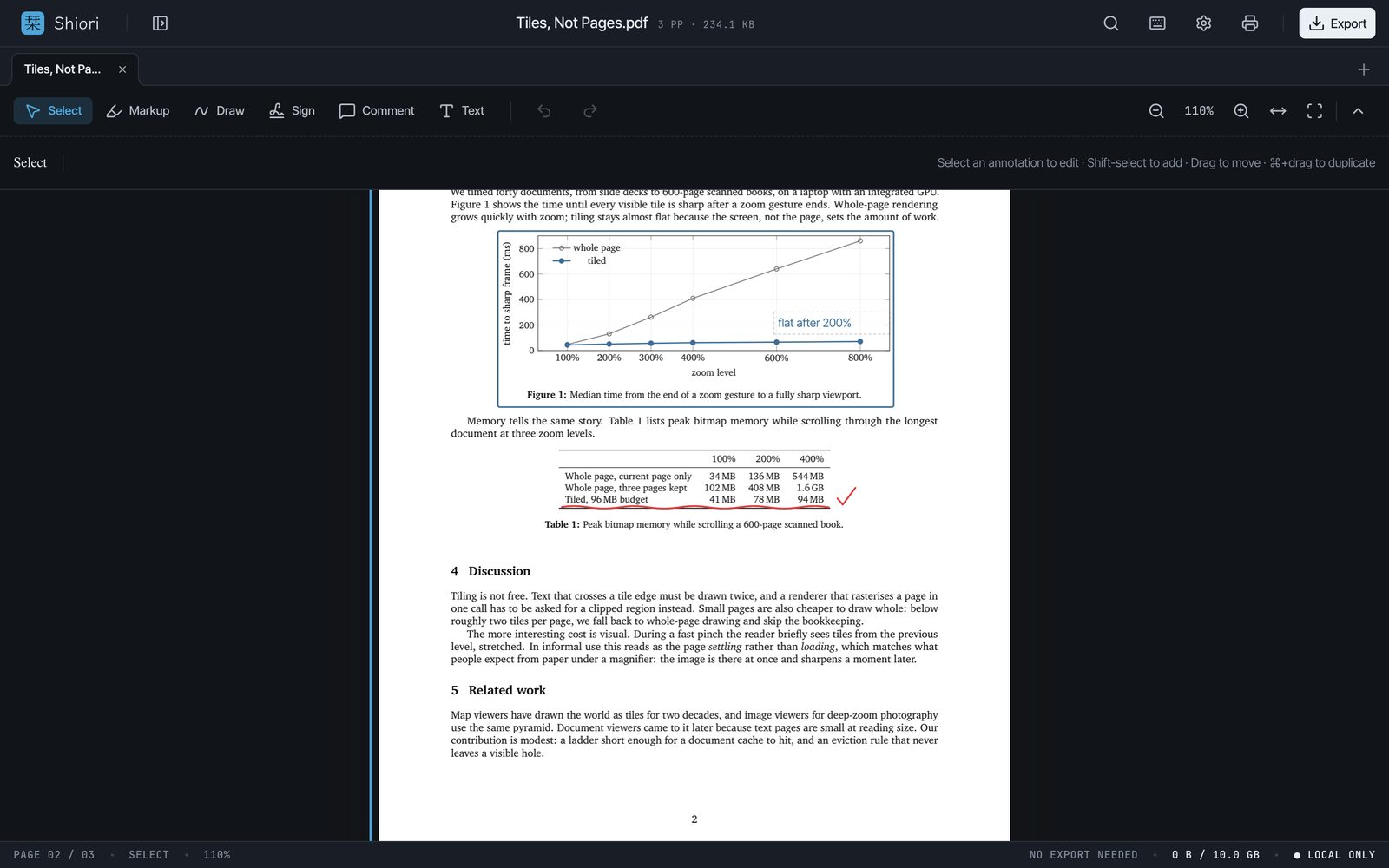
Local-first storage: documents, annotations, recent files, and preferences
stay on your device. No accounts, no cloud, no telemetry.
Desktop and mobile targets: macOS, Windows, Linux, Android direct install,
with iOS / iPadOS and Google Play distribution handled through their stores.
Screenshots
Downloads
Installers are published on the
GitHub Releases page.
Platform
Recommended package
Update path
macOS Apple Silicon
.dmg
Signed in-app updater
macOS Intel
.dmg
Signed in-app updater
Windows
.msi
Signed in-app updater
Linux
.AppImage; .deb for Debian / Ubuntu
.AppImage updater or manual package update
Android direct install
.apk
In-app APK update flow
Google Play
Coming soon
Google Play
iOS / iPadOS
Coming soon
App Store / TestFlight
Desktop and Android direct-install builds can update from inside Shiori. Android
direct-install builds download and verify the APK before handing it to the
Android package installer. Store builds are updated by their stores and are not
mirrored here as .aab or .ipa files.
Public builds never expire. Build expiry exists only as an opt-in flag for
closed betas (SHIORI_ENABLE_BUILD_EXPIRY=true at build time); no release or
store build sets it.
Command line and agent skill
The shiori CLI inspects, searches, renders, and annotates PDFs from scripts
and coding agents, and can talk to the document open in the app. It lives in
cli/ and releases on its own cli-v* tags.
curl -fsSL https://shiori.nagi.fun/cli | sh      # macOS, Linux
irm https://shiori.nagi.fun/cli.ps1 | iex        # Windows
npm install -g @nagi-ovo/shiori                  # anywhere with Node
The agent skill in skills/shiori teaches Codex,
Claude Code, and other compatible coding agents how to drive the CLI: inspect
the document open in Shiori, find passages by text, add anchored annotations,
and reply inside callout threads. Link or copy the folder into your agent's
skill directory, using the line for the agent you use:
One React + TypeScript codebase ships as the web app, the Tauri 2 desktop
bundle (macOS, Windows, Linux), and the Android app. PDFs are read and drawn
by PDFium through crates/shiori-core (Rust): natively on desktop, as
WebAssembly in a worker on web and Android. pdf-lib writes exports.
Prerequisites:
bun (the only supported package manager)
Rust stable with the wasm32-unknown-unknown target, plus the
Tauri 2 system dependencies
for desktop builds
bun install
rustup target add wasm32-unknown-unknown

bun run dev            # web dev server at localhost:1573
bun run tauri:dev      # desktop app with hot reload
bun run build          # TS + Vite production build to dist/ (compiles shiori-core to wasm)
bun run tauri build    # local release desktop bundle (.app + .dmg on macOS)

bun run lint           # ESLint
bun run test           # full bun test suite
bun run test:core      # Rust crates: fmt, clippy, tests, node + wasm bindings
bun run verify         # build + lint + test + site build/lint
The pinned wasm-bindgen CLI installs itself into vendor/tools/ on the first
build. Android builds, code signing, and the release flow are described in
docs/BUILD-AND-RELEASE.md. The website is its
own Vite project under site/. Conventions for coding agents and
humans alike are in AGENTS.md; the current working state is in
HANDOFF.md.
Contributing
Bug reports, feature requests, and pull requests are welcome. Please read
CONTRIBUTING.md first.
License
The code is released under the MIT License.
The name "Shiori" / "栞", the logo, the app icons, and other brand artwork
are not covered by the MIT License; see TRADEMARK.md.
The documentation under docs/ is licensed under
CC BY 4.0.
Bundled third-party fonts and code keep their own licenses; see
THIRD_PARTY_NOTICES.md.
Yes — Nagi-ovo/shiori-releases ships under the MIT license, which makes its source code freely readable (and, depending on license terms, forkable and reusable). Source: github.com/Nagi-ovo/shiori-releases.
What is Nagi-ovo/shiori-releases?
Nagi-ovo/shiori-releases (Nagi-ovo/shiori-releases) is a TypeScript project on GitHub. From the project's own README: Shiori 栞 — a quiet, local-first reader and editor for PDF, Markdown, HTML and Word. Web, desktop and Android.
What license does Nagi-ovo/shiori-releases use?
Nagi-ovo/shiori-releases is released under the MIT license. Always verify the LICENSE file directly on GitHub for the authoritative terms — license strings can be edited out of sync with a project's actual stance.
Where can I see Nagi-ovo/shiori-releases in action?
The project maintains a homepage at https://shiori.nagi.fun. The README tab on this page also usually contains screenshots and a quickstart.
Where do I read more about Nagi-ovo/shiori-releases?
This TopGit page is a snapshot — the READ ME tab shows the project's own README content (links stripped, images preserved). The GitHub repository at github.com/Nagi-ovo/shiori-releases is the definitive source.
Read full README in the tab above.
Is shiori-releases worth your time?
ChatGPT, Claude and Perplexity can all read this page. Ask one of them what it makes of shiori-releases.

 /shiori-releases