Indexed by TopGit from live GitHub metadata: NVIDIA/pix2pixHD has 6.9k stars, written primarily in Python. Synthesizing and manipulating 2048x1024 images with conditional GANs
Snapshot summary built from the project's own GitHub metadata — there's no written TopGit review yet. The page will update automatically when a full review is published.
WHY NO REVIEW YET
TopGit writes full reviews for the most-starred, most-requested repositories. This page is a snapshot until then — see the READ ME tab for the original README in full.
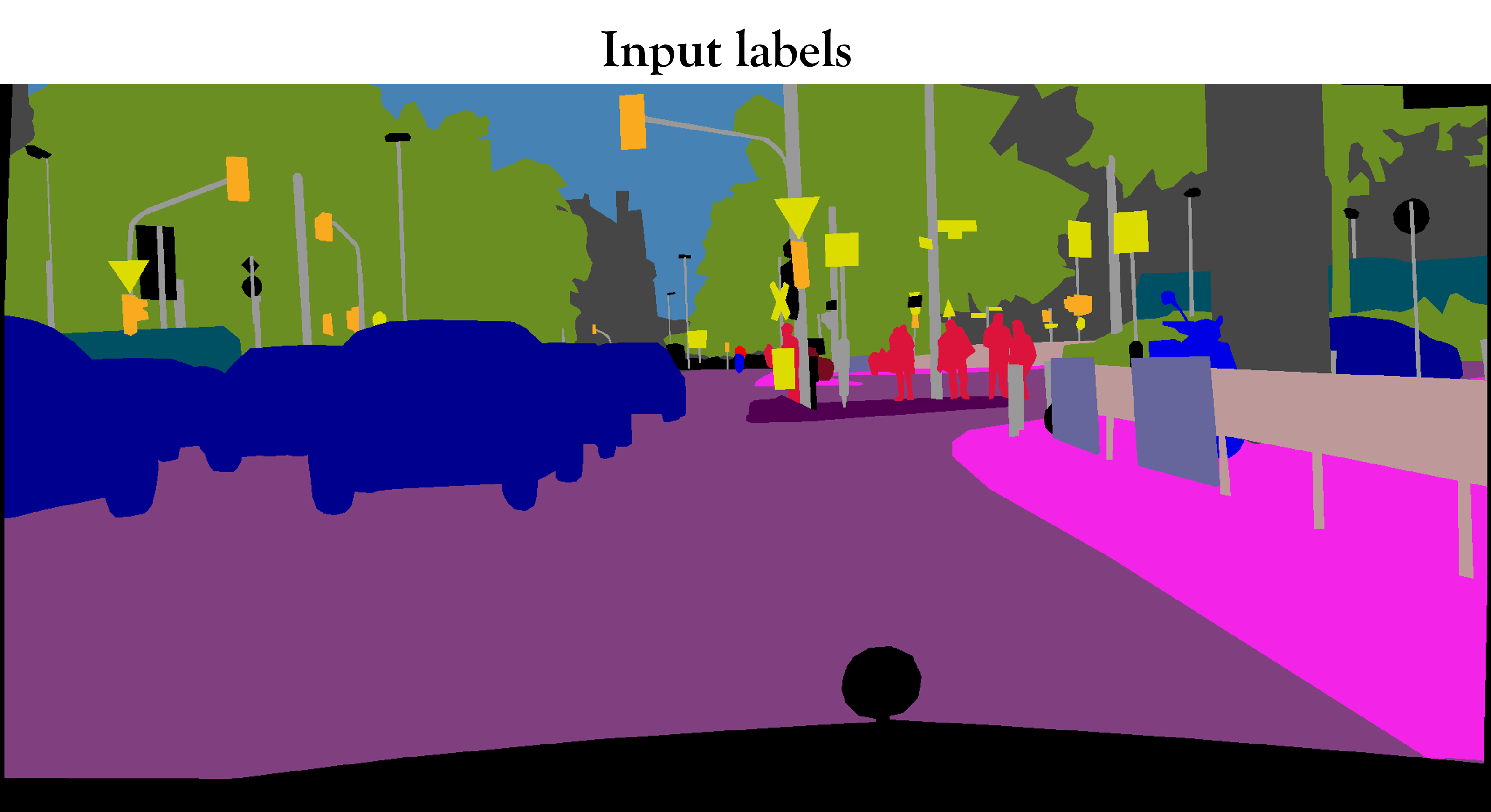
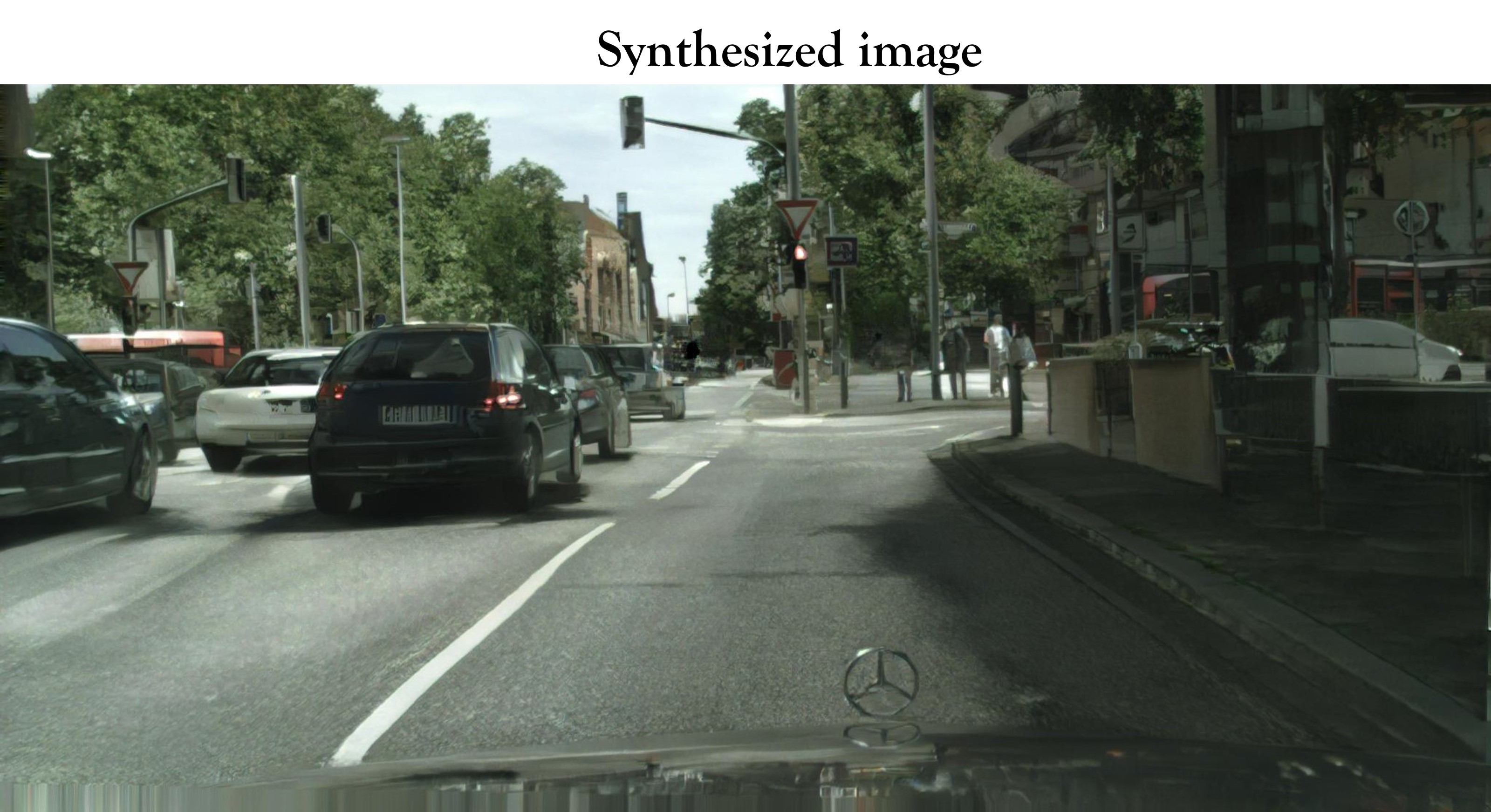
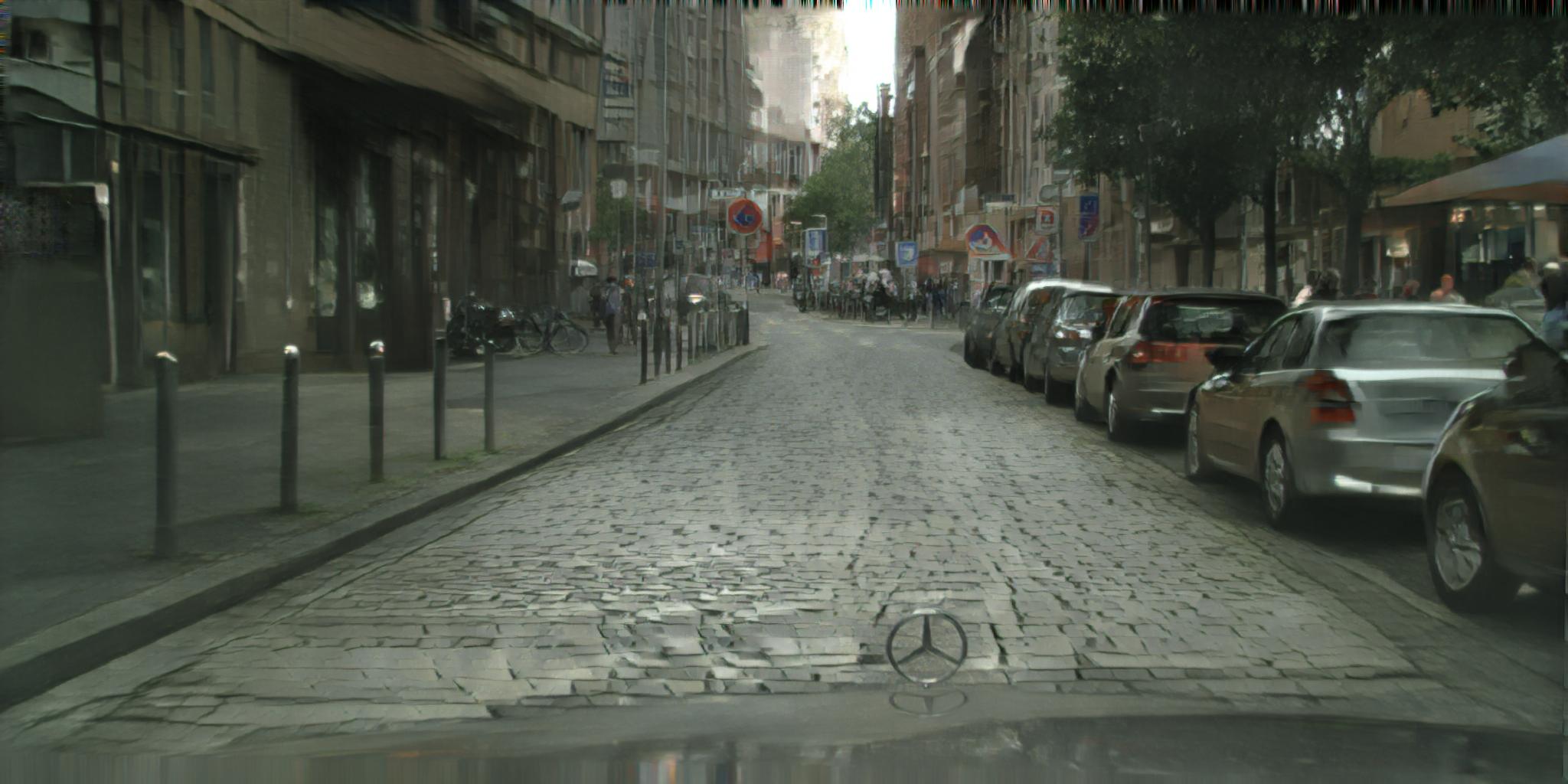
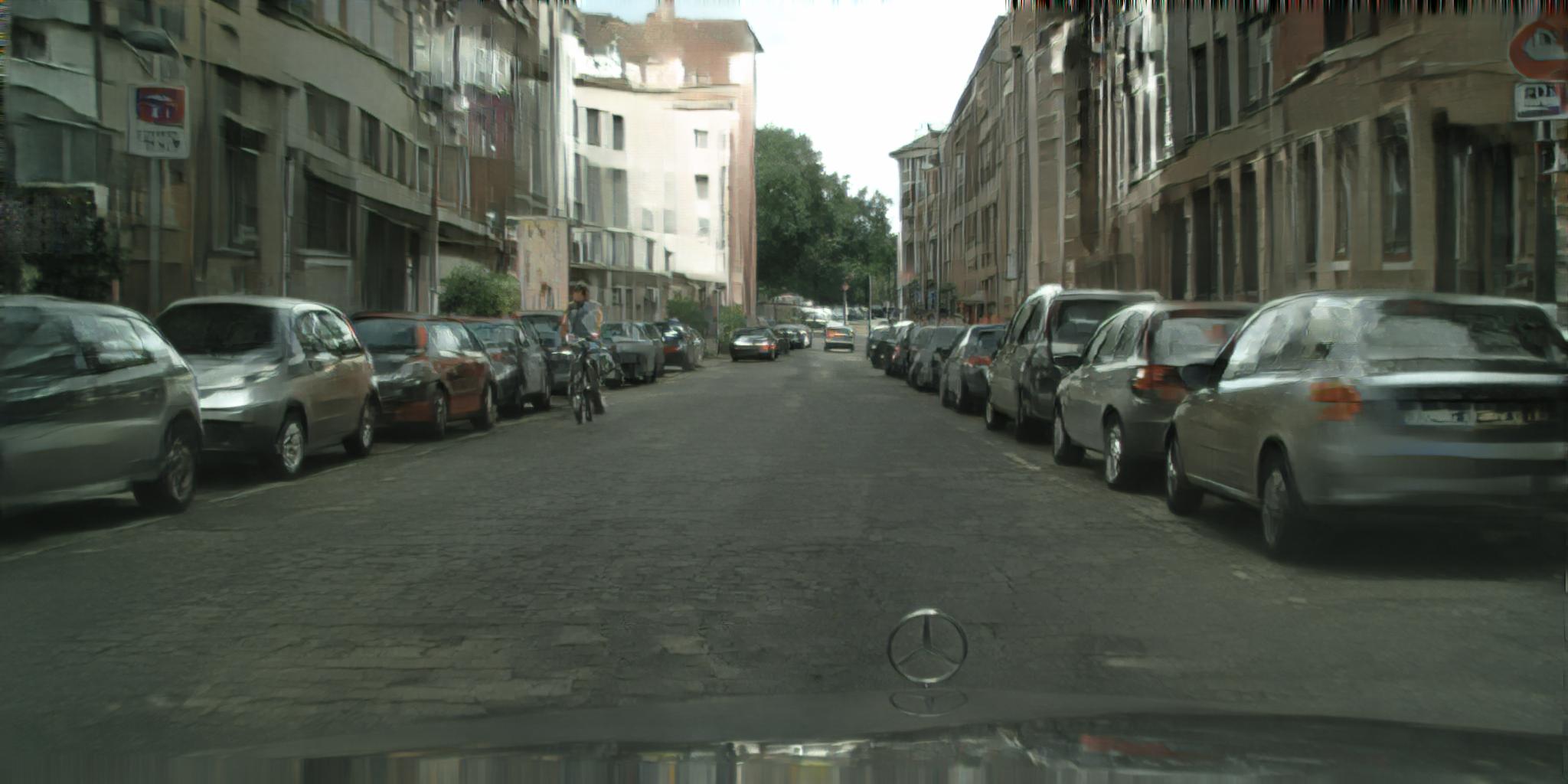
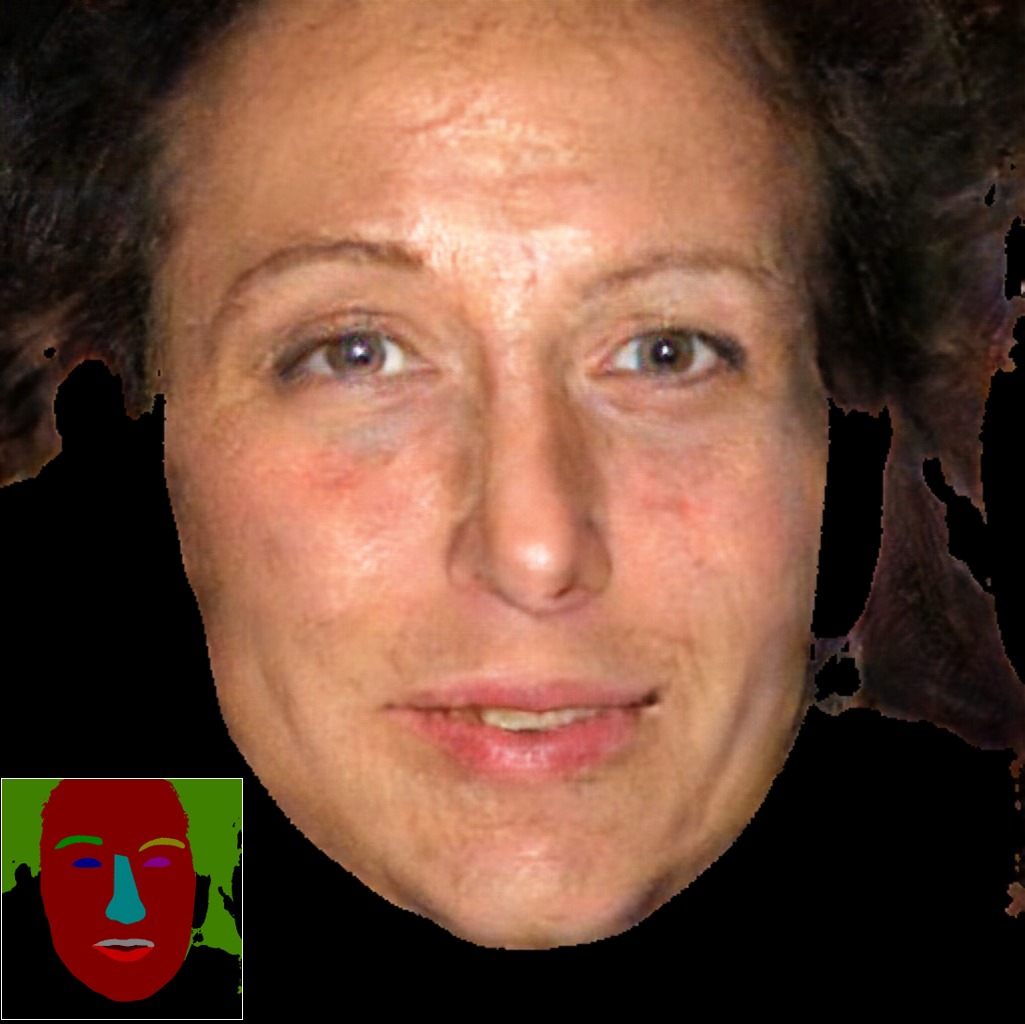
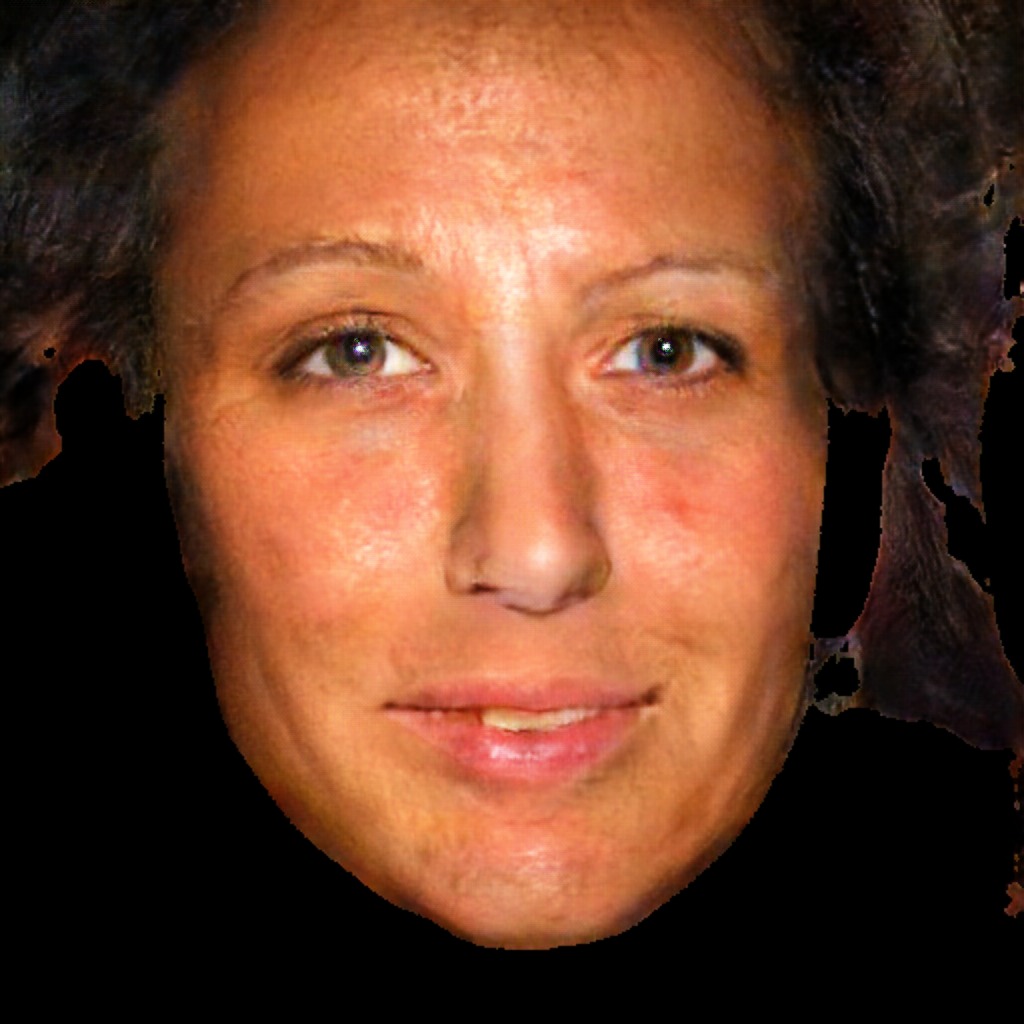
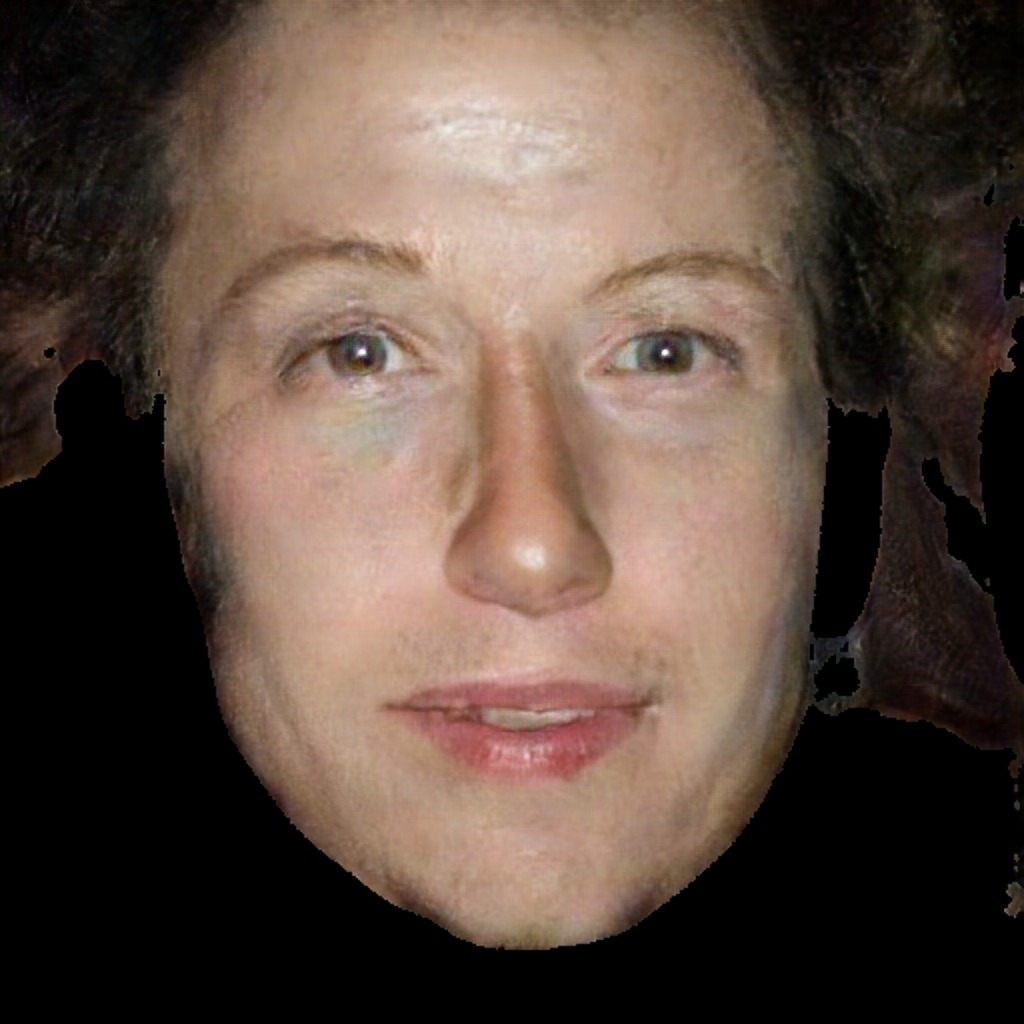
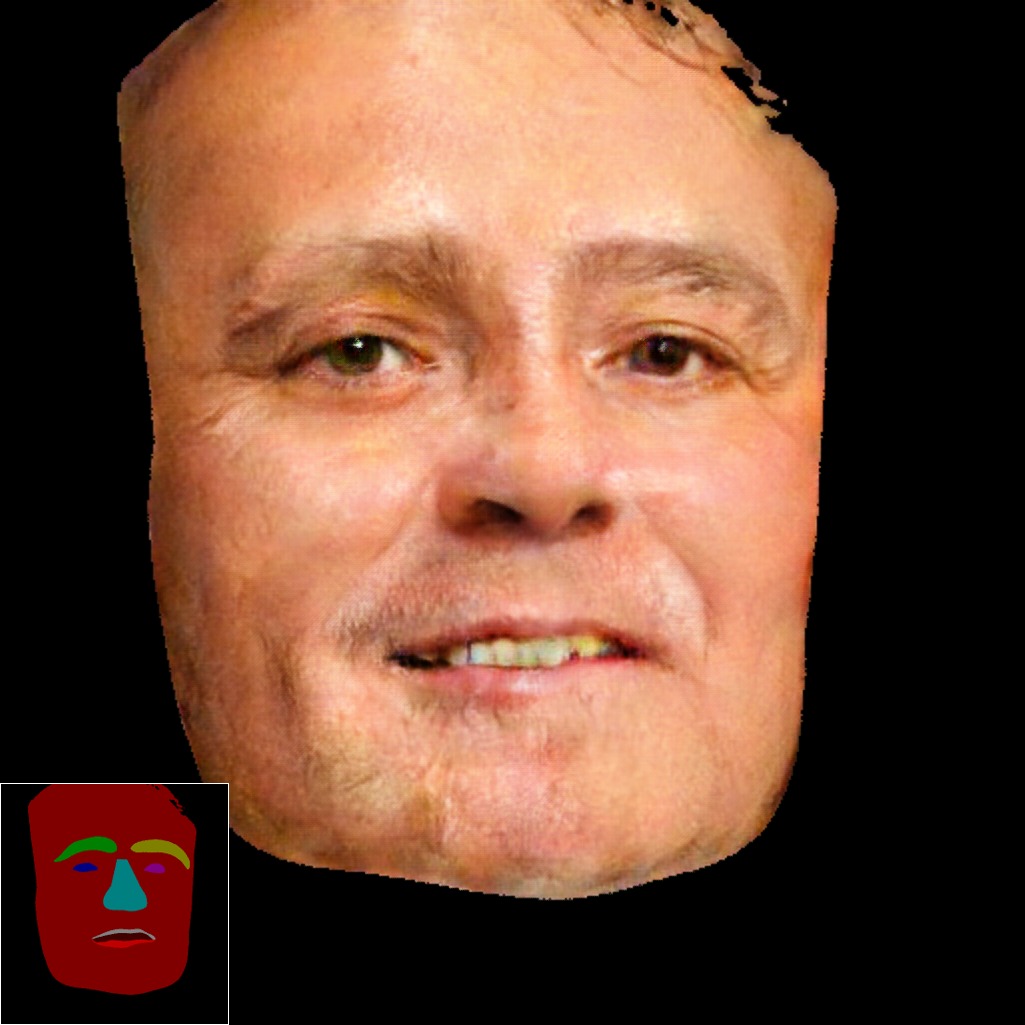
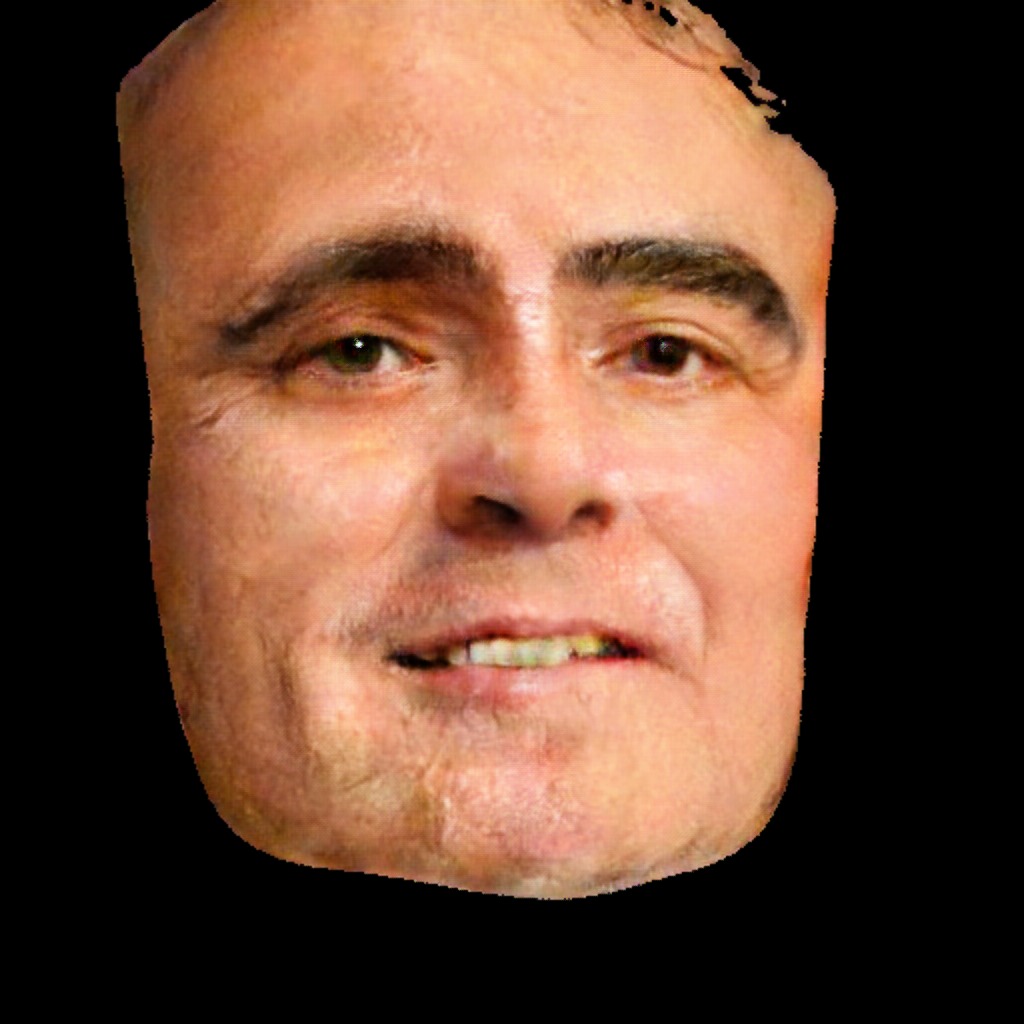
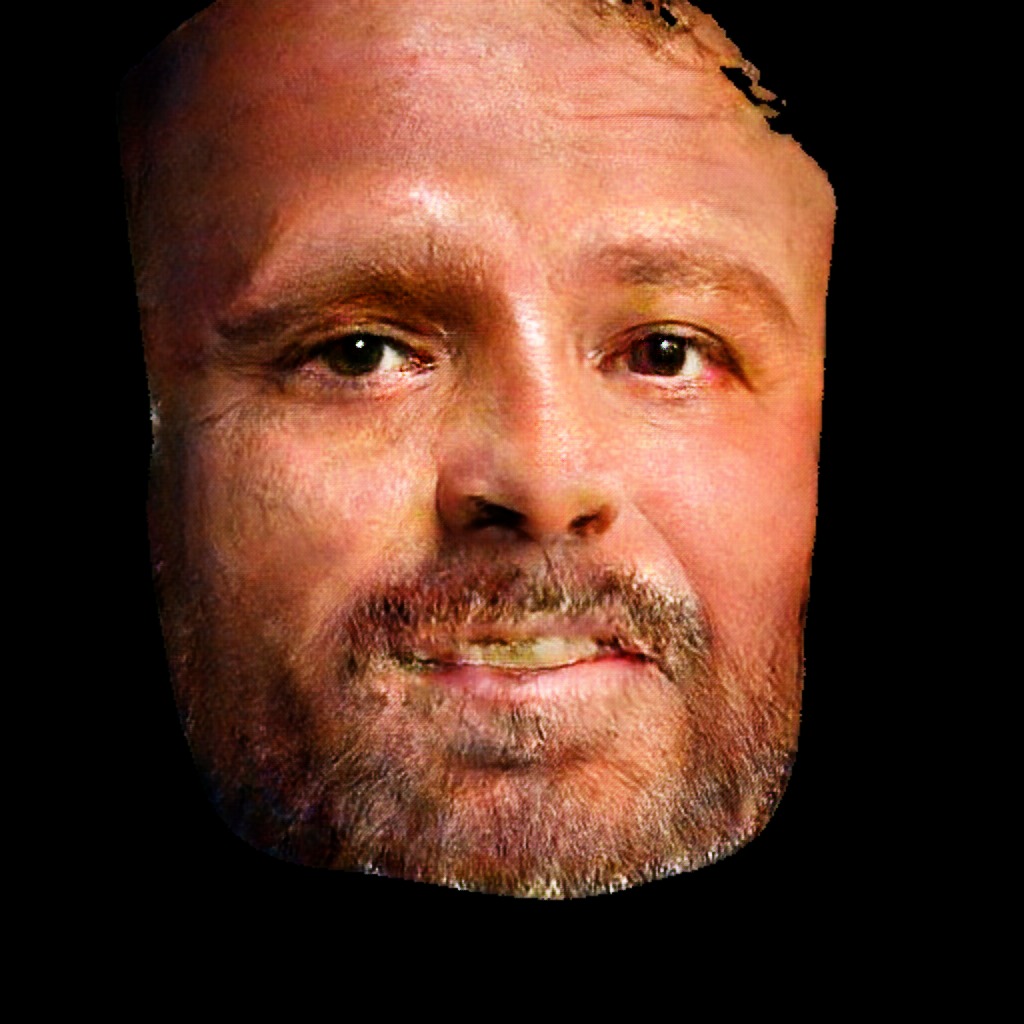
Pytorch implementation of our method for high-resolution (e.g. 2048x1024) photorealistic image-to-image translation. It can be used for turning semantic label maps into photo-realistic images or synthesizing portraits from face label maps.
High-Resolution Image Synthesis and Semantic Manipulation with Conditional GANs
Ting-Chun Wang1, Ming-Yu Liu1, Jun-Yan Zhu2, Andrew Tao1, Jan Kautz1, Bryan Catanzaro1 1NVIDIA Corporation, 2UC Berkeley
In CVPR 2018.
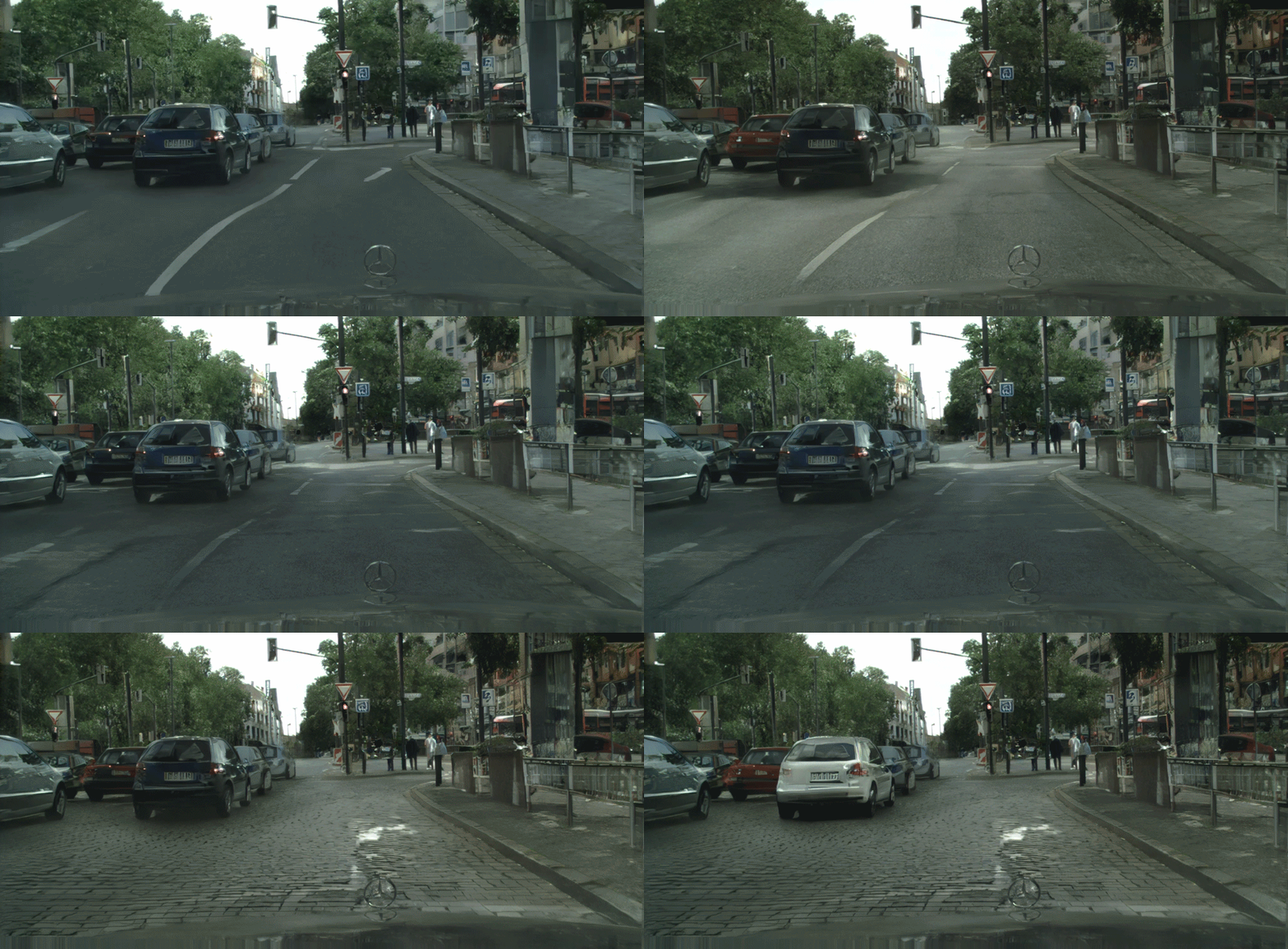
Image-to-image translation at 2k/1k resolution
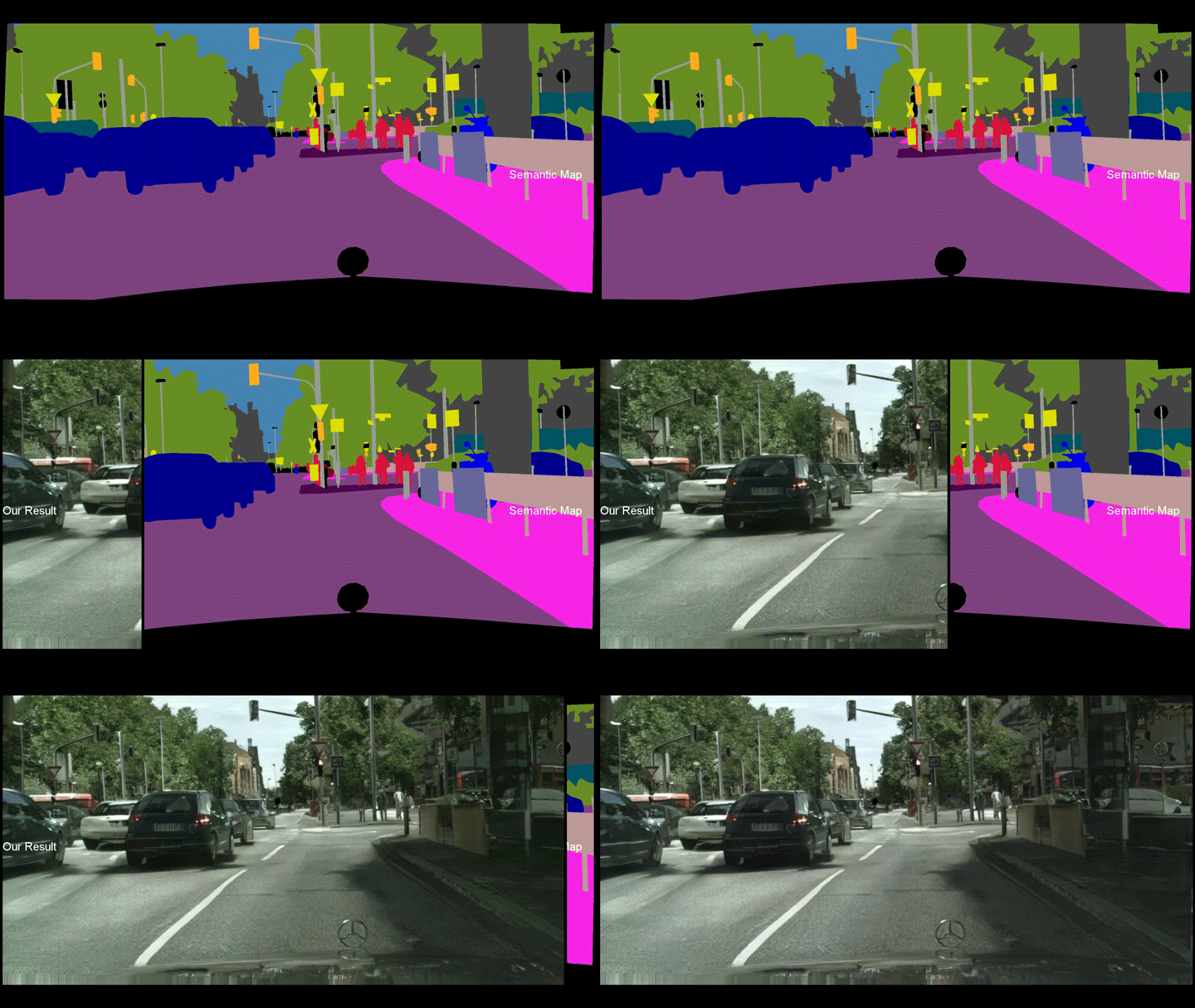
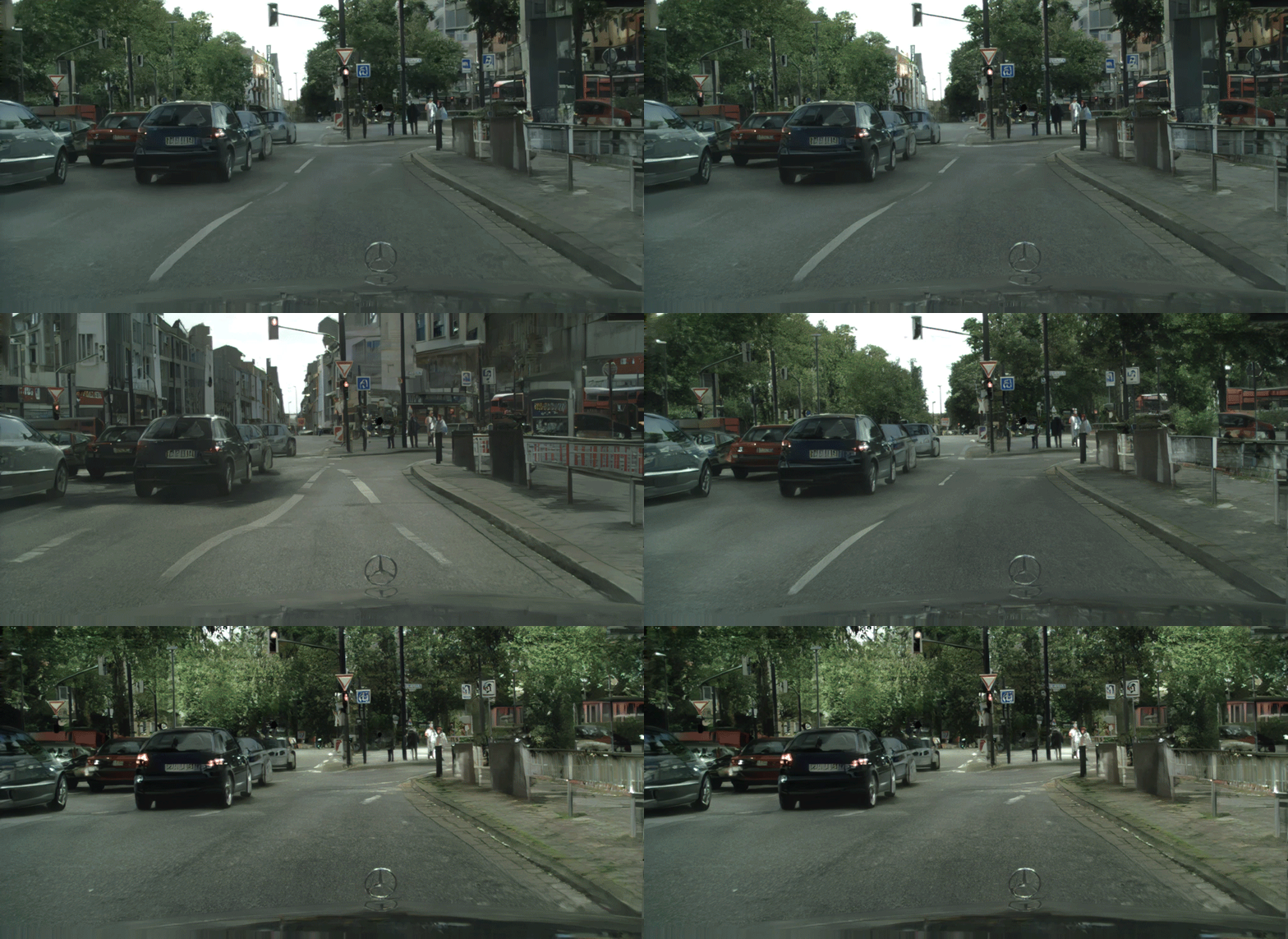
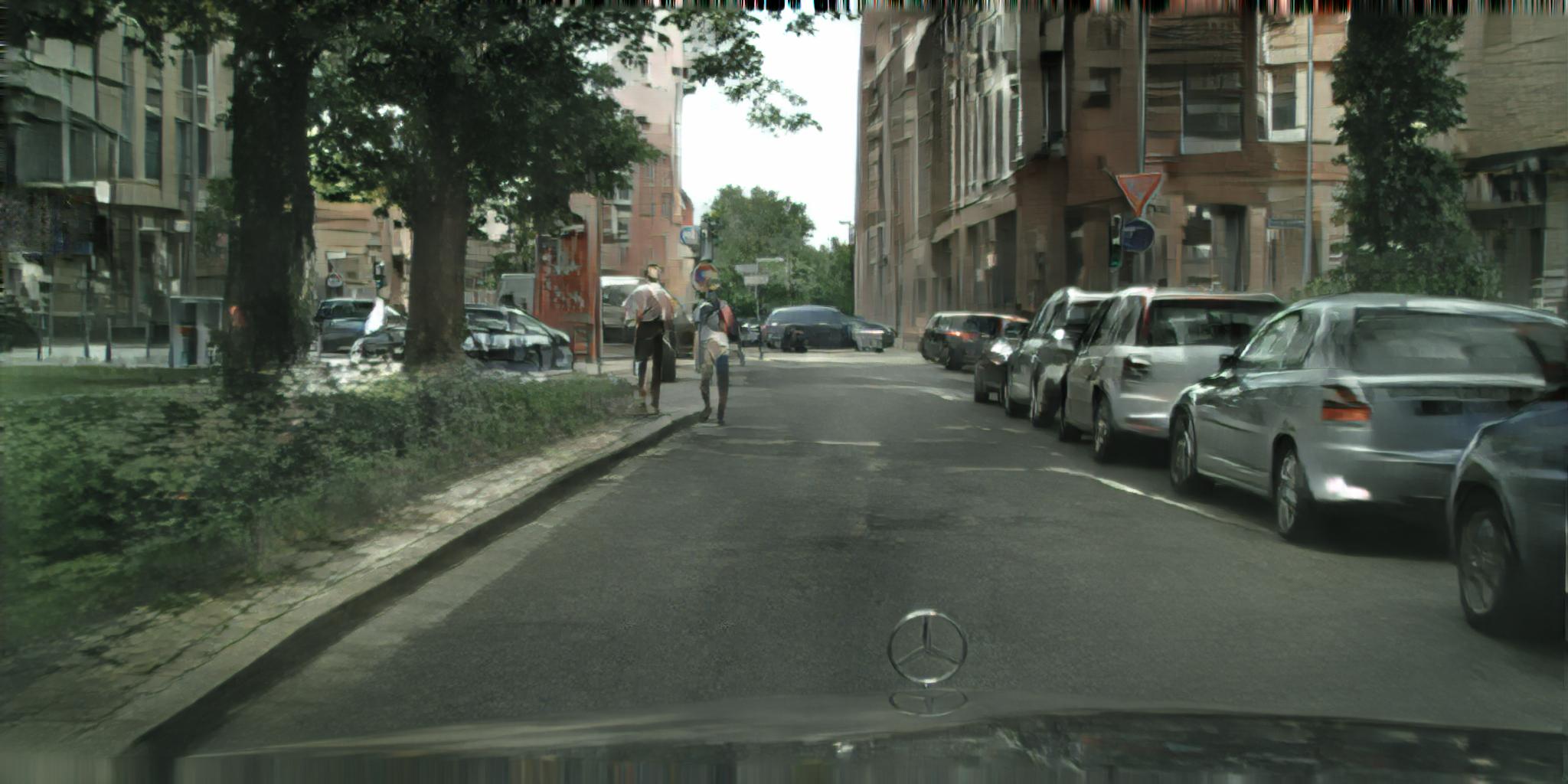
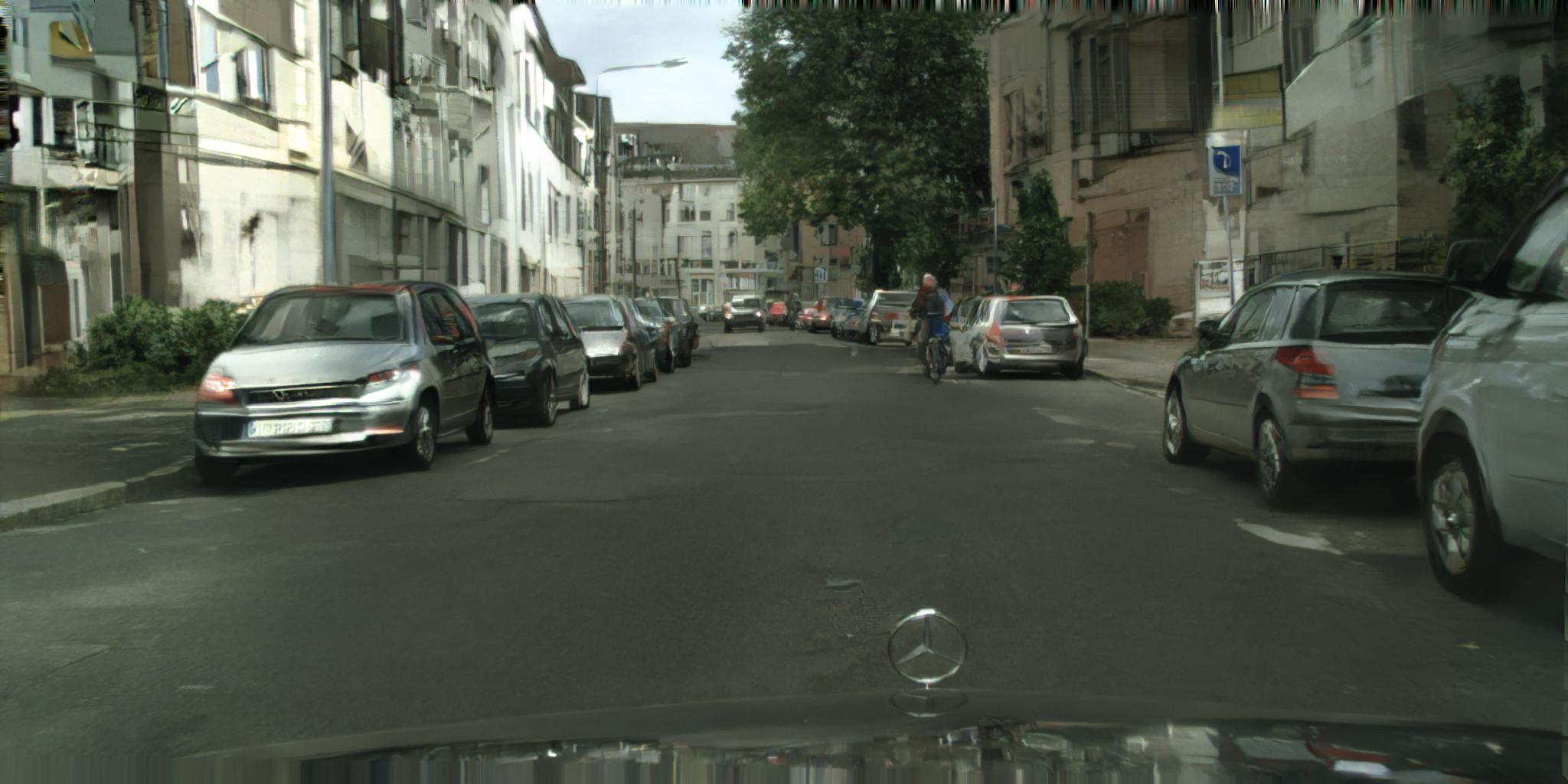
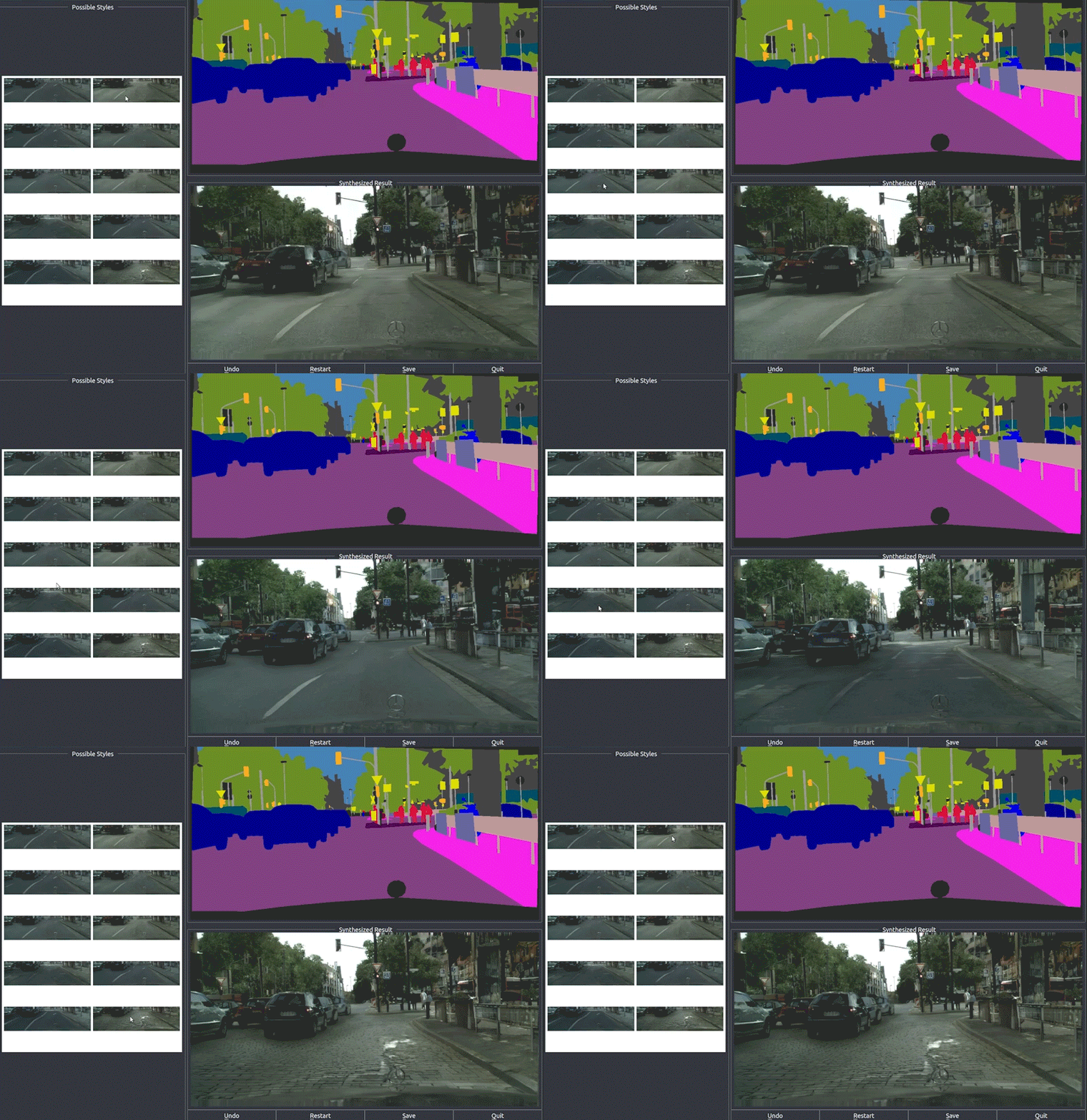
Our label-to-streetview results
- Interactive editing results
- Additional streetview results
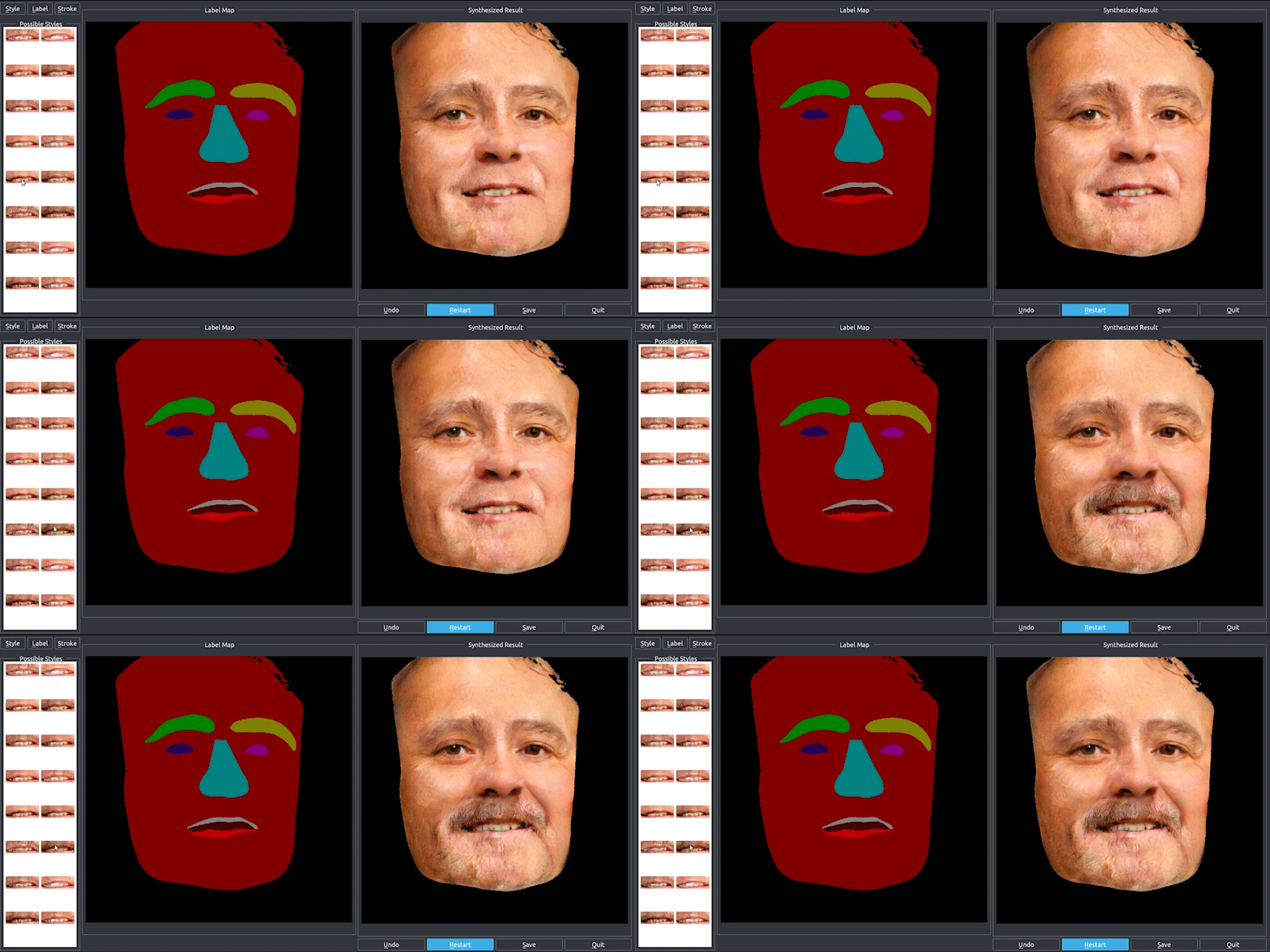
Label-to-face and interactive editing results
Our editing interface
Prerequisites
Linux or macOS
Python 2 or 3
NVIDIA GPU (11G memory or larger) + CUDA cuDNN
Getting Started
Installation
Install PyTorch and dependencies from http://pytorch.org
Install python libraries dominate.
pip install dominate
Clone this repo:
git clone https://github.com/NVIDIA/pix2pixHD
cd pix2pixHD
Testing
A few example Cityscapes test images are included in the datasets folder.
Please download the pre-trained Cityscapes model from here (google drive link), and put it under ./checkpoints/label2city_1024p/
The test results will be saved to a html file here: ./results/label2city_1024p/test_latest/index.html.
More example scripts can be found in the scripts directory.
Dataset
We use the Cityscapes dataset. To train a model on the full dataset, please download it from the official website (registration required).
After downloading, please put it under the datasets folder in the same way the example images are provided.
Training
Train a model at 1024 x 512 resolution (bash ./scripts/train_512p.sh):
To view training results, please checkout intermediate results in ./checkpoints/label2city_512p/web/index.html.
If you have tensorflow installed, you can see tensorboard logs in ./checkpoints/label2city_512p/logs by adding --tf_log to the training scripts.
Multi-GPU training
Train a model using multiple GPUs (bash ./scripts/train_512p_multigpu.sh):
In our test case, it trains about 80% faster with AMP on a Volta machine.
Training at full resolution
To train the images at full resolution (2048 x 1024) requires a GPU with 24G memory (bash ./scripts/train_1024p_24G.sh), or 16G memory if using mixed precision (AMP).
If only GPUs with 12G memory are available, please use the 12G script (bash ./scripts/train_1024p_12G.sh), which will crop the images during training. Performance is not guaranteed using this script.
Training with your own dataset
If you want to train with your own dataset, please generate label maps which are one-channel whose pixel values correspond to the object labels (i.e. 0,1,...,N-1, where N is the number of labels). This is because we need to generate one-hot vectors from the label maps. Please also specity --label_nc N during both training and testing.
If your input is not a label map, please just specify --label_nc 0 which will directly use the RGB colors as input. The folders should then be named train_A, train_B instead of train_label, train_img, where the goal is to translate images from A to B.
If you don't have instance maps or don't want to use them, please specify --no_instance.
The default setting for preprocessing is scale_width, which will scale the width of all training images to opt.loadSize (1024) while keeping the aspect ratio. If you want a different setting, please change it by using the --resize_or_crop option. For example, scale_width_and_crop first resizes the image to have width opt.loadSize and then does random cropping of size (opt.fineSize, opt.fineSize). crop skips the resizing step and only performs random cropping. If you don't want any preprocessing, please specify none, which will do nothing other than making sure the image is divisible by 32.
More Training/Test Details
Flags: see options/train_options.py and options/base_options.py for all the training flags; see options/test_options.py and options/base_options.py for all the test flags.
Instance map: we take in both label maps and instance maps as input. If you don't want to use instance maps, please specify the flag --no_instance.
Citation
If you find this useful for your research, please use the following.
@inproceedings{wang2018pix2pixHD,
  title={High-Resolution Image Synthesis and Semantic Manipulation with Conditional GANs},
  author={Ting-Chun Wang and Ming-Yu Liu and Jun-Yan Zhu and Andrew Tao and Jan Kautz and Bryan Catanzaro},
  booktitle={Proceedings of the IEEE Conference on Computer Vision and Pattern Recognition},
  year={2018}
}
Acknowledgments
This code borrows heavily from pytorch-CycleGAN-and-pix2pix.
How does NVIDIA/pix2pixHD compare to other AI Tools projects?
NVIDIA/pix2pixHD is tracked by TopGit in the AI Tools category, with 6.9k GitHub stars and written in Python. Browse the AI Tools topic page on TopGit to compare it against similar projects by stars and activity.
How many stars does NVIDIA/pix2pixHD have?
NVIDIA/pix2pixHD has 6.9k GitHub stars — refresh the page for the live number, or check github.com/NVIDIA/pix2pixHD. TopGit mirrors GitHub's count but does not claim minute-by-minute accuracy.
Is NVIDIA/pix2pixHD open source?
TopGit's metadata for NVIDIA/pix2pixHD does not record a license. Most public repositories on GitHub ARE open source, but the exact terms vary — verify by opening the LICENSE file directly.
What else is in the AI Tools space?
NVIDIA/pix2pixHD is tracked by TopGit under the AI Tools category, alongside 9 GitHub-tagged topics. Trending and Topics pages list peer repositories of comparable stars and language.
What is NVIDIA/pix2pixHD?
NVIDIA/pix2pixHD (NVIDIA/pix2pixHD) is a Python project on GitHub. From the project's own README: Synthesizing and manipulating 2048x1024 images with conditional GANs
Where can I see NVIDIA/pix2pixHD in action?
The project maintains a homepage at https://tcwang0509.github.io/pix2pixHD/. The README tab on this page also usually contains screenshots and a quickstart.
Where do I read more about NVIDIA/pix2pixHD?
This TopGit page is a snapshot — the READ ME tab shows the project's own README content (links stripped, images preserved). The GitHub repository at github.com/NVIDIA/pix2pixHD is the definitive source.
Read full README in the tab above.
Still deciding about pix2pixHD?
One click hands the question to an AI along with this page — see what it says about pix2pixHD.

 /pix2pixHD