p-e-w/ternimal — a backend project — sits at 1.1k GitHub stars in the Backend space. Simulate a lifeform in the terminal
Snapshot summary built from the project's own GitHub metadata — there's no written TopGit review yet. The page will update automatically when a full review is published.
WHY NO REVIEW YET
TopGit writes full reviews for the most-starred, most-requested repositories. This page is a snapshot until then — see the READ ME tab for the original README in full.
Ternimal (note the spelling) is a program that draws an animated lifeform in the terminal using Unicode block symbols. It works in most terminal emulators and with most monospaced fonts.
From a practical perspective, the program is not very useful. It does, however, contain quite a bit of cool technology and math:
"Glow" renderer capable of 1000+ frames per second (if the terminal can handle it)
Dynamic generation of an everywhere differentiable movement path composed of circular arcs
Skeletal deformation along the path
Fourier-based shape description allowing for many body forms to be realized and animated
Ternimal is also an exercise in minimalism and restraint. Written in just 1000 lines of Rust, it has no dependencies and consumes very few resources: 400 kB on disk, 3 MB of RAM and 4 % of a single CPU core with the default parameters. It implements its own linear algebra operations from scratch, as well as basic command line parsing and a simple random number generator.
Building
Ternimal has no dependencies apart from the Rust Standard Library, and does not require Cargo for building. Only rustc (>= 1.20) must be installed, at which point Ternimal can be built with:
git clone https://github.com/p-e-w/ternimal.git
cd ternimal
rustc -O ternimal.rs
Usage
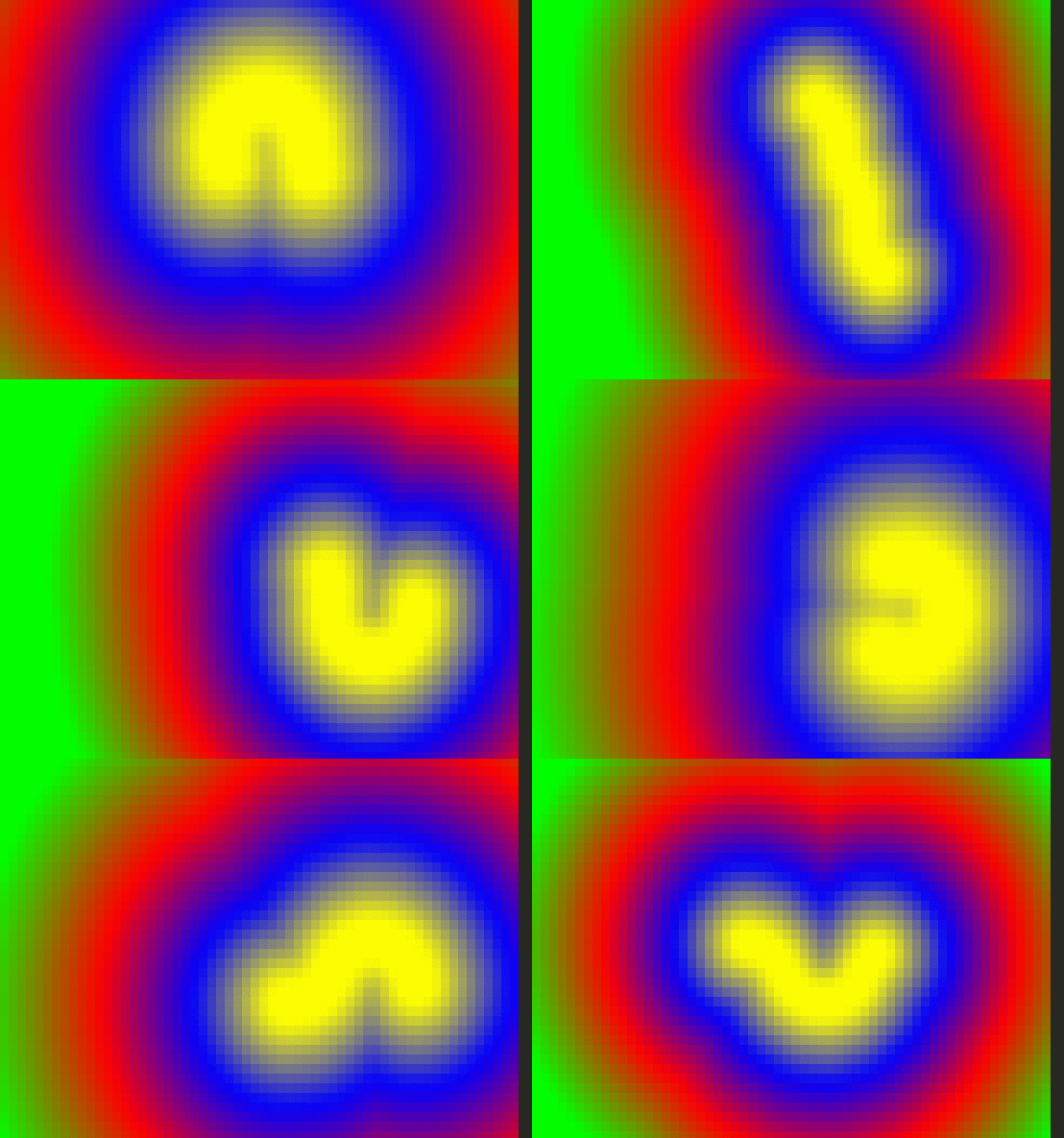
Fundamentally, Ternimal does nothing more than color the distance field from a segment of a meandering path. There are many parameters controlling this process, however, nearly all of which can be manipulated through the command line.
This makes the system very flexible. The following are just a few examples of what is possible:
Sine waves can be used to generate quite organic-looking shapes. In this case, a single half-wave forms the body of a snake.
"Swarm"
./ternimal length=200 thickness=0,4,19,0,0
Ternimal only renders a single model. However, thickness variations can give the appearance of multiple disconnected entities moving in a coordinated fashion.
The thickness function includes a time parameter. This makes it possible to define shape animations. Arbitrarily many Fourier series terms can be specified, enabling very complex animations.
Performance
Ternimal is highly optimized for performance, to the extent that in many situations, the CPU time needed to generate its output is less than that taken by the terminal emulator to display the same. Various tricks are employed to minimize computational load and output size. In GNOME Terminal, the default parameters render up to 2500 frames per second.
I have tried everything under the sun to squeeze out even more performance, with mixed results. Some of the unsuccessful/semi-successful attempts include:
Using f32 in place of f64. This does give a speedup of 5-10 %, but runs into precision problems after a few days. It might be possible to "reset" the time and position values in regular intervals to avoid this, but the logic would be quite complex.
Pre-computing samples of the thickness function, and substituting those for the full evaluation. With some models, this idea can improve performance by up to 5 %, but it works only for time-independent thickness functions and adds a lot of ugly code.
Manually handling stdout locking and/or buffering. Although Ternimal writes a large amount of output, this optimization results only in a disappointing 1 % speedup and was therefore abandoned.
Reducing memory allocations, e.g. by using a (sufficiently large) fixed-capacity string when building output. This had no measurable impact at all.
"Optimizing" string construction. It turns out that Rust's format! macro is hard to beat for this purpose, and every alternative I tried was either equal or slower.
Playing around with compiler flags like target-cpu=native. This also gave no measurable improvement.
Profiling with Callgrind and OProfile reveals that most of the CPU time is spent constructing and writing the output string and that rendering computations only play a role for very large models. Given the lack of success trying to make output handling faster, it seems reasonable to say Ternimal's performance is already quite satisfactory.
FAQ
What platforms and terminals are supported?
Ternimal has been tested on Linux, macOS, and Windows.
On Linux, almost all terminal emulators render Ternimal flawlessly. On macOS, iTerm2 or Alacritty are recommended. On Windows, PowerShell and WSL appear to work well, with ConEmu also working but lacking 24-bit colors.
Why am I seeing random/weird colors?
Most likely because your terminal does not support 24-bit RGB color escape sequences. This in turn probably means that you are using macOS' default Terminal.app, which is the only major terminal emulator still missing that feature.
You have two options:
Switch to a terminal that supports true color escape sequences. A well-researched list of such terminals can be found here.
Run Ternimal with the argument true_color=false to fall back to a 256-color palette, which is supported by practically every terminal emulator (but doesn't look as nice).
Why am I seeing grid lines?
Either because your font's block characters do not completely fill the character cell, or because your terminal has line spacing greater than zero.
Ternimal works best with fonts that have a character aspect ratio as close to 2:1 as possible. The font in the screencasts is the wonderful Iosevka.
Why does it look strange in the Linux (kernel) console?
The Linux console does not support Unicode fonts. It does, however, appear to recognize the Unicode encoding, and attempts to translate certain Unicode code points to code points in its internal encoding, which includes the block symbols required by Ternimal.
There appears to be a bug in this conversion, though. The UPPER HALF BLOCK character is translated correctly, but the LOWER HALF BLOCK is not, resulting in a striped pattern.
How does it look in cool-retro-term?
Like this:
Contributing
Contributors are always welcome. However, please file an issue describing what you intend to add before opening a pull request,especially for new features! I have a clear vision of what I want (and do not want) Ternimal to be, so discussing potential additions might help you avoid duplication and wasted work.
By contributing, you agree to release your changes under the same license as the rest of the project (see below).
The most recent commit recorded on p-e-w/ternimal was 7.9 years ago, based on the GitHub push timestamp. The repository has 32 forks — one of the better signals of community interest.
How many stars does p-e-w/ternimal have?
p-e-w/ternimal has 1.1k GitHub stars — refresh the page for the live number, or check github.com/p-e-w/ternimal. TopGit mirrors GitHub's count but does not claim minute-by-minute accuracy.
What else is in the Backend space?
p-e-w/ternimal is tracked by TopGit under the Backend category, alongside 5 GitHub-tagged topics. Trending and Topics pages list peer repositories of comparable stars and language.
What language is p-e-w/ternimal written in?
p-e-w/ternimal is written primarily in Rust. GitHub's language field is based on the largest share of bytes in the default branch.
What topics is p-e-w/ternimal associated with?
GitHub's repository topics for p-e-w/ternimal: "art", "linux", "macos", "rust", "terminal". TopGit's editorial category is Backend.
Where do I read more about p-e-w/ternimal?
This TopGit page is a snapshot — the READ ME tab shows the project's own README content (links stripped, images preserved). The GitHub repository at github.com/p-e-w/ternimal is the definitive source.
Why is p-e-w/ternimal categorized under Backend?
TopGit places p-e-w/ternimal in the Backend category based on its GitHub topics and description (tagged: "art", "linux", "macos"). Categories are assigned from real repository metadata, not editorial guesswork.
Read full README in the tab above.
Is ternimal worth your time?
ChatGPT, Claude and Perplexity can all read this page. Ask one of them what it makes of ternimal.
 /ternimal