Impeccable: AI Frontend Design Guidance for Agents
 /impeccable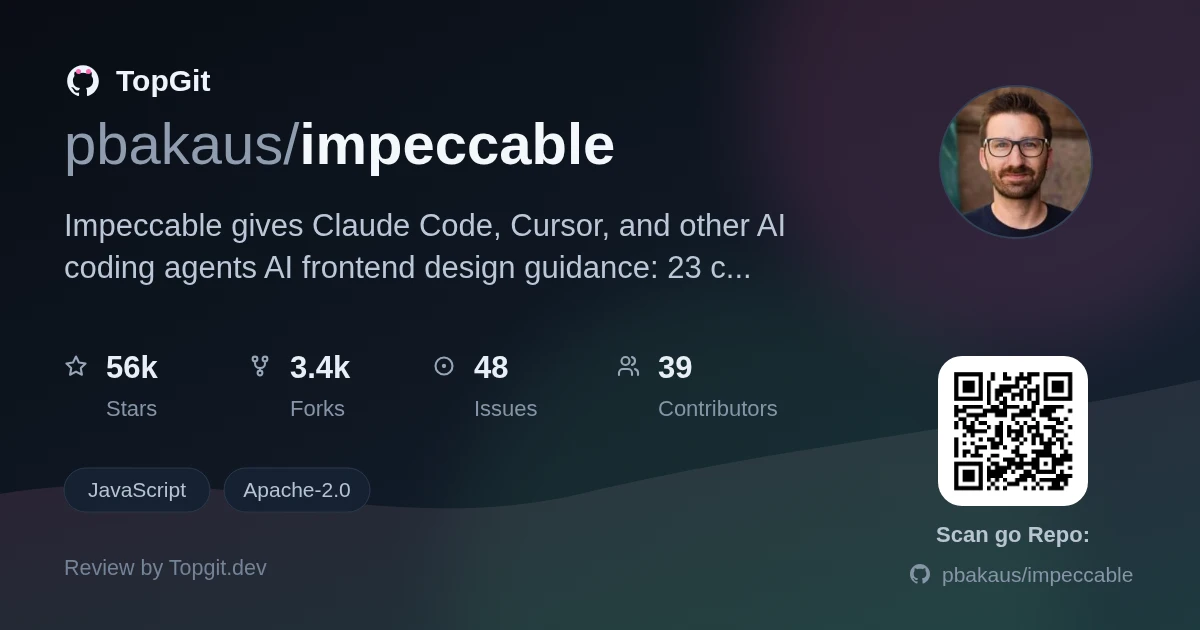
Impeccable is a design skill and CLI that gives AI coding agents like Claude Code and Cursor explicit rules against the generic look every LLM defaults to: purple gradients, Inter everywhere, cards stacked inside cards. Reach for it if you build UI with a supported agent and want detector-backed critique instead of vague prompting. Skip it if your workflow never touches AI-generated frontend code.
The Challenge of AI-Generated Frontend Design
AI coding agents don't usually fail at building working UI — they fail at making it look distinct. Every model is trained on roughly the same corpus of SaaS templates, and the README points to a specific list of tells that show up on project after project: Inter as the default font, purple-to-blue gradients, gray text on colored backgrounds, cards nested inside other cards, and a rounded-square icon tile sitting above every section heading. None of that breaks functionality. It just makes AI-built interfaces recognizable at a glance, and prompting an agent to "make it look better" rarely fixes one specific pattern like that.
Introducing the Impeccable Design Skill
Impeccable is a design skill and command-line tool for AI coding agents such as Claude Code, Cursor, and Codex CLI. The README says it started from Anthropic's frontend-design skill, then added a shared /impeccable command set, 59 deterministic detector rules, and a live browser iteration mode. It delivers AI frontend design guidance: telling your agent what "good" looks like before it writes a component.
Core Features for Enhanced AI Design
- ✓One /impeccable skill with 23 commands — audit, polish, critique, animate, distill, quieter, bolder, and more — that give you a shared design vocabulary with the agent instead of freeform prompting.
- ✓/impeccable init starts by asking whether you're styling a brand surface (marketing, landing, portfolio) or a product surface (app UI, dashboard, tool), then writes a PRODUCT.md file and offers to add a DESIGN.md too, so every command that runs afterward already knows the audience, voice, colors, type, and components.
- ✓59 deterministic detector rules that run with no LLM and no API key, plus separate LLM design critique checks for judgment calls the detector can't make on its own, through the CLI or a browser extension.
- ✓/impeccable live: a visual variant mode for iterating on elements directly in the browser.
- ✓/impeccable pin <command> turns any command into a standalone shortcut, so pin audit gives you /audit.
- ✓A provider-native hook fires the detector automatically whenever a UI file gets edited directly: Cursor blocks a problematic write before it lands, while Claude Code, Codex, Grok Build, and GitHub Copilot show what it found right after you save.
- ✓Built-in design anti-patterns detection baked into the skill itself: no Arial/Inter/system-default fonts, no gray text on colored backgrounds, no pure black or gray, no cards nested in cards, no bounce/elastic easing.
- ✓/impeccable extract pulls reusable components and tokens out of existing code and into a shared design system.
Practical Design Commands and Use Cases
- •Run /impeccable init once per project so audit, polish, and critique all read the same PRODUCT.md instead of guessing your brand each time.
- •/impeccable audit blog runs technical checks — accessibility, performance, responsiveness — against a blog hub and its post pages.
- •/impeccable critique landing gives you a UX design review focused on hierarchy, clarity, and emotional resonance before a landing page ships.
- •/impeccable polish settings runs a final AI UI polish pass, checking design system alignment before a settings screen ships.
- •/impeccable harden checkout adds error handling, i18n, text overflow, and edge-case coverage to a checkout flow.
- •npx impeccable detect --json . runs the 59 detector rules in CI, without needing an AI agent in the loop at all.
Installing Impeccable
The documented path is `npx impeccable install` from your project root, which detects harness folders like `~/.claude`, `~/.codex`, or `.cursor`, lets you keep or customize the provider list, then lets you pick a project-only install or a global one (`--providers=claude,codex,cursor,grok` and `--scope=project|global` skip those prompts in scripts). On five of the supported editors — Codex, Claude Code, GitHub Copilot, Cursor, and Grok Build — the installer also drops in that editor's own hook manifest for the current project. Reload your harness, then run `/impeccable init` inside it. Claude Code users can also run `/plugin marketplace add pbakaus/impeccable` and install from the list; teams that want the package vendored through Git can add it as a submodule instead. `npx impeccable update` refreshes an existing install — Codex users need to reopen `/hooks` and re-approve the project hook afterward, since Codex tracks trust by hook definition.
Using Impeccable with Your AI Agent
After install, each command funnels through one `/impeccable` skill: `/impeccable audit`, `/impeccable polish`, `/impeccable distill`, `/impeccable critique`, each optionally scoped to a target like `/impeccable polish the checkout form`. Type `/impeccable` alone to see the full list of 23 commands, or skip the menu and describe what you want, like `/impeccable redo this hero section`. Codex doesn't use the `/impeccable` command form — open `/skills` or type `$impeccable` instead. If you run one command constantly, `/impeccable pin audit` promotes it to its own `/audit` shortcut.
Who Should Use Impeccable?
Impeccable is a developer tool for people who lean on an AI coding agent for UI work regularly enough that the same visual tells keep showing up — freelancers shipping client landing pages, small teams without a dedicated designer, or anyone reviewing a lot of agent-generated components. It also fits teams that want frontend design automation as a CI gate: `npx impeccable detect --json .` runs the 59 rules without an agent or API key attached. It's less useful if you barely touch frontend code, or if your coding tool isn't in the supported-provider list.
Frequently Asked Questions
Impeccable is a design skill and CLI for AI coding agents that adds a shared /impeccable command set, 59 deterministic detector rules, and design context files so agents stop defaulting to generic SaaS-template UI.
Run npx impeccable install from your project root, then /impeccable init inside your AI coding tool. Claude Code users can alternatively add the plugin marketplace with /plugin marketplace add pbakaus/impeccable.
The README lists Cursor, Claude Code, GitHub Copilot, Gemini CLI, Codex CLI, Grok Build, OpenCode, Pi, Kiro, Trae, Rovo Dev, Qoder, Mistral Vibe, and Google Antigravity as supported tools for Impeccable.
Impeccable's detector flags AI-slop patterns like purple gradients, side-tab borders, bounce easing, and dark glows, plus general quality issues such as cramped padding, small touch targets, and skipped headings — 59 rules in total.
Impeccable is released under the Apache-2.0 license, which permits commercial use.
The README says Impeccable started from Anthropic's frontend-design skill and adds a full 23-command vocabulary, 59 deterministic detector rules that don't need an LLM, and a live browser iteration mode on top of it.
Strengths
- ✓The 59 detector rules run with no LLM and no API key, through the CLI or a browser extension, so you get a fast code quality pass without agent cost.
- ✓Anti-patterns are named specifically instead of vaguely — no bounce/elastic easing, no gray text on colored backgrounds, no cards nested in cards — so there's less guessing about what "better design" means.
- ✓The provider list is wide: Cursor, Claude Code, GitHub Copilot, Gemini CLI, Codex CLI, Grok Build, OpenCode, Pi, Kiro, Trae, Rovo Dev, Qoder, Mistral Vibe, and Google Antigravity are all listed as supported tools.
- ✓Apache-2.0 licensing means no commercial-use friction.
- ✓/impeccable init writes durable design context (PRODUCT.md, DESIGN.md) once, so every later command reads the same brand and audience info instead of re-asking.
Limitations & risks
- △Several providers need manual setup beyond the installer: Cursor requires switching to its Nightly channel and enabling Agent Skills in settings, and Gemini CLI needs the preview build with a settings flag turned on.
- △Codex requires you to manually reopen /hooks and approve the project hook after every install or update that changes .codex/hooks.json — there's no way around that step.
- △Working files accumulate under .impeccable/ (critique screenshots, live-mode session state, per-developer config), so you need to paste the maintainer's .gitignore block in or risk committing ephemeral output.
- △The README doesn't state a version number or release cadence, so it's hard to gauge from the repo alone how the 59 detector rules evolve over time.
Alternatives
Related repositories
Curious whether impeccable is right for you?
Let ChatGPT, Claude, or Perplexity look into it — click below and see what AI actually says about impeccable.