privatenumber/tasuku sits at 2.2k stars on GitHub, written primarily in TypeScript. ✅ タスク — The minimal task visualizer for Node.js
Snapshot summary built from the project's own GitHub metadata — there's no written TopGit review yet. The page will update automatically when a full review is published.
WHY NO REVIEW YET
TopGit writes full reviews for the most-starred, most-requested repositories. This page is a snapshot until then — see the READ ME tab for the original README in full.
Found this package useful? Show your support & appreciation by sponsoring! ❤️
Install
npm i tasuku
About
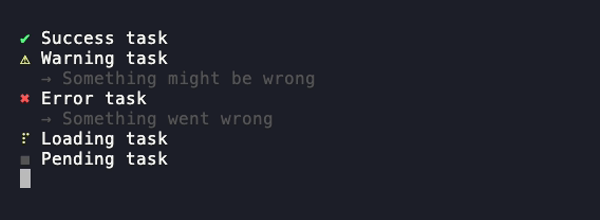
タスク (Tasuku) is a minimal task runner for Node.js. You can use it to label any task/function so that its loading, success, and error states are rendered in the terminal.
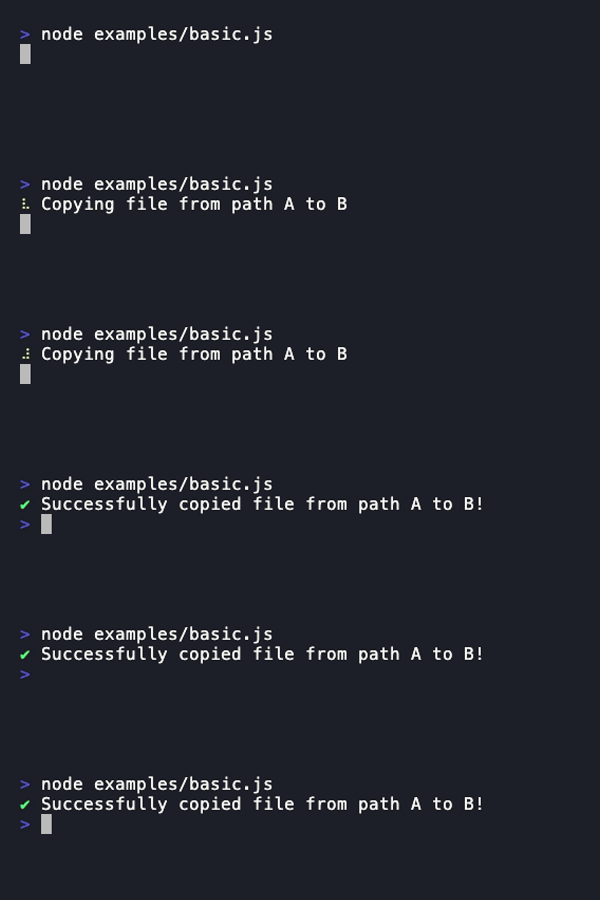
For example, here's a simple script that copies a file from path A to B.
import { copyFile } from 'node:fs/promises'
import task from 'tasuku'

task('Copying file from path A to B', async ({ setTitle }) => {
    await copyFile('/path/A', '/path/B')

    setTitle('Successfully copied file from path A to B!')
})
Running the script will look like this in the terminal:
Usage
Task list
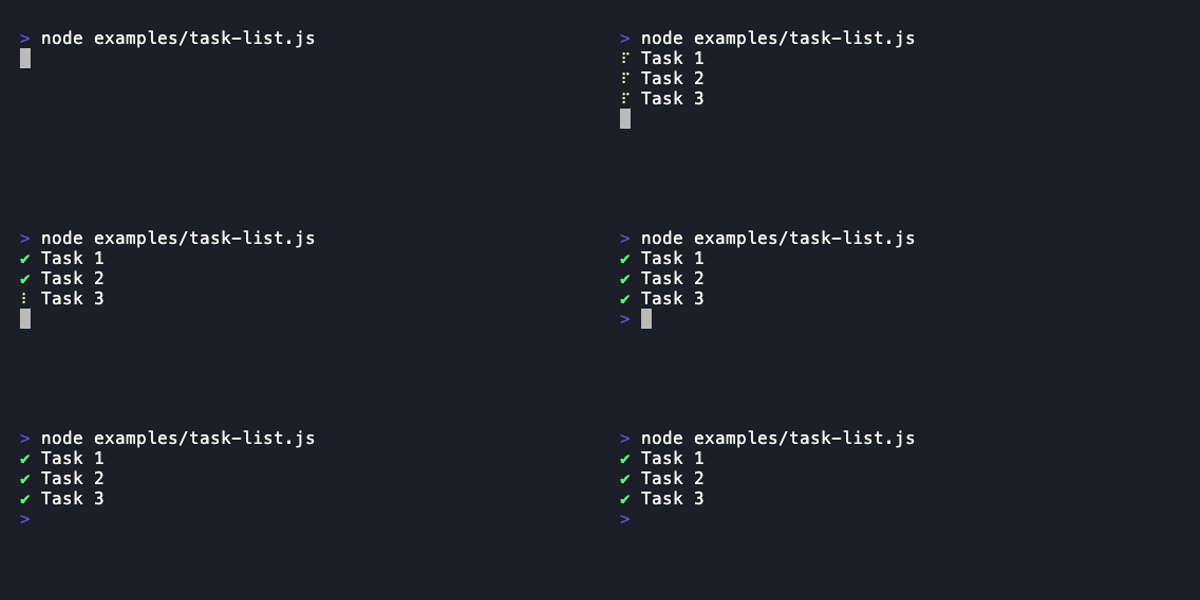
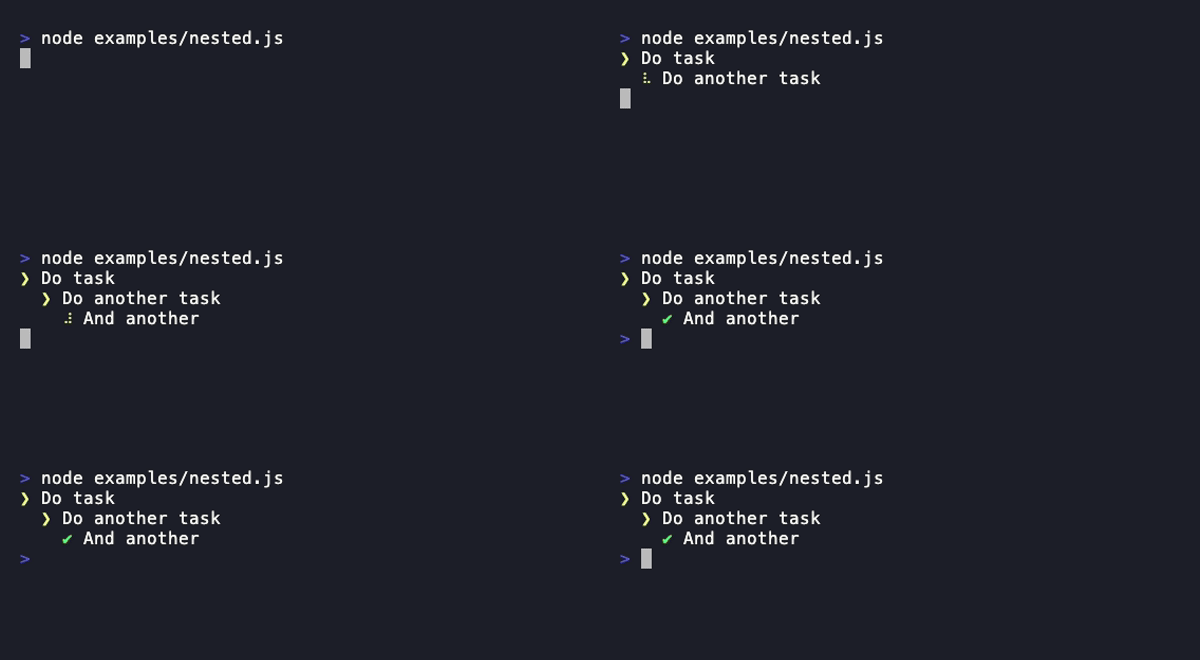
Call task(taskTitle, taskFunction) to start a task and display it in a task list in the terminal.
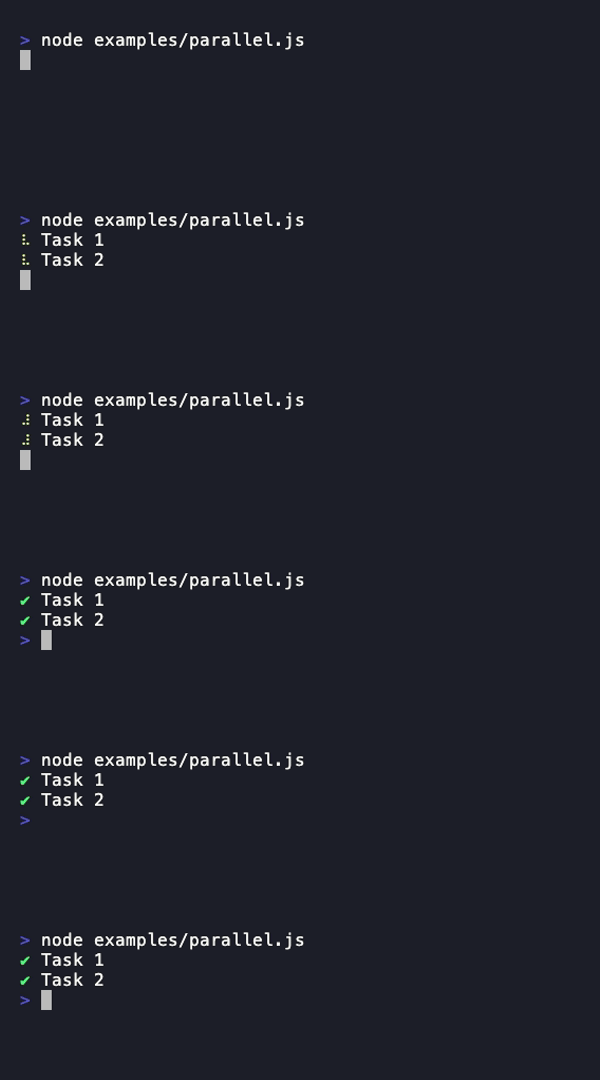
You can run tasks in parallel by passing in { concurrency: n } as the second argument in task.group().
const api = await task.group(task => [
    task(
        'Task 1',
        async () => await someAsyncTask()
    ),

    task(
        'Task 2',
        async () => await someAsyncTask()
    )

    // ...
], {
    concurrency: 2 // Number of tasks to run at a time
})

api.clear() // Clear output
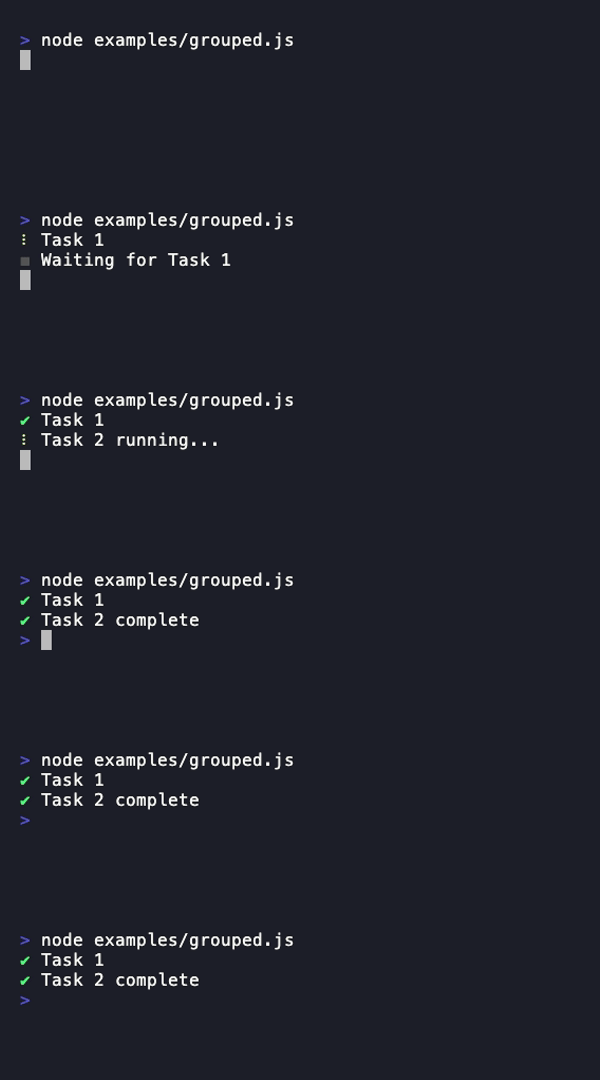
Alternatively, you can also use the native Promise.all() if you prefer. The advantage of using task.group() is that you can limit concurrency, displays queued tasks as pending, and it returns an API to easily clear the results.
type TaskAPI = {
    // Result from taskFunction
    result: unknown

    // State of the task
    state: 'error' | 'warning' | 'success'

    // Warning message if state is 'warning', otherwise undefined
    warning: string | undefined

    // Error message if state is 'error', otherwise undefined
    error: string | undefined

    // Invoke to clear the results from the terminal
    clear: () => void
}
The task function. The return value will be stored in the .result property of the task() output object.
task
A task function to use for nesting.
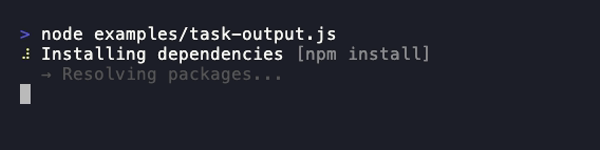
setTitle()
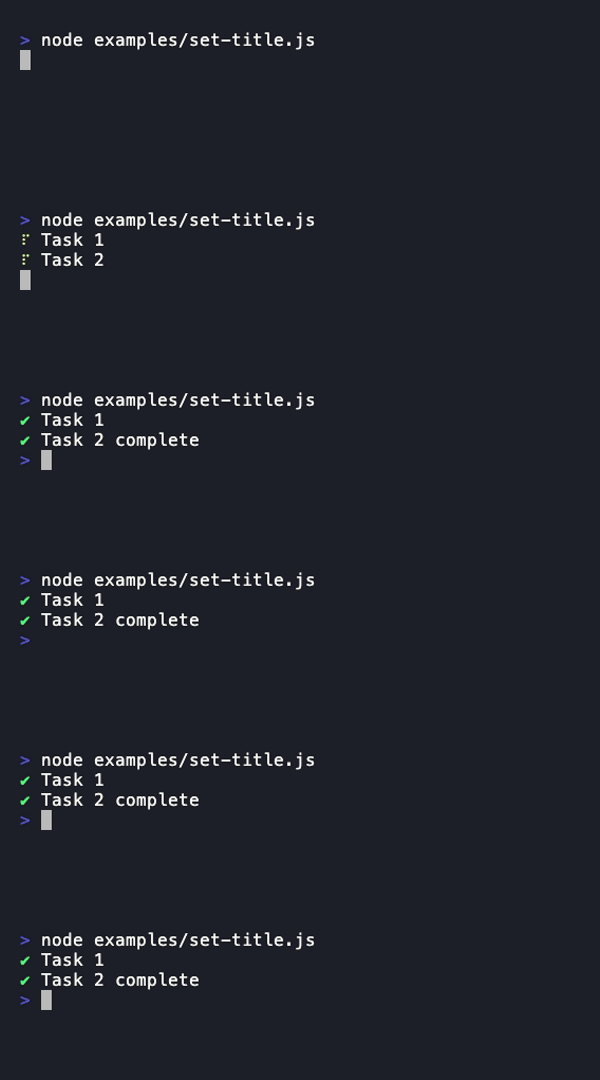
Call with a string to change the task title.
setStatus()
Call with a string to set the status of the task.
setOutput()
Call with a string to set the output of the task.
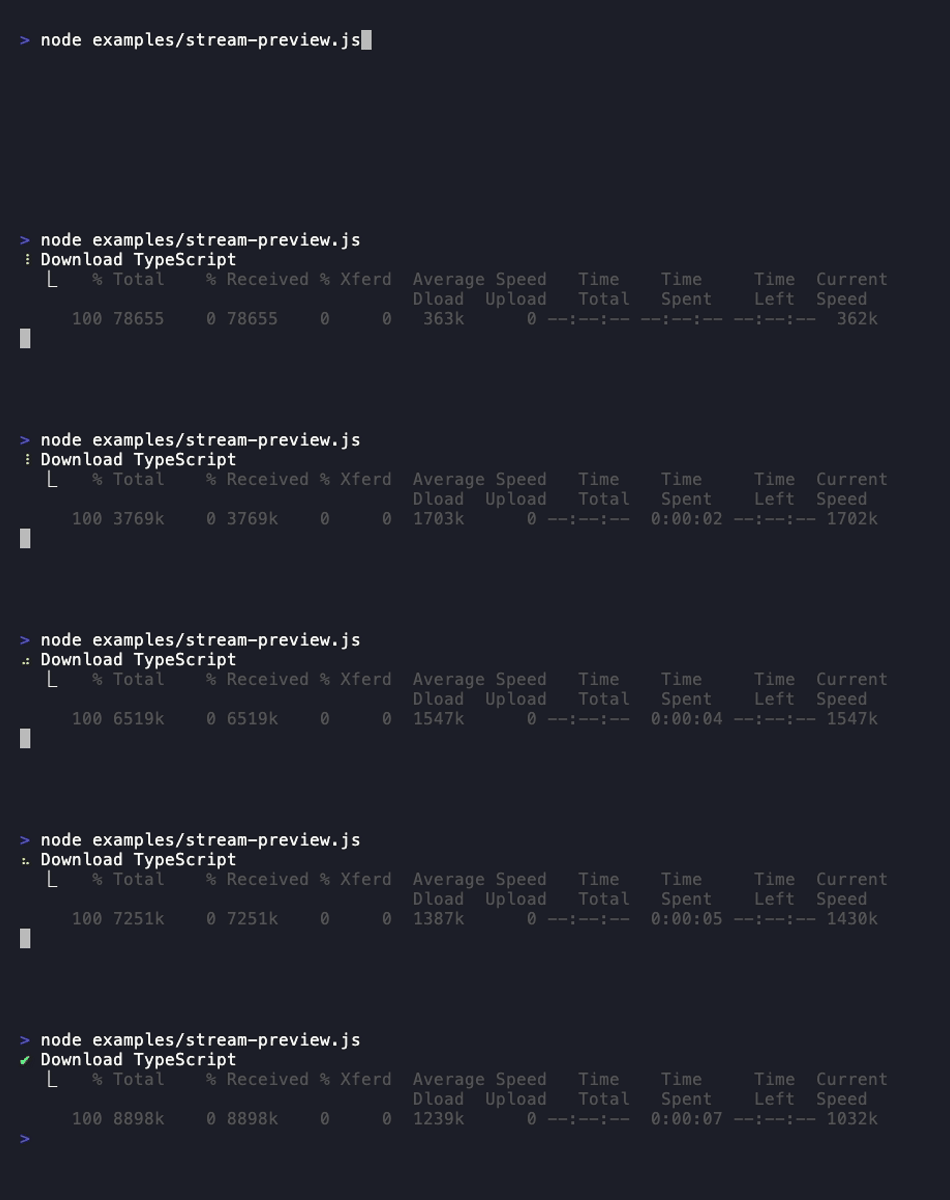
streamPreview
A Writable stream for displaying live output below the task. Pipe a child process or any readable stream into it to show a scrolling preview of the output.
Handles both \n (newline) and \r (carriage return) — programs like curl that use \r for in-place progress bars work out of the box.
By default, shows the last 5 lines. Use the previewLines option to change this. When there are more lines than the limit, a (+ N lines) indicator is shown.
[!NOTE]
setOutput() and streamPreview render independently. If both are used, static output appears above the stream preview.
setWarning()
Call with a string or Error instance to put the task in a warning state. Call with no argument (or a falsy value) to revert to loading state.
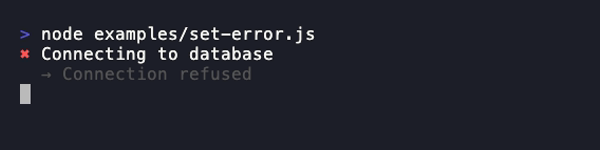
setError()
Call with a string or Error instance to put the task in an error state. Call with no argument (or a falsy value) to revert to loading state. Tasks automatically go into an error state when it catches an error in the task.
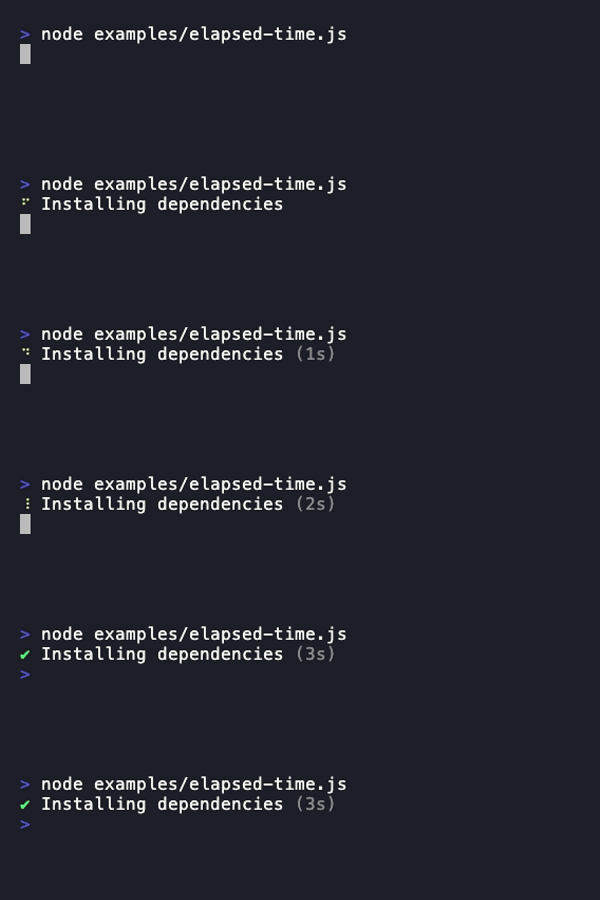
startTime()
Start or restart the elapsed time counter. Calling again resets to 0. Time is displayed after the status: ⠋ Task [status] (3s)
stopTime()
Stop the elapsed time counter and return the elapsed milliseconds. The displayed time freezes at the stopped value. Useful for profiling task phases.
Type: { showTime?: boolean, previewLines?: number }
Optional task options.
previewLines
Type: number
Default: 5
Maximum number of lines to display in the streamPreview output (minimum 1). When the stream produces more lines, older lines scroll off and a (+ N lines) indicator shows the total.
showTime
When true, automatically starts the elapsed time counter when the task begins. Equivalent to calling startTime() at the start of the task function.
Format: (Xs) for under a minute, (Xm Ys) for under an hour, (Xh Ym) for longer
Not shown if elapsed < 1 second
Freezes at final value when task completes
task.group(createTaskFunctions, options)
Returns a Promise that resolves with object:
// The results from the taskFunctions
type TaskGroupAPI = {
    // Result from taskFunction
    result: unknown

    // State of the task
    state: 'error' | 'warning' | 'success'

    // Invoke to clear the task result
    clear: () => void
}[] & {

    // Invoke to clear ALL results
    clear: () => void
}
createTaskFunctions
Type: (task) => Task[]
Required: true
A function that returns all the tasks you want to group in an array.
options
Directly passed into p-map.
concurrency
Type: number (Integer)
Default: 1
Number of tasks to run at a time.
stopOnError
Type: boolean
Default: true
When set to false, instead of stopping when a task fails, it will wait for all the tasks to finish and then reject with an aggregated error containing all the errors from the rejected promises.
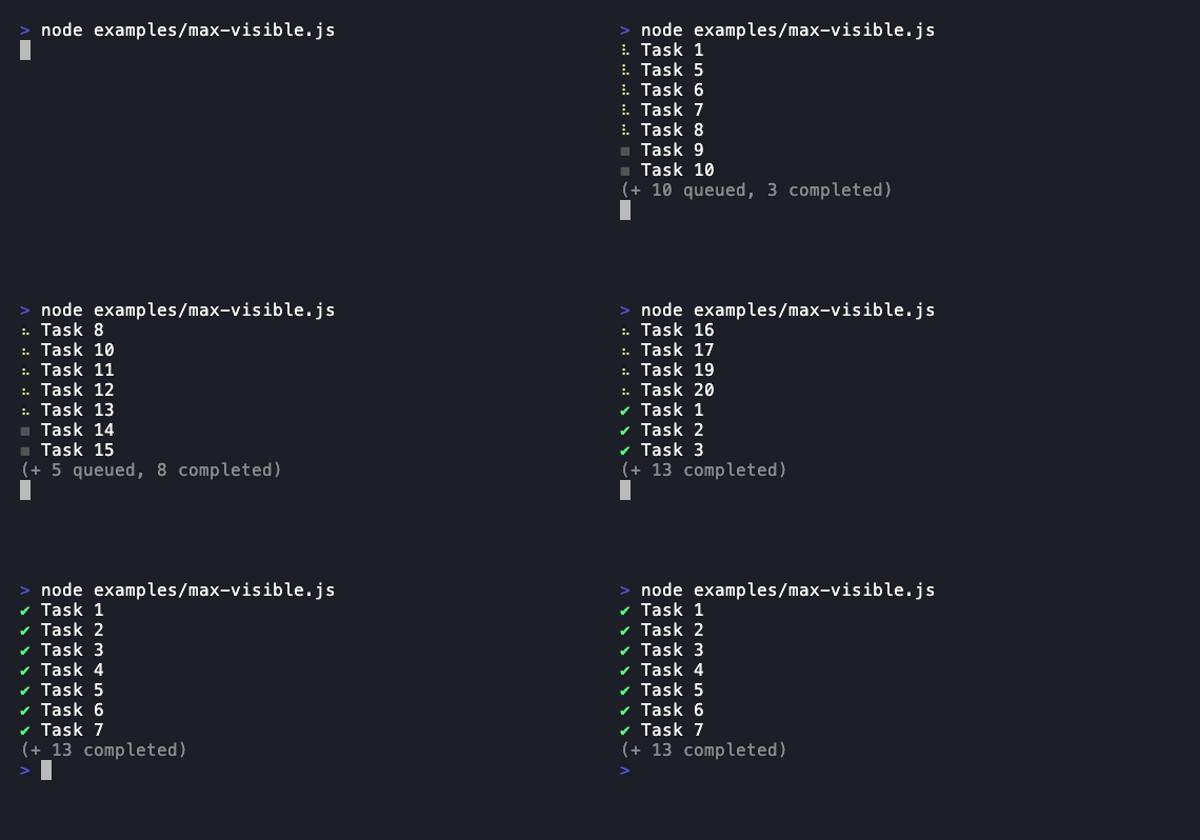
maxVisible
Type: number | ((terminalHeight: number) => number)
Default: Responsive to terminal height (rows - 2, minimum 5)
Maximum number of lines to display in the task list. When there are more task lines than this limit, remaining tasks are hidden with a state breakdown (e.g., "(+ 3 loading, 5 queued, 4 completed)"). Active tasks are always prioritized over pending and completed ones. This accounts for nested subtasks which add extra lines.
Can be a fixed number or a function called on each render for responsive limits.
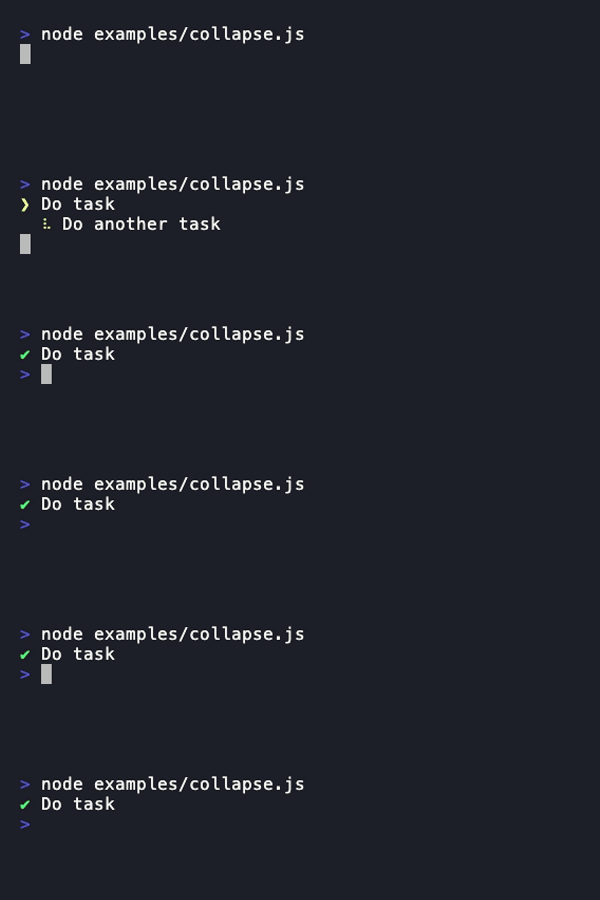
By default, the limit is automatically lifted when all tasks complete and .clear() is called, revealing the full list.
Tasuku or タスク is the phonetic Japanese pronounciation of the word "task".
Why did you make this?
I built Tasuku as a lightweight task runner for scripts and CLI tools. It's designed to show task progress clearly without forcing a rigid structure on how you write your code.
Big thanks to listr and listr2, which inspired both the visuals and the idea—I've relied on them for years. But over time, I found their declarative approach too restrictive for my workflow, so I created something simpler and more flexible.
Tasuku uses its own minimal ANSI-based renderer for terminal output, giving you smooth console.log() integration with zero runtime dependencies. The rendering model was originally inspired by ink's approach to terminal UIs.
Doesn't the usage of nested task functions violate ESLint's no-shadow?
Yes, but it should be fine as you don't need access to other task functions aside from the immediate one.
No homepage URL was recorded for privatenumber/tasuku in TopGit's last sync. The README tab above frequently contains screenshots and demo links, or check the repository description on GitHub.
How does privatenumber/tasuku compare to other Developer Tools projects?
privatenumber/tasuku is tracked by TopGit in the Developer Tools category, with 2.2k GitHub stars and written in TypeScript. Browse the Developer Tools topic page on TopGit to compare it against similar projects by stars and activity.
How many stars does privatenumber/tasuku have?
privatenumber/tasuku has 2.2k GitHub stars — refresh the page for the live number, or check github.com/privatenumber/tasuku. TopGit mirrors GitHub's count but does not claim minute-by-minute accuracy.
Is privatenumber/tasuku open source?
Yes — privatenumber/tasuku ships under the MIT license, which makes its source code freely readable (and, depending on license terms, forkable and reusable). Source: github.com/privatenumber/tasuku.
What else is in the Developer Tools space?
privatenumber/tasuku is tracked by TopGit under the Developer Tools category, alongside 4 GitHub-tagged topics. Trending and Topics pages list peer repositories of comparable stars and language.
What is privatenumber/tasuku?
privatenumber/tasuku (privatenumber/tasuku) is a TypeScript project on GitHub. From the project's own README: ✅ タスク — The minimal task visualizer for Node.js
Where do I read more about privatenumber/tasuku?
This TopGit page is a snapshot — the READ ME tab shows the project's own README content (links stripped, images preserved). The GitHub repository at github.com/privatenumber/tasuku is the definitive source.
Read full README in the tab above.
Is tasuku worth your time?
ChatGPT, Claude and Perplexity can all read this page. Ask one of them what it makes of tasuku.
 /tasuku