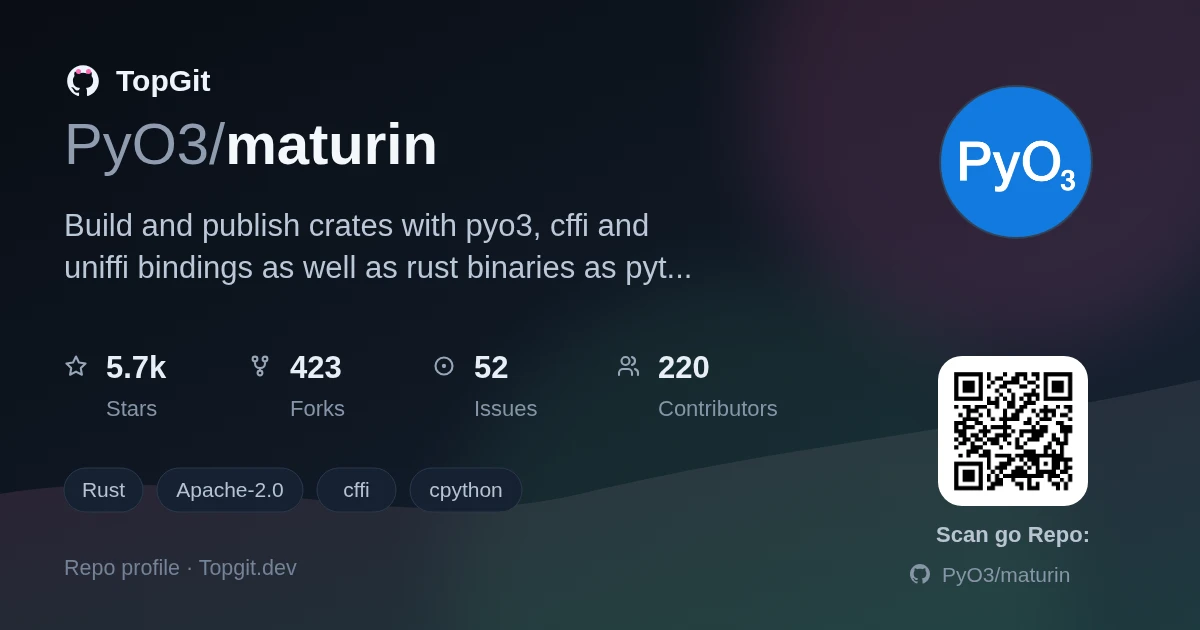
Indexed by TopGit from live GitHub metadata: PyO3/maturin has 5.7k stars, written primarily in Rust. Build and publish crates with pyo3, cffi and uniffi bindings as well as rust binaries as python packages
Snapshot summary built from the project's own GitHub metadata — there's no written TopGit review yet. The page will update automatically when a full review is published.
WHY NO REVIEW YET
TopGit writes full reviews for the most-starred, most-requested repositories. This page is a snapshot until then — see the READ ME tab for the original README in full.
Build and publish crates with pyo3, cffi and uniffi bindings as well as rust binaries as python packages with minimal configuration.
It supports building wheels for python 3.8+ on Windows, Linux, macOS and FreeBSD, can upload them to pypi and has basic PyPy and GraalPy support.
Check out the User Guide!
Usage
You can either download binaries from the latest release or install it with pipx or uv:
pip install maturin should also work if you don't want to use pipx.
There are three main commands:
maturin new creates a new cargo project with maturin configured.
maturin build builds the wheels and stores them in a folder (target/wheels by default), but doesn't upload them. It's recommended to publish packages with uv using uv publish.
maturin develop builds the crate and installs it as a python module directly in the current virtualenv. Note that while maturin develop is faster, it doesn't support all the feature that running pip install after maturin build supports.
maturin doesn't need extra configuration files and doesn't clash with an existing setuptools-rust configuration.
You can even integrate it with testing tools such as tox.
There are examples for the different bindings in the test-crates folder.
The name of the package will be the name of the cargo project, i.e. the name field in the [package] section of Cargo.toml.
The name of the module, which you are using when importing, will be the name value in the [lib] section (which defaults to the name of the package). For binaries, it's simply the name of the binary generated by cargo.
When using maturin build and maturin develop commands, you can compile a performance-optimized program by adding the -r or --release flag.
Python packaging basics
Python packages come in two formats:
A built form called wheel and source distributions (sdist), both of which are archives.
A wheel can be compatible with any python version, interpreter (cpython and pypy, mainly), operating system and hardware architecture (for pure python wheels),
can be limited to a specific platform and architecture (e.g. when using ctypes or cffi) or to a specific python interpreter and version on a specific architecture and operating system (e.g. with pyo3).
When using pip install on a package, pip tries to find a matching wheel and install that. If it doesn't find one, it downloads the source distribution and builds a wheel for the current platform,
which requires the right compilers to be installed. Installing a wheel is much faster than installing a source distribution as building wheels is generally slow.
When you publish a package to be installable with pip install, you upload it to pypi, the official package repository.
For testing, you can use test pypi instead, which you can use with pip install --index-url https://test.pypi.org/simple/.
Note that for publishing for linux, you need to use the manylinux docker container or zig, while for publishing from your repository you can use the PyO3/maturin-action github action.
Mixed rust/python projects
To create a mixed rust/python project, create a folder with your module name (i.e. lib.name in Cargo.toml) next to your Cargo.toml and add your python sources there:
This structure is recommended to avoid a common ImportError pitfall
maturin will add the native extension as a module in your python folder. When using develop, maturin will copy the native library and for cffi also the glue code to your python folder. You should add those files to your gitignore.
With cffi you can do from .my_project import lib and then use lib.my_native_function, with pyo3 you can directly from .my_project import my_native_function.
maturin supports PEP 621, you can specify python package metadata in pyproject.toml.
maturin merges metadata from Cargo.toml and pyproject.toml, pyproject.toml takes precedence over Cargo.toml.
To specify python dependencies, add a list dependencies in a [project] section in the pyproject.toml. This list is equivalent to install_requires in setuptools:
[project]
name = "my-project"
dependencies = ["flask~=1.1.0", "toml>=0.10.2,<0.11.0"]
You can add so called console scripts, which are shell commands that execute some function in your program in the [project.scripts] section.
The keys are the script names while the values are the path to the function in the format some.module.path:class.function, where the class part is optional. The function is called with no arguments. Example:
If a pyproject.toml with a [build-system] entry is present, maturin can build a source distribution of your package when --sdist is specified.
The source distribution will contain the same files as cargo package. To only build a source distribution, pass --interpreter without any values.
You can then e.g. install your package with pip install .. With pip install . -v you can see the output of cargo and maturin.
You can use the options compatibility, skip-auditwheel, bindings, strip and common Cargo build options such as features under [tool.maturin] the same way you would when running maturin directly.
The bindings key is required for cffi and bin projects as those can't be automatically detected. Currently, all builds are in release mode (see this thread for details).
For a non-manylinux build with cffi bindings you could use the following:
manylinux option is also accepted as an alias of compatibility for backward compatibility with old version of maturin.
To include arbitrary files in the sdist for use during compilation specify include as an array of path globs with format set to sdist:
[tool.maturin]
include = [{ path = "path/**/*", format = "sdist" }]
There's a maturin sdist command for only building a source distribution as workaround for pypa/pip#6041.
Manylinux and auditwheel
For portability reasons, native python modules on linux must only dynamically link a set of very few libraries which are installed basically everywhere, hence the name manylinux.
The pypa offers special docker images and a tool called auditwheel to ensure compliance with the manylinux rules.
If you want to publish widely usable wheels for linux pypi, you need to use a manylinux docker image or build with zig.
The Rust compiler since version 1.64 requires at least glibc 2.17, so you need to use at least manylinux2014.
For publishing, we recommend enforcing the same manylinux version as the image with the manylinux flag, e.g. use --manylinux 2014 if you are building in quay.io/pypa/manylinux2014_x86_64.
The PyO3/maturin-action github action already takes care of this if you set e.g. manylinux: 2014.
maturin contains a reimplementation of auditwheel automatically checks the generated library and gives the wheel the proper platform tag.
If your system's glibc is too new or you link other shared libraries, it will assign the linux tag.
You can also manually disable those checks and directly use native linux target with --manylinux off.
For full manylinux compliance you need to compile in a CentOS docker container. The pyo3/maturin image is based on the manylinux2014 image,
and passes arguments to the maturin binary. You can use it like this:
docker run --rm -v $(pwd):/io ghcr.io/pyo3/maturin build --release # or other maturin arguments
Note that this image is very basic and only contains python, maturin and stable rust. If you need additional tools, you can run commands inside the manylinux container.
See konstin/complex-manylinux-maturin-docker for a small educational example or nanoporetech/fast-ctc-decode for a real world setup.
maturin itself is manylinux compliant when compiled for the musl target.
Examples
agg-python-bindings - A Python Library that binds to Asciinema Agg terminal record renderer and Avt terminal emulator
ballista-python - A Python library that binds to Apache Arrow distributed query engine Ballista
bleuscore - A BLEU score calculation library, written in pure Rust
chardetng-py - Python binding for the chardetng character encoding detector.
connector-x - ConnectorX enables you to load data from databases into Python in the fastest and most memory efficient way
datafusion-python - a Python library that binds to Apache Arrow in-memory query engine DataFusion
deltalake-python - Native Delta Lake Python binding based on delta-rs with Pandas integration
opendal - OpenDAL Python Binding to access data freely
orjson - A fast, correct JSON library for Python
pdfcrate - An ergonomic, high-level PDF generation library for Rust and Python — a Prawn-style layout API for composing documents, not low-level PDF plumbing
polars - Fast multi-threaded DataFrame library in Rust | Python | Node.js
pydantic-core - Core validation logic for pydantic written in Rust
pyrus-cramjam - Thin Python wrapper to de/compression algorithms in Rust
pyxel - A retro game engine for Python
quebec - A database-backed background job queue for Python, inspired by Rails' Solid Queue
roapi - ROAPI automatically spins up read-only APIs for static datasets without requiring you to write a single line of code
robyn - A fast and extensible async python web server with a Rust runtime
ruff - An extremely fast Python linter, written in Rust
rnet - Asynchronous Python HTTP Client with Black Magic
rustpy-xlsxwriter: A high-performance Python library for generating Excel files, utilizing the rust_xlsxwriter crate for efficient data handling.
tantivy-py - Python bindings for Tantivy
tpchgen-cli - Python CLI binding for tpchgen, a blazing fast TPC-H benchmark data generator built in pure Rust with zero dependencies.
watchfiles - Simple, modern and high performance file watching and code reload in python
wonnx - Wonnx is a GPU-accelerated ONNX inference run-time written 100% in Rust
Contributing
Everyone is welcomed to contribute to maturin! There are many ways to support the project, such as:
help maturin users with issues on GitHub and Gitter
improve documentation
write features and bugfixes
publish blogs and examples of how to use maturin
Our contributing notes have more resources if you wish to volunteer time for maturin and are searching where to start.
If you don't have time to contribute yourself but still wish to support the project's future success, some of our maintainers have GitHub sponsorship pages:
messense
License
Licensed under either of:
Apache License, Version 2.0, (LICENSE-APACHE or http://www.apache.org/licenses/LICENSE-2.0)
MIT license (LICENSE-MIT or http://opensource.org/licenses/MIT)
The most recent commit recorded on PyO3/maturin was 19 days ago, based on the GitHub push timestamp. The repository has 426 forks — one of the better signals of community interest.
How does PyO3/maturin compare to other Backend projects?
PyO3/maturin is tracked by TopGit in the Backend category, with 5.7k GitHub stars and written in Rust. Browse the Backend topic page on TopGit to compare it against similar projects by stars and activity.
How many stars does PyO3/maturin have?
PyO3/maturin has 5.7k GitHub stars — refresh the page for the live number, or check github.com/PyO3/maturin. TopGit mirrors GitHub's count but does not claim minute-by-minute accuracy.
Is PyO3/maturin open source?
Yes — PyO3/maturin ships under the Apache-2.0 license, which makes its source code freely readable (and, depending on license terms, forkable and reusable). Source: github.com/PyO3/maturin.
What is PyO3/maturin?
PyO3/maturin (PyO3/maturin) is a Rust project on GitHub. From the project's own README: Build and publish crates with pyo3, cffi and uniffi bindings as well as rust binaries as python packages
Where do I read more about PyO3/maturin?
This TopGit page is a snapshot — the READ ME tab shows the project's own README content (links stripped, images preserved). The GitHub repository at github.com/PyO3/maturin is the definitive source.
Read full README in the tab above.
Want a second opinion on maturin?
Ask an AI that can read this page — one click and you get its take on maturin.