Awesome macOS Open Source Applications: Curated List
 /open-source-mac-os-apps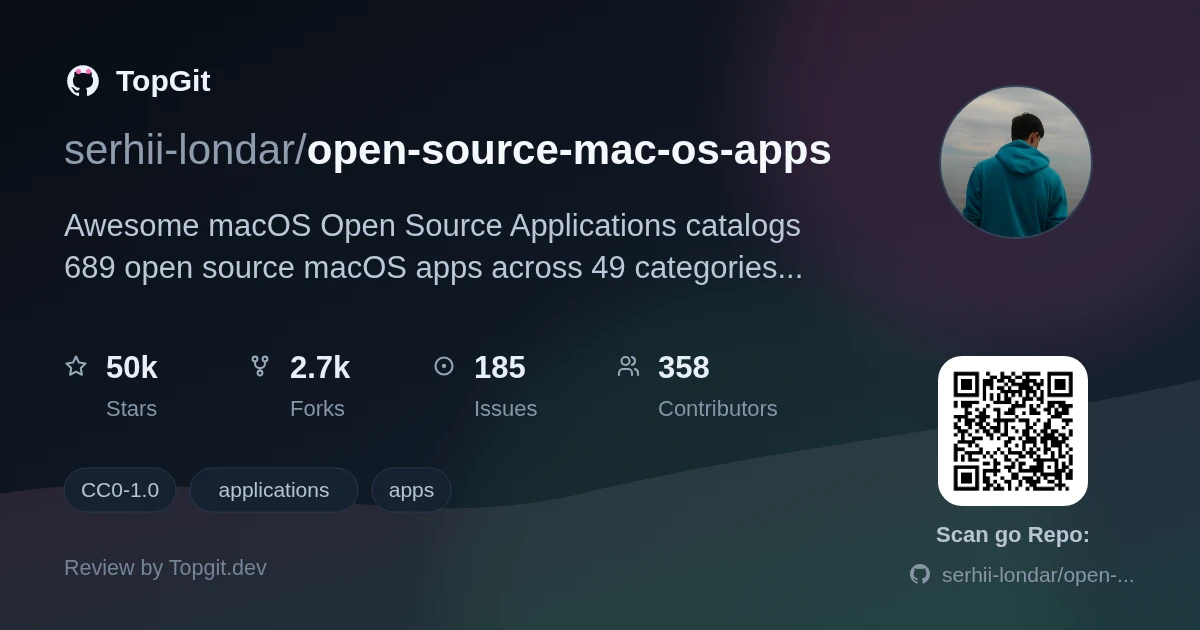
Awesome macOS Open Source Applications is worth bookmarking if you actually use the per-app language tags to filter out Electron wrappers and find native Swift or Objective-C builds — most Mac app lists don't bother tagging language at all. It's a lookup table, not a read-through: strong on breadth across 49 categories, thin on depth since each entry gets one line and no maintenance status.
What is the Awesome macOS Open Source Applications list?
The Awesome macOS Open Source Applications list is a single README maintained by serhii-londar that catalogs 689 open source Mac apps across 49 categories — Audio, Browser, Chat, Database, Dev, and more. Each entry names the project, links to its GitHub (or occasionally Bitbucket/Mercurial) repo, tags the language it's written in, and sometimes links a website or screenshot.
What makes this list stand out
- ✓Groups all 689 apps into 49 categories — Audio, Backup, Browser, Chat, Cryptocurrency, Database, Dev, Editors, Graphics, Productivity, Utilities, and more — so you browse by task instead of scrolling one long list.
- ✓Tags each entry with its programming language(s): the stats table shows Swift (305), Objective-C (137), JavaScript (113), C++ (59), and TypeScript (41) as the top five.
- ✓Links straight to the app's own repo — GitHub for most, but a few point to Bitbucket (Cog) or Mozilla's Mercurial mirror (Firefox, Thunderbird).
- ✓Many entries add a project website link and screenshot links beyond the one-line description.
- ✓A live Telegram channel (t.me/opensourcemacosapps) posts new or trending additions separately from the README.
- ✓CC0-1.0 licensing on the list itself means you can copy or republish the curation without asking permission.
How developers and power users benefit from this list
- •Filtering by language tag to find a native Swift or Objective-C app instead of an Electron wrapper.
- •Auditing which everyday Mac apps (chat client, database GUI, backup tool) have inspectable source code before installing them.
- •Picking a small macOS codebase to contribute to for Hacktoberfest, since the repo itself carries that topic tag.
- •Comparing multiple options in one category — the Database section alone lists 18 GUIs, from Postgres.app to DBeaver.
Strengths
- ✓Wide category coverage — 49 categories beats browsing GitHub topic pages by hand.
- ✓Per-app language tags are genuinely useful and rare in similar lists.
- ✓Zero friction to reuse: CC0-1.0 means no attribution required.
- ✓Telegram channel separates 'browse the whole list' from 'see what's new.'
Gaps and caveats to know about
- △Each app gets one line of description and a language tag — no version numbers, no last-updated date, and no note on whether the project is still maintained.
- △A handful of links point off GitHub entirely (Bitbucket, Mercurial), so you lose the usual stars/issues/activity signals for those entries.
- △Curation quality varies by category: some sections read as hand-picked, others look like anything tagged 'macOS' got added, since the README doesn't document an inclusion bar beyond 'open source.'
Other open source macOS app resources
Frequently asked questions
Awesome macOS Open Source Applications lists 689 applications across 49 categories, according to the repository's own statistics table, covering everything from audio players to database GUIs.
Swift and Objective-C dominate the collection: the repository's statistics table shows Swift used in 305 apps and Objective-C in 137, followed by JavaScript (113), C++ (59), and TypeScript (41).
Awesome macOS Open Source Applications keeps an open CONTRIBUTING.md process, a Hacktoberfest topic tag, and a Telegram channel for new apps — all activity signals — but the README doesn't state a last-updated date, so treat currency as not clearly documented and check each linked repo's own commit history.
The list groups apps under categories such as Audio, Backup, Browser, Chat, Cryptocurrency, Database, Dev, Editors, Graphics, Productivity, and Utilities, plus more, totaling 49 categories per the repository's statistics table.
Awesome macOS Open Source Applications welcomes contributions through its CONTRIBUTING.md file, and the repo's Hacktoberfest topic tag signals that pull requests adding new apps are encouraged, especially each October.
Awesome macOS Open Source Applications is released under the CC0-1.0 license, which places the list content in the public domain, so you can reuse, copy, or republish it without asking permission or crediting the source.
Who should try it — and who should skip
Mac users who already default to open source — privacy-conscious folks picking a chat client, or developers wanting a native Swift menu-bar app instead of an Electron one — get the most out of this list, especially if they use the per-app language tags to filter. Skip it if you want ratings, maintenance status, or a curated top-10 per category: Awesome macOS Open Source Applications is a flat catalog, not a review site, so you still have to click into each repo to judge whether it's actively maintained.
Related repositories
Curious whether open-source-mac-os-apps is right for you?
Let ChatGPT, Claude, or Perplexity look into it — click below and see what AI actually says about open-source-mac-os-apps.