AutoGPT: An Open-Source Platform for AI Agents
 Significant-Gravitas/AutoGPT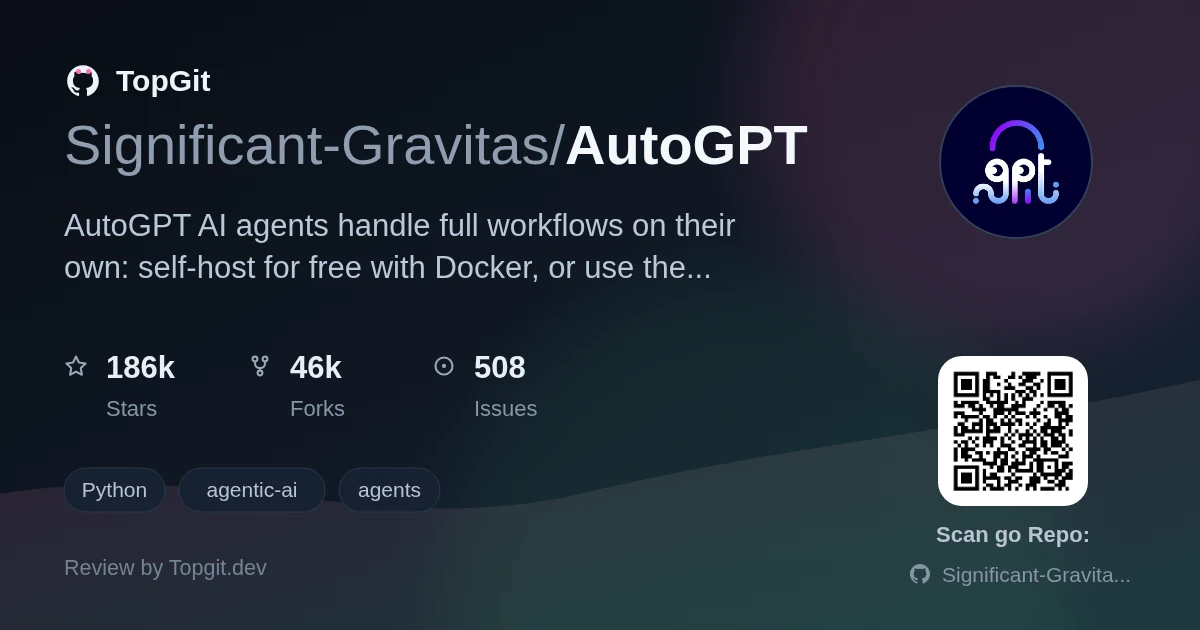
AutoGPT is an open-source platform for building AI agents that run complete workflows, not just answer one prompt. Describe an outcome in plain English, or lay out each block yourself in Build, then let the agent run on demand, on a schedule, or from a trigger. Reach for AutoGPT if you want a self-hostable agent runtime with a real drag-and-connect builder. Skip it for a one-off script you don't want to run through Docker or a paid plan.
What is the AutoGPT Platform?
The AutoGPT Platform is built around four surfaces: AutoPilot turns a plain-English description into a working agent, Agents tracks every run and its cost, Marketplace lets you start from an existing agent, and Build gives block-level control with branching and inspection. AutoGPT ships as a paid, managed hosted service or a free self-hosted deployment from the same GitHub repository.
The Challenge of Manual Workflows
Chaining research, drafting, and follow-up across a dozen browser tabs and a chat window breaks down the moment a task needs more than one step. Send a prompt, copy the answer somewhere, paste context into the next prompt, repeat. Nothing keeps running once you close the tab. AutoGPT's agents hold the whole sequence themselves: they call tools, wait on scheduled or triggered events, and report back only when the workflow is done, instead of needing a human to relay context between separate model calls.
Key Capabilities of AutoGPT
- ✓AutoPilot turns a plain-English description of a job into a running agent instead of a hand-wired flowchart.
- ✓Agents view lists every run, its cost, and any action that needs your attention.
- ✓Marketplace lets you start from an existing agent and customize it rather than building from a blank canvas.
- ✓Build is a drag-and-connect editor where you branch and inspect each block for exact control over a step.
- ✓Agents execute on demand, on a schedule, or from a trigger, not only in response to a live chat message.
- ✓The hosted Platform connects agents to 45+ platforms and hundreds of AI models with no separate API keys to manage.
- ✓Self-hosted deployments run the same core builder and agent runtime, just against your own infrastructure and model keys.
Practical Applications for AutoGPT Agents
- •Executive operations: pull together a daily brief from internal and external signals.
- •Sales: research every account ahead of tomorrow's meetings.
- •Marketing: turn a launch brief into draft campaign copy across channels.
- •Engineering: triage an incident and surface a likely cause first.
- •Customer support: draft replies, gather context, and flag anything that needs escalation.
- •Research: watch a set of sources and return a structured report when something changes.
How to Self-Host AutoGPT
Self-hosting is the free path: you provide the infrastructure and model API keys, and you're responsible for maintaining the deployment yourself. On macOS and Linux, the README gives a one-line installer: `curl -fsSL https://setup.agpt.co/install.sh -o install.sh && bash install.sh`. On Windows, it's a PowerShell equivalent: `powershell -c "iwr https://setup.agpt.co/install.bat -o install.bat; ./install.bat"`. Both scripts point to the self-hosting guide at docs.agpt.co, and the README's own comparison table notes that self-hosting needs Docker and configuration — there's no built-in model access, so you supply your own API keys.
Choosing Between Managed and Self-Hosted AutoGPT
Pick the managed AutoGPT Platform if you want agents running today and would rather pay a usage-based plan than manage infrastructure, model keys, and updates yourself — public signup, built-in model access, and Platform-managed updates all come with it. Pick self-hosting if control over your data and infrastructure matters more than convenience: you clone the repo, run Docker, bring your own model API keys, and rely on community support instead of a plan-dependent tier. Both paths run the same core builder and agent runtime from the same repository.
Strengths
- ✓The self-hosted path is genuinely free to run — no license fee, just your own infrastructure and model keys.
- ✓Debugging an agent means stepping through visible blocks in Build, not guessing why an opaque prompt chain went sideways.
- ✓Agents run unattended, on a schedule or a trigger, and report back rather than needing you to babysit a chat window.
- ✓The hosted Platform's integration list runs deep enough that you're unlikely to need a custom connector for Gmail, Slack, Notion, or Salesforce.
- ✓classic/, the original standalone AutoGPT agent, stays MIT-licensed with no usage restriction.
Understanding AutoGPT's Licensing and Requirements
- △Self-hosting isn't zero-setup: the README's own comparison table lists Docker and configuration as requirements, on top of your own infrastructure and model API keys.
- △The hosted Platform is a paid, usage-based service, not a free tier — every agent run costs money on top of any plan.
- △The autogpt_platform/ code carries a Polyform Shield license, not a fully permissive one: the README says it's free for personal and internal business use but blocks reselling it as a competing hosted service.
- △Self-hosted users get community support only; plan-dependent support is reserved for the managed Platform, per the README's comparison table.
Exploring AutoGPT Classic
Frequently Asked Questions
AutoGPT is free if you self-host: the classic/ agent and most of the repository are MIT-licensed, so there's no license fee — you only pay for your own infrastructure and model API keys. The managed AutoGPT Platform is a paid plan with usage-based agent runs instead.
AutoGPT splits its licensing: the autogpt_platform/ directory uses Polyform Shield, which allows free personal and internal business use but blocks reselling it as a competing hosted service, while classic/ and the rest of the repository are MIT-licensed.
AutoGPT's managed Platform gives access to hundreds of AI models with no separate API keys needed, according to the README; self-hosted AutoGPT deployments instead require you to bring your own model API keys.
AutoGPT connects agents to 45+ platforms, including Gmail, Google Calendar, Google Docs, Google Sheets, GitHub, Slack, Discord, Notion, HubSpot, Linear, Airtable, Jira, Salesforce, Stripe, and Webflow, per the README's integrations list.
AutoGPT can run entirely on your own infrastructure: self-hosting is the free path, using Docker, your own model API keys, and a deployment you maintain yourself rather than the managed Platform.
AutoGPT Classic is the original standalone AutoGPT agent, kept in the classic/ folder under the MIT License, with the Forge quickstart for building an agent and the agbenchmark package for benchmarking one.