spatie/image-optimizer is a PHP project with 2.9k stars in the Image Tools space. Easily optimize images using PHP
Snapshot summary built from the project's own GitHub metadata — there's no written TopGit review yet. The page will update automatically when a full review is published.
WHY NO REVIEW YET
TopGit writes full reviews for the most-starred, most-requested repositories. This page is a snapshot until then — see the READ ME tab for the original README in full.
This package can optimize PNGs, JPGs, WEBPs, AVIFs, SVGs and GIFs by running them through a chain of various image optimization tools. Here's how you can use it:
use Spatie\ImageOptimizer\OptimizerChainFactory;

$optimizerChain = OptimizerChainFactory::create();

$optimizerChain->optimize($pathToImage);
The image at $pathToImage will be overwritten by an optimized version which should be smaller. The package will automatically detect which optimization binaries are installed on your system and use them.
Here are some example conversions that have been done by this package.
Loving Laravel? Then head over to the Laravel specific integration.
Using WordPress? Then try out the WP CLI command.
SilverStripe enthusiast? Don't waste time, go to the SilverStripe module.
Support us
We invest a lot of resources into creating best in class open source packages. You can support us by buying one of our paid products.
We highly appreciate you sending us a postcard from your hometown, mentioning which of our package(s) you are using. You'll find our address on our contact page. We publish all received postcards on our virtual postcard wall.
Installation
You can install the package via composer:
composer require spatie/image-optimizer
Optimization tools
The package will use these optimizers if they are present on your system:
JpegOptim
Optipng
Pngquant 2
SVGO 1
Gifsicle
cwebp
avifenc
Here's how to install all the optimizers on Ubuntu/Debian:
The package will automatically decide which tools to use on a particular image.
JPGs
JPGs will be made smaller by running them through JpegOptim. These options are used:
-m85: this will store the image with 85% quality. This setting seems to satisfy Google's Pagespeed compression rules
--strip-all: this strips out all text information such as comments and EXIF data
--all-progressive: this will make sure the resulting image is a progressive one, meaning it can be downloaded using multiple passes of progressively higher details.
PNGs
PNGs will be made smaller by running them through two tools. The first one is Pngquant 2, a lossy PNG compressor. We set no extra options, their defaults are used. After that we run the image through a second one: Optipng. These options are used:
-i0: this will result in a non-interlaced, progressive scanned image
-o2: this set the optimization level to two (multiple IDAT compression trials)
SVGs
SVGs will be minified by SVGO. SVGO's default configuration will be used, with the omission of the cleanupIDs and removeViewBox plugins because these are known to cause troubles when displaying multiple optimized SVGs on one page.
Please be aware that SVGO can break your svg. You'll find more info on that in this excellent blogpost by Sara Soueidan.
GIFs
GIFs will be optimized by Gifsicle. These options will be used:
-O3: this sets the optimization level to Gifsicle's maximum, which produces the slowest but best results
WEBPs
WEBPs will be optimized by Cwebp. These options will be used:
-m 6 for the slowest compression method in order to get the best compression.
-pass 10 for maximizing the amount of analysis pass.
-mt multithreading for some speed improvements.
-q 90 Quality factor that brings the least noticeable changes.
(Settings are original taken from here)
AVIFs
AVIFs will be optimized by avifenc. These options will be used:
-a cq-level=23: Constant Quality level. Lower values mean better quality and greater file size (0-63).
-j all: Number of jobs (worker threads, all uses all available cores).
--min 0: Min quantizer for color (0-63).
--max 63: Max quantizer for color (0-63).
--minalpha 0: Min quantizer for alpha (0-63).
--maxalpha 63: Max quantizer for alpha (0-63).
-a end-usage=q Rate control mode set to Constant Quality mode.
-a tune=ssim: SSIM as tune the encoder for distortion metric.
(Settings are original taken from here and here)
Usage
This is the default way to use the package:
use Spatie\ImageOptimizer\OptimizerChainFactory;

$optimizerChain = OptimizerChainFactory::create();

$optimizerChain->optimize($pathToImage);
The image at $pathToImage will be overwritten by an optimized version which should be smaller.
The package will automatically detect which optimization binaries are installed on your system and use them.
To keep the original image, you can pass through a second argumentoptimize:
use Spatie\ImageOptimizer\OptimizerChainFactory;

$optimizerChain = OptimizerChainFactory::create();

$optimizerChain->optimize($pathToImage, $pathToOutput);
In that example the package won't touch $pathToImage and write an optimized version to $pathToOutput.
Setting a timeout
You can set the maximum of time in seconds that each individual optimizer in a chain can use by calling setTimeout:
In this example each optimizer in the chain will get a maximum 10 seconds to do it's job.
Handling errors
By default, when an optimizer fails (for example its binary exits with a non-zero status), the failure is logged and the chain simply continues with the next optimizer. If you'd rather be notified, or abort the whole chain, use throws.
Call throws() to make the chain rethrow the failure and stop:
Or pass a callable to decide for yourself. The handler receives the exception, the optimizer that failed and the image being optimized. Return to continue with the next optimizer, or throw to abort the chain:
use Spatie\ImageOptimizer\Image;
use Spatie\ImageOptimizer\Optimizer;

$optimizerChain
    ->throws(function (Throwable $exception, Optimizer $optimizer, Image $image) {
        report($exception);

        // return to continue the chain, or throw to abort it
    })
    ->optimize($pathToImage);
Any exception raised while applying an optimizer, most notably a ProcessTimedOutException when an optimizer exceeds its timeout, flows through this same mechanism. With the default (or throws(false)) it is caught and the chain continues; with throws() or a callable you get to inspect and decide what to do with it.
Creating your own optimization chains
If you want to customize the chain of optimizers you can do so by adding Optimizers manually to an OptimizerChain.
Here's an example where we only want optipng and jpegoptim to be used:
use Spatie\ImageOptimizer\OptimizerChain;
use Spatie\ImageOptimizer\Optimizers\Jpegoptim;
use Spatie\ImageOptimizer\Optimizers\Pngquant;

$optimizerChain = (new OptimizerChain)
   ->addOptimizer(new Jpegoptim([
       '--strip-all',
       '--all-progressive',
   ]))

   ->addOptimizer(new Pngquant([
       '--force',
   ]))
Notice that you can pass the options an Optimizer should use to its constructor.
Writing a custom optimizers
Want to use another command line utility to optimize your images? No problem. Just write your own optimizer. An optimizer is any class that implements the Spatie\ImageOptimizer\Optimizers\Optimizer interface:
namespace Spatie\ImageOptimizer\Optimizers;

use Spatie\ImageOptimizer\Image;

interface Optimizer
{
    /**
     * Returns the name of the binary to be executed.
     *
     * @return string
     */
    public function binaryName(): string;

    /**
     * Determines if the given image can be handled by the optimizer.
     *
     * @param \Spatie\ImageOptimizer\Image $image
     *
     * @return bool
     */
    public function canHandle(Image $image): bool;

    /**
     * Set the path to the image that should be optimized.
     *
     * @param string $imagePath
     *
     * @return $this
     */
    public function setImagePath(string $imagePath);

    /**
     * Set the options the optimizer should use.
     *
     * @param array $options
     *
     * @return $this
     */
    public function setOptions(array $options = []);

    /**
     * Get the command that should be executed.
     *
     * @return string
     */
    public function getCommand(): string;
}
If you want to view an example implementation take a look at the existing optimizers shipped with this package.
You can easily add your optimizer by using the addOptimizer method on an OptimizerChain.
use Spatie\ImageOptimizer\ImageOptimizerFactory;

$optimizerChain = OptimizerChainFactory::create();

$optimizerChain
   ->addOptimizer(new YourCustomOptimizer())
   ->optimize($pathToImage);
Writing an optimizer without a binary
Sometimes an optimizer has no binary and no shell command to run, for example one that sends the image to an external optimization API. For these cases implement Spatie\ImageOptimizer\SelfHandlingOptimizer instead. The chain delegates execution to your handle method rather than building and running a process.
The easiest way is to extend Spatie\ImageOptimizer\Optimizers\BaseSelfHandlingOptimizer, which leaves you to implement only canHandle and handle:
use Psr\Log\LoggerInterface;
use Spatie\ImageOptimizer\Image;
use Spatie\ImageOptimizer\Optimizers\BaseSelfHandlingOptimizer;

class ApiOptimizer extends BaseSelfHandlingOptimizer
{
    public function canHandle(Image $image): bool
    {
        return $image->mime() === 'image/jpeg';
    }

    public function handle(Image $image, LoggerInterface $logger): void
    {
        // Optimize $image->path() however you like, e.g. by calling an API,
        // and write the optimized bytes back to that path. Throw on failure.
        // The chain's logger is passed in so you can log your progress.
    }
}
Add it to a chain with addOptimizer() just like any other optimizer. Failures are governed by throws in exactly the same way as binary optimizers: by default the failure is logged and the chain continues, while throws() (or a callable) lets you abort or handle it.
Logging the optimization process
By default the package will not throw any errors and just operate silently. To verify what the package is doing you can set a logger:
use Spatie\ImageOptimizer\OptimizerChainFactory;

$optimizerChain = OptimizerChainFactory::create();

$optimizerChain
   ->useLogger(new MyLogger())
   ->optimize($pathToImage);
A logger is a class that implements Psr\Log\LoggerInterface. A good logging library that's fully compliant is Monolog. The package will write to log which Optimizers are used, which commands are executed and their output.
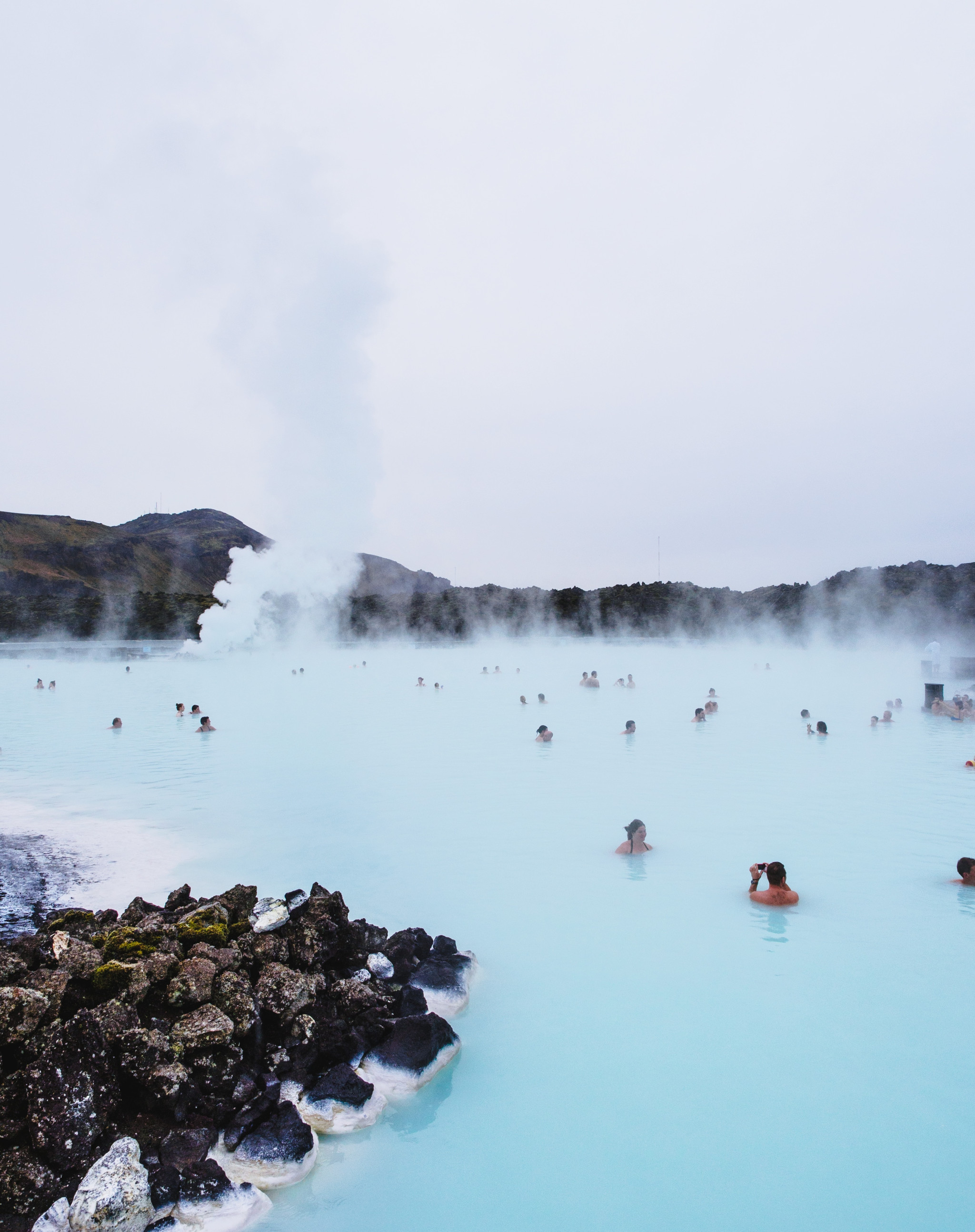
Example conversions
Here are some real life example conversions done by this package.
Methodology for JPG, WEBP, AVIF images: the original image has been fed to spatie/image (using the default GD driver) and resized to 2048px width:
Original: Photoshop 'Save for web' | PNG-24 with transparency
39 KB
Optimized
16 KB (-59%, DSSIM: 0.00000251)
svg
Original: Illustrator | Web optimized SVG export
25 KB
Optimized
20 KB (-21.5%)
Changelog
Please see CHANGELOG for more information what has changed recently.
Testing
composer test
Contributing
Please see CONTRIBUTING for details.
Security
If you've found a bug regarding security please mail [email protected] instead of using the issue tracker.
Postcardware
You're free to use this package (it's MIT-licensed), but if it makes it to your production environment we highly appreciate you sending us a postcard from your hometown, mentioning which of our package(s) you are using.
Our address is: Spatie, Kruikstraat 22, 2018 Antwerp, Belgium.
We publish all received postcards on our company website.
Credits
Freek Van der Herten
All Contributors
This package has been inspired by psliwa/image-optimizer
Emotional support provided by Joke Forment
License
The MIT License (MIT). Please see License File for more information.
How active is development on spatie/image-optimizer?
The most recent commit recorded on spatie/image-optimizer was 2 months ago, based on the GitHub push timestamp. The repository has 224 forks — one of the better signals of community interest.
How does spatie/image-optimizer compare to other Image Tools projects?
spatie/image-optimizer is tracked by TopGit in the Image Tools category, with 2.9k GitHub stars and written in PHP. Browse the Image Tools topic page on TopGit to compare it against similar projects by stars and activity.
How many stars does spatie/image-optimizer have?
spatie/image-optimizer has 2.9k GitHub stars — refresh the page for the live number, or check github.com/spatie/image-optimizer. TopGit mirrors GitHub's count but does not claim minute-by-minute accuracy.
What is spatie/image-optimizer?
spatie/image-optimizer (spatie/image-optimizer) is a PHP project on GitHub. From the project's own README: Easily optimize images using PHP
What language is spatie/image-optimizer written in?
spatie/image-optimizer is written primarily in PHP. GitHub's language field is based on the largest share of bytes in the default branch.
What topics is spatie/image-optimizer associated with?
GitHub's repository topics for spatie/image-optimizer: "gif", "image", "jpeg", "optimizer", "performance", "php", "png". TopGit's editorial category is Image Tools.
Why is spatie/image-optimizer categorized under Image Tools?
TopGit places spatie/image-optimizer in the Image Tools category based on its GitHub topics and description (tagged: "gif", "image", "jpeg"). Categories are assigned from real repository metadata, not editorial guesswork.
Read full README in the tab above.
Want a second opinion on image-optimizer?
Ask an AI that can read this page — one click and you get its take on image-optimizer.
 /image-optimizer




 Original
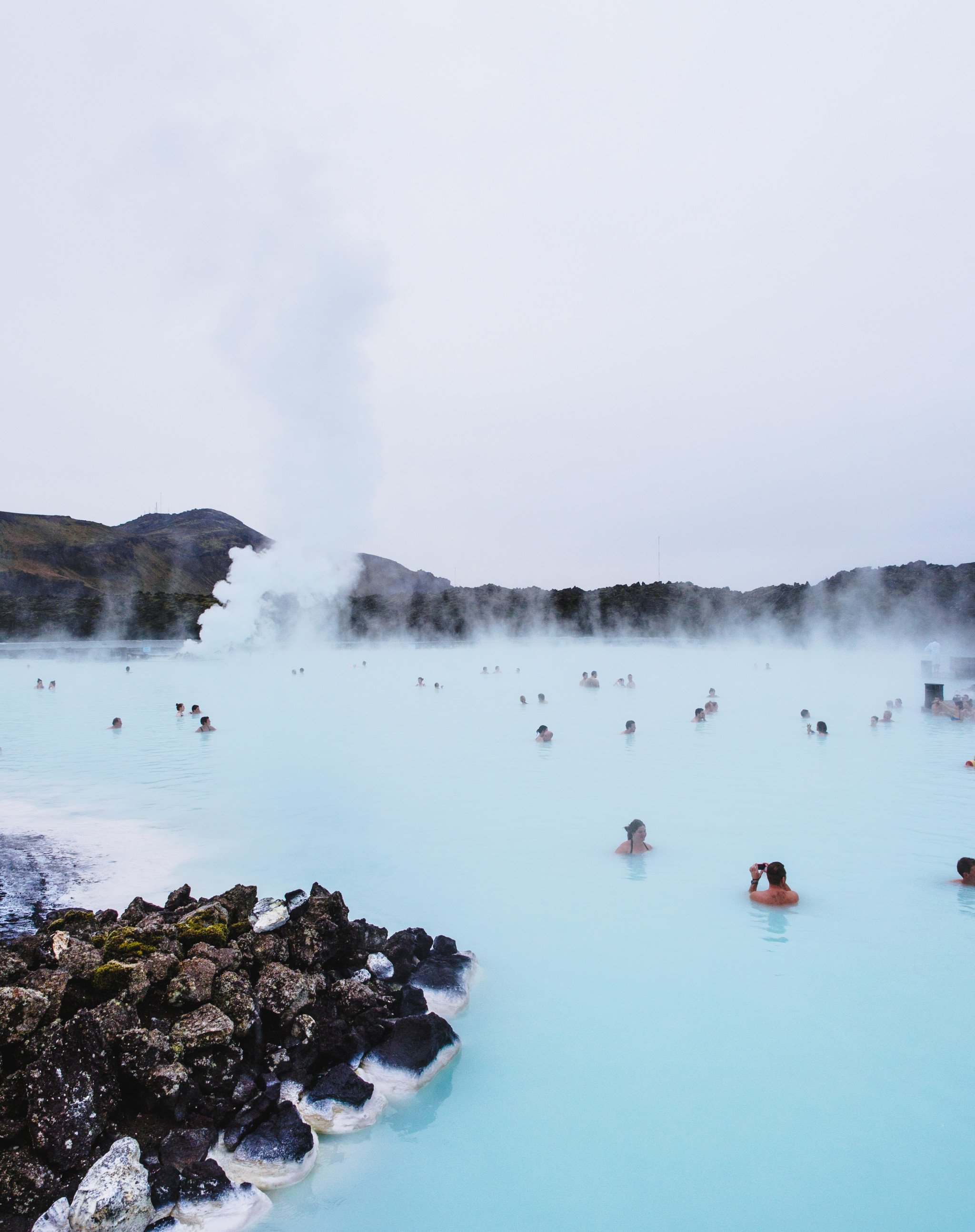 Optimized
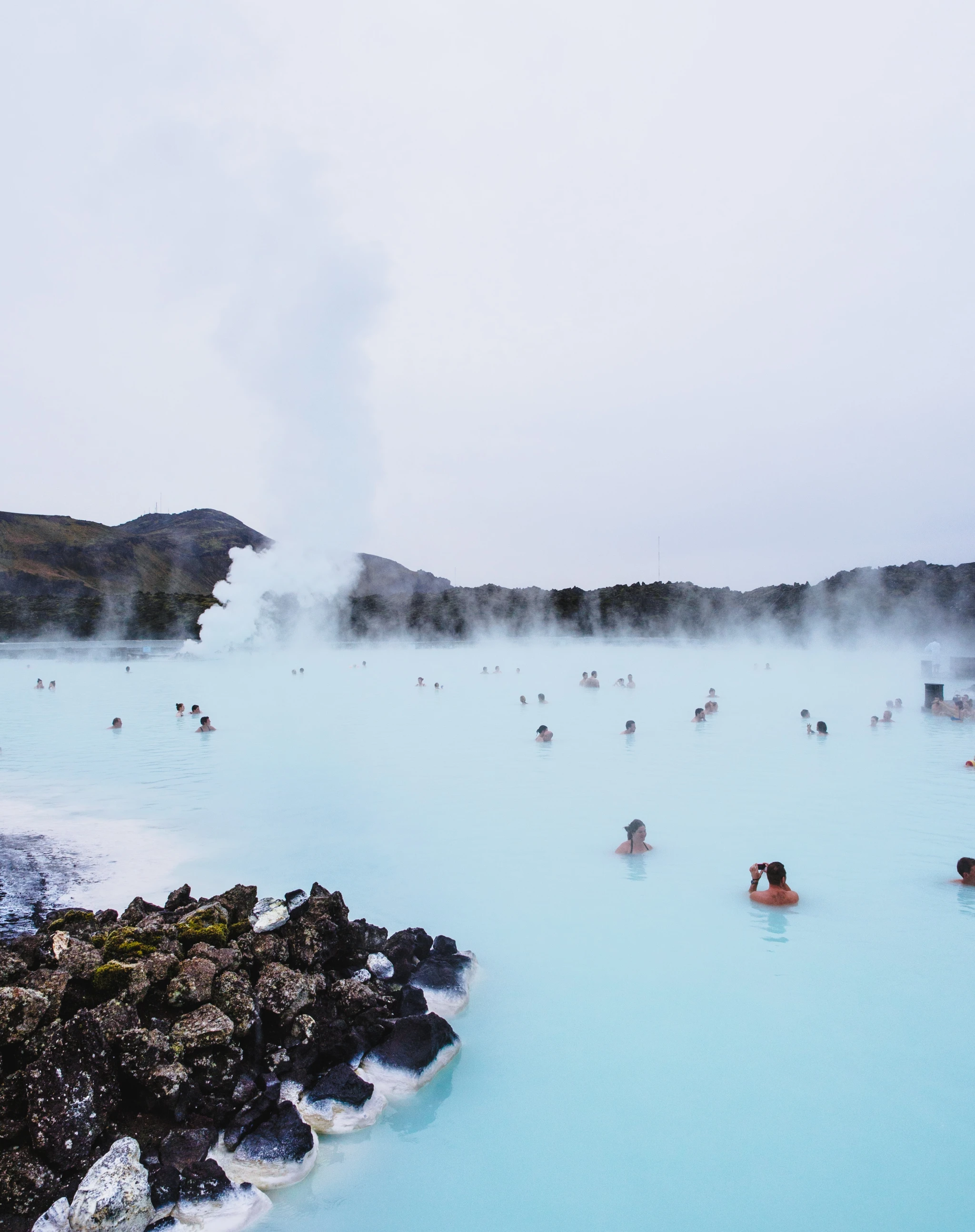 Original
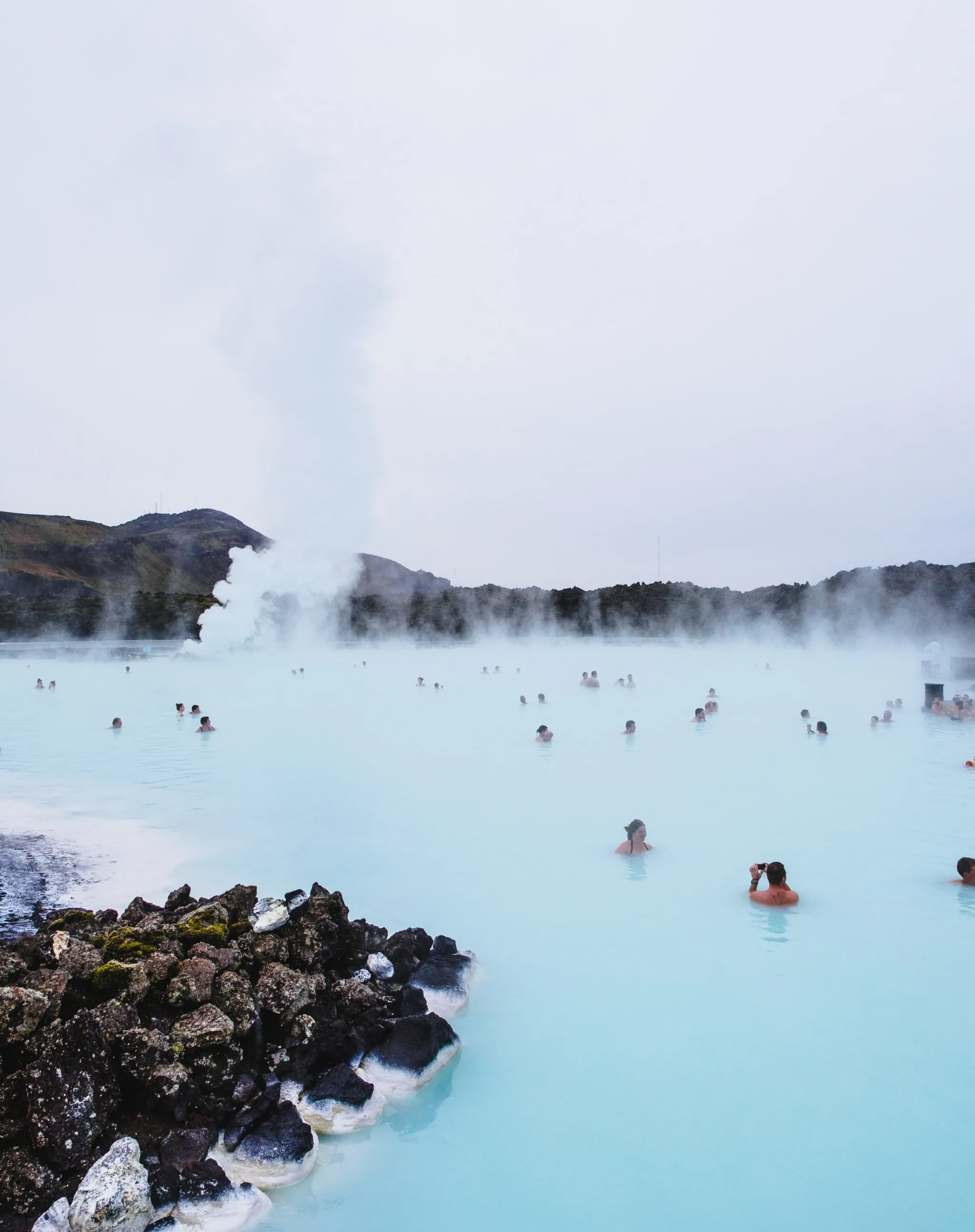 Optimized
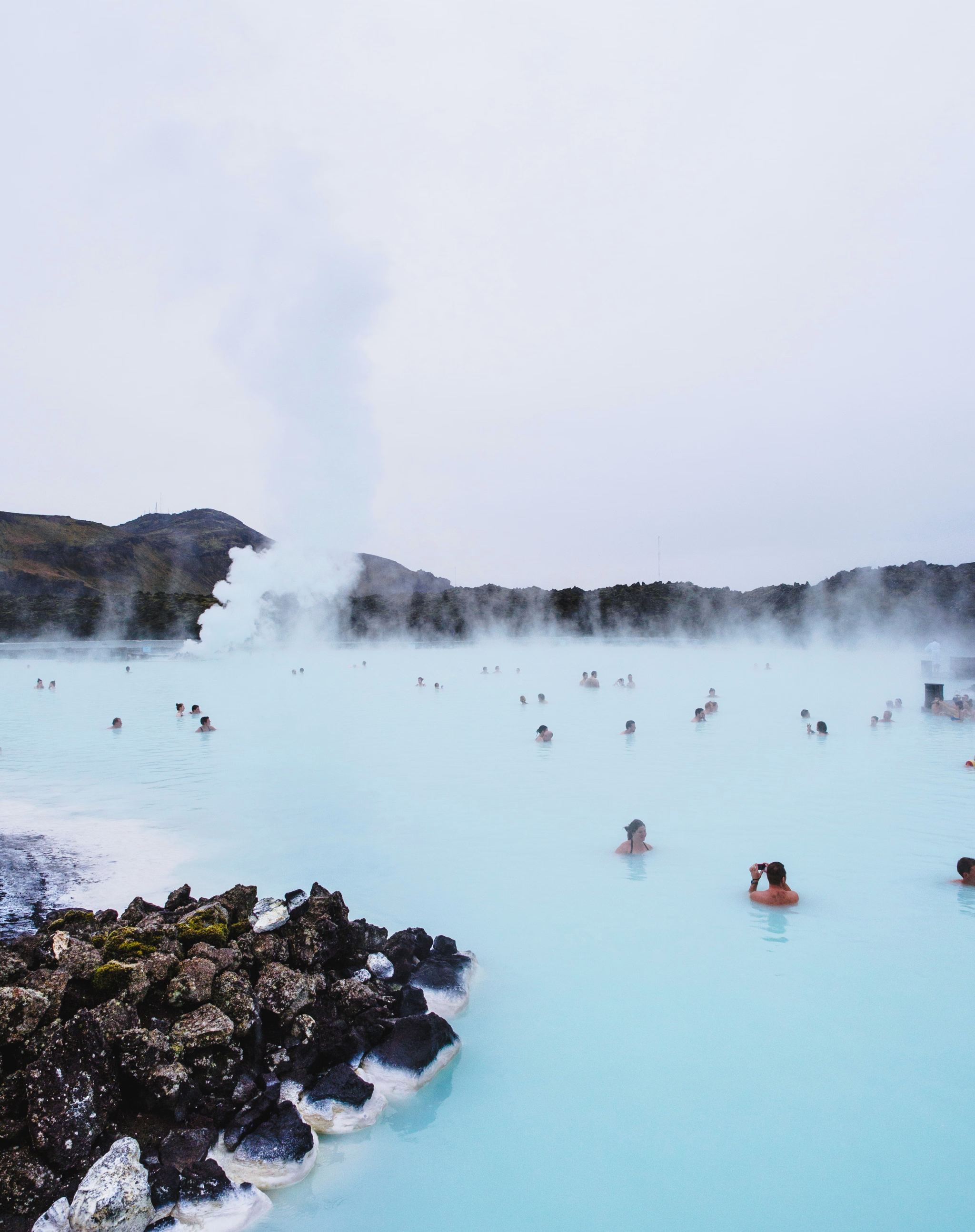 Original
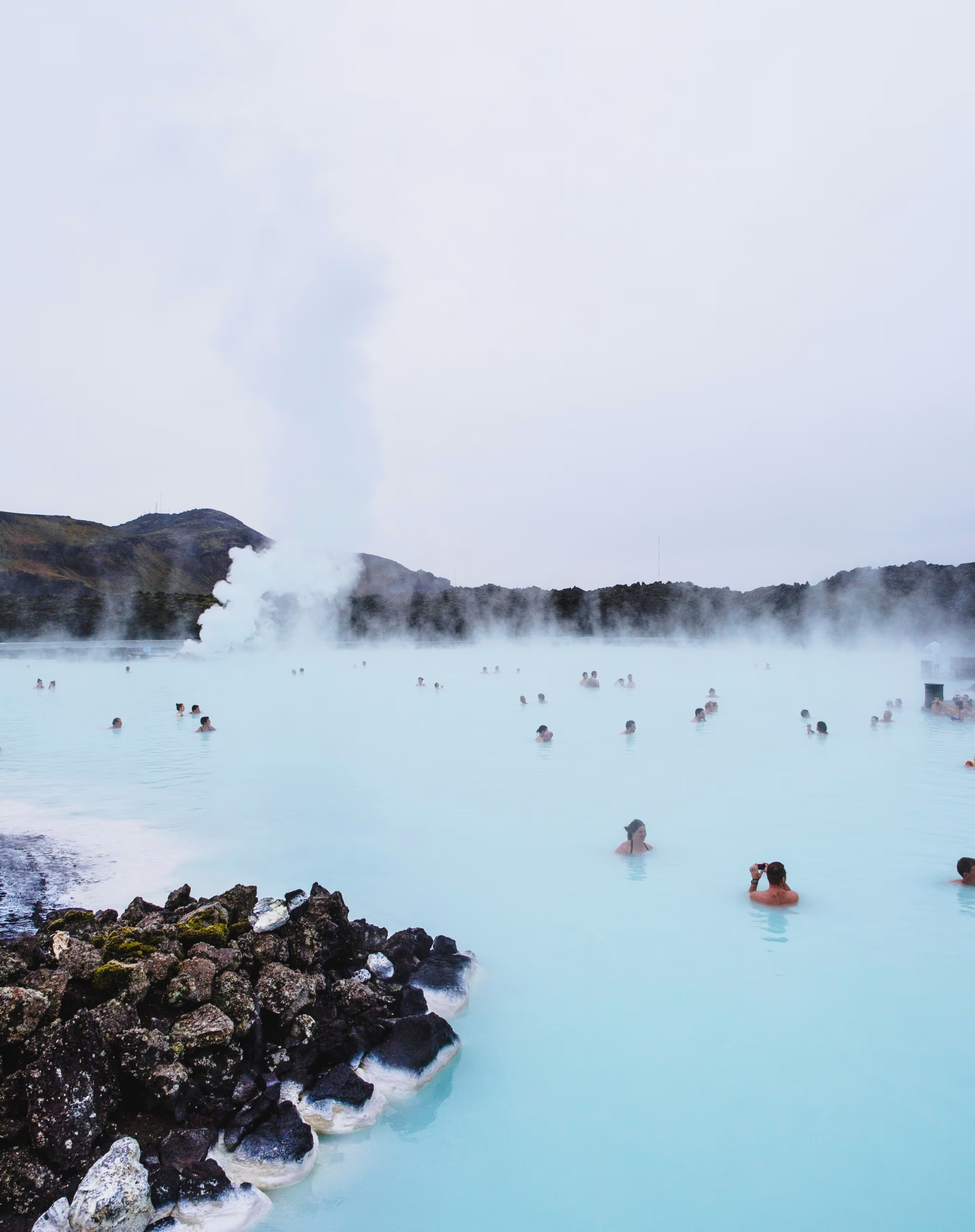 Optimized