AI System Prompts Collection From Real AI Tools
 /system-prompts-and-models-of-ai-tools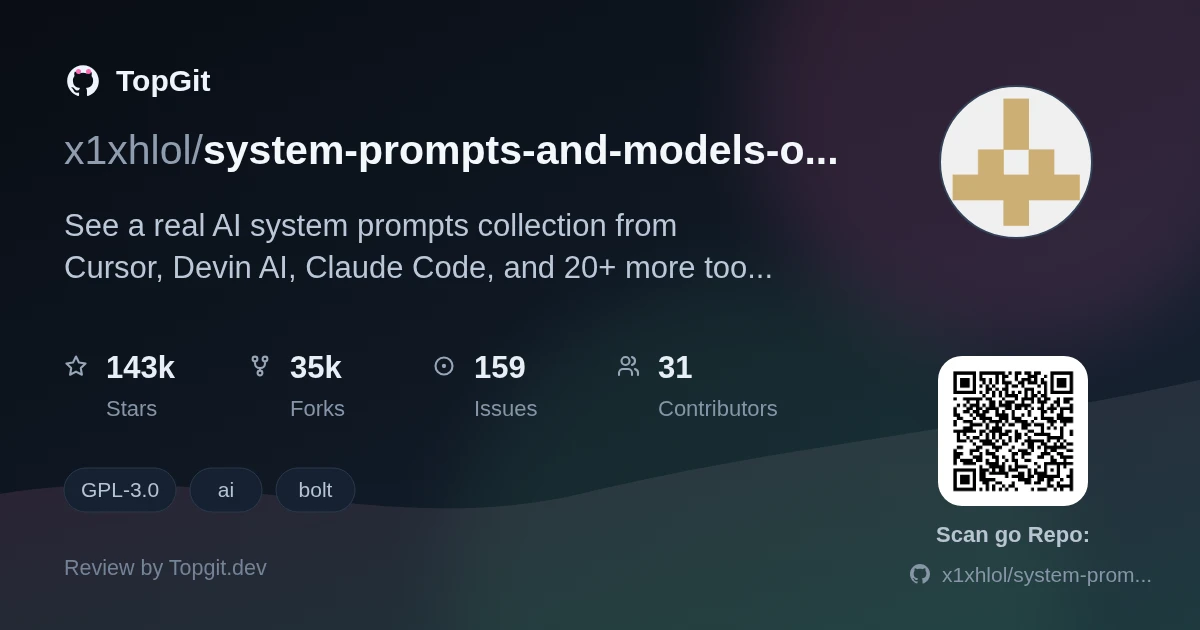
system-prompts-and-models-of-ai-tools collects the system prompts, tool definitions, and model names for two dozen-plus AI coding assistants and agents — Cursor, Claude Code, Devin AI, v0, and Windsurf are named right in the repo description. Reach for it when you want to see how a shipped product structures its tool-calling instructions before you write your own. Skip it if you're after runnable code; there isn't any here.
Exploring AI Tool System Prompts
system-prompts-and-models-of-ai-tools is a GPL-3.0 GitHub repo that stores plain-text system prompts, tool configs, and model names gathered from AI products including Cursor, Devin AI, Replit, Perplexity, v0, Windsurf, and Claude Code. Each entry documents what a given assistant tells its underlying model to do — not how the product's UI or backend is built.
Featured AI Tools and Their Prompts
- ✓Prompts and configs for the 25+ tools named in the repo description — mainstream ones like GitHub Copilot, Cursor, and Perplexity, plus lesser-known agents like Cluely, Qoder, and Traycer AI.
- ✓Spans different categories of AI product: coding agents (Devin AI, Replit, Windsurf), browser/search tools (Perplexity, Comet), and general assistants (VSCode Agent, Warp.dev, NotionAI).
- ✓Topic tags tie specific entries to specific products — bolt, cluely, copilot, cursor, devin, lovable, replit, trae, v0, windsurf — so a tool you're researching is likely tagged directly.
- ✓A Security Notice section in the README warns AI startups that exposed prompts are an attack target and points to a paid third-party service, ZeroLeaks, for locking your own down.
- ✓Licensed GPL-3.0, so anything you fork or redistribute out of it carries copyleft terms.
- ✓The README's Roadmap & Feedback section funnels new tool submissions and corrections through GitHub issues, not a formal contribution guide.
Leveraging This Prompt Collection
- •Study how one specific tool — Devin AI, say, or v0 — structures its tool-calling instructions before you design your own agent's prompt.
- •Compare prompt style across categories: coding assistants versus browser agents versus general-purpose ones like Cluely.
- •Read it as a security exercise — a reminder of what a determined user could extract from your own product if you shipped a similar prompt unprotected.
- •Look up a specific tool by name when researching or writing about a particular AI coding assistant.
Other Resources for AI Prompts
Frequently Asked Questions
system-prompts-and-models-of-ai-tools is licensed under GPL-3.0, so you can copy, modify, and redistribute the collected material as long as derivative work stays under the same license.
The repo description names over twenty: Cursor, Claude Code, Devin AI, Windsurf, v0, Replit, Perplexity, GitHub Copilot, Lovable, Trae, Manus, Warp.dev, and others, plus lesser-known agents like Cluely and Qoder.
The README carries a dedicated Security Notice warning AI startups that exposed prompts can become an attack target, and it recommends a third-party service, ZeroLeaks, for teams that want to secure their own.
The README's Roadmap & Feedback section for system-prompts-and-models-of-ai-tools says to open an issue on GitHub — there's no separate contribution guide or pull-request template referenced.
GPL-3.0 permits commercial use, but any modified version you distribute has to stay under GPL-3.0 too — check the license text before copying prompt text into a closed-source product.
Strengths
- ✓Names the actual tools instead of vague categories — Cursor, Claude Code, Devin AI, Windsurf, v0, and roughly twenty others are called out directly in the repo description, so you know what you're getting before you open anything.
- ✓Wide enough to cross-reference prompt style across genuinely different product types, from IDE agents to meeting-notes tools like Cluely.
- ✓GPL-3.0 licensing means the reuse terms are clear from the start.
- ✓Actively fed by outside submissions through GitHub issues, per the README's Roadmap & Feedback note.
Limitations & risks
- △The README never explains how any individual prompt was obtained or verified, so treat each entry as a snapshot, not a guaranteed match to what the tool runs today.
- △No install or usage instructions — it's a stack of text, and finding the tool you care about is on you.
- △The README's dated update note (12/07/2026) has no changelog attached, so you can't tell what changed since the last one.
- △The Sponsors section pitches paid placement and the Support section lists crypto wallets, Patreon, and Ko-fi — read the collection knowing the maintainer is actively monetizing it.
Who should try it — and who should skip
Prompt engineers and agent builders who want to see real, shipped instruction structures before drafting their own get the most out of system-prompts-and-models-of-ai-tools. Security folks auditing their own product's prompt-exposure risk have a reason to skim it too. Skip it if you want runnable code or a tutorial — there isn't one.
Related repositories
Curious whether system-prompts-and-models-of-ai-tools is right for you?
Let ChatGPT, Claude, or Perplexity look into it — click below and see what AI actually says about system-prompts-and-models-of-ai-tools.