MTPLX: Native MTP Speculative Decoding on Apple Silicon
 /MTPLX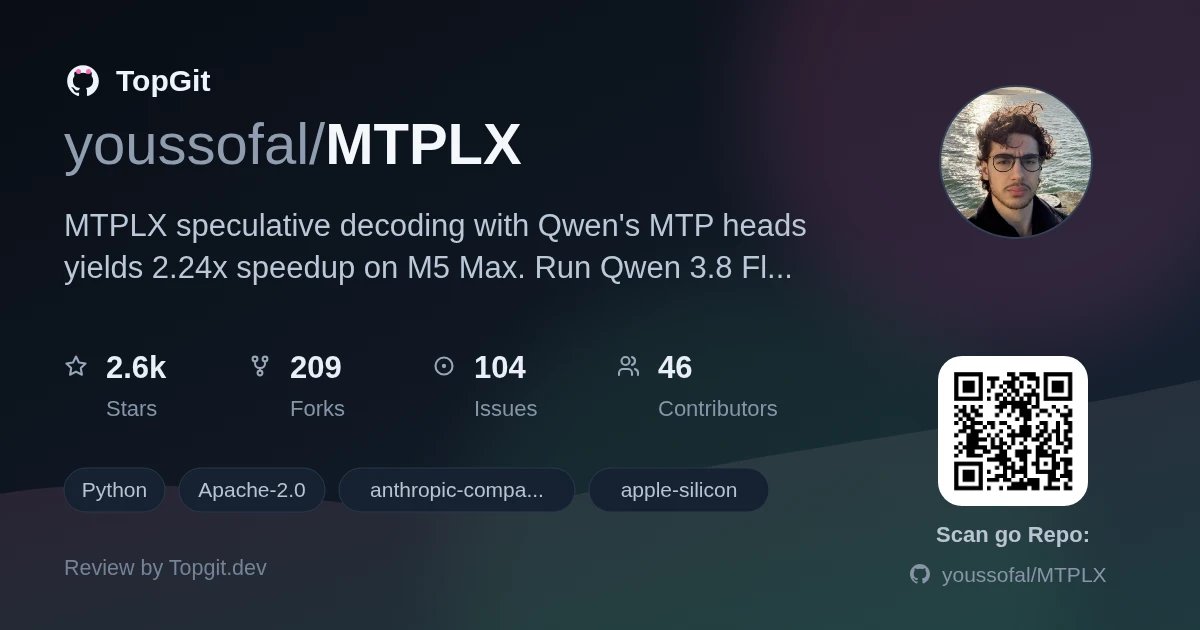
MTPLX runs Qwen 3.8 on Apple Silicon with native MTP speculative decoding — the model drafts through its own prediction heads and a single forward pass verifies the whole draft, then commits tokens through exact rejection sampling. That's what produces the 2.24x speedup measured on an M5 Max. Worth it once you actually need local inference on a Mac without a second draft model eating your RAM, and the rejection sampling holds at any temperature so it never silently changes what the model would say.
What is MTPLX
MTPLX is a local inference server and Mac app that taps a model's own multi-token prediction heads for speculative decoding. It drafts several tokens ahead and verifies the entire draft in one batched forward pass, committing tokens via exact rejection sampling with residual correction. MTPLX supports Qwen 3.8 Flash Next, Qwen 3.8 27B, Ternary Bonsai 2 27B, and more, exposing an OpenAI and Anthropic-compatible API.
Native MTP speculative decoding and rejection sampling
- ✓Rejection sampling with residual correction — verifies the model's own speculative draft, no second draft model required, exact at any temperature
- ✓Auto-tune (`mtplx tune --retune`) — profiles each MTP depth against autoregressive baseline on your actual hardware and saves the fastest setting
- ✓OpenAI and Anthropic API compatible — serves `/v1/chat/completions`, `/v1/messages`, `/v1/responses`, plus optional `/v1/embeddings` and `/v1/rerank` from the same daemon
- ✓Mac app auto-downloads models, configures fan control, and measures your machine to pick the fastest MTP depth
- ✓Optional embeddings and reranking endpoints — load any MLX retrieval model and serve RAG or agent-memory setups without a second inference server
- ✓Forge — build custom MTP models from any Hugging Face repo, trains the adapter and verifies actual speedup on your hardware before publishing
Installing MTPLX on Apple Silicon
Download the DMG from mtplx.com, drag to Applications, and the Mac app handles everything: it checks your hardware, downloads a fitting model, sets up the Python engine without Homebrew, and auto-tunes MTP depth. CLI-only installs: `brew install youssofal/mtplx/mtplx` or `python3 -m pip install mtplx`. Requirements: Apple Silicon (M1 or newer), macOS 14+.
Starting the server and serving your first model
Run `mtplx start` to launch the server at 127.0.0.1:8000 — it auto-serves the recommended model for your Mac. For a specific model: `mtplx serve --model Youssofal/Qwen3.8-Flash-Next-MTPLX-Optimized-Speed`. Then point any OpenAI-API-compatible client at http://127.0.0.1:8000. Chat completions: `curl http://127.0.0.1:8000/v1/chat/completions -H 'Content-Type: application/json' -d '{"model":"mtplx","messages":[{"role":"user","content":"hi"}],"stream":true}'`. Embeddings: `--embedding-model mlx-community/Qwen3-Embedding-8B-4bit-DWQ` when serving.
Coding, agents, and RAG with the OpenAI-compatible API
- •Local coding with Qwen 3.8 27B Optimized Speed on a 32 GB Mac — the app's top recommendation for developers who want weights in-house
- •Agent backends like Claude Code, Cline, or Cursor pointing at the local OpenAI-compatible endpoint
- •RAG pipelines using the built-in embeddings endpoint — no separate inference server needed for retrieval
- •Multi-turn coding sessions with warm-prefix session bank and SSD session cache for near-instant turn restoration
- •Benchmarking model quality using the app's AIME runner with disclosed, coaching-free prompts
Speed gains and memory efficiency on M-series chips
- ✓Measured 2.24x speedup over plain autoregressive decode on an M5 Max — no cherry-picked benchmark, README links to raw logs
- ✓No second draft model — the speed comes from the model's own MTP heads, so memory overhead stays minimal
- ✓Rejection sampling preserves exact model behavior at any temperature, confirmed by the README's token-id comparison between fast and plain paths
- ✓App handles model download, fan control, and MTP tuning automatically — no manual configuration required for most users
- ✓Memory fits 27B models on 16 GB Macs via Bonsai 2, and the app recommends the right pack based on your hardware
- ✓Same daemon serves chat, embeddings, and reranking — one process, one port, no extra RAM for retrieval workloads
Hardware requirements and memory constraints
- △Apple Silicon only — M1 or newer, macOS 14+. No Intel Mac, no Windows, no Linux support in this repo
- △Memory minimums are real: Flash Next Optimized Speed needs 128 GB, Optimized Quality needs 256 GB. Bonsai 2 is the realistic ceiling on a 16 GB Mac
- △M1 and M2 Macs run FP16 builds rather than bf16, which trades some quality for compatibility with older hardware
- △Flash Next's n-gram table (32 GB) streams from SSD on every Mac — it doesn't fit in unified memory
- △The README hasn't verified image input with the compiled verifier (as of 2.12.0), only text
- △Setup friction for non-Mac users is effectively infinite — this tool simply cannot run on other platforms
MTPLX vs Ollama, LM Studio, and mlx-lm
Frequently asked questions
MTPLX supports Qwen 3.8 Flash Next (125B MoE), Qwen 3.8 27B, Ternary Bonsai 2 27B, Qwen 3.6, Qwen 3.5, Xiaomi's MiMo V2.6 Qwen 9B, and Gemma 4 — all with Apple Silicon-specific builds in the official catalog.
MTPLX requires Apple Silicon and macOS 14+, so an M1 MacBook Air qualifies. With 8 GB of unified memory, the app recommends Qwen 3.5 4B Optimized Speed, which peaks around 2.9 GiB — well within that budget.
MTPLX uses the model's own MTP heads rather than a separately trained draft model. This means no extra weights to load, no additional RAM overhead, and no approximation gap between draft and verifier — the rejection sampler handles all committing.
Yes. Point any OpenAI-API-compatible client at http://127.0.0.1:8000 — the README explicitly names Claude Code, Cline, Continue, Cursor, and Open WebUI as tested integrations. The server speaks both OpenAI and Anthropic API styles.
Bare Speed uses flat 4-bit quantization for the quickest chat bursts. Optimized Speed applies dynamic 4-bit quantization with mixed precision, balancing speed and quality — the recommended pick for most users. Optimized Quality uses 8-bit dynamic quantization for the highest fidelity, at the cost of more memory.
Run `mtplx tune --model <model-or-path> --retune`. MTPLX profiles autoregressive decoding against each MTP depth on your actual hardware with fans pinned, then saves whichever depth is fastest. On a 16 GB M4 Mac mini, the 9B model landed on depth 1 after tuning.
Who should try it — and who should skip
Try MTPLX if you have an Apple Silicon Mac and want local inference without a second draft model eating your RAM. It's the right fit for developers running coding agents, RAG pipelines, or just wanting weights-in-house for privacy. On a 16 GB Mac the Bonsai 2 recommendation is solid; on a 32 GB Mac Qwen 3.8 27B Optimized Speed hits the sweet spot; on 256 GB+ you get the full Flash Next experience. Skip it if you need cross-platform inference, run on Intel Mac, or just want the absolute lowest friction path to a local model — Ollama or LM Studio are less demanding to set up outside this ecosystem.
Related repositories
Curious whether MTPLX is right for you?
Let ChatGPT, Claude, or Perplexity look into it — click below and see what AI actually says about MTPLX.