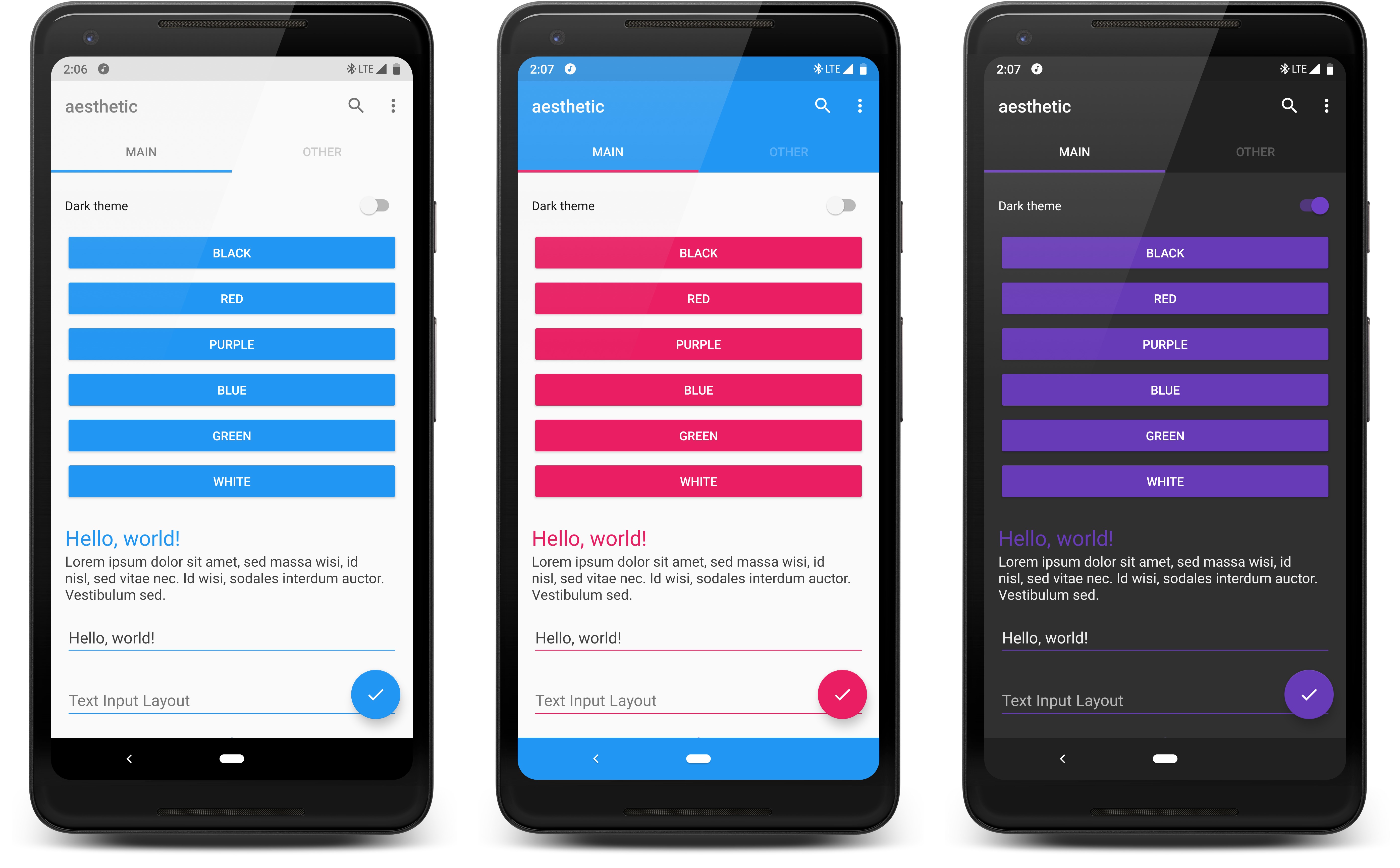
Trên GitHub, afollestad/aesthetic đã đạt 2.0k sao, nhóm Mobile, ngôn ngữ Kotlin. [DEPRECATED]
Tóm tắt dựng từ metadata GitHub của chính dự án — chưa có bài review TopGit. Trang sẽ tự động cập nhật khi bài review đầy đủ được xuất bản.
VÌ SAO CHƯA CÓ REVIEW
TopGit viết bài đầy đủ cho repo có nhiều sao nhất và được yêu cầu nhiều nhất. Trang này là snapshot trong thời gian chờ — xem README gốc ở tab READ ME.
Aesthetic is integrated at a per-Activity level. The simplest way is
to have your Activities extend AestheticActivity.
class MyActivity : AestheticActivity() {

  override fun onCreate(savedInstanceState: Bundle?) {
    super.onCreate(savedInstanceState)
  }
}
If you don't want to or cannot extend this class, you can manually
tell Aesthetic about lifecycle events:
class MyActivity : AppCompatActivity() {

  override fun onCreate(savedInstanceState: Bundle?) {
    Aesthetic.attach(this)  // MUST come before super.onCreate(...)
    super.onCreate(savedInstanceState)
  }

  override fun onResume() {
    super.onResume()
    Aesthetic.resume(this)
  }

  override fun onPause() {
    Aesthetic.pause(this)
    super.onPause()
  }
}
Configuration
Aesthetic provides a isFirstTime field which returns true until
you apply theme configuration at least once.
You can use this to setup defaults on app launch.
class MyActivity : AestheticActivity() {

  override fun onCreate(savedInstanceState: Bundle?) {
    super.onCreate(savedInstanceState)

    // If we haven't set any defaults, do that now
    if (Aesthetic.isFirstTime) {
        Aesthetic.config {
          ...
        }
    }
  }
}
There are two ways to "configure" Aesthetic, with the config method:
Aesthetic.get()
  .colorPrimaryRes(R.color.blue)
  ...
  .apply() // don't forget apply() with this way
If you are using Java, you cannot use the config method.
Attributes
Attributes are the foundation of this library. They link your UI to dynamically changing colors.
Attributes exist natively on Android, but they are not dynamic - they are rather set in your Activity
themes and are pre-determined at compile-time. This library gets around that.
Base Values
Aesthetic.config {
  // Set to false for light themes, true for dark.
  // By default, is based on whether textColorPrimary is light/dark.
  isDark(false)

  // Causes an Activity recreate, calls setTheme(Int) on it.
  activityTheme(R.style.MyActivityTheme)

  // ON makes status bar icons black, and vice versa. AUTO bases it on
  // the status bar color, e.g. white -> light mode, black -> normal mode.
  // This has no effect below API 23 (Marshmallow).
  lightStatusBarMode(AutoSwitchMode.AUTO)

  // ON makes navigation bar icons black, and vice versa. AUTO bases it on
  // the navigation bar color, e.g. white -> light mode, black -> normal mode.
  // This has no effect below API 26 (Oreo).
  lightNavigationBarMode(AutoSwitchMode.AUTO)
}
Standard Colors
Aesthetic.config {
  // ?colorPrimary, used for Toolbars, etc.
  colorPrimaryRes(R.color.blue)
  // ?colorPrimaryDark, used for status bars, etc.
  colorPrimaryDark(R.color.blue)
  // ?colorAccent, used for input fields, buttons, etc.
  colorAccentRes(R.color.blue)

  // Defaults to colorPrimaryDark.
  colorStatusBarRes(R.color.blue)
  // Sets to colorPrimaryDark.
  colorStatusBarAuto()

  // Defaults to the value in your activity theme, or black.
  colorNavigationBarRes(R.color.blue)
  // Sets nav bar color to match ?colorPrimaryDark.
  // If the color is light and light nav bar mode is disabled, it is forced to black.
  colorNavigationBarAuto()

  // Defaults to the value in your activity theme.
  colorWindowBackgroundRes(R.color.blue)
}
The methods which end with Res take a color resource. Remove Res to
pass a literal (hardcoded) color integer.
The methods which end with Res take a color resource. Remove Res to
pass a literal (hardcoded) color integer.
Custom Attributes
All of the "attributes" shown and used in examples above are shown with shortcut methods that
assign a color to a specific pre-existing attribute, such as colorPrimary from AndroidX.
You can define custom attributes that are usable in layouts. You can
assign colors to theme like you would the predefined attributes above.
First, you need to define the attribute in /values/attrs.xml:
The methods which end with Res take a color resource. Remove Res to
pass a literal (hardcoded) color integer.
Advanced Views
To make Aesthetic a bit more plug-and-play, and to support views that
can't necessarily be color-themed from XML, additional options are
available for certain types of views.
Toolbars
Special properties are provided for Toolbar icons (navigation icon, overflow icon, etc.) and the
title and subtitle colors, so that they don't have to be paired with textColorPrimary, etc.
Aesthetic.config {

  // Defaults to black or white based on the darkness of ?colorPrimary.
  toolbarIconColorRes(R.color.white)

  // Defaults to black or white based on the darkness of ?colorPrimary.
  toolbarTitleColorRes(R.color.white)
  // Defaults to a faded version of the title color.
  toolbarSubtitleColorRes(R.color.light_gray)
}
You can override these (not including the icon color) at a per-layout basis as well:
If you do not manually override background, the Toolbar will automatically
default to the value of ?colorPrimary.
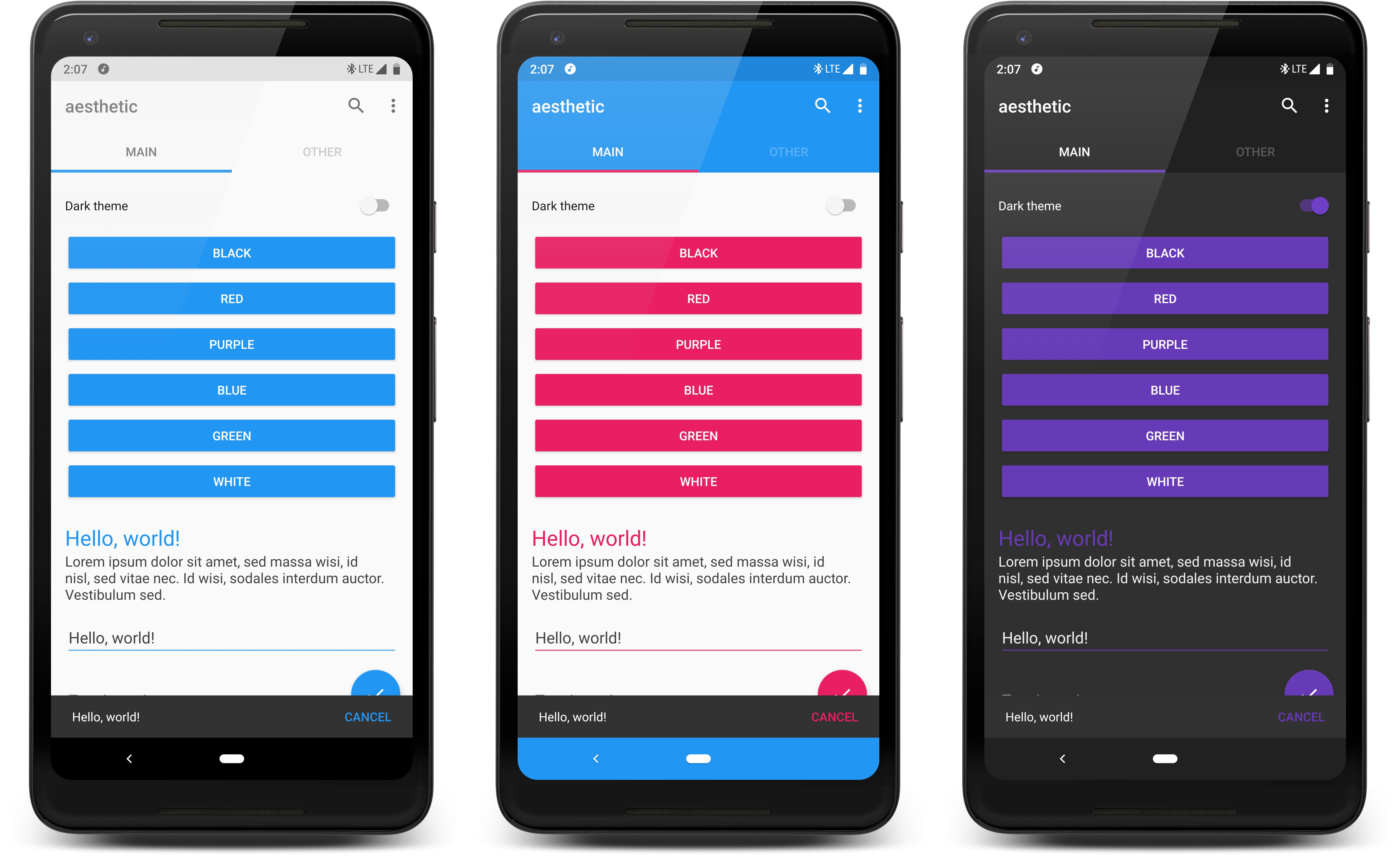
Snackbars
Aesthetic.config {
  // The color of the main text on a Snackbar
  snackbarTextColorDefault()
  snackbarTextColorRes(R.color.white)

  // The color of the action on a Snackbar, if there is one.
  snackbarActionTextColorRes(R.color.blue)

  // The background color of Snackbar.
  snackbarBackgroundColorDefault()
  snackbarBackgroundColorRes(R.color.dark_gray)
}
CardViews
Aesthetic.config {
  // The background of CardViews is different because of the
  // rounding and elevation. This supports those elements.
  colorCardViewBackgroundRes(R.color.white)
}
TabLayouts
Note: the color of text and icons in tab layouts will match that of Toolbars (using the
toolbarIconColor and toolbarTitleColor attributes).
Aesthetic.config {
  // The selected tab's underline will be the primary color.
  tabLayoutIndicatorMode(ColorMode.PRIMARY)
  // The selected tab's underline will be the accent color.
  tabLayoutIndicatorMode(ColorMode.ACCENT)

  // The tab layout's background will be the primary color.
  tabLayoutBackgroundMode(ColorMode.PRIMARY)
  // The tab layout's background will be the accent color.
  tabLayoutBackgroundMode(ColorMode.ACCENT)
}
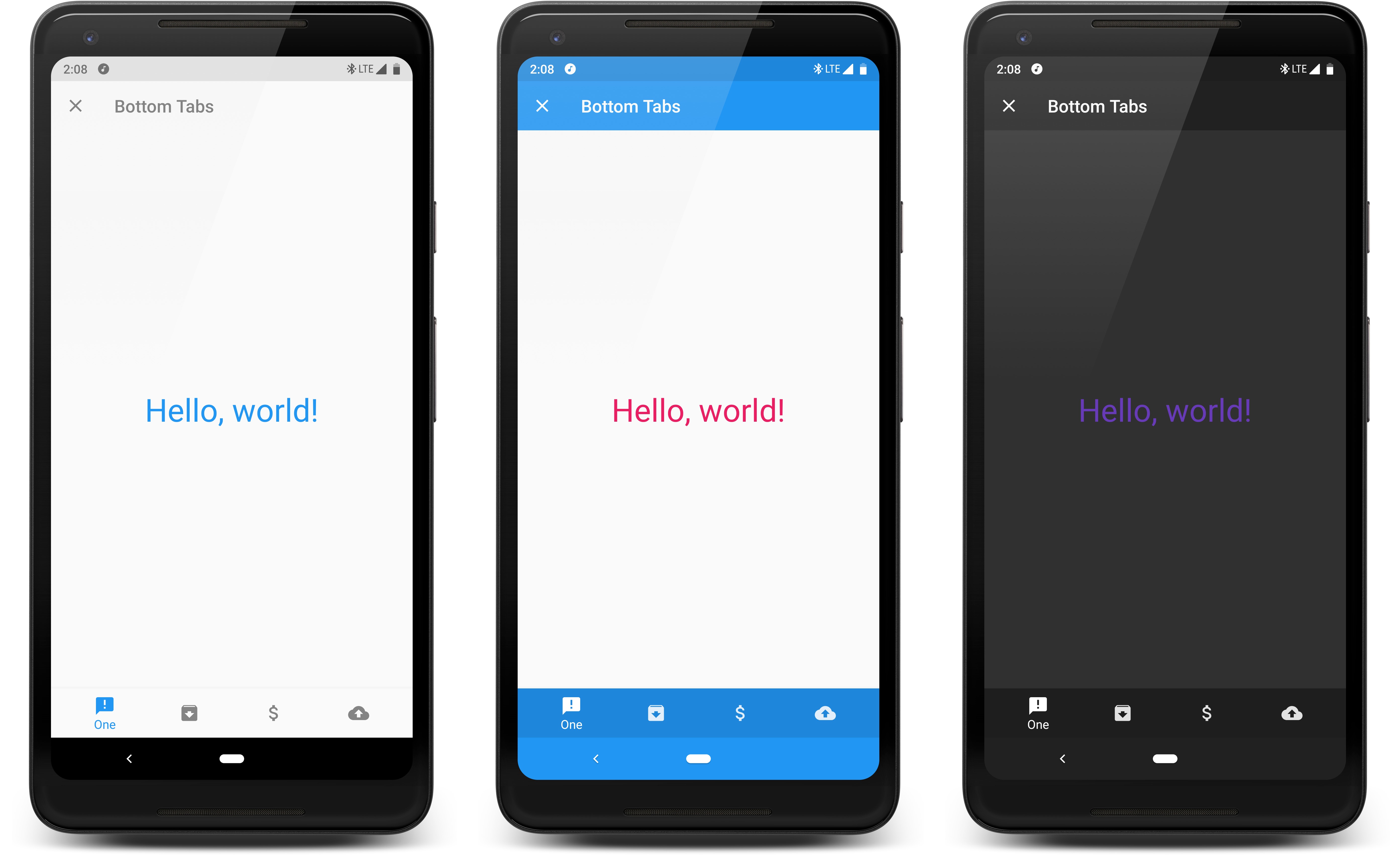
BottomNavigationViews
Aesthetic.config {
  // The tabs' background will be black or white based on the darkness
  // of the overall theme.
  bottomNavigationBackgroundMode(BottomNavBgMode.BLACK_WHITE_AUTO)
  // The tabs' background will be the primary color.
  bottomNavigationBackgroundMode(BottomNavBgMode.PRIMARY)
  // The tabs' background will be the dark primary color.
  bottomNavigationBackgroundMode(BottomNavBgMode.PRIMARY_DARK)
  // The tabs' background will be the accent color.
  bottomNavigationBackgroundMode(BottomNavBgMode.ACCENT)
  // This library will not do any automatic background color theming of bottom nav views.
  bottomNavigationBackgroundMode(BottomNavBgMode.NONE)

  // The selected tab's icon will be tinted with the primary color.
  bottomNavigationIconTextMode(BottomNavIconTextMode.SELECTED_PRIMARY)
  // The selected tab's icon will be tinted with the accent color.
  bottomNavigationIconTextMode(BottomNavIconTextMode.SELECTED_ACCENT)
  // The selected tab's icon will be tinted black or white based on
  // the darkness of the overall theme.
  bottomNavigationIconTextMode(BottomNavIconTextMode.BLACK_WHITE_AUTO)
  // This library will not do any automatic icon/text theming of bottom nav views.
  bottomNavigationIconTextMode(BottomNavBgMode.NONE)
}
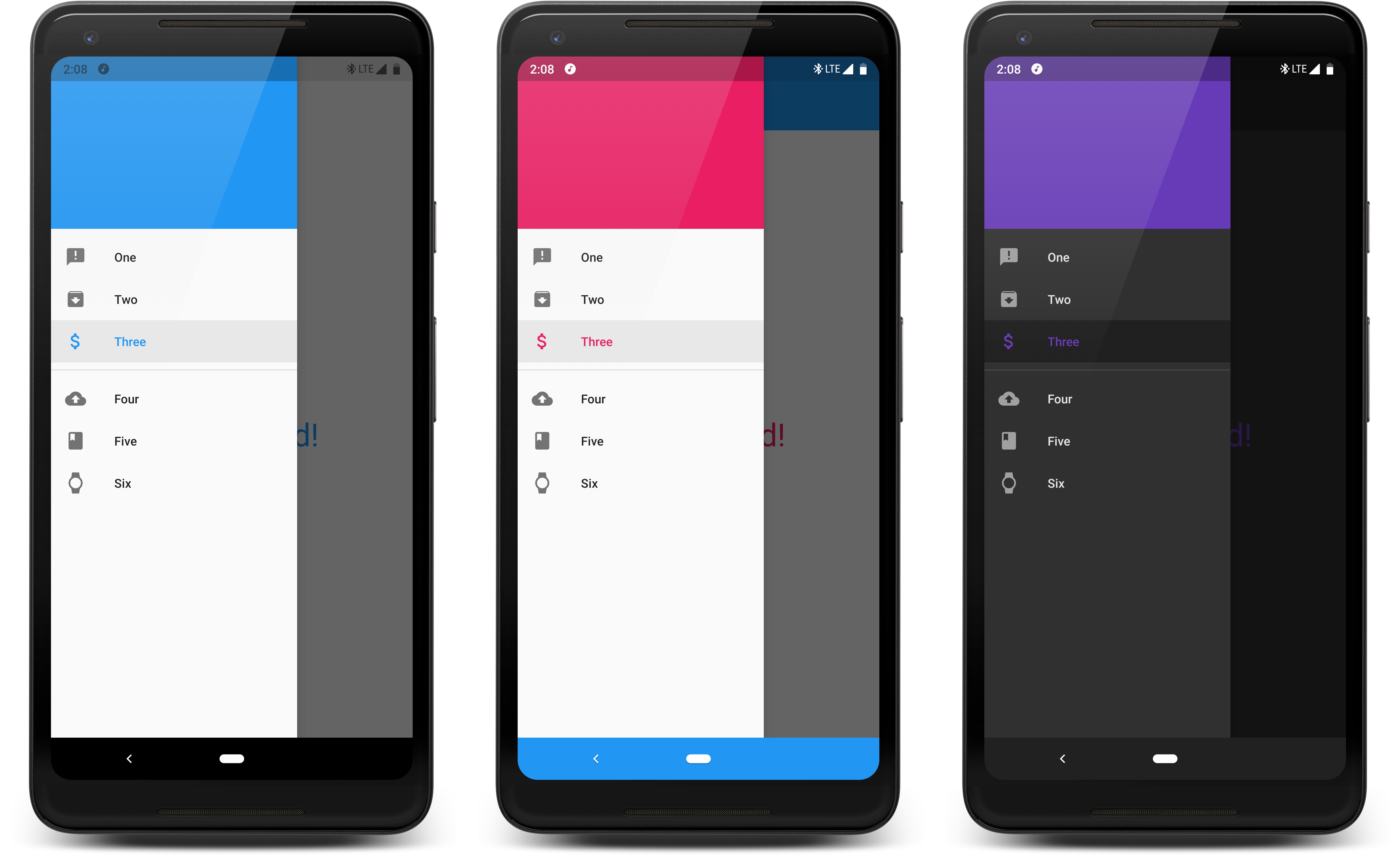
NavigationViews
Aesthetic.config {
  // The selected drawer item will be tinted with the primary color.
  navigationViewMode(NavigationViewMode.SELECTED_PRIMARY)

  // The selected drawer item will be tinted with the accent color.
  navigationViewMode(NavigationViewMode.SELECTED_ACCENT)

  // This library will not apply any auto theming to NavigationViews.
  navigationViewMode(NavigationViewMode.NONE)
}
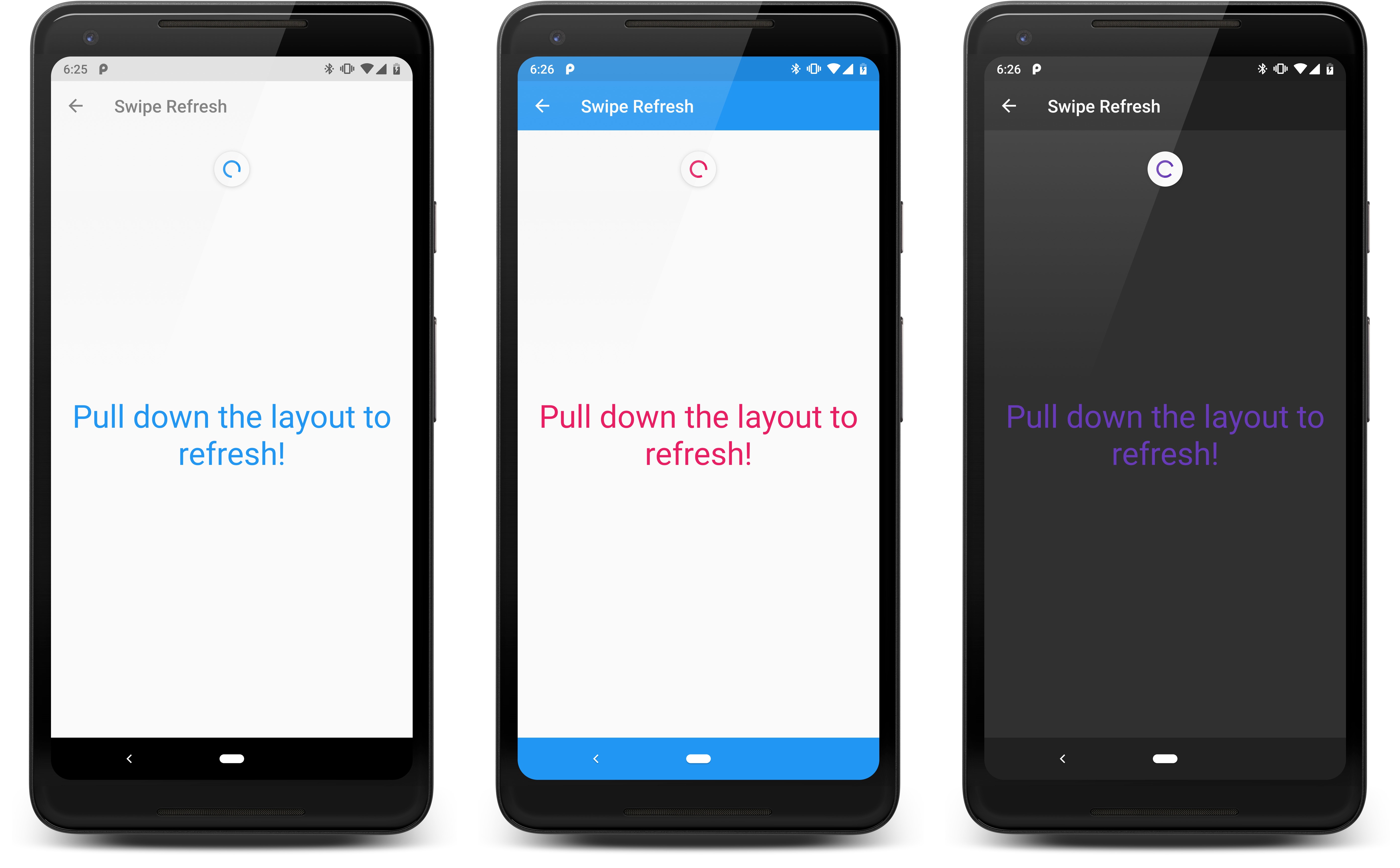
SwipeRefreshLayouts
Aesthetic.config {

  // You can pass one more more comma-separated colors.
  // The colors that the refreshing indicator rotates through in a loop.
  swipeRefreshLayoutColorsRes(R.color.red, R.color.blue)
}
Custom Views and Manual Application
Aesthetic will not automatically theme most custom views, with some exceptions such as background
color, text color, hint text color, an image view tint (these are handled without swapping view types).
Aesthetic makes it easy to subscribe to color changes so that you can manually apply colors to
views that need them.For an example, you can subscribe to pre-defined attributes, such as colorPrimary():
val subscription = Aesthetic.get()
  .colorPrimary()
  .subscribe { color ->
      // Use color (an integer)
  }

// Later, you should unsubscribe, e.g. when your Activity pauses or your View detaches from its Window
subscription.dispose()
If you only need the latest value and no further updates:
Aesthetic.get()
  .colorPrimary()
  .take(1)
  .subscribe { color ->
      // Use color (an integer)
  }
You can do the same with custom attributes by switching colorPrimary() with
attribute(R.attr.your_attr).
You can even setup an inflation delegate to auto-swap views at inflation time, like Aesthetic does
with a lot of stock/AndroidX views. This delegate is not called for views that Aesthetic already swaps internally.
class MyInflationDelegate : InflationDelegate {

  override fun createView(
    context: Context,
    attrs: AttributeSet?,
    name: String,
    viewId: Int
  ): View? = when (name) {
    "com.somelibrary.CustomView" -> ThemedCustomView(context, attrs)
    else -> null
  }
}

Aesthetic.setInflationDelegate(MyInflationDelegate())
Ignoring Views
You can make this library ignore specific views from being themed with tags:
// Can also be set in you layout XML
view.setTag(":aesthetic_ignore")

view.setTag(R.id.aesthetic_ignore, "anything other than null")
afollestad/aesthetic có 2.0k sao GitHub — tải lại trang để xem số mới nhất, hoặc xem trực tiếp github.com/afollestad/aesthetic. TopGit phản chiếu số sao của GitHub nhưng không cam kết đến từng phút.
afollestad/aesthetic có phải mã nguồn mở không?
Có — afollestad/aesthetic phát hành theo license Apache-2.0, nghĩa là mã nguồn mở để đọc, fork và (tùy license) tái sử dụng. Mã: github.com/afollestad/aesthetic.
afollestad/aesthetic có trang demo không?
Dự án có trang chủ ở https://af.codes. Tab "Readme" ở trang này thường có ảnh chụp và hướng dẫn bắt đầu nhanh.
afollestad/aesthetic là gì?
afollestad/aesthetic (afollestad/aesthetic) là dự án Kotlin trên GitHub. Theo mô tả gốc: [DEPRECATED]
afollestad/aesthetic so với các dự án Mobile khác thế nào?
afollestad/aesthetic được TopGit xếp vào nhóm Mobile, với 2.0k sao GitHub và viết bằng Kotlin. Xem trang chủ đề Mobile trên TopGit để so sánh với các dự án tương tự theo số sao và mức độ hoạt động.
Cùng nhóm Mobile còn repo nào?
afollestad/aesthetic thuộc nhóm Mobile trên TopGit, cùng 11 topic GitHub. Trang Trending và Topics liệt kê các repo cùng số sao và cùng ngôn ngữ để so sánh.
Đọc thêm về afollestad/aesthetic ở đâu?
Trang TopGit này là một snapshot — tab "Readme" hiển thị nguyên văn README của repo (đã bỏ link, giữ ảnh). Repo GitHub ở github.com/afollestad/aesthetic là nguồn chính thức.
Đọc đầy đủ README ở tab phía trên.
Vẫn đang phân vân về aesthetic?
Một cú bấm sẽ gửi câu hỏi kèm trang này cho AI — xem AI nói gì về aesthetic.

 /aesthetic