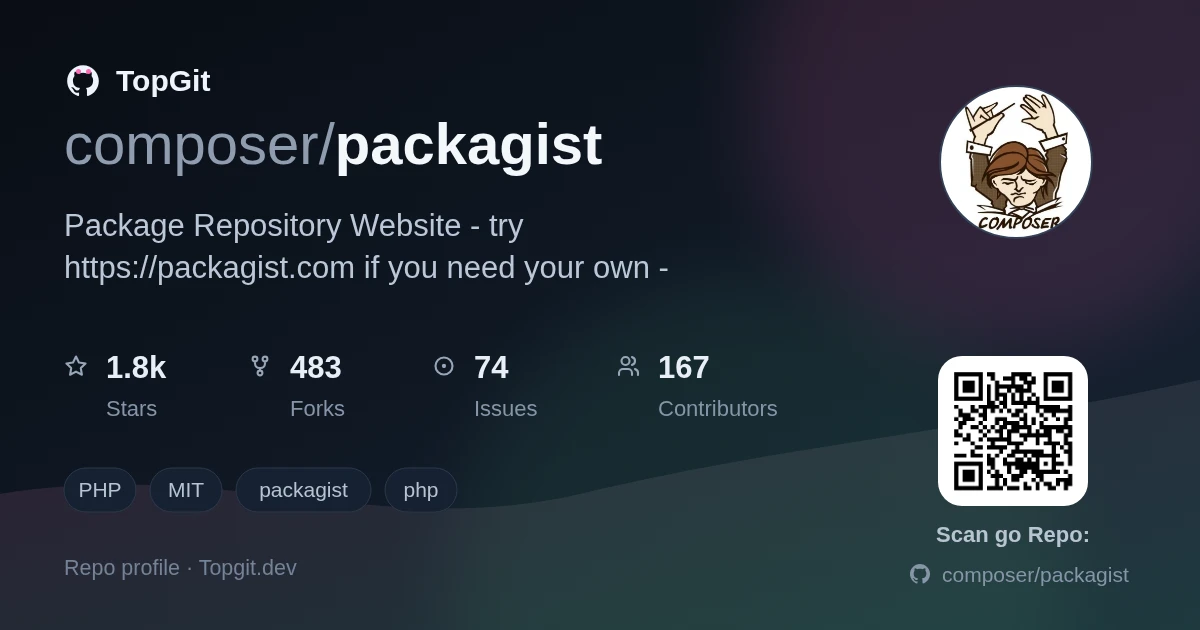
composer/packagist được TopGit xếp vào nhóm dự án backend, với 1.8k sao trên GitHub, viết chủ yếu bằng PHP. Package Repository Website - try https://packagist.com if you need your own -
Tóm tắt dựng từ metadata GitHub của chính dự án — chưa có bài review TopGit. Trang sẽ tự động cập nhật khi bài review đầy đủ được xuất bản.
VÌ SAO CHƯA CÓ REVIEW
TopGit viết bài đầy đủ cho repo có nhiều sao nhất và được yêu cầu nhiều nhất. Trang này là snapshot trong thời gian chờ — xem README gốc ở tab READ ME.
Package Repository Website for Composer, see the
about page on
packagist.org for more.
This project is not meant for re-use.
It is open source to make it easy to contribute. We provide no support
if you want to run your own, and will do breaking changes without notice.
Check out Private Packagist if you want to
host your own packages.
Development
These steps are provided for development purposes only.
Requirements
PHP for the web app
NPM (or Docker) for the frontend build
Symfony CLI to run the web server
MySQL (or Docker) for the main data store
Redis (or Docker) for some functionality (favorites, download statistics)
git to crawl package repositories
Installation
Clone the repository
Install dependencies:
composer install
npm install
Ensure env vars are set up correctly, you probably need to set APP_MAILER_FROM_EMAIL, APP_MAILER_FROM_NAME and APP_DEV_EMAIL_RECIPIENT in .env.local. Set also MAILER_DSN if you'd like to receive email.
Start the web server:
symfony serve -d
Start MySQL & Redis:
docker compose up -d # or somehow run MySQL & Redis on localhost without Docker
This mounts the current working directory into the node container and runs npm install and npm run build automatically.
Run a CRON job bin/console packagist:run-workers to make sure packages update.
Run a CRON job bin/console packagist:project-transparency-log (e.g. every minute) to project audit log entries into the public package transparency log. See Transparency log backfill before enabling this on an existing database.
Run npm run build or npm run dev to build (or build&watch) css/js files. When using Docker run docker compose run node npm run dev to watch css/js files.
You should now be able to access the site, create a user, etc.
Transparency log backfill
package_transparency_log is projected from audit_log by packagist:project-transparency-log, which
only publishes what is in the package_transparency_log_queue outbox. A queue row is written at the
same time as the audit record itself, so nothing that predates the queue is ever published on its own
and the cron is safe to enable on a database with existing audit history.
To backfill the transparency log, use the following commands. On a database that already has audit history, run:
Seeded records are older than whatever is already in the log, so each one would otherwise warn about
being appended out of order. On a first backfill the log is empty and the option changes nothing, but
any drain run is where that warning is expected: a re-seed after making another audit type
projectable, or resuming an interrupted drain, logs one per record without it.
The seed command only ever enqueues package, version and ownership events, which carry their own
package and so backfill exactly as they happened. Account events (2FA, password, email, GitHub link)
carry no package and fan out to whoever maintains the package at projection time, so backfilling
them would publish old events against today's maintainer set, and a published entry cannot be
retracted.
Seeding is safe to re-run: it skips anything that already has a package_transparency_log entry or a
queue row. Seeded records are appended at the end of package_transparency_log, since an append-only
log cannot take insertions, so they appear as recent entries carrying old timestamps.
Fixtures
You can get test data by running the fixtures:
bin/console doctrine:fixtures:load --group base
bin/console doctrine:fixtures:load --group downloads --append
This will create some packages, update them from GitHub, populate them
with fake download stats, and assign a user named dev (with password: dev)
as their maintainer.
There is also a user user (with password: user) that has no access if you
need to check readonly views.
Finally there is a user admin (with password: admin) that has super admin
permissions.
Search
Search is optional locally: with no Algolia config the rest of the site works
normally, /search.json returns an error response and the search page renders
without results. To use the search, setup an
Algolia Account and configure following keys
in your .env.local:
Use a trusted HTTPS certificate for https://packagist.wip. For a different local
host, set WEBAUTHN_RP_ID to the hostname and WEBAUTHN_ORIGIN to the exact
origin, including any port.
composer/packagist có 1.8k sao GitHub — tải lại trang để xem số mới nhất, hoặc xem trực tiếp github.com/composer/packagist. TopGit phản chiếu số sao của GitHub nhưng không cam kết đến từng phút.
composer/packagist có những chủ đề gì?
GitHub topics của composer/packagist: "packagist", "php". TopGit xếp repo vào nhóm Backend.
composer/packagist còn đang phát triển không?
Commit gần nhất trên composer/packagist là 3 tháng trước (theo timestamp GitHub). Repo có 496 fork — một chỉ báo về mức độ quan tâm của cộng đồng.
composer/packagist là gì?
composer/packagist (composer/packagist) là dự án PHP trên GitHub. Theo mô tả gốc: Package Repository Website - try https://packagist.com if you need your own -
composer/packagist so với các dự án Backend khác thế nào?
composer/packagist được TopGit xếp vào nhóm Backend, với 1.8k sao GitHub và viết bằng PHP. Xem trang chủ đề Backend trên TopGit để so sánh với các dự án tương tự theo số sao và mức độ hoạt động.
composer/packagist viết bằng ngôn ngữ gì?
composer/packagist chủ yếu viết bằng PHP. Trường "language" của GitHub dựa trên phần lớn byte ở nhánh mặc định.
Vì sao composer/packagist được xếp vào nhóm Backend?
TopGit xếp composer/packagist vào nhóm Backend dựa trên GitHub topics và mô tả của repo (gắn thẻ: "packagist", "php"). Việc phân loại dựa trên metadata thật của repo, không phải đoán theo cảm tính biên tập.
Đọc đầy đủ README ở tab phía trên.
Vẫn đang phân vân về packagist?
Một cú bấm sẽ gửi câu hỏi kèm trang này cho AI — xem AI nói gì về packagist.

 /packagist