dotnet-architecture/eshop-mobile-client hiện có 557 sao trên GitHub, viết chủ yếu bằng C#. eShop mobile & desktop client built with .NET MAUI
Tóm tắt dựng từ metadata GitHub của chính dự án — chưa có bài review TopGit. Trang sẽ tự động cập nhật khi bài review đầy đủ được xuất bản.
VÌ SAO CHƯA CÓ REVIEW
TopGit viết bài đầy đủ cho repo có nhiều sao nhất và được yêu cầu nhiều nhất. Trang này là snapshot trong thời gian chờ — xem README gốc ở tab READ ME.
eShop sample applications have been updated and moved to https://github.com/dotnet/eShop. Active development will continue there.
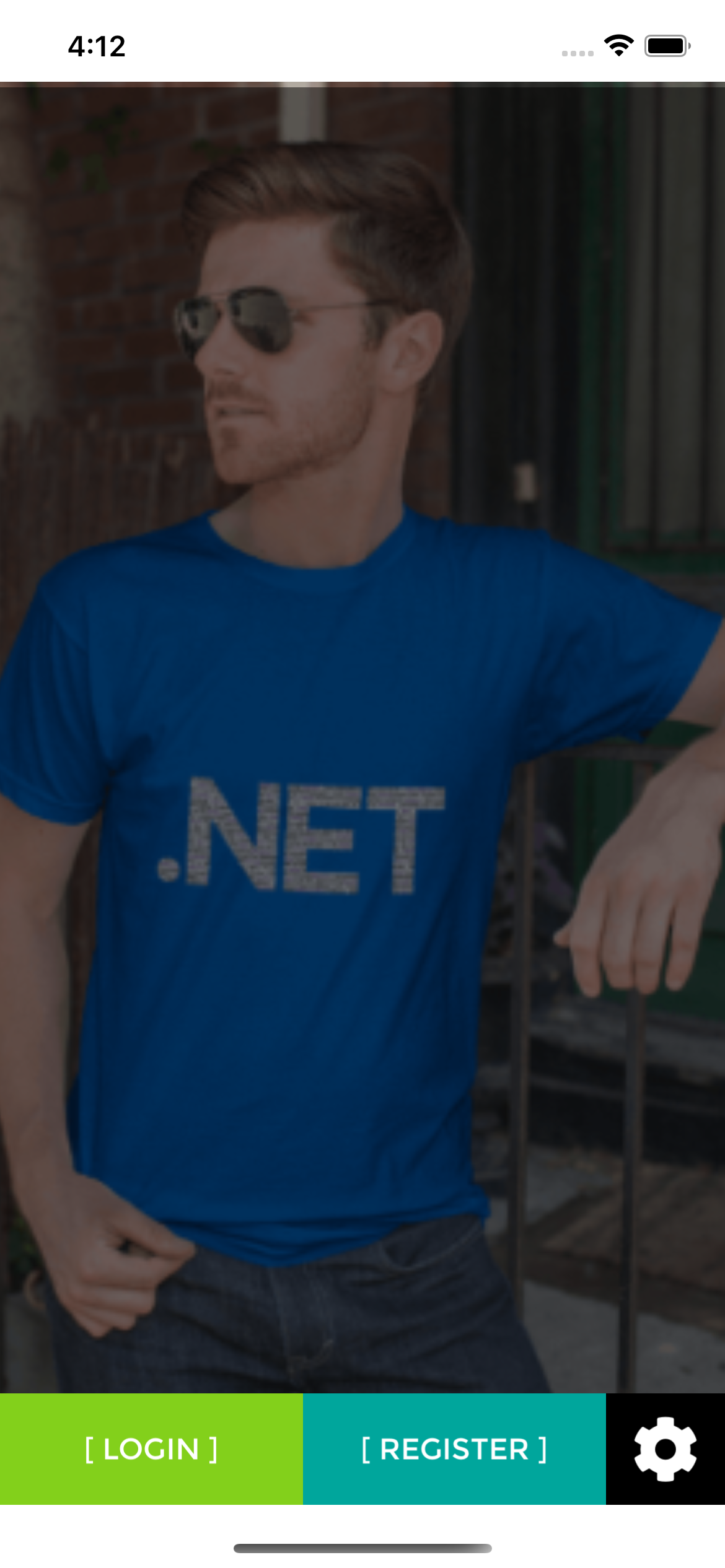
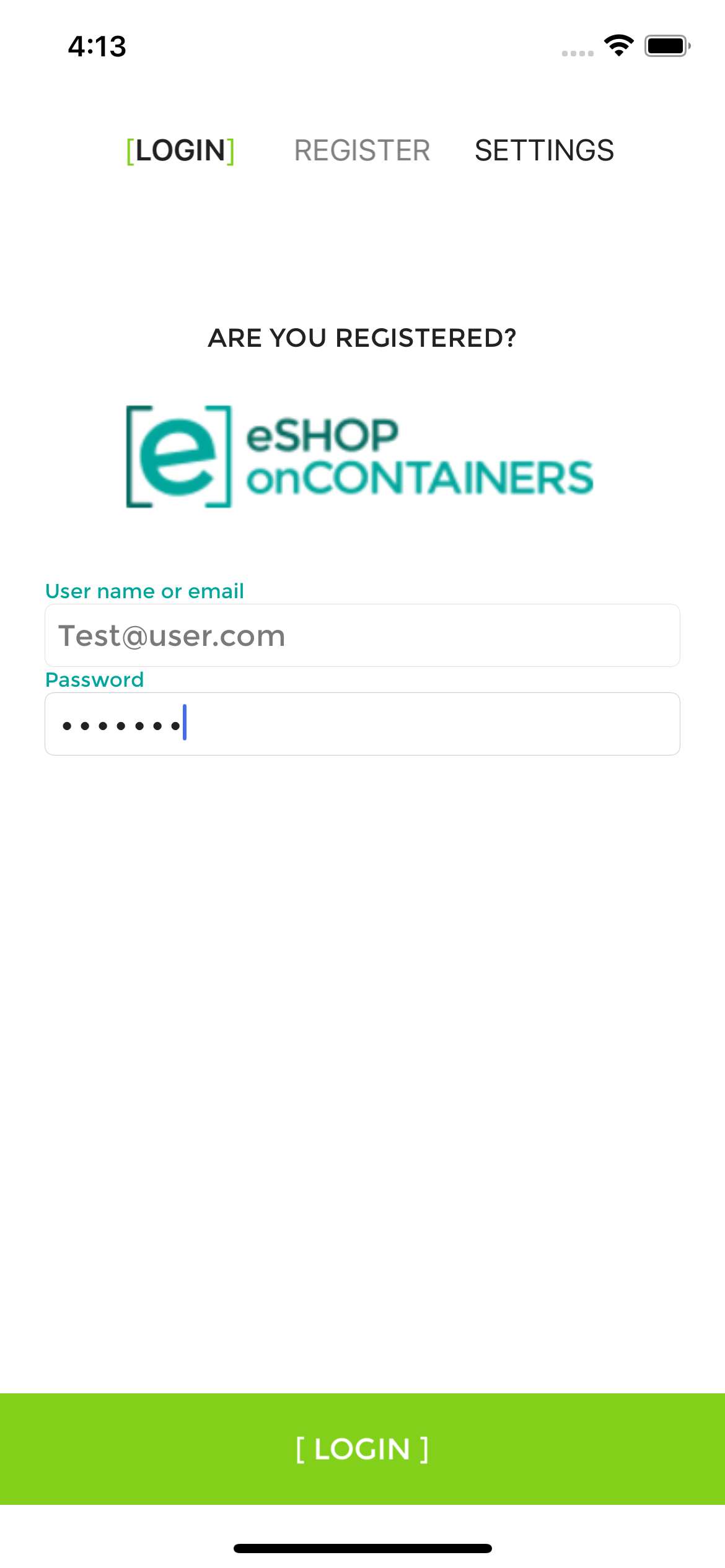
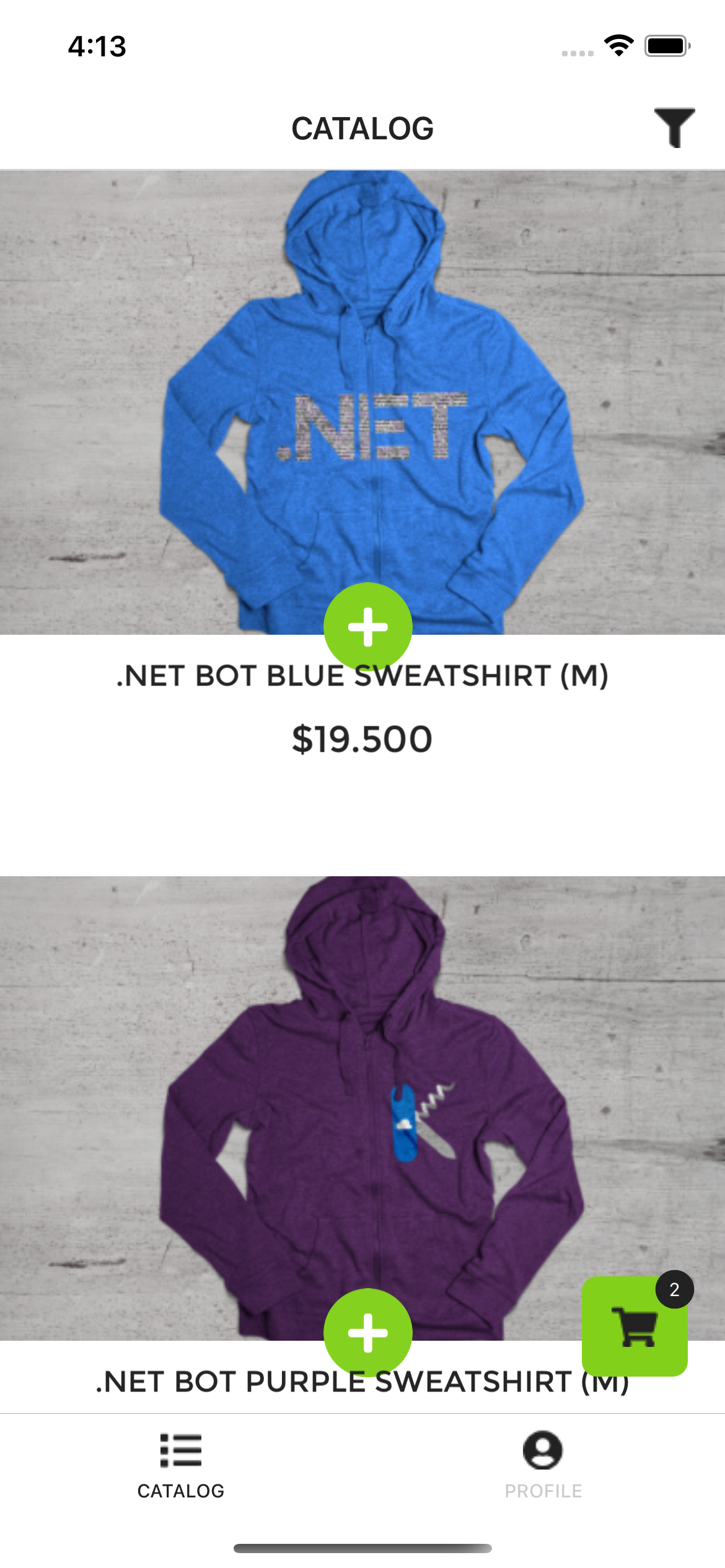
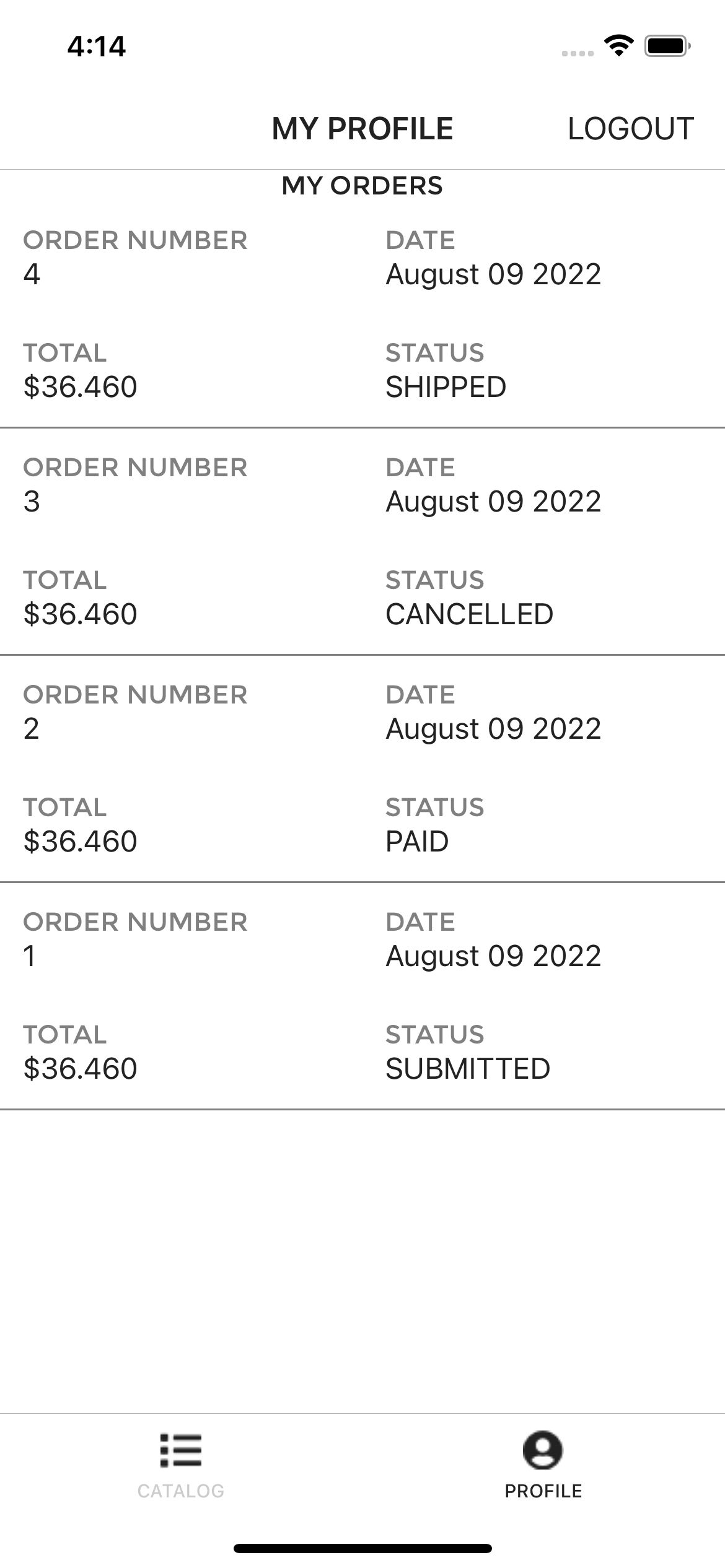
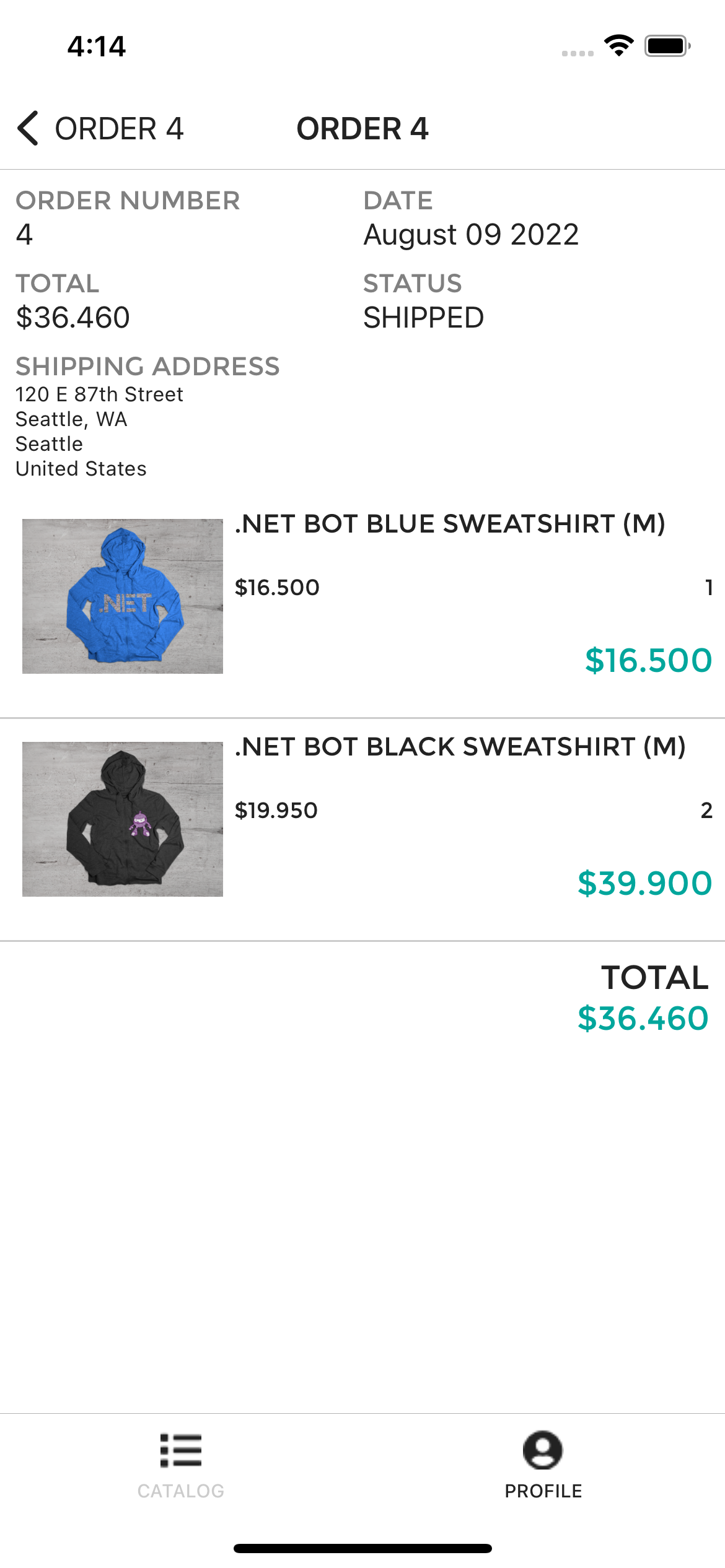
eshop-mobile-client is a reference .NET MAUI multi-platform client app whose imagined purpose is to serve the mobile workforce of a fictitious company that sells products. The app allows you to manage the catalog, view products, and manage the basket and the orders.
Dependencies
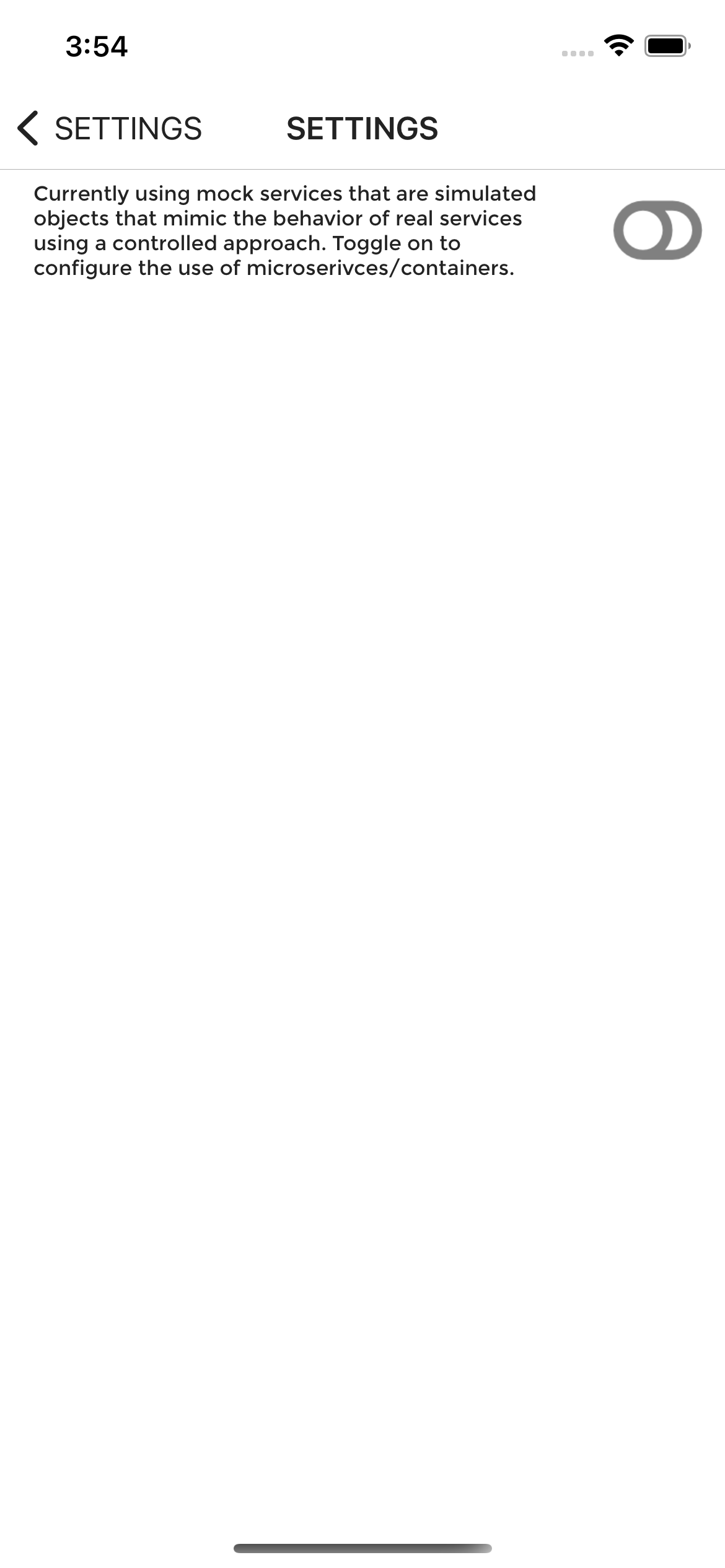
Though eshop-mobile-client mobile app relies on the repo eShopOnContainers for its backend but by default it uses its internal MockServices for all its functionalities. For more details refer to the Setup section.
Architecture
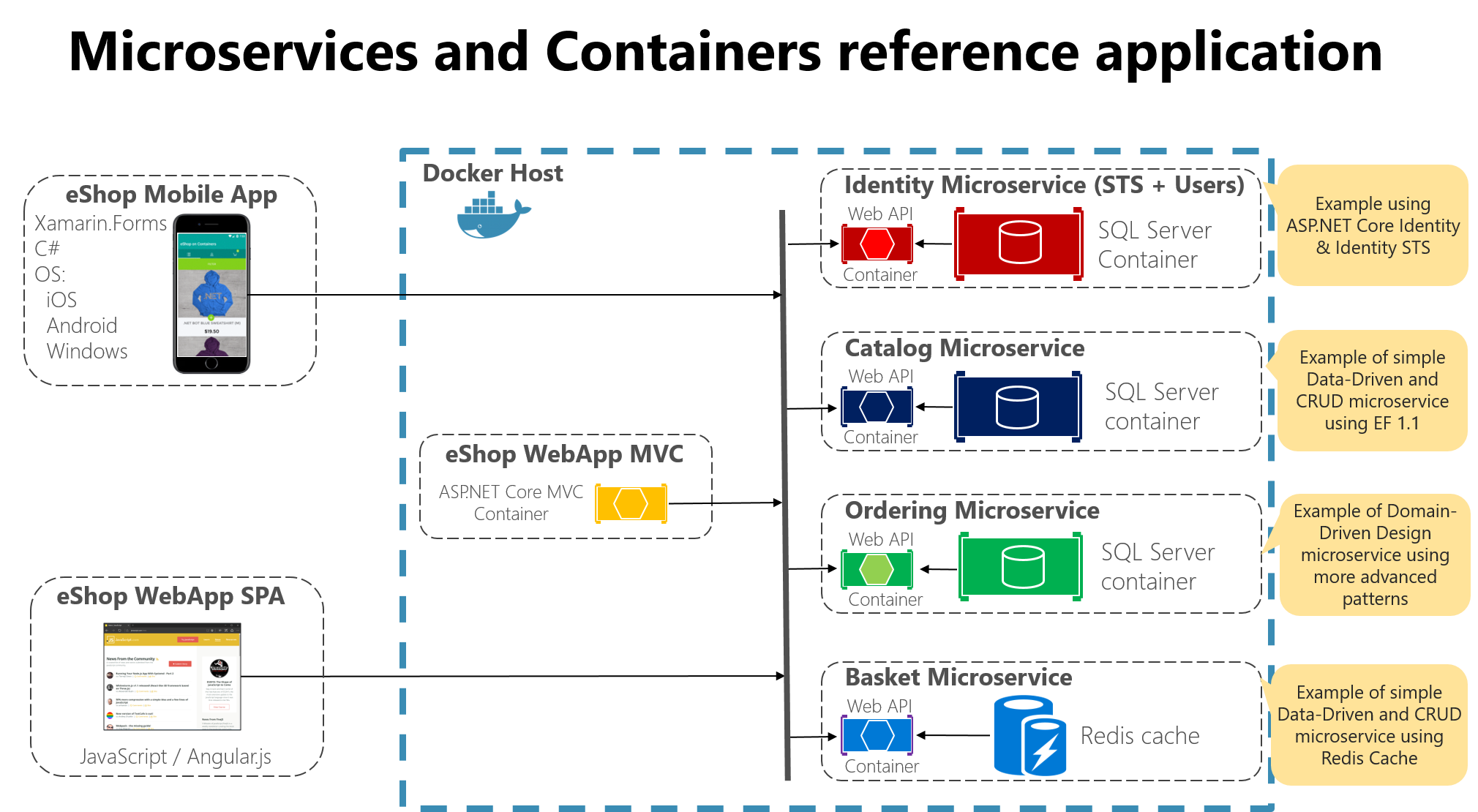
The app architecture consists of two parts:
A .NET MAUI mobile app for iOS, macOS, Android, and Windows.
Several .NET Web API microservices are deployed as Docker containers.
.NET MAUI App
This project exercises the following platforms, frameworks, and features:
.NET MAUI
XAML
Behaviors
Bindings
Converters
Central Styles
Animations
IoC
Messaging Center
Custom Controls
xUnit Tests
Azure Mobile Services
C# backend
WebAPI
Entity Framework
Identity Server 4
Backend Services
All the backend services-related code and components are maintained as eShopOnContainers repo.
Supported platforms
The app targets four platforms:
iOS
Android
macOS (must build and deploy from Mac)
Windows (must build and deploy from Windows)
Requirements
Visual Studio 2022 (2022 or higher) to compile C# language features
Visual Studio Community Edition is fully supported!
.NET MAUI add-ons for Visual Studio (available via the Visual Studio installer)
or
Visual Studio Code configured for .NET MAUI development on Mac, Windows, or Linux.
Setup
1. Ensure the .NET MAUI platform is installed
You can do that by following the steps mentioned in Installing .NET MAUI
2. Ensure .NET MAUI is updated
Visual Studio will periodically automatically check for updates. You can also manually check for updates using the Update Visual Studio options.
3. Project Setup
Restore NuGet packages for the project.
4. Ensure Android Emulator is installed
You can use any Android emulator or device. Refer to the Android Emulator documentation for details on setup.
Note: Android emulators cannot run well inside a virtual machine or over Remote Desktop or VNC since it relies on virtualization.
To deploy and debug the application on a physical device, refer to the Debug on an Android device article.
5. Optional iOS Deployment
To deploy to iOS you can directly deploy from a Mac machine or optionally from a Windows machine directly to a device or by pairing your Windows machine to a Mac.
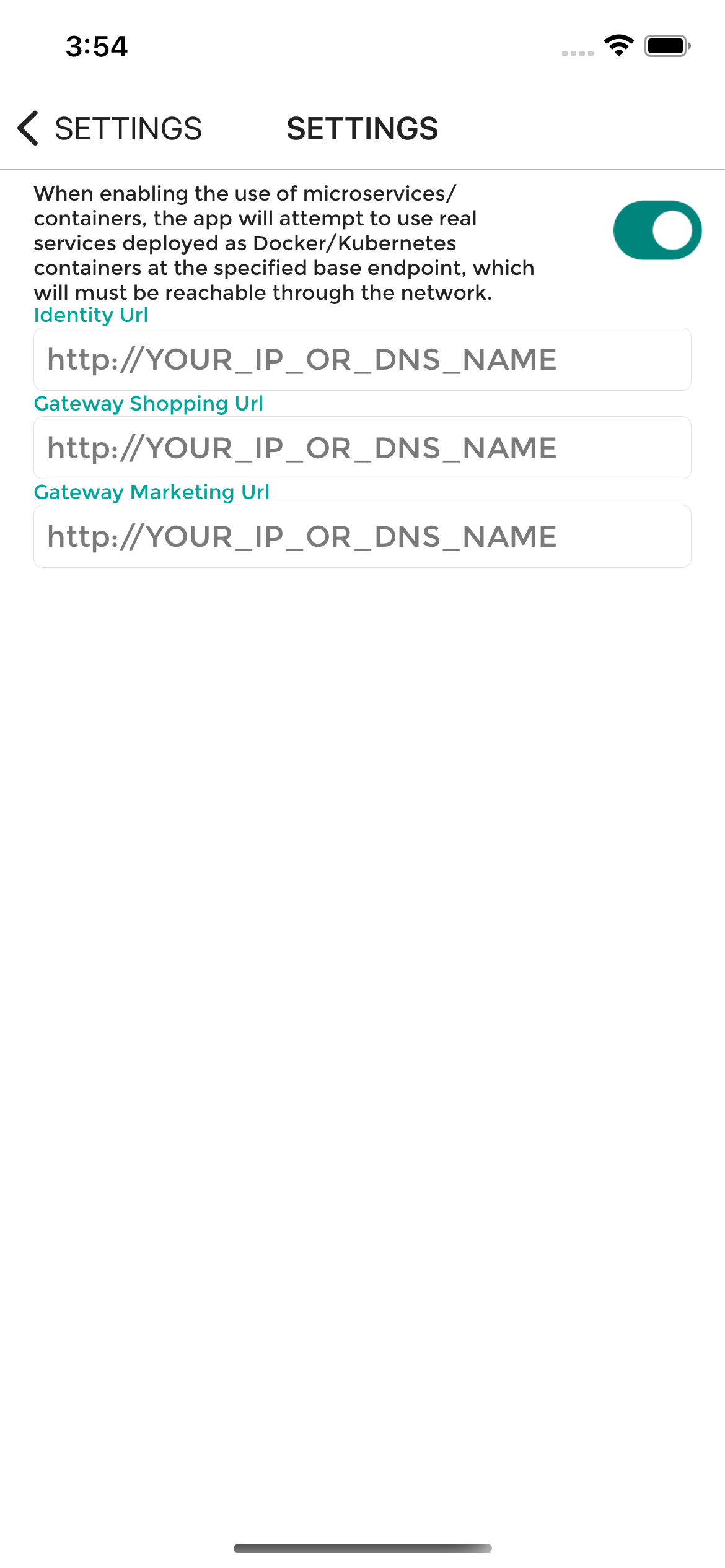
6. Use Actual Microservices
By default eshop multiplatform client uses the internal mock services to let the user explore different sets of features in the app.
But if you want to test out the app using real services, you can do that too.
For that you'll need to do the following:
Deploy the backend services of eShop applications from the eShopOnContainers repo. You can deploy the application to either Local Kubernetes or AKS environments.
Enable microservices endpoint in the Settings section.
Identity Url : http://<YOUR_IP_OR_DNS_NAME>/identity
Mobile Gateway Shopping Url: http://<YOUR_IP_OR_DNS_NAME>/mobileshoppingapi
Enable HTTP traffic.
Android App
You'll also need to include the <YOUR_IP_OR_DNS_NAME> in the section <domain includeSubdomains="true"><YOUR_IP_OR_DNS_NAME></domain> of the network_security_config.xml file to use HTTP traffic.
For more details refer to Managing HTTP & Cleartext Traffic on Android with Network Security Configuration
IOS App
You'll need to make sure your info.plist file contains the following configuration.
NOTE: Please note, in production scenario you'll the services which uses HTTPS endpoint.
7. Setup Google Maps for Android
In the eShopOnContainers\Platforms\Android\AndroidManifest.xml you must replace the value of the com.google.android.geo.API_KEY with a valid Google Maps API key.
Đọc thêm về dotnet-architecture/eshop-mobile-client ở đâu?
Trang TopGit này là một snapshot — tab "Readme" hiển thị nguyên văn README của repo (đã bỏ link, giữ ảnh). Repo GitHub ở github.com/dotnet-architecture/eshop-mobile-client là nguồn chính thức.
dotnet-architecture/eshop-mobile-client có bao nhiêu sao?
dotnet-architecture/eshop-mobile-client có 557 sao GitHub — tải lại trang để xem số mới nhất, hoặc xem trực tiếp github.com/dotnet-architecture/eshop-mobile-client. TopGit phản chiếu số sao của GitHub nhưng không cam kết đến từng phút.
dotnet-architecture/eshop-mobile-client có những chủ đề gì?
GitHub topics của dotnet-architecture/eshop-mobile-client: "dotnet", "dotnetmaui". TopGit xếp repo vào nhóm Backend.
dotnet-architecture/eshop-mobile-client có trang demo không?
Dự án có trang chủ ở https://dotnet.microsoft.com/learn/maui/architecture. Tab "Readme" ở trang này thường có ảnh chụp và hướng dẫn bắt đầu nhanh.
dotnet-architecture/eshop-mobile-client còn đang phát triển không?
Commit gần nhất trên dotnet-architecture/eshop-mobile-client là 2.5 năm trước (theo timestamp GitHub). Repo có 205 fork — một chỉ báo về mức độ quan tâm của cộng đồng.
dotnet-architecture/eshop-mobile-client dùng license gì?
dotnet-architecture/eshop-mobile-client phát hành theo license MIT. Nên mở file LICENSE trên GitHub để xác nhận — license metadata đôi khi lệch với thực tế dự án.
dotnet-architecture/eshop-mobile-client viết bằng ngôn ngữ gì?
dotnet-architecture/eshop-mobile-client chủ yếu viết bằng C#. Trường "language" của GitHub dựa trên phần lớn byte ở nhánh mặc định.
Đọc đầy đủ README ở tab phía trên.
eshop-mobile-client có đáng để bạn bỏ thời gian?
ChatGPT, Claude và Perplexity đều đọc được trang này. Hỏi thử xem họ nghĩ gì về eshop-mobile-client.