Trên GitHub, dwmkerr/sharpgl đã đạt 804 sao, ngôn ngữ C#. Use OpenGL in .NET applications. SharpGL wraps all modern OpenGL features and offers a powerful scene graph to aid development.
Tóm tắt dựng từ metadata GitHub của chính dự án — chưa có bài review TopGit. Trang sẽ tự động cập nhật khi bài review đầy đủ được xuất bản.
VÌ SAO CHƯA CÓ REVIEW
TopGit viết bài đầy đủ cho repo có nhiều sao nhất và được yêu cầu nhiều nhất. Trang này là snapshot trong thời gian chờ — xem README gốc ở tab READ ME.
Unlock the power of OpenGL in any .NET application. SharpGL wraps all modern OpenGL features, provides helpful wrappers for advanced objects like Vertex Buffer Arrays and shaders, as well as offering a powerful Scene Graph and utility library to help you build your projects.
Check out the Samples, they're a great place to start learning how to use SharpGL.
Getting Started
Compatibility
Developer Guide
Build Pipelines
Releasing
Sample Applications
WinForms - Ducky Sample
WinForms - Extensions Sample
WinForms - Hit Test Sample
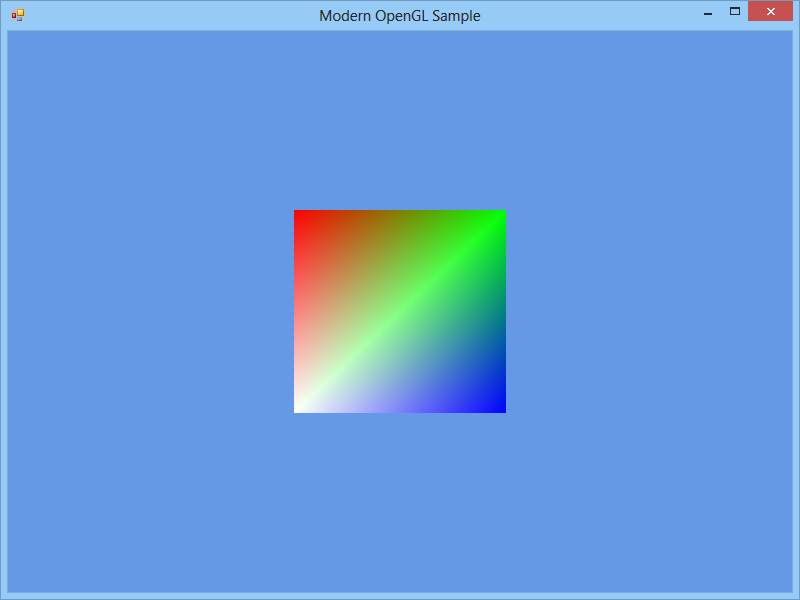
WinForms - Modern OpenGL Sample
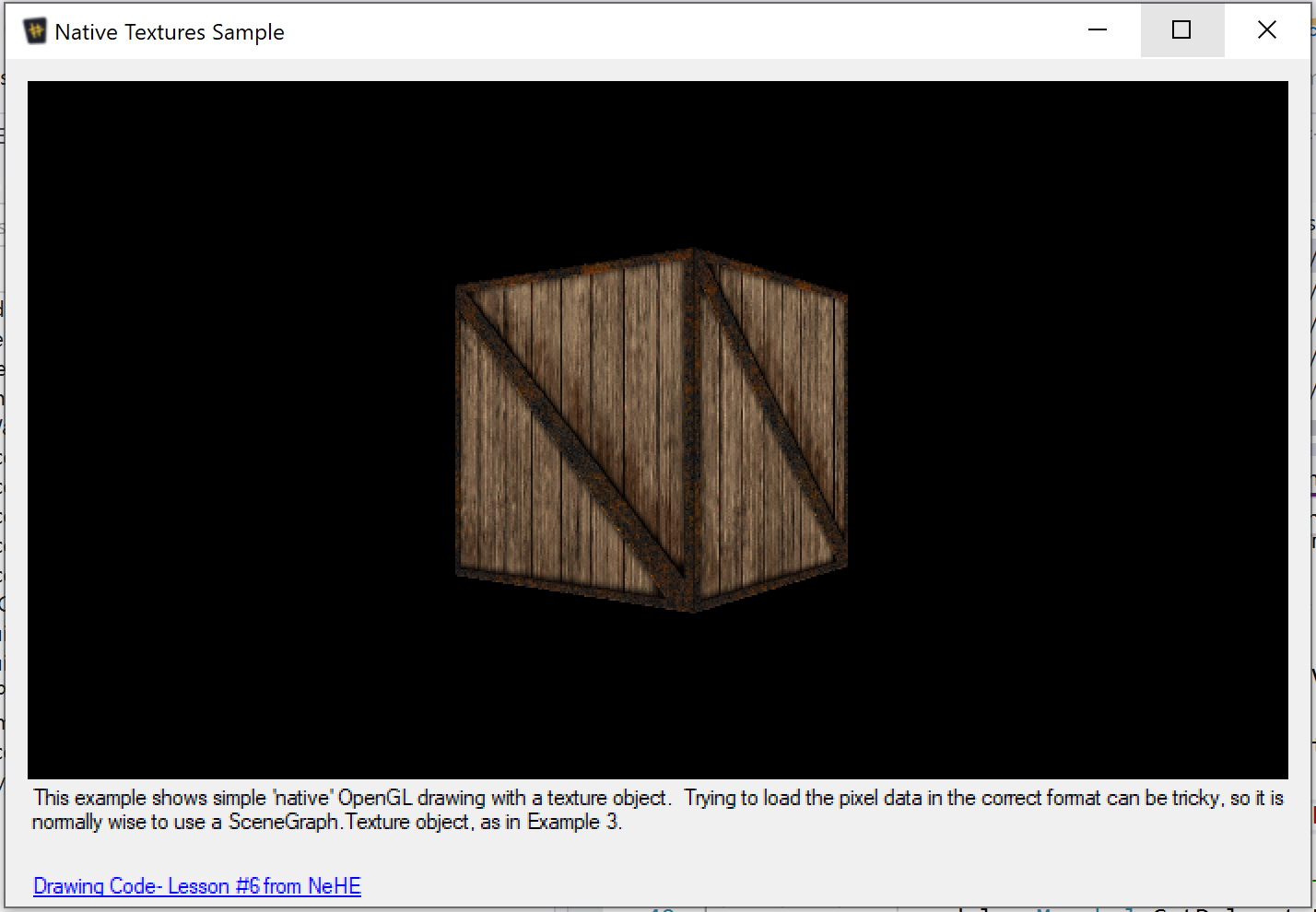
WinForms - Native Textures Sample
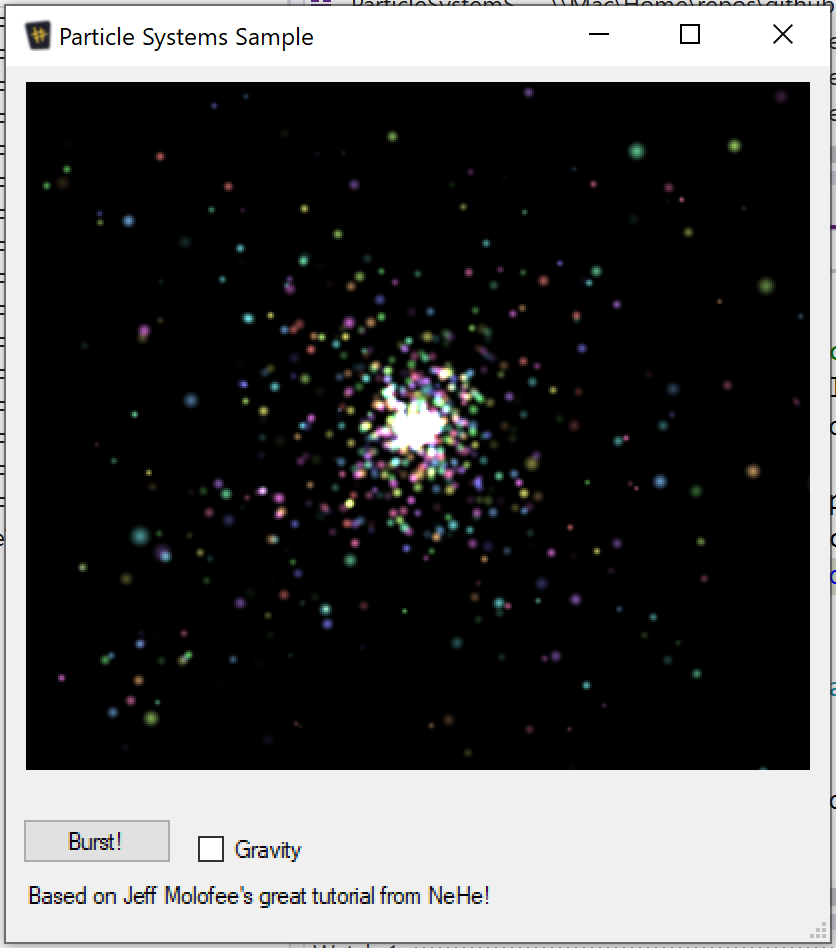
WinForms - Particle Systems Sample
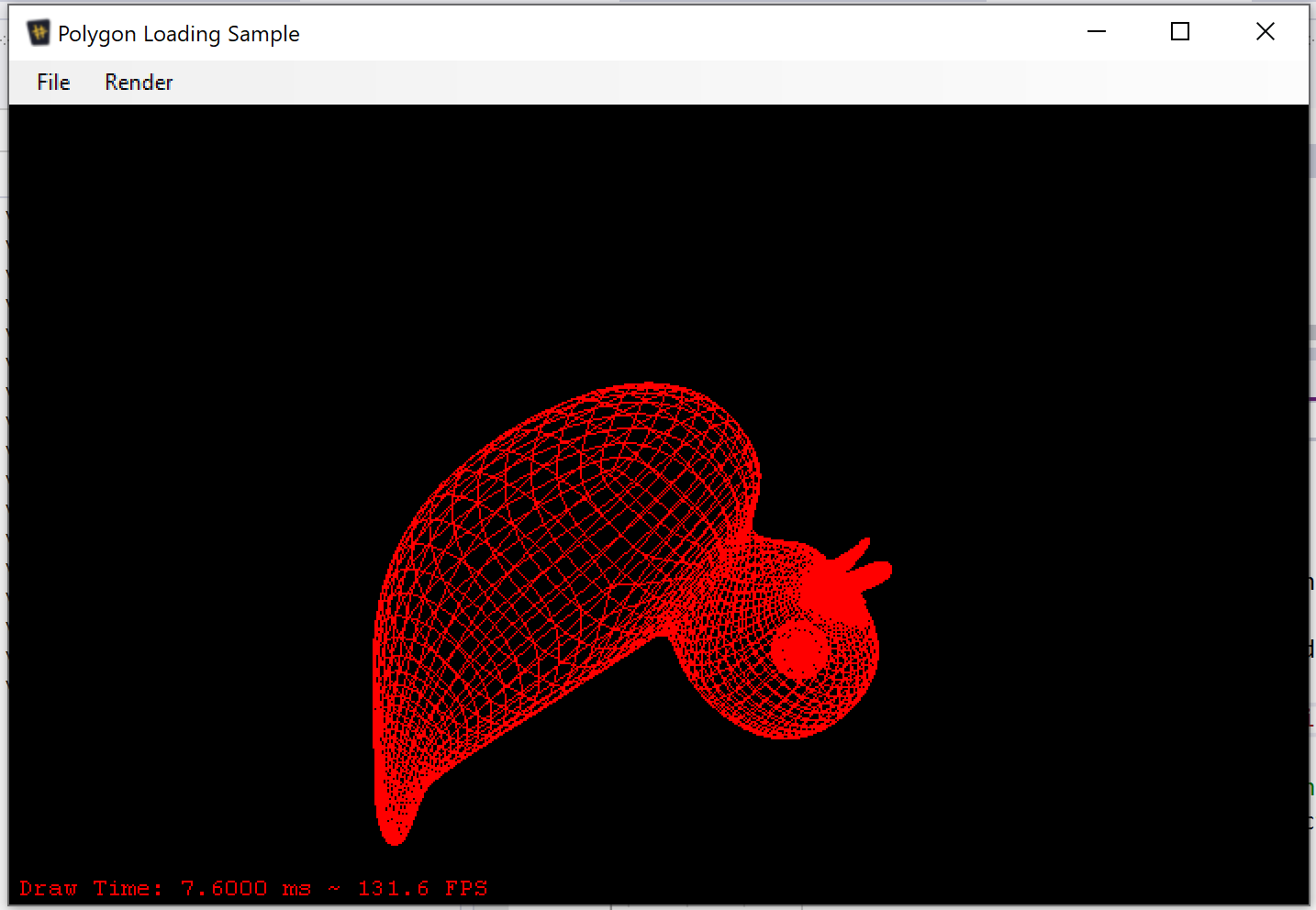
WinForms - Polygon Loading
WinForms - Radial Blue
WinForms - Render Contexts Sample
WinForms - Render Trigger Sample
WinForms - Scene Sample
WinForms - SharpGL Textures Sample
WinForms - Simple Drawing Sample
WPF - Cel Shading Sample
WPF - Drawing Mechanisms Sample
WPF - FastGL
WPF - Object Loading Sample
WPF - Simple Shader Sample
WPF - Tea Pot Sample
WPF - Text Rendering Sample
WPF - Two Dimensional Rendering Sample
Documentation
SharpGL Visual Studio Extensions
Credits, Sponsorship & Thanks
Built with SharpGL
Getting Started
SharpGL is made up of a number of packages, you can install whichever package or packages you need!
Package
Link
Overview
SharpGL
All OpenGL functions wrapped and ready to execute, as well as all OpenGL extensions.
SharpGL.SceneGraph
The SceneGraph library contains a full class library which models key 3D entities.
SharpGL.Serialization
The Serialization library contains utilities to load data from Discreet, Wavefront and Caligari file formats.
SharpGL.WPF
SharpGL for WPF includes the Core as well as OpenGL controls to drop into your WPF app.
SharpGL.WinForms
SharpGL for WinForms includes the Core as well as OpenGL controls to drop into your WinForms app.
Install SharpGL packages with NuGet, either by using the Package Explorer or the Package Manager tool, e.g:
PM> Install-Package SharpGL
Compatibility
SharpGL has built in support for OpenGL support, newer functions can be loaded on demand as needed. The table below shows the compatibility across frameworks and platforms.
OpenGL
Currently SharpGL has built in bindings for OpenGL 4.0 - functions from later versions can be loaded at runtime as needed.
Framework Compatibility
All components support the .NET Framework 4.0 onwards, .NET Core 3.0 onwards and .NET Standard 2.1 onwards. Some components also support earlier versions.
Component
.NET Framework
.NET Core
.NET Standard
SharpGL
4.0+
2.0+
2.0+
SharpGL.SceneGraph
4.0+
2.0+
2.0+
SharpGL.Serialization
4.0+
2.0+
2.0+
SharpGL.WinForms
4.0+
3.0+
2.1+
SharpGL.WPF
4.0+
3.0+
2.1+
Platform Compatibility
Compatibility across platforms is supported via framework specific components.
Platform
Support
WinForms on Microsoft Windows
✅ via SharpGL.WinForms
WPF on Microsoft Windows
✅ via SharpGL.WPF
UWP on Microsoft Windows
❌ Work in Progress
Xamarin on Microsoft Windows
❌ Work in Progress
Xamarin on MacOS
❌ Work in Progress
Xamarin on Linux
❌ Work in Progress
Legacy Versions
The Visual Studio 2017 version of the codebase, which supports the .NET Framework only, is available on the release/2.x branch. However, this branch will not be maintained going forwards. The current mainline still supports the .NET Framework.
Developer Guide
To build the code, clone the repo and open the SharpGL, Samples or Tools solution. The Extensions solution is used for the Visual Studio Project Templates and requires additional components - you can find out more on the Wiki on the 'Developing SharpGL' page.
You can also use the following scripts to run the processes:
Script
Notes
config.ps1
Ensure your machine can run builds by installing necessary components such as nunit. Should only need to be run once.
build.ps1
Build all solutions. Ensures that we build both 32/64 bit versions of native components.
test.ps1
Run all tests, including those in samples.
coverage.ps1
Create a coverage report. Reports are written to ./artifacts/coverage
pack.ps1
Create all of the SharpGL NuGet packages, which are copied to ./artifacts/packages.
These scripts will generate various artifacts which may be useful to review:
# Install act. See: https://github.com/nektos/act
brew install act

# Run the main pipeline to test release please
act -j main -s GITHUB_TOKEN=<token>
Releasing
To make and publish a release:
Update the *.csproj files with the new version number
Create the version tag (e.g. git tag v3.2.1)
Push the code and tags (e.g. git push --follow-tags)
AppVeyor will automatically push the release to NuGet and GitHub.
Sample Applications
There are a large number of sample applications that show how to use SharpGL. Check out the 'Samples' solution to see the samples that are available.
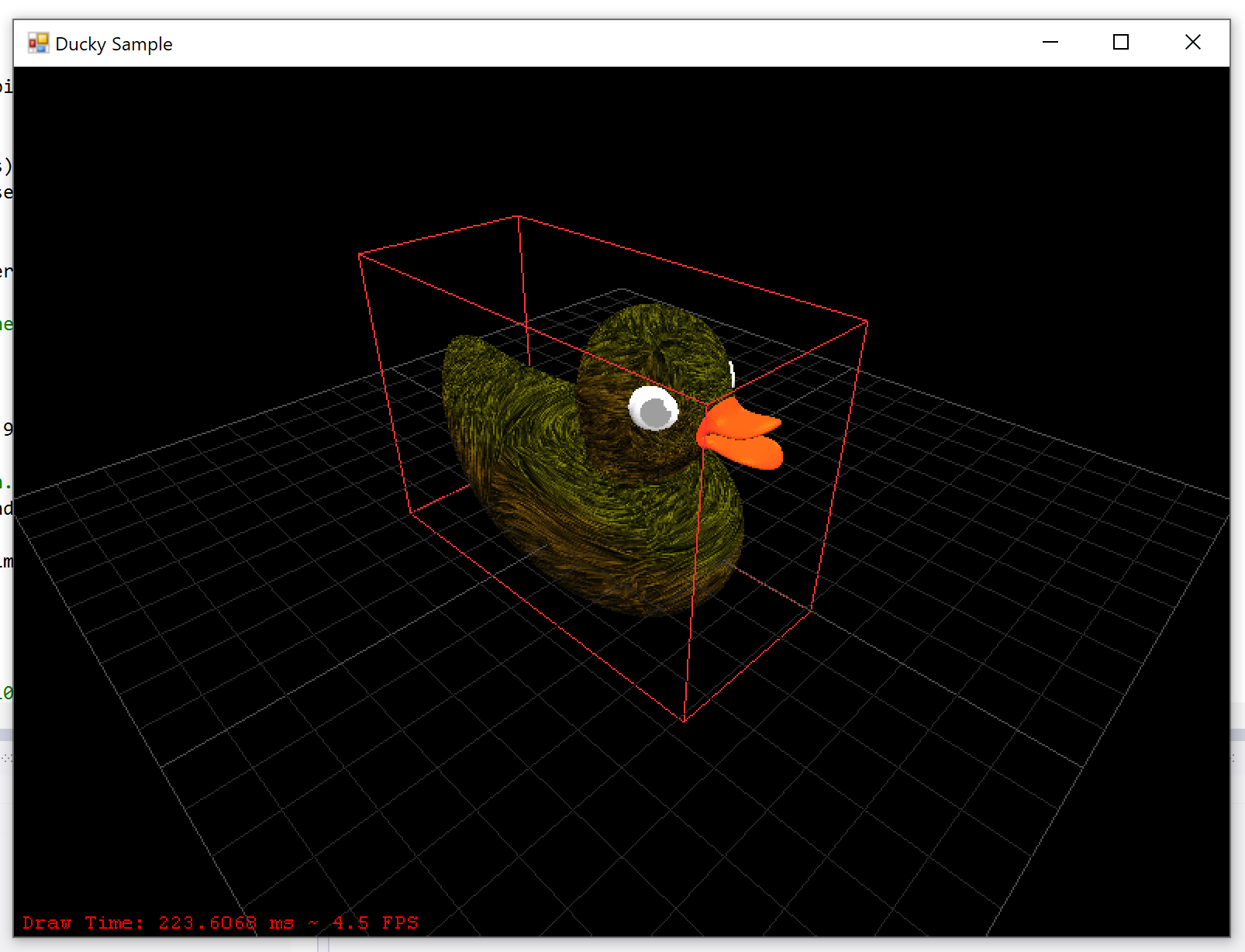
WinForms - Ducky Sample
This sample shows how to load an object file with materials, using the Serialization library. It also has great support for internationalization (thanks odalet)!
This sample demonstrates:
Loading *.obj files and associated materials
Building polygons from *.obj files
Arcball rotation
Note that this sample uses immediate mode OpenGL, which is officially deprecated.
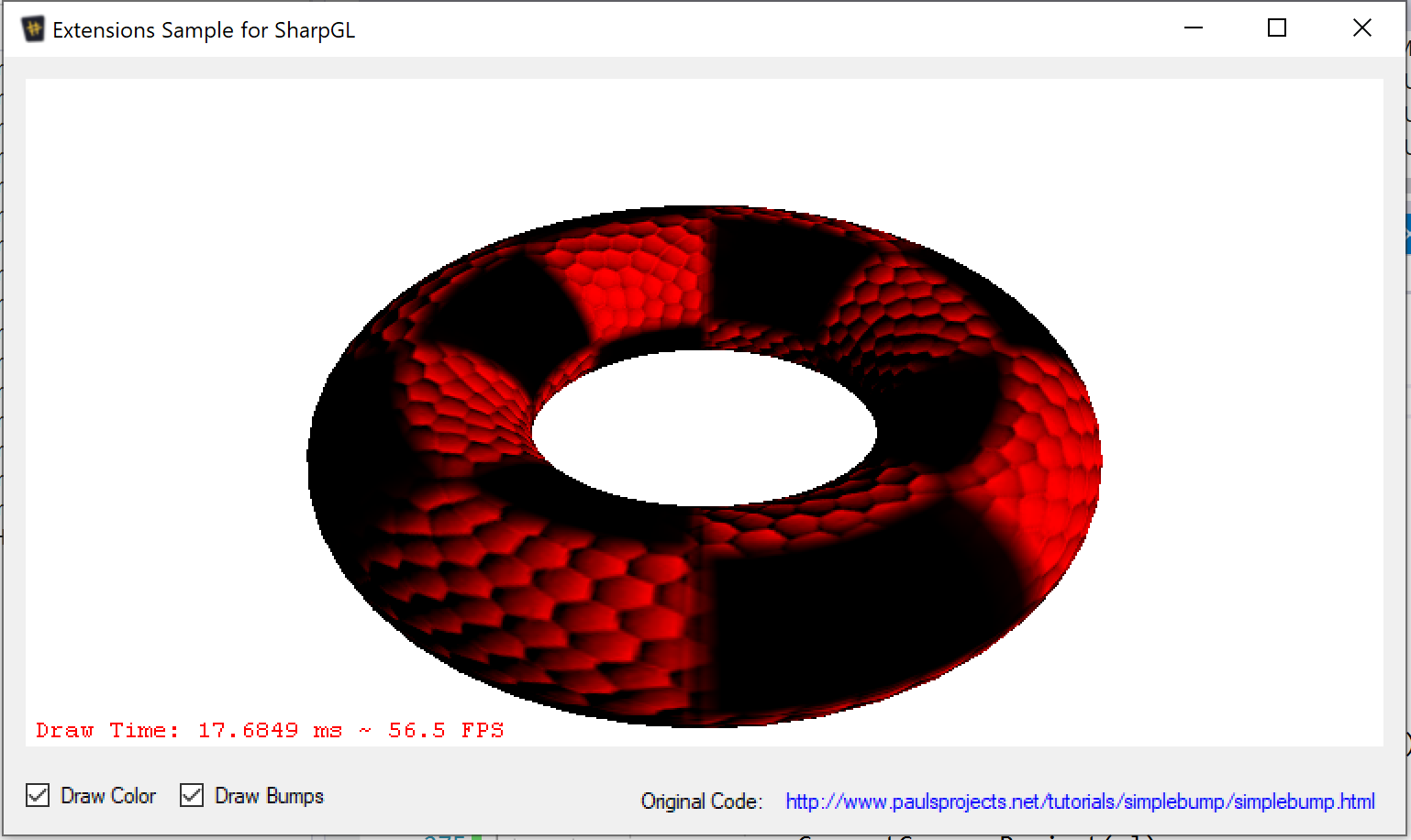
WinForms - Extensions Sample
This sample shows how to use OpenGL extensions. It demonstrates this by using the 'bump map' extensions.
Note that this sample uses immediate mode OpenGL, which is officially deprecated.
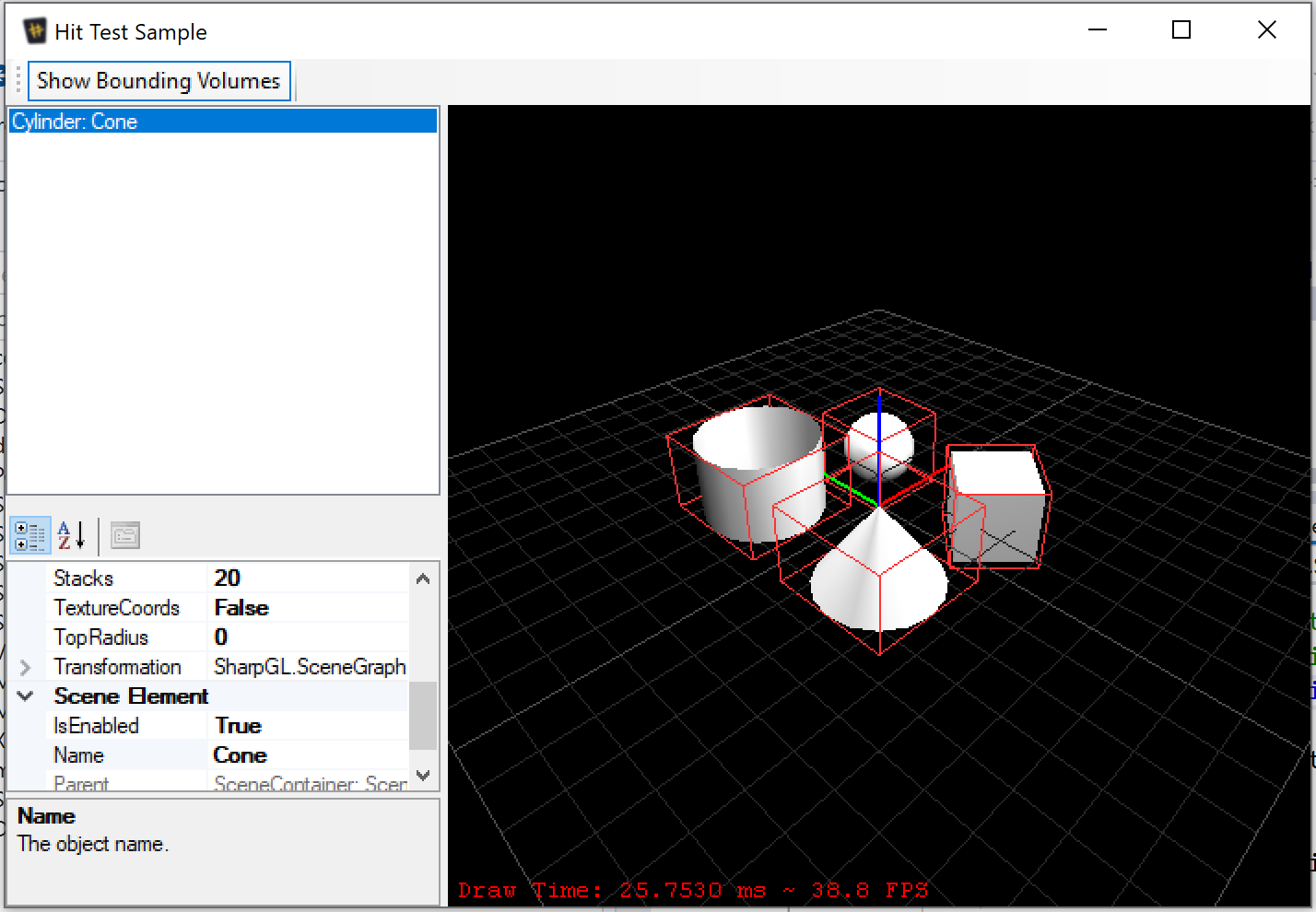
WinForms - Hit Test Sample
This sample shows how to use to perform hit testing with SharpGL. It uses the Scene Graph to support this.
Note that this sample uses immediate mode OpenGL, which is officially deprecated.
WinForms - Modern OpenGL Sample
This sample shows how to use modern OpenGL capabilities which are Shader based, by showing a vertex and fragment shader.
WinForms - Native Textures Sample
This sample shows how to load textures into OpenGL using pure OpenGL functions. However, the Texture object from the SceneGraph will be much easier to use!
Note that this sample uses immediate mode OpenGL, which is officially deprecated.
WinForms - Particle Systems Sample
This sample shows how to build a simple particle system with OpenGL.
Note that this sample uses immediate mode OpenGL, which is officially deprecated.
WinForms - Polygon Loading
This sample shows how to load polygon data with the Scene Graph and Serialization libraries.
Note that this sample uses immediate mode OpenGL, which is officially deprecated.
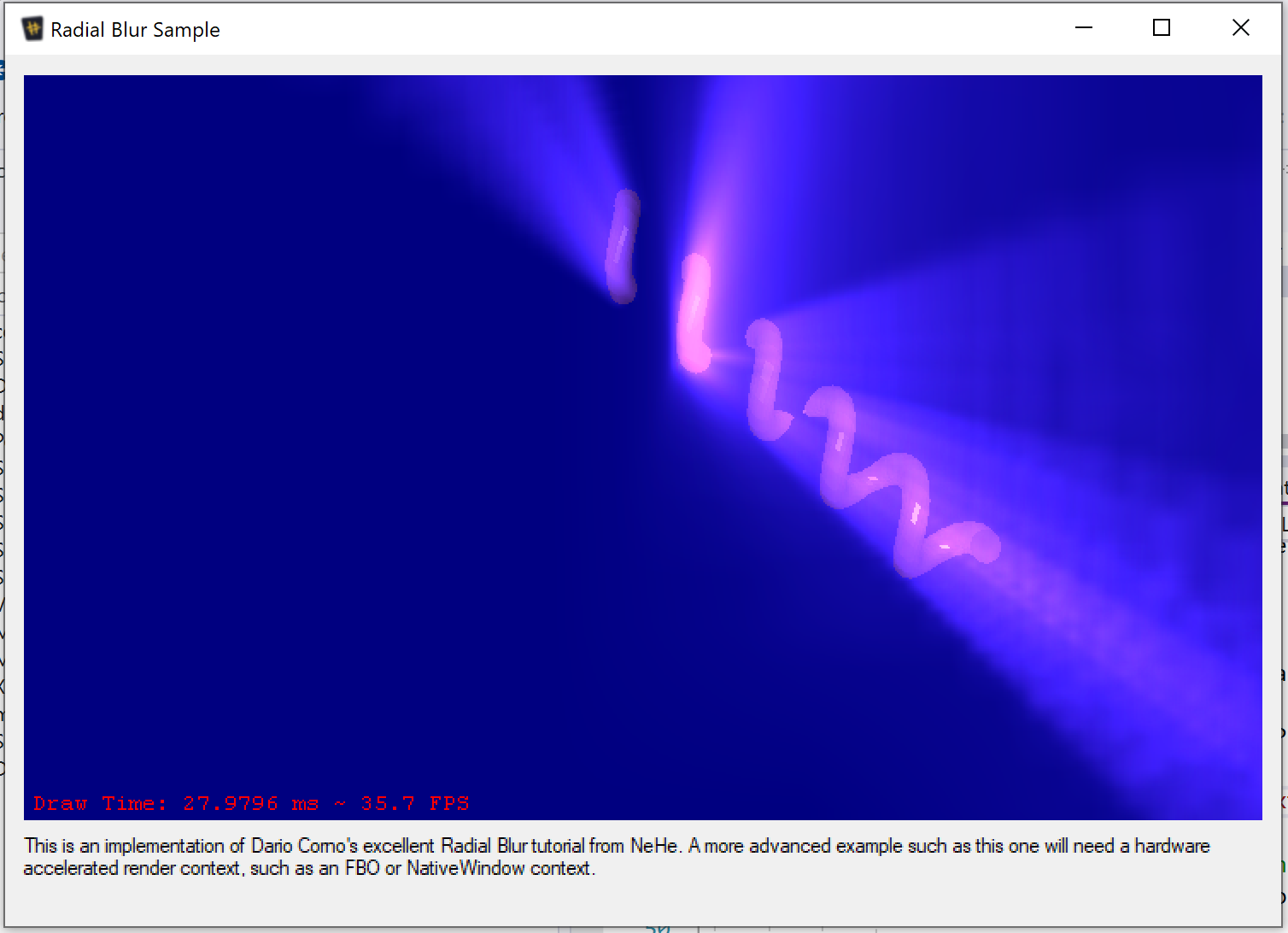
WinForms - Radial Blue
This sample shows how to use a Radial Blur effect in OpenGL.
Note that this sample uses immediate mode OpenGL, which is officially deprecated.
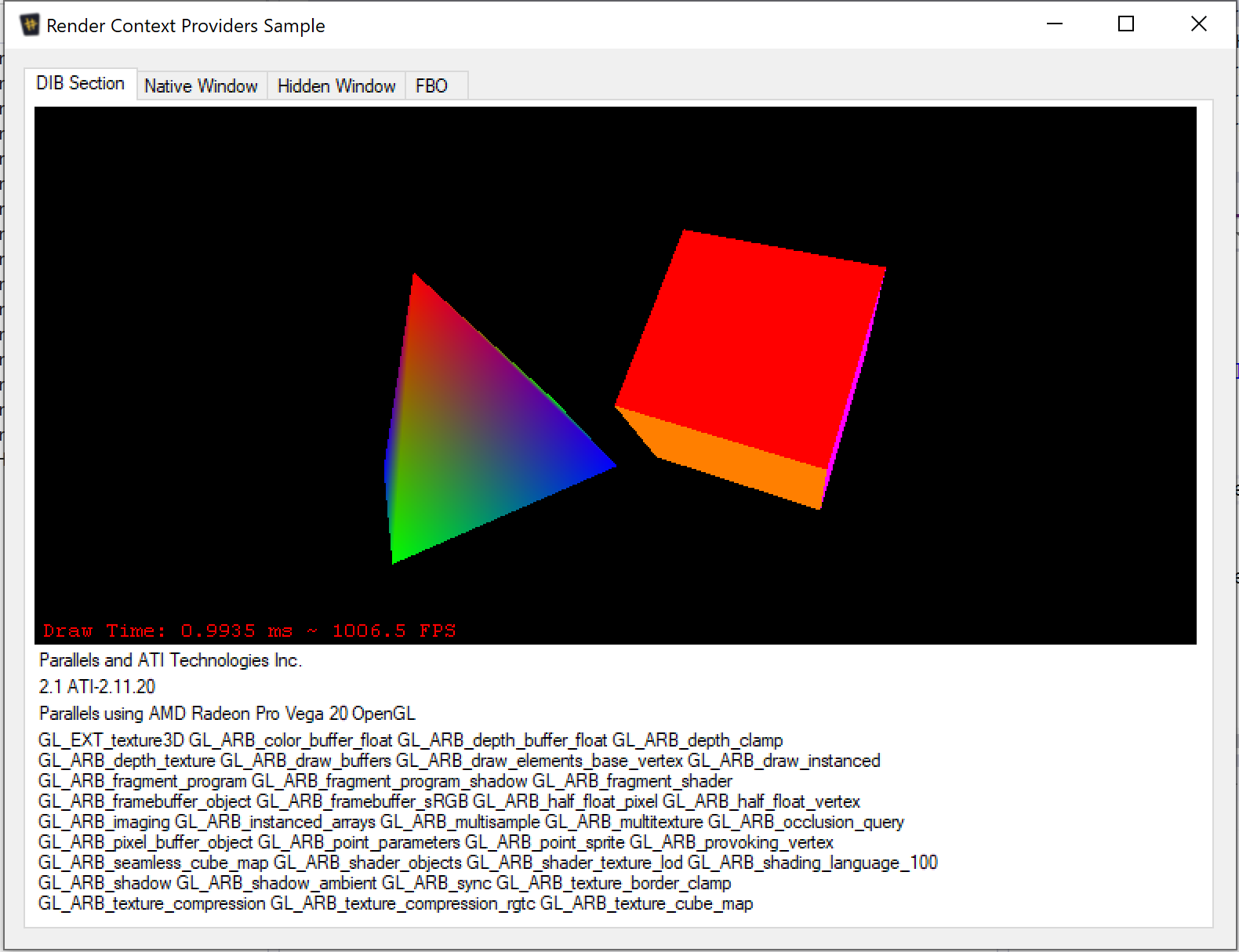
WinForms - Render Contexts Sample
This sample demonstrates the different types of render contexts which are available, and how they affect performance and the extensions available.
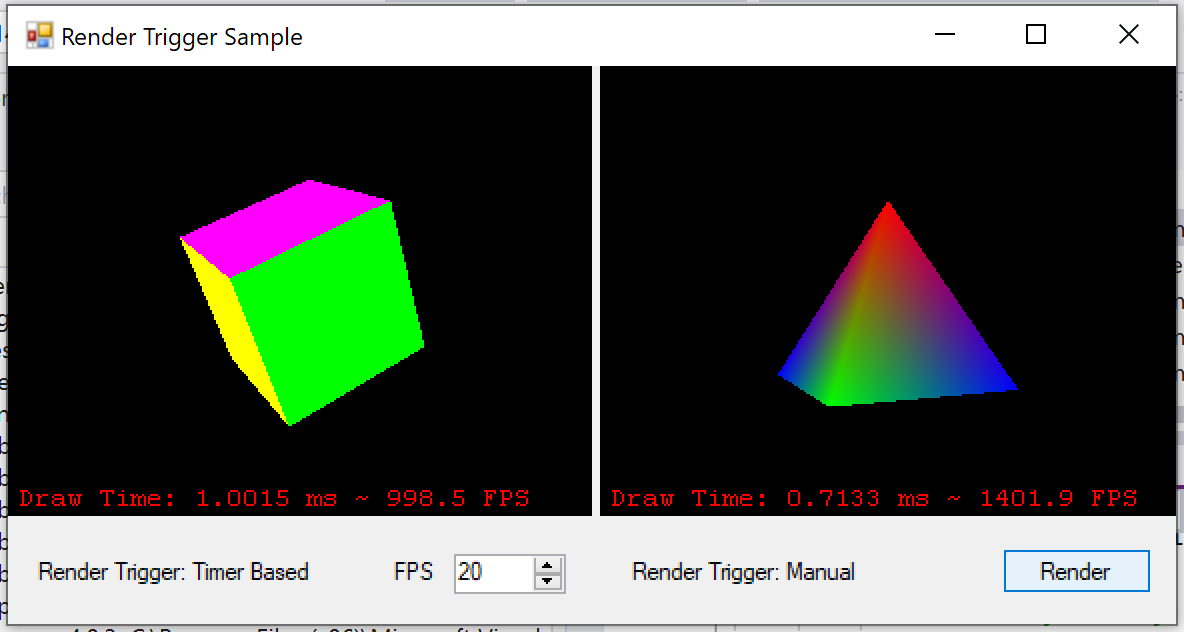
WinForms - Render Trigger Sample
This sample shows different ways to render; either on a timer or on demand.
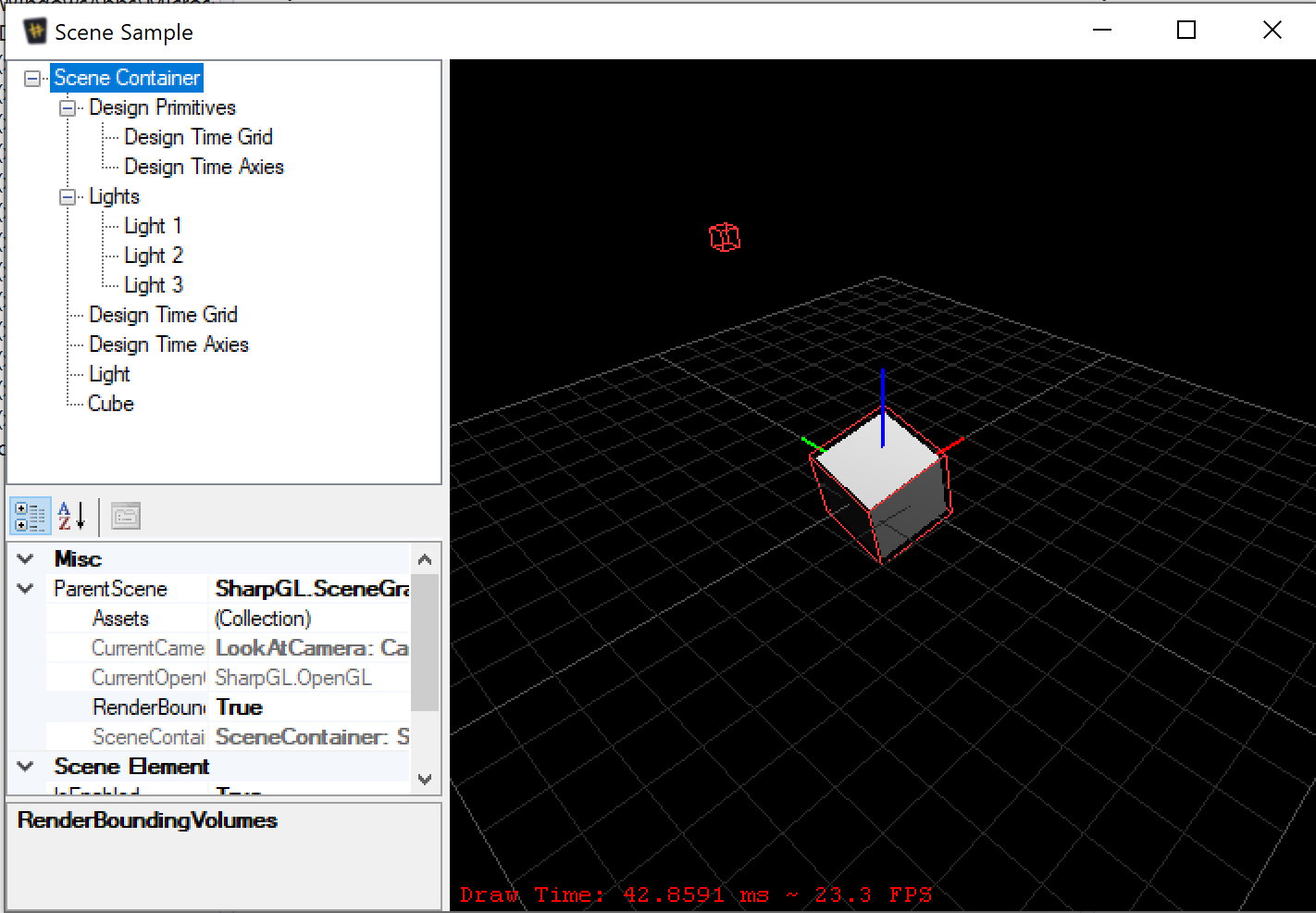
WinForms - Scene Sample
This sample demonstrates the Scene Graph which can be used to manage and render geometry.
Note that this sample uses immediate mode OpenGL, which is officially deprecated.
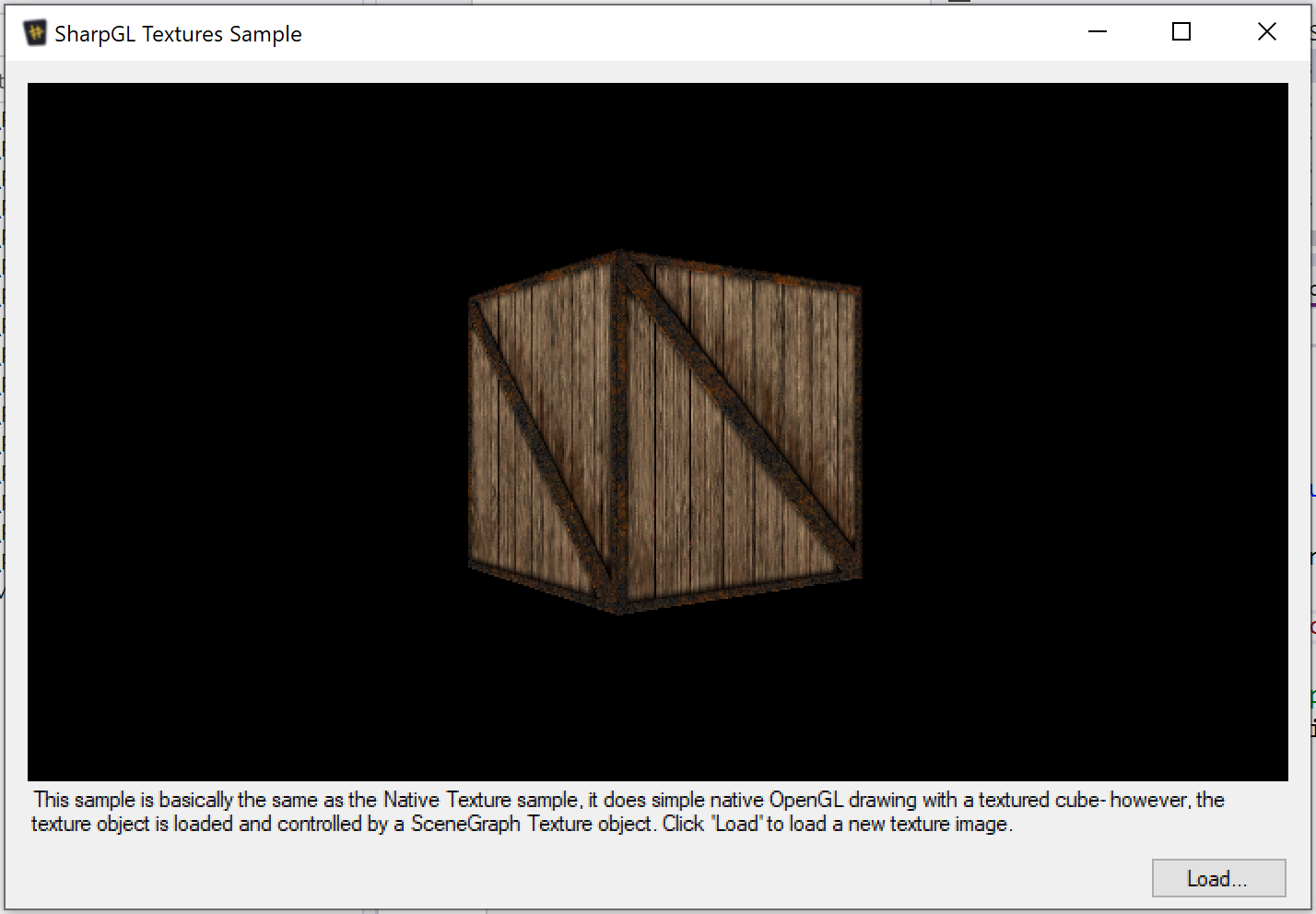
WinForms - SharpGL Textures Sample
This sample demonstrates how textures can be loaded using the SharpGL Textures object, which greatly simplifies texture management.
Note that this sample uses immediate mode OpenGL, which is officially deprecated.
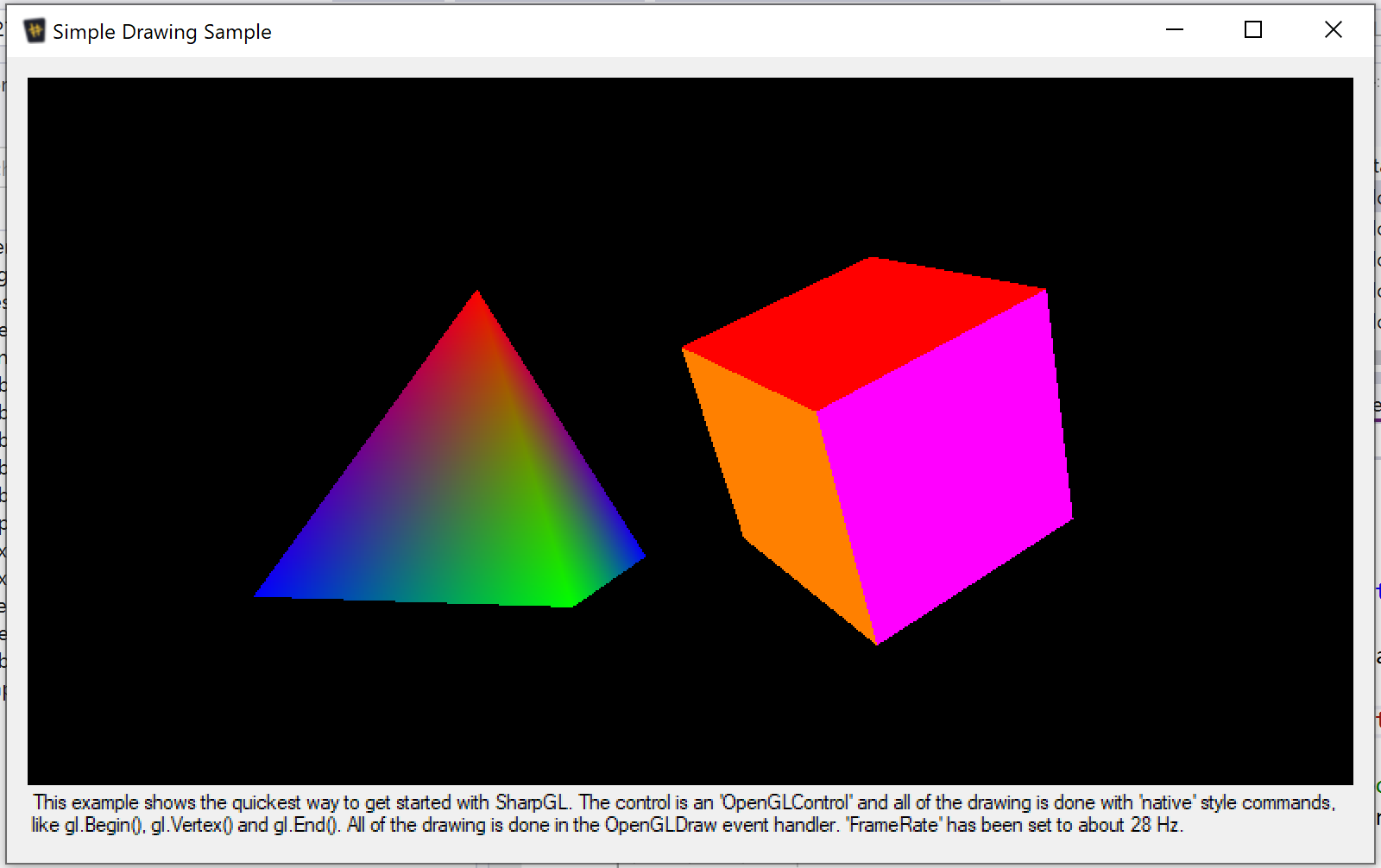
WinForms - Simple Drawing Sample
This sample demonstrates the most basic form of simple drawing in OpenGL.
Note that this sample uses immediate mode OpenGL, which is officially deprecated.
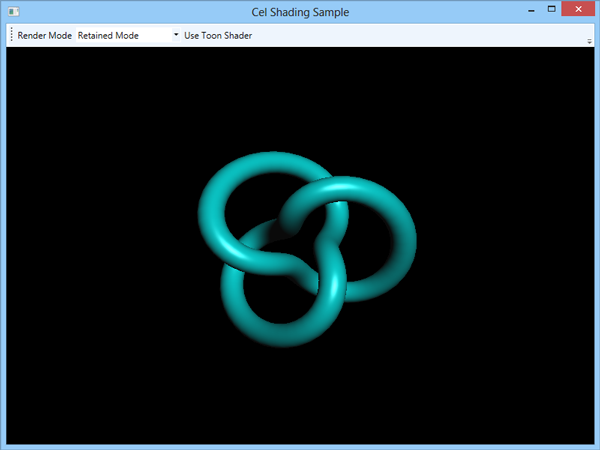
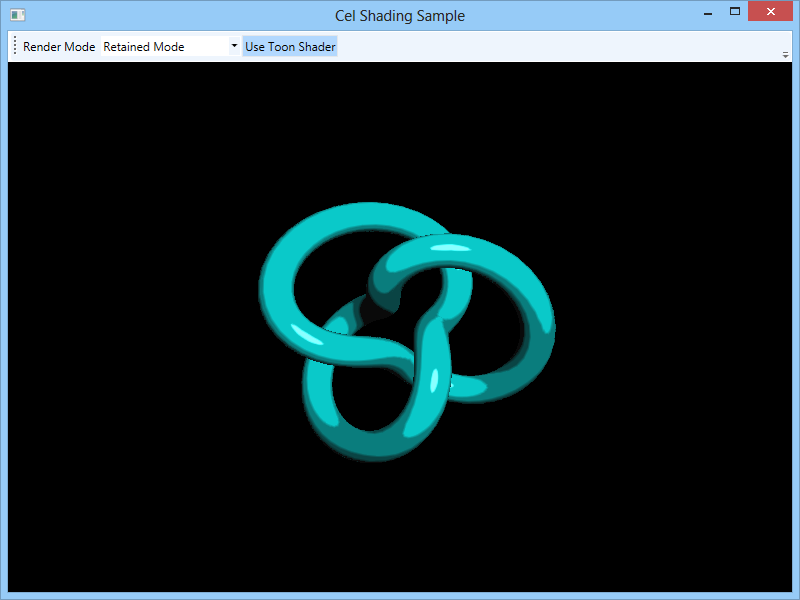
WPF - Cel Shading Sample
This sample demonstrates how to use shaders to create a cel-shaing effect.
WPF - Drawing Mechanisms Sample
This sample demonstrates how to use shaders to create a cel-shaing effect.
WPF - FastGL
This sample demonstrates how to use NV_DX_interop(2) to accelerate drawing using DirectX.
WPF - Object Loading Sample
This sample demonstrates how to load objects in a WPF OpenGL project.
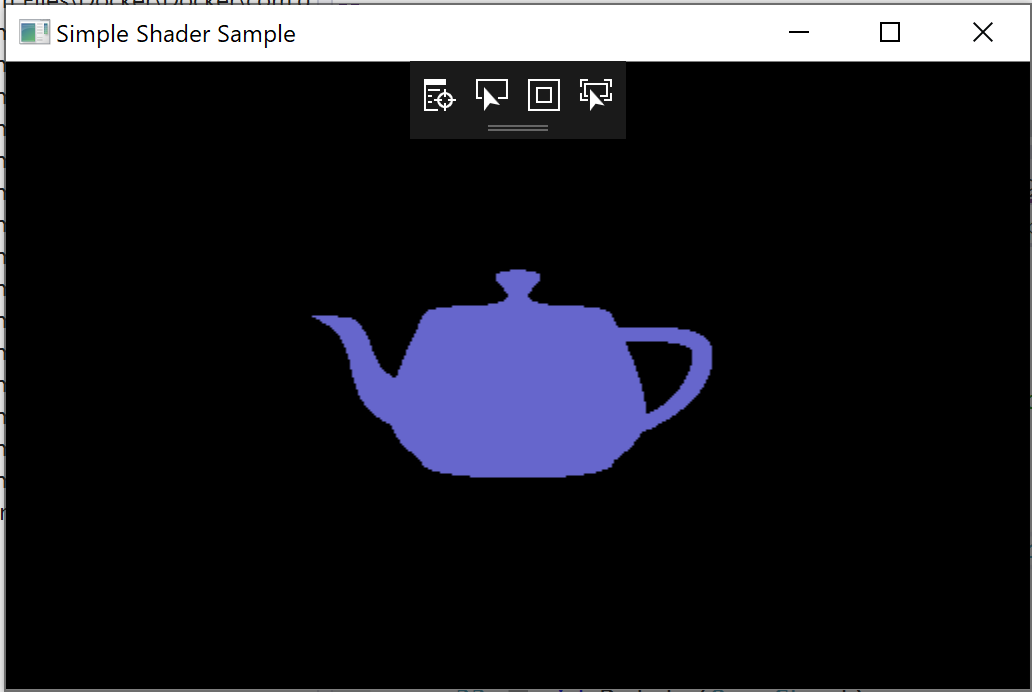
WPF - Simple Shader Sample
This sample shows how to use a simple shader.
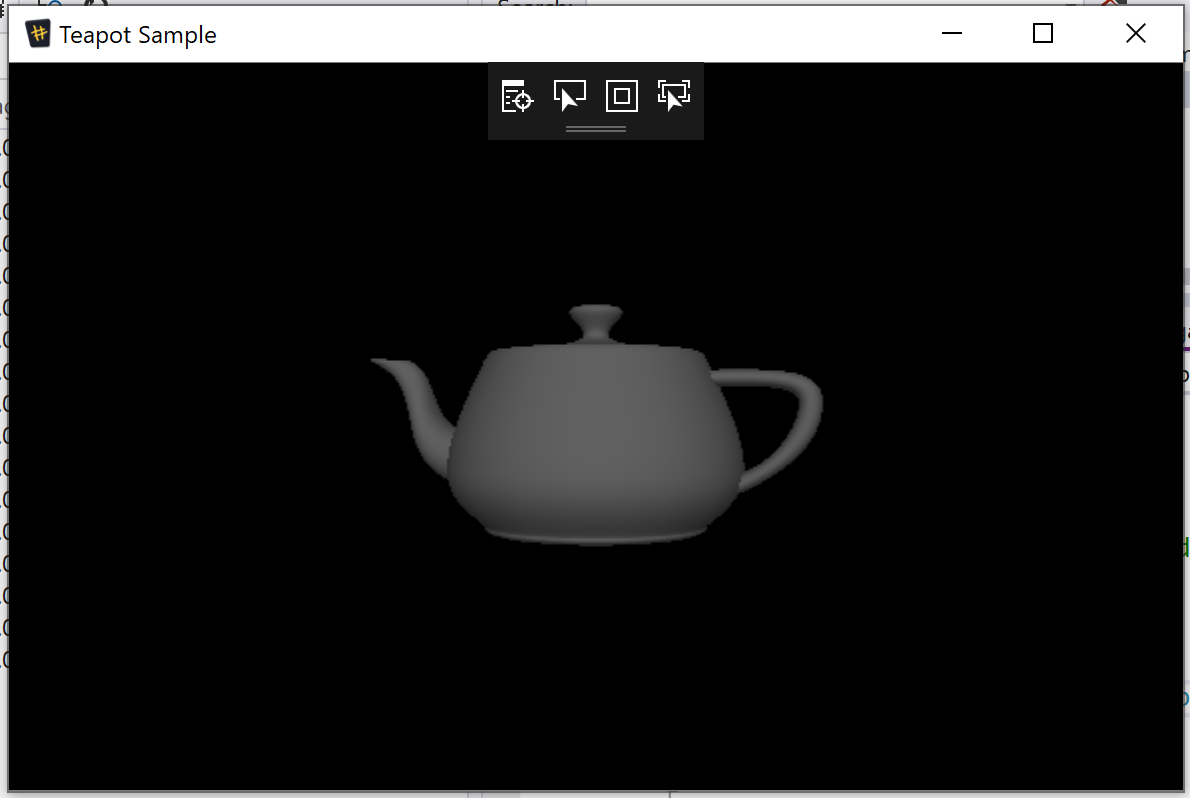
WPF - Tea Pot Sample
This sample shows how to quickly and easily render geometry.
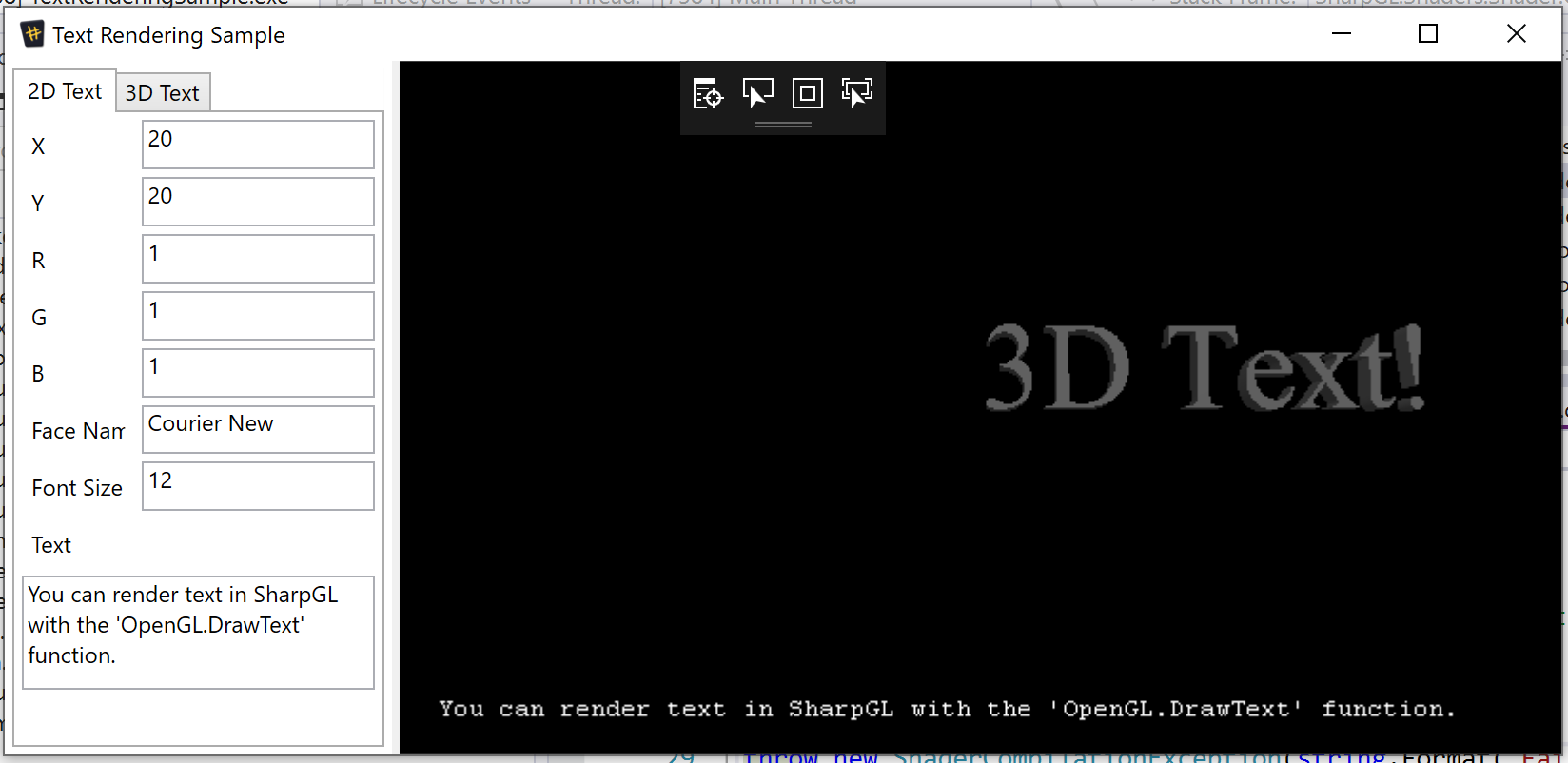
WPF - Text Rendering Sample
This sample shows how to render 3D and 2D text.
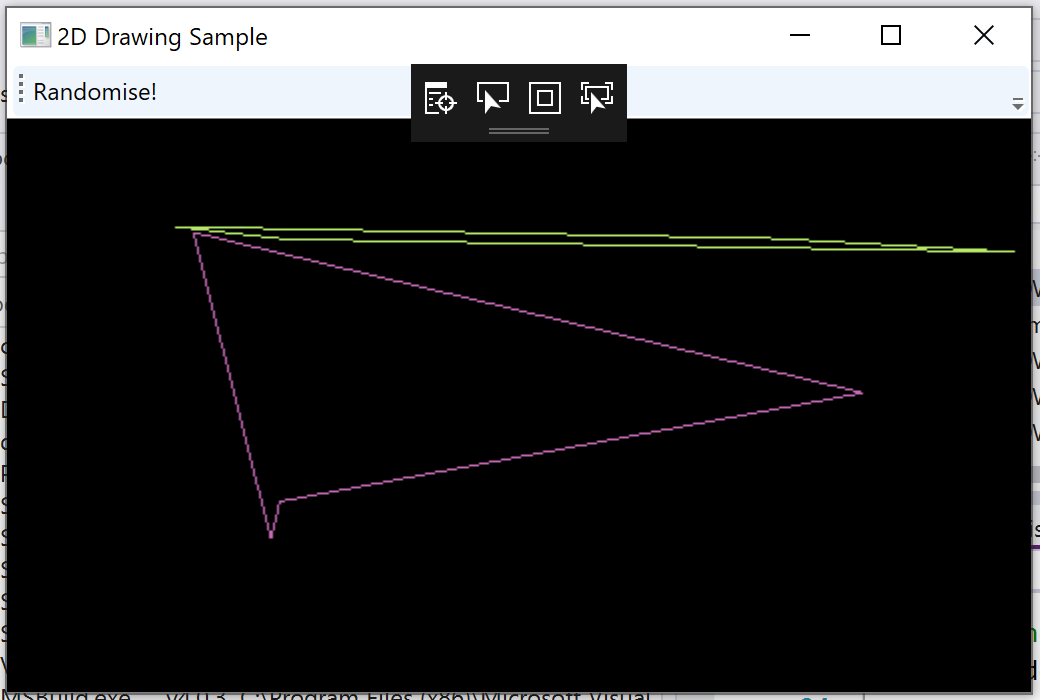
WPF - Two Dimensional Rendering Sample
This sample shows how to do simple 2D render, with a visual like an old Windows Screen-Saver.
Documentation
All documentation is available on the Wiki.
SharpGL Visual Studio Extensions
There are project templates available for SharpGL WinForms and WPF projects - just search for SharpGL on the Visual Studio Extensions gallery, or get the extensions directly:
SharpGL for Visual Studio 2010
SharpGL for Visual Studio 2012/2013
Please be aware that these extensions have not been maintained over time and I am looking for support in maintaining them.
Credits, Sponsorship & Thanks
SharpGL is written and maintained by me. Special thanks go to the following contributors:
robinsedlaczek - Code and documentation updates, tireless patience
while I get through a backlog of work!
odalet - amazing work on internationalization and making the serialization code work in all locales
NDepend
SharpGL is proudly sponsored by NDepend! Find out more at www.NDepend.com.
Red Gate
Many thanks to Red Gate who have kindly provided SharpGL with a copy of their superb .NET Developer Bundle
JetBrains
Thanks for JetBrains for sponsoring SharpGL with Resharper!
Built with SharpGL
If you've got a project that uses SharpGL and you'd like to show it off, just add the details here in a PR!
Open Vogel
Checkout https://sites.google.com/site/gahvogel/ to see a free, open source project which supports aerodynamics!
AgOpenGPS
This is the very first open source Precision Agricultural App! Built by Brian Tischler, you can see the discussions and excitement on this project with farmers across the world!
Trang TopGit này là một snapshot — tab "Readme" hiển thị nguyên văn README của repo (đã bỏ link, giữ ảnh). Repo GitHub ở github.com/dwmkerr/sharpgl là nguồn chính thức.
dwmkerr/sharpgl có phải mã nguồn mở không?
Có — dwmkerr/sharpgl phát hành theo license MIT, nghĩa là mã nguồn mở để đọc, fork và (tùy license) tái sử dụng. Mã: github.com/dwmkerr/sharpgl.
dwmkerr/sharpgl có website riêng không?
TopGit chưa ghi nhận URL trang chủ cho dwmkerr/sharpgl. Phần README ở tab phía trên thường có link demo, hoặc xem mô tả GitHub của repo.
dwmkerr/sharpgl dùng license gì?
dwmkerr/sharpgl phát hành theo license MIT. Nên mở file LICENSE trên GitHub để xác nhận — license metadata đôi khi lệch với thực tế dự án.
dwmkerr/sharpgl là gì?
dwmkerr/sharpgl (dwmkerr/sharpgl) là dự án C# trên GitHub. Theo mô tả gốc: Use OpenGL in .NET applications. SharpGL wraps all modern OpenGL features and offers a powerful scene graph to aid development.
Đọc đầy đủ README ở tab phía trên.
Chưa chắc sharpgl có hợp với bạn?
Để ChatGPT, Claude hoặc Perplexity tìm hiểu giúp — bấm bên dưới và xem AI nói gì về sharpgl.

 /sharpgl