flxzt/rnote là dự án Backend trên GitHub, viết chủ yếu bằng Rust, với 11.9k sao. Sketch and take handwritten notes.
Tóm tắt dựng từ metadata GitHub của chính dự án — chưa có bài review TopGit. Trang sẽ tự động cập nhật khi bài review đầy đủ được xuất bản.
VÌ SAO CHƯA CÓ REVIEW
TopGit viết bài đầy đủ cho repo có nhiều sao nhất và được yêu cầu nhiều nhất. Trang này là snapshot trong thời gian chờ — xem README gốc ở tab READ ME.
Rnote is an open-source vector-based drawing app for sketching, handwritten notes and to annotate documents and pictures.
It is targeted at students, teachers and those who own a drawing tablet and provides features like Pdf and picture import and export,
an infinite canvas and an adaptive UI for big and small screens.
Written in Rust and GTK4.
Features
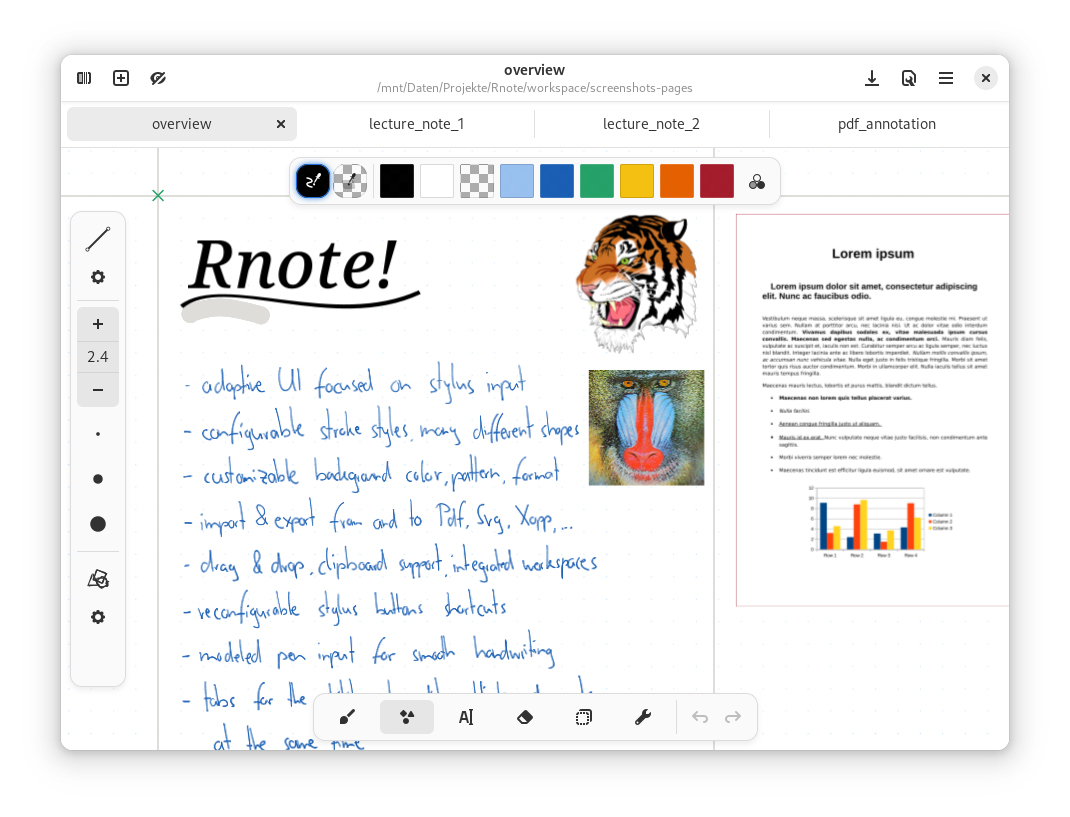
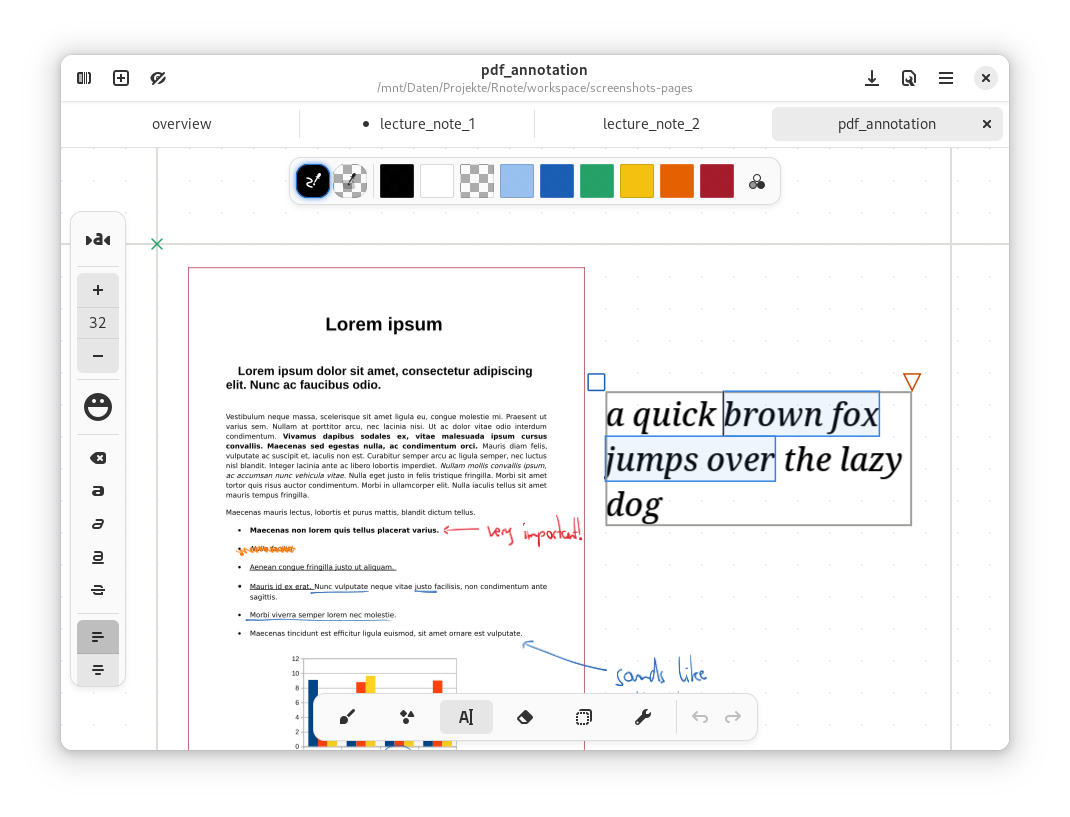
Adaptive UI focused on stylus input
Pressure-sensitive stylus input with different and configurable stroke styles
Create many different shapes with the shape tool
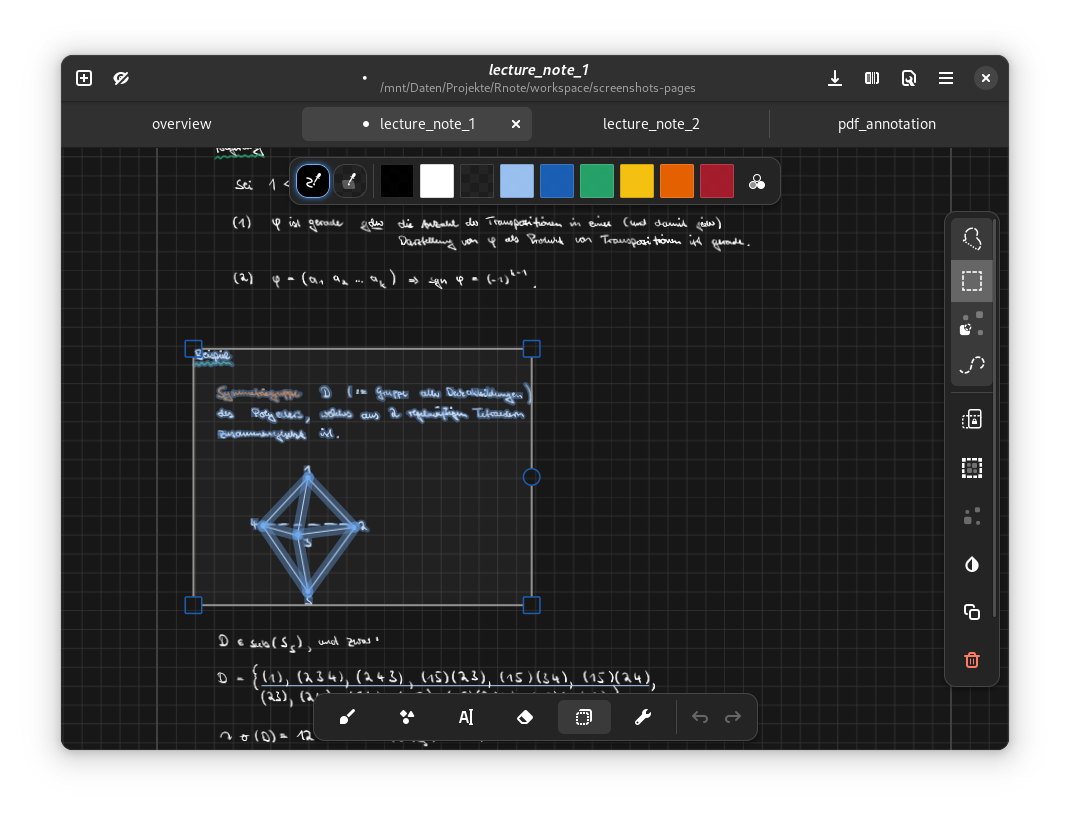
Move, rotate, resize and modify existing content with the selection tool
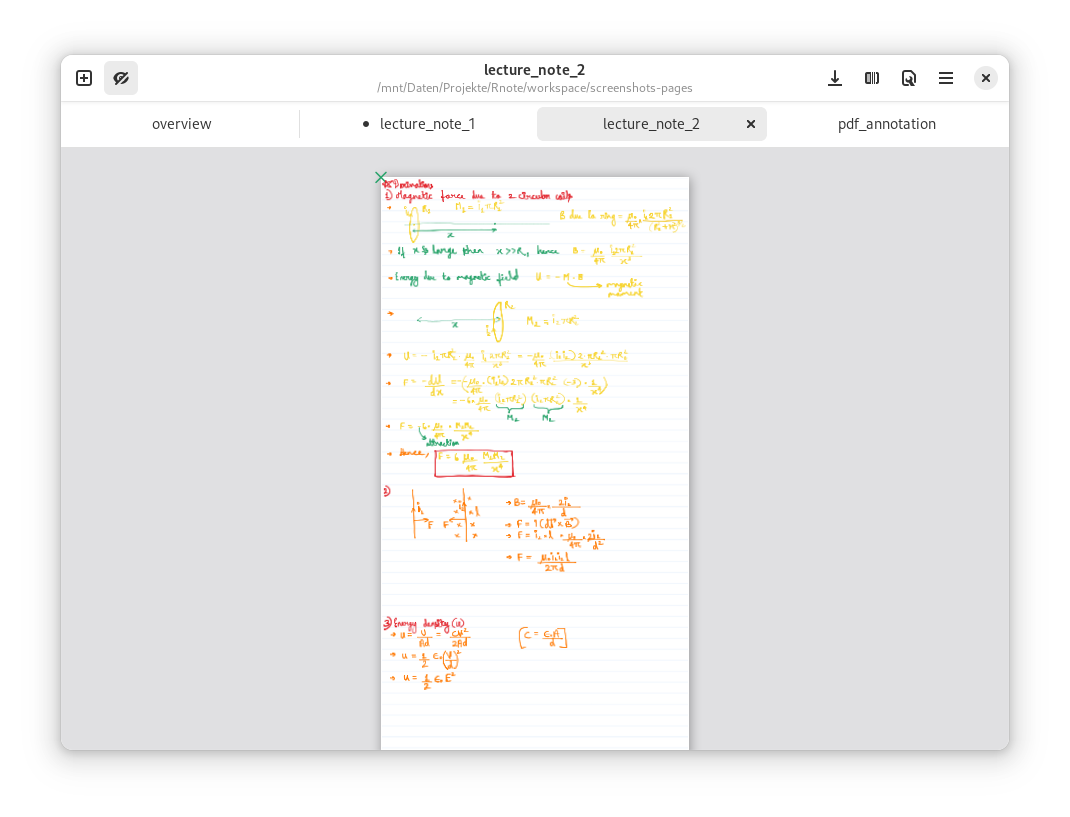
Different document expansion layouts ( fixed pages, continuous vertical, infinite in every direction, .. )
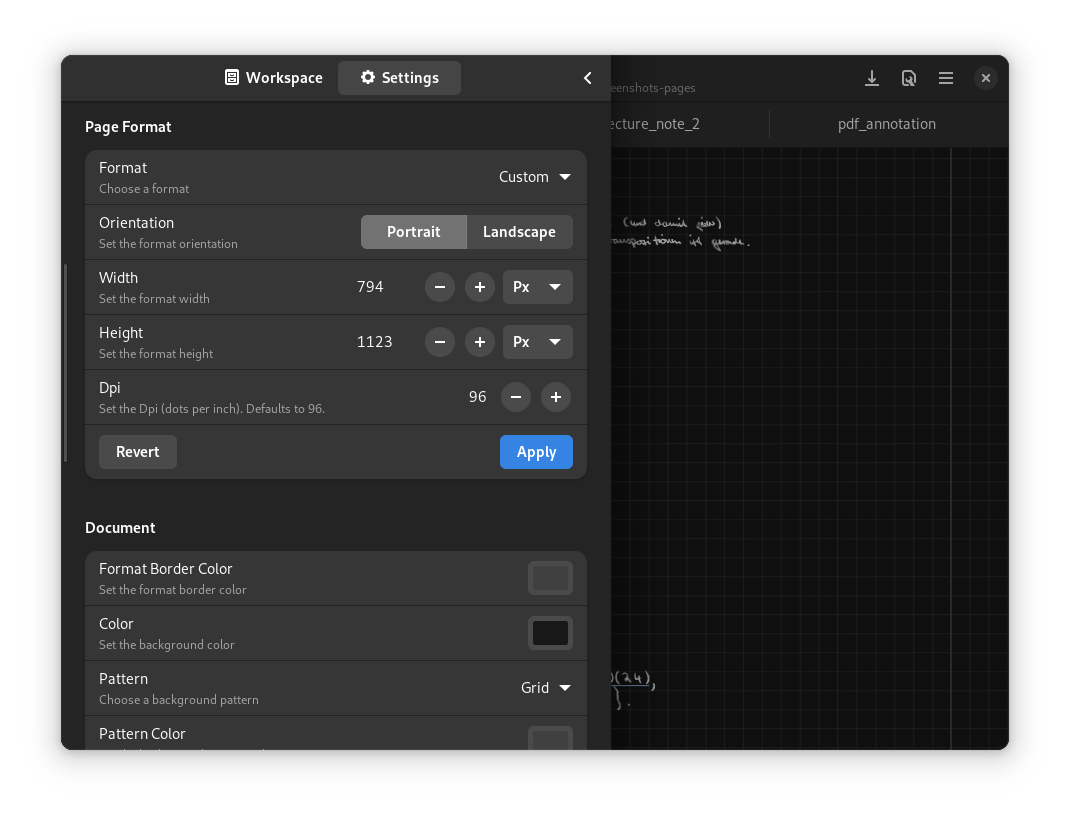
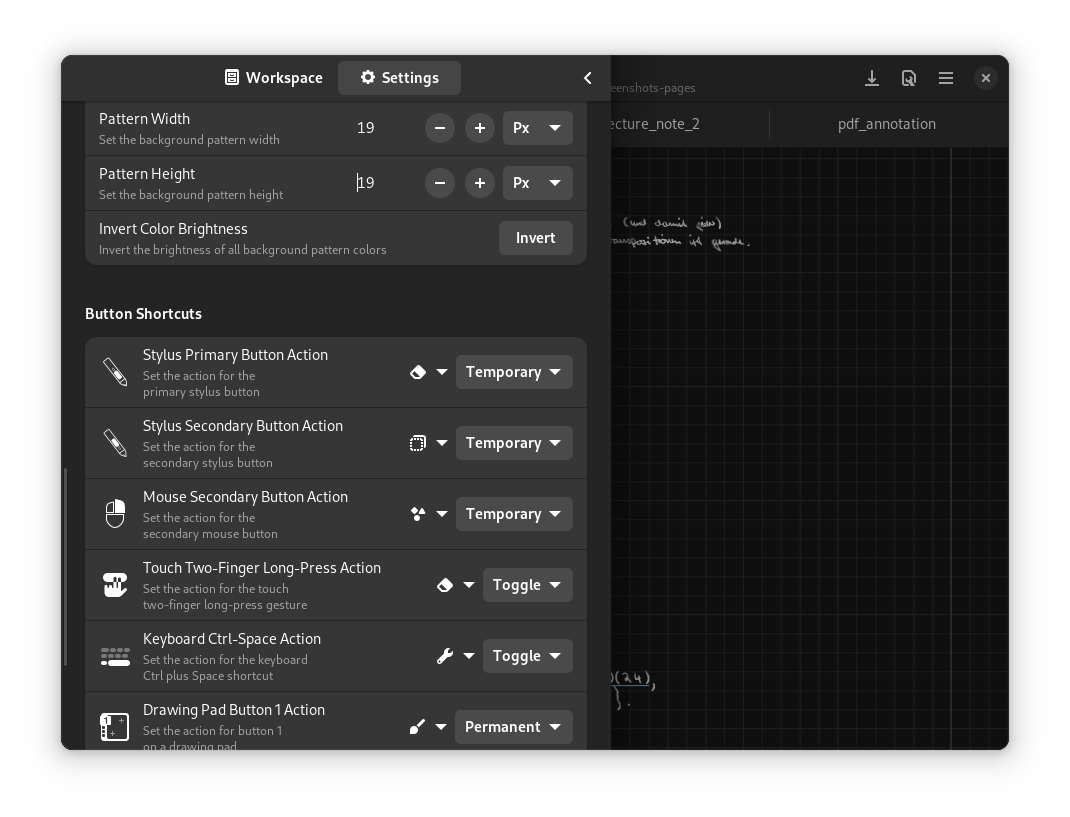
Customizable background colors, patterns, sizes
Customizable page format
(Optional) pen sounds
Reconfigurable stylus button shortcuts
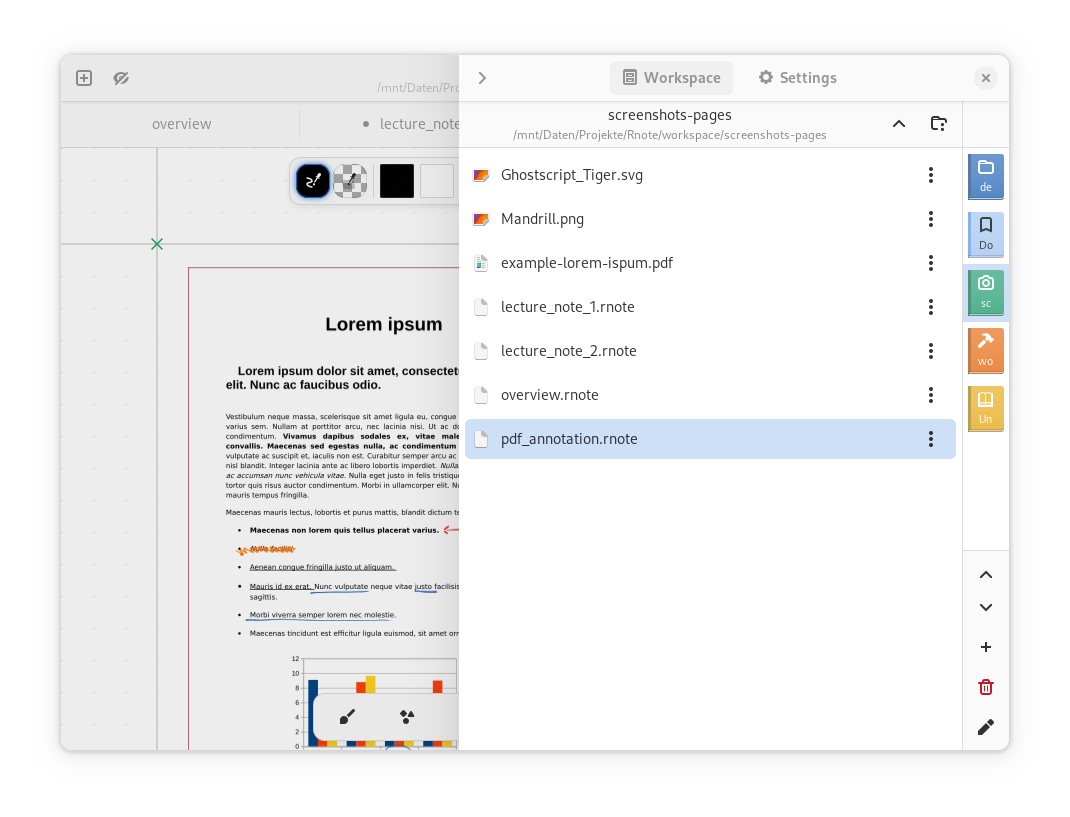
An integrated workspace browser for quick access to related files
Drag & Drop, clipboard support
Pdf, Bitmap and Svg image import
Documents can be exported to Svg, Pdf and Xopp. Document pages and selections to Svg, Png and Jpeg.
Save and load the documents in the native .rnote file format
Tabs to work on multiple documents at the same time
Autosave, printing
CLI for automation
Disclaimer
The file format is still unstable. It might change and break compatibility between versions.
Website
Rnote has a project website: rnote.flxzt.net
Installation
Linux
Download the official flatpak on Flathub here.
MacOS
Thanks to dehesselle the app is available on MacOS as an app bundle.
Check out the repository, the latest release can be downloaded here.
Windows
Download the Windows installer from the latest release which can be found here.
Install using Winget:
winget install flxzt.rnote
Downgrading
Because the file format still is unstable, downgrading to a specific version might be necessary.
To update to the latest version again, unpin and run flatpak update.
CLI
In addition to the UI, a CLI tool is available, providing basic handling of .rnote files for automation.
It is included in the flatpak.
To execute it, run:
flatpak run --command=rnote-cli com.github.flxzt.rnote help
Screenshots
Pitfalls & Known Issues
The app does not work properly on X11
X11 is unsupported. Stylus and touch input support is known to be unreliable, and upstream support of X11
(GTK4 UI toolkit and desktop environments) will decrease over time (from lower maintenance, deprecation to removal)
so successfully fixing X11-related issues for users isn't feasible anymore.
Drag & Drop is not working
Ensure that Rnote has permission to access the locations from which you are dragging files.
These can be granted in Flatseal, a Flatpak permissions manager.
Odd location for current file
If the directory displayed in the header title is similar to /run/user/1000/../, Rnote does not have permissions
to access the directory. Again, granting them in Flatseal fixes this issue.
The stylus buttons or moving the canvas with a stylus do not work
Make sure that libinput and libwacom are installed and loaded.
While hovering over the screen with the stylus, other input events are blocked in some regions of the screen
Some devices apply palm rejection, so your hand does not trigger any action on the screen while using a
stylus/drawing tablet. However, this might not be desirable. If your device has a left/right handed setting for
your stylus/drawing tablet, make sure it is set correctly. Rnote can't disable this unfortunately
(discussed in issue #329).
Changing the stylus button action in the settings does not work
Some stylus models have a button that sends out an "Eraser Tool" event instead of a "Primary button" or
"Secondary button" event. Examples for such buttons are the lower button of the HP MPP2.0 Tilt pen or when the
back of the Microsoft Surface Pen hovers over the screen. This could result in inconsistent button settings in the
shortcuts menu (e.g. the secondary/upper button is actually the primary/lower button, or vice versa).
Rnote doesn't natively support handling "Eraser Tool" events, nor enable remapping an erase button to a
Primary/Secondary button. However, a workaround can be used to permanently map a tool to an eraser button
Hover over the canvas, and press and hold the eraser button on the pen
Switch to the desired pen style while keeping the button pressed
When releasing the pressed button, it should switch back to the previous pen style
The pen style in the "Eraser" mode should now be remembered
To verify what event each pen button sends, you can use evtest on Linux.
On Windows: the application window is surrounded by a black border instead of a shadow:
This is due to a bug with the underlying UI toolkit GTK4.
Unfortunately for the time being this cannot be fixed easily and is a known issue.
Translations
If you want to start contributing by translating, take a look into the translations section
of the CONTRIBUTING document.
Fonts
The following fonts are bundled with the application:
Grape Nuts: Grape Nuts is a simple handwritten casual font.
OpenDyslexic-Regular: OpenDyslexic is a typeface designed against some
common symptoms of dyslexia.
TT2020Base-Regular: TT2020 is an advanced, open source, hyperrealistic,
multilingual typewriter font for a new decade.
Virgil: The font that powers Excalidraw.
File Format
The .rnote file format is a gzipped json file.
So far breaking changes in the format happened in versions:
v0.2.0
v0.3.0
v0.4.0
v0.5.0
To be able to open and export older files that are incompatible with the newest version, look under Installation /Downgrading to install older versions of Rnote.
License
Rnote is available under GPL-3.0-or-later. See the LICENSE file for more info.
Copyright (C) 2023  The Rnote Authors

This program is free software: you can redistribute it and/or modify
it under the terms of the GNU General Public License as published by
the Free Software Foundation, either version 3 of the License, or
(at your option) any later version.

This program is distributed in the hope that it will be useful,
but WITHOUT ANY WARRANTY; without even the implied warranty of
MERCHANTABILITY or FITNESS FOR A PARTICULAR PURPOSE.  See the
GNU General Public License for more details.

You should have received a copy of the GNU General Public License
along with this program.  If not, see <https://www.gnu.org/licenses/>.
Credits
A huge thanks to the contributors, translators and to all that donated. You are the ones that help keep the project going!
Freesound is the source for the pen sounds. The individual sounds are credited in sounds/Licenses.md
Rough.js provides the algorithms for implementation of Rnote's rough shapes.
Pizarra is an innovative drawing app with advanced shaping and featuring an infinite zoom. It is a great inspiration of the architecture of Rnote. Go check it out!
Community
If you have any questions or want to start a general discussion, open a topic in the Github Discussions section.
There are also two Matrix chat rooms:
for users: #rnote:matrix.org
for developers: #rnote-dev:matrix.org
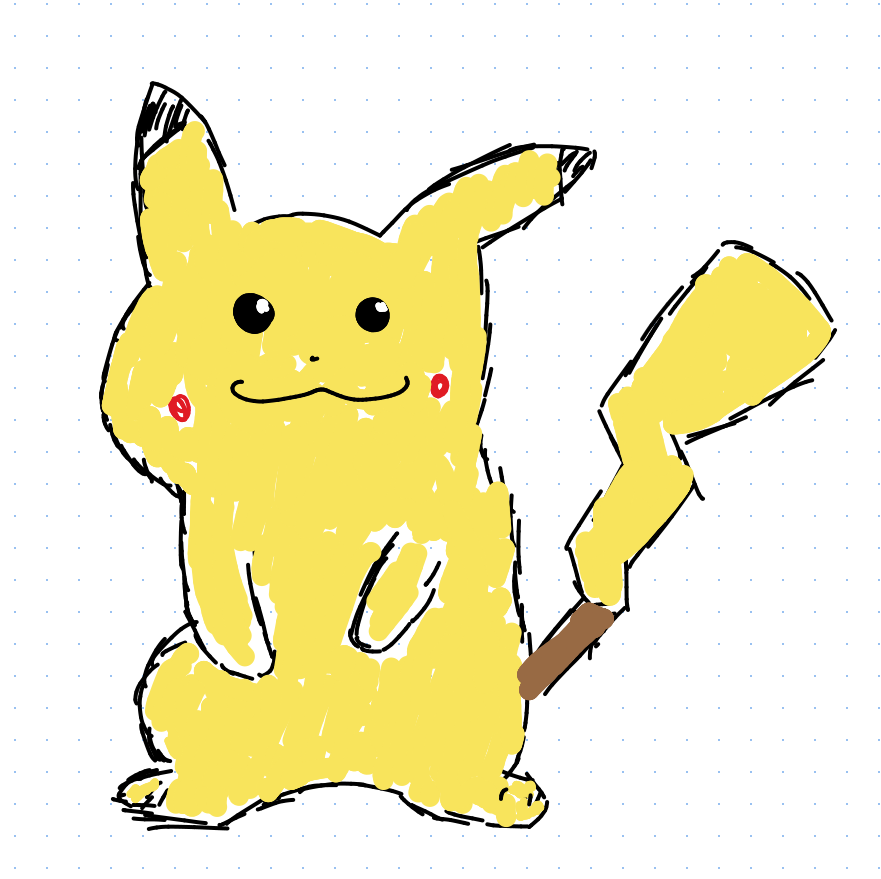
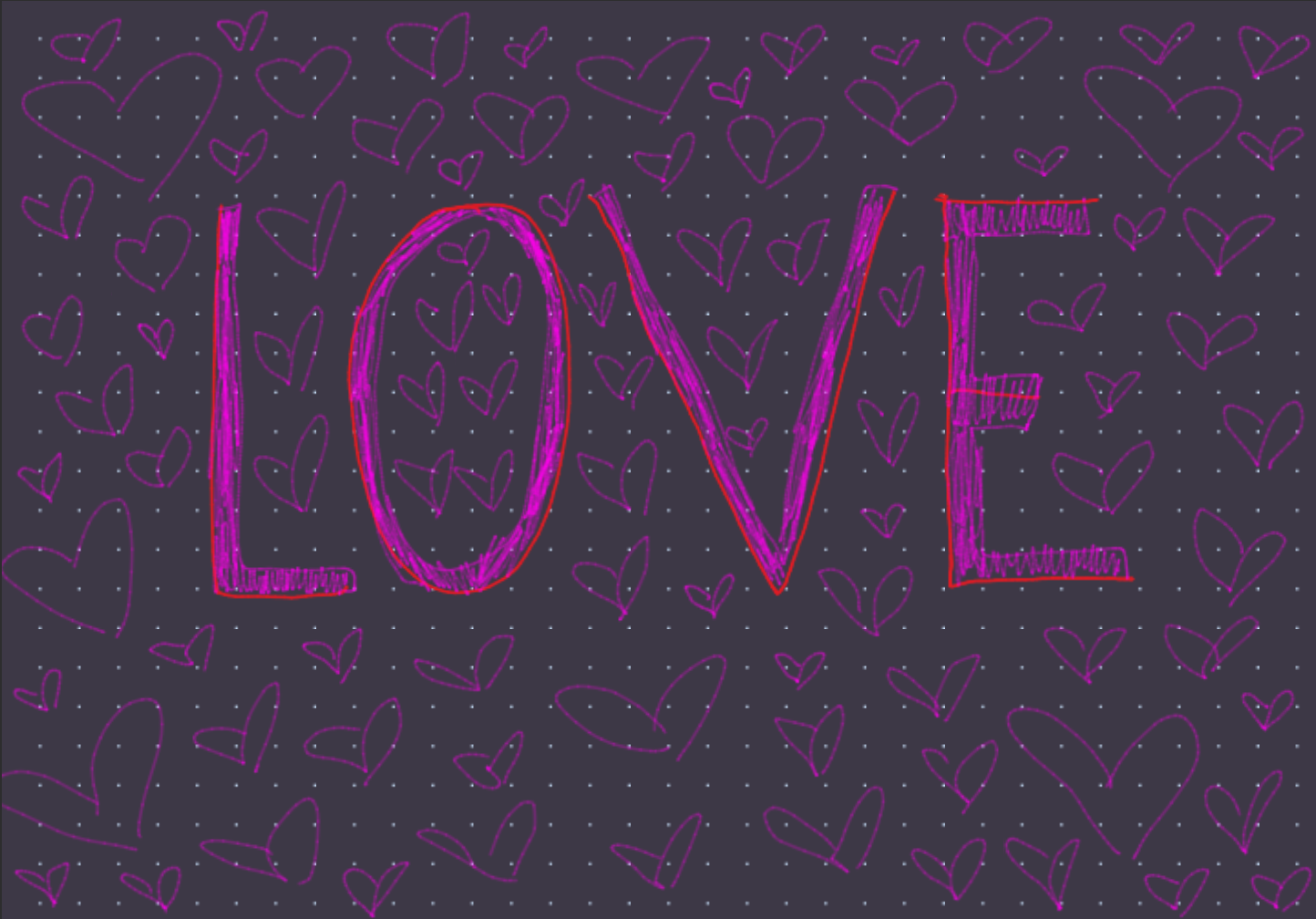
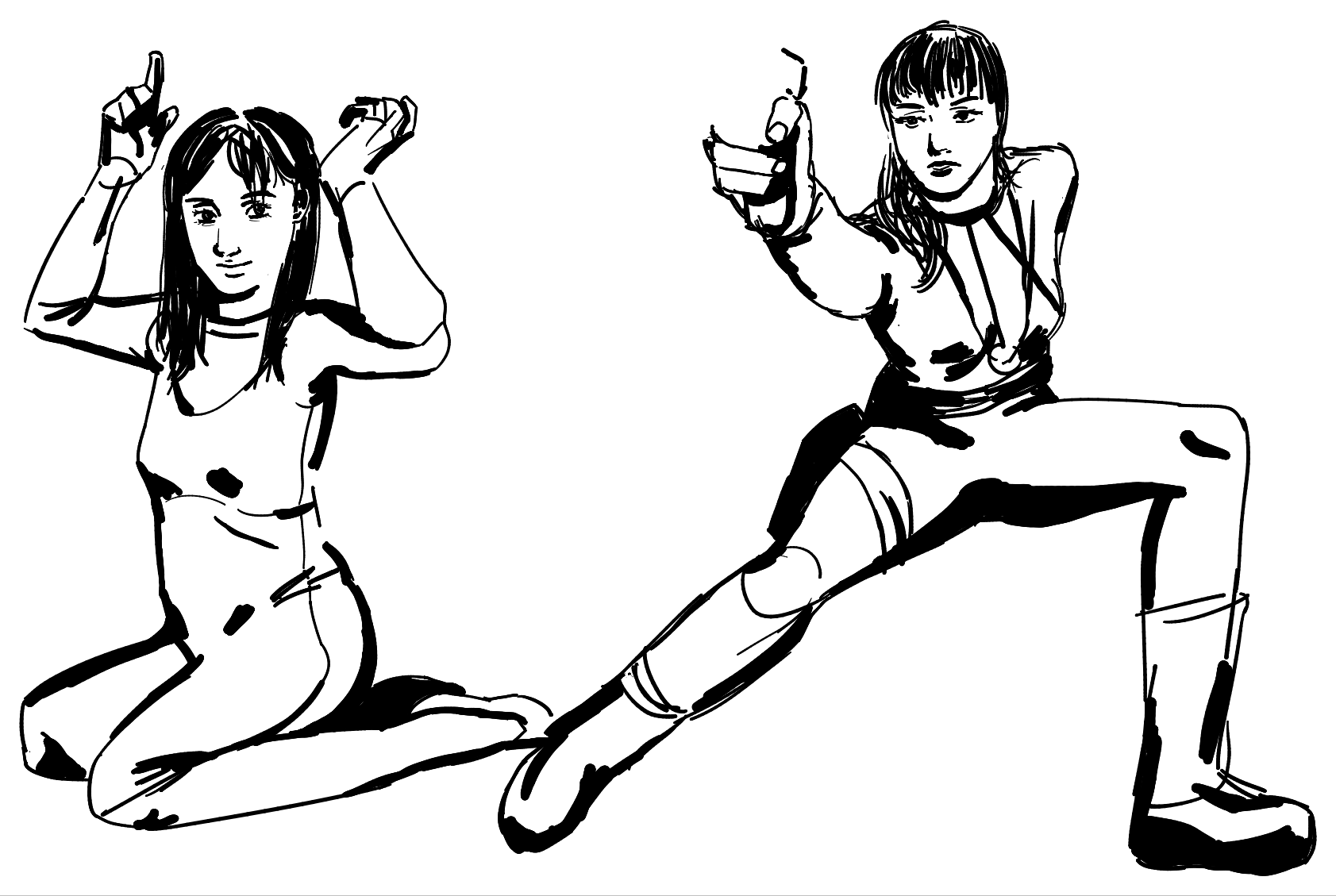
Drawings Created With Rnote
If you have drawn something cool in Rnote and want to share it, submit a PR to add it here. :)
Building
Build instructions for Linux are documented in BUILDING.md and for other platforms here
flxzt/rnote thuộc nhóm Backend trên TopGit, cùng 13 topic GitHub. Trang Trending và Topics liệt kê các repo cùng số sao và cùng ngôn ngữ để so sánh.
Đọc thêm về flxzt/rnote ở đâu?
Trang TopGit này là một snapshot — tab "Readme" hiển thị nguyên văn README của repo (đã bỏ link, giữ ảnh). Repo GitHub ở github.com/flxzt/rnote là nguồn chính thức.
flxzt/rnote có bao nhiêu sao?
flxzt/rnote có 11.9k sao GitHub — tải lại trang để xem số mới nhất, hoặc xem trực tiếp github.com/flxzt/rnote. TopGit phản chiếu số sao của GitHub nhưng không cam kết đến từng phút.
Commit gần nhất trên flxzt/rnote là 4 tháng trước (theo timestamp GitHub). Repo có 537 fork — một chỉ báo về mức độ quan tâm của cộng đồng.
flxzt/rnote viết bằng ngôn ngữ gì?
flxzt/rnote chủ yếu viết bằng Rust. Trường "language" của GitHub dựa trên phần lớn byte ở nhánh mặc định.
Vì sao flxzt/rnote được xếp vào nhóm Backend?
TopGit xếp flxzt/rnote vào nhóm Backend dựa trên GitHub topics và mô tả của repo (gắn thẻ: "drawing", "gtk", "gtk-rs"). Việc phân loại dựa trên metadata thật của repo, không phải đoán theo cảm tính biên tập.
Đọc đầy đủ README ở tab phía trên.
Chưa chắc rnote có hợp với bạn?
Để ChatGPT, Claude hoặc Perplexity tìm hiểu giúp — bấm bên dưới và xem AI nói gì về rnote.

 /rnote