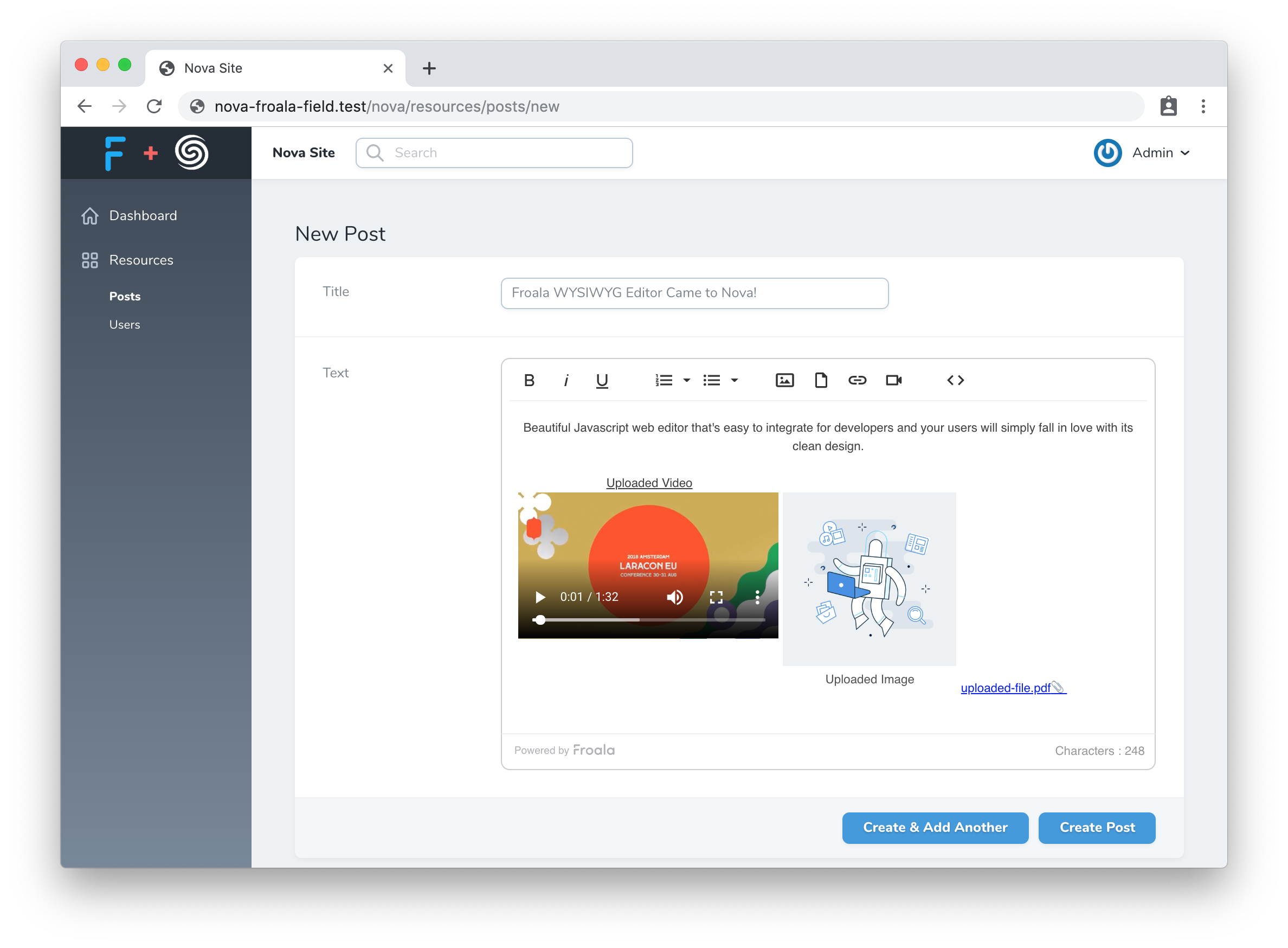
Một mục phía máy chủ trong kho dữ liệu GitHub của TopGit: froala/nova-froala-field, 113 sao, nhóm Backend, PHP. A Laravel Nova Froala WYSIWYG Editor Field.
Tóm tắt dựng từ metadata GitHub của chính dự án — chưa có bài review TopGit. Trang sẽ tự động cập nhật khi bài review đầy đủ được xuất bản.
VÌ SAO CHƯA CÓ REVIEW
TopGit viết bài đầy đủ cho repo có nhiều sao nhất và được yêu cầu nhiều nhất. Trang này là snapshot trong thời gian chờ — xem README gốc ở tab READ ME.
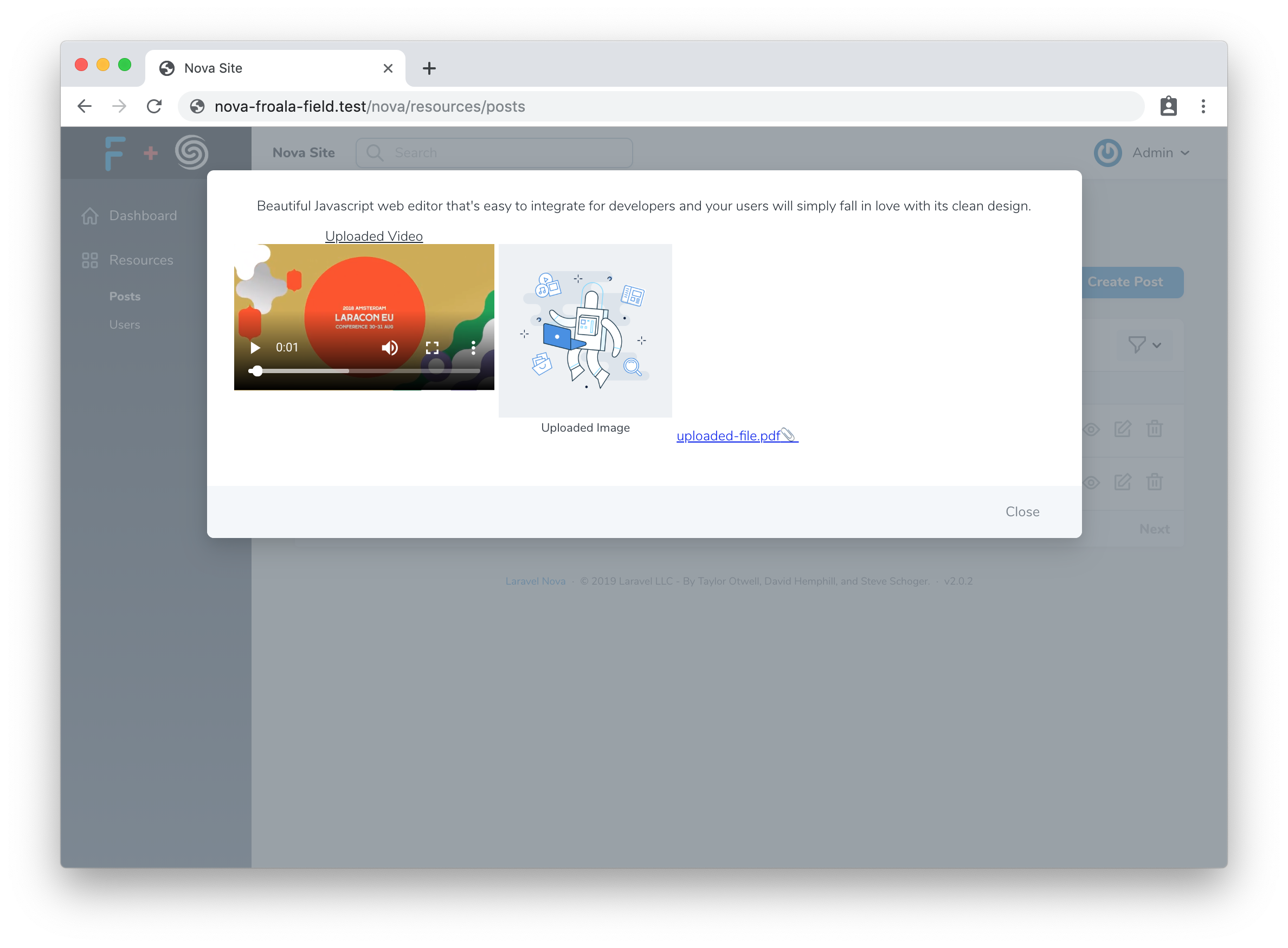
Nova Froala Field provides native attachments driver which works similar to Trix File Uploads, but with ability to optimize images and preserve file names.
Also you have an ability to switch to the trix driver to use its upload system.
It's Recommended to use froala driver (enabled by default) to be able to use current and future
additional features for attachments, provided by Froala.
Froala Driver
To use froala driver, publish and run a migration:
If previously you have used Trix attachments and you want to preserve behavior with same tables and handlers
you can use trix driver in config file:
/*
|--------------------------------------------------------------------------
| Editor Attachments Driver
|--------------------------------------------------------------------------
|
| If you have used `Trix` previously and want to save the same flow with
| `Trix` attachments handlers and database tables you can use
| "trix" driver.
|
| *** Note that "trix" driver doesn't support image optimization
| and file names preservation.
|
| It is recommended to use "froala" driver to be able to automatically
| optimize uploaded images and preserve attachments file names.
|
| Supported: "froala", "trix"
|
*/

'attachments_driver' => 'trix'

//...
Attachments Usage
To allow users to upload images, files and videos, just like with Trix field, chain the withFiles method onto the field's definition. When calling the withFiles method, you should pass the name of the filesystem disk that photos should be stored on:
use Froala\NovaFroalaField\Froala;

Froala::make('Content')->withFiles('public');
And also, in your app/Console/Kernel.php file, you should register a daily job to prune any stale attachments from the pending attachments table and storage:
use Froala\NovaFroalaField\Jobs\PruneStaleAttachments;


/**
* Define the application's command schedule.
*
* @param  \Illuminate\Console\Scheduling\Schedule  $schedule
* @return void
*/
protected function schedule(Schedule $schedule)
{
    $schedule->call(function () {
        (new PruneStaleAttachments)();
    })->daily();
}
Filenames Preservation
A unique ID is generated by default to serve as the file name according to store method specification.
If you want to preserve original client filenames for uploaded attachments, change preserve_file_names option in config file to true.
/*
|--------------------------------------------------------------------------
| Preserve Attachments File Name
|--------------------------------------------------------------------------
|
| Ability to preserve client original file name for uploaded
| image, file or video.
|
*/

'preserve_file_names' => true,

//...
Images Optimization
All uploaded images will be optimized by default by spatie/image-optimizer.
You can disable image optimization in config file:
Or set custom optimization options for any optimizer:
/*
|--------------------------------------------------------------------------
| Image Optimizers Setup
|--------------------------------------------------------------------------
|
| These are the optimizers that will be used by default.
| You can setup custom parameters for each optimizer.
|
*/

'image_optimizers' => [
    Spatie\ImageOptimizer\Optimizers\Jpegoptim::class => [
        '-m85', // this will store the image with 85% quality. This setting seems to satisfy Google's Pagespeed compression rules
        '--strip-all', // this strips out all text information such as comments and EXIF data
        '--all-progressive', // this will make sure the resulting image is a progressive one
    ],
    Spatie\ImageOptimizer\Optimizers\Pngquant::class => [
        '--force', // required parameter for this package
    ],
    Spatie\ImageOptimizer\Optimizers\Optipng::class => [
        '-i0', // this will result in a non-interlaced, progressive scanned image
        '-o2', // this set the optimization level to two (multiple IDAT compression trials)
        '-quiet', // required parameter for this package
    ],
    Spatie\ImageOptimizer\Optimizers\Svgo::class => [
        '--disable=cleanupIDs', // disabling because it is known to cause troubles
    ],
    Spatie\ImageOptimizer\Optimizers\Gifsicle::class => [
        '-b', // required parameter for this package
        '-O3', // this produces the slowest but best results
    ],
],
Image optimization currently supported only for local filesystems
Upload Max Filesize
You can set max upload filesize for attachments. If set to null, max upload filesize equals to php.iniupload_max_filesize directive value.
/*
|--------------------------------------------------------------------------
| Maximum Possible Size for Uploaded Files
|--------------------------------------------------------------------------
|
| Customize max upload filesize for uploaded attachments.
| By default it is set to "null", it means that default value is
| retrieved from `upload_max_size` directive of php.ini file.
|
| Format is the same as for `uploaded_max_size` directive.
| Check out FAQ page, to get more detail description.
| {@link http://php.net/manual/en/faq.using.php#faq.using.shorthandbytes}
|
*/

'upload_max_filesize' => null,

//...
Display Edited Content
According to Froala Display Edited Content documentation you should publish Froala styles:
include into view where an edited content is shown:
<!-- CSS rules for styling the element inside the editor such as p, h1, h2, etc. -->
<link href="{{ asset('css/vendor/froala_styles.min.css') }}" rel="stylesheet" type="text/css" />
Also, you should make sure that you put the edited content inside an element that has the .fr-view class:
To enable a button that uses some a 3rd party service and needs additional script including, like: Embed.ly, TUI Advanced Image Editor or SCAYT Web SpellChecker, you should publish 3rd party scripts:
If you have a Font Awesome Pro license, you can enable using the regular icons instead of
the solid ones by using the iconsTemplate option.
Add iconsTemplate config value into froala-field.php config:
'options' => [
    // 'key' => env('FROALA_KEY'),

   'iconsTemplate' => 'font_awesome_5',
   // If you want to use the regular/light icons, change the template to the following.
   // iconsTemplate: 'font_awesome_5r'
   // iconsTemplate: 'font_awesome_5l'

   //...
],
Note:
If you have any problems with loading 3rd party plugins, try to republish it
to all callbacks provided in window.froala.events, the context of VueJS form field component is automatically applied, you can work with this inside callbacks like with Vue instance component.
After that, load the js file into Nova scripts in NovaServiceProvider::boot method:
public function boot()
{
    parent::boot();

    Nova::serving(function (ServingNova $event) {
        Nova::script('froala-event-handlers', public_path('path/to/js/file.js'));
    });
}
Customize Attachment Handlers
You can change any of attachment handlers by passing a callable:
froala/nova-froala-field thuộc nhóm Backend trên TopGit, cùng 6 topic GitHub. Trang Trending và Topics liệt kê các repo cùng số sao và cùng ngôn ngữ để so sánh.
Đọc thêm về froala/nova-froala-field ở đâu?
Trang TopGit này là một snapshot — tab "Readme" hiển thị nguyên văn README của repo (đã bỏ link, giữ ảnh). Repo GitHub ở github.com/froala/nova-froala-field là nguồn chính thức.
froala/nova-froala-field có bao nhiêu sao?
froala/nova-froala-field có 113 sao GitHub — tải lại trang để xem số mới nhất, hoặc xem trực tiếp github.com/froala/nova-froala-field. TopGit phản chiếu số sao của GitHub nhưng không cam kết đến từng phút.
froala/nova-froala-field có những chủ đề gì?
GitHub topics của froala/nova-froala-field: "field", "laravel", "nova", "php", "wysiwyg", "wysiwyg-editor". TopGit xếp repo vào nhóm Backend.
froala/nova-froala-field có phải mã nguồn mở không?
Có — froala/nova-froala-field phát hành theo license MIT, nghĩa là mã nguồn mở để đọc, fork và (tùy license) tái sử dụng. Mã: github.com/froala/nova-froala-field.
froala/nova-froala-field có website riêng không?
TopGit chưa ghi nhận URL trang chủ cho froala/nova-froala-field. Phần README ở tab phía trên thường có link demo, hoặc xem mô tả GitHub của repo.
froala/nova-froala-field còn đang phát triển không?
Commit gần nhất trên froala/nova-froala-field là 5.3 năm trước (theo timestamp GitHub). Repo có 45 fork — một chỉ báo về mức độ quan tâm của cộng đồng.
Đọc đầy đủ README ở tab phía trên.
Vẫn đang phân vân về nova-froala-field?
Một cú bấm sẽ gửi câu hỏi kèm trang này cho AI — xem AI nói gì về nova-froala-field.

 /nova-froala-field