hackjutsu/Lepton là một trong những repo tập trung giao diện mà TopGit theo dõi, hiện có 10.3k sao, viết chủ yếu bằng JavaScript. 💻 Democratizing Snippet Management (macOS/Win/Linux)
Tóm tắt dựng từ metadata GitHub của chính dự án — chưa có bài review TopGit. Trang sẽ tự động cập nhật khi bài review đầy đủ được xuất bản.
VÌ SAO CHƯA CÓ REVIEW
TopGit viết bài đầy đủ cho repo có nhiều sao nhất và được yêu cầu nhiều nhất. Trang này là snapshot trong thời gian chờ — xem README gốc ở tab READ ME.
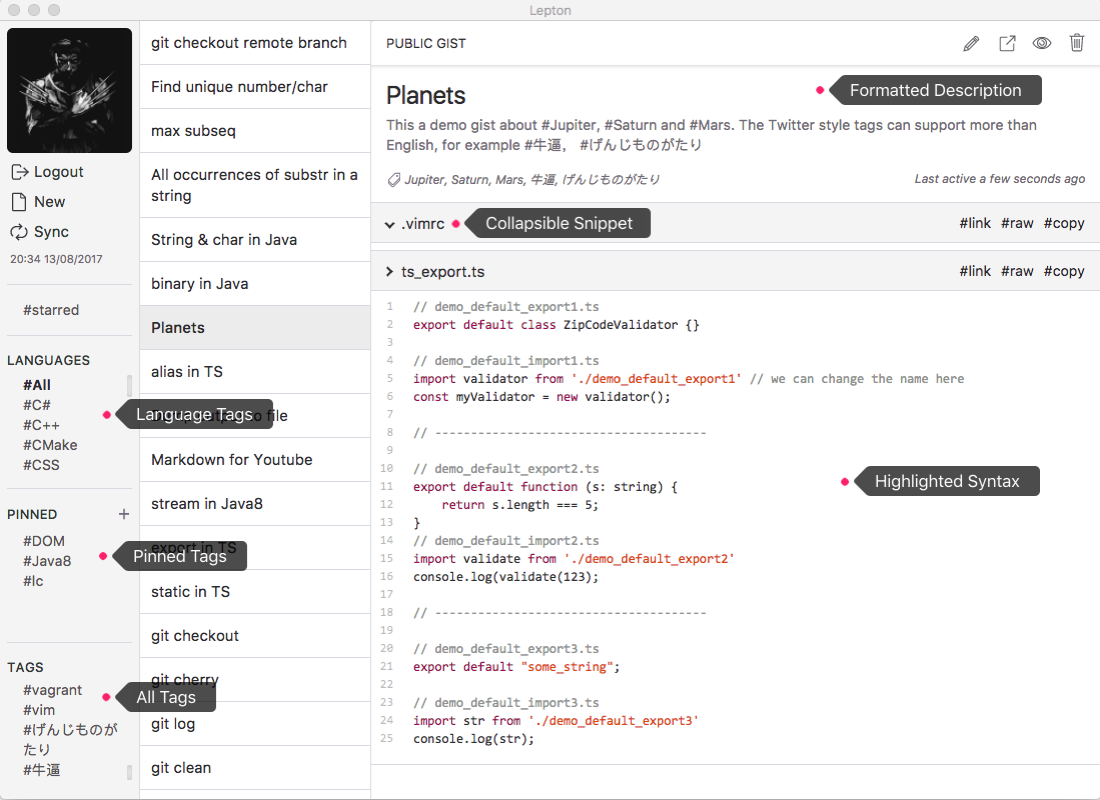
Lepton is a lean code snippet manager for GitHub Gist and GitLab personal snippets. Check out the latest release.
Features
Unlimited public/secret snippets
Unlimited tags
Language groups
Markdown/JupyterNotebook
GitHub Enterprise
GitHub token
GitLab.com and self-managed GitLab personal snippets (personal access token)
Immersive mode
Customizable
Built-in themes
macOS/Win/Linux
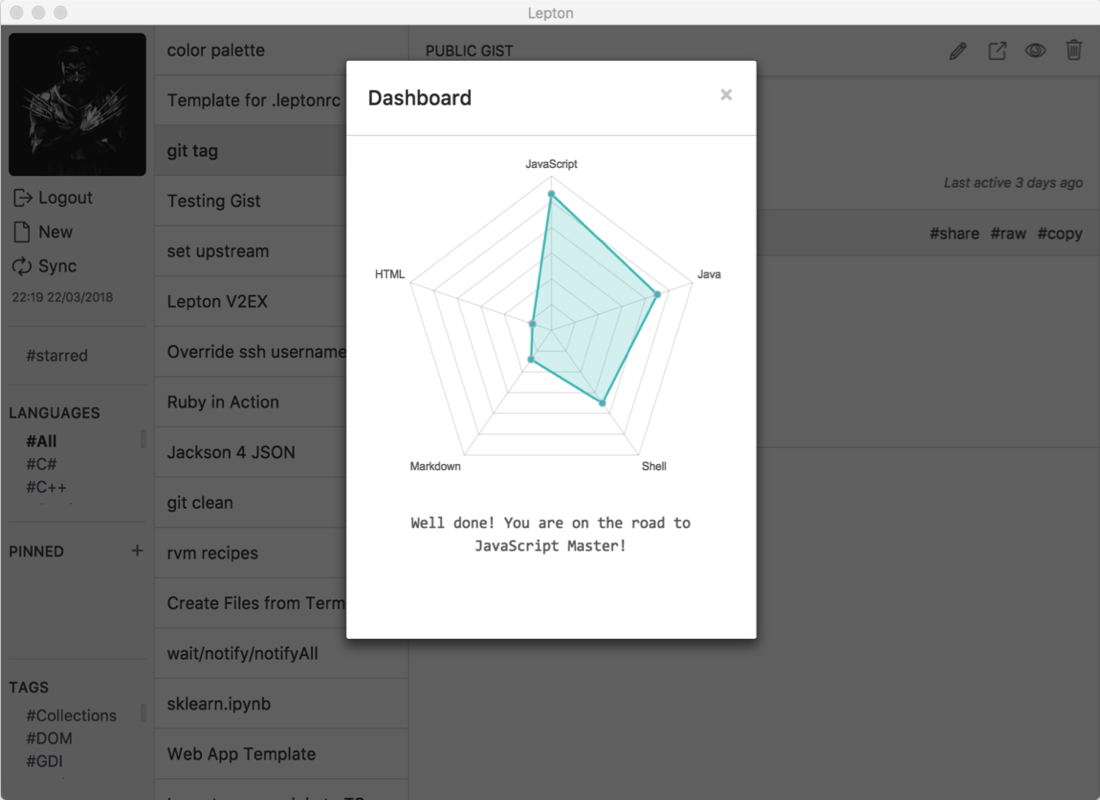
Dashboard
Search snippets
Proxy
Free
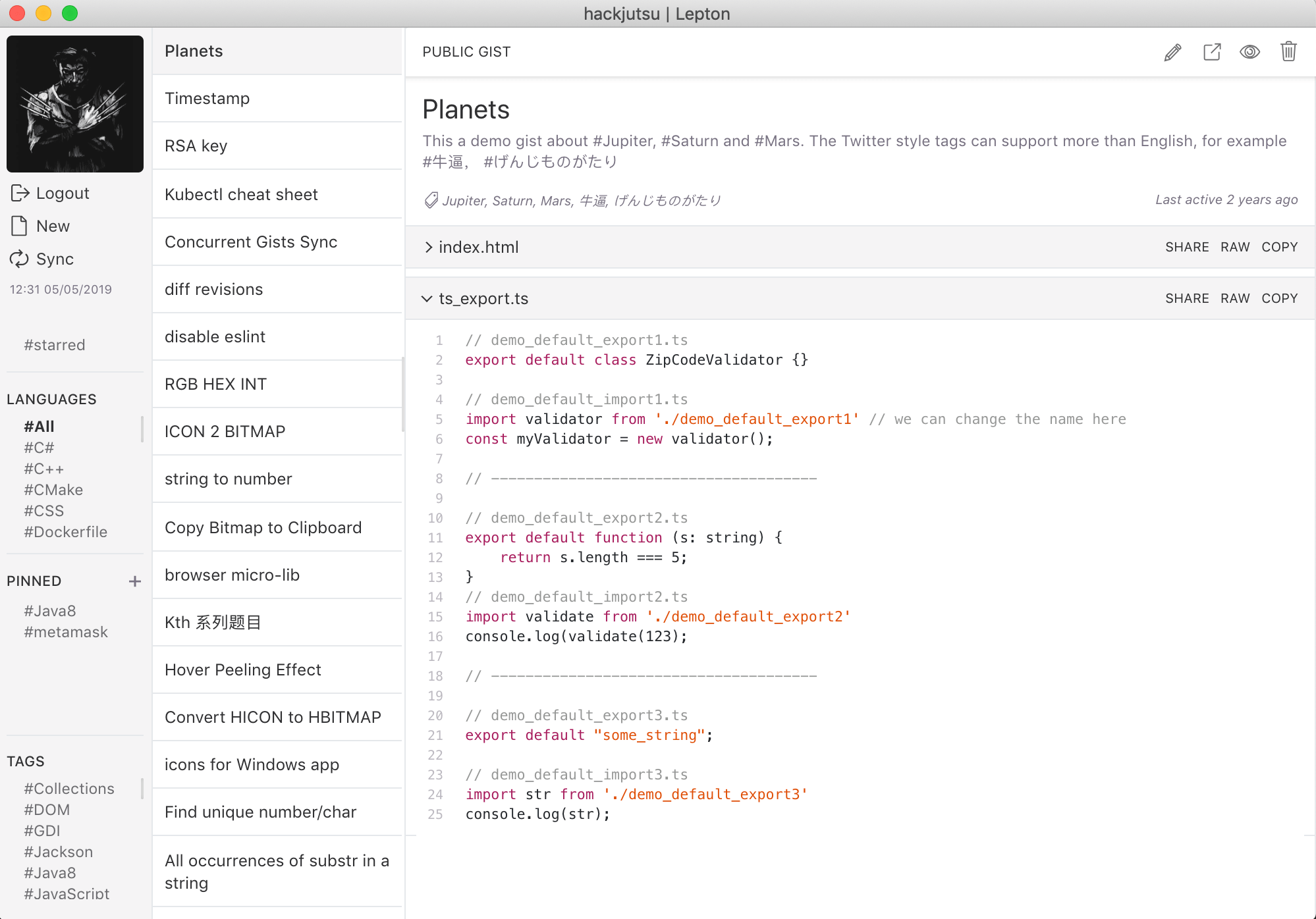
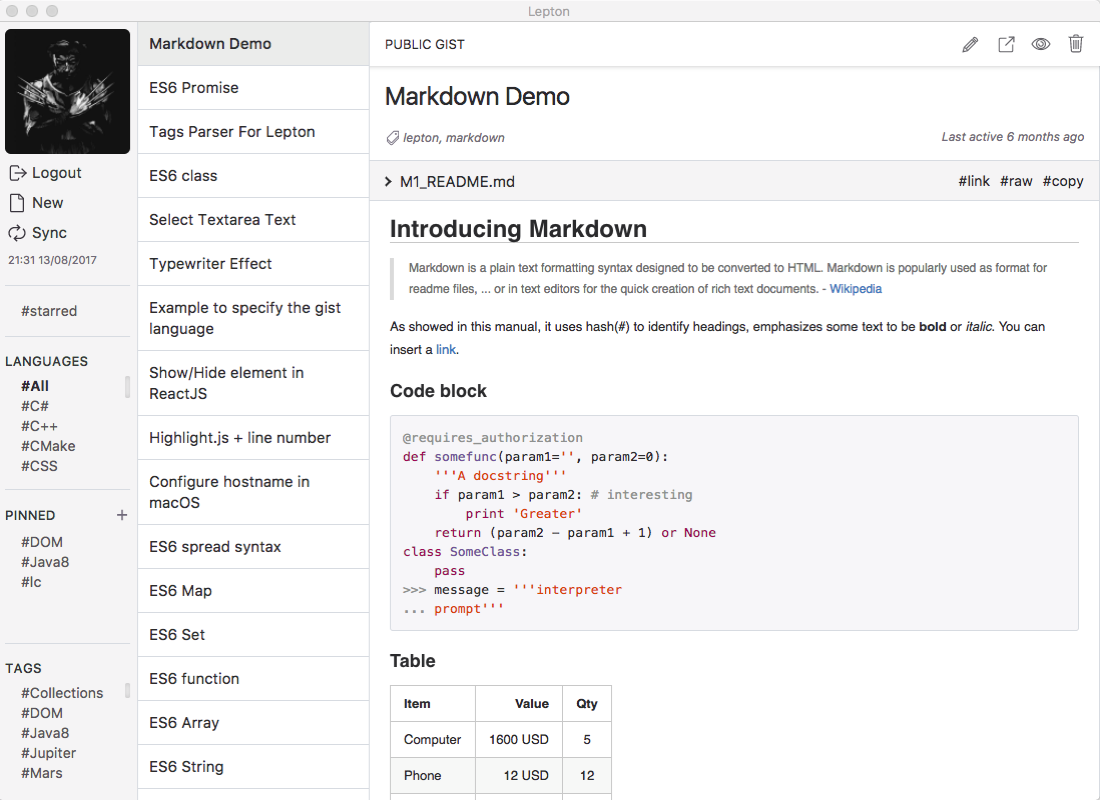
Light Theme
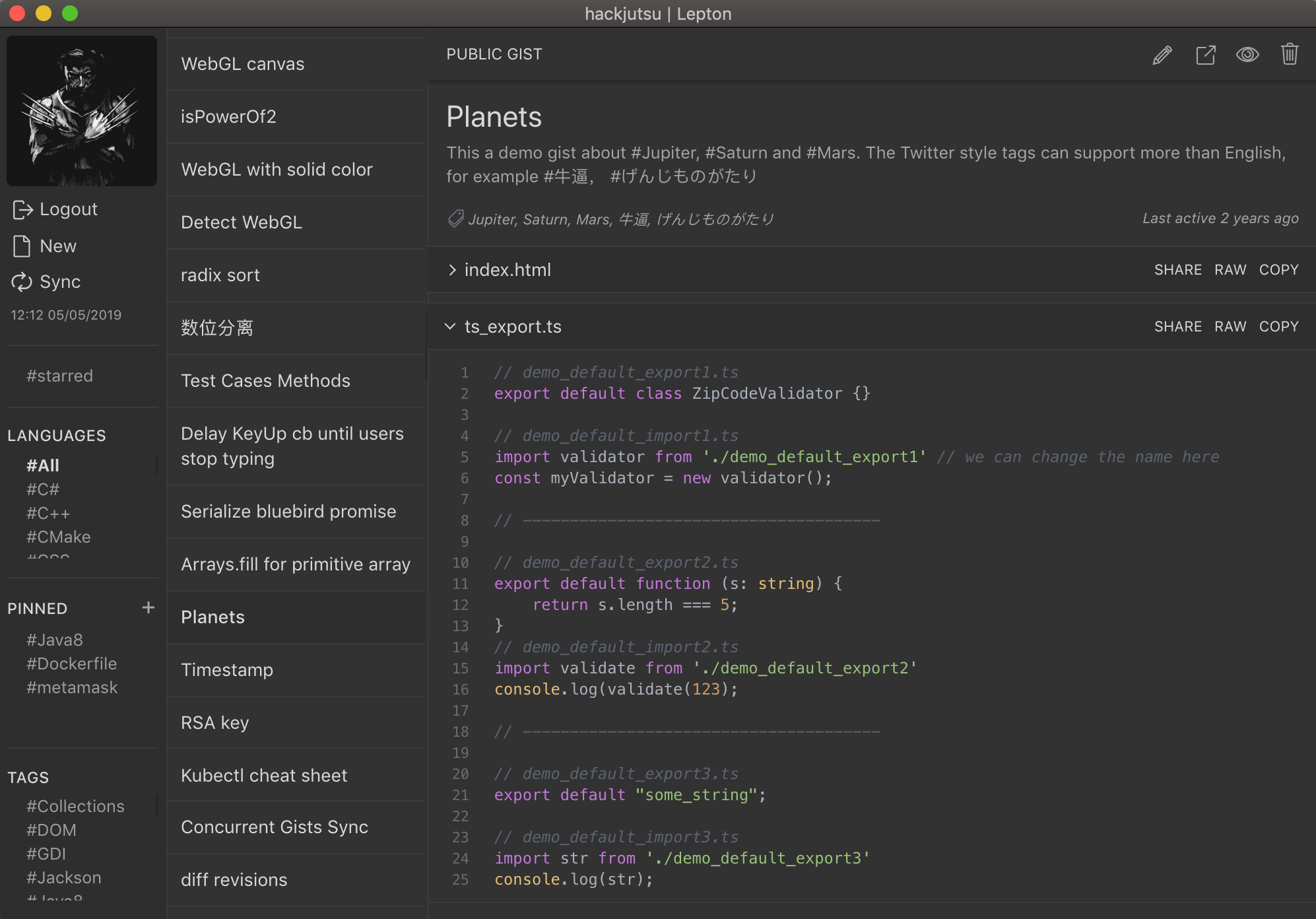
Dark Theme
Organize
Markdown
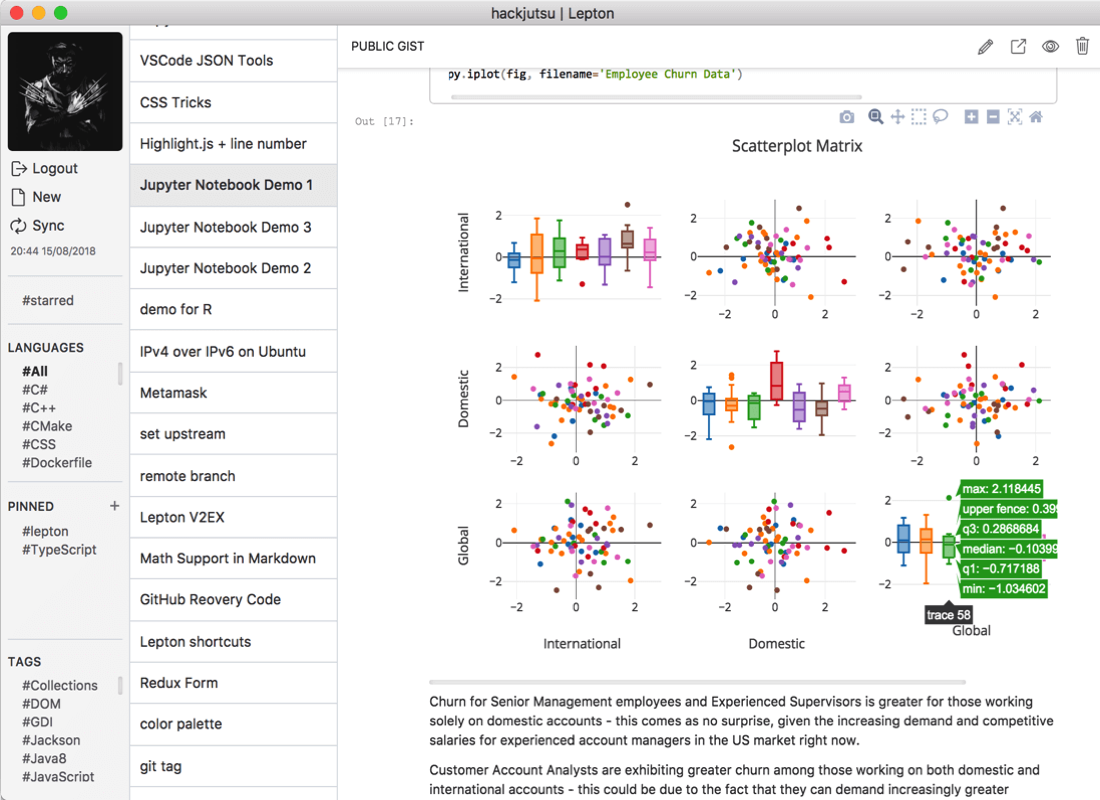
Jupyter Notebook
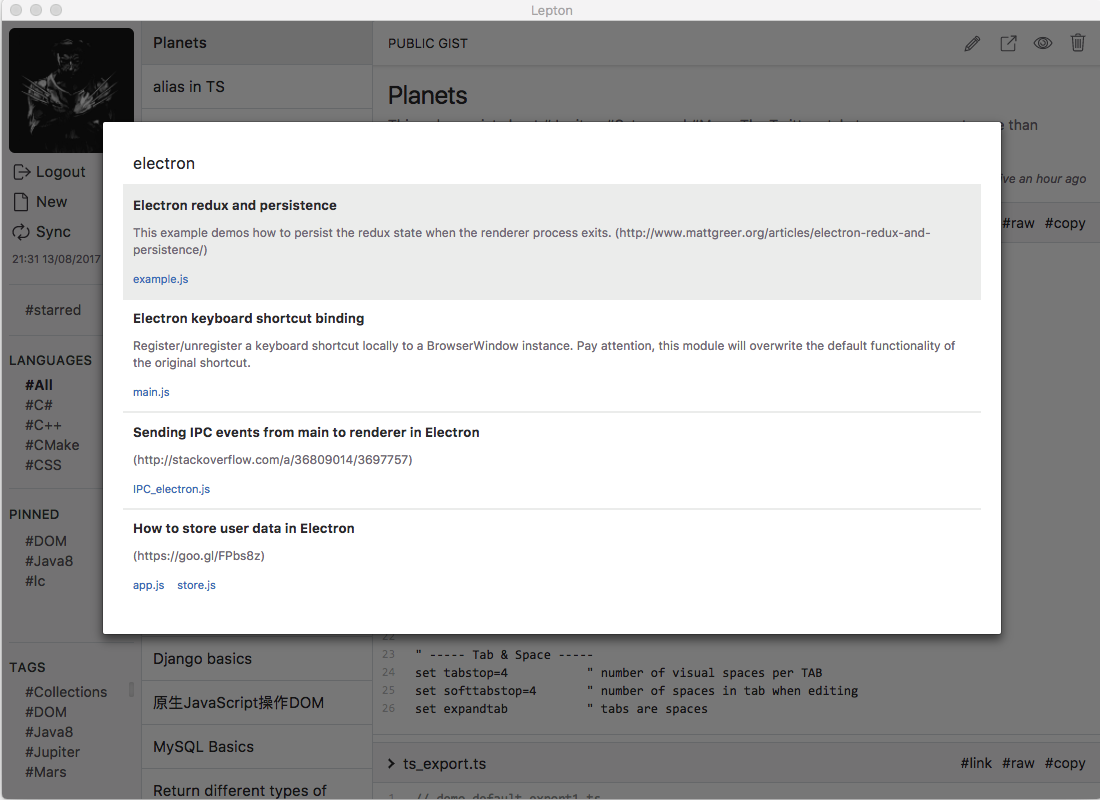
Search snippets (⇧ + Space)
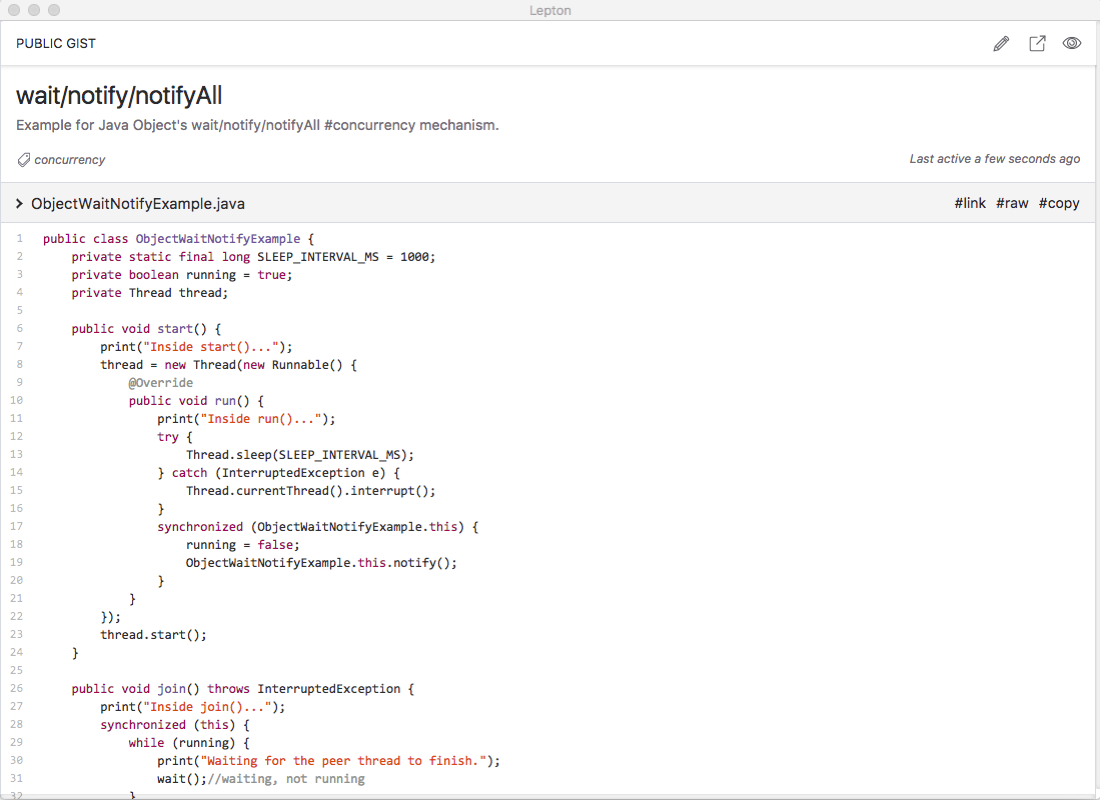
Immersive Mode (⌘/Ctrl + i)
Dashboard (⌘/Ctrl + d)
Shortcuts
Function
Shortcut
Note
New Snippet
Cmd/Ctrl + N
Create a snippet
Edit Snippet
Cmd/Ctrl + E
Edit a snippet
Delete Snippet
Cmd/Ctrl + Del
Delete selected snippet
Submit
Cmd/Ctrl + S
Submit the changes from the editor
Sync
Cmd/Ctrl + R
Sync snippets with the selected provider
Immersive Mode
Cmd/Ctrl + I
Toggle the Immersive mode
Dashboard
Cmd/Ctrl + D
Toggle the dashboard
About Page
Cmd/Ctrl + ,
Toggle the About page
Search
Shift + Space
Toggle snippet search
See the Search FAQ for searchable fields and content-search behavior.
Customization
Lepton's can be customized by <home_dir>/.leptonrc! You can find its exact path in the About page by Command/Ctrl + ,. Create the file if it does not exist.
Now you can learn about Lepton project's code structure in DeepWiki!
Installation
macOS/Windows/Linux: Download the released packages
macOS: Install via Homebrew
brew install --cask lepton
Linux: Install via Snap Store
snap install lepton
Support
Lepton is a free and open source project. We do not accept project donations, but if you would like to support the maintainer, you can buy me a coffee.
We also recommend donating to Wikimedia Foundation, which helps sustain free knowledge through Wikipedia and its sister projects.
Development
Runtime requirements
Lepton's current development toolchain is known to work with Node.js 24 LTS and
npm 11.x. This is the host runtime used to install dependencies and run the
webpack build; the bundled Electron app runtime is managed by the Electron
version in package.json.
Recommended:
Node.js 24.18.0
npm 11.16.x
If you use nvm, the repository includes an .nvmrc:
$ nvm install
$ nvm use
Apple Silicon development should use the native arm64 Node.js runtime.
Install dependencies
$ git clone https://github.com/hackjutsu/Lepton.git
$ cd Lepton
$ npm ci
# inspect stale dependencies
$ npm run check-outdated
Client ID/Secret
Register your application, and put your client id and client secret in ./configs/account.js.
configs/account.js is intentionally ignored by Git. If it is missing, the app
falls back to configs/accountDummy.js, which is useful for rendering tests but
will not support real GitHub login. Release builds create configs/account.js
from GitHub Actions secrets before packaging.
Run
$ npm run build && npm start
For iterative renderer work, run webpack in watch mode in one terminal and
restart Electron from another terminal when needed:
$ npm run webpack-watch
$ npm start
Build
# Development bundle
$ npm run build

# Production bundle
$ npm run webpack-prod
Automated Validation
Use these commands before opening a pull request:
# Lint application source
$ npm run lint

# Normal local check: Vitest unit tests plus webpack development build
$ npm test

# Unit tests only
$ npm run test:unit

# Unit tests in watch mode
$ npm run test:unit:watch
The project also has Electron smoke checks. These are useful for Electron,
React, layout, preload, or packaging changes, and are run by CI.
# Launches Electron with isolated config/user-data and verifies login plus
# fixture-backed authenticated renderer surfaces
$ npm run test:smoke

# Builds an unpacked app and verifies the packaged app can render the login UI.
# This is primarily for macOS CI or release verification.
$ npm run test:packaged-smoke
Renderer smoke fixtures are opt-in through the smoke runner and use deterministic
mock state to check initial rendering. Fixture names include active, edit,
new, about, dashboard, search, delete, raw, pinned-tags, and
immersive.
# Launch one fixture directly when debugging the automated smoke check
$ npm run build
$ LEPTON_RENDER_FIXTURE=active npm start
Fixtures verify that important React surfaces mount without renderer warnings,
errors, failed loads, or crashes. They do not verify GitHub OAuth, snippet CRUD,
sync behavior, real API responses, OS shortcut delivery, or full interaction
flows.
GitHub Actions currently runs:
lint-test-build: lint, unit tests, and webpack build verification
electron-smoke: Electron renderer smoke test
packaged-smoke: packaged app smoke test
release: tag-driven cross-platform packaging and publishing
The smoke jobs are currently configured as non-blocking CI checks while the
cross-platform Electron validation continues to mature.
Manual Verification
For UI or Electron changes, also launch the app locally:
$ npm run build && npm start
Confirm the login page visibly renders. After login, manually verify the
surfaces affected by your change, such as new snippet, edit snippet,
settings/about, dashboard, search, sync, and GitHub Gist backend interactions.
Manual verification is still required for visual quality and real GitHub
behavior; automated smoke checks do not replace backend workflow testing.
Local Packaging
Build an unpacked app for the current platform.
$ npm run pack
Build apps for macOS.
$ npm run dist -- -m
Build apps for Windows.
$ npm run dist -- -w
Build apps for Linux.
Need a running Docker daemon to build a snap package.
$ npm run dist -- -l
Build apps for macOS, Windows and Linux.
$ npm run dist -- -wml
Build apps for the current OS with the current arch.
hackjutsu/Lepton thuộc nhóm Frontend trên TopGit, cùng 13 topic GitHub. Trang Trending và Topics liệt kê các repo cùng số sao và cùng ngôn ngữ để so sánh.
Đọc thêm về hackjutsu/Lepton ở đâu?
Trang TopGit này là một snapshot — tab "Readme" hiển thị nguyên văn README của repo (đã bỏ link, giữ ảnh). Repo GitHub ở github.com/hackjutsu/Lepton là nguồn chính thức.
hackjutsu/Lepton có bao nhiêu sao?
hackjutsu/Lepton có 10.3k sao GitHub — tải lại trang để xem số mới nhất, hoặc xem trực tiếp github.com/hackjutsu/Lepton. TopGit phản chiếu số sao của GitHub nhưng không cam kết đến từng phút.
hackjutsu/Lepton có phải mã nguồn mở không?
Có — hackjutsu/Lepton phát hành theo license MIT, nghĩa là mã nguồn mở để đọc, fork và (tùy license) tái sử dụng. Mã: github.com/hackjutsu/Lepton.
hackjutsu/Lepton còn đang phát triển không?
Commit gần nhất trên hackjutsu/Lepton là 3 tháng trước (theo timestamp GitHub). Repo có 478 fork — một chỉ báo về mức độ quan tâm của cộng đồng.
hackjutsu/Lepton dùng license gì?
hackjutsu/Lepton phát hành theo license MIT. Nên mở file LICENSE trên GitHub để xác nhận — license metadata đôi khi lệch với thực tế dự án.
hackjutsu/Lepton là gì?
hackjutsu/Lepton (hackjutsu/Lepton) là dự án JavaScript trên GitHub. Theo mô tả gốc: 💻 Democratizing Snippet Management (macOS/Win/Linux)
hackjutsu/Lepton viết bằng ngôn ngữ gì?
hackjutsu/Lepton chủ yếu viết bằng JavaScript. Trường "language" của GitHub dựa trên phần lớn byte ở nhánh mặc định.
Đọc đầy đủ README ở tab phía trên.
Chưa chắc Lepton có hợp với bạn?
Để ChatGPT, Claude hoặc Perplexity tìm hiểu giúp — bấm bên dưới và xem AI nói gì về Lepton.

 /Lepton