Trên GitHub, jenkinsci/job-dsl-plugin đã đạt 1.9k sao, ngôn ngữ Groovy. A Groovy DSL for Jenkins Jobs
Tóm tắt dựng từ metadata GitHub của chính dự án — chưa có bài review TopGit. Trang sẽ tự động cập nhật khi bài review đầy đủ được xuất bản.
VÌ SAO CHƯA CÓ REVIEW
TopGit viết bài đầy đủ cho repo có nhiều sao nhất và được yêu cầu nhiều nhất. Trang này là snapshot trong thời gian chờ — xem README gốc ở tab READ ME.
NOTE The Job DSL Plugin is currently seeking co-maintainers. This does not mean that it's unmaintained right now, but that stepping up to help support this plugin would help long-term health of this project.
Introduction
Jenkins is a wonderful system for managing builds, and people love using its UI to configure jobs. Unfortunately, as
the number of jobs grows, maintaining them becomes tedious, and the paradigm of using a UI falls apart. Additionally,
the common pattern in this situation is to copy jobs to create new ones, these "children" have a habit of
diverging from their original "template" and consequently it becomes difficult to maintain consistency between these
jobs.
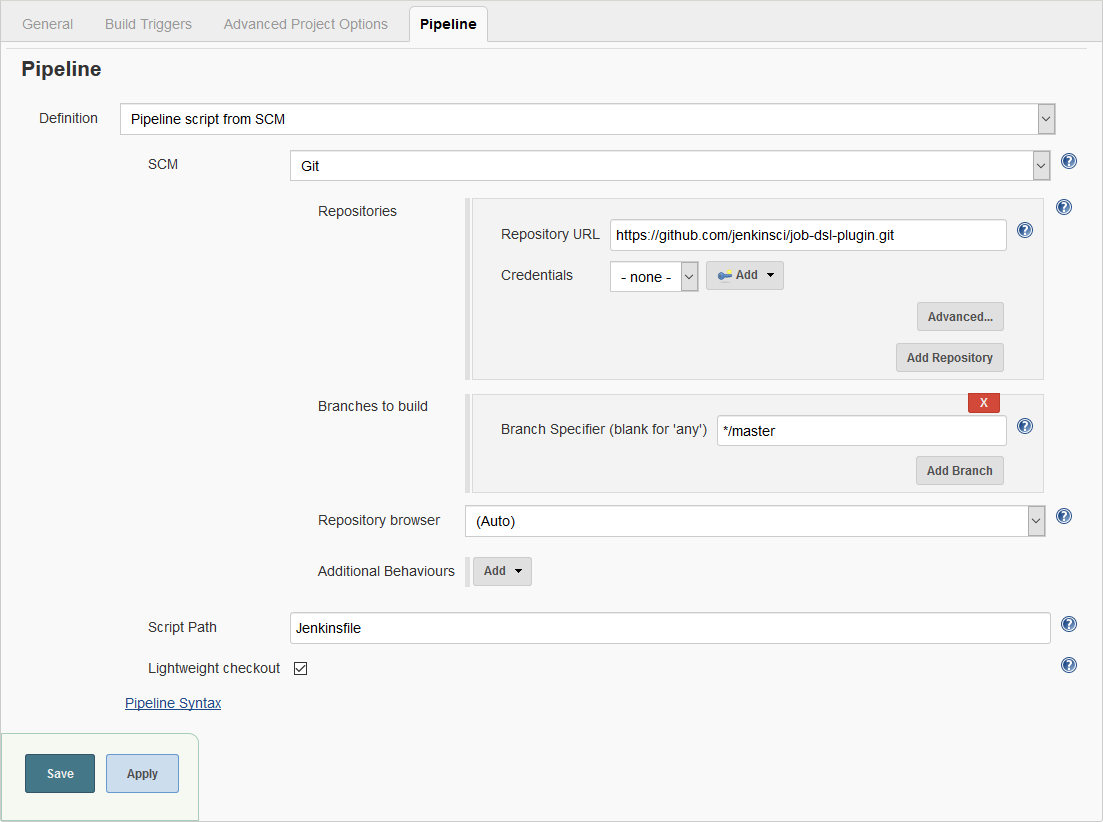
The Job DSL plugin attempts to solve this problem by allowing jobs to be defined in a programmatic form in a human-readable file. Writing such a file is feasible without being a Jenkins expert as the configuration from the web UI
translates intuitively into code.
The job configuration above can be generated from the following code.
Job DSL was one of the first popular plugins for Jenkins which allows managing configuration as code and many other
plugins dealing with this aspect have been created since then, most notably the
Jenkins Pipeline and
Configuration as Code plugins. It is important to understand the differences
between these plugins and Job DSL for managing Jenkins configuration efficiently.
The Pipeline plugins support implementing and integrating continuous delivery pipelines via the Pipeline DSL. While it
is possible to use Job DSL to create complex pipelines using freestyle jobs in combination with many plugins from the
Jenkins ecosystem, creating and maintaining these pipeline, including generating jobs for individual SCM branches and
possibly running steps in parallel to improve build performance, poses a significant challenge. Jenkins Pipeline is
often the better choice for creating complex automated processes. Job DSL can be used to create Pipeline and Multibranch
Pipeline jobs. Do not confuse Job DSL with Pipeline DSL, both have their own syntax and scope of application.
The Configuration as Code plugin can be used to manage the global system configuration of Jenkins. It comes with an
integration for Job DSL to create an initial set of jobs.
Getting Started
First, start a Jenkins instance with the Job DSL plugin installed.
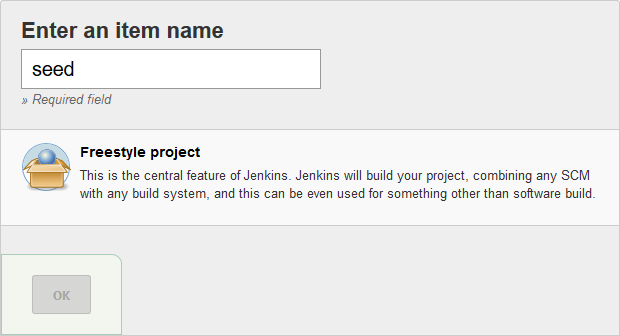
Then create a freestyle project named "seed".
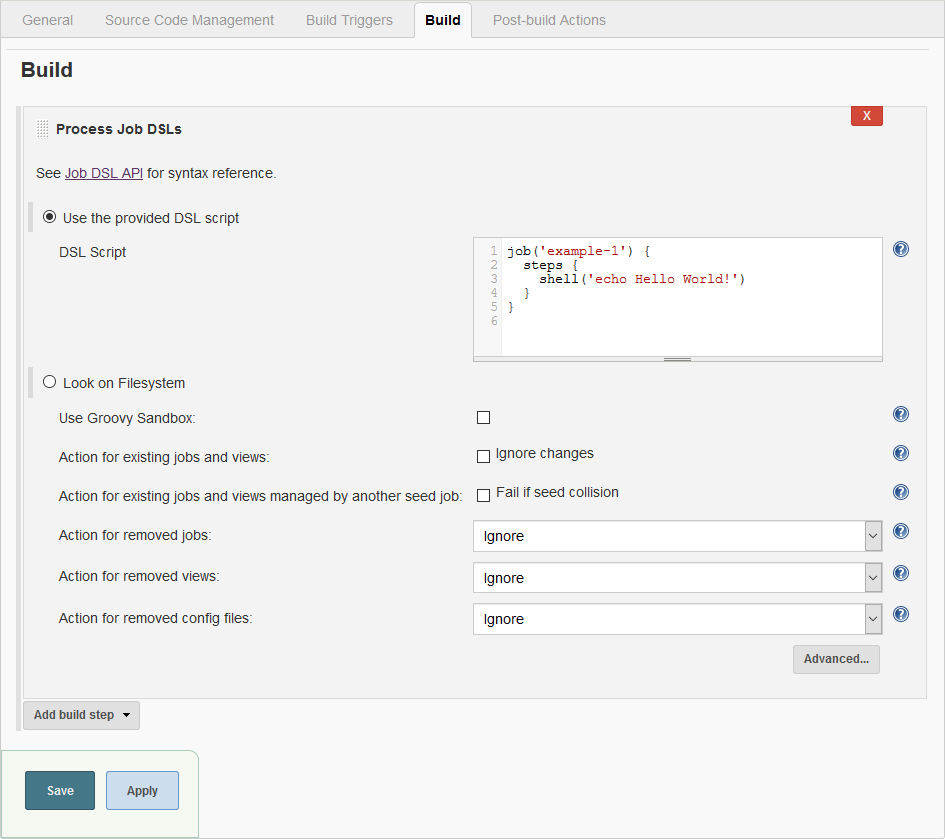
Add a "Process Job DSLs" build step and paste the script below into the "DSL Script" field.
Save the configuration, start a build and inspect the console output.
Started by user admin
Running as SYSTEM
Building in workspace /var/jenkins_home/workspace/seed
Processing provided DSL script
Added items:
    GeneratedJob{name='example'}
Finished: SUCCESS
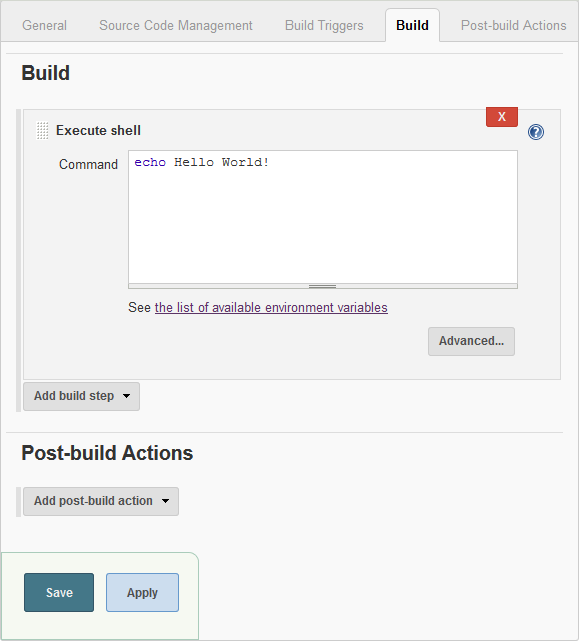
The seed job has generated the "example" job. Verify the result on the job's configuration page.
Instead of creating a seed job manually, consider using the
Configuration as Code plugin. See the
Wiki for details.
Documentation
The complete DSL API reference is available in your Jenkins installation at
https://your.jenkins.installation/plugin/job-dsl/api-viewer/index.html. You can find links to the API reference on the
seed job page and the Job DSL build step.
A limited sub-set of the API reference is available online at https://jenkinsci.github.io/job-dsl-plugin/. But be aware
that this does not show all API that is available in your Jenkins installation because a lot of the documentation is
generated at runtime by introspecting the plugins that have been installed.
Jenkins saves the configuration of each job in a XML file. The Job DSL plugin is in principle a generator for these XML
files, translating the DSL code into XML. If a configuration option is not available in the high-level DSL, it is
possible to generate the XML directly using a
Configure Block.
Find the complete documentation on the Wiki.
Release Notes
Release notes for versions >= 1.82 can be found on the GitHub releases page.
All notable changes prior to 1.82 are documented in the Wiki.
Community
Browse the collection of talks and blog posts
about Job DSL. If you have a talk or blog post to share, please raise a hand, e.g. by posting to the
mailing list.
Head over to Stack Overflow or the
mailing list to get help.
Use the Issue Tracker for reporting bugs and
making feature requests.
You can actively help to improve Job DSL by contributing code, documentation and tests or by reviewing and testing
upcoming changes on GitHub. Start by reading the
guidelines for contributors.
Trang TopGit này là một snapshot — tab "Readme" hiển thị nguyên văn README của repo (đã bỏ link, giữ ảnh). Repo GitHub ở github.com/jenkinsci/job-dsl-plugin là nguồn chính thức.
jenkinsci/job-dsl-plugin có phải mã nguồn mở không?
Có — jenkinsci/job-dsl-plugin phát hành theo license Apache-2.0, nghĩa là mã nguồn mở để đọc, fork và (tùy license) tái sử dụng. Mã: github.com/jenkinsci/job-dsl-plugin.
jenkinsci/job-dsl-plugin có trang demo không?
Dự án có trang chủ ở https://plugins.jenkins.io/job-dsl/. Tab "Readme" ở trang này thường có ảnh chụp và hướng dẫn bắt đầu nhanh.
jenkinsci/job-dsl-plugin dùng license gì?
jenkinsci/job-dsl-plugin phát hành theo license Apache-2.0. Nên mở file LICENSE trên GitHub để xác nhận — license metadata đôi khi lệch với thực tế dự án.
jenkinsci/job-dsl-plugin là gì?
jenkinsci/job-dsl-plugin (jenkinsci/job-dsl-plugin) là dự án Groovy trên GitHub. Theo mô tả gốc: A Groovy DSL for Jenkins Jobs
Đọc đầy đủ README ở tab phía trên.
Vẫn đang phân vân về job-dsl-plugin?
Một cú bấm sẽ gửi câu hỏi kèm trang này cho AI — xem AI nói gì về job-dsl-plugin.
 /job-dsl-plugin