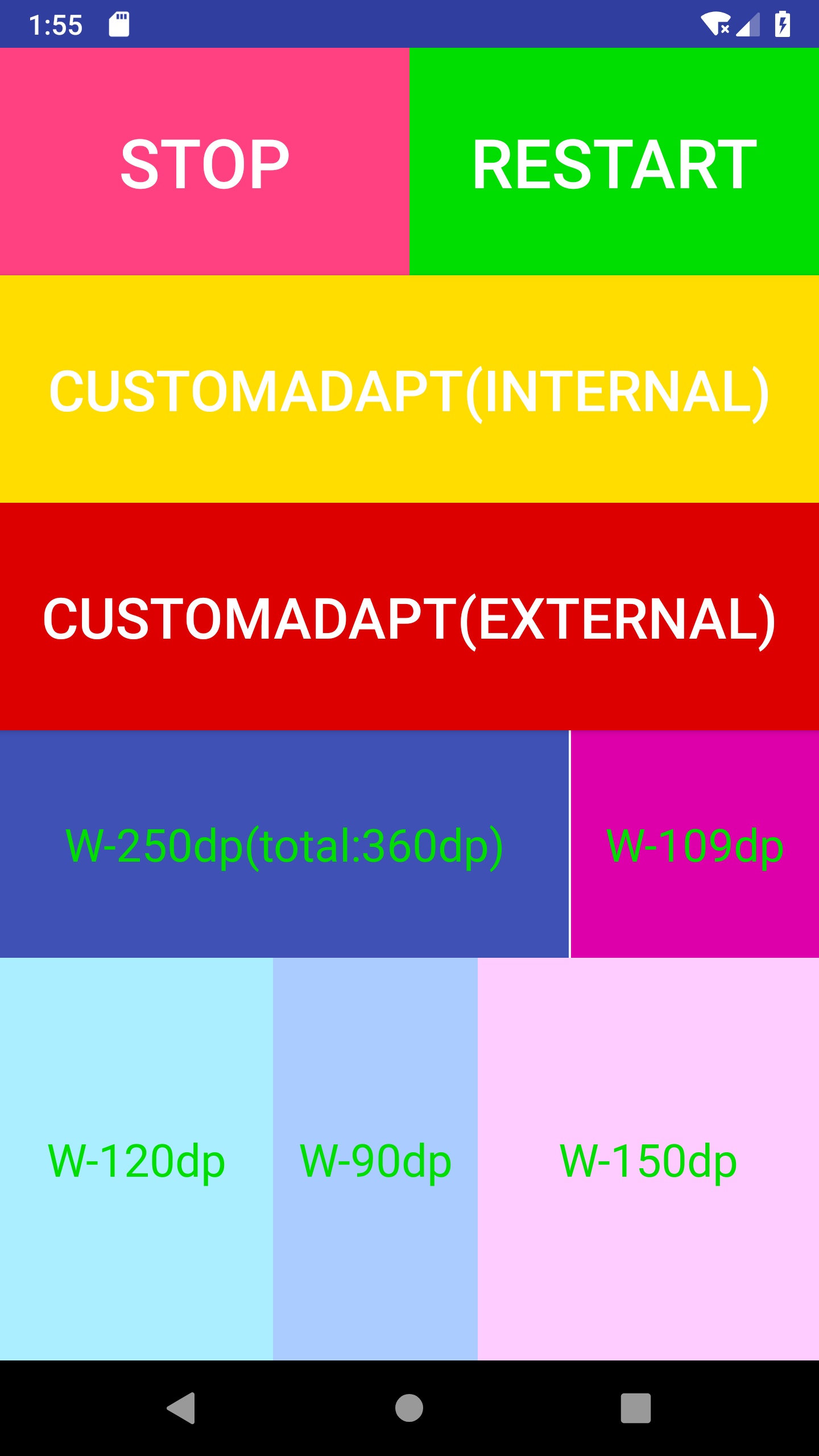
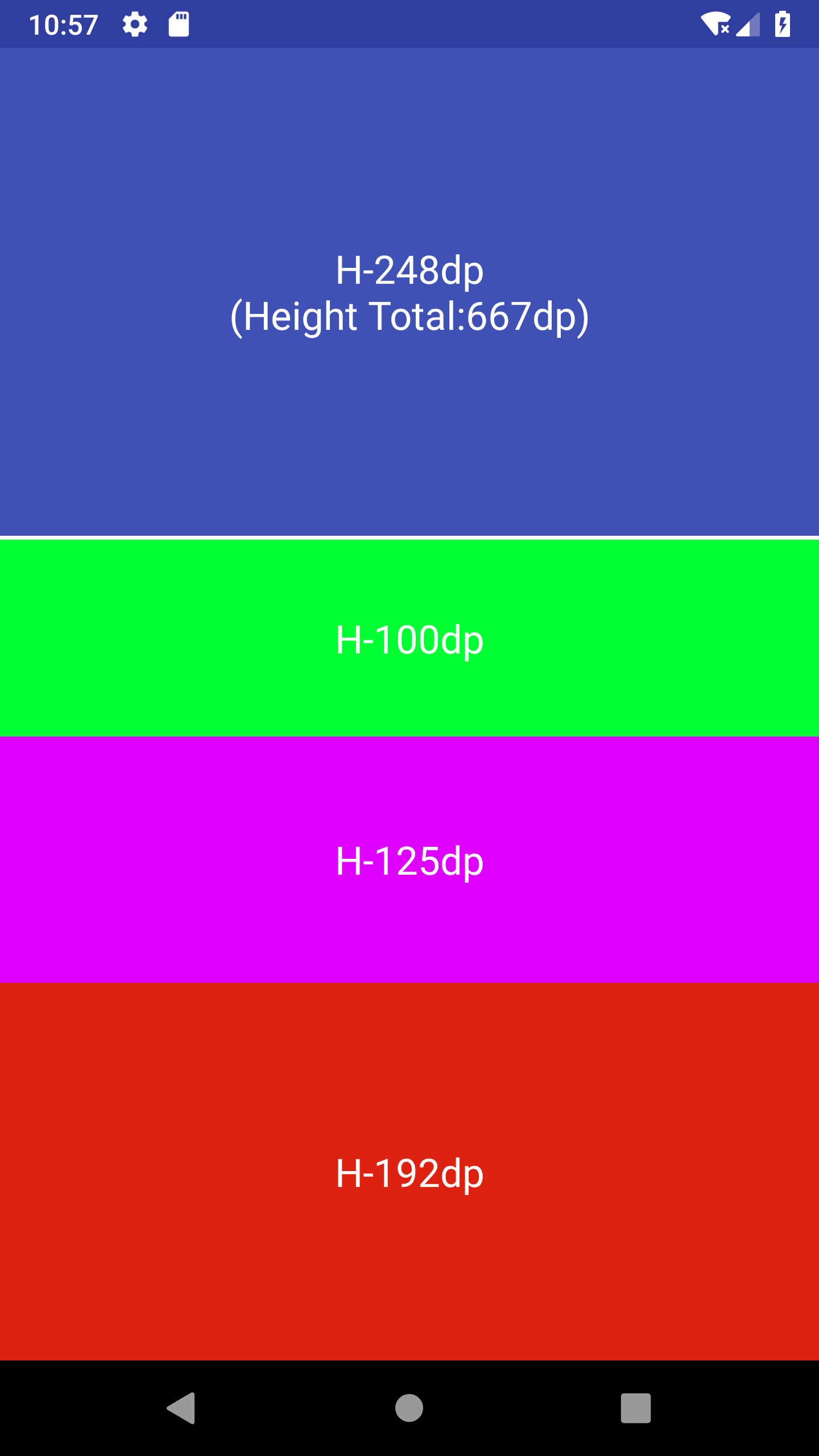
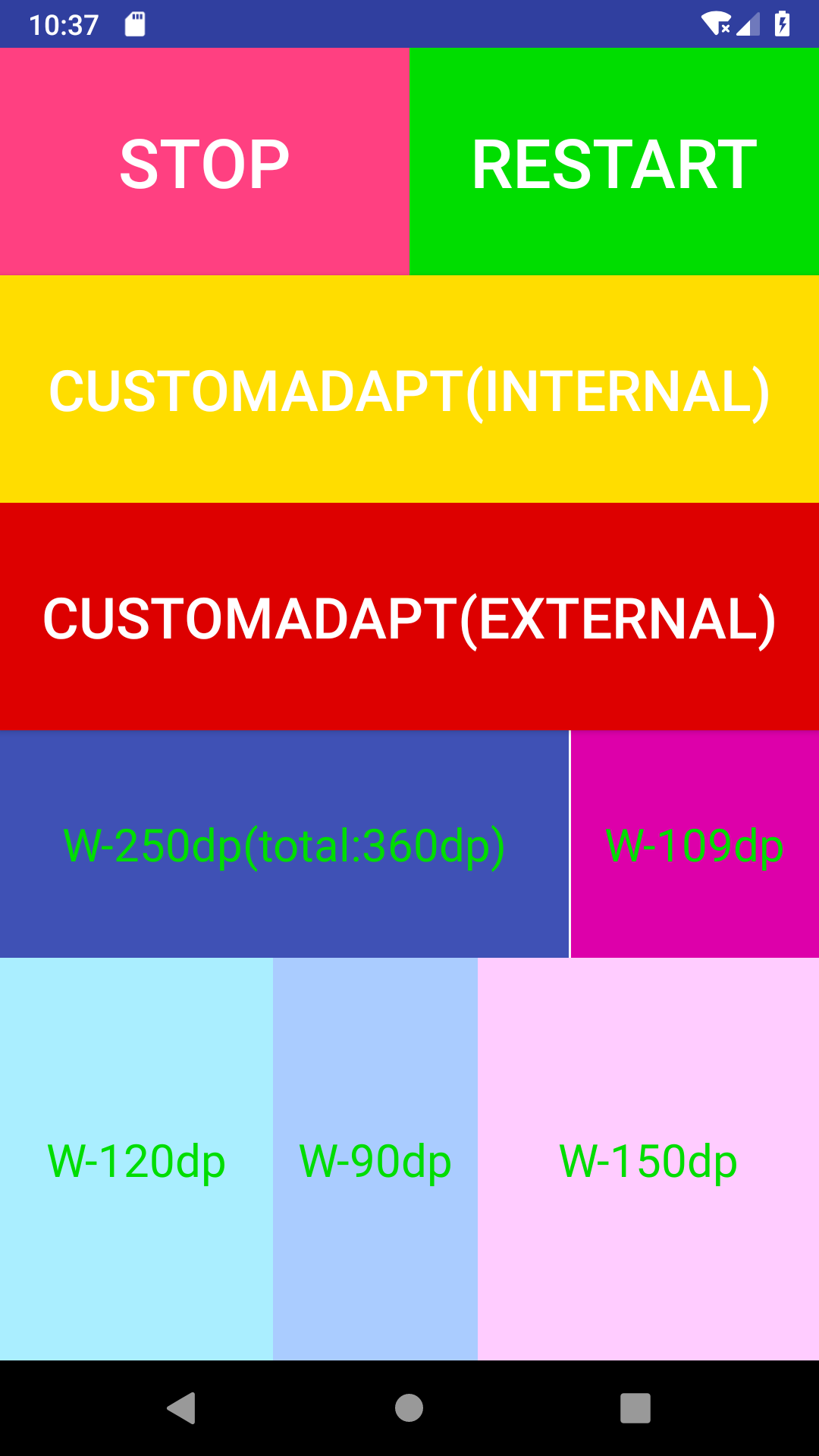
JessYanCoding/AndroidAutoSize — dự án di động — đang có 13.7k sao GitHub trong nhóm Mobile. 🔥 A low-cost Android screen adaptation solution (今日头条屏幕适配方案终极版,一个极低成本的 Android 屏幕适配方案).
Tóm tắt dựng từ metadata GitHub của chính dự án — chưa có bài review TopGit. Trang sẽ tự động cập nhật khi bài review đầy đủ được xuất bản.
VÌ SAO CHƯA CÓ REVIEW
TopGit viết bài đầy đủ cho repo có nhiều sao nhất và được yêu cầu nhiều nhất. Trang này là snapshot trong thời gian chờ — xem README gốc ở tab READ ME.
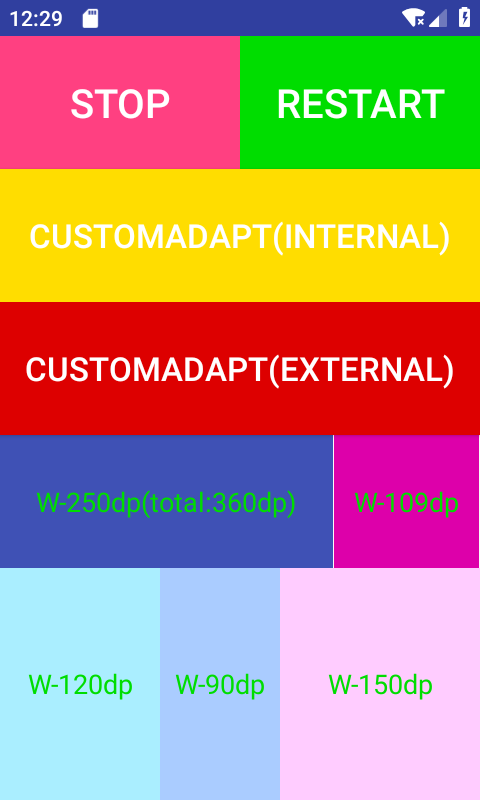
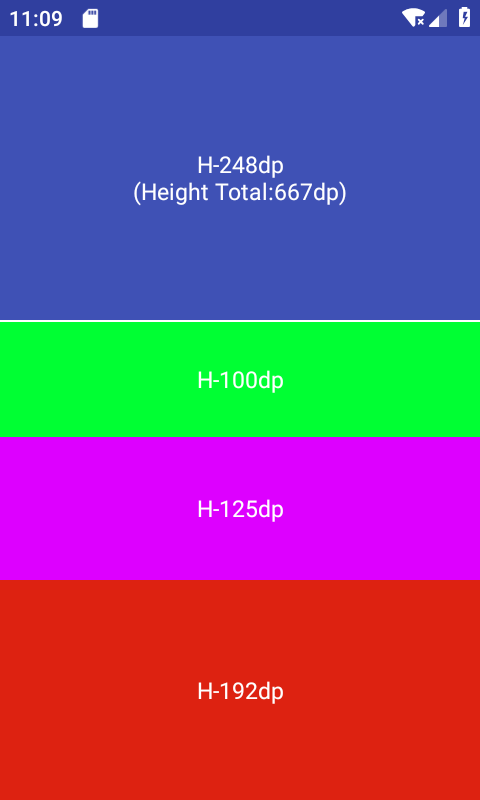
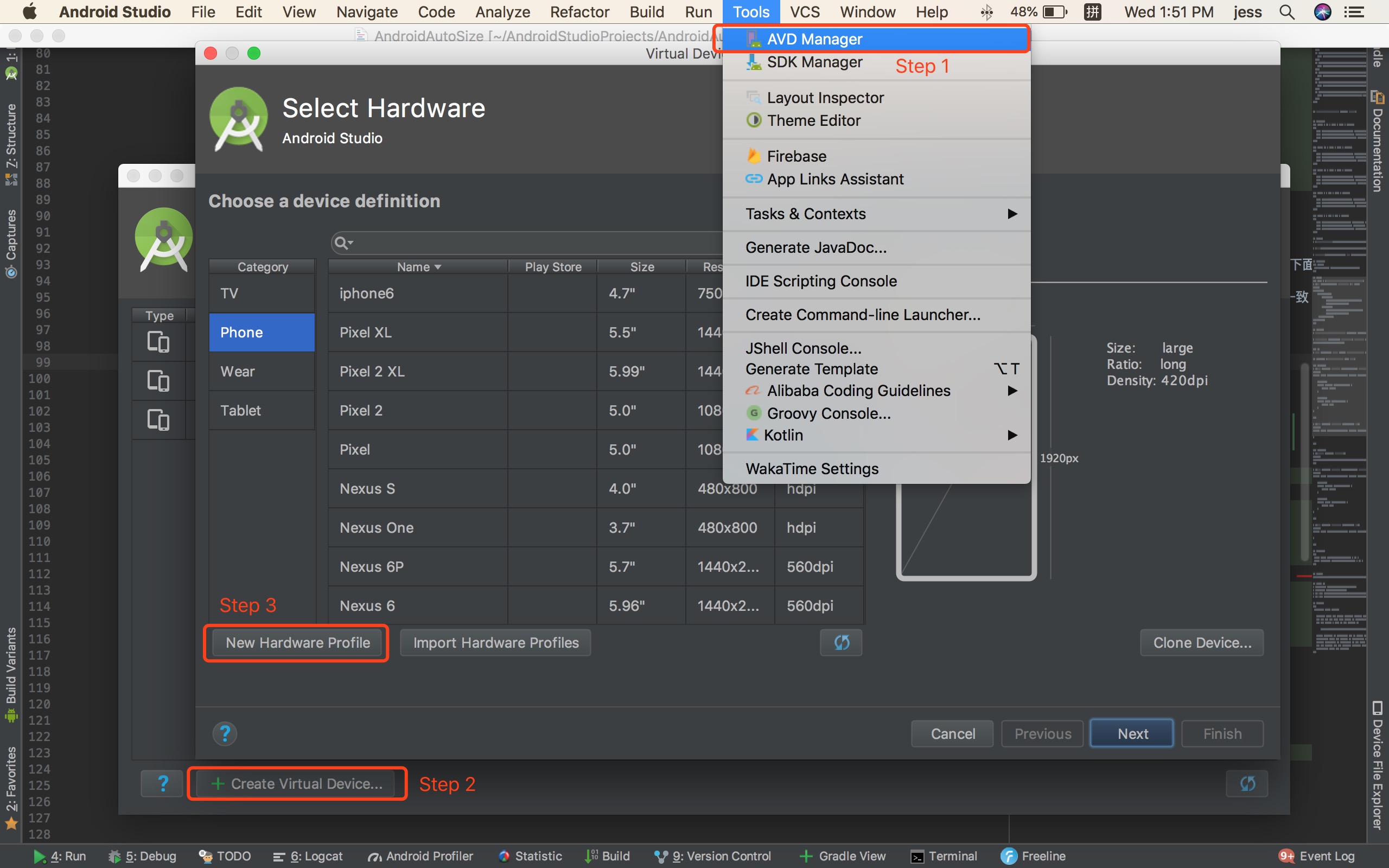
Real-time preview during layout is an important part of the development phase, in many cases, the default preview device provided by Android Studio does not fully display our design, so we need to create the virtual device ourselves, under the dp, pt, in, mm four units of virtual device creation method
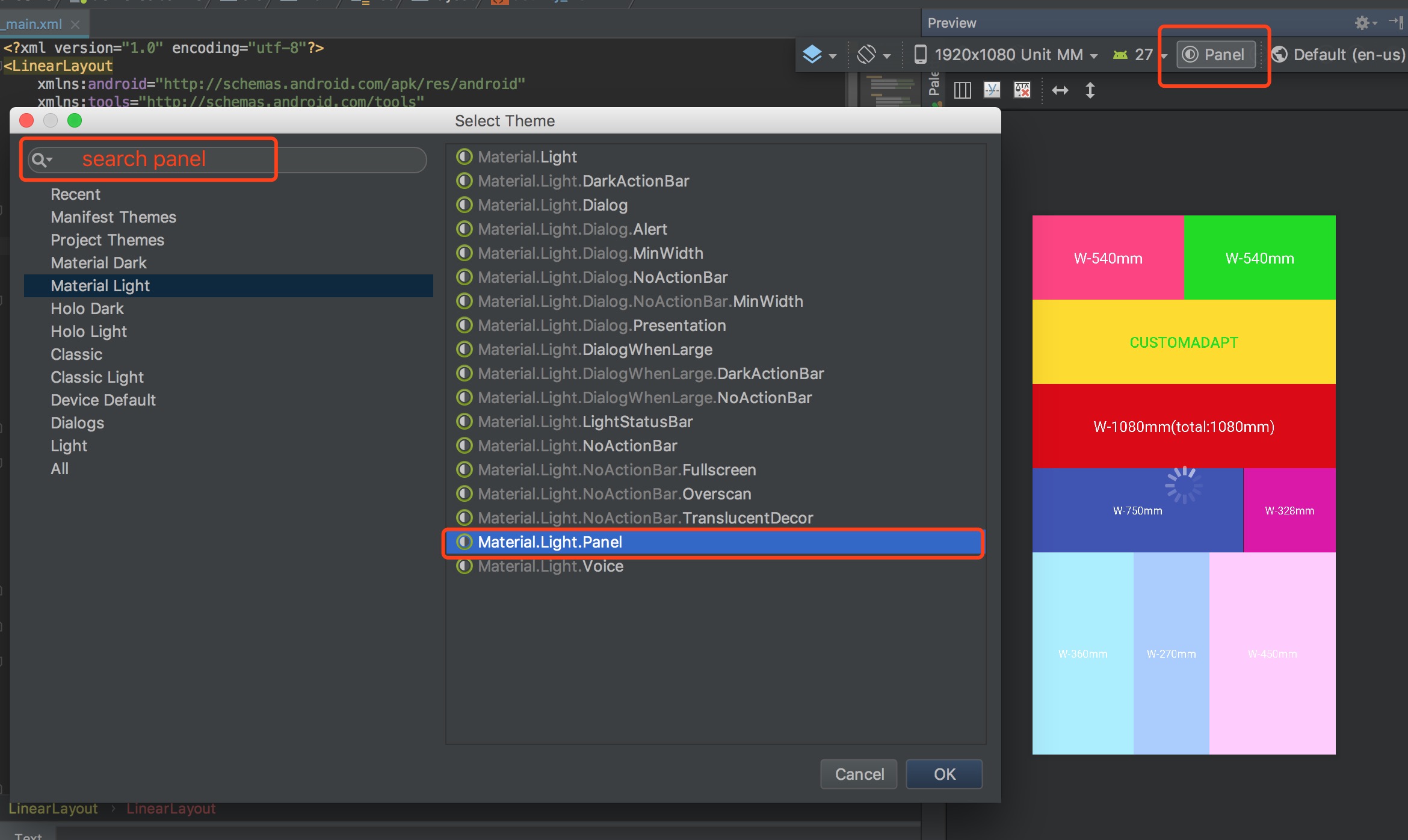
If you don't want the status bar and navigation bar to appear in Preview during preview, you can select the panel theme according to the following image, after using this theme, the vertical resolution just fills the entire preview page
Virtual device creation method
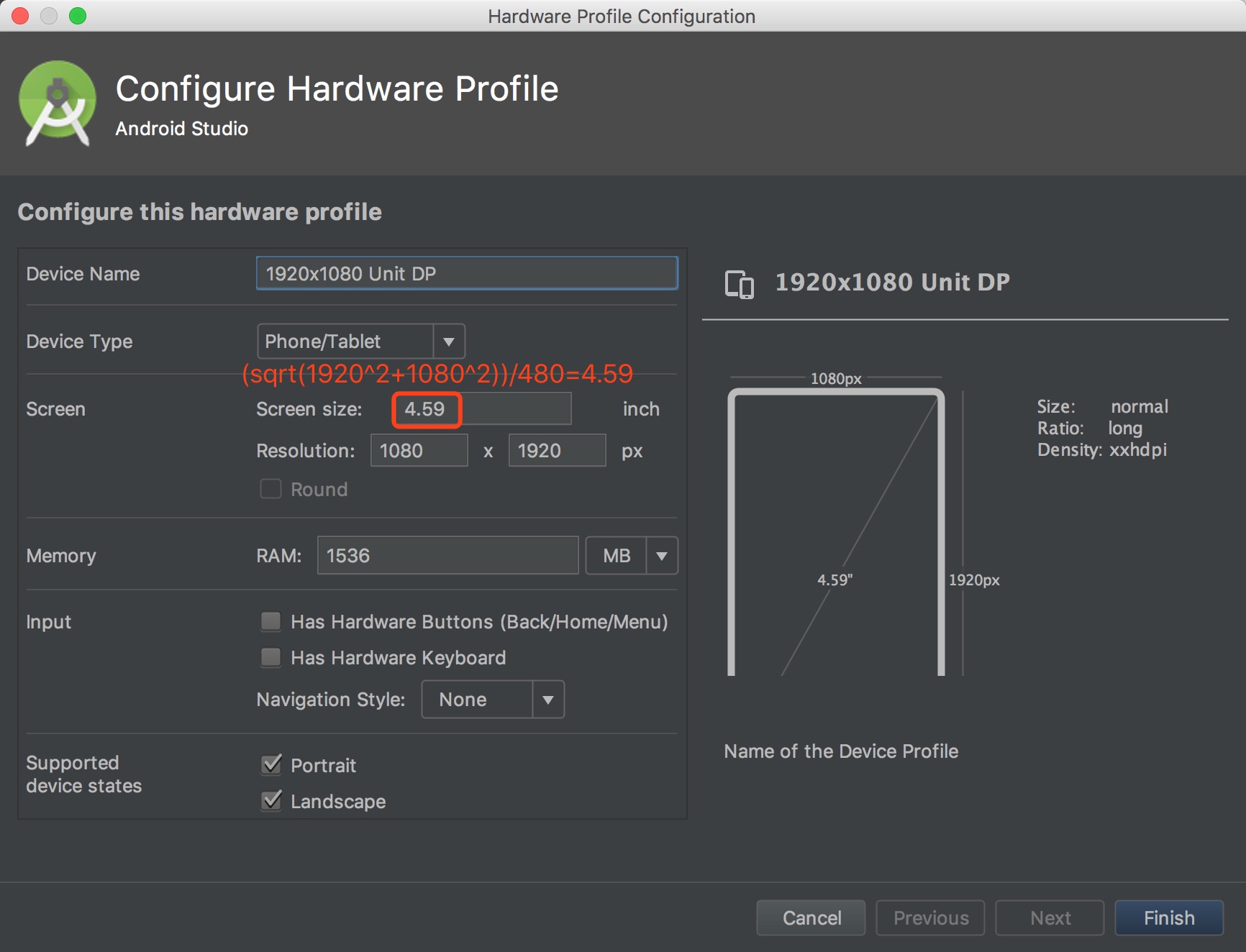
DP
If you use dp as a unit in the layout file for layout (AndroidAutoSize supports dp, sp for layout by default), you can find the screen size according to the formula (sqrt(vertical resolution^2 + horizontal resolution^2))/dpi and create an virtual device (write screen size and resolution only)
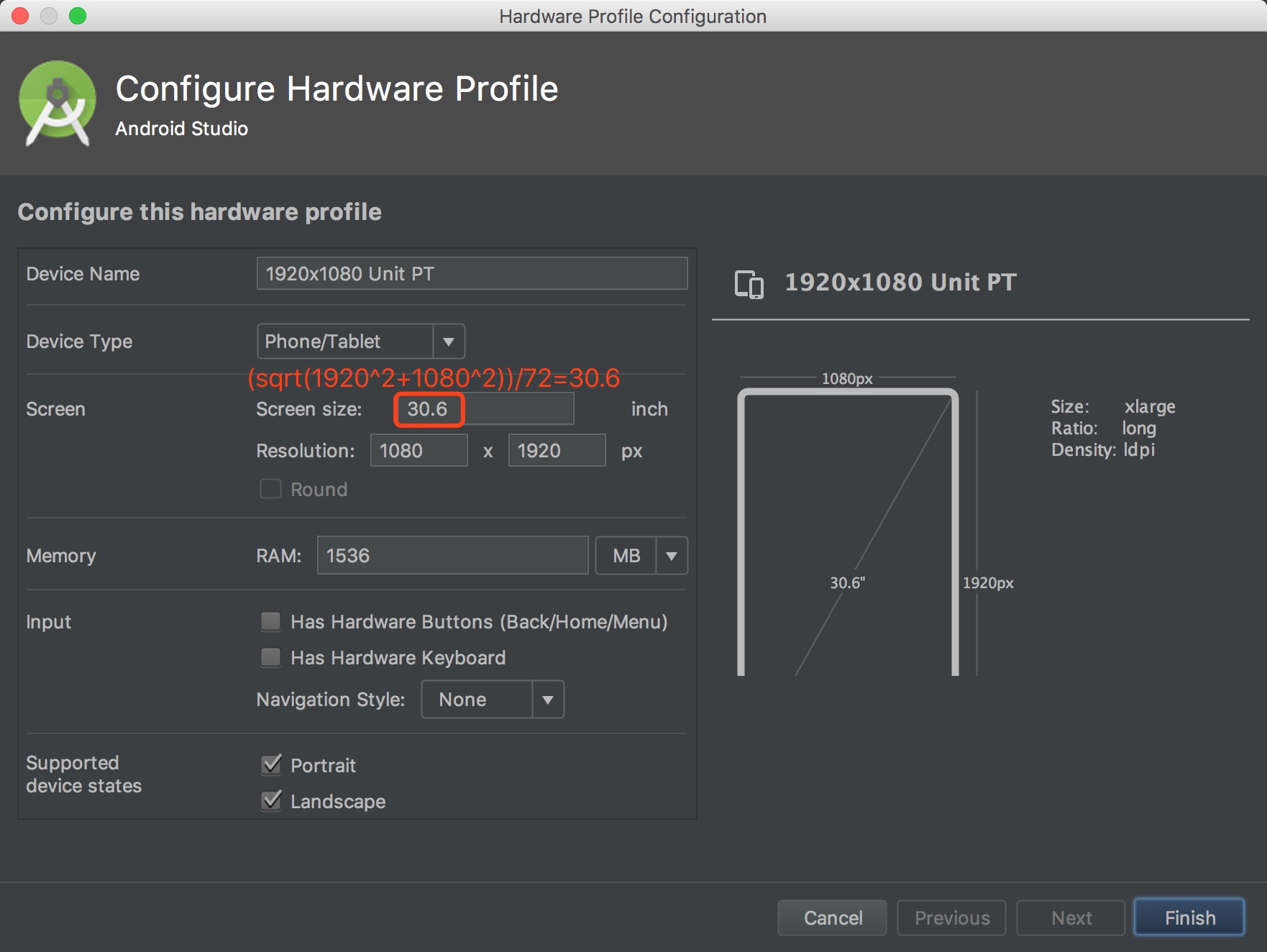
PT
If you use pt as a unit in the layout file for layout (requires AutoSizeConfig.getInstance().getUnitsManager().setSupportSubunits(Subunits.PT); to open pt support), you can find the screen size according to the formula (sqrt(vertical resolution^2 + horizontal resolution^2))/72 and create an virtual device (write screen size and resolution only)
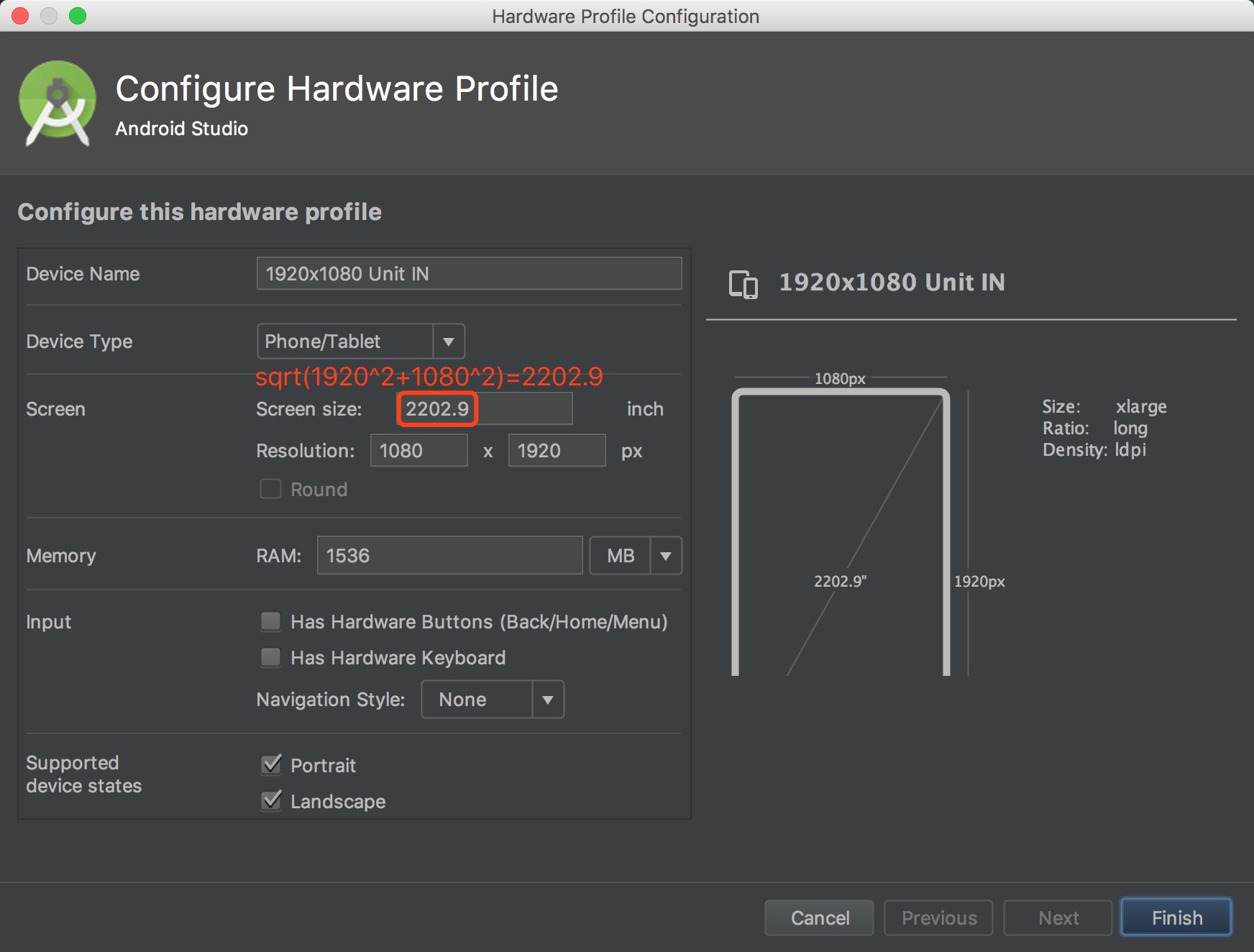
IN
If you use in as a unit in the layout file for layout (requires AutoSizeConfig.getInstance().getUnitsManager().setSupportSubunits(Subunits.IN); to open in support), you can find the screen size according to the formula sqrt(vertical resolution^2 + horizontal resolution^2) and create an virtual device (write screen size and resolution only)
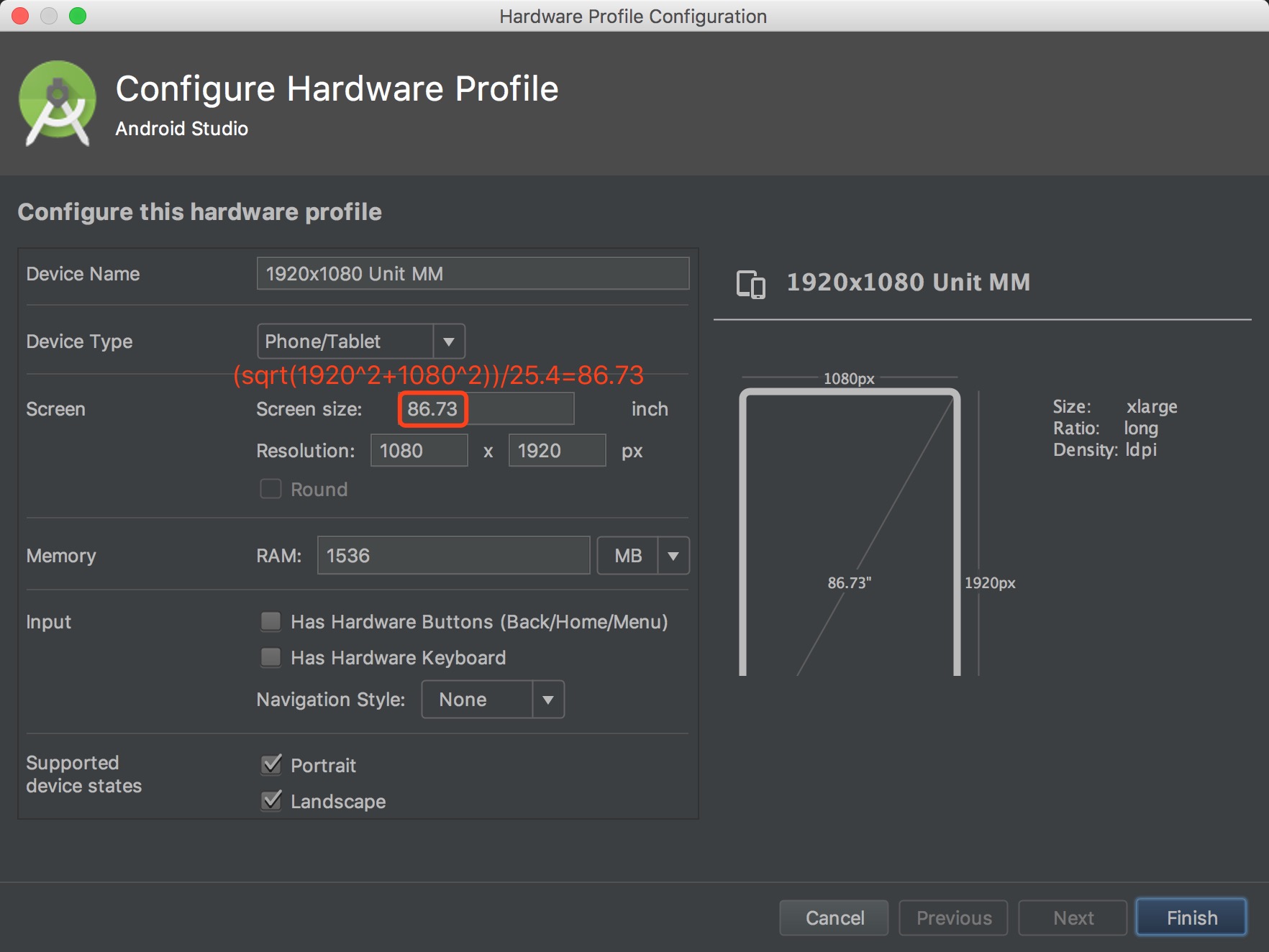
MM
If you use mm as a unit in the layout file for layout (requires AutoSizeConfig.getInstance().getUnitsManager().setSupportSubunits(Subunits.MM); to open mm support), you can find the screen size according to the formula (sqrt(vertical resolution^2 + horizontal resolution^2))/25.4 and create an virtual device (write screen size and resolution only)
Advance (see demo)
Activity
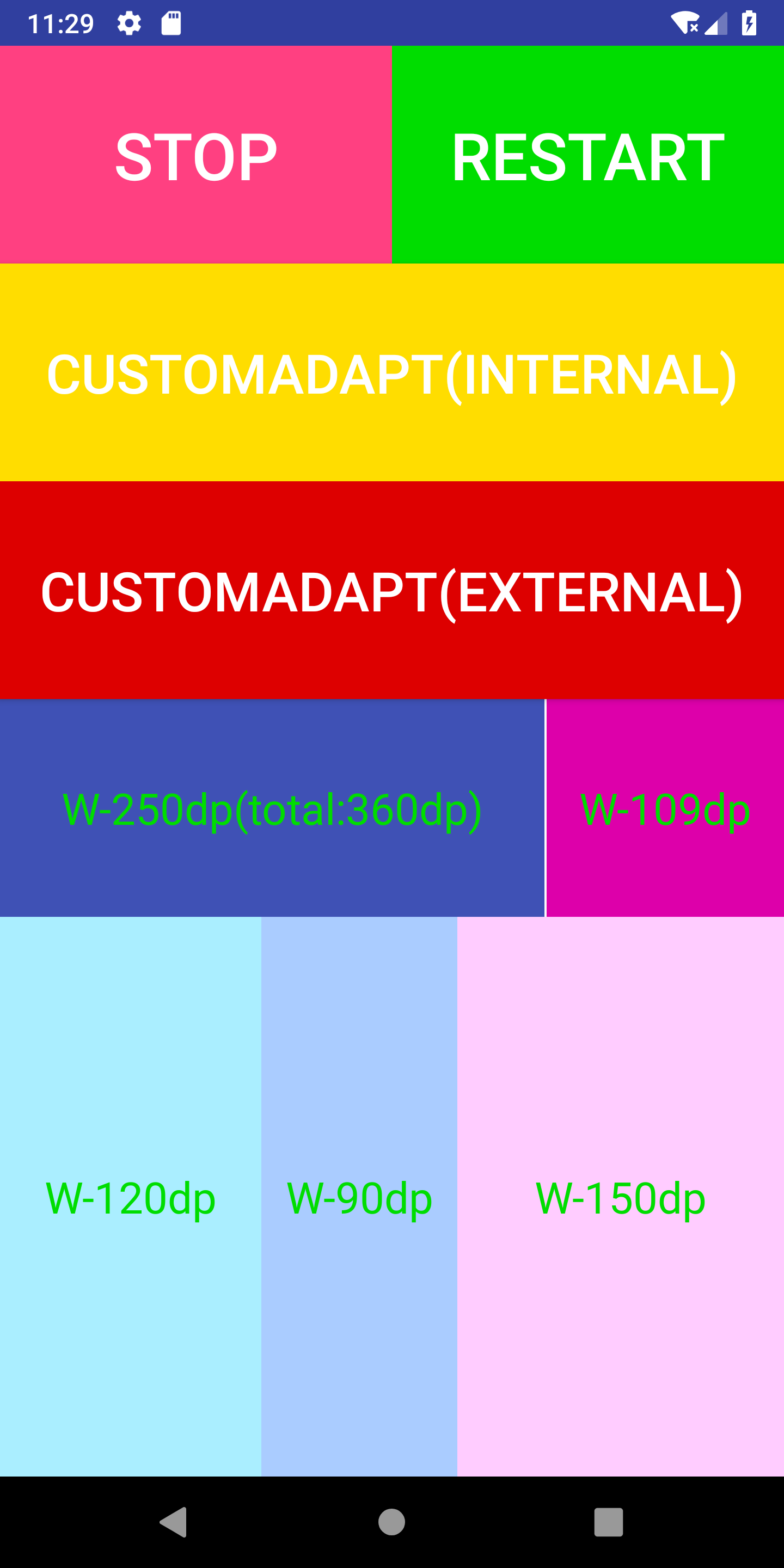
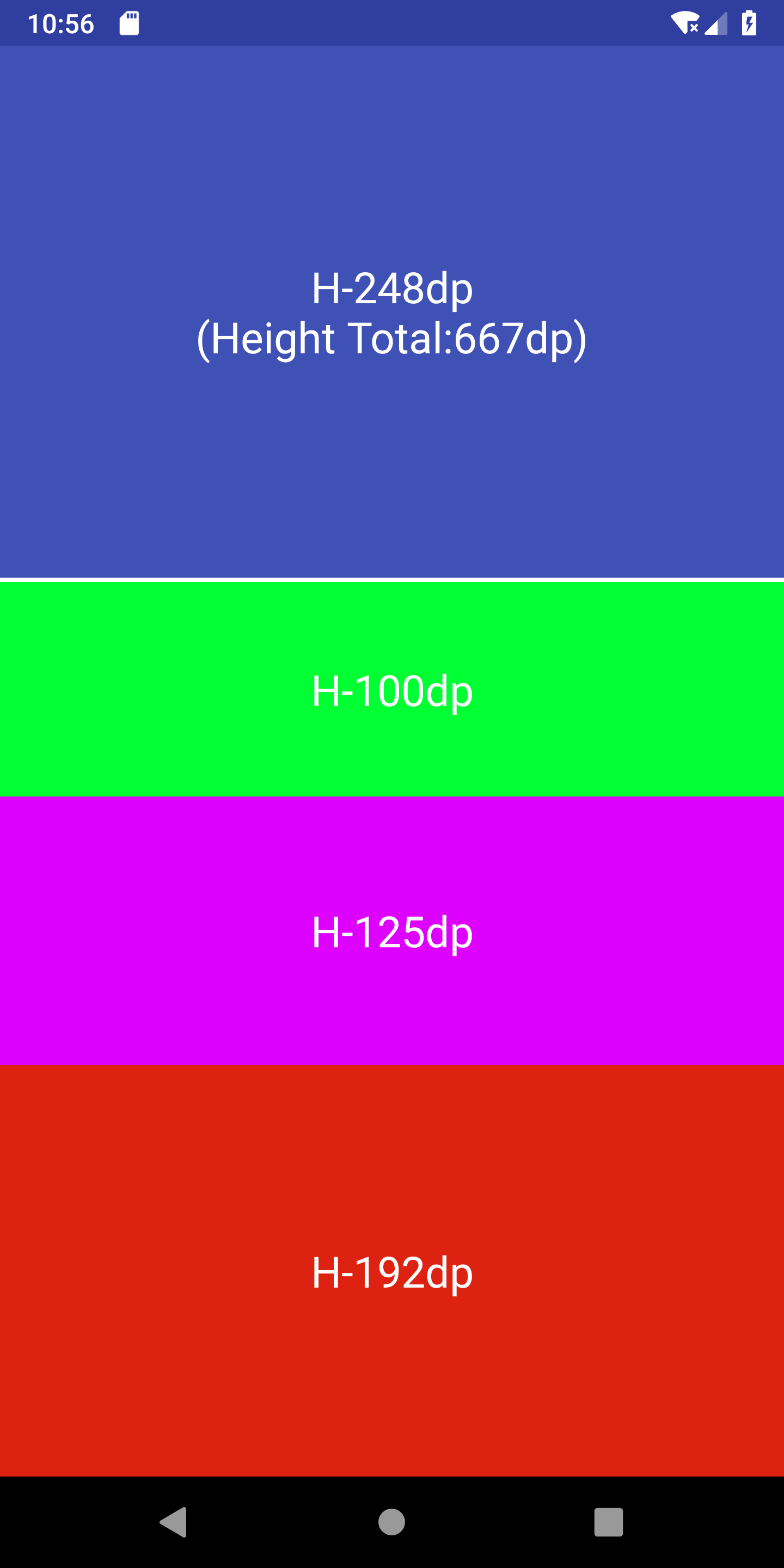
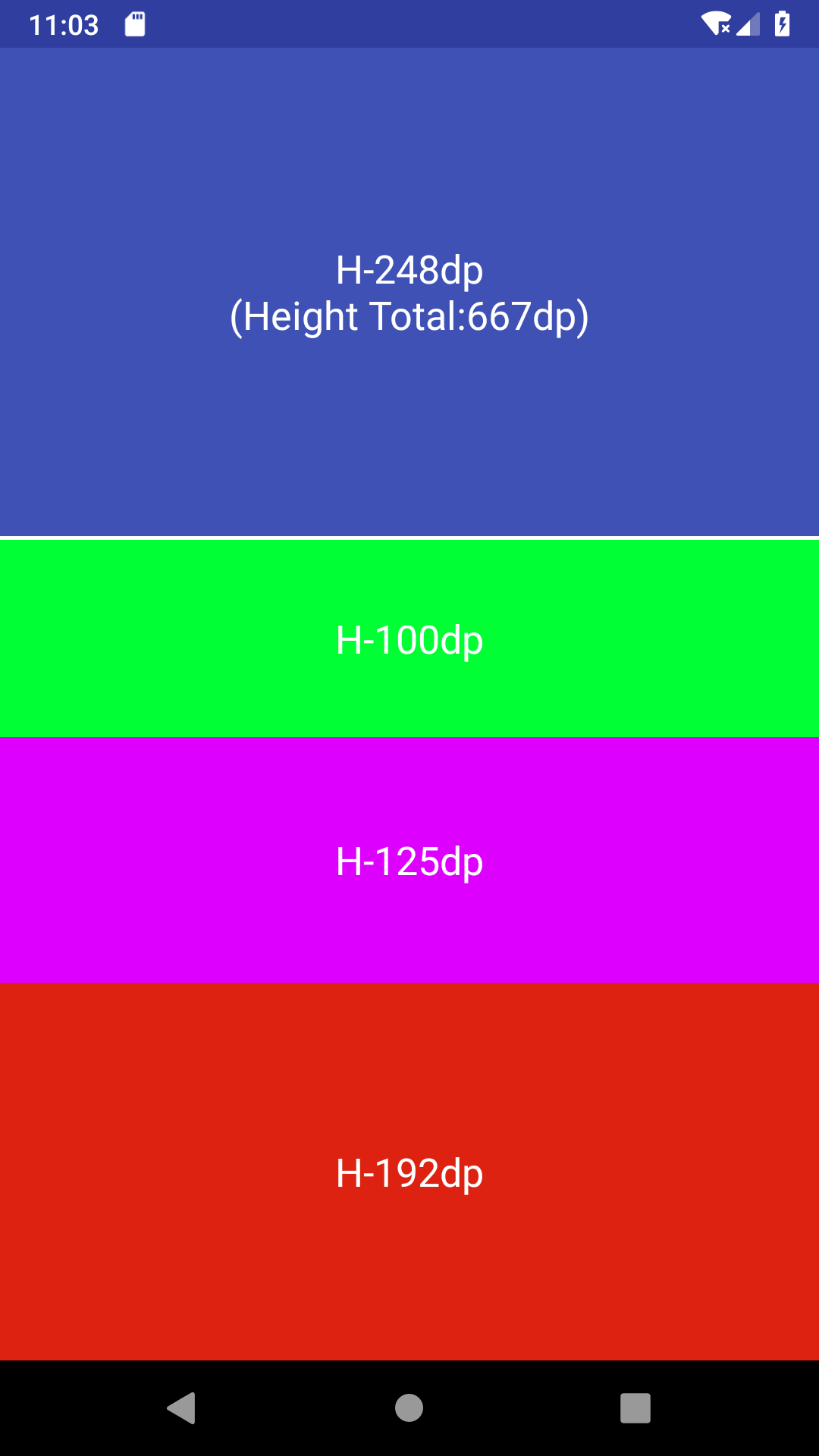
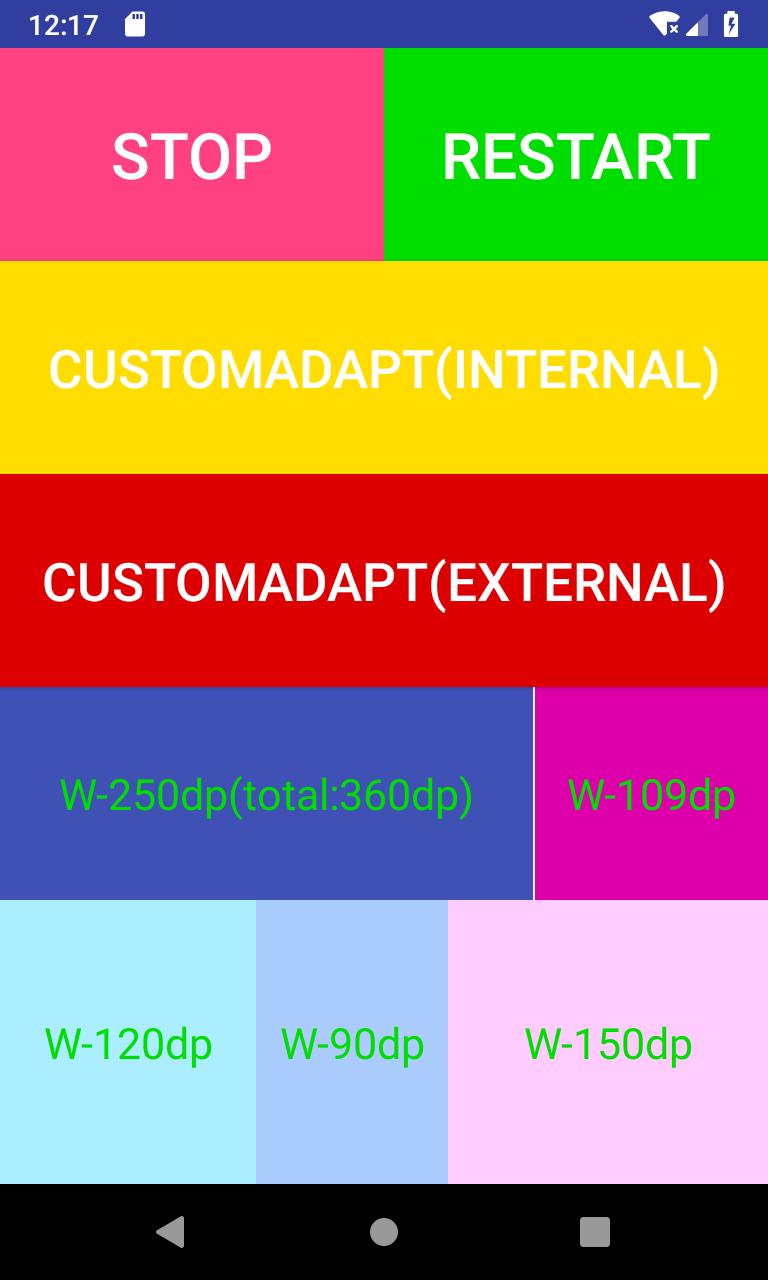
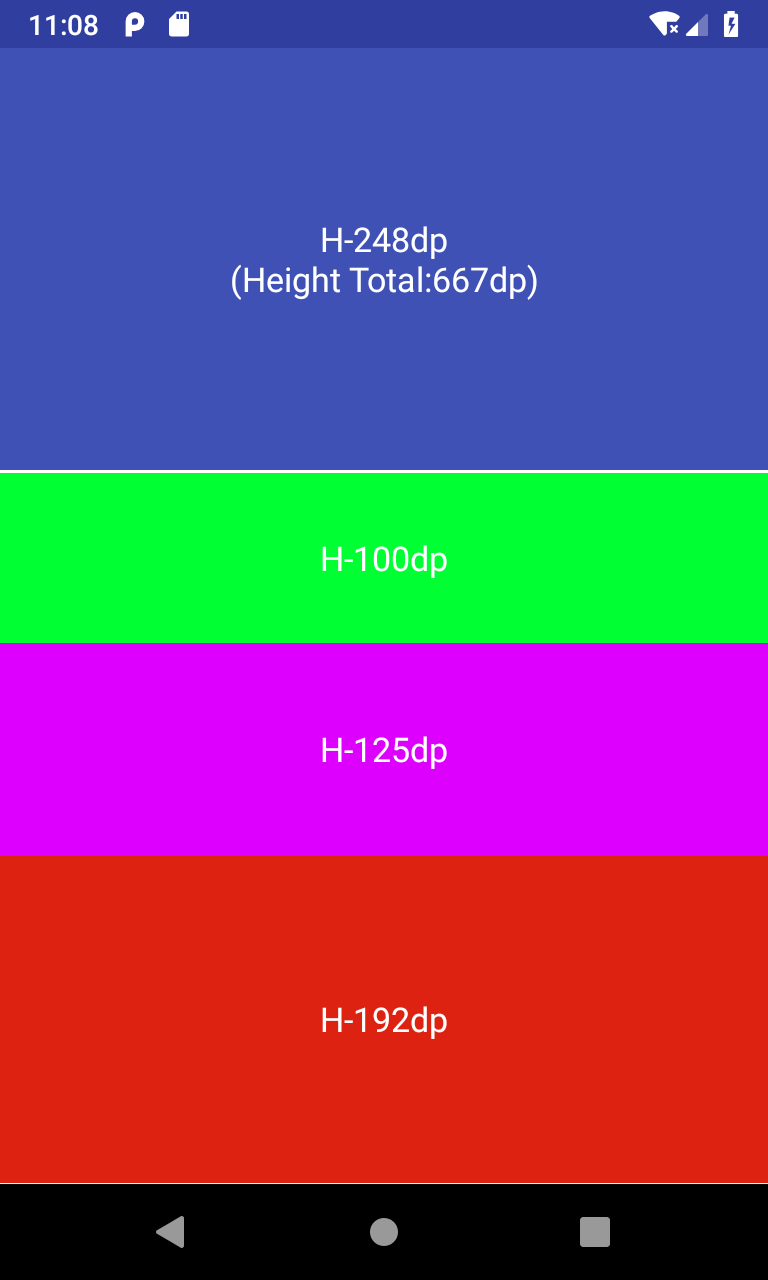
Customize the adaptation parameters of the Activity:
public class CustomAdaptActivity extends AppCompatActivity implements CustomAdapt {

    @Override
    public boolean isBaseOnWidth() {
        return false;
    }

    @Override
    public float getSizeInDp() {
        return 667;
    }
}
Cancel the adaptation of the Activity:
public class CancelAdaptActivity extends AppCompatActivity implements CancelAdapt {

}
Fragment
First enable the ability to support Fragment custom parameters
Customize the adaptation parameters of the Fragment:
public class CustomAdaptFragment extends Fragment implements CustomAdapt {

    @Override
    public boolean isBaseOnWidth() {
        return false;
    }

    @Override
    public float getSizeInDp() {
        return 667;
    }
}
Cancel the adaptation of the Fragment:
public class CancelAdaptFragment extends Fragment implements CancelAdapt {

}
Subunits (see demo-subunits)
You can choose one of the three unpopular units of pt, in, mm as the subunits, the subunits is used to avoid the adverse effects caused by modifying DisplayMetrics#density, after using the subunits, you can write the pixel size on the design, you don't need to convert it to dp
 Copyright 2018, jessyan

   Licensed under the Apache License, Version 2.0 (the "License");
   you may not use this file except in compliance with the License.
   You may obtain a copy of the License at

       http://www.apache.org/licenses/LICENSE-2.0

   Unless required by applicable law or agreed to in writing, software
   distributed under the License is distributed on an "AS IS" BASIS,
   WITHOUT WARRANTIES OR CONDITIONS OF ANY KIND, either express or implied.
   See the License for the specific language governing permissions and
   limitations under the License.
JessYanCoding/AndroidAutoSize thuộc nhóm Mobile trên TopGit, cùng 6 topic GitHub. Trang Trending và Topics liệt kê các repo cùng số sao và cùng ngôn ngữ để so sánh.
Đọc thêm về JessYanCoding/AndroidAutoSize ở đâu?
Trang TopGit này là một snapshot — tab "Readme" hiển thị nguyên văn README của repo (đã bỏ link, giữ ảnh). Repo GitHub ở github.com/JessYanCoding/AndroidAutoSize là nguồn chính thức.
JessYanCoding/AndroidAutoSize có bao nhiêu sao?
JessYanCoding/AndroidAutoSize có 13.7k sao GitHub — tải lại trang để xem số mới nhất, hoặc xem trực tiếp github.com/JessYanCoding/AndroidAutoSize. TopGit phản chiếu số sao của GitHub nhưng không cam kết đến từng phút.
JessYanCoding/AndroidAutoSize có những chủ đề gì?
GitHub topics của JessYanCoding/AndroidAutoSize: "adapterview", "android", "arms", "density", "mvparms", "screenadapter". TopGit xếp repo vào nhóm Mobile.
JessYanCoding/AndroidAutoSize còn đang phát triển không?
Commit gần nhất trên JessYanCoding/AndroidAutoSize là 3.5 năm trước (theo timestamp GitHub). Repo có 2.0k fork — một chỉ báo về mức độ quan tâm của cộng đồng.
JessYanCoding/AndroidAutoSize viết bằng ngôn ngữ gì?
JessYanCoding/AndroidAutoSize chủ yếu viết bằng Java. Trường "language" của GitHub dựa trên phần lớn byte ở nhánh mặc định.
Vì sao JessYanCoding/AndroidAutoSize được xếp vào nhóm Mobile?
TopGit xếp JessYanCoding/AndroidAutoSize vào nhóm Mobile dựa trên GitHub topics và mô tả của repo (gắn thẻ: "adapterview", "android", "arms"). Việc phân loại dựa trên metadata thật của repo, không phải đoán theo cảm tính biên tập.
Đọc đầy đủ README ở tab phía trên.
Chưa chắc AndroidAutoSize có hợp với bạn?
Để ChatGPT, Claude hoặc Perplexity tìm hiểu giúp — bấm bên dưới và xem AI nói gì về AndroidAutoSize.

 /AndroidAutoSize