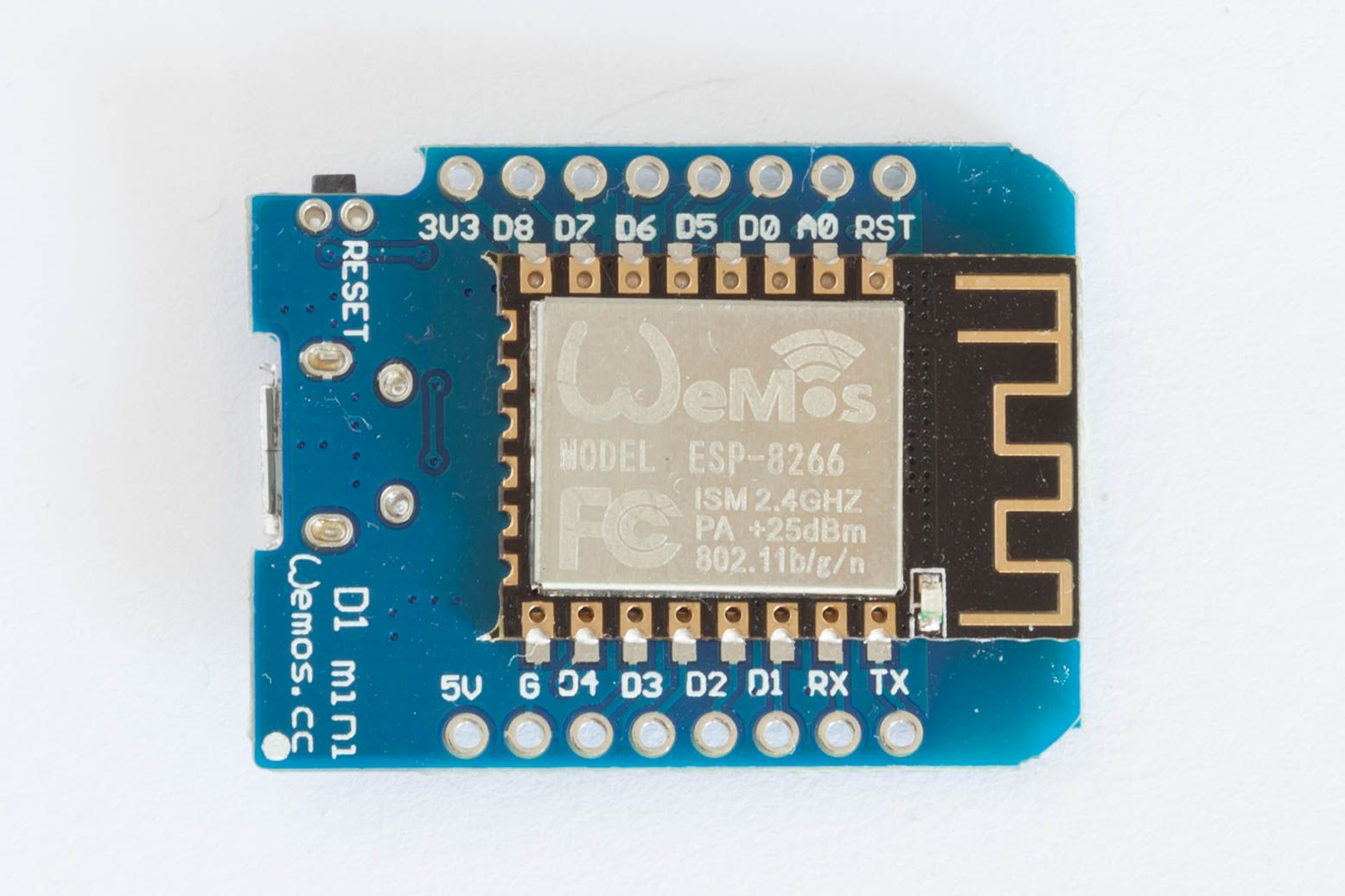
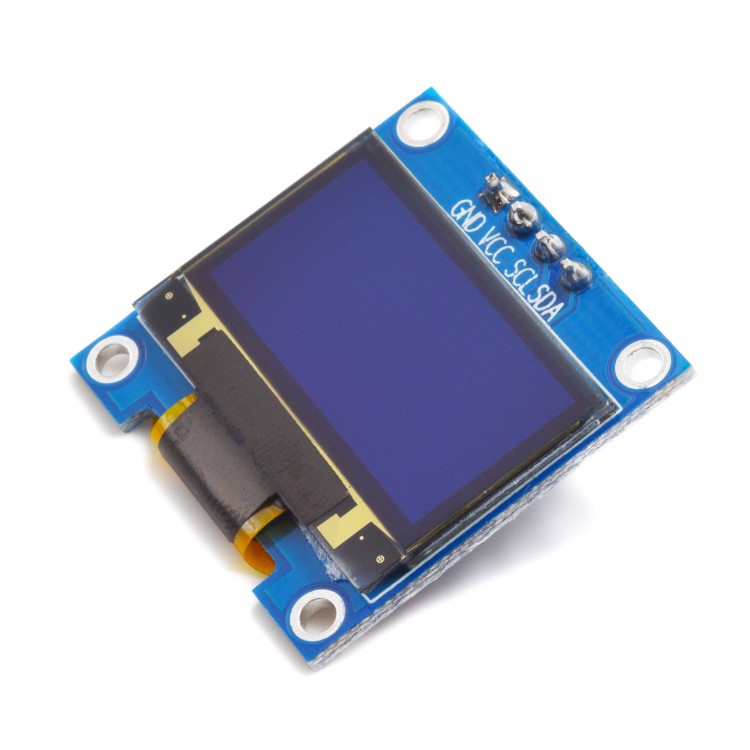
kholia/Easy-Digital-Beacons-v1 là dự án HTML với 89 sao. A simple and easy Arduino / Pi Pico / ESP8266-powered WSPR, FT8, and FT4 beacon system which uses NTP + DS3231 RTC for timing. Super extensible! Now comes with optional GPS support.
Tóm tắt dựng từ metadata GitHub của chính dự án — chưa có bài review TopGit. Trang sẽ tự động cập nhật khi bài review đầy đủ được xuất bản.
VÌ SAO CHƯA CÓ REVIEW
TopGit viết bài đầy đủ cho repo có nhiều sao nhất và được yêu cầu nhiều nhất. Trang này là snapshot trong thời gian chờ — xem README gốc ở tab READ ME.
A simple and easy WiFi-enabled ESP8266-powered WSPR, FT8, and FT4 beacon system
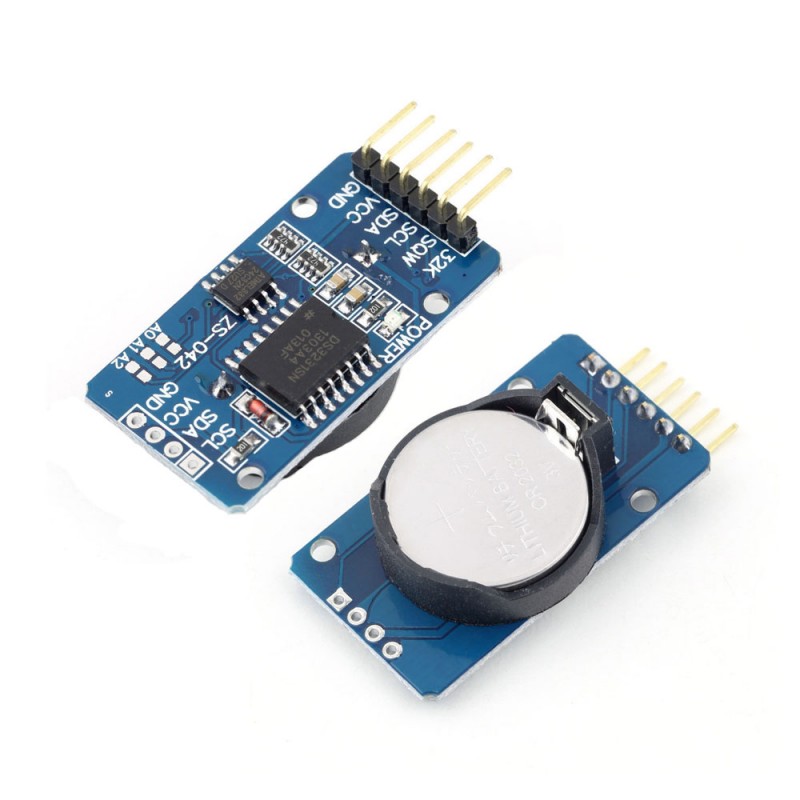
which uses NTP + DS3231 RTC for timing. Also, checkout our cost-effective, and
robust HF 5W PA system.
It is also a WiFi-enabled VFO, which is quite useful, and convenient for radio
experimentation work.
Note: The whole project can be assembled on a breadboard (including the 250mW
amplifier) in under 30 minutes - do give it a go ;)
The whole design is modular, parametric (cost and others), field repairable,
and super extensible. It is almost trivial to add support for more beacon modes.
Build Steps
If you are using Windows OS, execute the following steps:
Download this repository by clicking here.
Extract the downloaded zip file to a folder.
Run the setup_arduino_ide.bat file inside this folder.
sudo apt-get install git  # install 'git' if needed

git clone https://github.com/kholia/Easy-Digital-Beacons-v1.git

make install_arduino_cli
make install_platform
make deps  # using Windows?, read the 'Makefile' file

cd ~/Arduino/libraries
git clone https://github.com/me-no-dev/ESPAsyncWebServer.git
git clone https://github.com/me-no-dev/ESPAsyncTCP.git
Now execute these common steps:
Add your WiFi credentials in Easy-Digital-Beacons-v4/credentials.h file
Change the following lines in the code to use your values:
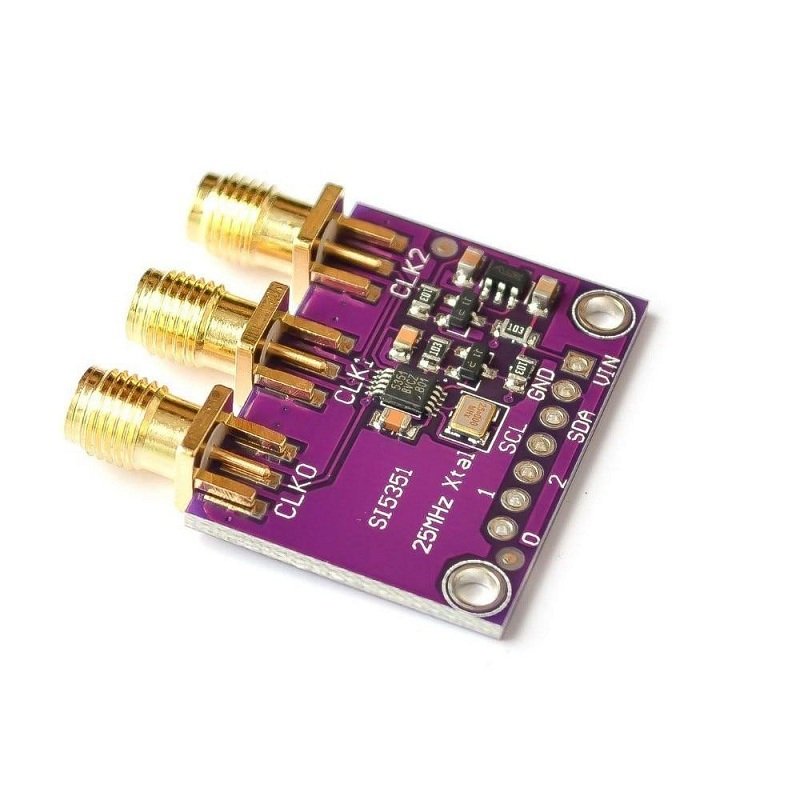
[OPTIONAL] Change the following line in the code to suit your Si5351A module:
int32_t si5351CalibrationFactor = ...
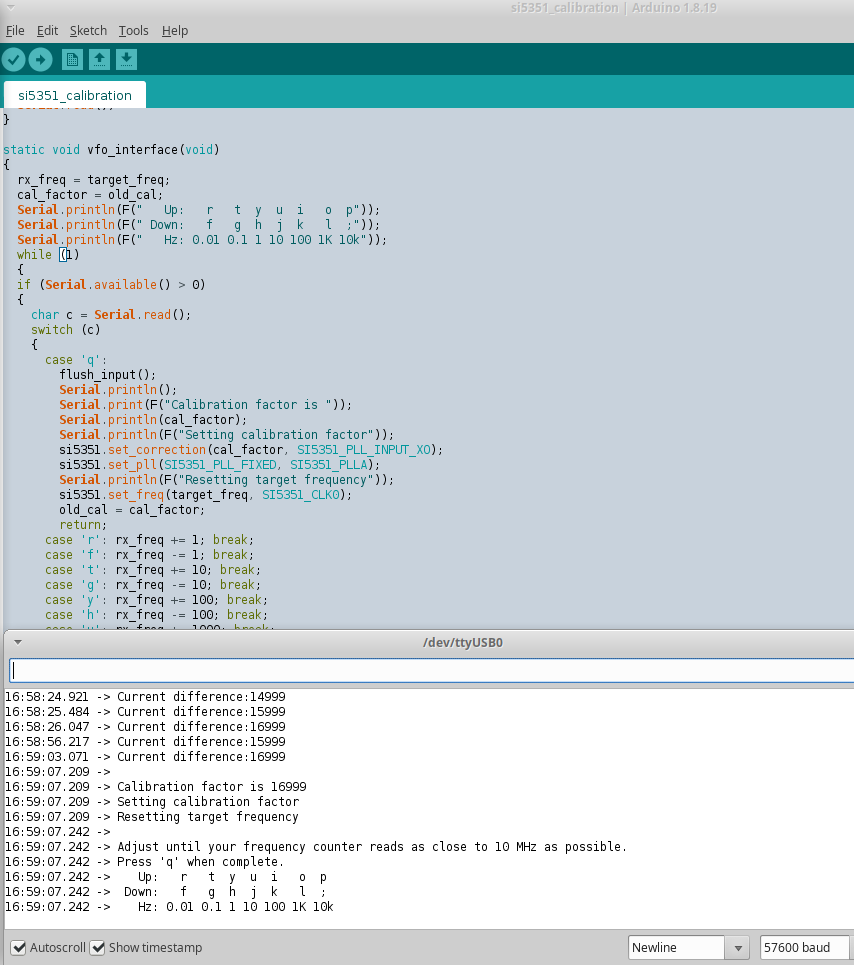
Use this program
to derive the calibration value for your Si5351A module.
Follow this tutorial first to
get familiar with SPIFFS uploading stuff. Use the Tools -> ESP8266 Sketch Data Upload option in the Arduino IDE to upload the webserver resources to
ESP8266. Note: The webserver resources are located in the data folder
inside the Easy-Digital-Beacons-v4 sketch.
Open and upload the Easy-Digital-Beacons-v4 sketch to ESP8266 using the
Sketch -> Upload option in the Arduino IDE.
You are all set for the next step - congrats!
Usage
Turn off the SW1 switch, and reboot the beacon system. The beacon system now
connects to your WiFi, and then runs a web server.
This web server can be accessed at http://beacon.local URL typically.
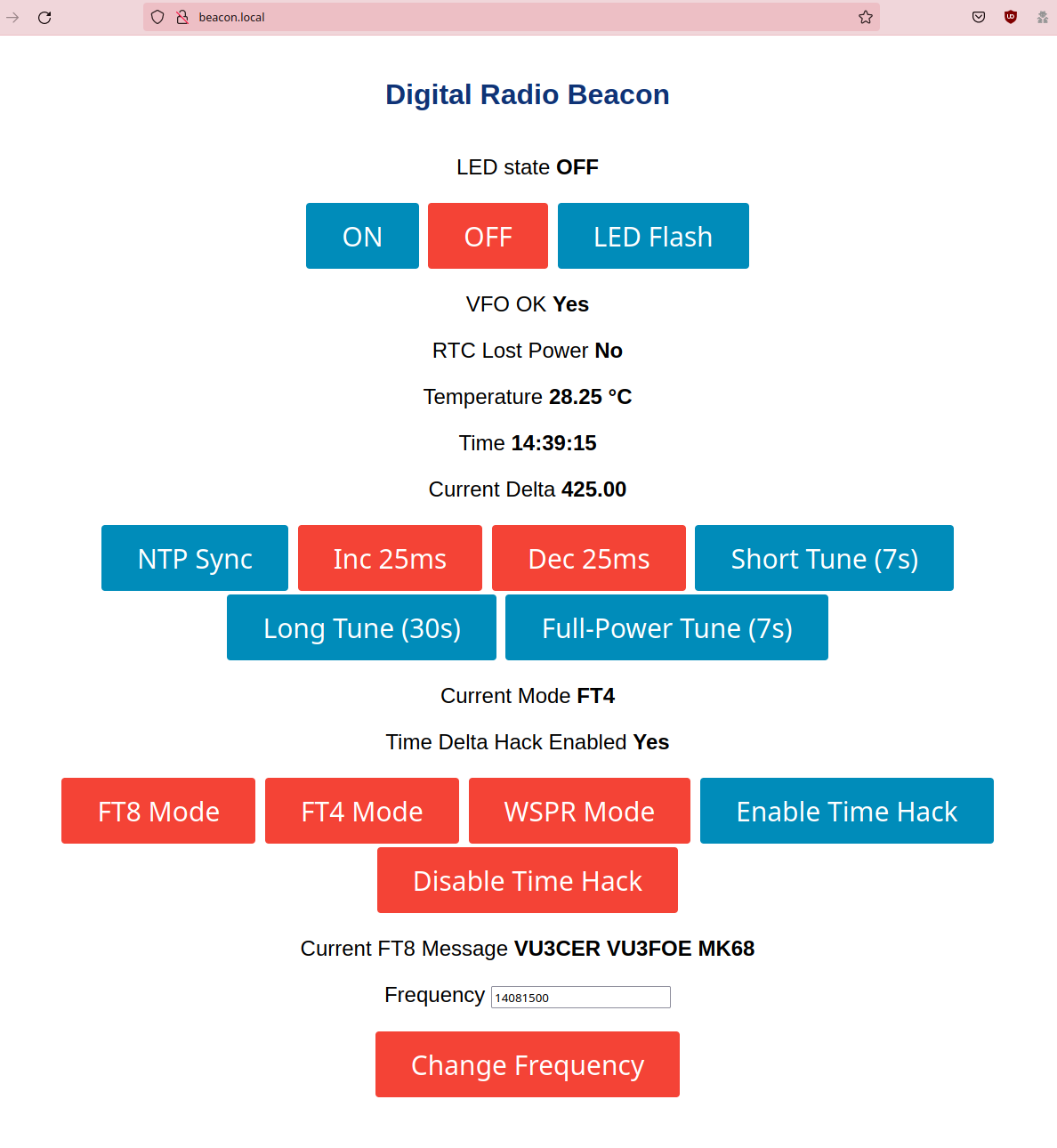
Beacon's web interface:
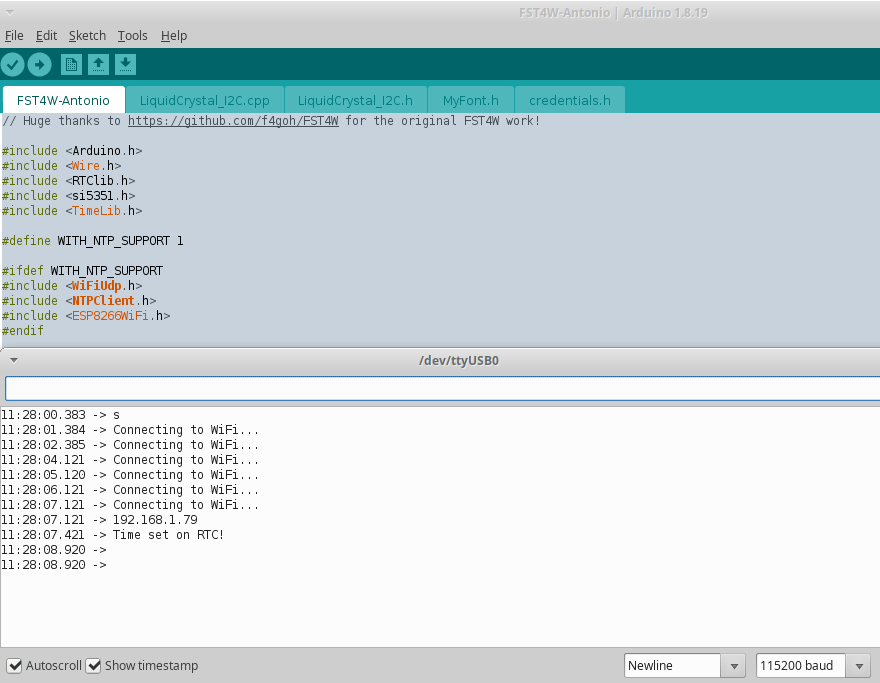
Use this web interface to configure the beacon. Please use the NTP Sync
option in this web interface to set the RTC time fairly correctly.
Now, turn on the SW1 switch, and reboot the beacon system. The beacon system
is active now, and will TX as per the configuration.
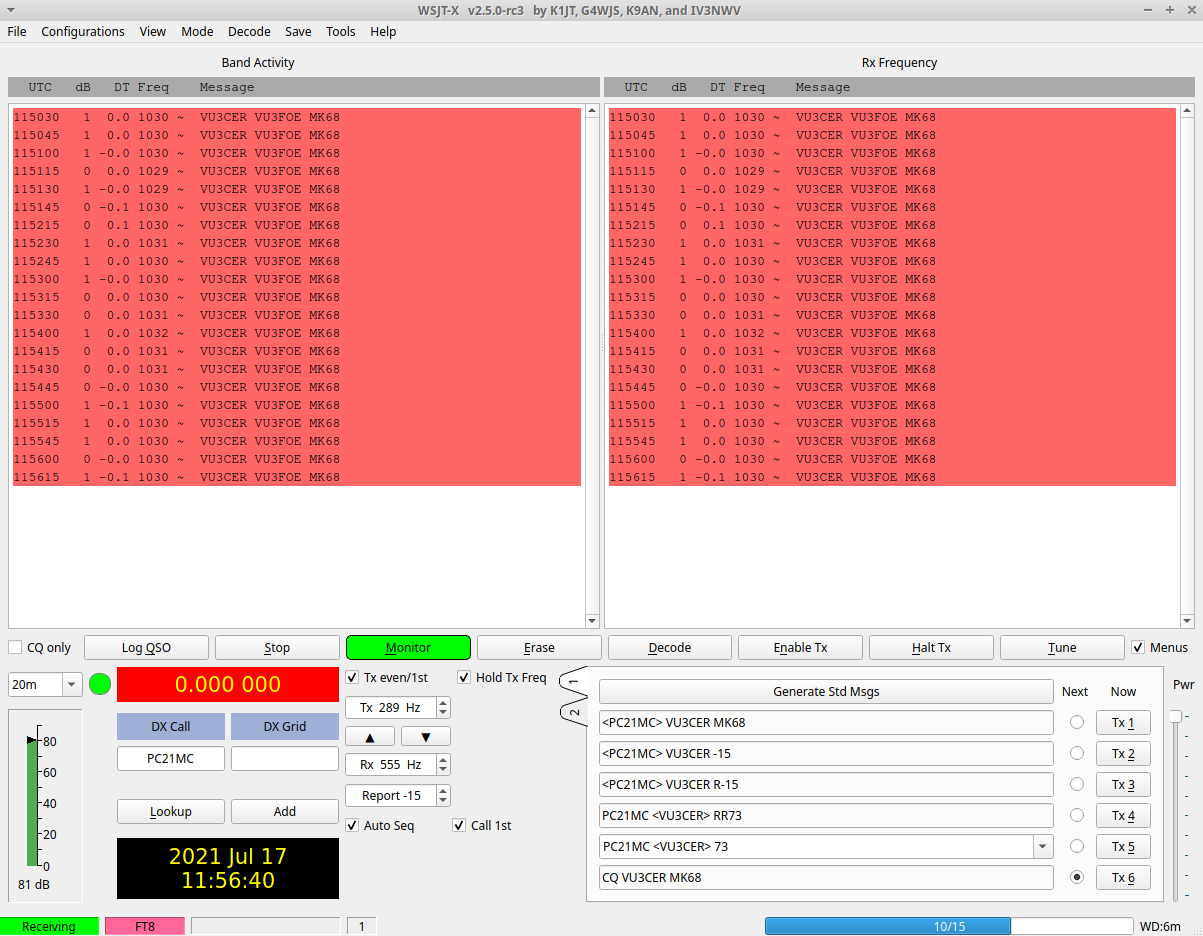
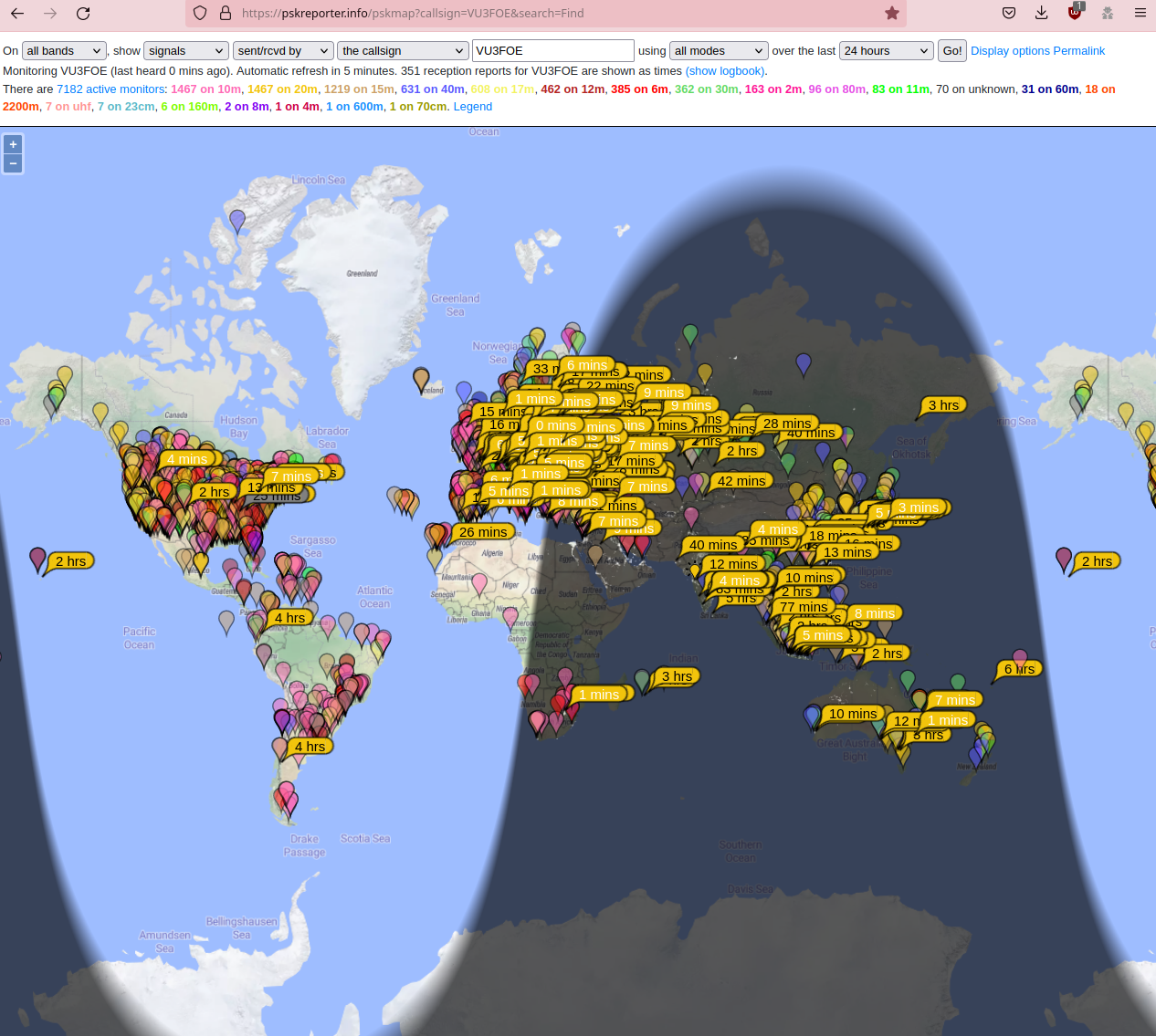
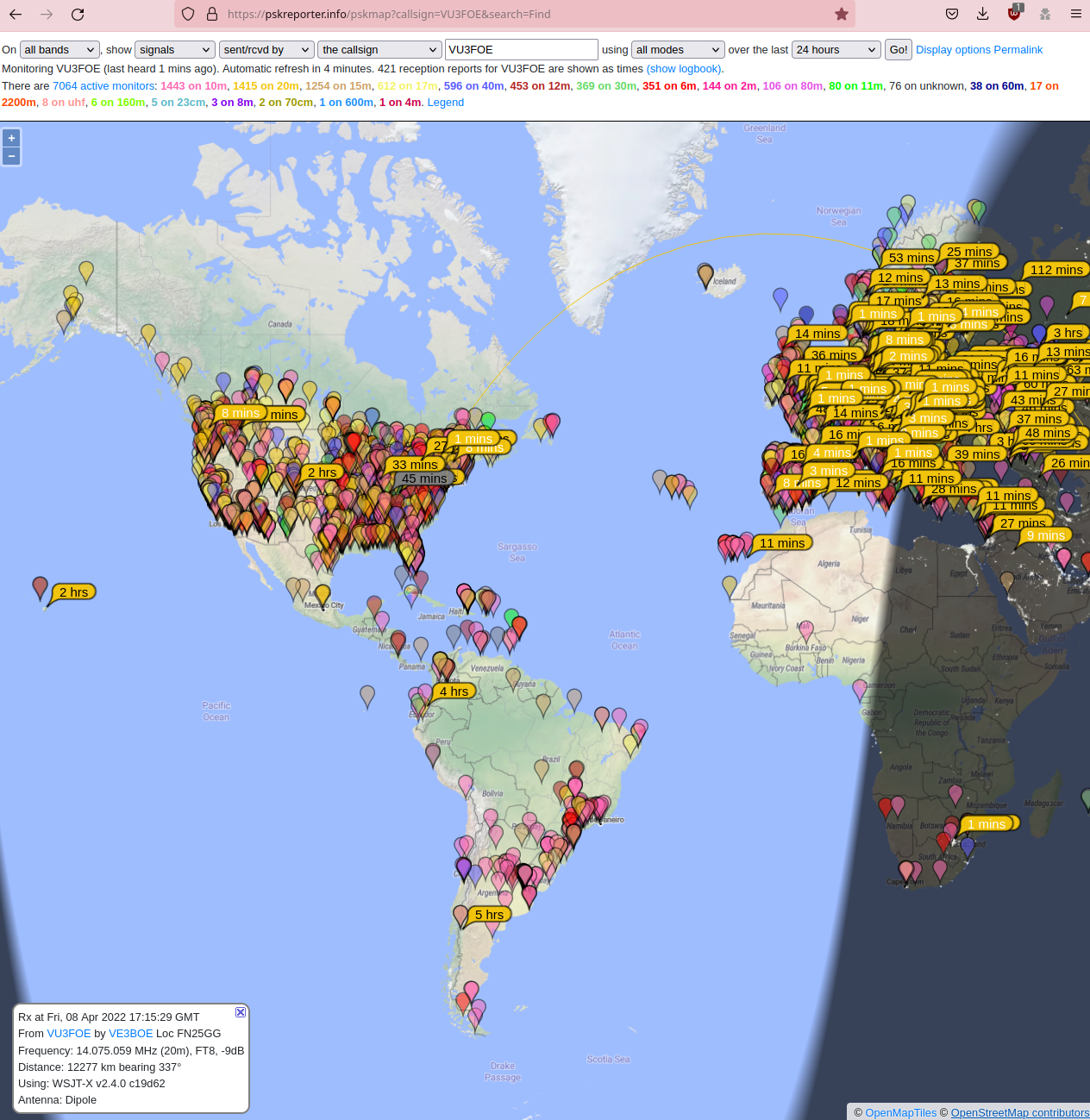
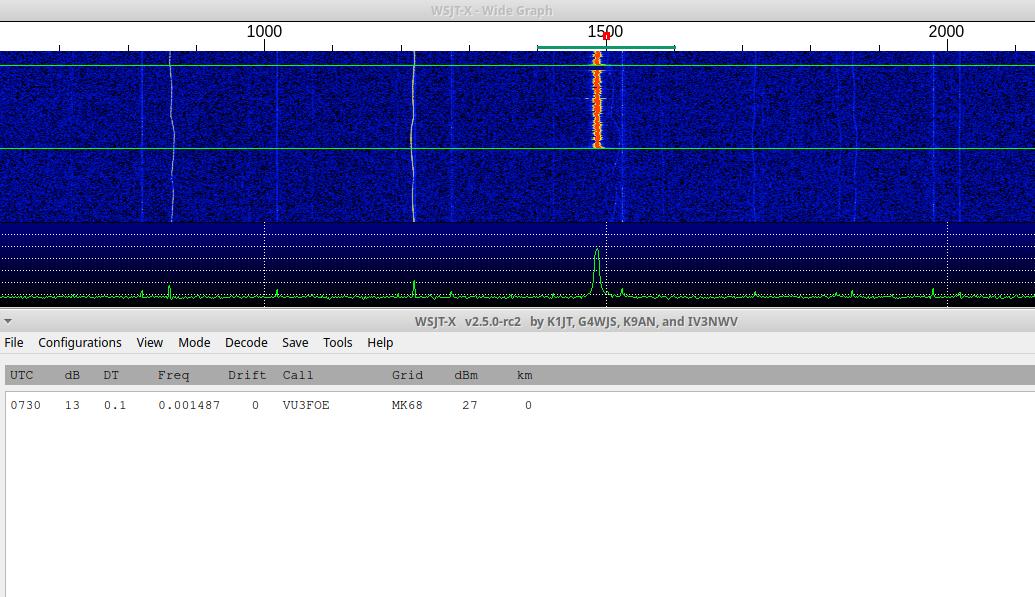
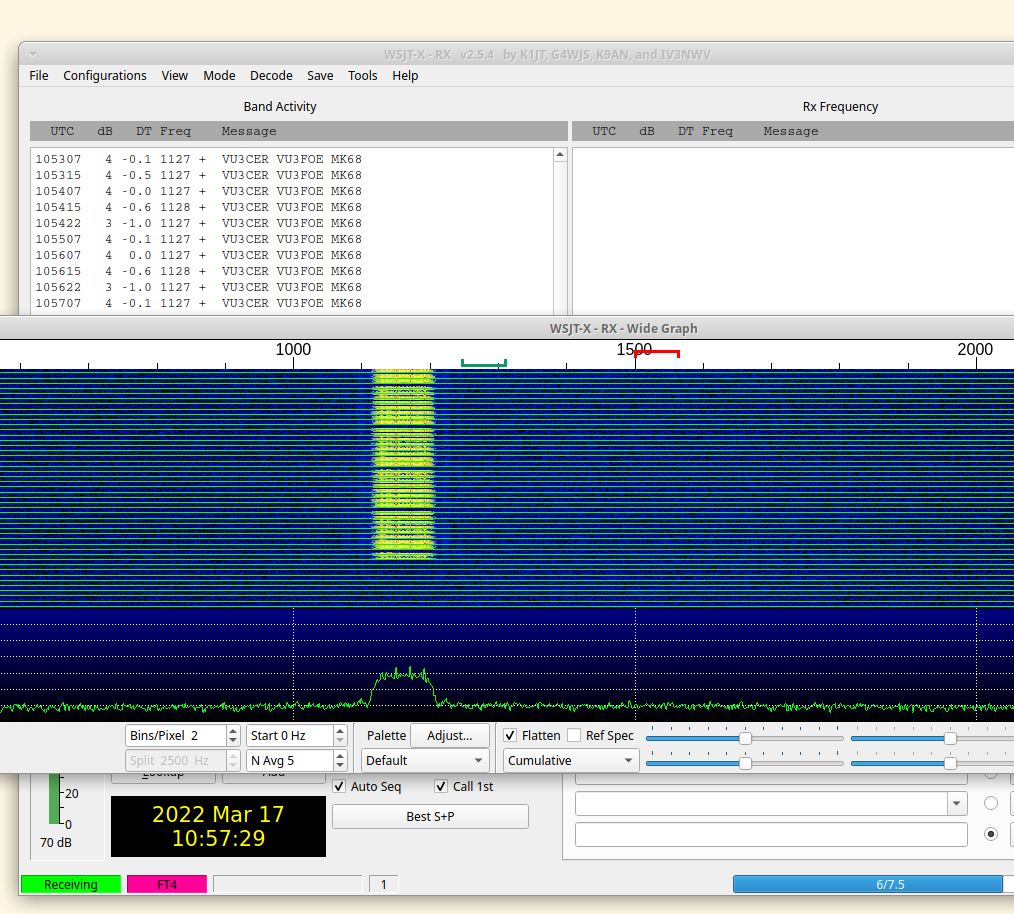
TIP: Please use a local (or nearby) receiver to receive and decode the beacon
signals! This is important to ensure that your beacon is TX'ing correctly.
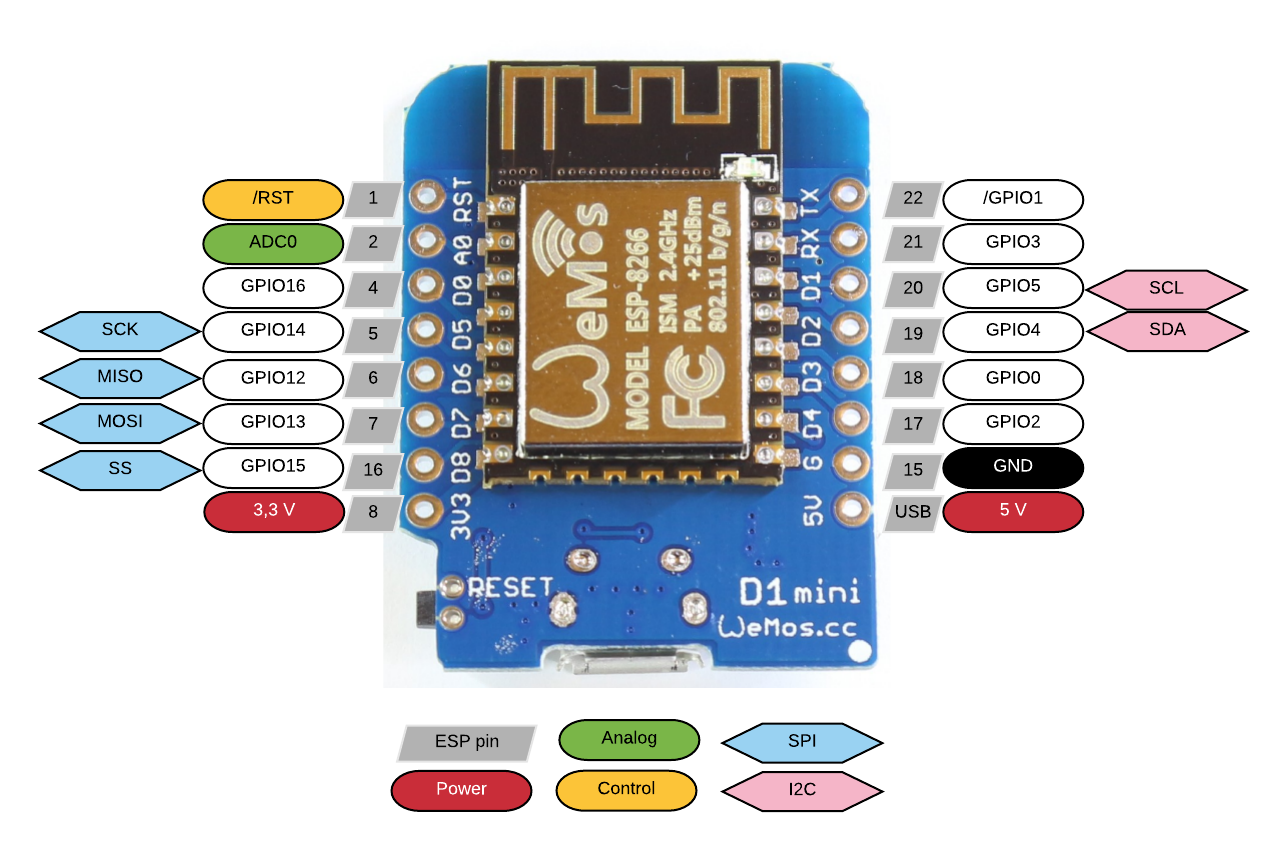
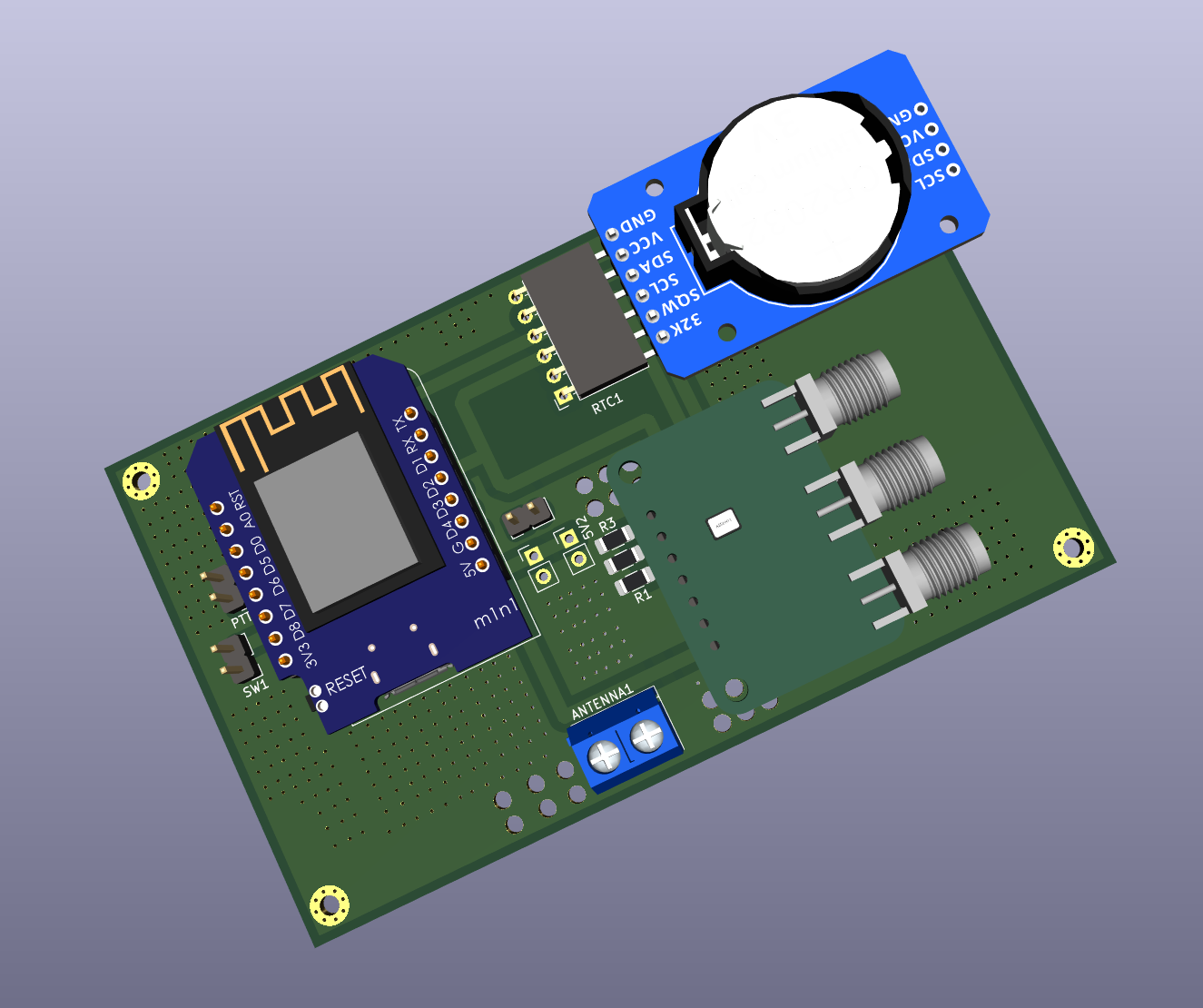
Si5351A module is connected via I2C to pins D1 (SCL) and D2 (SDA) of the Wemos
D1 Mini board. Connect DS3231 similarly.
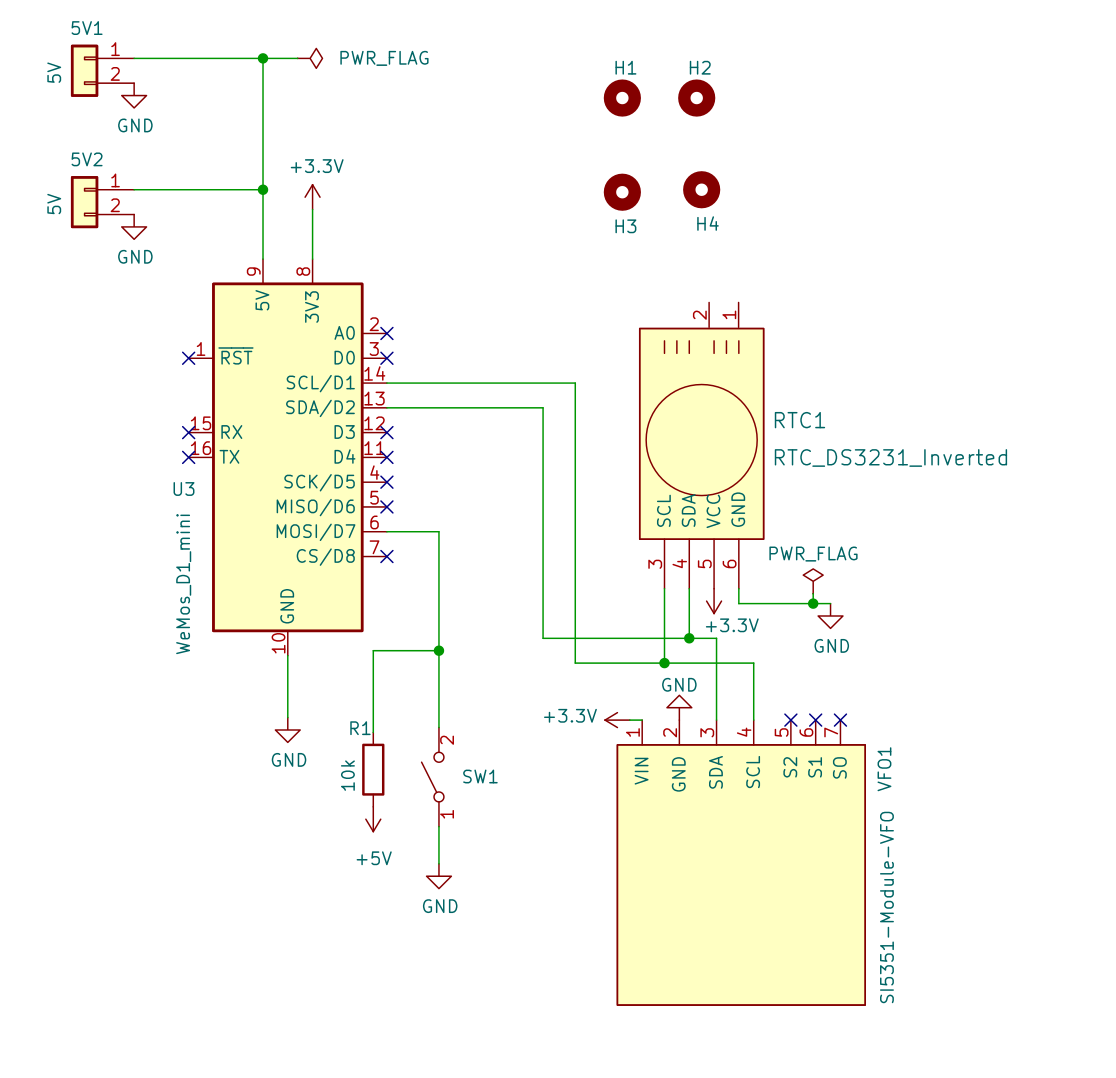
Here is the schematic for the Easy-Digital-Beacons-v4 sketch:
For troubleshooting, you may want to try the following similar project by the
awesome WB2CBA:
Use Gqrx and WSJT-X with a SDR device for initial frequency adjustment /
calibration. This is essential for WSPR functionality. FT8 is more
robust/tolerant of frequency deviations due to a much larger RX window.
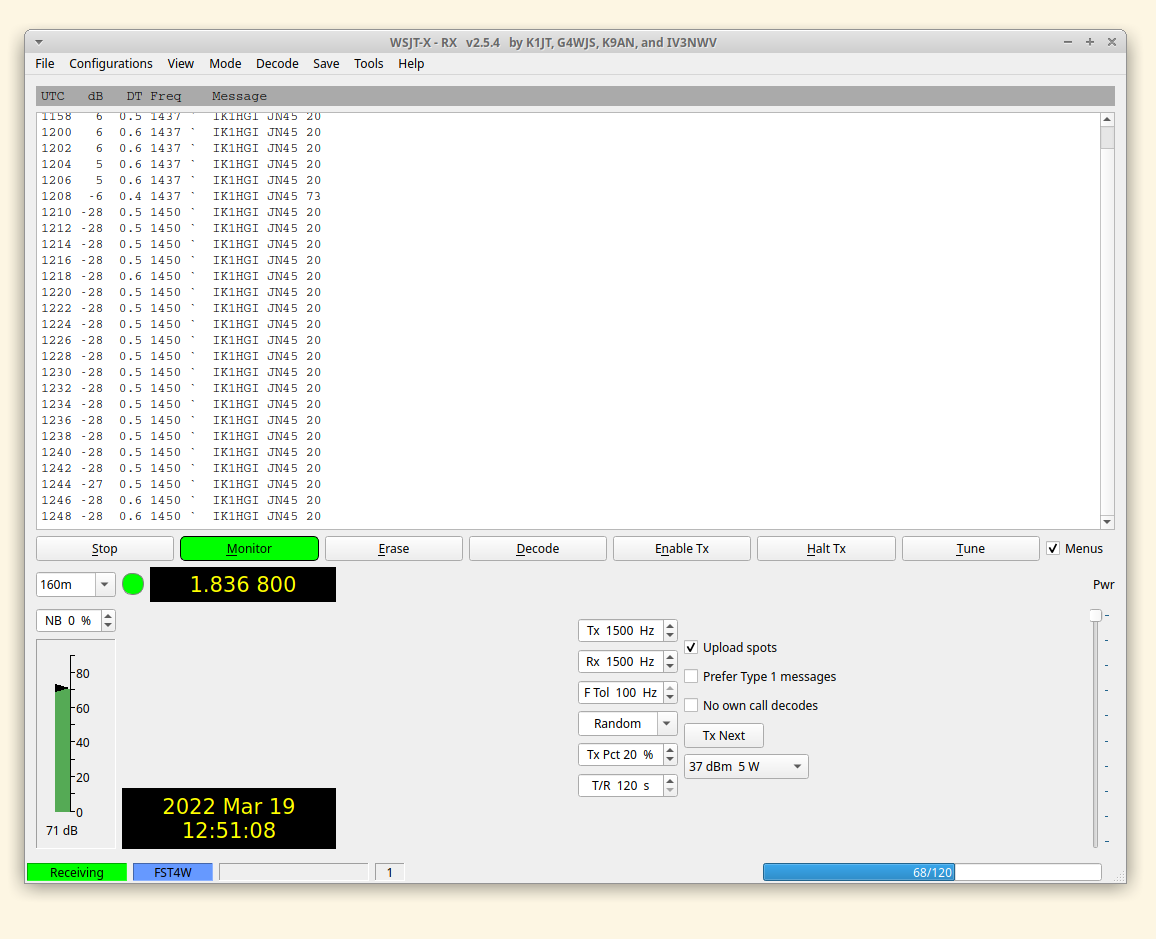
Note: To customize the FST4W beacon to use your callsign and grid, use the
following commands to generate the FST4Wsymbols array data.
Trang TopGit này là một snapshot — tab "Readme" hiển thị nguyên văn README của repo (đã bỏ link, giữ ảnh). Repo GitHub ở github.com/kholia/Easy-Digital-Beacons-v1 là nguồn chính thức.
kholia/Easy-Digital-Beacons-v1 có bao nhiêu sao?
kholia/Easy-Digital-Beacons-v1 có 89 sao GitHub — tải lại trang để xem số mới nhất, hoặc xem trực tiếp github.com/kholia/Easy-Digital-Beacons-v1. TopGit phản chiếu số sao của GitHub nhưng không cam kết đến từng phút.
kholia/Easy-Digital-Beacons-v1 có phải mã nguồn mở không?
TopGit chưa ghi nhận license cho kholia/Easy-Digital-Beacons-v1. Phần lớn repo public trên GitHub là mã nguồn mở, nhưng điều khoản khác nhau từng repo — mở file LICENSE để xác nhận.
kholia/Easy-Digital-Beacons-v1 có website riêng không?
TopGit chưa ghi nhận URL trang chủ cho kholia/Easy-Digital-Beacons-v1. Phần README ở tab phía trên thường có link demo, hoặc xem mô tả GitHub của repo.
kholia/Easy-Digital-Beacons-v1 là gì?
kholia/Easy-Digital-Beacons-v1 (kholia/Easy-Digital-Beacons-v1) là dự án HTML trên GitHub. Theo mô tả gốc: A simple and easy Arduino / Pi Pico / ESP8266-powered WSPR, FT8, and FT4 beacon system which uses NTP + DS3231 RTC for timing. Super extensible! Now comes with optional GPS support.
Đọc đầy đủ README ở tab phía trên.
Chưa chắc Easy-Digital-Beacons-v1 có hợp với bạn?
Để ChatGPT, Claude hoặc Perplexity tìm hiểu giúp — bấm bên dưới và xem AI nói gì về Easy-Digital-Beacons-v1.

 /Easy-Digital-Beacons-v1