Kitware/trame là dự án Data trên GitHub, viết chủ yếu bằng Python, với 690 sao. Trame lets you weave various components and technologies into a Web Application solely written in Python.
Tóm tắt dựng từ metadata GitHub của chính dự án — chưa có bài review TopGit. Trang sẽ tự động cập nhật khi bài review đầy đủ được xuất bản.
VÌ SAO CHƯA CÓ REVIEW
TopGit viết bài đầy đủ cho repo có nhiều sao nhất và được yêu cầu nhiều nhất. Trang này là snapshot trong thời gian chờ — xem README gốc ở tab READ ME.
Trame is an easy-to-use, Python-based framework that let you create desktop like application which shows up in your web browser.
You can create buttons, dialogs, 3D scenes with VTK/ParaView, charts, maps and much more.
It is great for any micro apps, dashboards, or even replacing a PyQt app into a web app.
You can also use it in development, for example when tweaking/configuring 3D rendering, machine learning and more.
At the end your app can be used locally, remotely, in the cloud, in Jupyter or on HPC.
Trame is available as a PyPI package, on conda-forge and we provide docker images for cloud deployment.
If you need help don't hesitate to reach out
trame - a web framework that weaves together open source components into customized visual analytics easily.
trame is French for
the core that ties things together
a guide providing the essence of a task
With trame, create stunning, interactive web applications compactly and intuitively.
3D Visualization
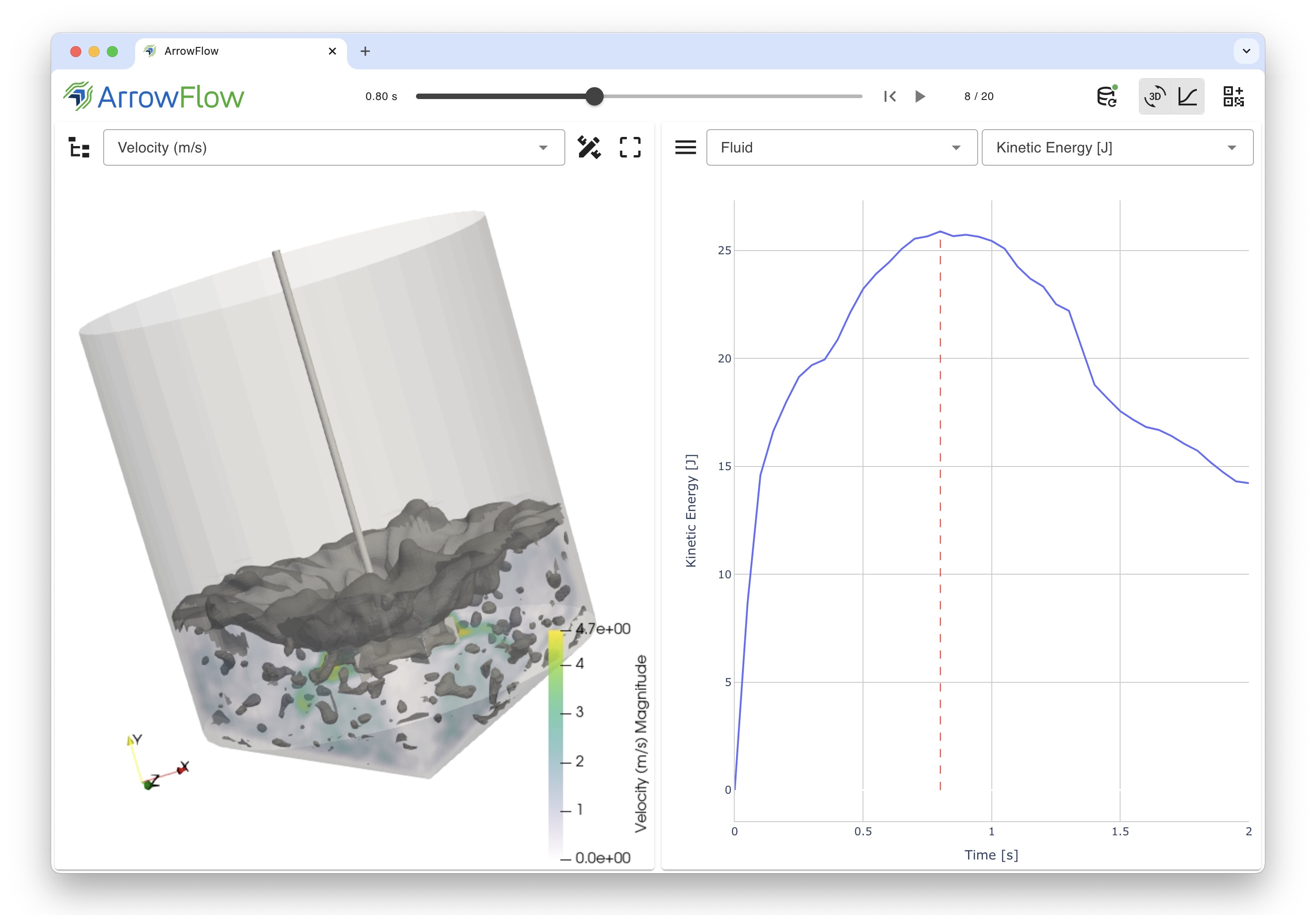
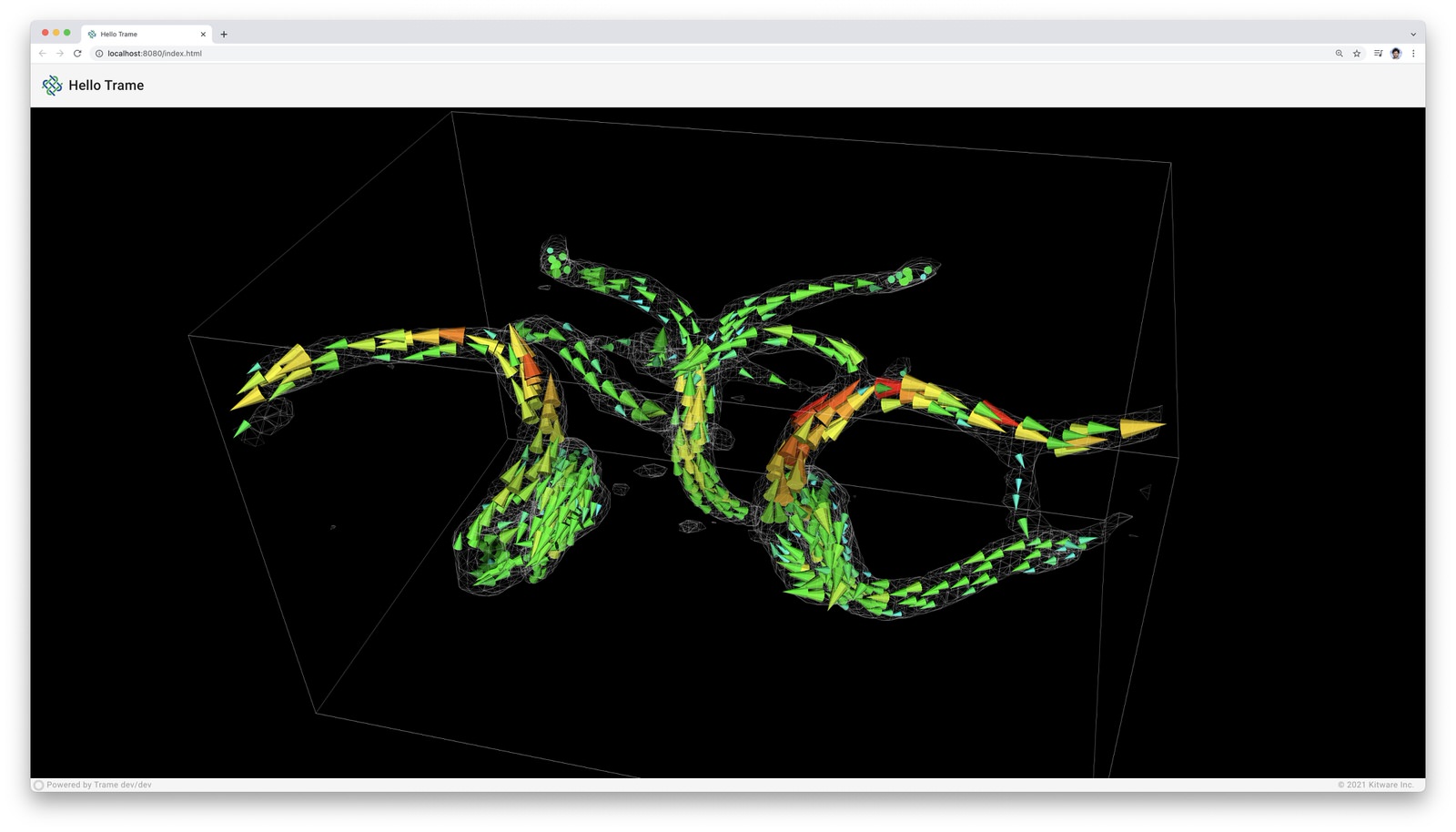
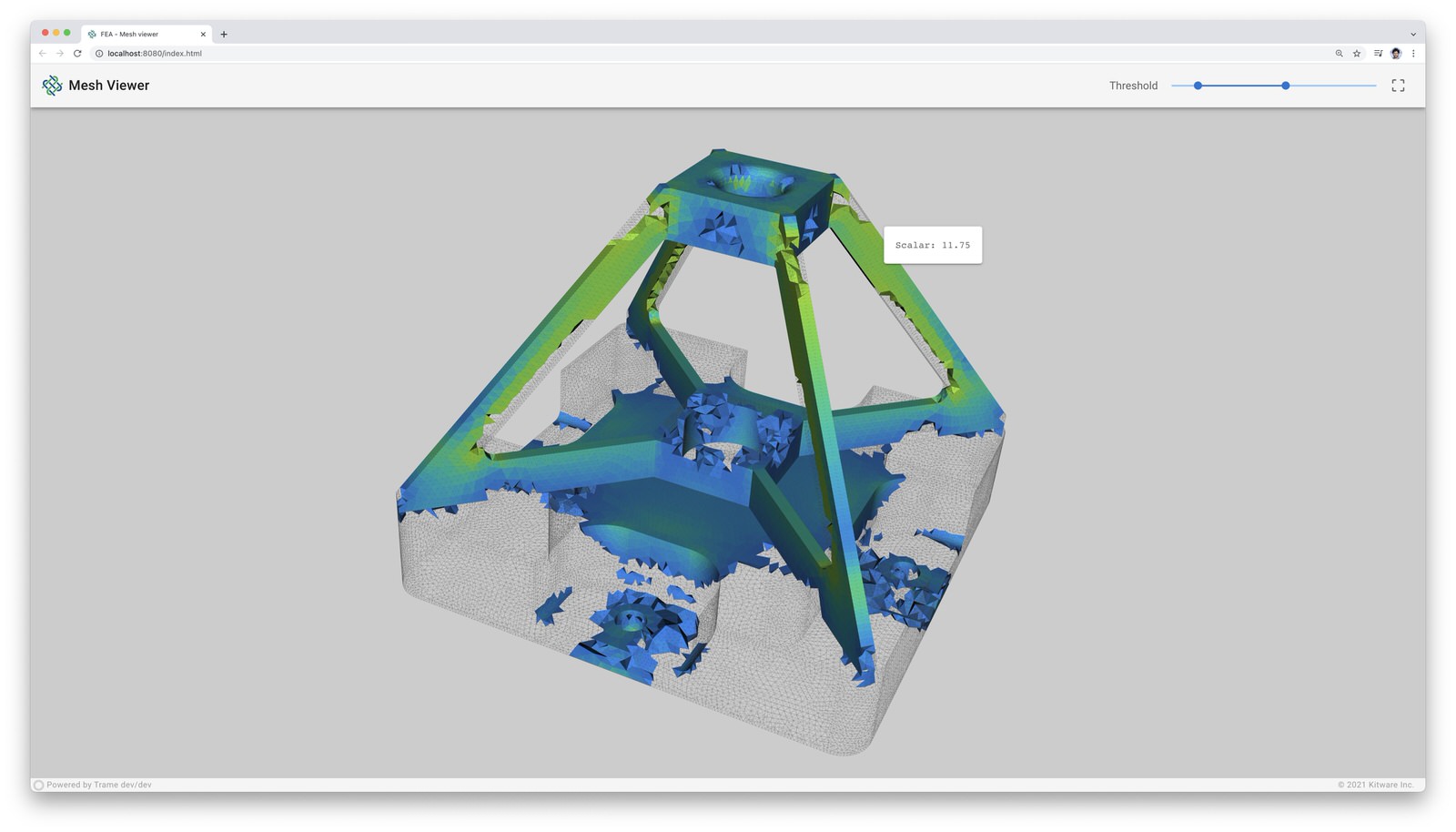
With best-in-class VTK and ParaView platforms at its core, trame provides complete control of 3D visualizations and data movements.
Developers benefit from a write-once environment while trame simply exposes both local and remote rendering through a single method.
Rich Features
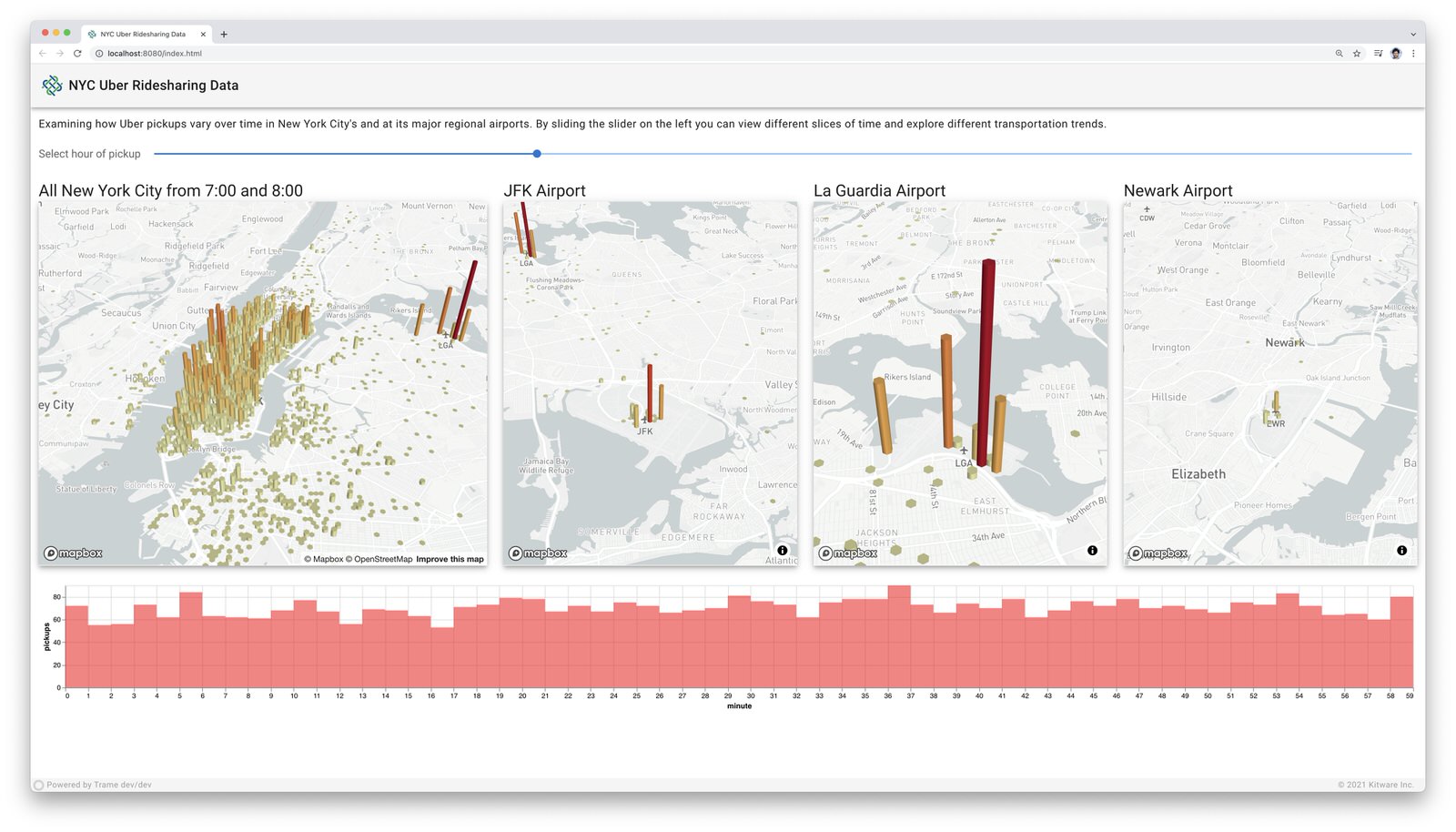
trame leverages existing libraries and tools such as Vuetify, Altair, Vega, deck.gl, VTK, ParaView, and more, to create vivid content for visual analytics applications.
Problem Focused
By relying simply on Python, trame focuses on one's data and associated analysis and visualizations while hiding the complications of web app development.
Desktop to cloud
The resulting trame applications can act as local desktop applications or remote cloud applications both accessed through a browser.
Installing
trame can be installed with pip:
pip install --upgrade trame
Usage
The Trame Tutorial is the place to go to learn how to use the library and start building your own application.
The API Reference documentation provides API-level documentation.
License
trame is made available under the Apache License, Version 2.0. For more details, see LICENSE
Community
Trame | Discussions | Issues | Contact Us
Citing options
@article{Trame,
    author = {Jourdain, S. and O'Leary, P. and Schroeder, W.},
    title = {Trame: Platform Ubiquitous, Scalable Integration Framework for Visual Analytics},
    journal = {IEEE Computer Graphics and Applications},
    month = {March},
    year = {2025},
    doi = {10.1109/MCG.2025.3540264},
}
Enjoying trame?
Share your experience with a testimonial or with a brand approval.
Optional dependencies
When installing trame using pip (pip install trame) you will get the core infrastructure for any trame application to work but more advanced usage may require additional dependencies.
The list below captures what may need to add depending on your usage:
pywebview : Needed for desktop usage (--app)
jupyterlab : Needed to run inside jupyter-lab
notebook : Needed to run inside jupyter-notebook
requests : Needed when using remote assets such as GDrive files
Environments variables
TRAME_LOG_NETWORK : Path to log file for capturing network exchange. (default: None)
TRAME_WS_MAX_MSG_SIZE : Maximum size in bytes of any ws message. (default: 10MB)
TRAME_WS_HEART_BEAT : Time in second before assuming the server is non-responsive. (default: 30s)
Life cycle callbacks
Life cycle events are directly managed on the application controller
and are prefixed with on_*.
on_server_start : Executed at server.start() call while passing the server as argument.
on_server_bind : WSLinkServer is getting bound to trame so you can attach your own routes. Its instance will be passed as argument to callback.
on_server_ready : All protocols initialized and available for client to connect
on_client_connected : Connection established to server
on_client_exited : Linked to browser "beforeunload" event
on_server_exited : Trame is exiting its event loop
on_error : JS error forwarded (msg:str) on the python
on_exception : Server exception occurred when interacting with the UI. The exception instance is provided as arg.
on_server_reload : If callback registered it is used for reloading server side modules
Reserved state entries
The shared state allow us to synchronize the server with the client.
Rather than creating another mechanism to handle similar needs throughout
the application we purposely reuse that state internally. To prevent any conflict with any user we are prefixing our internal
variable with trame__*. In general those state values should not be use
or changed by the user except for the one listed below:
Read/Write:
trame__favicon: Update it to replace the displayed favicon in your
browser. The content needs to be an image encoded url.
trame__title: Update it to replace your page title
(tab name / window name).
Read-only:
trame__busy: Provide information if we have pending requests waiting
for the server to respond.
tts: Template Time Stamp to regenerate sub elements when a template
gets updated. Usually used as :key="tts" to force some component
rebuild.
Professional Support
Training
Learn how to confidently use trame from the expert developers at Kitware.
Get Started
Support
Our experts can assist your team as you build your web application and establish in-house expertise.
Get Support
Custom Development
Leverage Kitware’s 25+ years of experience to quickly build your web application.
Kitware/trame thuộc nhóm Data trên TopGit, cùng 9 topic GitHub. Trang Trending và Topics liệt kê các repo cùng số sao và cùng ngôn ngữ để so sánh.
Đọc thêm về Kitware/trame ở đâu?
Trang TopGit này là một snapshot — tab "Readme" hiển thị nguyên văn README của repo (đã bỏ link, giữ ảnh). Repo GitHub ở github.com/Kitware/trame là nguồn chính thức.
Kitware/trame có bao nhiêu sao?
Kitware/trame có 690 sao GitHub — tải lại trang để xem số mới nhất, hoặc xem trực tiếp github.com/Kitware/trame. TopGit phản chiếu số sao của GitHub nhưng không cam kết đến từng phút.
Kitware/trame có phải mã nguồn mở không?
TopGit chưa ghi nhận license cho Kitware/trame. Phần lớn repo public trên GitHub là mã nguồn mở, nhưng điều khoản khác nhau từng repo — mở file LICENSE để xác nhận.
Kitware/trame còn đang phát triển không?
Commit gần nhất trên Kitware/trame là 14 ngày trước (theo timestamp GitHub). Repo có 85 fork — một chỉ báo về mức độ quan tâm của cộng đồng.
Kitware/trame là gì?
Kitware/trame (Kitware/trame) là dự án Python trên GitHub. Theo mô tả gốc: Trame lets you weave various components and technologies into a Web Application solely written in Python.
Kitware/trame viết bằng ngôn ngữ gì?
Kitware/trame chủ yếu viết bằng Python. Trường "language" của GitHub dựa trên phần lớn byte ở nhánh mặc định.
Đọc đầy đủ README ở tab phía trên.
Muốn nghe thêm một ý kiến về trame?
Hỏi một AI đọc được trang này — một cú bấm là có ngay nhận định về trame.
 /trame