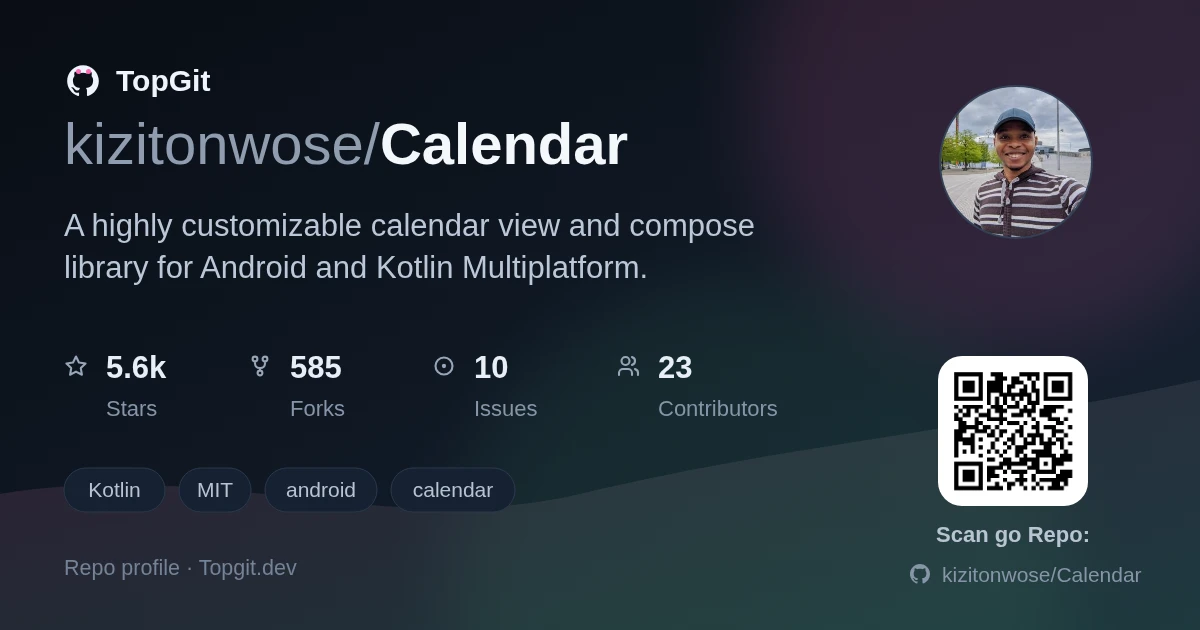
kizitonwose/Calendar — dự án di động — đang có 5.6k sao GitHub trong nhóm Mobile. A highly customizable calendar view and compose library for Android and Kotlin Multiplatform.
Tóm tắt dựng từ metadata GitHub của chính dự án — chưa có bài review TopGit. Trang sẽ tự động cập nhật khi bài review đầy đủ được xuất bản.
VÌ SAO CHƯA CÓ REVIEW
TopGit viết bài đầy đủ cho repo có nhiều sao nhất và được yêu cầu nhiều nhất. Trang này là snapshot trong thời gian chờ — xem README gốc ở tab READ ME.
A highly customizable calendar library for Android and Compose Multiplatform, backed by RecyclerView for the view system, and LazyRow/LazyColumn for compose.
With this library, your calendar will look however you want it to.
Features
Week, month, or year modes - Show a week-based calendar, or the typical month calendar, or a year-based calendar.
Single, multiple, or range selection - Total flexibility to implement the date selection
whichever way you like.
Disable desired dates - Prevent selection of some dates by disabling them.
Boundary dates - Limit the calendar date range.
Custom date view/composable - Make your day cells look however you want, with any
functionality you want.
Custom calendar view/composable - Make your calendar look however you want, with whatever
functionality you want.
Custom first day of the week - Use any day as the first day of the week.
Horizontal or vertical scrolling calendar.
HeatMap calendar - Suitable for showing how data changes over time, like GitHub's contribution
chart.
Year/Month/Week headers and footers - Add headers/footers of any kind on each year/month/week.
Easily scroll to any date/week/month/year on the calendar via swipe actions or programmatically.
Use all RecyclerView/LazyRow/LazyColumn customizations since the calendar extends from
RecyclerView for the view system and uses LazyRow/LazyColumn for compose.
Design your calendar however you want. The
library provides the logic, you provide the views/composables.
Sample project
It's important to check out the sample app. There are lots of examples provided for both view and compose implementations.
Most techniques that you would want to implement are already done in the examples.
Download the Android sample app here
View the Android sample app's source code here
View the multiplatform sample project online at https://calendar.kizitonwose.dev
View the multiplatform sample project's source code here
Setup
The library provides the following artifacts:
com.kizitonwose.calendar:compose: The compose artifact for Android projects. This uses the java.time APIs.
com.kizitonwose.calendar:compose-multiplatform: The compose artifact for Compose Multiplatform projects. This uses the kotlinx-datetime library and supports Android, iOS, js, WasmJs and Desktop platforms.
com.kizitonwose.calendar:view: The view artifact for Android projects. This uses the java.time APIs and can exist alongside the Android compose artifact in an Android project if needed.
Step 1
This step is required ONLY if your Android app's minSdkVersion is below 26. Jump to step 2 if this does not apply to you.
Android apps with minSdkVersion below 26 have to enable Java 8+ API desugaring for backward compatibility since java.time classes were added in Java 8 which is supported natively starting from Android SDK 26. To set up your project for desugaring, you need to first ensure that you are using Android Gradle plugin 4.0.0 or higher.
Then include the following in your app's build.gradle file:
android {
  defaultConfig {
    // Required ONLY if your minSdkVersion is below 21
    multiDexEnabled true
  }

  compileOptions {
    // Enable support for the new language APIs
    coreLibraryDesugaringEnabled true
    // Set Java compatibility (version can be higher if desired)
    sourceCompatibility JavaVersion.VERSION_1_8
    targetCompatibility JavaVersion.VERSION_1_8
  }

  kotlinOptions {
    // Also add this for Kotlin projects (version can be higher if desired)
    jvmTarget = "1.8"
  }
}

dependencies {
  coreLibraryDesugaring 'com.android.tools:desugar_jdk_libs:<latest-version>'
}
You can find the latest version of desugar_jdk_libs here.
Step 2A - For pure Android projects without multiplatform setup
Add the desired calendar library (view or compose) to your app's build.gradle.kts:
dependencies {
  // The view calendar library for Android
  implementation("com.kizitonwose.calendar:view:<latest-version>")

  // The compose calendar library for Android
  implementation("com.kizitonwose.calendar:compose:<latest-version>")
}
Step 2B - For Compose Multiplatform projects
Add the multiplatform calendar library to your project's build.gradle.kts:
commonMain.dependencies {
  // The calendar library for compose multiplatform projects
  // Supports Android, iOS, js, WasmJs and Desktop platforms
  implementation("com.kizitonwose.calendar:compose-multiplatform:<latest-version>")
}
You can find the latest version of the library on the maven central badge above.
Snapshots of the development version are available in Central Portal Snapshots repository.
Compose UI version compatibility
For the compose calendar library, ensure that you are using the library version that matches the Compose UI version in your project. If you use a version of the library that has a higher version of Compose UI than the one in your project, gradle will upgrade the Compose UI version in your project via transitive dependency.
Compose UI
Android Calendar Library
Multiplatform Calendar Library
1.2.x
2.0.x
-
1.3.x
2.1.x - 2.2.x
-
1.4.x
2.3.x
-
1.5.x
2.4.x
-
1.6.x
2.5.x
2.5.x
1.7.x
2.6.x
2.6.x
1.8.x
2.7.x - 2.8.x
2.7.x - 2.8.x
1.9.x
2.9.x
2.9.x
1.10.x
2.10.x
2.10.x
1.11.x
2.10.x
2.10.x
Usage
You can find the relevant documentation for the library in the links below.
View-based documentation
Compose documentation
Migration
If you're upgrading from calendar library version 1.x.x to 2.x.x, see the migration guide.
Share your creations
Made a cool calendar with this library? Share an image here.
Contributing
Found a bug? feel free to fix it and send a pull request or open an issue.
License
Calendar library is distributed under the MIT license.
See LICENSE for details.
Trang TopGit này là một snapshot — tab "Readme" hiển thị nguyên văn README của repo (đã bỏ link, giữ ảnh). Repo GitHub ở github.com/kizitonwose/Calendar là nguồn chính thức.
Có — kizitonwose/Calendar phát hành theo license MIT, nghĩa là mã nguồn mở để đọc, fork và (tùy license) tái sử dụng. Mã: github.com/kizitonwose/Calendar.
kizitonwose/Calendar có website riêng không?
TopGit chưa ghi nhận URL trang chủ cho kizitonwose/Calendar. Phần README ở tab phía trên thường có link demo, hoặc xem mô tả GitHub của repo.
kizitonwose/Calendar còn đang phát triển không?
Commit gần nhất trên kizitonwose/Calendar là 7 tháng trước (theo timestamp GitHub). Repo có 586 fork — một chỉ báo về mức độ quan tâm của cộng đồng.
kizitonwose/Calendar dùng license gì?
kizitonwose/Calendar phát hành theo license MIT. Nên mở file LICENSE trên GitHub để xác nhận — license metadata đôi khi lệch với thực tế dự án.
Đọc đầy đủ README ở tab phía trên.
Vẫn đang phân vân về Calendar?
Một cú bấm sẽ gửi câu hỏi kèm trang này cho AI — xem AI nói gì về Calendar.

 /Calendar


%5Bnot(contains(text(),%27-%27))%5D%5Blast()%5D)
%5Bnot(contains(text(),%27-%27))%5D%5Blast()%5D)
