klaudiosinani/hyper-star-wars hiện có 245 sao trên GitHub, viết chủ yếu bằng JavaScript. Super awesome your Hyper terminal shall look
Tóm tắt dựng từ metadata GitHub của chính dự án — chưa có bài review TopGit. Trang sẽ tự động cập nhật khi bài review đầy đủ được xuất bản.
VÌ SAO CHƯA CÓ REVIEW
TopGit viết bài đầy đủ cho repo có nhiều sao nhất và được yêu cầu nhiều nhất. Trang này là snapshot trong thời gian chờ — xem README gốc ở tab READ ME.
24 tailor-made, full fledged Star Wars themes for your Hyper terminal.
All of the wonderful Star Wars backgrounds were created by the amazing Filipe de Carvalho and are part of his Star Wars - Long Shadow Flat Design Icons project. You can appreciate his project and the rest of his super awesome work on Behance.
Get the backgrounds as 4K HD wallpapers here.
Install
Using the plugin manager - hyper
Firstly, ensure you have Hyper installed in your system.
Once done with that, it's time to install the hyper-star-wars theme.
# fire up a terminal and type
$ hyper i hyper-star-wars
Manually through .hyper.js
Add hyper-star-wars to the plugins list in your ~/.hyper.js config file and restart Hyper.
plugins: ['hyper-star-wars']
Usage
Once you have installed hyper-star-wars, it's time to set your favorite theme.
Go to your ~/.hyper.js and add the StarWarsTheme settings object below the colors object, and define there your theme of choice.
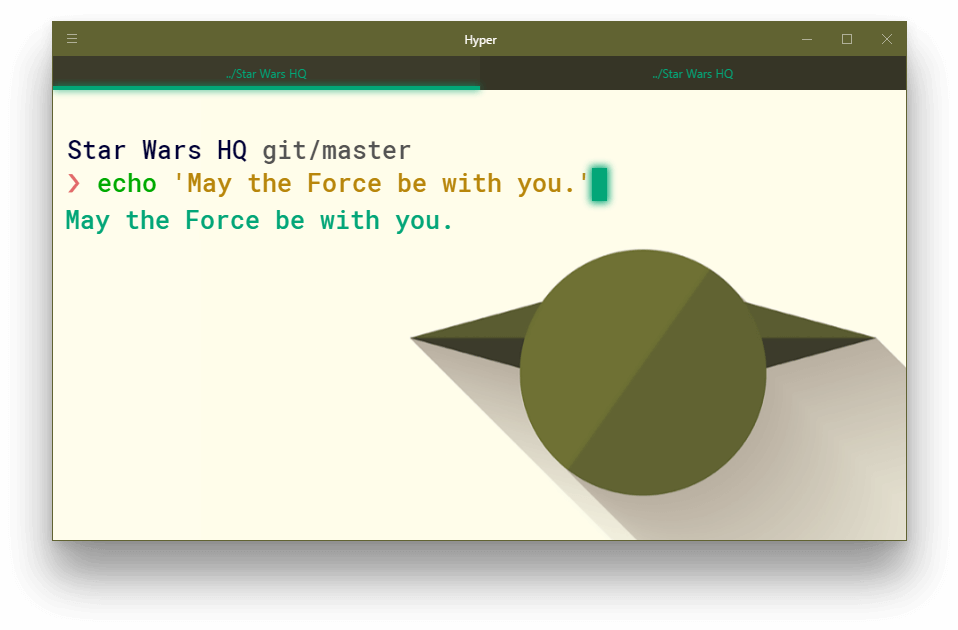
Here is a quick example, where we choose the yoda theme, with the lightsaber mode activated and a colorful window header.
config: {
	//...
	colors: {
	//...
	},
	StarWarsTheme: {
		character: 'yoda', // Define your favorite star wars character
		lightsaber: 'true', // Activate your theme's lightsaber mode
		unibody: 'false', // Define the color of the Hyper window header
		avatar: 'true'  // Activate your theme's background avatar
	},
	//...
}
To get the exact same look, install Google's Roboto Mono font as well as oh-my-zsh and choose pure as your zsh prompt.
Options
character
Using this option you can choose your Star Wars character theme along with it's tailor-made syntax color.
The assignable values are:
character name - choose any of the available Star Wars characters by defining their name.
random - randomly selects a Star Wars character theme from all available characters, each time you fire up a new Hyper terminal session.
i.e.character: 'random'
light/dark side - randomly selects a Star Wars character theme from the light side or the dark side, each time you fire up a new Hyper terminal session.
i.e.character: 'light', character: 'dark'
character array - randomly selects a Star Wars character theme/theme option from a defined array holding custom multiple themes/theme options, each time you fire up a new Hyper terminal session. Any from the available Star Wars character themes can be chosen!
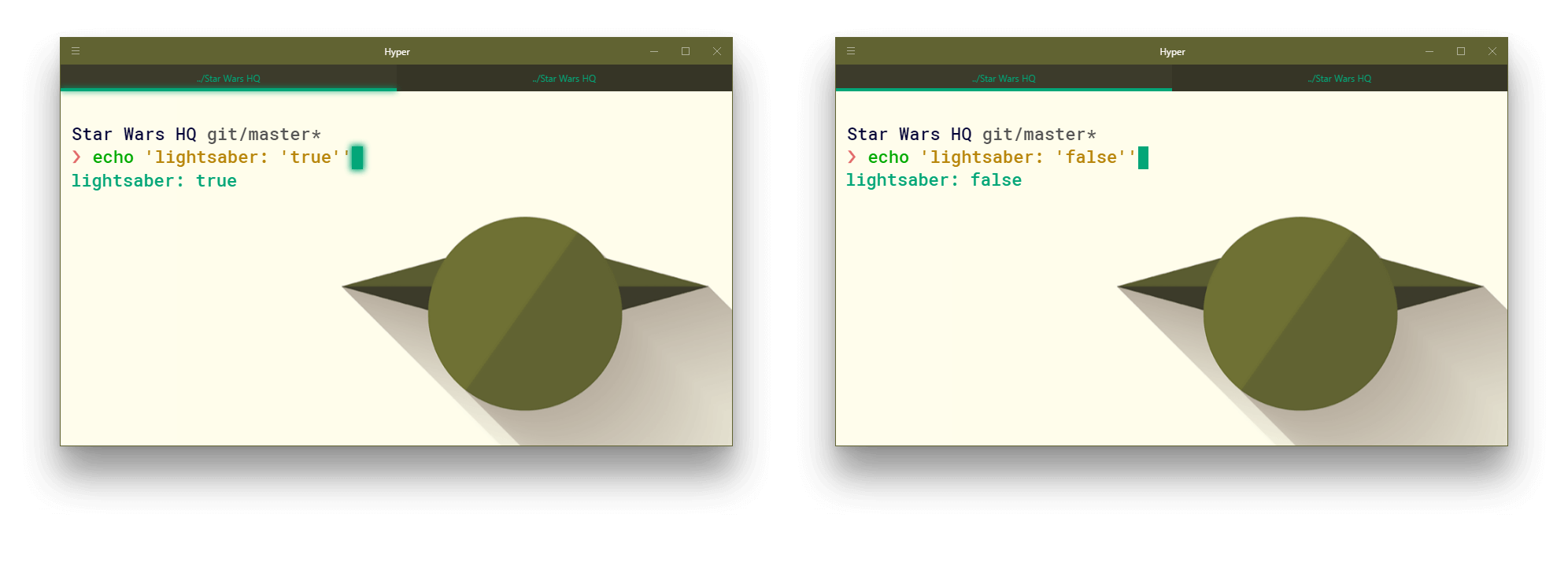
Activates your theme's lightsaber mode, making your terminal's tab bar glow.
The assignable values are:
lightsaber: 'true' - enable your theme's lightsaber mode
lightsaber: 'false' - disable your theme's lightsaber mode
Also, completely omitting the lightsaber option from your .hyper.js will have the same effect as defining it and setting it to false. (Default value)
unibody
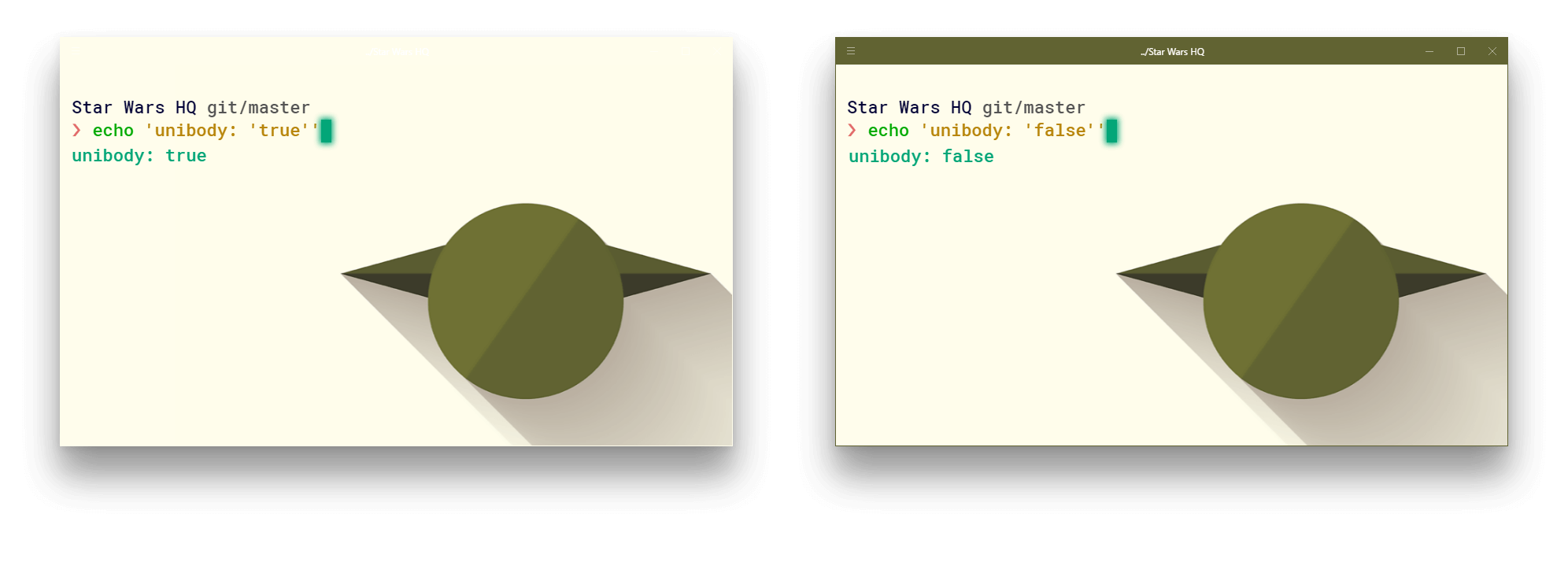
Choose whether or not you want the Hyper window header color to be the same as the background Star Wars character theme.
The assignable values are:
unibody: 'true' - choose it for a unibody color theme
unibody: 'false' - go for it if you like your terminal more colorful
In addition, completely omitting the unibody option from your .hyper.js will have the same effect as defining it and setting it to true. (Default value)
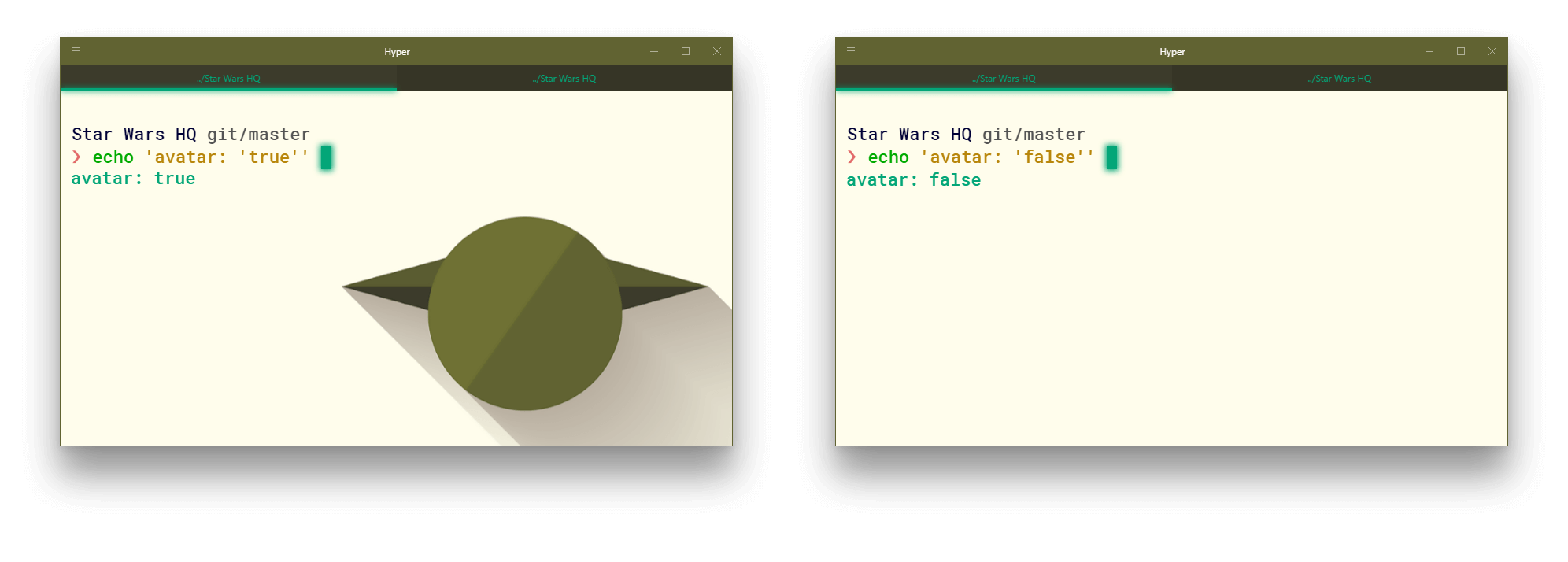
avatar
Choose whether or not you want the Star Wars character theme avatar to be displayed in the background.
The assignable values are:
avatar: 'true' - enable your theme's background avatar
avatar: 'false' - disable your theme's background avatar
In addition, completely omitting the avatar option from your .hyper.js will have the same effect as defining it and setting it to true. (Default value)
Available Themes
You can preview in detail all of the themes here.
List of all the available themes.
darth-vader
yoda
stormtrooper
r2d2
chewbacca
snowtrooper
kylo-ren
bb8
obi-wan-kenobi
luke-skywalker-older
emperor
spacetrooper
c3po
finn
boba-fett
leia-organa
maz-kanata
finn-stormtrooper
han-solo
luke-skywalker
rey
princess-leia
poe-dameron
han-solo-older
Related
Hyper Pokemon - Tailor-made Pokémon themes for your Hyper terminal.
Trang TopGit này là một snapshot — tab "Readme" hiển thị nguyên văn README của repo (đã bỏ link, giữ ảnh). Repo GitHub ở github.com/klaudiosinani/hyper-star-wars là nguồn chính thức.
klaudiosinani/hyper-star-wars có bao nhiêu sao?
klaudiosinani/hyper-star-wars có 245 sao GitHub — tải lại trang để xem số mới nhất, hoặc xem trực tiếp github.com/klaudiosinani/hyper-star-wars. TopGit phản chiếu số sao của GitHub nhưng không cam kết đến từng phút.
klaudiosinani/hyper-star-wars có những chủ đề gì?
GitHub topics của klaudiosinani/hyper-star-wars: "darth-vader", "hyper", "star-wars", "theme", "yoda". TopGit xếp repo vào nhóm UI / UX.
klaudiosinani/hyper-star-wars có trang demo không?
Dự án có trang chủ ở http://klaudiosinani.com/hyper-star-wars. Tab "Readme" ở trang này thường có ảnh chụp và hướng dẫn bắt đầu nhanh.
klaudiosinani/hyper-star-wars còn đang phát triển không?
Commit gần nhất trên klaudiosinani/hyper-star-wars là 4 tháng trước (theo timestamp GitHub). Repo có 17 fork — một chỉ báo về mức độ quan tâm của cộng đồng.
klaudiosinani/hyper-star-wars dùng license gì?
klaudiosinani/hyper-star-wars phát hành theo license MIT. Nên mở file LICENSE trên GitHub để xác nhận — license metadata đôi khi lệch với thực tế dự án.
klaudiosinani/hyper-star-wars viết bằng ngôn ngữ gì?
klaudiosinani/hyper-star-wars chủ yếu viết bằng JavaScript. Trường "language" của GitHub dựa trên phần lớn byte ở nhánh mặc định.
Đọc đầy đủ README ở tab phía trên.
Chưa chắc hyper-star-wars có hợp với bạn?
Để ChatGPT, Claude hoặc Perplexity tìm hiểu giúp — bấm bên dưới và xem AI nói gì về hyper-star-wars.
 /hyper-star-wars