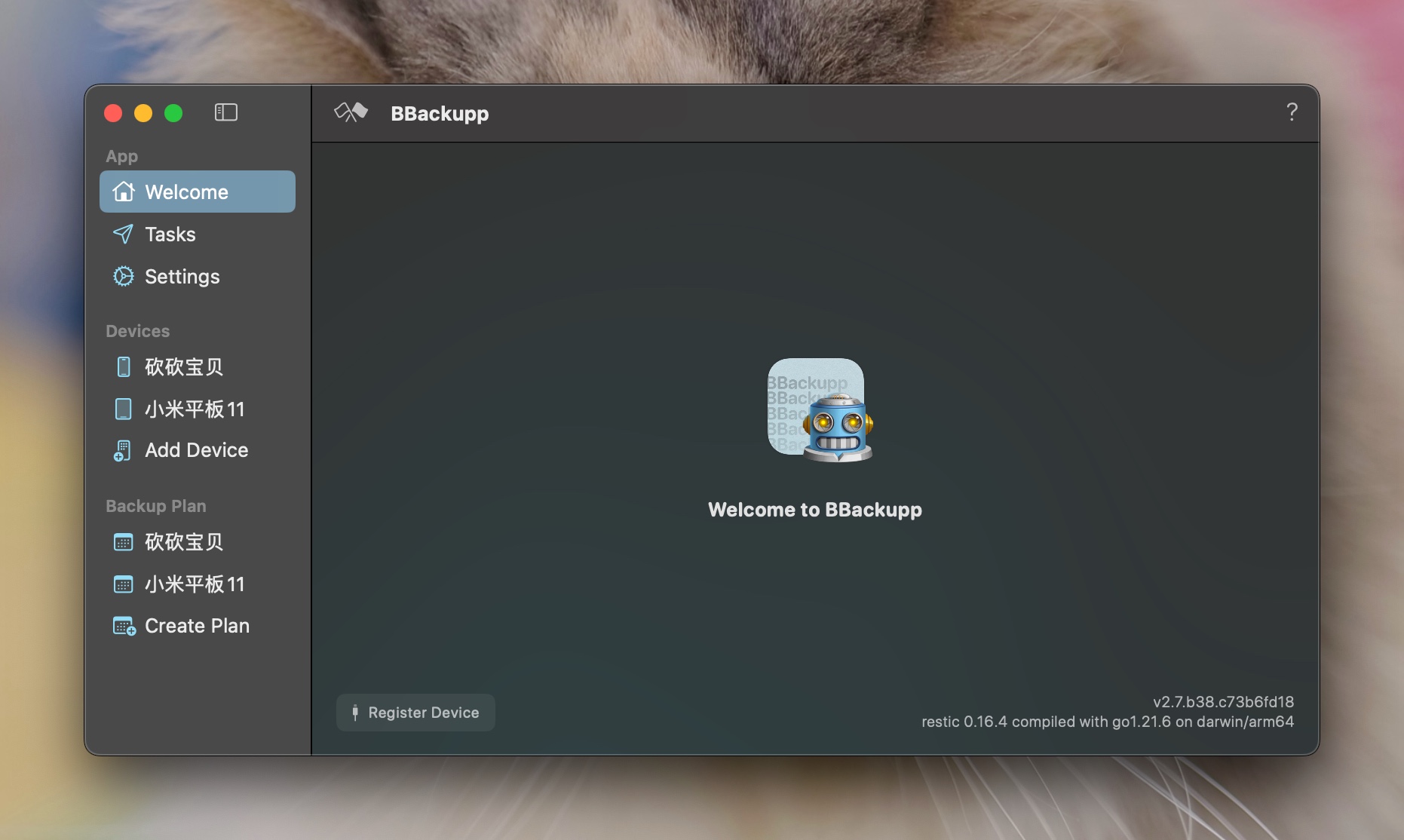
Điểm qua Lakr233/BBackupp: 2.6k sao trên GitHub, viết chủ yếu bằng Swift. Automated iOS Backup Robot
Tóm tắt dựng từ metadata GitHub của chính dự án — chưa có bài review TopGit. Trang sẽ tự động cập nhật khi bài review đầy đủ được xuất bản.
VÌ SAO CHƯA CÓ REVIEW
TopGit viết bài đầy đủ cho repo có nhiều sao nhất và được yêu cầu nhiều nhất. Trang này là snapshot trong thời gian chờ — xem README gốc ở tab READ ME.
Back up your iOS devices the way it's meant to be done.
Statement
Although this software meets my personal needs, I have to say it’s pretty bad for most users. Additionally, it doesn’t support recovery, you’ll have to use MobileTransfer.
Features
Effortlessly back up iOS devices.
Monitor backup progress for each file.
Perform one-time backups to local storage.
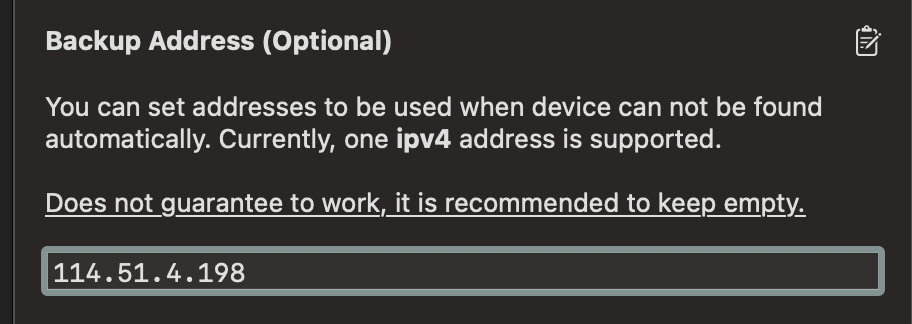
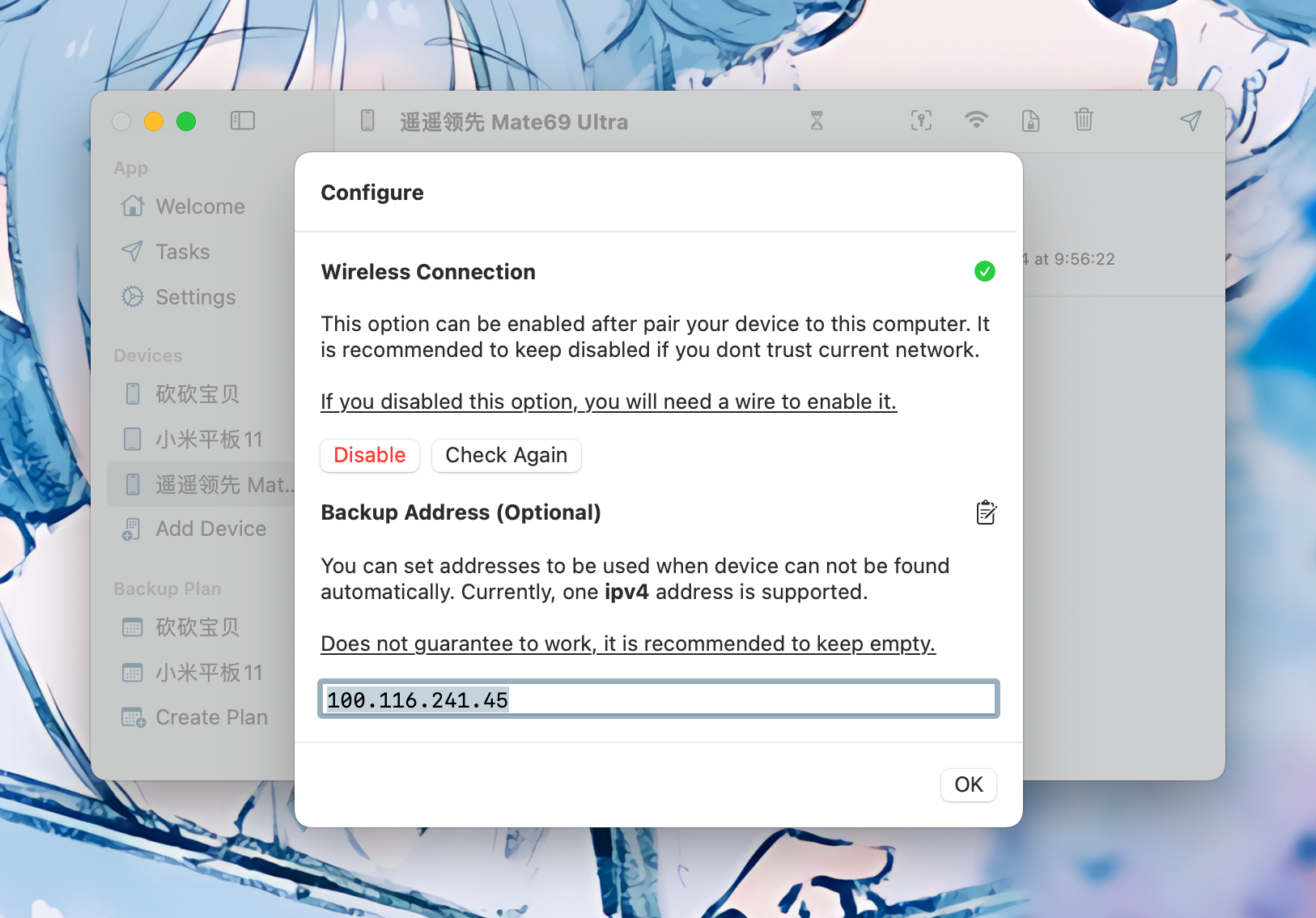
Enable wireless backups with IP address support.
Seamless setup with Transferable Pair Record.
Secure your backups with encryption.
Automate your backup schedule.
Automatically download app installers from the App Store.
Utilize snapshot technology for storing backups.
Support for storing backups locally, via SFTP, S3, and more.
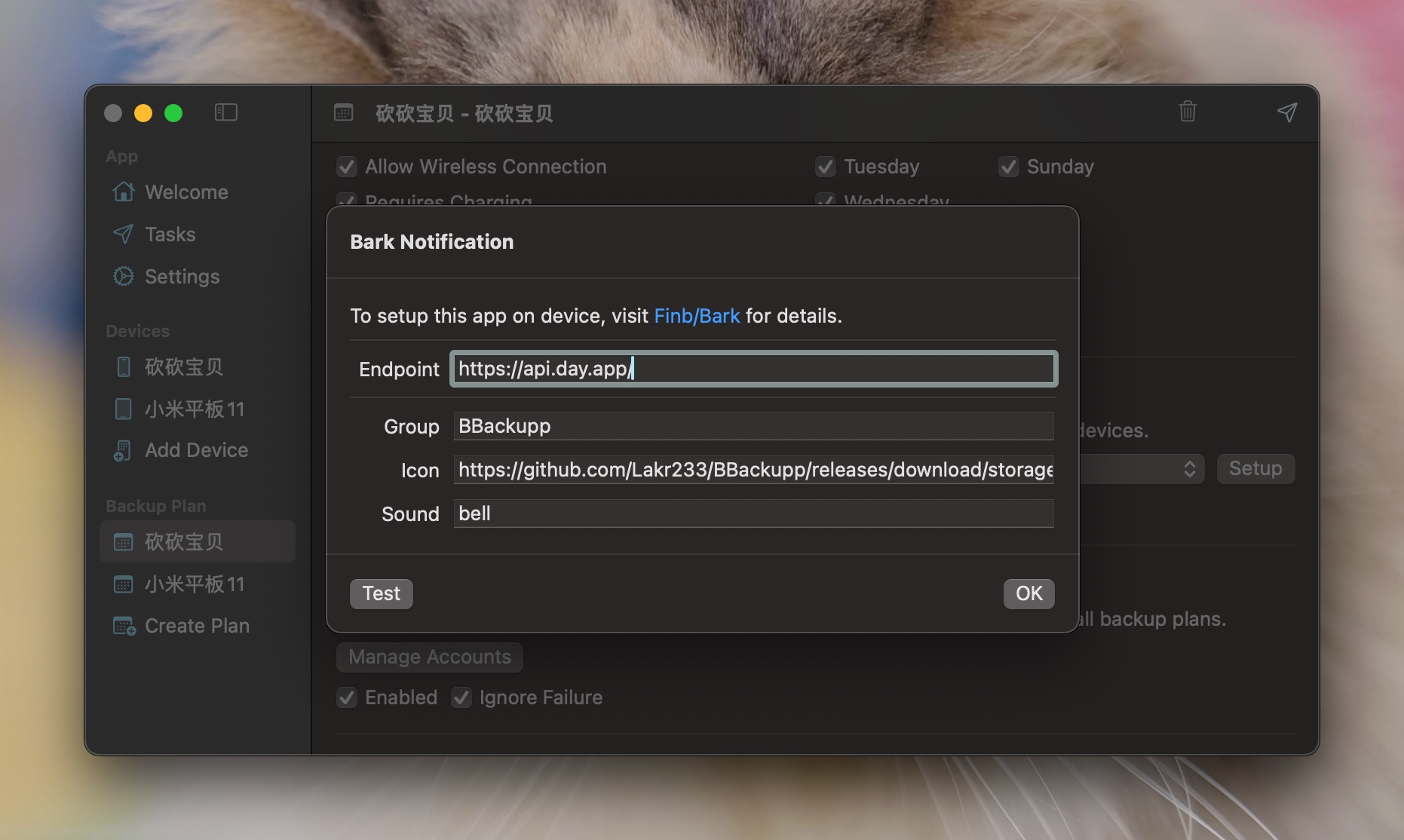
Receive notifications throughout the backup process.
Includes a simple alive checker via GET request.
If this app helps you out, consider a donate.
To restore you device, see MobileTransfer
Installation Guide
Homebrew
To install BBackupp using Homebrew, follow these steps:
Ensure that you have Homebrew installed. If you don't have it, you can install it by running the following command in your terminal:
Starting from version 2.0, certain components are not included in the open-source repository:
Code interfacing with the App Store API.
User interface components.
MuxProxy related code.
Assets.xcassets
To build your own BBackupp, you'll need to develop a custom user interface and exclude the features listed above.
BBackupp v2.0 is now fully open-source. You can build your own version with the included source code. Please refer to the License for more information.
To build this project, you will need:
Ensure you have checked out the git submodules.
Confirm that brew is installed.
For anything else related to compile, fix them yourself. Likely, it’s your fault :P
I am unable to provide ongoing maintenance for this code due to time constraints. Therefore I made the decision to open-source it.
It is unlikely that I will be able to provide support or update the code in the future.
MuxProxy
MuxProxy facilitates device discovery in environments where mDNS may not be available, allowing for the use of TailScale or ZeroTier.
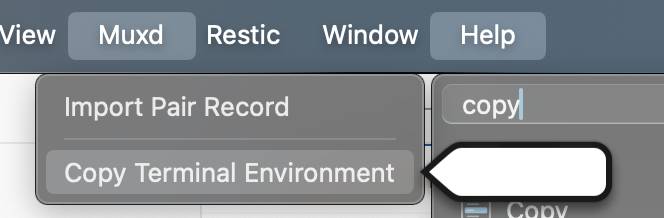
For integrating your toolchain with libusbmuxd and MuxProxy, launch BBackupp and locate the Copy Terminal Environment button under the Muxd menu.
If you're considering using a tunnel to connect your device, we strongly recommend a high-speed internet connection. Without it, completing a backup in a timely manner might not be feasible. Please note that we are not responsible for resolving networking issues you may encounter. With the standard Tailscale configuration, transferring device information takes approximately 15 seconds. Optimizing this setup is entirely up to you.
Transferable Pair Record
Support for transferable pair records allows you to set up a device on one computer and then export the record for use on another machine.
Note: Not all pair records are compatible with this feature.
We recommend backing up your device using a wired connection at least once before exporting the record.
Technical note: The EscowBag (device backup key) is transferred to the host (in this case, your Mac) at an unspecified time. If your pair record already contains this key, it should function correctly.
To register a device without connecting to it directly, navigate to Import Pair Record in the Muxd menu. Enter an IP address and verify its accessibility.
Notifications
During the backup process, we'll send notifications at the start and end, as well as if the backup fails.
We currently support the following notification providers:
Bark (https://github.com/Finb/Bark)
Telegram Bot (https://t.me/BotFather)
License
GNU GENERAL PUBLIC LICENSE Version 3, 29 June 2007
Refer to License for more details. Subject to change.
Disclaimer
We are not liable for any consequences arising from the use of this software. Potential issues include, but are not limited to:
Application crashes.
Backups failing to work.
Computer crashes, freezes, or restarts.
Damage to computer components.
Screen glitches, including white, black, or flashing screens.
Being late for work.
Reprimands from family members.
Being caught by your boss while not working.
Risk of job termination.
Legal issues related to leaked confidential information.
Unforeseen mishaps.
Turning into a cat.
Cat scratches.
The Earth exploding.
A reboot of the universe.
Any other imaginable scenario.
Sponsor
LookInside helps you inspect a running iOS or macOS app UI from your Mac.
Trang TopGit này là một snapshot — tab "Readme" hiển thị nguyên văn README của repo (đã bỏ link, giữ ảnh). Repo GitHub ở github.com/Lakr233/BBackupp là nguồn chính thức.
Lakr233/BBackupp có bao nhiêu sao?
Lakr233/BBackupp có 2.6k sao GitHub — tải lại trang để xem số mới nhất, hoặc xem trực tiếp github.com/Lakr233/BBackupp. TopGit phản chiếu số sao của GitHub nhưng không cam kết đến từng phút.
Lakr233/BBackupp có tag gì không?
Bản đồng bộ chưa ghi nhận topic GitHub nào cho Lakr233/BBackupp. GitHub topics hiển thị ở thanh bên phải trang repo — đó là nơi đáng kiểm tra nhất.
Lakr233/BBackupp có website riêng không?
TopGit chưa ghi nhận URL trang chủ cho Lakr233/BBackupp. Phần README ở tab phía trên thường có link demo, hoặc xem mô tả GitHub của repo.
Lakr233/BBackupp còn đang phát triển không?
Commit gần nhất trên Lakr233/BBackupp là 6 tháng trước (theo timestamp GitHub). Repo có 185 fork — một chỉ báo về mức độ quan tâm của cộng đồng.
Lakr233/BBackupp dùng license gì?
Lakr233/BBackupp phát hành theo license GPL-3.0. Nên mở file LICENSE trên GitHub để xác nhận — license metadata đôi khi lệch với thực tế dự án.
Lakr233/BBackupp viết bằng ngôn ngữ gì?
Lakr233/BBackupp chủ yếu viết bằng Swift. Trường "language" của GitHub dựa trên phần lớn byte ở nhánh mặc định.
Đọc đầy đủ README ở tab phía trên.
Muốn nghe thêm một ý kiến về BBackupp?
Hỏi một AI đọc được trang này — một cú bấm là có ngay nhận định về BBackupp.

 /BBackupp