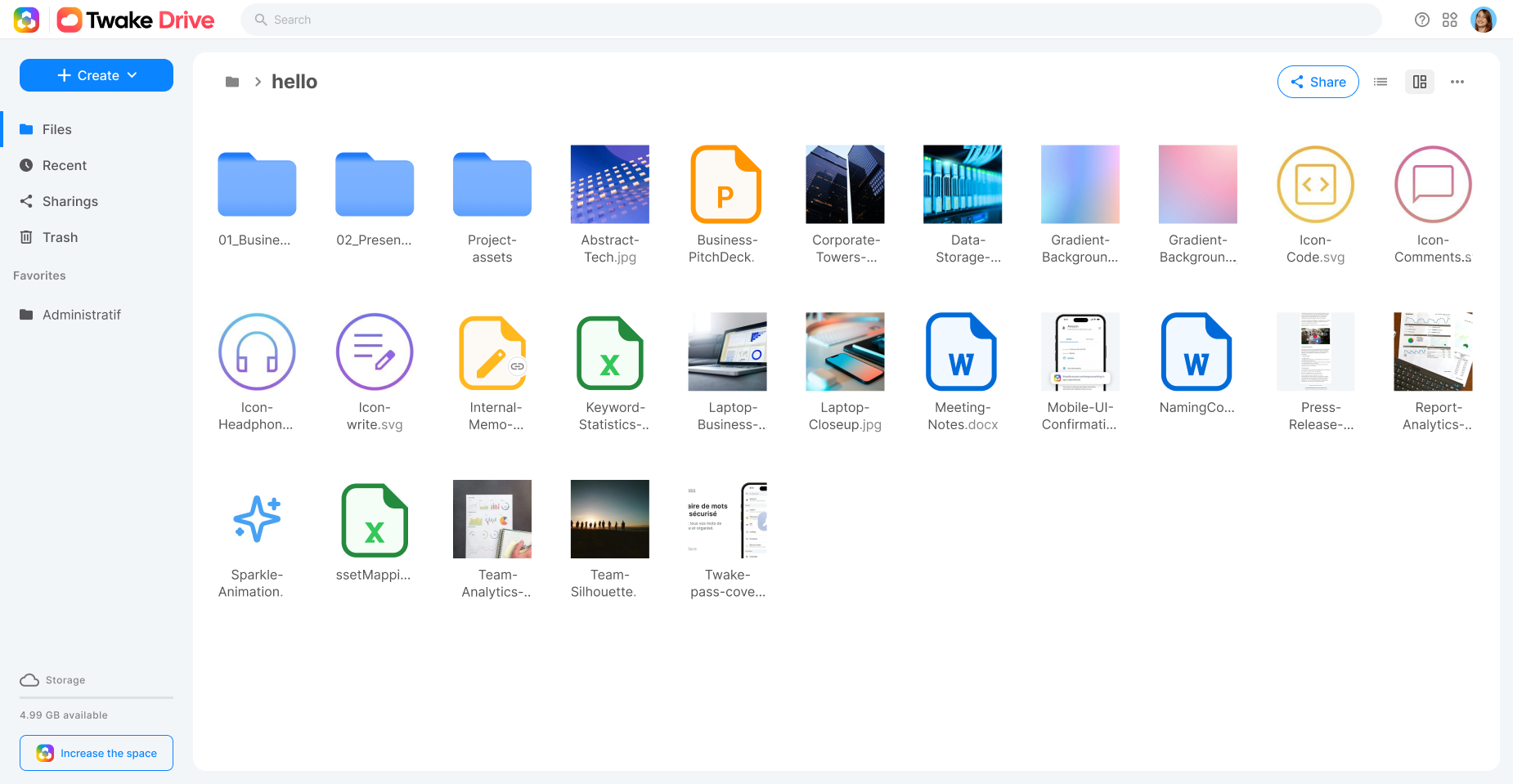
linagora/twake-drive là dự án JavaScript với 980 sao trong nhóm Backend. Twake Drive Web App
Tóm tắt dựng từ metadata GitHub của chính dự án — chưa có bài review TopGit. Trang sẽ tự động cập nhật khi bài review đầy đủ được xuất bản.
VÌ SAO CHƯA CÓ REVIEW
TopGit viết bài đầy đủ cho repo có nhiều sao nhất và được yêu cầu nhiều nhất. Trang này là snapshot trong thời gian chờ — xem README gốc ở tab READ ME.
Your app is available at http://drive.cozy.localhost:8080/#/folder
Note: it's mandatory to explicit to cozy-stack the folder of the build that should be served, to be able to run the app.
Run it inside the VM
You can view your current running app, you can use the cozy-stack docker image:
# in a terminal, run your app in watch mode
$ cd twake-drive
$ yarn watch
# in another terminal, run the docker container
$ docker run --rm -it -p 8080:8080 -v "$(pwd)/build/drive":/data/cozy-app/drive cozy/cozy-app-dev
Your app is available at http://drive.cozy.tools:8080.
Advanced case
Share and send mails in development
Twake Drive let users share documents from twake to twake.
Meet Alice and Bob.
Alice wants to share a folder with Bob.
Alice clicks on the share button and fills in the email input with Bob's email address.
Bob receives an email with a « Accept the sharing » button.
Bob clicks on that button and is redirected to Alice's twake to enter his own twake url to link both twakes.
Bob sees Alice's shared folder in his own twake.
🤔 But how could we do this scenario on binary cozy-stack development environment?
If you develop with the cozy-stack CLI, you have to run MailHog on your computer and tell cozy-stack serve where to find the mail server with some options:
This commands assumes you git clone twake-drive in the same folder than you git clone cozy-stack.
Then simply run mailhog and open http://cozy.tools:8025/.
Retrieve sent emails
With MailHog, every email sent by cozy-stack is caught. That means the email address does not have to be a real one, ie. bob@cozy, [email protected] are perfectly fine. It could be a real one, but the email will not reach the real recipient's inbox, say [email protected].
Living on the edge
Cozy-ui is our frontend stack library that provides common styles and components accross the whole Twake React apps. You can use it for you own application to follow the official Twake's guidelines and styles. If you need to develop / hack cozy-ui, it's sometimes more useful to develop on it through another app. You can do it by cloning cozy-ui locally and link it to yarn local index:
git clone https://github.com/cozy/cozy-ui.git
cd cozy-ui
yarn install
yarn link
then go back to your app project and replace the distributed cozy-ui module with the linked one:
cd twake-drive
yarn link cozy-ui
You can now run the watch task and your project will hot-reload each times a cozy-ui source file is touched.
Troubleshooting
Consider using rlink instead of yarn link
Cozy-client is our API library that provides an unified API on top of the cozy-stack. If you need to develop / hack cozy-client in parallel of your application, you can use the same trick that we used with cozy-ui: yarn linking.
Tests
Tests are run by jest under the hood, and written using chai and sinon. You can easily run the tests suite with:
$ cd twake-drive
$ yarn test
For Playwright end-to-end tests, see the E2E test guide.
:pushpin: Don't forget to update / create new tests when you contribute to code to keep the app the consistent.
Open a Pull-Request
If you want to work on Drive and submit code modifications, feel free to open pull-requests! See the contributing guide for more information about how to properly open pull-requests.
Community
Localization
Localization and translations are handled by Transifex.
As a translator, you can login to Transifex (using your Github account) and claim access to the app repository. Locales are pulled by the pipeline when app is build before publishing.
As a developer, you must configure the Transifex CLI, and claim access as maintainer to the app repository. Then please only update the source locale file (usually en.json in client and/or server parts), and push it to Transifex repository using the tx push -s command.
If you were using a transifex-client, you must move to Transifex CLI to be compatible with the v3 API.
The transifex configuration file is still in an old version. Please use the previous client for the moment https://github.com/transifex/transifex-client/.
License
Twake Drive is developed by Linagora and distributed under the AGPL v3 license.
Trang TopGit này là một snapshot — tab "Readme" hiển thị nguyên văn README của repo (đã bỏ link, giữ ảnh). Repo GitHub ở github.com/linagora/twake-drive là nguồn chính thức.
linagora/twake-drive có những chủ đề gì?
GitHub topics của linagora/twake-drive: "drive", "file-manager". TopGit xếp repo vào nhóm Backend.
linagora/twake-drive có phải mã nguồn mở không?
Có — linagora/twake-drive phát hành theo license AGPL-3.0, nghĩa là mã nguồn mở để đọc, fork và (tùy license) tái sử dụng. Mã: github.com/linagora/twake-drive.
linagora/twake-drive có trang demo không?
Dự án có trang chủ ở https://twake-drive.com. Tab "Readme" ở trang này thường có ảnh chụp và hướng dẫn bắt đầu nhanh.
linagora/twake-drive còn đang phát triển không?
Commit gần nhất trên linagora/twake-drive là 17 ngày trước (theo timestamp GitHub). Repo có 160 fork — một chỉ báo về mức độ quan tâm của cộng đồng.
linagora/twake-drive dùng license gì?
linagora/twake-drive phát hành theo license AGPL-3.0. Nên mở file LICENSE trên GitHub để xác nhận — license metadata đôi khi lệch với thực tế dự án.
Đọc đầy đủ README ở tab phía trên.
Muốn nghe thêm một ý kiến về twake-drive?
Hỏi một AI đọc được trang này — một cú bấm là có ngay nhận định về twake-drive.
 /twake-drive