Một mục mã nguồn mở trong kho dữ liệu GitHub của TopGit: linuxserver/docker-code-server, 2.0k sao, Dockerfile.
Tóm tắt dựng từ metadata GitHub của chính dự án — chưa có bài review TopGit. Trang sẽ tự động cập nhật khi bài review đầy đủ được xuất bản.
VÌ SAO CHƯA CÓ REVIEW
TopGit viết bài đầy đủ cho repo có nhiều sao nhất và được yêu cầu nhiều nhất. Trang này là snapshot trong thời gian chờ — xem README gốc ở tab READ ME.
The LinuxServer.io team brings you another container release featuring:
regular and timely application updates
easy user mappings (PGID, PUID)
custom base image with s6 overlay
weekly base OS updates with common layers across the entire LinuxServer.io ecosystem to minimise space usage, down time and bandwidth
regular security updates
Find us at:
Blog - all the things you can do with our containers including How-To guides, opinions and much more!
Discord - realtime support / chat with the community and the team.
Discourse - post on our community forum.
GitHub - view the source for all of our repositories.
Open Collective - please consider helping us by either donating or contributing to our budget
linuxserver/code-server
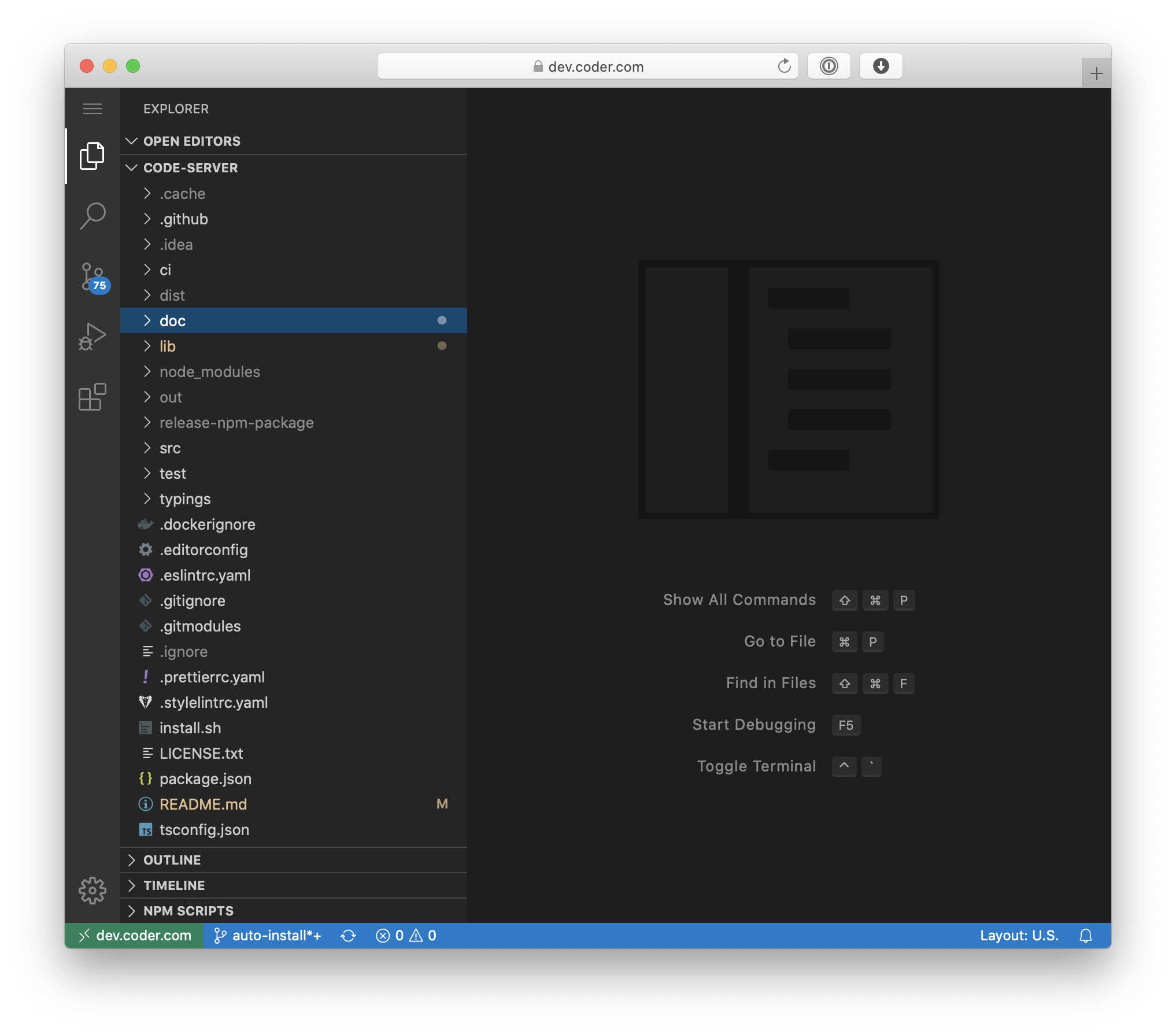
Code-server is VS Code running on a remote server, accessible through the browser.
Code on your Chromebook, tablet, and laptop with a consistent dev environment.
If you have a Windows or Mac workstation, more easily develop for Linux.
Take advantage of large cloud servers to speed up tests, compilations, downloads, and more.
Preserve battery life when you're on the go.
All intensive computation runs on your server.
You're no longer running excess instances of Chrome.
Supported Architectures
We utilise the docker manifest for multi-platform awareness. More information is available from docker here and our announcement here.
Simply pulling lscr.io/linuxserver/code-server:latest should retrieve the correct image for your arch, but you can also pull specific arch images via tags.
The architectures supported by this image are:
Architecture
Available
Tag
x86-64
✅
amd64-<version tag>
arm64
✅
arm64v8-<version tag>
Application Setup
Access the webui at http://<your-ip>:8443.
For github integration, drop your ssh key in to /config/.ssh.
Then open a terminal from the top menu and set your github username and email via the following commands
Containers are configured using parameters passed at runtime (such as those above). These parameters are separated by a colon and indicate <external>:<internal> respectively. For example, -p 8080:80 would expose port 80 from inside the container to be accessible from the host's IP on port 8080 outside the container.
Parameter
Function
-p 8443:8443
web gui
-e PUID=1000
for UserID - see below for explanation
-e PGID=1000
for GroupID - see below for explanation
-e TZ=Etc/UTC
specify a timezone to use, see this list.
-e PASSWORD=password
Optional web gui password, if PASSWORD or HASHED_PASSWORD is not provided, there will be no auth.
-e HASHED_PASSWORD=
Optional web gui password, overrides PASSWORD, instructions on how to create it is below.
-e SUDO_PASSWORD=password
If this optional variable is set, user will have sudo access in the code-server terminal with the specified password.
-e SUDO_PASSWORD_HASH=
Optionally set sudo password via hash (takes priority over SUDO_PASSWORD var). Format is $type$salt$hashed.
-e PROXY_DOMAIN=code-server.my.domain
If this optional variable is set, this domain will be proxied for subdomain proxying. See Documentation
-e DEFAULT_WORKSPACE=/config/workspace
If this optional variable is set, code-server will open this directory by default
-e PWA_APPNAME=code-server
If this optional variable is set, the PWA app will the specified name.
-v /config
Contains all relevant configuration files.
--read-only=true
Run container with a read-only filesystem. Please read the docs.
--user=1000:1000
Run container with a non-root user. Please read the docs.
Environment variables from files (Docker secrets)
You can set any environment variable from a file by using a special prepend FILE__.
As an example:
-e FILE__MYVAR=/run/secrets/mysecretvariable
Will set the environment variable MYVAR based on the contents of the /run/secrets/mysecretvariable file.
Umask for running applications
For all of our images we provide the ability to override the default umask settings for services started within the containers using the optional -e UMASK=022 setting.
Keep in mind umask is not chmod it subtracts from permissions based on it's value it does not add. Please read up here before asking for support.
User / Group Identifiers
When using volumes (-v flags), permissions issues can arise between the host OS and the container, we avoid this issue by allowing you to specify the user PUID and group PGID.
Ensure any volume directories on the host are owned by the same user you specify and any permissions issues will vanish like magic.
In this instance PUID=1000 and PGID=1000, to find yours use id your_user as below:
We publish various Docker Mods to enable additional functionality within the containers. The list of Mods available for this image (if any) as well as universal mods that can be applied to any one of our images can be accessed via the dynamic badges above.
Support Info
Shell access whilst the container is running:
docker exec -it code-server /bin/bash
To monitor the logs of the container in realtime:
docker logs -f code-server
Container version number:
docker inspect -f '{{ index .Config.Labels "build_version" }}' code-server
Image version number:
docker inspect -f '{{ index .Config.Labels "build_version" }}' lscr.io/linuxserver/code-server:latest
Updating Info
Most of our images are static, versioned, and require an image update and container recreation to update the app inside. With some exceptions (noted in the relevant readme.md), we do not recommend or support updating apps inside the container. Please consult the Application Setup section above to see if it is recommended for the image.
Below are the instructions for updating containers:
Recreate a new container with the same docker run parameters as instructed above (if mapped correctly to a host folder, your /config folder and settings will be preserved)
Trang TopGit này là một snapshot — tab "Readme" hiển thị nguyên văn README của repo (đã bỏ link, giữ ảnh). Repo GitHub ở github.com/linuxserver/docker-code-server là nguồn chính thức.
linuxserver/docker-code-server có phải mã nguồn mở không?
Có — linuxserver/docker-code-server phát hành theo license GPL-3.0, nghĩa là mã nguồn mở để đọc, fork và (tùy license) tái sử dụng. Mã: github.com/linuxserver/docker-code-server.
linuxserver/docker-code-server có website riêng không?
TopGit chưa ghi nhận URL trang chủ cho linuxserver/docker-code-server. Phần README ở tab phía trên thường có link demo, hoặc xem mô tả GitHub của repo.
linuxserver/docker-code-server dùng license gì?
linuxserver/docker-code-server phát hành theo license GPL-3.0. Nên mở file LICENSE trên GitHub để xác nhận — license metadata đôi khi lệch với thực tế dự án.
linuxserver/docker-code-server là gì?
linuxserver/docker-code-server (linuxserver/docker-code-server) là dự án Dockerfile TopGit theo dõi. Tính tới lần đồng bộ gần nhất, repo có 2.0k sao.
Đọc đầy đủ README ở tab phía trên.
Muốn nghe thêm một ý kiến về docker-code-server?
Hỏi một AI đọc được trang này — một cú bấm là có ngay nhận định về docker-code-server.