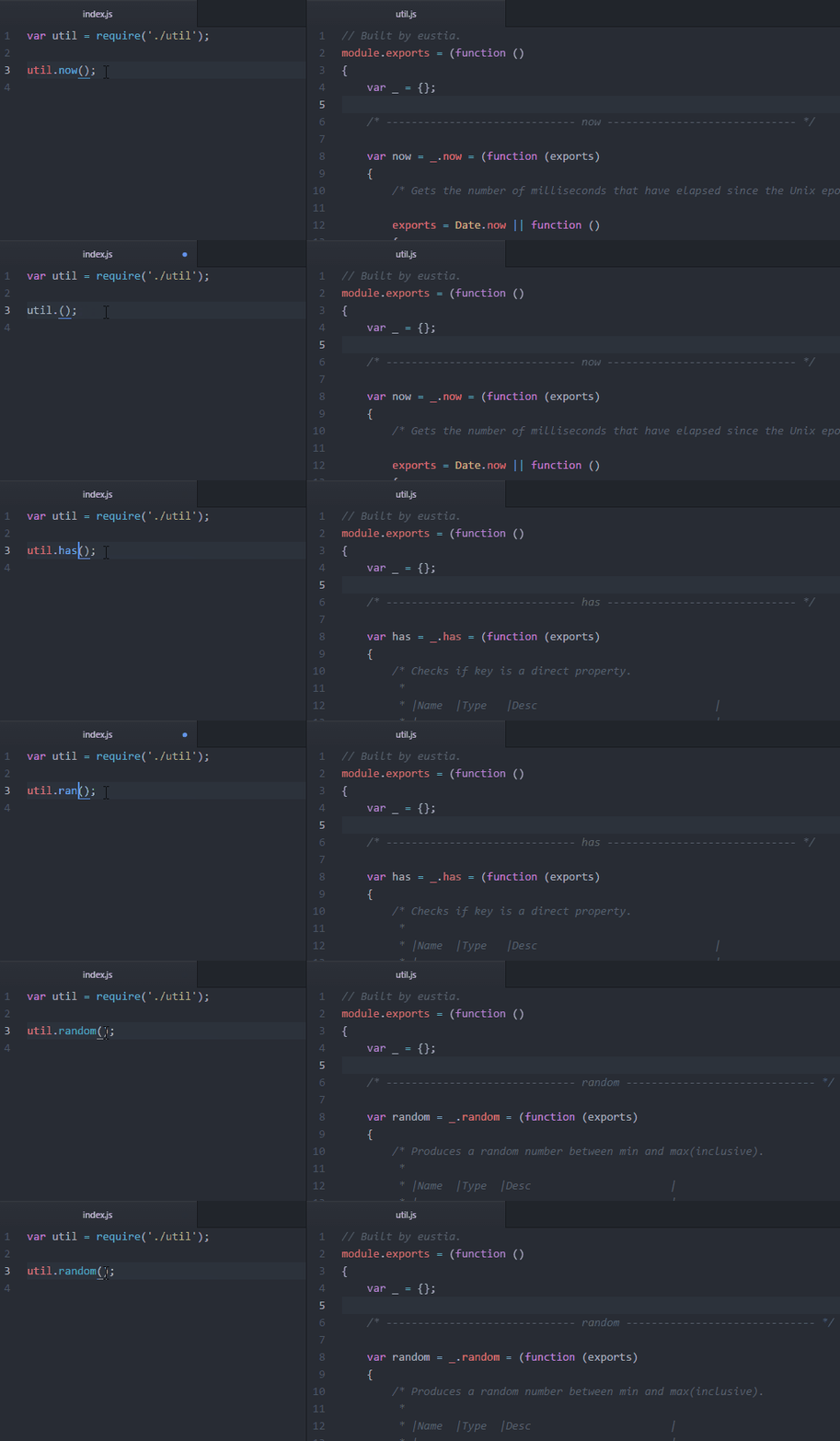
liriliri/eustia — dự án mã nguồn mở — đang có 289 sao GitHub. Tool for generating utility libraries
Tóm tắt dựng từ metadata GitHub của chính dự án — chưa có bài review TopGit. Trang sẽ tự động cập nhật khi bài review đầy đủ được xuất bản.
VÌ SAO CHƯA CÓ REVIEW
TopGit viết bài đầy đủ cho repo có nhiều sao nhất và được yêu cầu nhiều nhất. Trang này là snapshot trong thời gian chờ — xem README gốc ở tab READ ME.
The tool will scan you html code and generate a file name util.js(Default
output file name). And that is it, everything is just done!
Use a Configuration File
You can use Eustia with command lines totally. It usually follows the same
pattern described below:
eustia build -o util.js index.html *.js ...<list of files to be scanned>
It's also possible to use a configuration file to save settings. This is pretty
helpful especially when you want to generate multiple utility libraries for
different sections of your website.
Just create a file named .eustia in your project root.
Running Eustia without any sub commands, the tool will find .eustia under
current working directory to read configuration to generate libraries. It is
almost the same as running build command from console, just a different way of
passing options.
For a full list of options can be used, please check
document page.
Prepare Modules
Materials must be prepared first to cook a good meal. Right now, our materials
is a bunch of small modules. Eustia provides many
utilities itself(currently under
development). Still, there are times you want to add your own ones.
To achieve that, create a directory named eustia in the root directory.
Now, let's say I want to have a function to compare version numbers. The first
step is to create a js file named compareVersion.js in eustia directory.
Then fills it with actual codes to finish the procedure.
// eustia/compareVersion.js
_('isStr each'); // dependencies

// export object
function exports(v1, v2)
{
    if (!isStr(v1) || !isStr(v2)) return;
    ...
}
Now you can use compareVersion anywhere in your project.
Using option library allows you to search functions in other paths,
quite useful when sharing functions among several projects. Besides,
Lodash functions is available by using
eustia-lodash.
Trang TopGit này là một snapshot — tab "Readme" hiển thị nguyên văn README của repo (đã bỏ link, giữ ảnh). Repo GitHub ở github.com/liriliri/eustia là nguồn chính thức.
liriliri/eustia có phải mã nguồn mở không?
Có — liriliri/eustia phát hành theo license MIT, nghĩa là mã nguồn mở để đọc, fork và (tùy license) tái sử dụng. Mã: github.com/liriliri/eustia.
liriliri/eustia là gì?
liriliri/eustia (liriliri/eustia) là dự án TypeScript trên GitHub. Theo mô tả gốc: Tool for generating utility libraries
Đọc đầy đủ README ở tab phía trên.
Muốn nghe thêm một ý kiến về eustia?
Hỏi một AI đọc được trang này — một cú bấm là có ngay nhận định về eustia.
 /eustia