Trên GitHub, memodb-io/Acontext đã đạt 3.7k sao, nhóm Developer Tools, ngôn ngữ JavaScript. Agent Skills as a Memory Layer
Tóm tắt dựng từ metadata GitHub của chính dự án — chưa có bài review TopGit. Trang sẽ tự động cập nhật khi bài review đầy đủ được xuất bản.
VÌ SAO CHƯA CÓ REVIEW
TopGit viết bài đầy đủ cho repo có nhiều sao nhất và được yêu cầu nhiều nhất. Trang này là snapshot trong thời gian chờ — xem README gốc ở tab READ ME.
Acontext is an open-source skill memory layer for AI agents. It automatically captures learnings from agent runs and stores them as agent skill files — files you can read, edit, and share across agents, LLMs, and frameworks.
If you want the agent you build to learn from its mistakes and reuse what worked — without opaque memory polluting your context — give Acontext a try.
Skill is All You Need
Agent memory is getting increasingly complicated🤢 — hard to understand, hard to debug, and hard for users to inspect or correct. Acontext takes a different approach: if agent skills can represent every piece of knowledge an agent needs as simple files, so can the memory.
Acontext builds memory in the agent skills format, so everyone can see and understand what the memory actually contains.
Skill is Memory, Memory is Skill. Whether a skill comes from one you downloaded from Clawhub or one you created yourself, Acontext can follow it and evolve it over time.
The Philosophy of Acontext
Plain file, any framework — Skill memories are Markdown files. Use them with LangGraph, Claude, AI SDK, or anything that reads files. No embeddings, no API lock-in. Git, grep, and mount to the sandbox.
You design the structure — Attach more skills to define the schema, naming, and file layout of the memory. For example: one file per contact, one per project by uploading a working context skill.
Progressive disclosure, not search — The agent can use get_skill and get_skill_file to fetch what it needs. Retrieval is by tool use and reasoning, not semantic top-k.
Download as ZIP, reuse anywhere — Export skill files as ZIP. Run locally, in another agent, or with another LLM. No vendor lock-in; no re-embedding or migration step.
How It Works
Store — How skills get memorized?
flowchart LR
  A[Session messages] --> C[Task complete/failed]
  C --> D[Distillation]
  D --> E[Skill Agent]
  E --> F[Update Skills]
Session messages — Conversation (and optionally tool calls, artifacts) is the raw input. Tasks are extracted from the message stream automatically (or inferred from explicit outcome reporting).
Task complete or failed — When a task is marked done or failed (e.g. by agent report or automatic detection), that outcome is the trigger for learning.
Distillation — An LLM pass infers from the conversation and execution trace what worked, what failed, and user preferences.
Skill Agent — Decides where to store (existing skill or new) and writes according to your SKILL.md schema.
Update Skills — Skills are updated. You define the structure in SKILL.md; the system does extraction, routing, and writing.
Recall — How the agent uses skills on the next run
flowchart LR
  E[Any Agent] --> F[list_skills/get_skill]
  F --> G[Appear in context]
Give your agent Skill Content Tools (get_skill, get_skill_file). The agent decides what it needs, calls the tools, and gets the skill content. No embedding search — progressive disclosure, agent in the loop.
🪜 Use It to Improve your Agent
Claude Code:
Read https://acontext.io/SKILL.md and follow the instructions to install and configure Acontext for Claude Code
OpenClaw:
Read https://acontext.io/SKILL.md and follow the instructions to install and configure Acontext for OpenClaw
🚀 Step-by-step Quickstart
Connect to Acontext
Go to Acontext.io, claim your free credits.
Go through a one-click onboarding to get your API Key (starts with sk-ac)
💻 Self-host Acontext
We have an acontext-cli to help you do a quick proof-of-concept. Download it first in your terminal:
curl -fsSL https://install.acontext.io | sh
You should have docker installed and an OpenAI API Key to start an Acontext backend on your computer:
mkdir acontext_server && cd acontext_server
acontext server up
Make sure your LLM has the ability to call tools. By default, Acontext will use gpt-4.1.
acontext server up will create/use .env and config.yaml for Acontext, and create a db folder to persist data.
Once it's done, you can access the following endpoints:
Acontext API Base URL: http://localhost:8029/api/v1
Acontext Dashboard: http://localhost:3000/
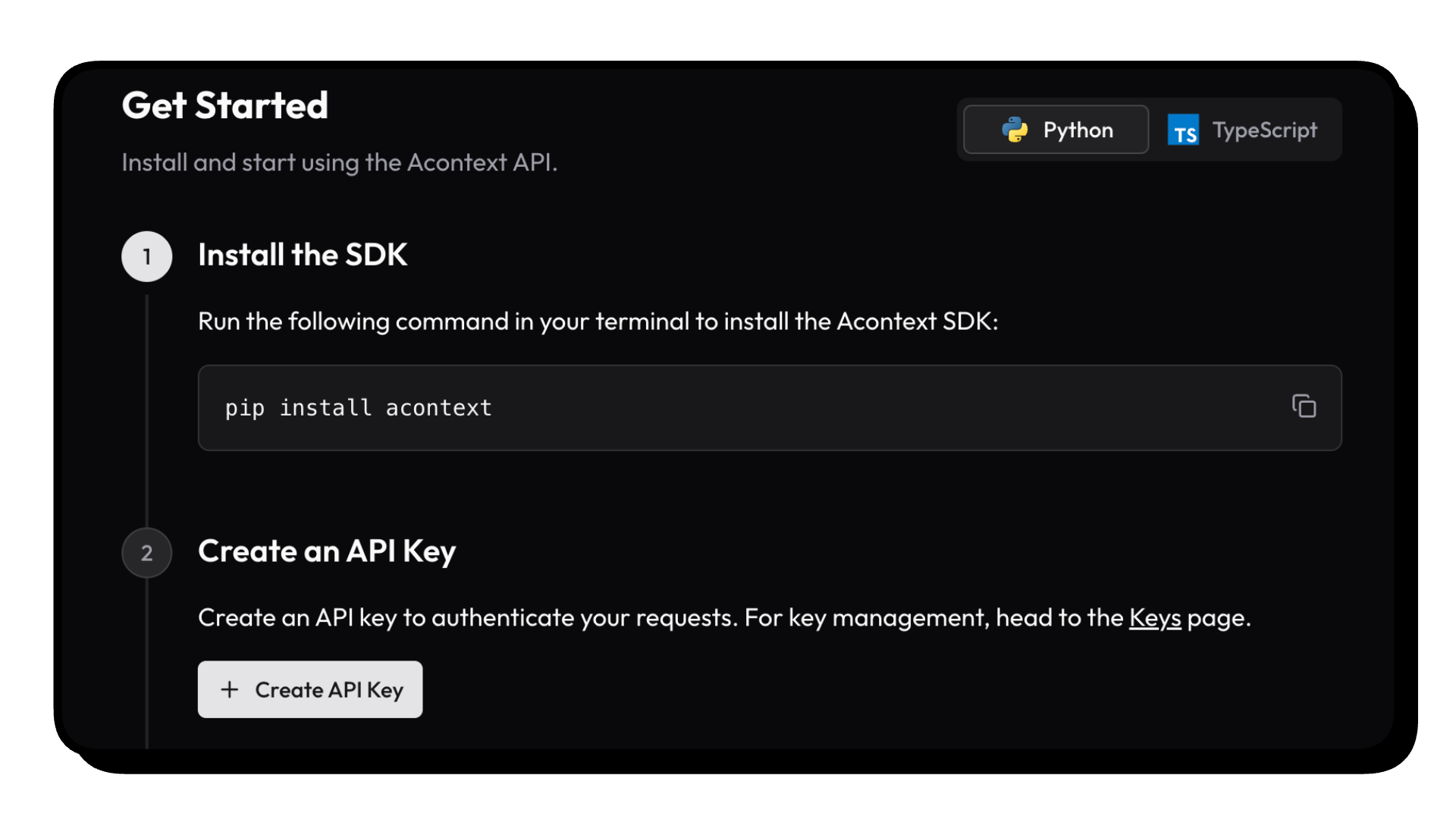
Install SDKs
We're maintaining Python and Typescript SDKs. The snippets below are using Python.
Click the doc link to see TS SDK Quickstart.
pip install acontext
Initialize Client
import os
from acontext import AcontextClient

# For cloud:
client = AcontextClient(
    api_key=os.getenv("ACONTEXT_API_KEY"),
)

# For self-hosted:
client = AcontextClient(
    base_url="http://localhost:8029/api/v1",
    api_key="sk-ac-your-root-api-bearer-token",
)
Skill Memory in Action
Create a learning space, attach a session, and let the agent learn — skills are written as Markdown files automatically.
from acontext import AcontextClient

client = AcontextClient(api_key="sk-ac-...")

# Create a learning space and attach a session
space = client.learning_spaces.create()
session = client.sessions.create()
client.learning_spaces.learn(space.id, session_id=session.id)

# Run your agent, store messages — when tasks complete, learning runs automatically
client.sessions.store_message(session.id, blob={"role": "user", "content": "My name is Gus"})
client.sessions.store_message(session.id, blob={"role": "assistant", "content": "Hi Gus! How can I help you today?"})
# ... agent runs ...

# List learned skills (Markdown files)
client.learning_spaces.wait_for_learning(space.id, session_id=session.id)
skills = client.learning_spaces.list_skills(space.id)

# Download all skill files to a local directory
for skill in skills:
    client.skills.download(skill_id=skill.id, path=f"./skills/{skill.name}")
wait_for_learning is a blocking helper for demo purposes. In production, task extraction and learning run in the background automatically — your agent never waits.
More Features
Context Engineering — Compress context with summaries and edit strategies
Disk — Virtual, persistent filesystem for agents
Sandbox — Isolated code execution with bash, Python, and mountable skills
Agent Tools — Disk tools, sandbox tools, and skill tools for LLM function calling
typescript/vercel-ai-basic: agent in @vercel/ai-sdk
typescript/claude-agent-sdk: claude agent sdk with ClaudeAgentStorage
typescript/interactive-agent-skill: interactive sandbox with mountable agent skills
[!NOTE]
Check our example repo for more templates: Acontext-Examples.
We're cooking more full-stack Agent Applications! Tell us what you want!
🔍 Documentation
To learn more about skill memory and what Acontext can do, visit our docs or start with What is Skill Memory?
❤️ Stay Updated
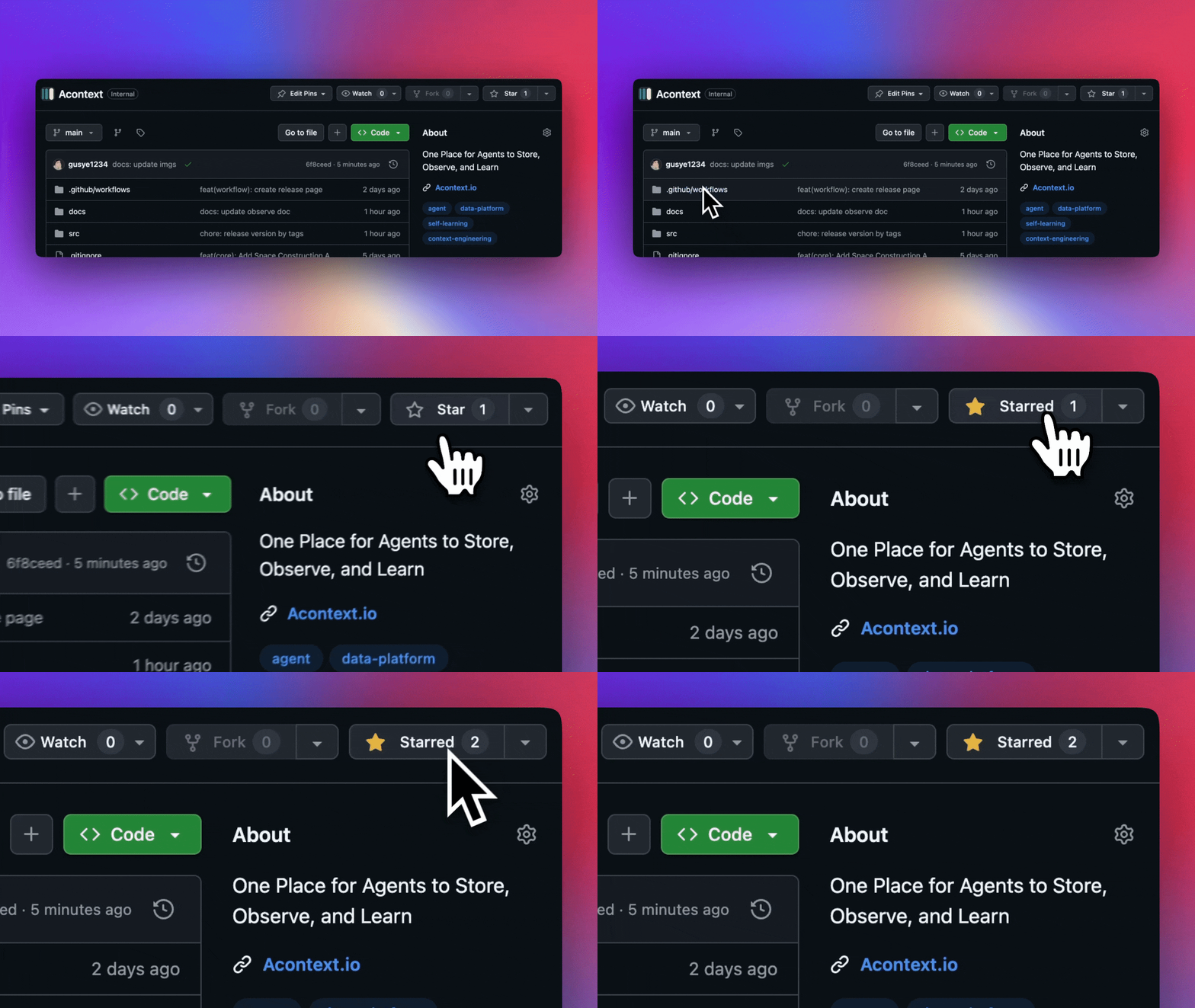
Star Acontext on GitHub to support us and receive instant notifications.
🏗️ Architecture
click to open
graph TB
    subgraph "Client Layer"
        PY["pip install acontext"]
        TS["npm i @acontext/acontext"]
    end

    subgraph "Acontext Backend"
      subgraph " "
          API["API<br/>localhost:8029"]
          CORE["Core"]
          API -->|FastAPI & MQ| CORE
      end

      subgraph " "
          Infrastructure["Infrastructures"]
          PG["PostgreSQL"]
          S3["S3"]
          REDIS["Redis"]
          MQ["RabbitMQ"]
      end
    end

    subgraph "Dashboard"
        UI["Web Dashboard<br/>localhost:3000"]
    end

    PY -->|RESTFUL API| API
    TS -->|RESTFUL API| API
    UI -->|RESTFUL API| API
    API --> Infrastructure
    CORE --> Infrastructure

    Infrastructure --> PG
    Infrastructure --> S3
    Infrastructure --> REDIS
    Infrastructure --> MQ


    style PY fill:#3776ab,stroke:#fff,stroke-width:2px,color:#fff
    style TS fill:#3178c6,stroke:#fff,stroke-width:2px,color:#fff
    style API fill:#00add8,stroke:#fff,stroke-width:2px,color:#fff
    style CORE fill:#ffd43b,stroke:#333,stroke-width:2px,color:#333
    style UI fill:#000,stroke:#fff,stroke-width:2px,color:#fff
    style PG fill:#336791,stroke:#fff,stroke-width:2px,color:#fff
    style S3 fill:#ff9900,stroke:#fff,stroke-width:2px,color:#fff
    style REDIS fill:#dc382d,stroke:#fff,stroke-width:2px,color:#fff
    style MQ fill:#ff6600,stroke:#fff,stroke-width:2px,color:#fff
🤝 Stay Together
Join the community for support and discussions:
Discuss with Builders on Acontext Discord 👻
Follow Acontext on X 𝕏
🌟 Contributing
Check our roadmap.md first.
Read contributing.md
🥇 Badges
[](https://acontext.io)
[](https://acontext.io)
📑 LICENSE
This project is currently licensed under Apache License 2.0.
memodb-io/Acontext thuộc nhóm Developer Tools trên TopGit, cùng 15 topic GitHub. Trang Trending và Topics liệt kê các repo cùng số sao và cùng ngôn ngữ để so sánh.
Đọc thêm về memodb-io/Acontext ở đâu?
Trang TopGit này là một snapshot — tab "Readme" hiển thị nguyên văn README của repo (đã bỏ link, giữ ảnh). Repo GitHub ở github.com/memodb-io/Acontext là nguồn chính thức.
memodb-io/Acontext có phải mã nguồn mở không?
Có — memodb-io/Acontext phát hành theo license Apache-2.0, nghĩa là mã nguồn mở để đọc, fork và (tùy license) tái sử dụng. Mã: github.com/memodb-io/Acontext.
memodb-io/Acontext có trang demo không?
Dự án có trang chủ ở https://acontext.io. Tab "Readme" ở trang này thường có ảnh chụp và hướng dẫn bắt đầu nhanh.
memodb-io/Acontext dùng license gì?
memodb-io/Acontext phát hành theo license Apache-2.0. Nên mở file LICENSE trên GitHub để xác nhận — license metadata đôi khi lệch với thực tế dự án.
memodb-io/Acontext là gì?
memodb-io/Acontext (memodb-io/Acontext) là dự án JavaScript trên GitHub. Theo mô tả gốc: Agent Skills as a Memory Layer
Vì sao memodb-io/Acontext được xếp vào nhóm Developer Tools?
TopGit xếp memodb-io/Acontext vào nhóm Developer Tools dựa trên GitHub topics và mô tả của repo (gắn thẻ: "agent", "agent-development-kit", "agent-observability"). Việc phân loại dựa trên metadata thật của repo, không phải đoán theo cảm tính biên tập.
Đọc đầy đủ README ở tab phía trên.
Acontext có đáng để bạn bỏ thời gian?
ChatGPT, Claude và Perplexity đều đọc được trang này. Hỏi thử xem họ nghĩ gì về Acontext.
 memodb-io/Acontext