6.0k sao GitHub và vẫn tăng — mixn/carbon-now-cli là dự án TypeScript mà TopGit đang theo dõi trên nền tảng. 🎨 Beautiful images of your code — from right inside your terminal.
Tóm tắt dựng từ metadata GitHub của chính dự án — chưa có bài review TopGit. Trang sẽ tự động cập nhật khi bài review đầy đủ được xuất bản.
VÌ SAO CHƯA CÓ REVIEW
TopGit viết bài đầy đủ cho repo có nhiều sao nhất và được yêu cầu nhiều nhất. Trang này là snapshot trong thời gian chờ — xem README gốc ở tab READ ME.
🎨 Beautiful images of your code — from right inside your terminal.
Table of Contents
Description
Features
Installation
Usage
Presets
License
Examples
Description
carbon-now-cli brings the power of Carbon directly to your terminal. ⚡️
Generate beautiful images of your code with a single command.
Want to customize everything before generating the image? Run it in --interactive mode. 💅
Features
🖼 Downloads the real, high-quality image (no DOM screenshots)
✨ Detects file type automatically
🗂 Supports all languages & covers extra ground
⚡️ Interactive mode via --interactive
🎒 Presets via --preset to save and re-use your favorite settings
🖱 Selective processing via --start and --end
📎 Copies image to clipboard via --to-clipboard (cross-OS 😱)
📚 Accepts file, stdin, or clipboard content as input
🖋️ Supports custom theme colors
🥞 Supports concurrency for easier batch processing
👀 Saves to given location or opens in browser for manual finish
🐶 Displays image directly in supported terminals
🌈 Supports different export types (png, svg)
📏 Supports different resolutions (1x, 2x, 4x)
⏱ Reports each step and therefore shortens the wait
✅ Heavily tested
⛏ Actively maintained
🧺 …and more!
Installation
Bun
bun i -g carbon-now-cli
pnpm
pnpm i -g carbon-now-cli
npx
npx carbon-now-cli <file>
npm
npm i -g carbon-now-cli
yarn
yarn global add carbon-now-cli
Requirements
Usage
Beautiful images of your code — from right inside your terminal.

Usage
  $ carbon-now <file>
  $ pbpaste | carbon-now
  $ carbon-now --from-clipboard

Options
  --start, -s          Starting line of input
  --end, -e            Ending line of input
  --interactive, -i    Interactive mode
  --preset, -p         Apply an existing preset
  --save-to            Image save location, default: cwd
  --save-as            Image name without extension, default: original-hash
  --from-clipboard     Read input from clipboard instead of file
  --to-clipboard       Copy image to clipboard instead of saving
  --open-in-browser    Open in browser instead of saving
  --config             Use a different, local config (read-only)
  --settings           Override specific settings for this run
  --disable-headless   Run Playwright in headful mode
  --engine             Use different rendering engine, default: `chromium`
                       Options: `chromium`, `firefox`, `webkit`
  --skip-display       Don’t display the image in the terminal

Examples
  See: https://github.com/mixn/carbon-now-cli#examples
Presets
Creating a Preset
Running the carbon-now command generates a ~/.carbon-now.json config file.
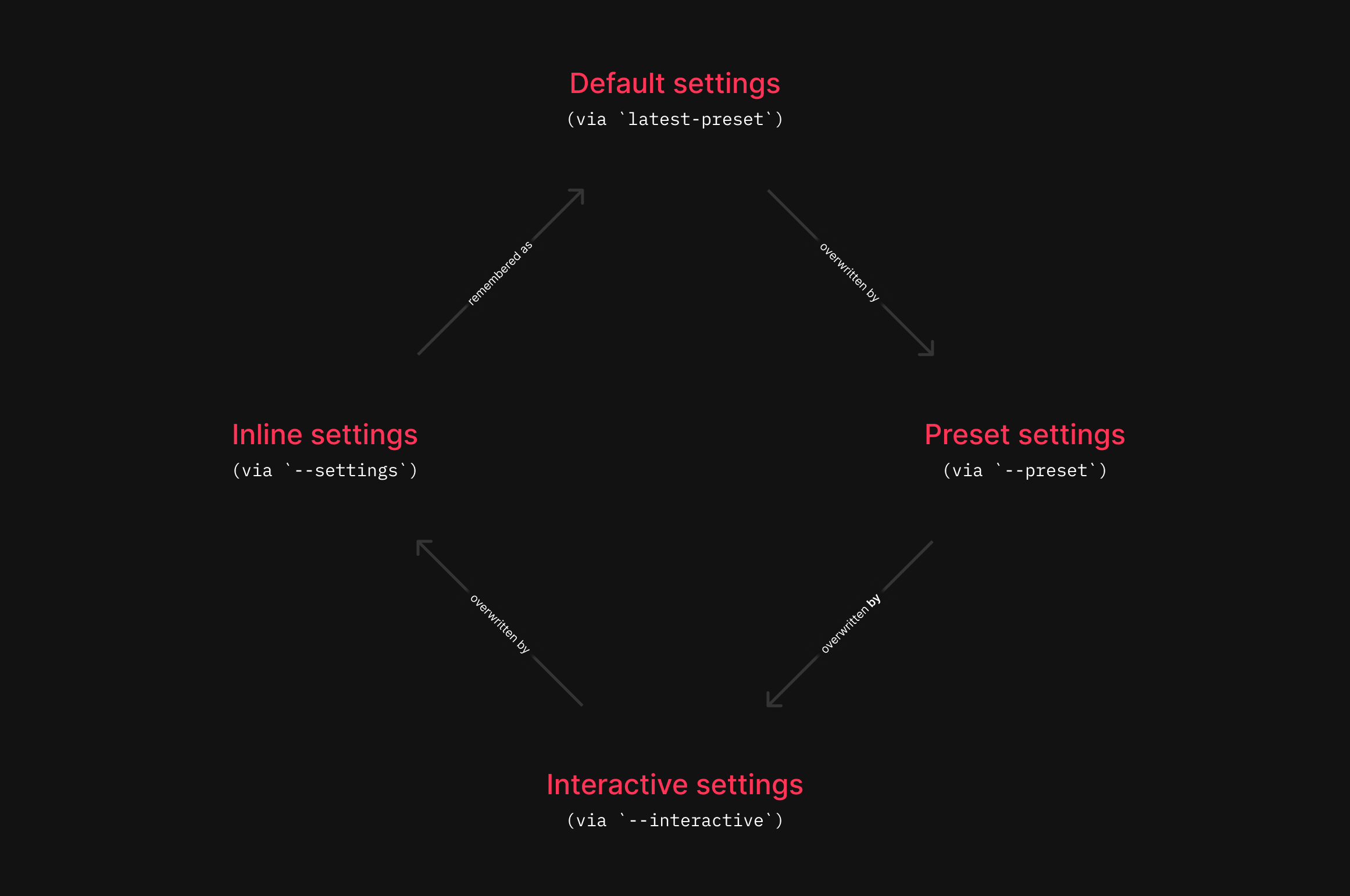
Presets are stored in this file and consist of available settings. You can create presets either manually or automatically via the --interactive flag. When prompted, answer the following:
For example, naming the preset presentation will add it to ~/.carbon-now.json like this:
Please note that custom theme colors aren’t applied with --open-in-browser because they aren’t query string parameters but instead use localStorage, which is solely set inside the Playwright instance.
Local configs
Use the --config flag for local configuration files. This is helpful for sharing presets across users in a project.
carbon-now _unfold.js --config local-config.json --preset dark
Local configs are read-only and differ from ~/.carbon-now.json in that:
local-config.json won’t be created if it doesn’t exist.
latest-preset is not written to local-config.json.
Examples
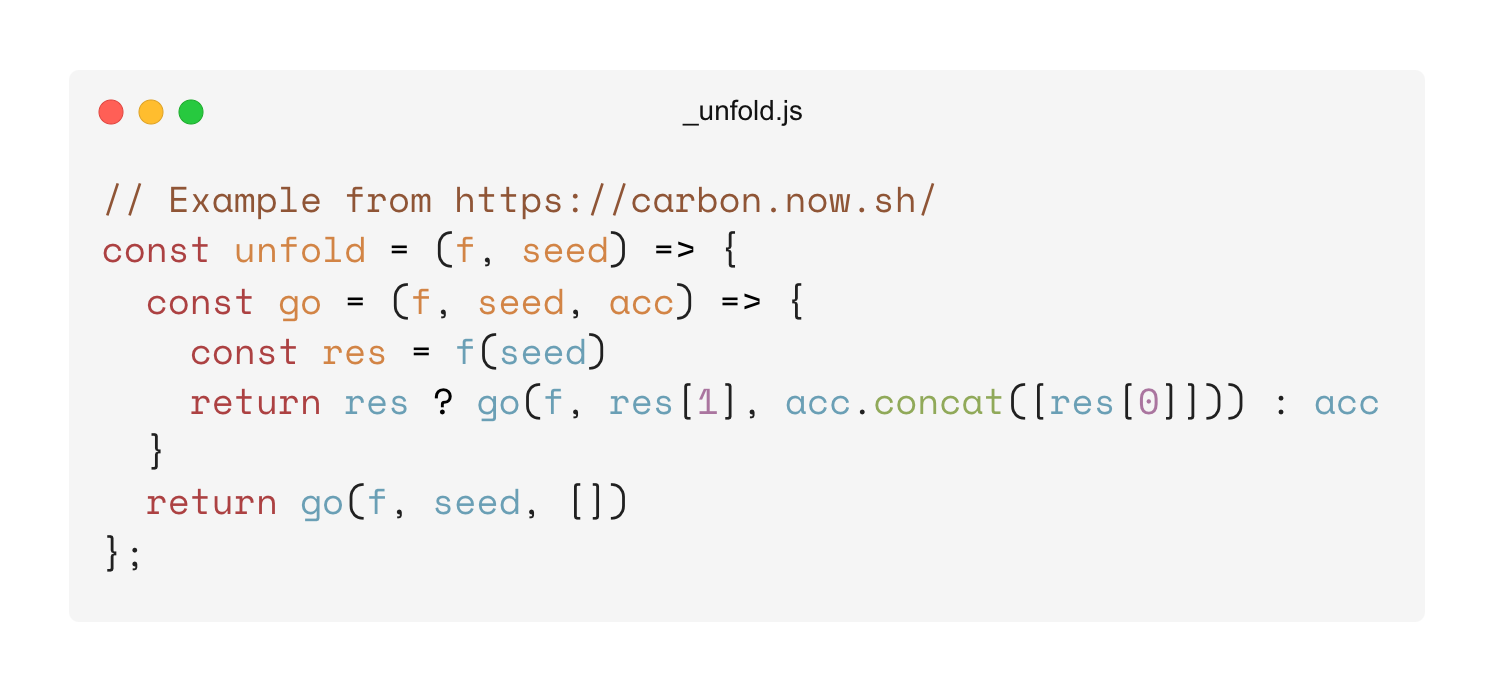
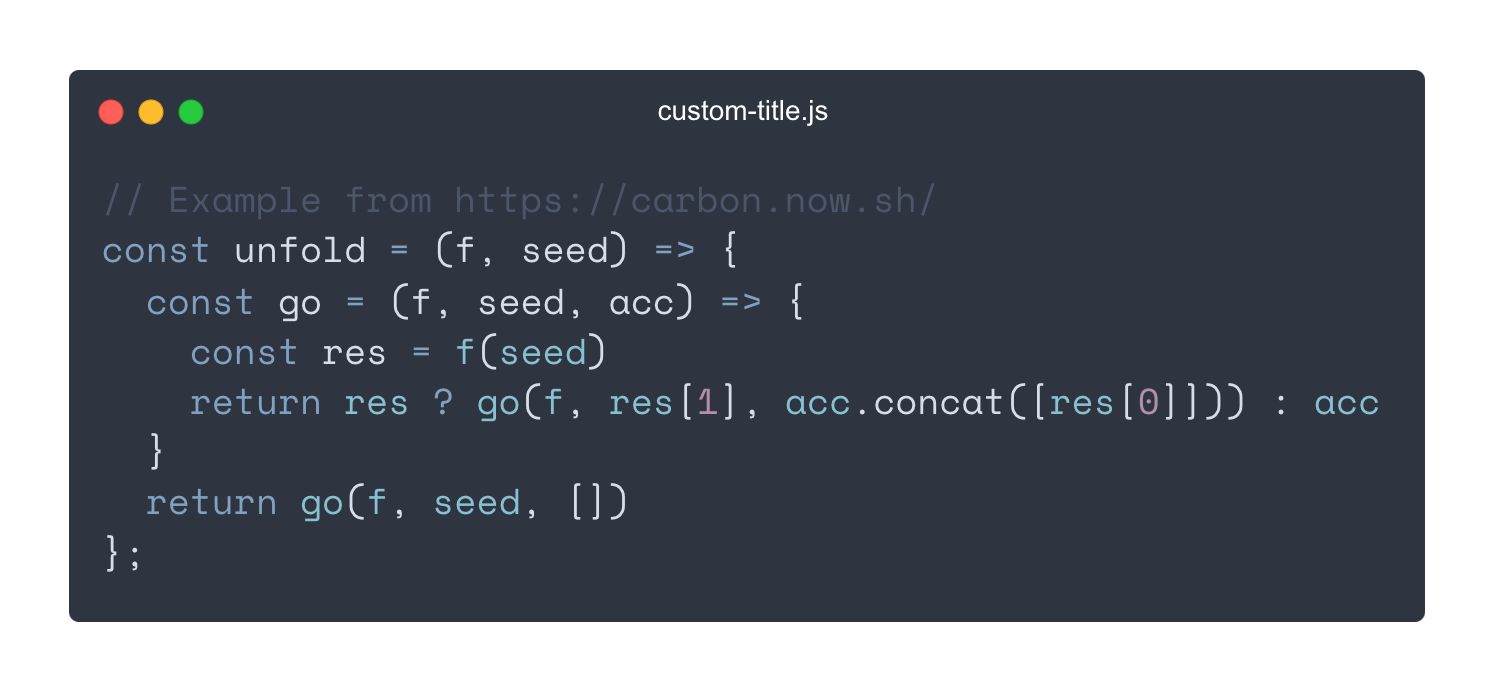
Assuming you have a file _unfold.js with this content:
// Example from https://carbon.now.sh/
const unfold = (f, seed) => {
  const go = (f, seed, acc) => {
    const res = f(seed)
    return res ? go(f, res[1], acc.concat([res[0]])) : acc
  }
  return go(f, seed, [])
};
Basic
carbon-now _unfold.js
Uses default settings and saves the image as .png in your cwd.
Result:
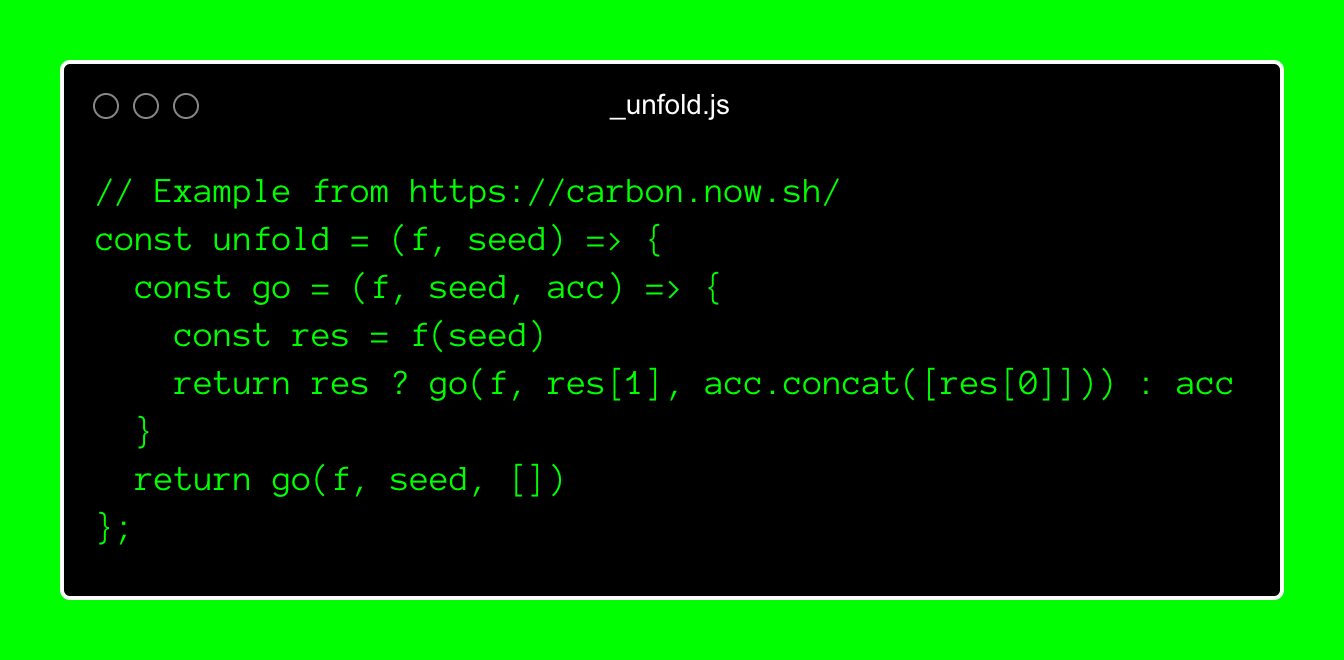
Fully customized
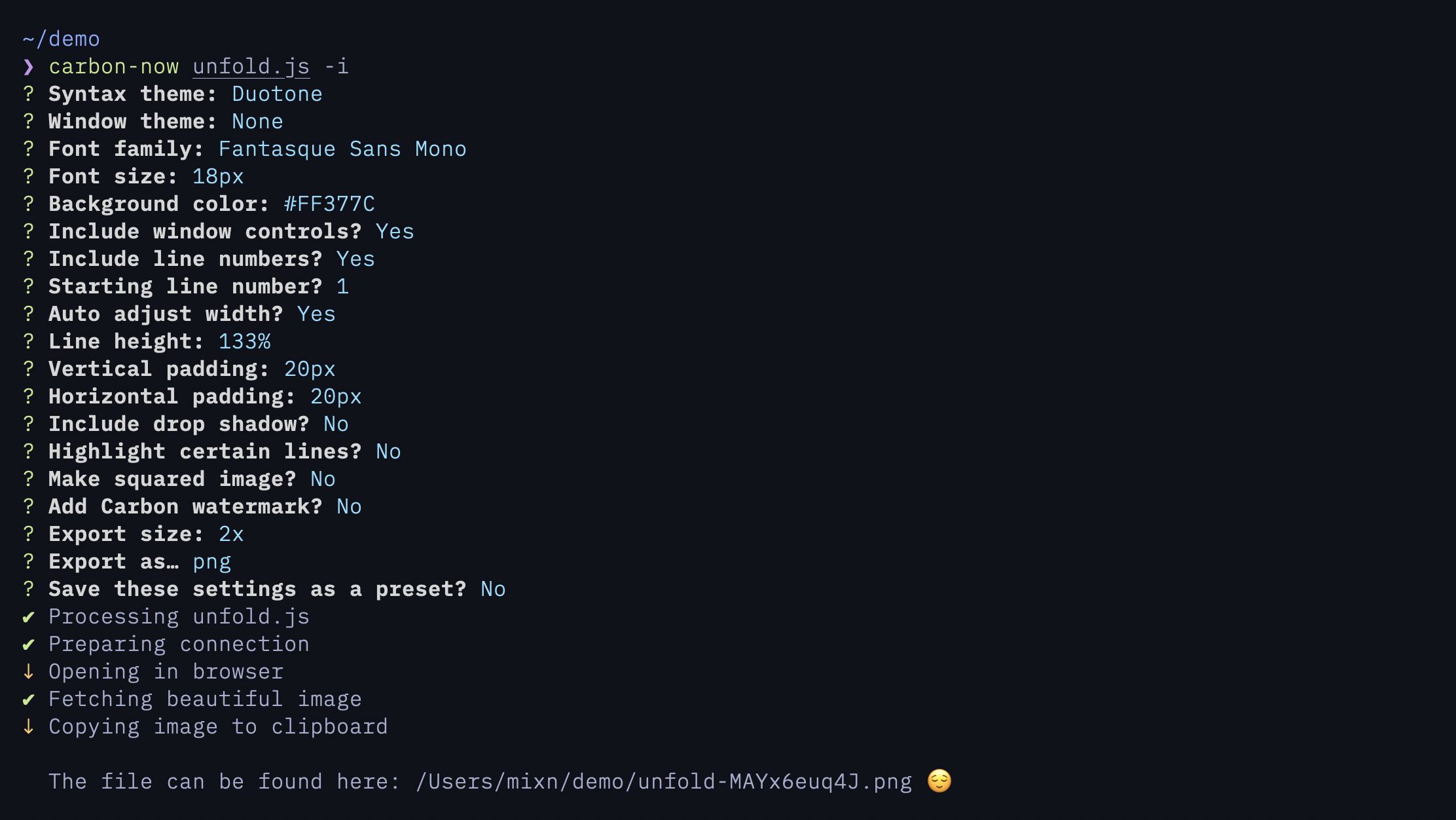
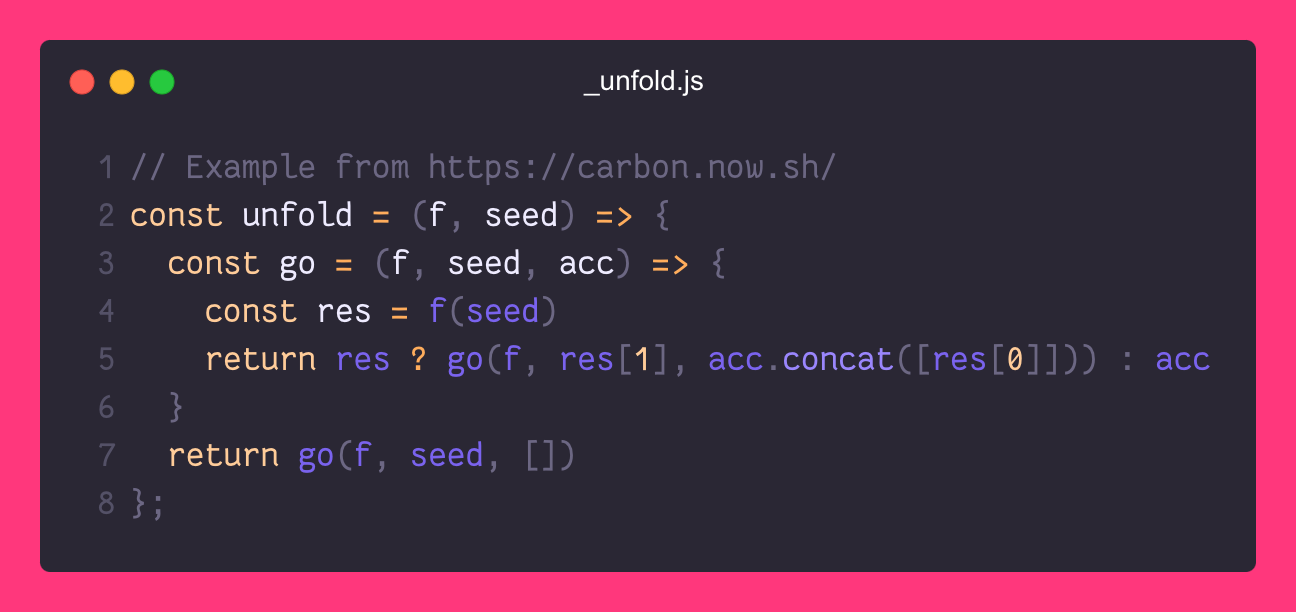
carbon-now _unfold.js --interactive
Launches interactive mode to customize every aspect, like theme, font-family, padding, etc.
Input:
Result:
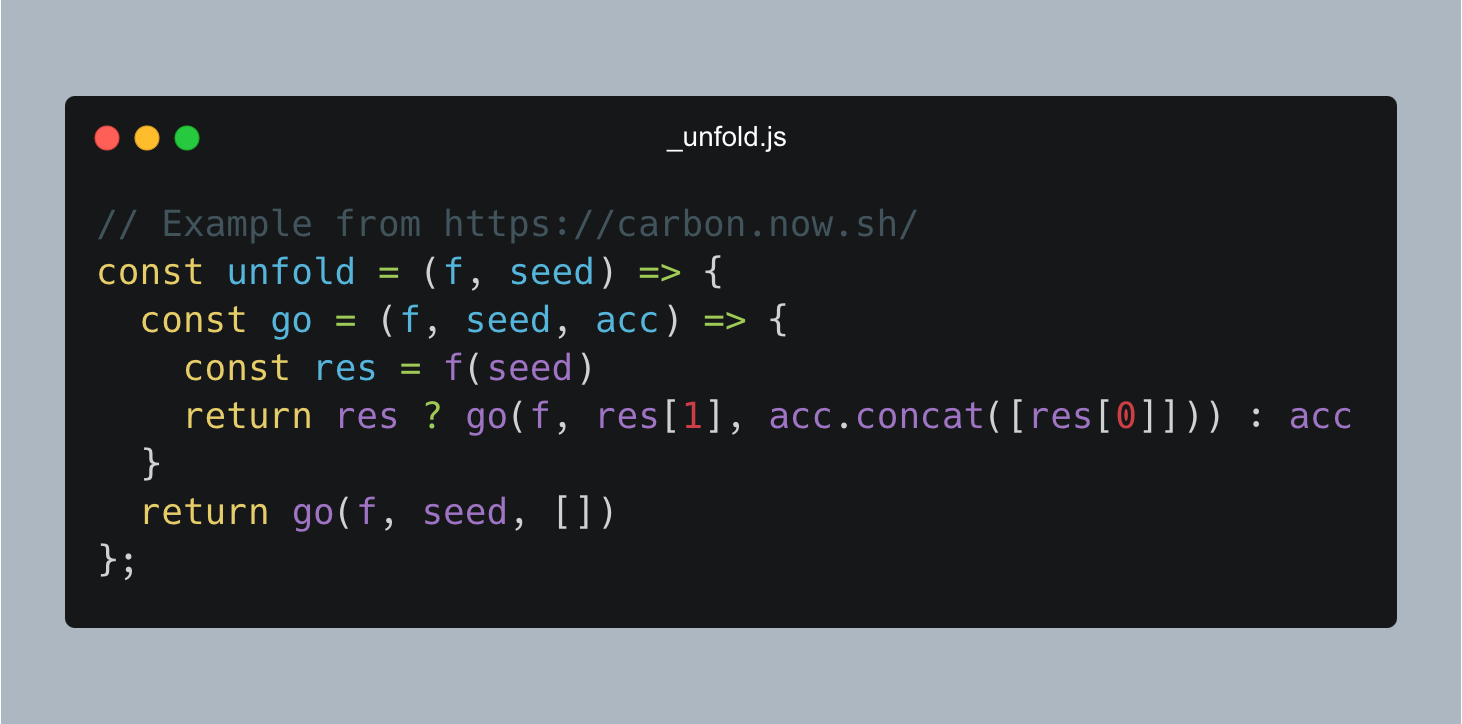
Selective
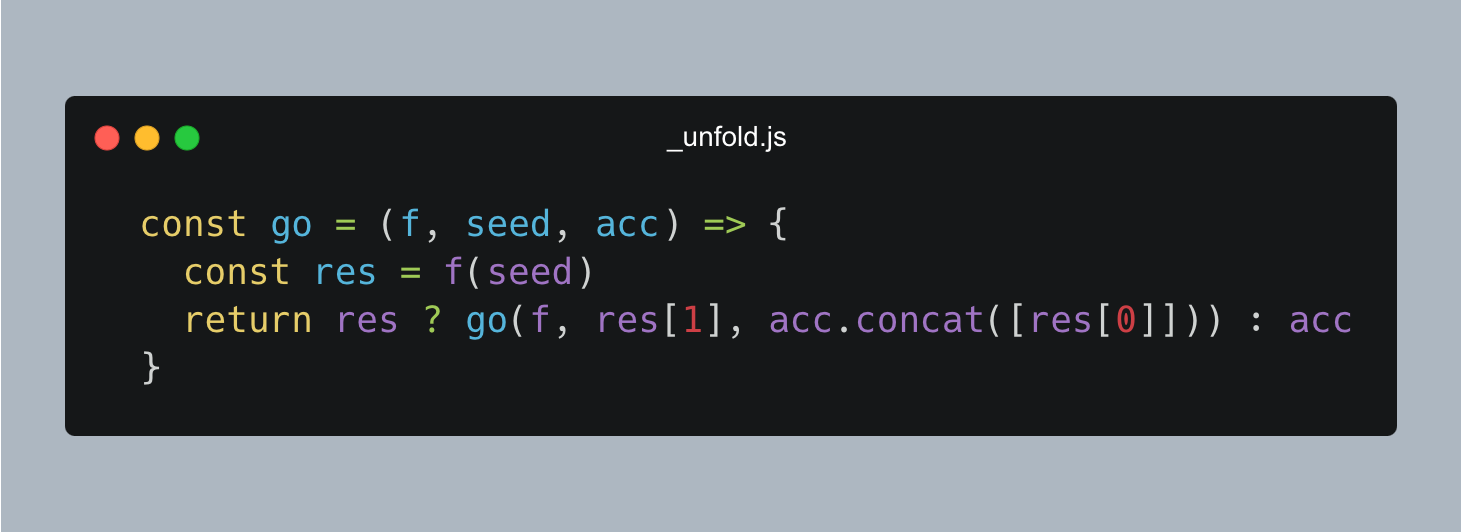
carbon-now _unfold.js --start 3 --end 6
Generates an image for lines 3 to 6. Will throw an error if --start > --end.
Result:
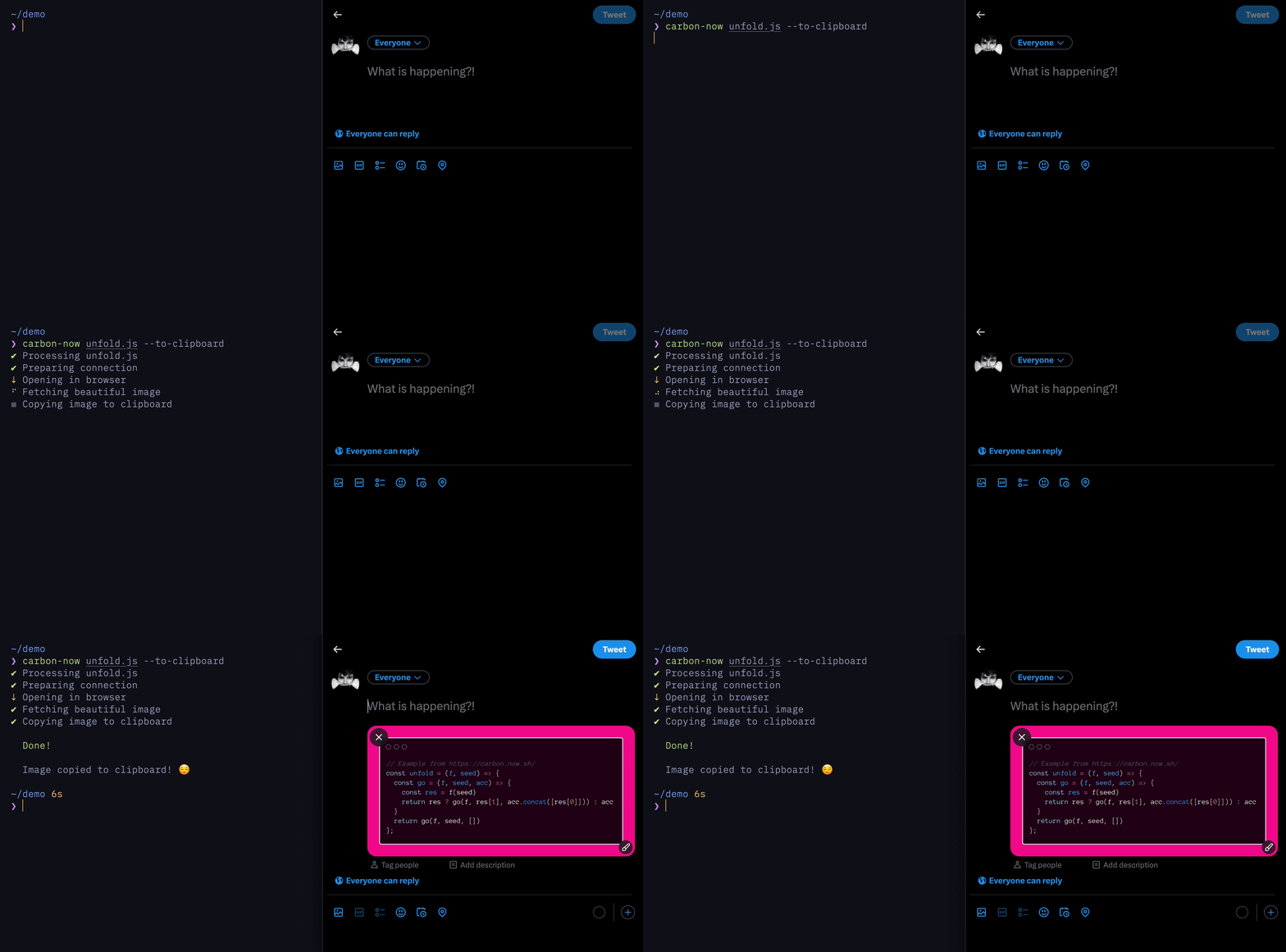
Copying to clipboard
Copies the image to clipboard instead of saving it. Requires xclip on Linux.
carbon-now _unfold.js --to-clipboard
Linux
xclip is required. Install with
sudo apt-get install xclip
Windows & macOS
It just works. ™
Input Sources
In addition to files, input from stdin or the clipboard is also supported.
mixn/carbon-now-cli thuộc nhóm Developer Tools trên TopGit, cùng 10 topic GitHub. Trang Trending và Topics liệt kê các repo cùng số sao và cùng ngôn ngữ để so sánh.
Đọc thêm về mixn/carbon-now-cli ở đâu?
Trang TopGit này là một snapshot — tab "Readme" hiển thị nguyên văn README của repo (đã bỏ link, giữ ảnh). Repo GitHub ở github.com/mixn/carbon-now-cli là nguồn chính thức.
mixn/carbon-now-cli có phải mã nguồn mở không?
Có — mixn/carbon-now-cli phát hành theo license MIT, nghĩa là mã nguồn mở để đọc, fork và (tùy license) tái sử dụng. Mã: github.com/mixn/carbon-now-cli.
mixn/carbon-now-cli là gì?
mixn/carbon-now-cli (mixn/carbon-now-cli) là dự án TypeScript trên GitHub. Theo mô tả gốc: 🎨 Beautiful images of your code — from right inside your terminal.
mixn/carbon-now-cli so với các dự án Developer Tools khác thế nào?
mixn/carbon-now-cli được TopGit xếp vào nhóm Developer Tools, với 6.0k sao GitHub và viết bằng TypeScript. Xem trang chủ đề Developer Tools trên TopGit để so sánh với các dự án tương tự theo số sao và mức độ hoạt động.
Vì sao mixn/carbon-now-cli được xếp vào nhóm Developer Tools?
TopGit xếp mixn/carbon-now-cli vào nhóm Developer Tools dựa trên GitHub topics và mô tả của repo (gắn thẻ: "cli", "cli-app", "cli-application"). Việc phân loại dựa trên metadata thật của repo, không phải đoán theo cảm tính biên tập.
Đọc đầy đủ README ở tab phía trên.
Chưa chắc carbon-now-cli có hợp với bạn?
Để ChatGPT, Claude hoặc Perplexity tìm hiểu giúp — bấm bên dưới và xem AI nói gì về carbon-now-cli.
 /carbon-now-cli